
Key takeaways
- MightyCall: Best for SMB teams. A practical choice for small businesses that want affordable pricing, easy setup, solid core call management, and a phone system designed around everyday SMB needs.
- Dialpad: Best for AI-first teams. A strong option for businesses that want built-in AI features like transcription, summaries, and smarter call insights.
- Aircall: Best for integrations and support workflows. Ideal for sales and customer support teams that rely heavily on CRM and helpdesk integrations.
- Google Voice for Business: Best budget option. A simple, low-cost alternative for teams already working inside Google Workspace.
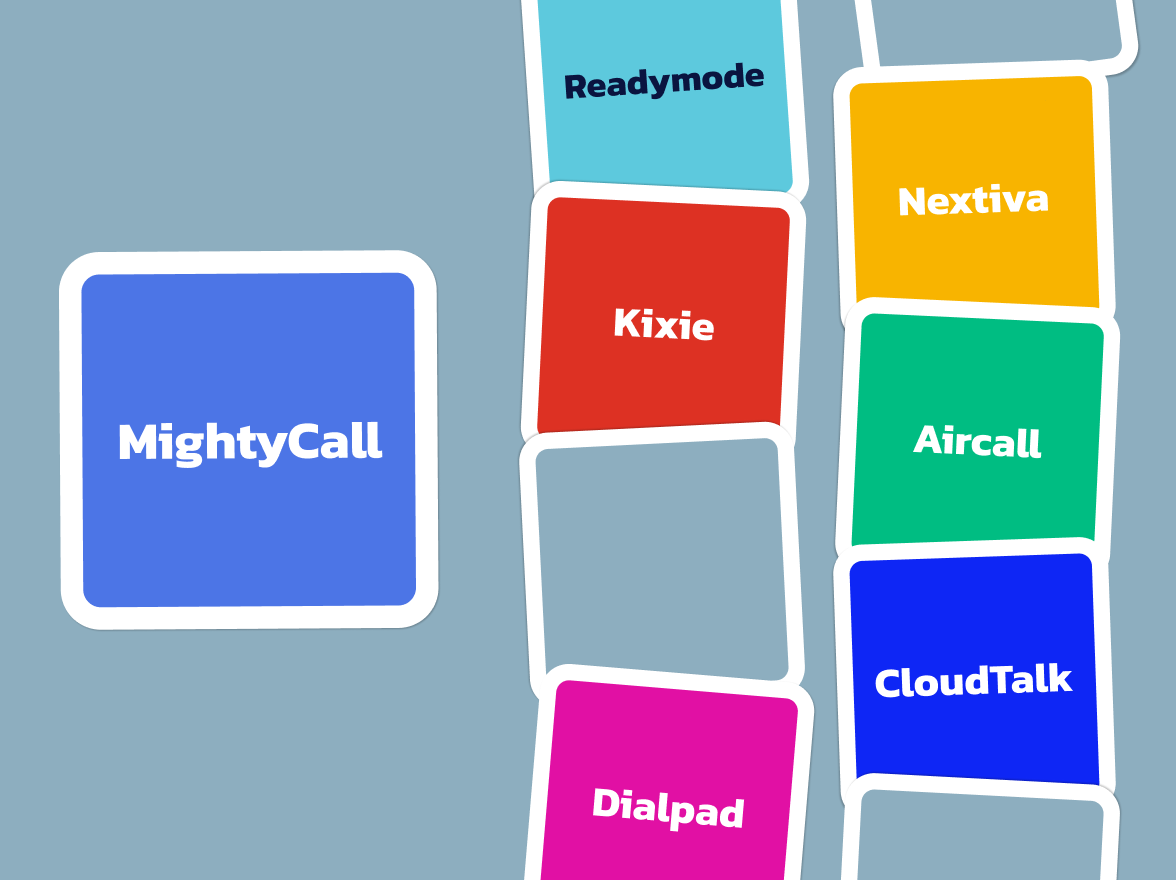
To rephrase the famous words – “Is it a bird? Is it a plane? No, it’s MightyCall” – coming right at you with features that will help you build the best call center. Like Superman, MightyCall also wears a cape — a blue and white one. Like the man of steel, they are always ready to come to the rescue of your call center.
However, MightyCall has some competitors that we will discuss today. Let’s say this is the Justice League of the VoIP and call center world. They’re all different, have their own unique powers, and work towards the same goal. Without any further ado, let’s have a look at the top MightyCall alternatives.
What is MightyCall?
As we have established, MightyCall is the Superman of our little Justice League – the League of outbound communication platforms for small and mid-sized businesses. This cloud-based call center software is built to help teams connect with more prospects, close more deals, and manage outbound campaigns with ease. Forget the bulky hardware or complicated installations.
Whether you’re running a growing startup or leading a distributed sales team, MightyCall ensures every conversation counts. With advanced dialing options, AI AMD, smart call routing, real-time analytics, and integrated CRM workflows, it helps your business reach customers faster and work smarter. Professional calling has never been this efficient, affordable, or scalable.
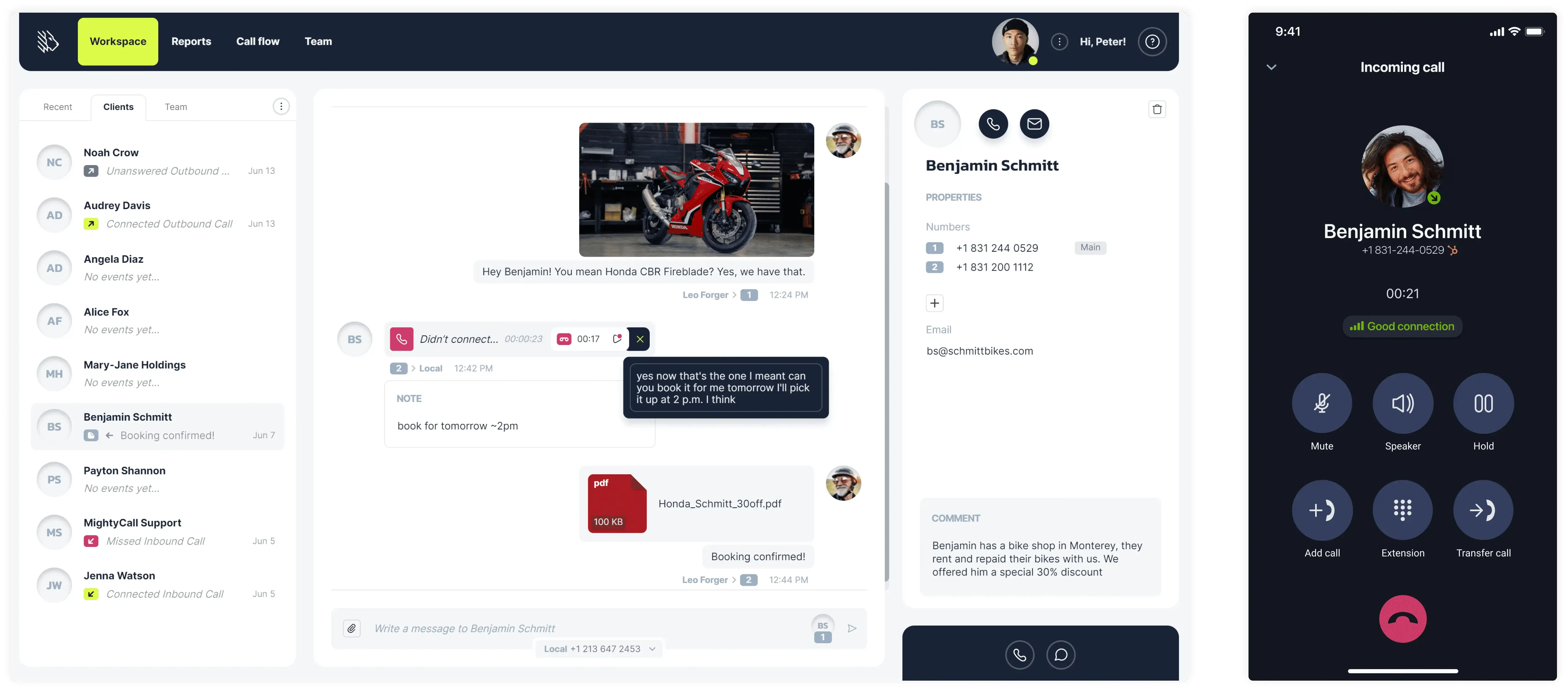
Features and pricing
MightyCall offers four pricing plans. Let’s have a look at each plan and the offered features.
Core: $20 per user/month, paid annually. With this plan, you get access to:
- 3 local or toll-free business phone numbers
- Unlimited calling & texting
- Advanced VoIP features
- Live agent support
Pro: $38 per user/month, paid annually. With this plan, you get everything from the Core plan plus:
- Live call monitoring features, such as call barging, listening, whispering, and intercepting
- Call analytics
- Advanced reporting
- Voicemail drop
Power: $65 per user/month. With this plan, you get everything from the Core and Pro plans, plus:
- Preview and progressive dialers
- AI Answering machine detection
- Local presence
- National Do Not Call List Registry integration
- Priority support
- Dedicated account manager
Enterprise: It’s a custom plan; you will need to request a quote. However, on top of all the offered features, you will also get access to a predictive dialer.
You also get a 7-day free trial for all the pricing plans.
Why do companies gravitate towards MightyCall?
When it comes to running a business, communication is everything. That’s why so many small teams and entrepreneurs are turning to companies like MightyCall. It’s simple, flexible, and packed with features that help businesses stay connected and look professional without drowning in tech slang. Here’s why companies love using it.
It’s refreshingly easy to use
One of the first things people notice about MightyCall is how quick and easy it is to get started. There’s no complicated setup, no need to bring in an IT team, and no clunky hardware to install. You just sign up, pick a number, and you’re ready to go. Everything runs in the cloud, so you can take calls from your computer or phone, wherever you are.
A happy user on G2 put it perfectly:


Blended call center
MightyCall is a fantastic choice for blended call centers, offering both inbound and outbound capabilities.
Outbound: With three types of auto dialers – preview, progressive, and predictive – you can customize your outbound strategy based on how fast you need to connect and how much context your agents need before each call. AI-powered Answering Machine Detection ensures your agents connect only with live prospects, automatically skipping voicemails to save time.
For voicemail campaigns, the Voicemail Drop feature lets reps leave pre-recorded messages instantly and move on to the next call, maintaining productivity. Plus, with Local Presence dialing, your calls display a local area code that boosts answer rates and builds trust with prospects, especially useful for regional outreach or sales teams.
Inbound: Live call monitoring gives supervisors real-time access to active conversations with four options:
- Listen quietly without interrupting
- Whisper to guide the agent without the caller hearing
- Barge in on the conversation if needed
- Intercept to take over the call completely
This level of visibility isn’t just helpful; it’s a game-changer for training, quality control, and customer experience.
Team work
Team management and reporting: clear roles, better oversight. MightyCall was built for teams, not just individual users. With role-based access controls, you decide exactly who sees what, from call history to analytics dashboards, based on each person’s role. That means more privacy, more control, and fewer mistakes.
You also get detailed performance reports that show everything from individual agent metrics to campaign-level trends. These insights help you make more informed staffing decisions, track team productivity, and identify opportunities for improvement.
You’ll look more professional
MightyCall helps businesses go above and beyond. It’s important to have flexible software – no one knows this better than MightyCall. With features like fully customizable call routing, multi-level IVR, and custom greetings, you can create a polished phone experience that gives customers confidence in your business.
One of the users shared:
It goes well with your favorite tools
MightyCall isn’t just about phone calls; it fits right into the way modern teams work. You can integrate it with tools like HubSpot or Salesforce to track customer interactions without jumping between platforms. With the mobile app, you can make business calls, check messages, and manage settings directly from your phone.
As one user on G2 wrote:
It’s award-winning
MightyCall has also caught the attention of some major names. The U.S. Chamber of Commerce added MightyCall to the list of 100 American small and mid-sized businesses, recognizing the Company for helping small businesses thrive through smart, accessible technology.
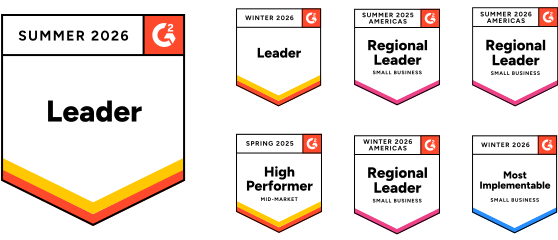
On top of that, MightyCall has recently won the G2 Winter 2026 Leaders award!
Fair pricing and real support
MightyCall keeps things honest with clear, transparent pricing. You get unlimited calling in the U.S. and Canada and all the pro-level features you need. And if you ever need help, their support team is fast, responsive, and friendly.
schedule your personalized demo with our amazing team

Alternatives classification
We have put together quite a list of alternatives to MightyCall. We carefully divided all these competitors into three categories:
Interestingly enough, MightyCall can easily fall into all three categories.
Best of the best MightyCall alternatives for small businesses
Let’s have a brief overview of our MightyCall alternatives for SMBs.
| MightyCall Core plan | OpenPhone (Quo) | Dialpad Connect | Grasshopper | Google Voice for Business | |
|---|---|---|---|---|---|
| Starting price | $20 | $15 | $15 | $14 | $10 |
| Unlimited calls in the US and Canada | Yes | Yes | Yes | Yes | Yes |
| SMS/MMS | Unlimited | $1.50 – $3/month | Available | SMS – yes MMS – no |
Available |
| Voicemail & transcription | Available | Available | Available | Available | Available |
| Call recording | Available | Available | Available | Available | Available |
| IVR | Multi-level | Basic | Multi-level | Not available | Not available |
| Call analytics | Advanced | Basic | Advanced | Basic | Basic |
| Business numbers included | 3 | 1 | 1 | 4 | 1 |
| AI call summary | Available | Available | Available | Available | Available |
| Free trial | 7 days | 7 days | 14 days | 7 days | 14 days |
| G2 rating | 4.4 | 4.7 | 4.4 | 3.9 | 4.6 |
| Setup & onboarding | Yes | No | No | No | No |
Now, let’s have a detailed look at all these MightyCall competitors to determine why they are considered worthy opponents.
Quo (OpenPhone) – best for startups and remote teams that want simple collaboration
The first on the list of MightyCall competitors is Quo (OpenPhone) – a modern business phone system designed for startups, small businesses, and remote teams that require a simple and flexible way to manage calls and texts. Launched in 2018, it has quickly expanded and now serves customers across North America. With a focus on ease of use and team collaboration, Quo (OpenPhone) is particularly popular among fast-paced companies.
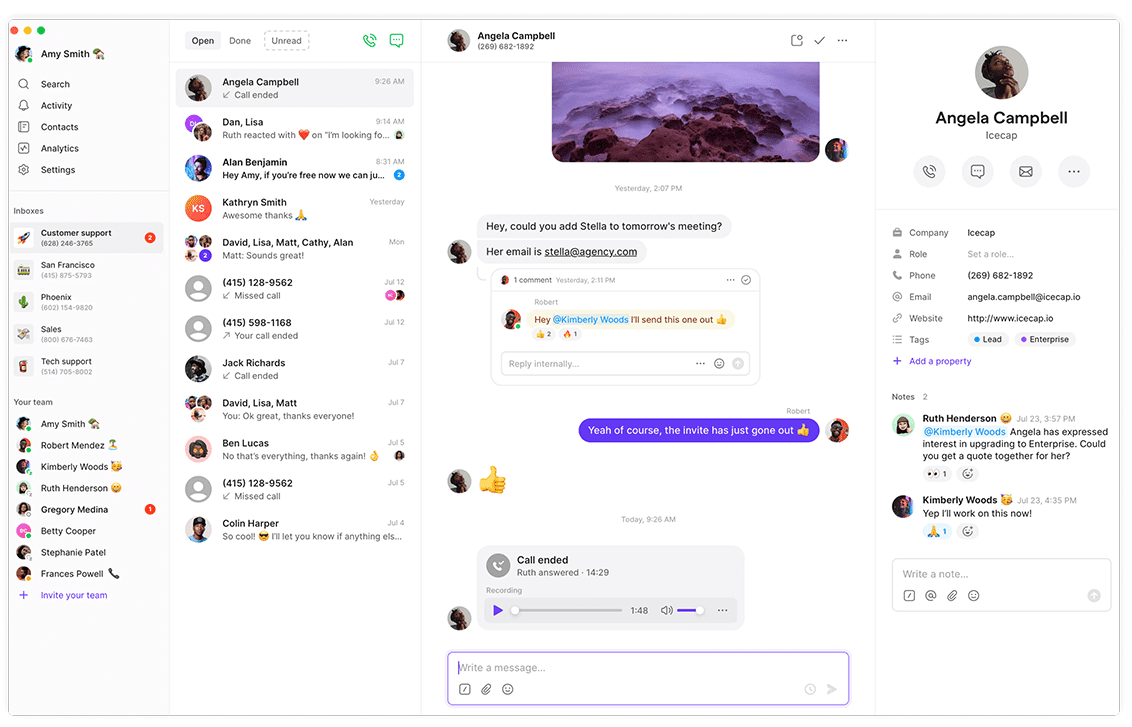
Features
- Dedicated business phone numbers
- Shared team inbox
- Voicemail transcription
- Call recording
- Auto-attendant (IVR)
- Text messaging (SMS & MMS)
- Call forwarding and routing
Integrations
CRMs and helpdesk systems
What does Quo (OpenPhone) lack?
- Limited international calling: It’s not as developed or cost-effective for global communication compared to options like MightyCall.
- Basic call analytics: Reporting and insights are more limited than what MightyCall offers.
For more information, please review the MightyCall vs Quo (OpenPhone) Comparison.
G2 customer feedback
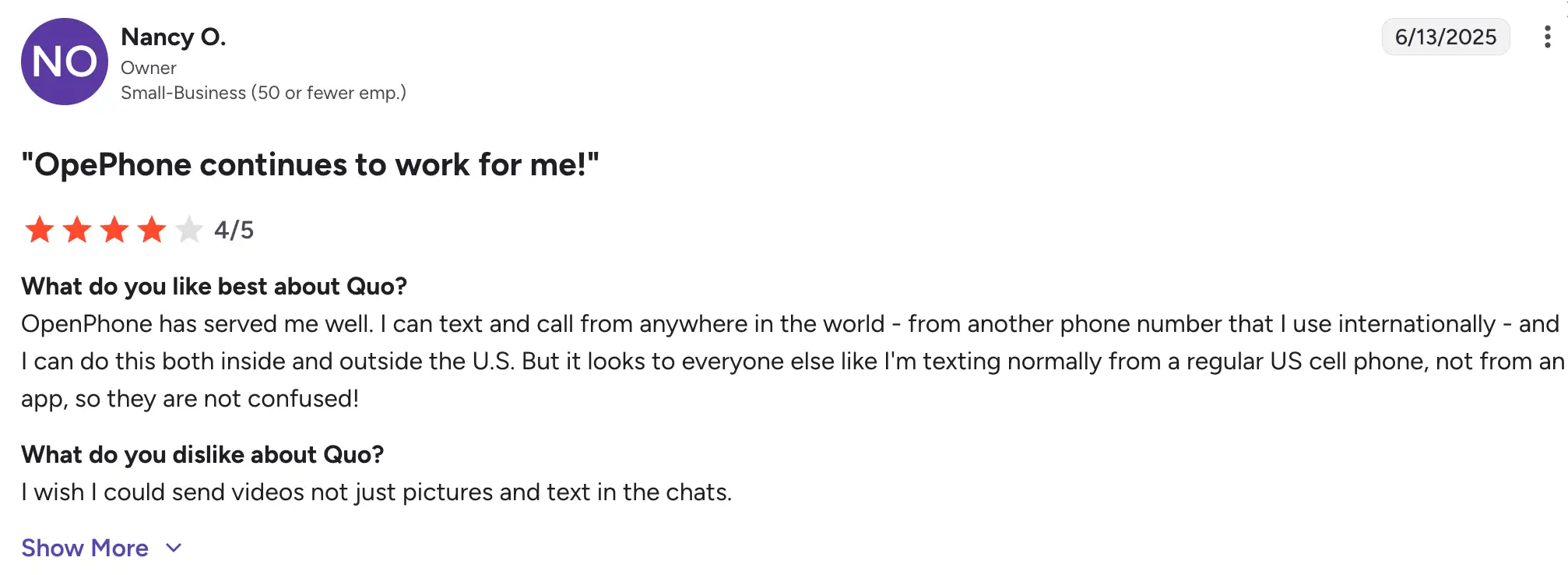
Users love how easy Quo (OpenPhone) is to set up and use, especially for managing calls and texts in one place. The clean interface and affordability are big advantages for solo professionals and small teams.
On the downside, some users have mentioned limited analytics and occasional syncing issues with messages.
Pricing
The following pricing plans are billed annually:
- Starter: $15/user/month
- Business: $23/user/month
- Scale: $35/user/month
- Sona, AI agent: $49/user/month
Free trial
Quo (OpenPhone) offers a 7-day free trial.
Dialpad – best for AI-powered business communications
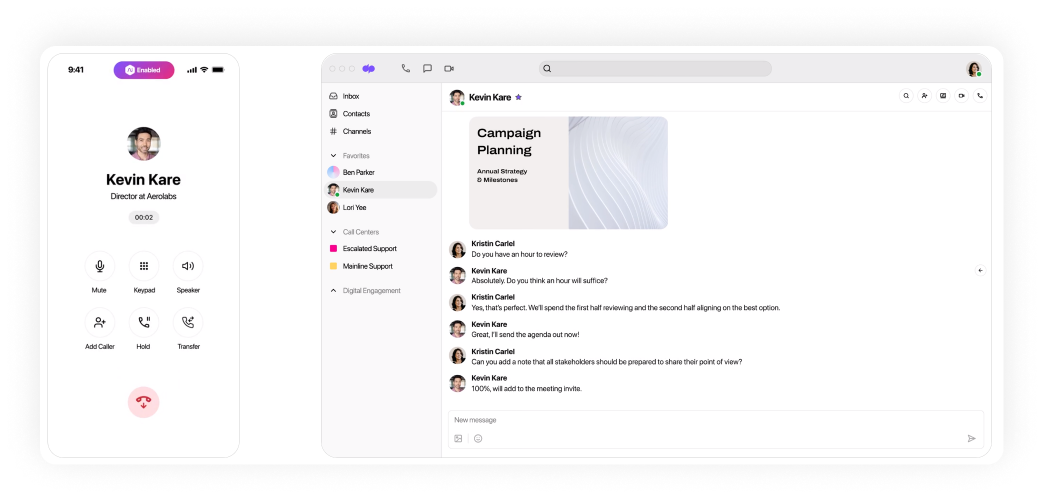
Dialpad is another alternative to MightyCall. It is a business phone system that brings together calling, video meetings, messaging, and AI tools. All in one platform. With a strong focus on AI, Dialpad is designed for companies that want more than just a phone system; they want to simplify and enhance team communication, making every conversation smarter.
Features
- VoIP calling and video conferencing
- AI-powered features
- Voicemail transcription
- Call recording
- Real-time call analytics
- Team messaging
- Custom call routing and IVR
Integrations
CRMs and helpdesk systems
What does Dialpad lack?
- Not ideal for small teams: The feature set may feel like overkill for solo users or small businesses looking for simplicity.
- Call quality can vary: Some users report issues when working from areas with weaker internet connections.
Is it better than MightyCall or not? For more details, please review the MightyCall vs Dialpad comparison.
G2 customer feedback
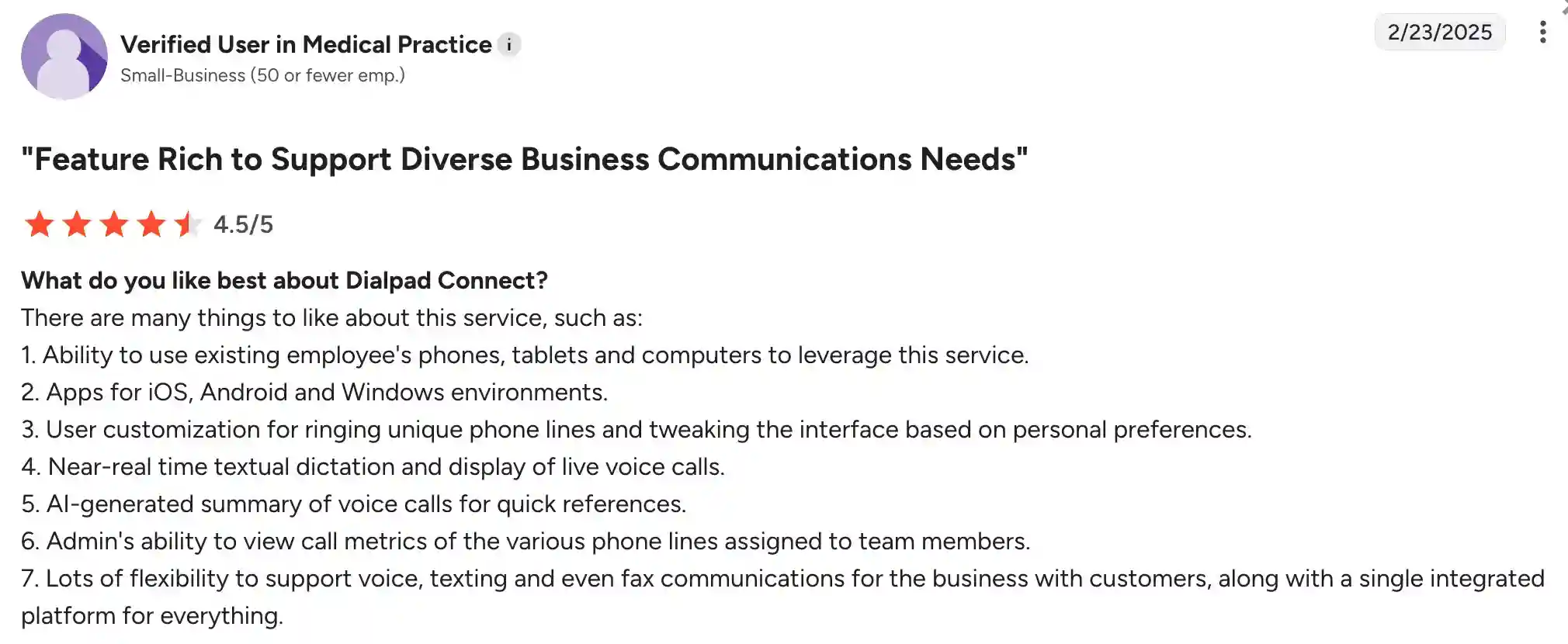
Customers love Dialpad’s AI features, especially the real-time call transcriptions and automatic meeting summaries. Many appreciate how easy it is to use across devices and how it helps teams stay organized.
On the other hand, some users mention a slight learning curve and note that the transcription tool can occasionally miss words or context in calls.
Pricing
Dialpad Connect plans are billed annually as follows:
- Standard: $15/user/month
- Pro: $25/user/month
- Enterprise: Custom pricing
Free trial
There is a 14-day free trial.
Grasshopper – best for solo users and very small businesses on a budget
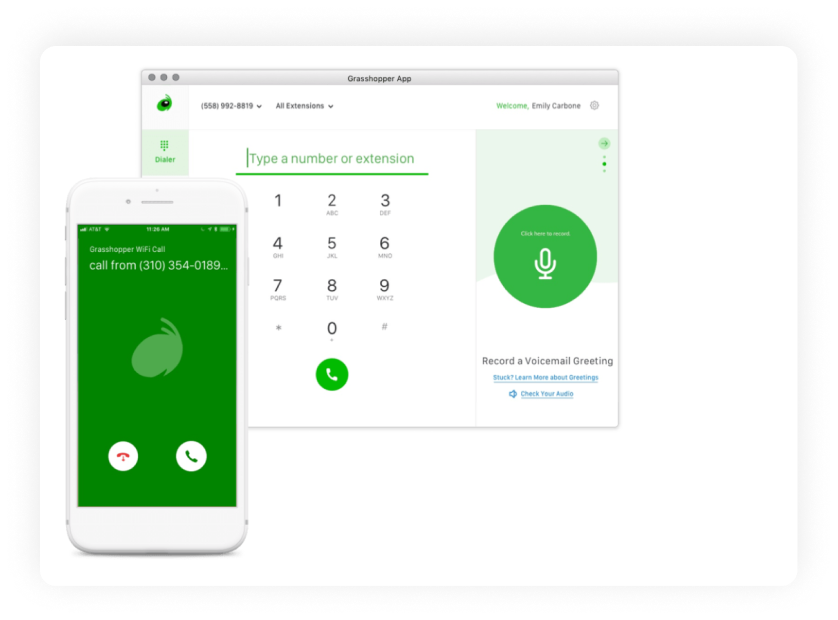
Grasshopper is a virtual phone system designed for small businesses, entrepreneurs, and freelancers who need a professional business number without the complexity of traditional setups. Founded in 2003, it has been on the market for over two decades. Grasshopper became a part of the GoTo group companies through a series of acquisitions and mergers in 2015.
Unfortunately, the product hasn’t developed much since then. Grasshopper primarily serves clients in the U.S. and Canada. This is not the best MightyCall alternative, but it’s still a good VoIP solution. It focuses on simplicity and mobility, making it a popular choice for solo professionals and small teams looking for an easy-to-use phone service that works on top of their existing devices.
Features
- Virtual business phone numbers
- Call forwarding and routing
- Voicemail transcription
- Custom greetings
- Business texting
- Simultaneous call handling
- Call screening
Integrations
- Google Workspace
- Skype
- LiveChat (via third-party tools)
- Zapier
- Outlook
What does Grasshopper lack?
- No advanced call management feature: Unlike MightyCall, Grasshopper lacks tools like IVR menus or call queuing, limiting functionality for support teams.
- Limited analytics and reporting: There are very few insights into call performance or team activity.
- No CRM integrations: Grasshopper doesn’t natively integrate with most CRM platforms, which may hinder sales and support workflows.
For more details, please see the MightyCall vs Grasshopper comparison.
G2 customer feedback
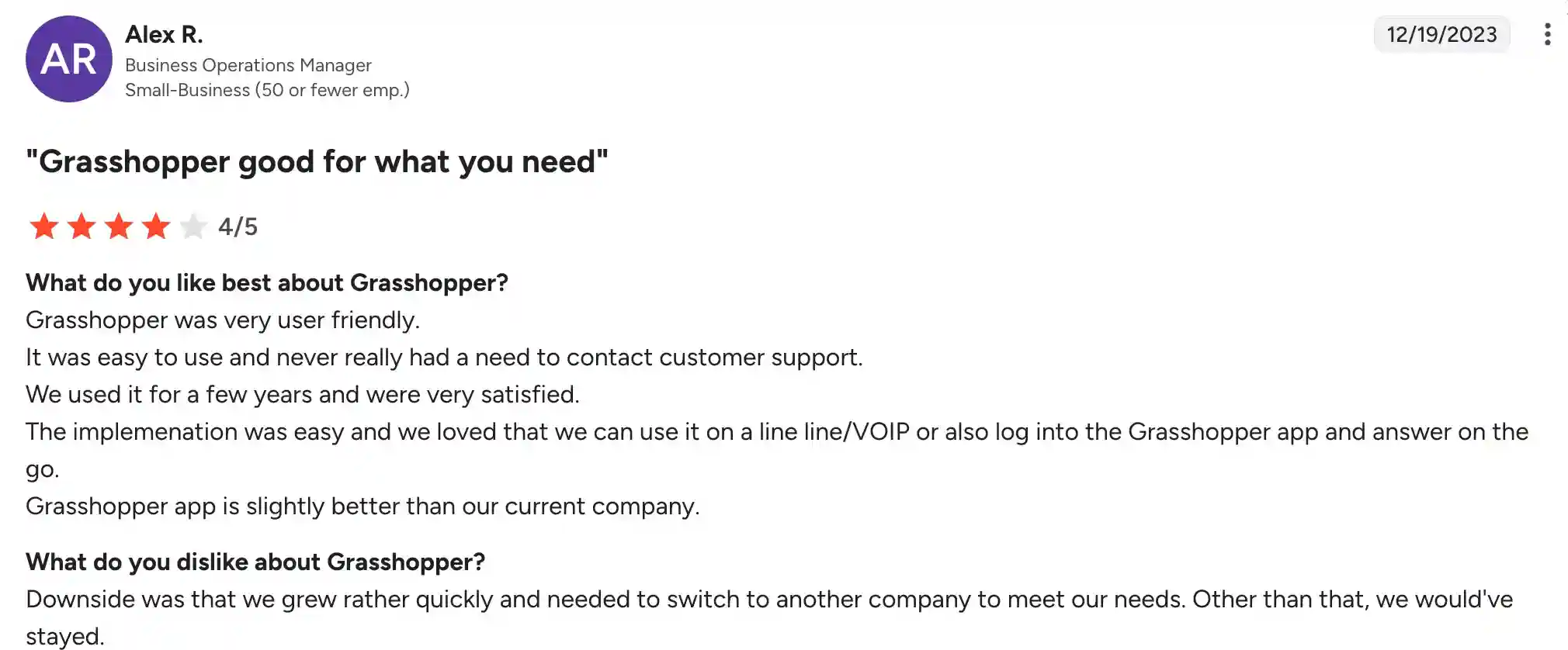
Users appreciate how easy Grasshopper is to set up and use, especially for creating a professional business presence with a virtual number. Its mobile-friendly approach is ideal for people working on the go.
However, many users point out that the system lacks more advanced features and reporting tools, and some mention that the pricing isn’t ideal for businesses that grow beyond a few users.
Pricing
The following pricing plans are billed annually:
- Solo: $14/month
- Solo Plus: $25/month
- Small Business: $55/month
Free trial
Grasshopper offers a 7-day free trial.
Google Voice for Business – best for Google Workspace-first teams with basic calling needs
Google Voice for Business is another MightyCall competitor. It’s a cloud-based phone solution developed by Google, designed to integrate with Google Workspace. Initially launched for consumers in 2009 and later expanded to businesses, it offers an easy-to-use communication system for small to mid-sized teams. With thousands of business users across the U.S., it’s especially appealing for organizations already using Google’s ecosystem.
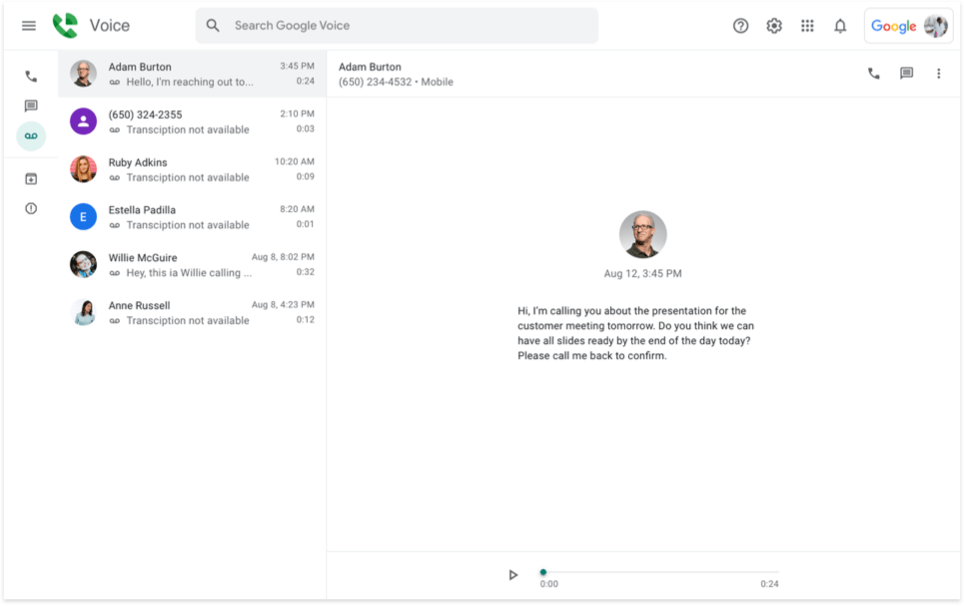
Features
- Virtual business phone numbers
- Voicemail transcription
- Call forwarding
- Spam call filtering
- Integration with Google Meet and Calendar
- SMS and voicemail support
- Mobile and web app access
Integrations
- Google Workspace (Gmail, Calendar, Contacts)
- Google Meet
- Google Chat
- Zapier (via workarounds)
What does Google Voice for Business lack?
- Limited advanced features: No IVR, call queues, or call recording options make it less ideal for support teams.
- Restricted to Google Workspace users: You must have a paid Google Workspace account to use Google Voice for Business.
- No powerful CRM integrations: Unlike MightyCall, Google Voice doesn’t natively integrate with the most popular CRMs.
For more details about the service, check out the MightyCall vs. Google Voice for Business comparison.
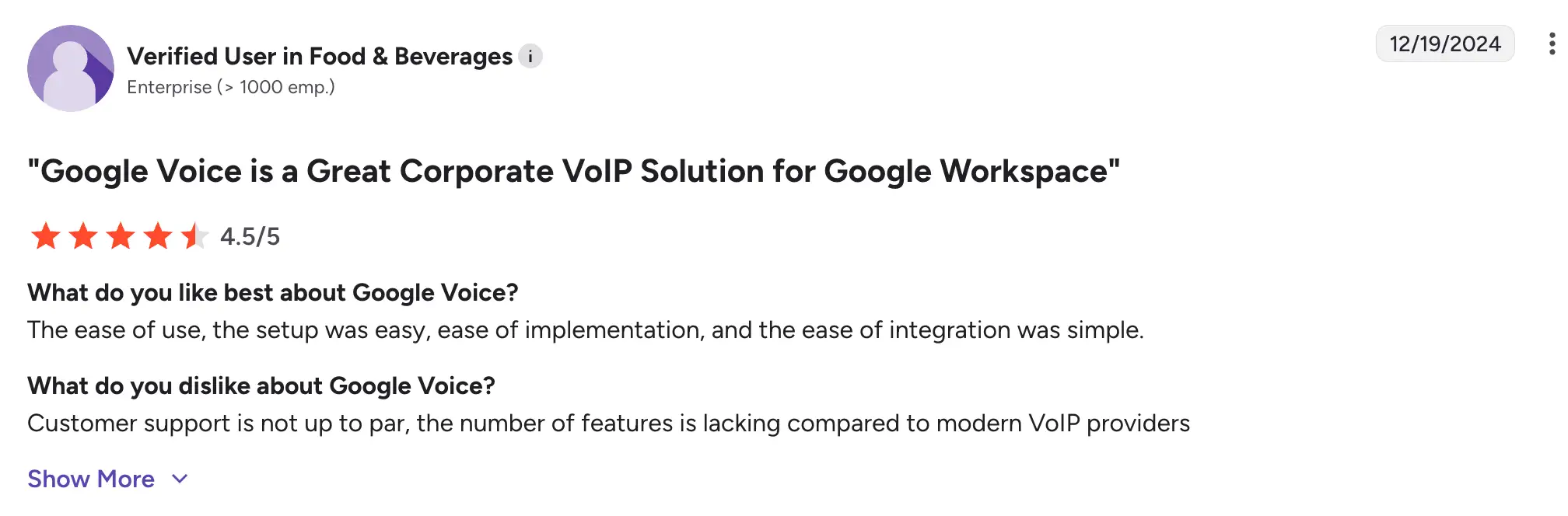
G2 customer feedback
Users like how tightly integrated Google Voice is with the rest of Google’s suite, especially Gmail and Calendar. The system is easy to set up, affordable, and works well for basic business communication.
However, many users point out that it lacks essential business phone features like call routing and analytics. It’s best suited for simple use cases, not more complex communication needs.
Pricing
- Starter: $10/user/month
- Standard: $20/user/month
- Premier: $30/user/month
Free trial
Yes, a 14-day free trial is available (with Google Workspace).
Best MightyCall alternatives for blended call center teams that handle incoming & outgoing calls
In this section, we will discuss competitors to MightyCall for call centers that handle both incoming and outgoing calls.
| MightyCall Power plan | Aircall Professional plan | Nextiva power suit | JustCall Pro plan | CloudTalk Export plan | |
|---|---|---|---|---|---|
| Price per agent | $65 | $50 | $50 | $49 | $49 |
| Unlimited calls in the US and Canada | Available | Available | Available | Available | Available |
| SMS/MMS | Included | Not included | Included | 1000 SMS included | Included |
| Auto dialers | Progressive, preview | Basic power | Not included | Progressive, preview | Progressive |
| AI Answering machine detection | Yes | No | Yes | Yes | AMD supported, not AI |
| Local presence | Yes | No | Yes | Yes | Yes |
| Voicemail drop | Yes | Yes | Yes | Yes | Yes |
| Live call monitoring | Yes | Yes | Yes | Yes | Yes |
| Call recording | Yes | Yes | Yes | Yes | Yes |
| Multi-level IVR | Yes | Yes | Simple | Yes | Yes |
| Real-time dashboard | Yes | Yes | Yes | Yes | Yes |
| Call analytics | Yes | Yes | Yes | Yes | Yes |
| User roles & permissions | Advanced | Basic | Advanced | Advanced | Basic |
| Business numbers included | 3 toll-free and local | 1 | 1 | 2 | 1 local only |
| Free trial | 7 days | 7 days | 7 days | 14 days | 14 days |
| G2 rating | 4.4 | 4.3 | 4.5 | 4.3 | 4.4 |
| Setup & onboarding | Yes | No | Additional fee | No | No |
Let’s have a closer look at the top alternatives to MightyCall.
Aircall – best for integration-heavy support and sales teams
Aircall is a MightyCall alternative in modern businesses and customer-centric teams. Aircall is recognized for its sleek interface, easy setup, and extensive integrations with popular CRMs and helpdesk tools. It is a rather popular choice among sales and support teams in small to mid-sized businesses.
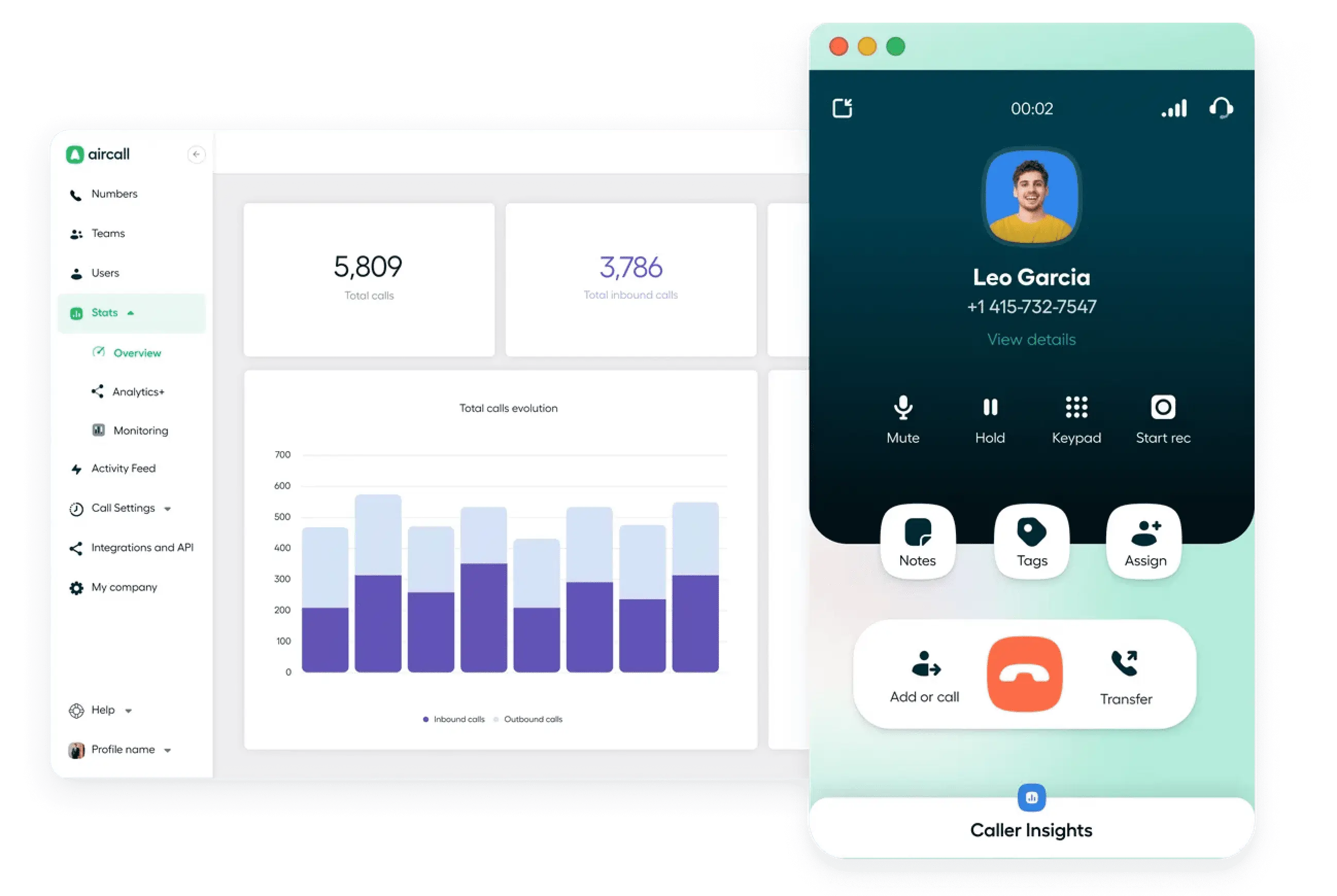
Features
- Virtual business phone numbers
- Call routing and queuing
- IVR (interactive voice response)
- Call recording
- Real-time analytics and dashboards
- Basic dialer
- Voicemail and call tagging
Integrations
CRMs and helpdesk systems
What does Aircall lack?
- Higher starting price: Compared to MightyCall, Aircall’s pricing can be less accessible for small businesses or startups.
- Occasional call quality issues: Call reliability may fluctuate due to variations in internet stability and network setup.
- Basic dialer: While MightyCall offers different auto dialers, Aircall has a rather basic offer in that regard.
Read more about the differences between MightyCall and Aircall in this comparison review.
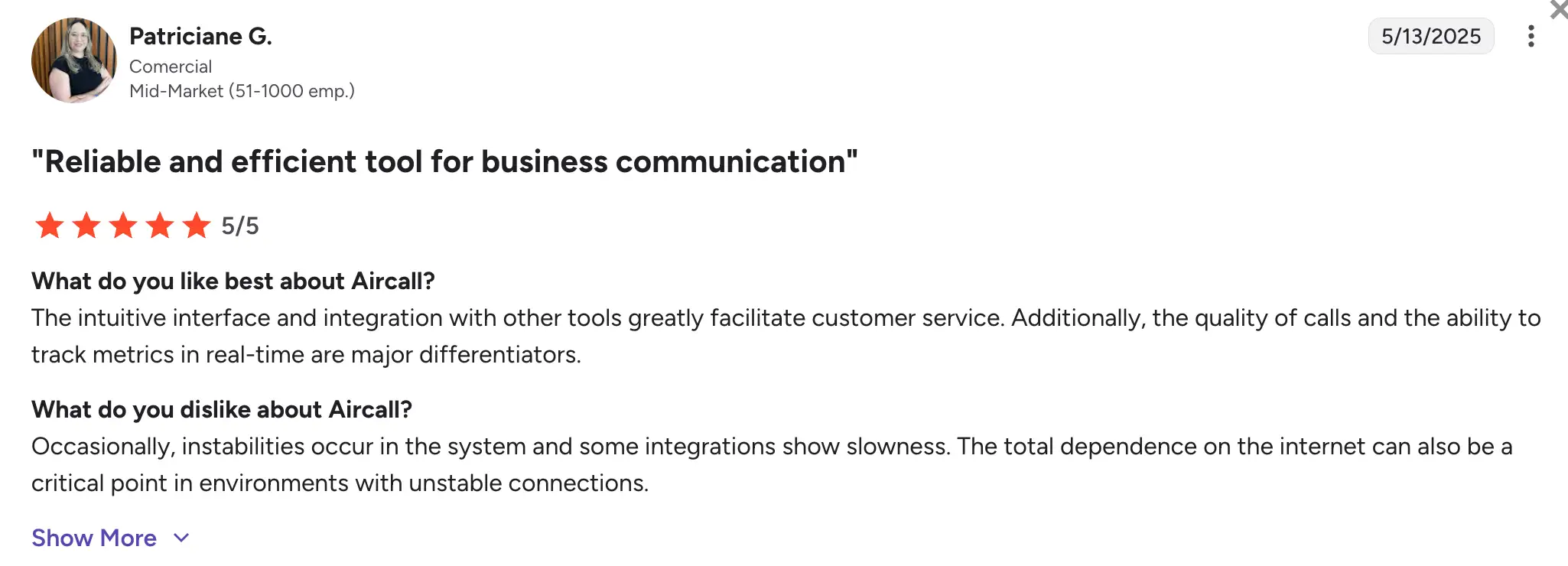
G2 customer feedback
Customers appreciate Aircall’s user-friendly interface, fast onboarding process, and ease of integration with other tools. It’s often praised for helping teams manage high volumes of calls more efficiently.
However, some users mention issues with call quality and find the pricing a bit steep for what is offered, especially when specific plans lack advanced features.
Pricing
The following plans are billed annually:
- Essentials: $30/user/month
- Professional: $50/user/month
- Custom: Enterprise-level plans are available upon request
Free trial
Aircall offers a 7-day free trial.
Nextiva – best for mid-sized businesses that want an all-in-one communications platform
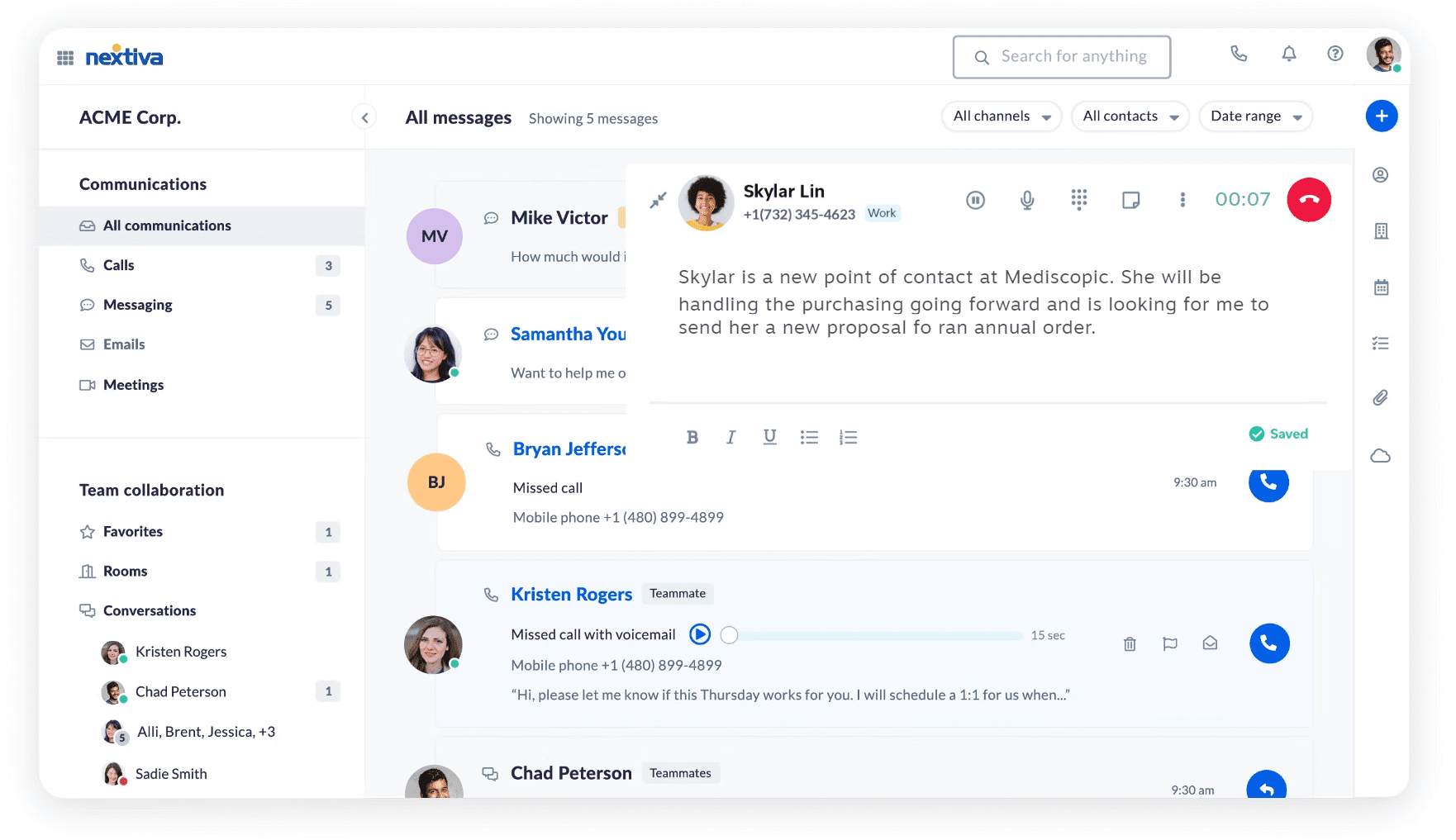
Nextiva is another option among MightyCall alternatives. It is a business communications platform that offers VoIP phone service, video conferencing, SMS, and collaboration tools. With a strong reputation for reliability and customer service, Nextiva is well-suited for medium to large-sized companies that require a scalable, all-in-one solution for internal and external communications.
Features
- VoIP business phone system
- Video and audio conferencing
- Auto-attendant and call routing
- Voicemail-to-email
- Call analytics and reporting
- CRM and helpdesk tools
- Mobile and desktop apps
Integrations
CRMs and helpdesk systems
What does Nextiva lack?
- Steeper learning curve: Due to the number of features they offer, setup and training can take longer compared to other solutions like MightyCall.
- Limited international calling in basic plans: Some global calling features are only available with higher-tier plans.
- No dialers for a small business: Unfortunately, Nextiva doesn’t include any dialers in its small business plan. They are included in their Enterprise plan, which starts at $129 per agent per month.
G2 customer feedback
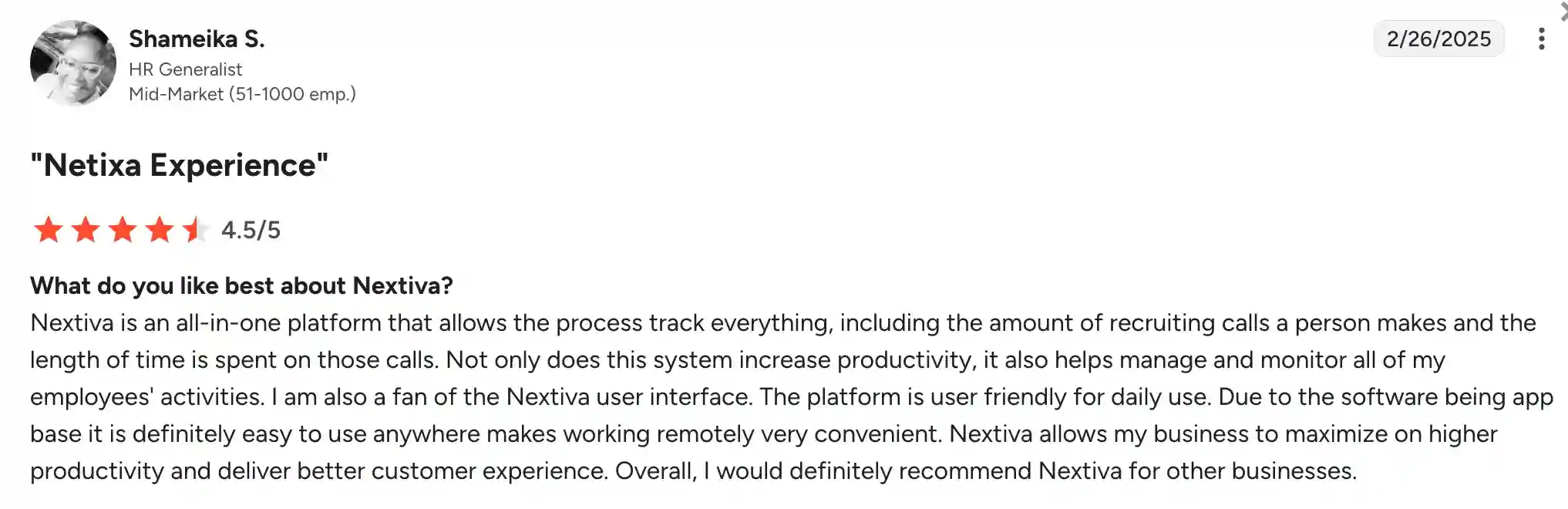
Users frequently highlight Nextiva’s reliability, customer support, and features as key points. The platform is praised for handling complex business communication needs all in one place.
However, some customers report that the interface feels outdated in certain areas and that setup can be overwhelming for smaller teams without technical support.
Pricing
For small businesses, the pricing is billed annually as follows:
- Core: $30
- Engage: $40
- Power Suite: $60
Free trial
There is a 7-day free trial.
JustCall – best for outbound sales and SMS-driven teams
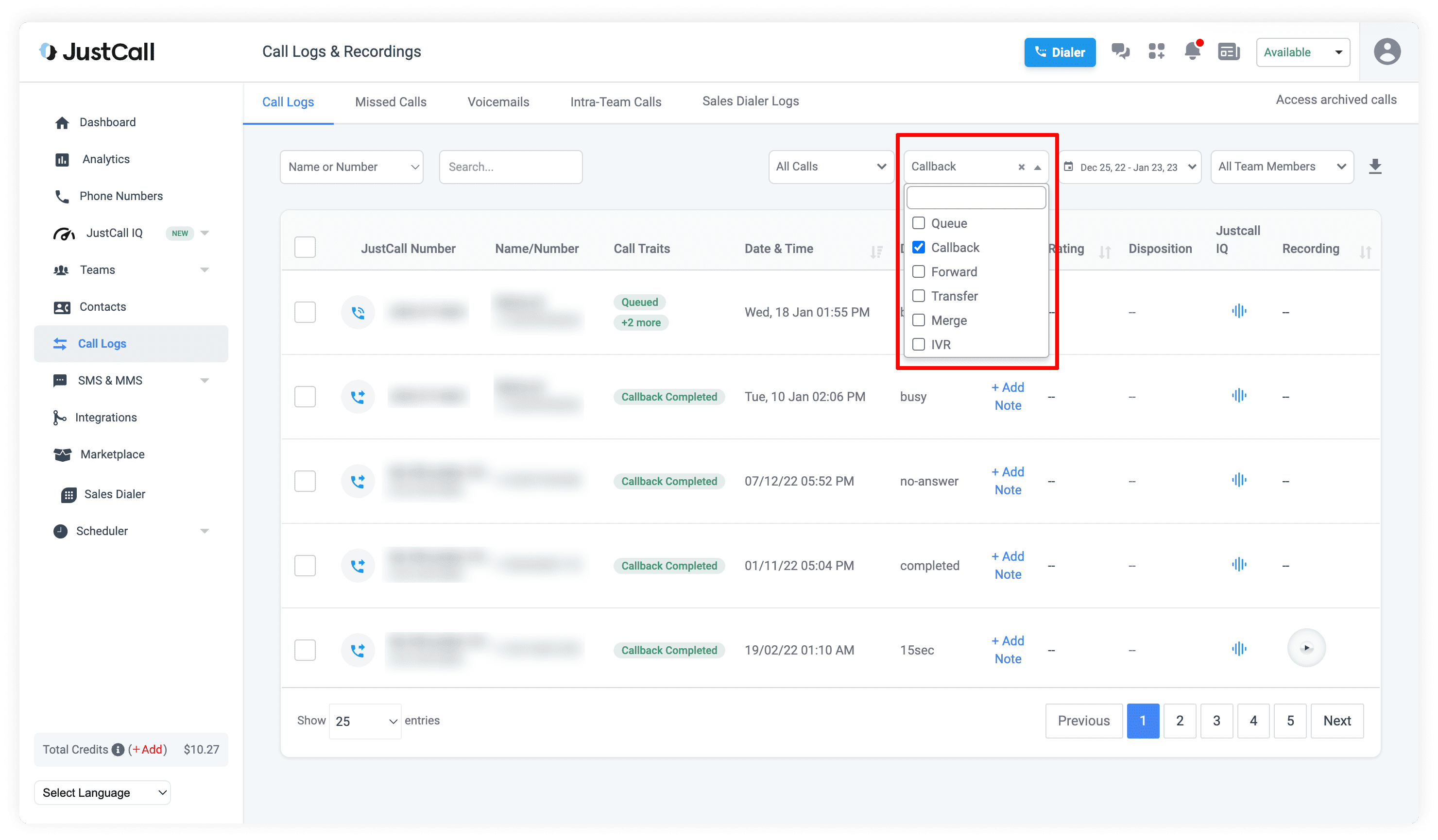
JustCall is a cloud-based phone system designed for sales and support teams. It offers a wide range of call and SMS automation tools, making it a strong fit for teams focused on customer engagement and productivity. With a global presence, JustCall is especially popular among startups, SaaS companies, and customer service teams.
Features
- VoIP calling and SMS
- Call tracking and recording
- Auto-dialer and predictive dialer
- Call routing and IVR
- Call monitoring and whisper coaching
- Voicemail drop
- Analytics dashboard
Integrations
CRMs and helpdesk systems
What does JustCall lack?
- Occasional call quality issues: Some users have reported inconsistent audio quality, especially on international calls.
- Limited reporting customization: While analytics are available, they’re not as customizable as those offered by competitors.
- Can get pricey with add-ons: Advanced features and integrations may require upgrades or additional fees.
- Interface can feel cluttered: The dashboard is packed with features, which may overwhelm smaller teams or new users.
Please look through our MightyCall vs JustCall Comparison.
G2 customer feedback
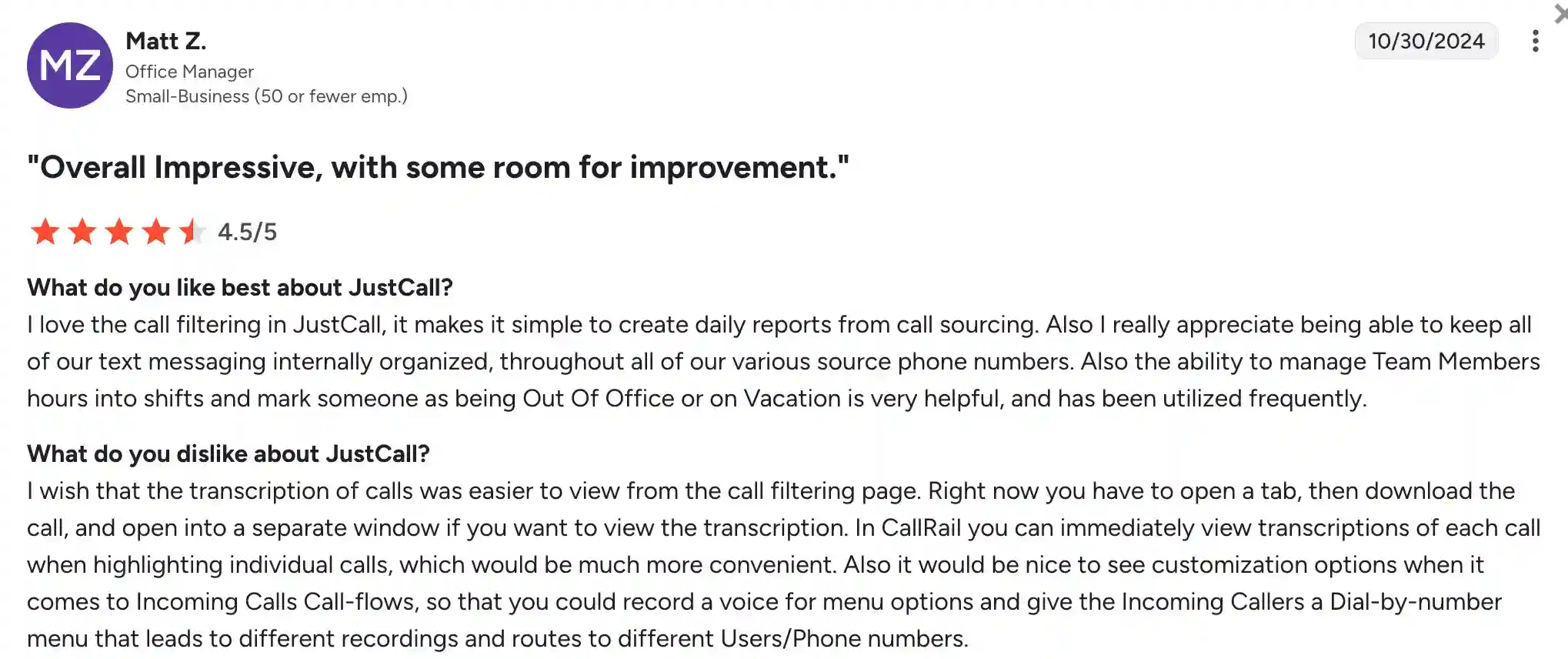
Users appreciate JustCall’s easy setup, wide range of sales-focused tools, and strong CRM integrations. It’s often praised for helping boost productivity in outbound call centers and remote teams.
However, some customers have noted issues with call reliability and suggest that the platform could benefit from a cleaner, more intuitive user interface.
Pricing
The JustCall pricing plans are billed annually:
- Team: From $29/user/month
- Pro: From $49/user/month
- Pro Plus: $89/user/month
- Business: Custom pricing available
Free trial
They offer a 14-day free trial.
CloudTalk – best for international sales and support teams
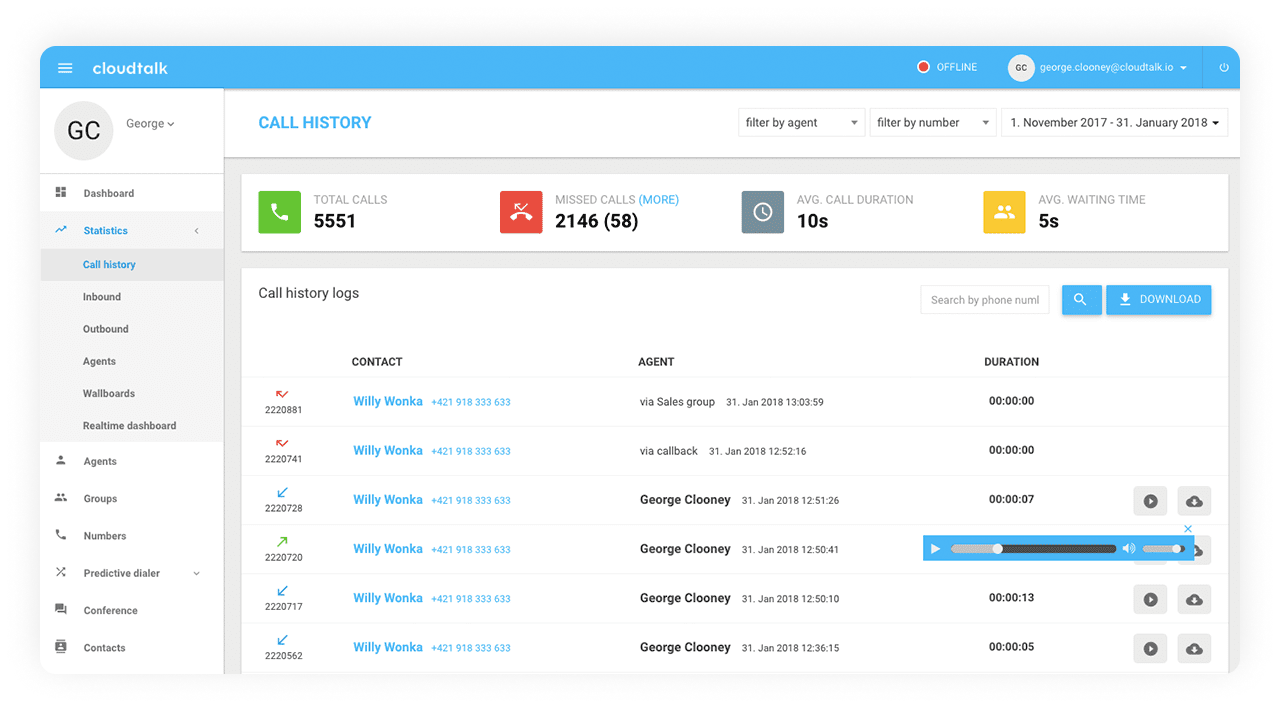
CloudTalk is a call center software that works well with sales and support teams. The platform focuses on helping businesses handle inbound and outbound calls, offering advanced call routing, analytics, and CRM integrations. It’s especially popular among remote teams and companies operating in multiple countries, thanks to its international calling features and global number coverage.
Features
- Smart call routing
- Call queuing and IVR
- Call recording and monitoring
- Click-to-call browser extension
- Real-time analytics and dashboards
- Voicemail and call tagging
- Power dialer
Integrations
CRMs and helpdesk systems
What does CloudTalk lack?
- Can be expensive for smaller teams: Plans with certain features come at a higher price point, which may be too expensive for startups or smaller teams.
- Occasional call delay issues: Some users mention slight delays or glitches in call quality, especially during peak hours.
G2 customer feedback
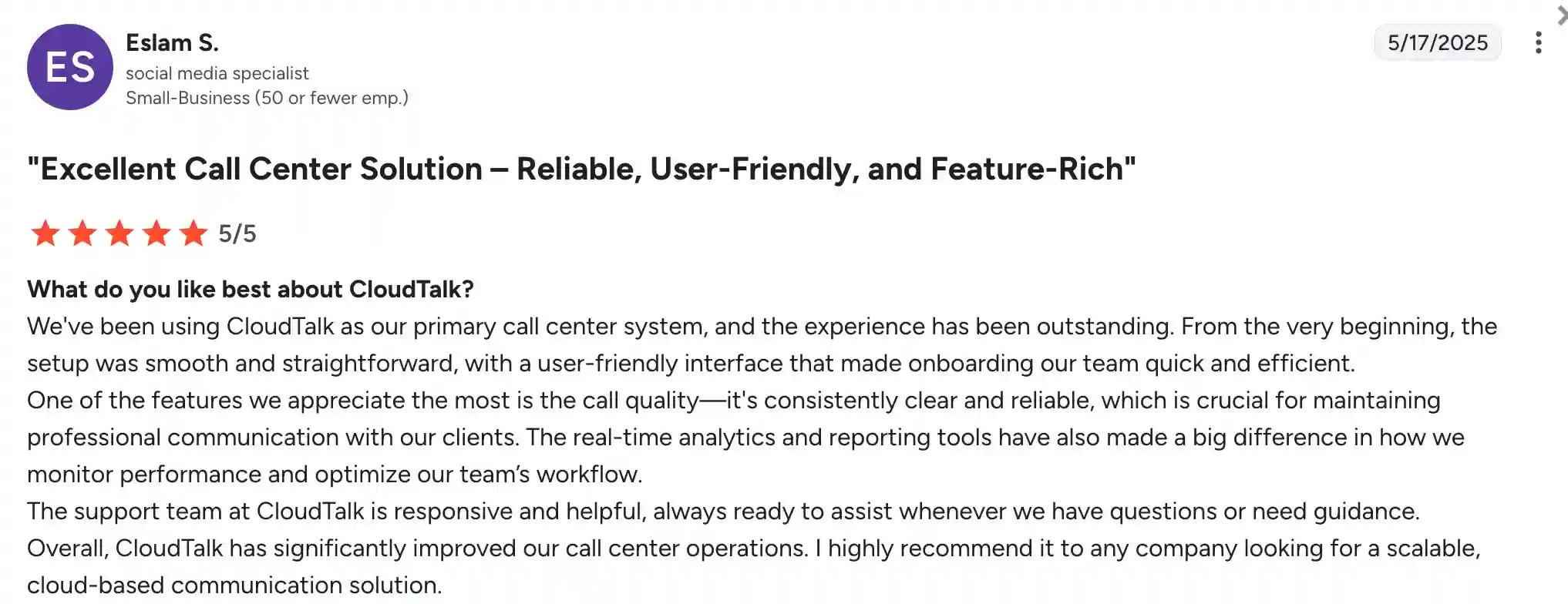
Users highlight CloudTalk’s intuitive interface and its simple CRM integrations as key advantages. The ability to manage global communications from a single platform is also a major advantage for international teams.
However, some customers note that call quality can be inconsistent and that certain advanced features require higher-tier plans, which may not suit smaller businesses.
Pricing
The following price plans are billed annually:
- Starter: $25/user/month
- Essential: $29/user/month
- Expert: $49/user/month
- Custom: Contact CloudTalk for a custom price
Free trial
There is a 14-day free trial.
Best MightyCall alternatives for companies that deal with a high volume of outbound calls
In this section on competitors to MightyCall, we will talk about providers that can handle a high volume of outbound calls.
| MightyCall Enterprise plan | Readymode Starter plan | Phoneburner Professional plan | Kixie | ViciDial | |
|---|---|---|---|---|---|
| Price per agent | $65 | $199 | $165 | Request a quote | Open source |
| Outbound minutes | Unlimited | Unlimited | Not included | $30/user | Pay per minute |
| Inbound minutes | Unlimited | 0.02/min | Not included | $30/user | Pay per minute |
| Predictive dialer | Yes | Yes | No | No | Yes |
| Progressive dialer | Yes | Yes | No | Yes | Yes |
| Preview dialer | Yes | Yes | Yes | Yes | Yes |
| AI Answering machine detection | Yes | Yes | AMD supported, not AI | Yes | Yes |
| Local presence | Yes | Yes | Yes | Yes | Yes |
| Voicemail drop | Yes | Yes | Yes | Yes | Yes |
| Live call monitoring | Yes | Yes | Yes | Yes | Yes |
| Real-time dashboard | Yes | Yes | Yes | Yes | Yes |
| Call analytics | Yes | Yes | Yes | Yes | Yes |
| User roles & permissions | Advanced | Basic | Basic | Basic | Advanced |
| Business numbers included | 3 toll-free and local | 1 | Not included | 1 | Not included |
| Free trial | 7 days | 7 days | 7 days | 7 days | Open source |
| G2 rating | 4.4 | 4.6 | 4.7 | 4.8 | 4.1 |
| Setup & onboarding | Yes | Yes | Yes | Yes | No |
Readymode – best for high-volume outbound call centers
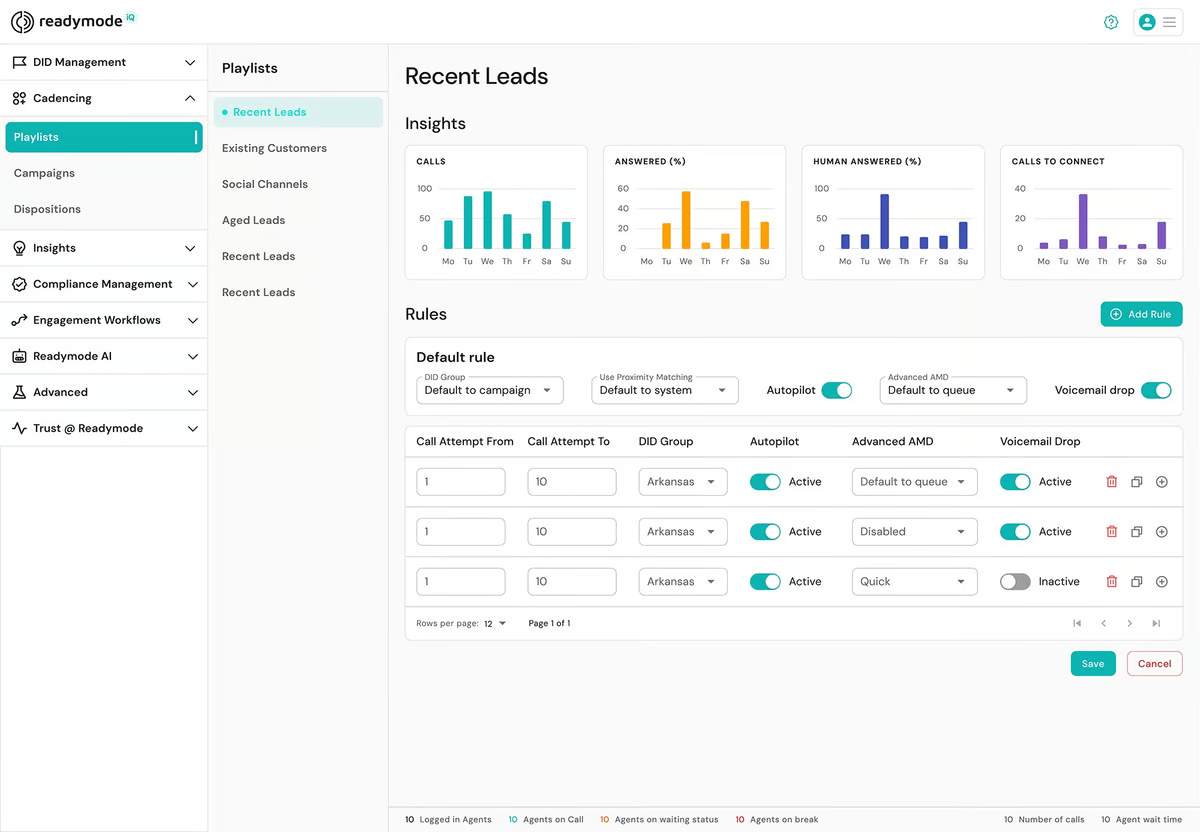
Readymode is a cloud-based platform designed specifically for high-volume outbound calling. They serve a variety of industries, including call centers, real estate, and lead generation agencies. Readymode helps build outbound communication, aiming to boost agent productivity and contact rates through automation and intelligent dialing features.
Features
- Predictive dialer
- CRM and lead management
- Real-time analytics
- Call recording
- Local presence dialing
- Custom scripting tools
- Call monitoring and whispering
Integrations
CRMs and helpdesk systems
What does Readymode lack?
- Not suitable for inbound-centric teams: Readymode is primarily focused on outbound calling, which may not meet the needs of businesses that handle a high volume of incoming calls.
- Steeper learning curve: The platform can be complex for new users and may require additional onboarding time.
See our full comparison: MightyCall vs Readymode.
G2 customer feedback
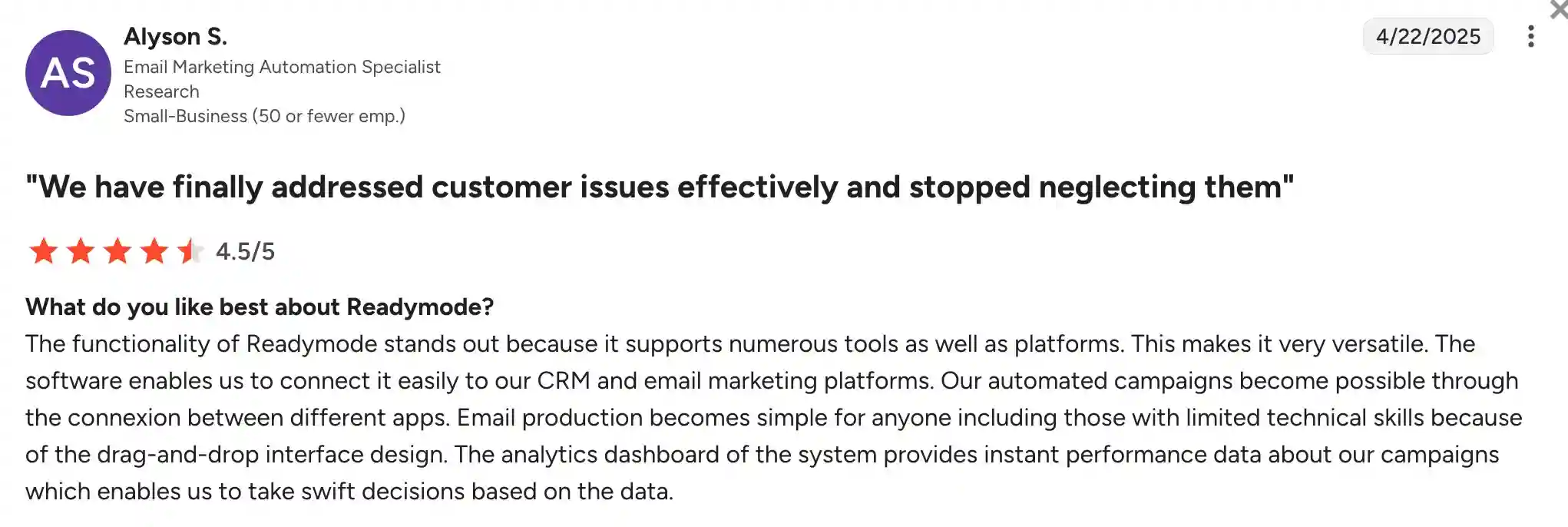
Users appreciate Readymode’s dialer features and the ability to increase outbound call efficiency. The predictive dialer and lead management tools are often praised for significantly boosting productivity in outbound campaigns.
On the downside, some reviewers mention that the interface can feel dated and the learning curve is higher than expected. Users also note that it’s not ideal for teams that rely on inbound call management.
Pricing
- Readymode Starter (1-4 licenses): $199/license/month
- Readymode IQ (5+ licenses): $249/license/month
Please note that the final price may vary based on customization.
Free trial
Yes, a free trial is available. It is typically 7 days, but may vary based on request.
PhoneBurner – best for sales teams focused on power dialing efficiency
PhoneBurner is a cloud-based power dialer and sales acceleration platform designed to help outbound sales teams increase efficiency and productivity. It automates repetitive dialing tasks and provides tools to simplify follow-ups, making it an ideal solution for teams that make a high volume of outbound calls.
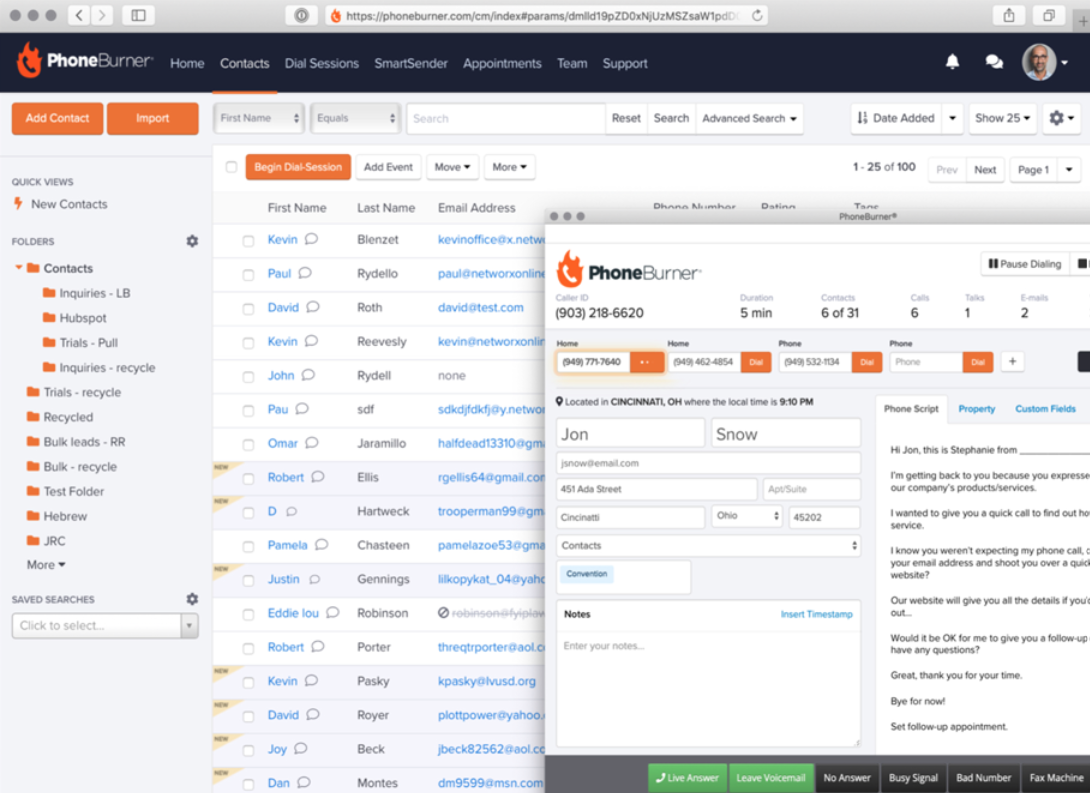
Features
- CRM and contact management
- Call recording and analytics
- Call transfer and live call coaching
- Local presence dialing
- Customizable workflows
Integrations
CRMs and helpdesk systems
What does PhoneBurner lack?
- Minutes are not included: You need to integrate a third-party phone at an additional cost.
- Basic user permission settings: Phoneburner’s user permission settings are somewhat limited, whereas MightyCall offers more advanced capabilities.
- No mobile app: Lacks mobile functionality, which may limit accessibility for remote users.
- Limited inbound call features: Primarily designed for outbound calling, this solution may not be ideal for businesses that require inbound capabilities.
See our full comparison: MightyCall vs PhoneBurner.
G2 customer feedback
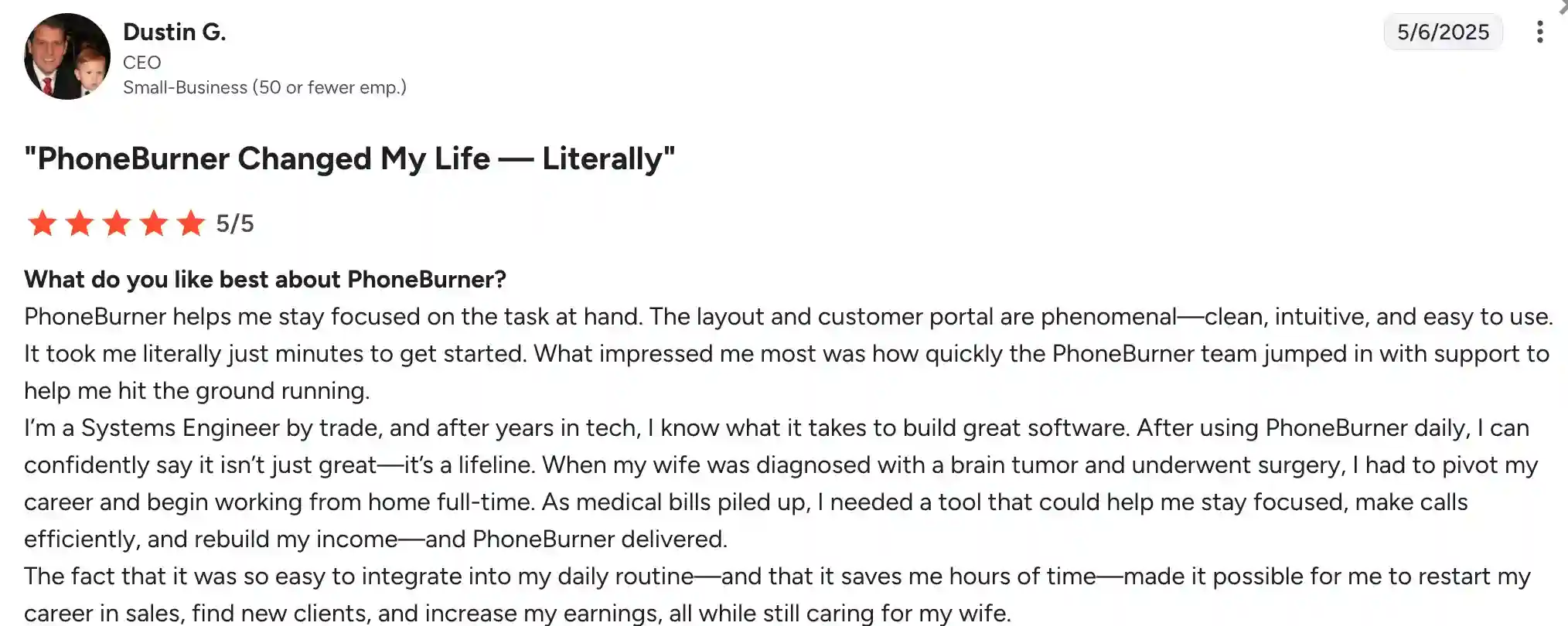
Users consistently praise PhoneBurner for the ease of use and the significant time savings it offers in outbound calling workflows. Many sales teams highlight how it helps increase connection rates and streamline follow-up tasks.
On the downside, some users consider the lack of a mobile app a significant limitation.
Pricing
These pricing plans are billed annually:
- Standard (does not include web-based dialer): $140/user/month
- Professional: $165 user/month
- Premium: $183 user/month
Free trial
Yes, there is a 7-day free trial.
Kixie – best for sales teams that want fast CRM-based dialing
Kixie is a sales engagement and VoIP phone system. It’s great for sales and support teams that are trying to smooth out their calling workflows and boost productivity. The platform is known for its ease of use, quick setup, and automation tools that help reps connect faster and follow up smarter.
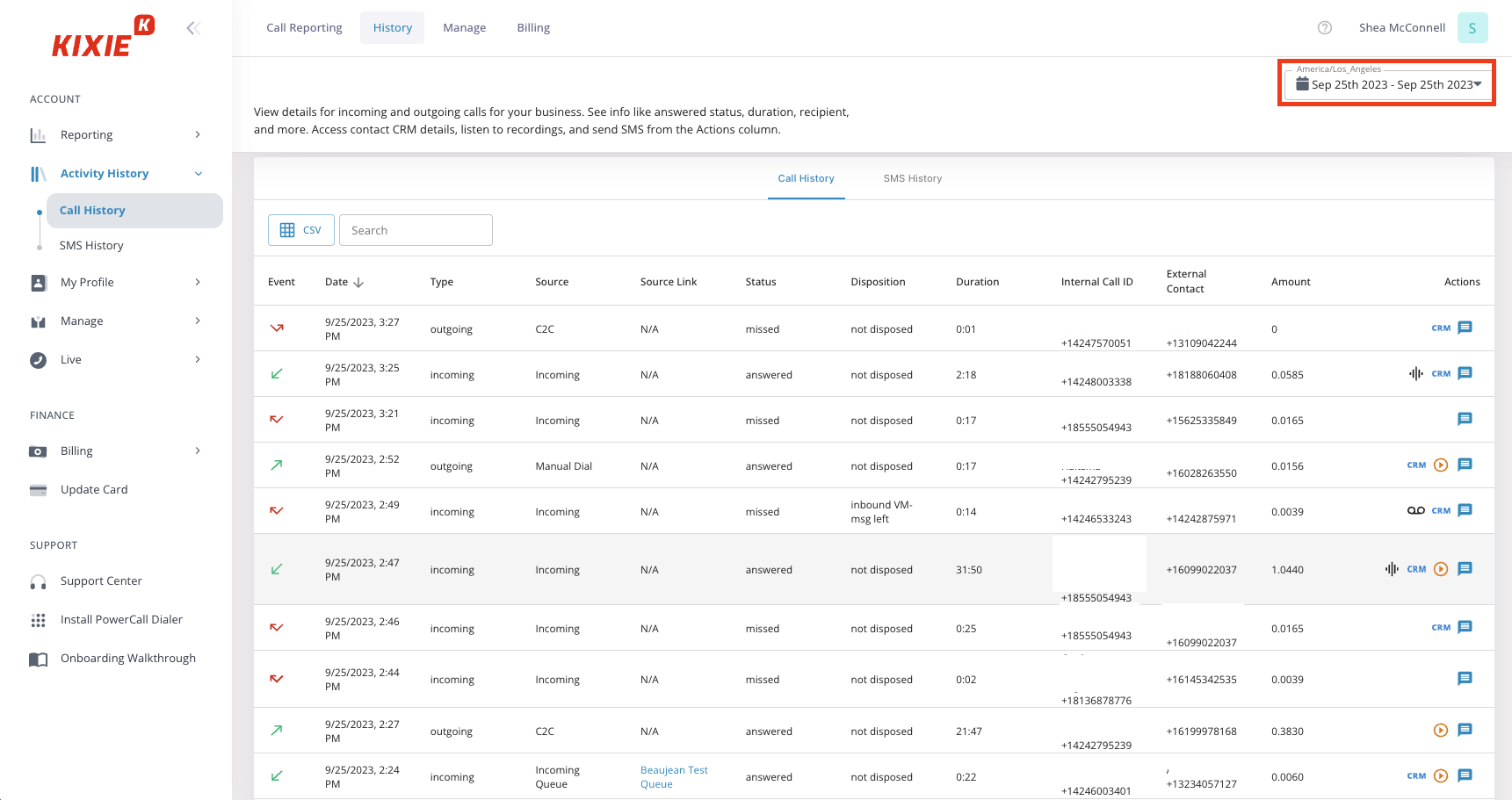
Features
- Power dialer
- Click-to-call from CRM
- Voicemail drop
- Call recording & analytics
- Call coaching and live monitoring
- SMS and call automation
- AI-powered call scoring
Integrations
CRMs and helpdesk systems
What does Kixie lack?
- Calling minutes: It’s not that they don’t have them, it’s the fact that they come at an extra price.
- User permission settings: Kixie’s capabilities on this front are somewhat basic.
- Dialers: They do not offer a predictive dialer.
- Occasional call quality issues: Some users have noted dropped calls or inconsistent audio quality, especially during peak hours.
- Basic reporting tools: While useful, analytics features are not as customizable as those of some alternatives.
See our full comparison: MightyCall vs Kixie.
G2 customer feedback
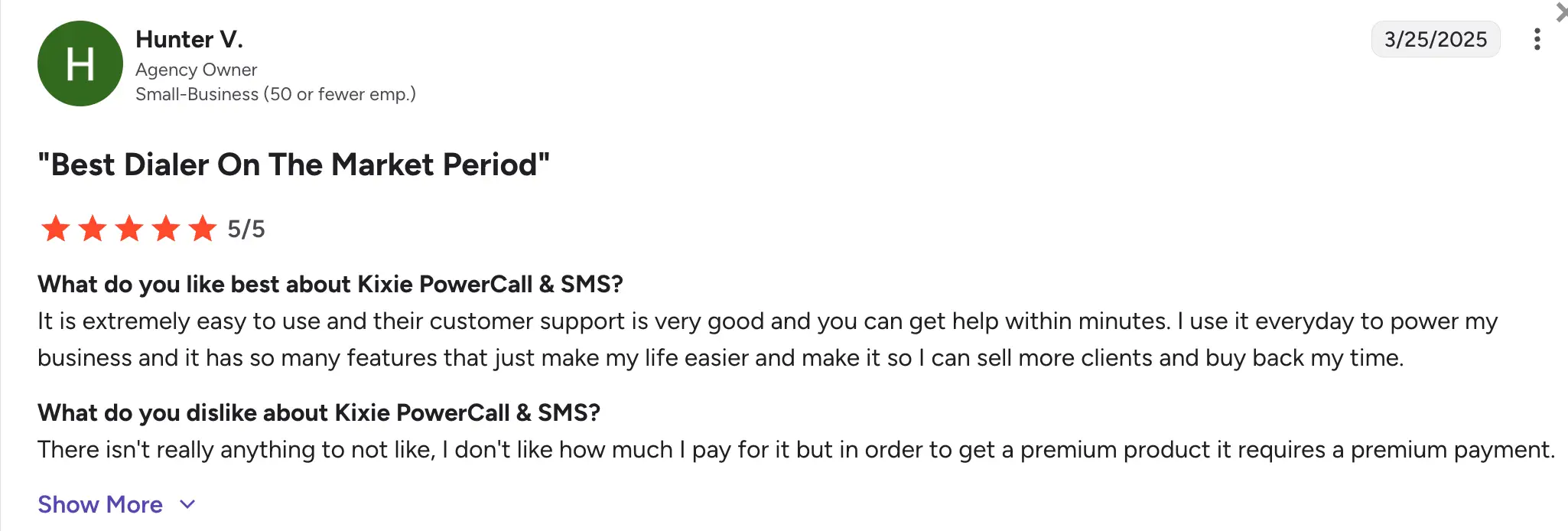
Users frequently praise Kixie for the ease of use, especially for sales teams that need a fast and effective dialer. The click-to-call feature and local caller ID are also top favorites among users.
However, some customers mention occasional glitches with call quality and note that the reporting tools could offer more depth for larger teams that need more detailed performance insights.
Pricing
The pricing is not indicated on the website; you will need to request a quote.
Free trial
They offer a 7-day free trial.
ViciDial – best for technical teams that want open-source call center flexibility
ViciDial is an open-source call center solution. It’s primarily used by telemarketing teams, customer support departments, and political campaign centers. ViciDial has a large global user base and is often used by businesses with dedicated IT teams or technical expertise. Probably not the best MightyCall alternative since setting up an open-source solution is a bit more complex. This is still a good choice for those who are ready to put in the work.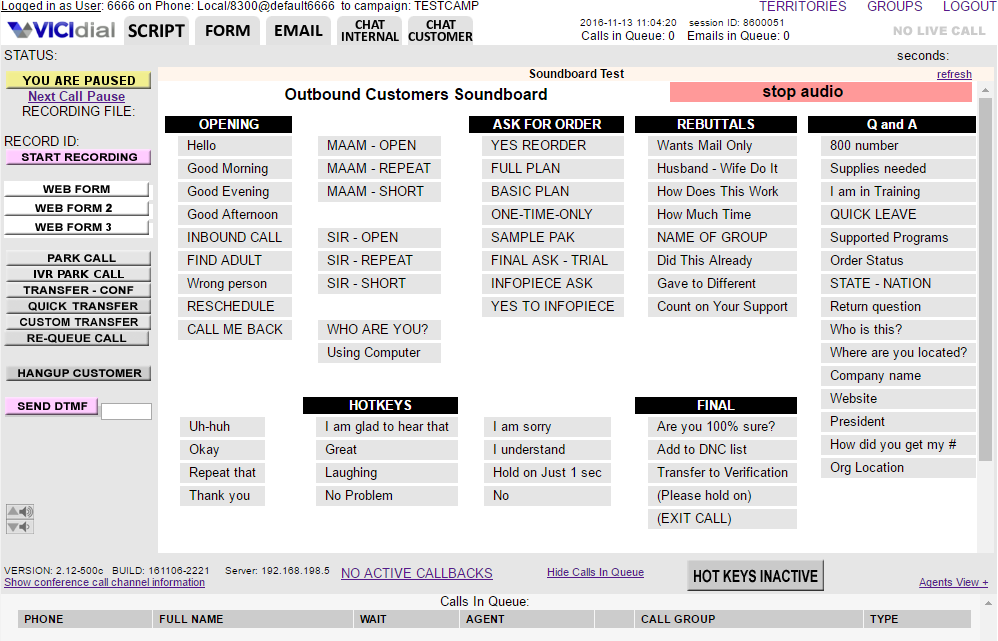
Features
- Predictive, power, and manual dialing
- Call recording
- Automatic call distribution (ACD)
- Agent performance reporting
- Web-based agent and admin interface
- Inbound and outbound call blending
- Voicemail drops
Integrations
- CRMs and helpdesk systems
- Custom integrations via API
What does ViciDial lack?
- Not user-friendly for non-tech teams: Setup and maintenance often require technical knowledge or IT support.
- Lack of proper support: Since it’s open-source, users are responsible for hosting, updates, and troubleshooting unless they hire third-party support.
- Setup fee: Mightycall offers it for free, while ViciDial has a starting price of $1,000.
- Included minutes: They do not offer free minutes; you will have to pay per minute.
See our full comparison: MightyCall vs ViciDial.
G2 customer feedback
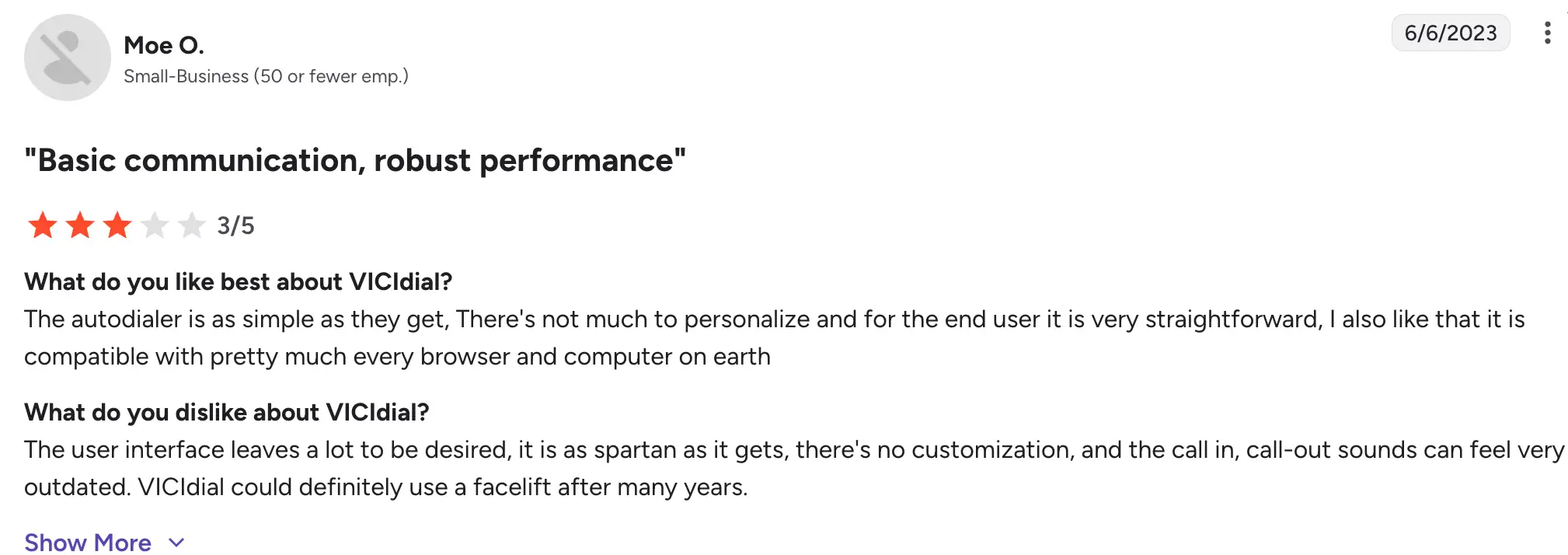
Users appreciate ViciDial’s cost-effectiveness and ability to customize the system to suit their specific needs. It’s particularly praised by organizations with in-house developers or tech-savvy teams that want to tailor every aspect of their call system.
On the downside, many users mention the complexity of setup, the steep learning curve, and the outdated UI as significant disadvantages.
Pricing
As an open-source platform, ViciDial is a free alternative that can be downloaded and used. However, businesses need to account for expenses for hosting, minutes, setup, maintenance, and third-party support services.
Free trial
ViciDial is open-source, so there’s no formal trial option, but you can test it freely if you’re able to install and configure it yourself.
What to look for when choosing a business phone system?
Picking the right cloud phone service can make a big difference in how smoothly your business runs and communicates, both internally and with customers. Here are a few key things to keep in mind as you make your decision:
- Core features and integrations: Focus on the tools you’ll actually use, things like call routing, voicemail-to-email, mobile apps, and integrations with your CRM or helpdesk software.
- Scalability: Make sure the service can grow with your business. You shouldn’t have to switch providers every time you hire a few more people or open a new office.
- Reliability: Look for providers that offer strong uptime guarantees and have a solid infrastructure in place to minimize dropped calls and outages.
- Security: A good phone system should protect your data. Make sure it uses encryption and complies with industry regulations like GDPR or HIPAA if relevant.
- Transparent pricing: Watch out for hidden fees. Compare pricing plans and check what’s included so you know exactly what you’re paying for.
- Customer support: Even the best systems run into issues. Go with a provider that offers helpful, responsive support when you need it.
Why MightyCall deserves a chance before you start exploring competitors?
We’ve used a few superhero analogies in this review, but choosing a business phone system is less about capes and more about finding the right fit for your team. After comparing features, pricing, and flexibility, it is clear that different providers stand out for different priorities. MightyCall is the strongest option for SMB teams that want affordable pricing, easy setup, and solid everyday call management.
Dialpad is the better fit for AI-first teams that want built-in transcription, summaries, and smarter call insights. Aircall works best for sales and support teams that rely heavily on CRM and helpdesk integrations. Google Voice for Business is the simplest budget option for companies already operating inside Google Workspace.
That said, MightyCall still stands out as a well-balanced choice, especially for small businesses. With a free trial and no immediate commitment, it is an easy platform to test first before exploring other competitors.