

Key takeaways
- The best power dialer for real estate agents depends on team size, client type, and CRM stack. There is no single tool that can fit every real estate operation.
- Agents who call within 5 minutes of lead capture are 21× more likely to convert, while manual dialing makes that lead response time window difficult to maintain at volume.
- Most power dialers fail to deliver ROI because agents do not build a consistent calling and follow-up routine around them.
- Solo agent (1–3-person team): Fast onboarding, flat pricing, voicemail drop, basic CRM logging. Mojo and REDX are common picks here.
- Growing team (4–20 agents): Team dashboards, call queue management, and coaching tools (whisper/barge-in). This is where MightyCall shines.
- High-volume acquisition team: Max line capacity, list management, per-seat pricing that doesn’t spike. Readymode or BatchDialer could be a good choice.
- CRM-heavy brokerage: Native two-way sync matters more than dial speed. Close and Kixie are good options here.
10 best power dialers for real estate at a glance
| Tool name | Max lines | Starting price | Free trial | G2 rating |
|---|---|---|---|---|
| Mojo | 3 | $89 | No | 4.1/5 |
| REDX | 3 | $299 | No | 4.2/5 |
| Vulcan7 | Not specified | Custom pricing | No | 0/5 (no reviews) |
| MightyCall | 10 lines per agent | $65 | Yes | 4.4/5 |
| JustCall | 1 | $69 | Yes | 4.3/5 |
| Aircall | Not specified | $70 | Yes | 4.4/5 |
| Readymode | Not specified | $239 | No | 4.6/5 |
| BatchDialer | Not specified | $119 | Yes | 4.3/5 |
| Close | Not specified | $109 | Yes | 4.7/5 |
| Kixie | Not specified | Custom pricing | Yes | 4.8/5 |
We will, however, look into every platform in more detail later on.
How we evaluated these top real estate power dialers
We compared 10 different call center software solutions that offer a dialer for real estate agents. For a detailed comparison, we used criteria that affect daily calling efficiency, client management, and overall value:
- Price: We assessed entry-level costs, per-user fees, usage limits, and whether essential features require a higher-tier plan.
- Dialing performance: We considered connection speed, voicemail handling, call quality, local presence, and support for power or multi-line dialing.
- CRM integration: We reviewed native integrations, contact synchronization, automatic activity logging, and workflow compatibility.
- Number of lines: We compared how many calls each platform can place simultaneously and whether line capacity varies by plan.
- Compliance standards: We checked tools such as DNC scrubbing, consent management, caller-ID controls, recording notices, and reporting features.
- User reviews: We considered customer feedback about reliability, usability, support, implementation, and value.
What is a power dialer and how does it work for real estate agents?
Power dialers help agents work through potential client lists faster by automating the repetitive parts of outbound calling. Instead of manually dialing every number, recording voicemails live, and scribbling notes between calls, the dialer keeps the agent moving from one client to the next. Meanwhile, the CRM works quietly in the background.
The call cycle steps typically look like this:
- The contact list is imported or synced live from the CRM.
- The agent starts a dialing session, and the dialer takes over.
- If no one answers, voicemail drops automatically, and an SMS can be triggered.
- If someone answers, the agent is connected to the contact instantly.
- When the call ends, the system automatically logs the outcome.
- The system dials the next number without the agent touching anything.
That means the agent’s only job is the conversation. According to Sales Hive, manual dialing averages about 15-25 contacts per hour, while a power mode can reach roughly 30 to 50.
That sounds great on paper, but it raises several questions: how do you determine which dialer suits your business best? How do you set up the outbound calling campaign to reach the maximum number of contacts on your list? How many agents need to be involved?
We’ll do our best to address all these questions. Let’s dig in.
Define your operation size
Before comparing dialers, identify the kind of real estate operation you run, because team size changes the features you need. Determine which of the described cold calling software offers the pricing that makes sense, and what kind of compliance setup you should expect from that package. A tool that works well for a solo agent may be too limited for a larger team, while enterprise-style dialing can be unnecessarily complicated for a small company.
Solo agent or small team (1–3 agents)
In a 1–3 agent operation, the same people contact, show, and close clients, so time is of the essence. Most calls target expireds, FSBO leads, and geographic farms. The budget is typically tight, so onboarding must be fast and the pricing predictable.
For a team like that, the top priorities are:
- Simple, fast onboarding. Preferably live within one day.
- Affordable flat-rate pricing with no hidden surprises.
- Voicemail drop and basic SMS automation.
- Reliable local presence dialing.
- Light CRM integration that logs the call without heavy configuration.
Growing real estate team (4–20 agents or ISAs)
A growing team has a manager or broker overseeing the process. In this case, the call volume is rising, and visibility into each agent’s activity and conversion is becoming critical. What’s important here?
- Multi-user infrastructure with team dashboards.
- Call queue management.
- Coaching tools: live whisper, barge-in, call recording
- Solid bi-directional CRM integration.
- Transparent pricing that doesn’t spike unpredictably with headcount.
High-volume acquisition team
A high-volume acquisition team is a dedicated unit of real estate investors, wholesalers, or a large ISA department running 200+ dials per agent per day. The primary KPI is cost per conversation, and client lists are large, frequently refreshed, and constantly re-allocated to keep agents working.
- Maximum line capacity.
- High-volume list management and lead prioritization.
- Performance monitoring for the best agent utilization rate.
- Per-seat pricing that holds (or doesn’t skyrocket) while the operations grow.
CRM-heavy real estate team or brokerage
A CRM-heavy team or brokerage runs its entire sales operation through its CRM: pipeline stages, follow-up sequences, reporting, and agent accountability all live there. The dialer must behave as a native extension of that system, not a separate tool that requires manual sync or constant tab-switching.
Pay attention to:
- Native bi-directional CRM sync.
- Omnichannel sequencing within the same platform.
- Data integrity: every call, recording, and disposition logged automatically.
- Advanced coaching and analytics.
- Core features are included, and not hidden behind higher tiers.
Best power dialers for solo agents and small real estate teams
Here are the three tools that consistently perform best for agents working on their own and small teams working on expired, FSBO, and farm leads. Which one is the best choice? Let’s find out.
Mojo dialer — best for solo agents who want speed without complexity
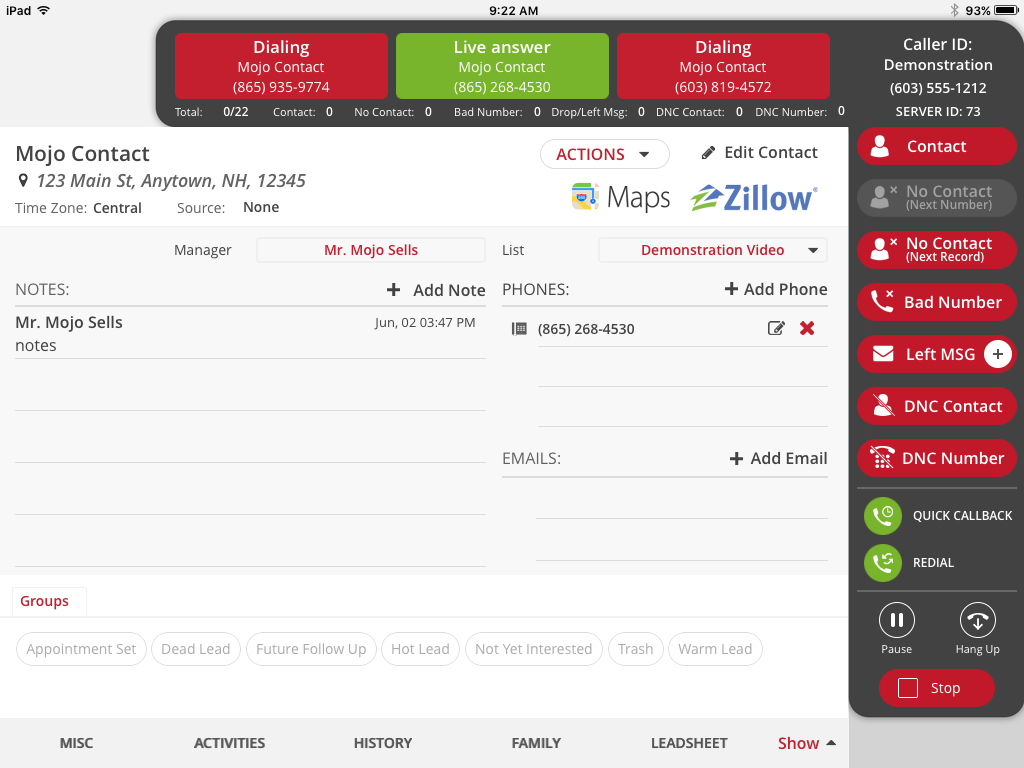
Mojo Dialer offers a dialing mode built specifically for high-volume real estate prospecting, especially for solo agents and small teams.
- What it does well: Triple-line dialing, an intuitive UI, voicemail drop, and fast onboarding.
- Prospecting fit: Expireds, FSBOs, pre-foreclosures, and neighborhood farming with high-volume sequential and parallel dialing.
- Key features for this segment: Single- and triple-line modes, mobile app, and local-presence caller ID.
- Pricing: Mojo offers an extensive range of pricing plans. However, dialer plans start at $89/license for a single-line power dialer setup. The triple-line dialer starts at $139/license.
- Honest limitation: Advanced SMS sequencing and CRM automation rely on Zapier or API middleware, and there are no built-in coaching tools; it is not designed to scale beyond about 3–4 agents.
- G2 rating: Mojo currently holds a score of 4.1/5 on G2.
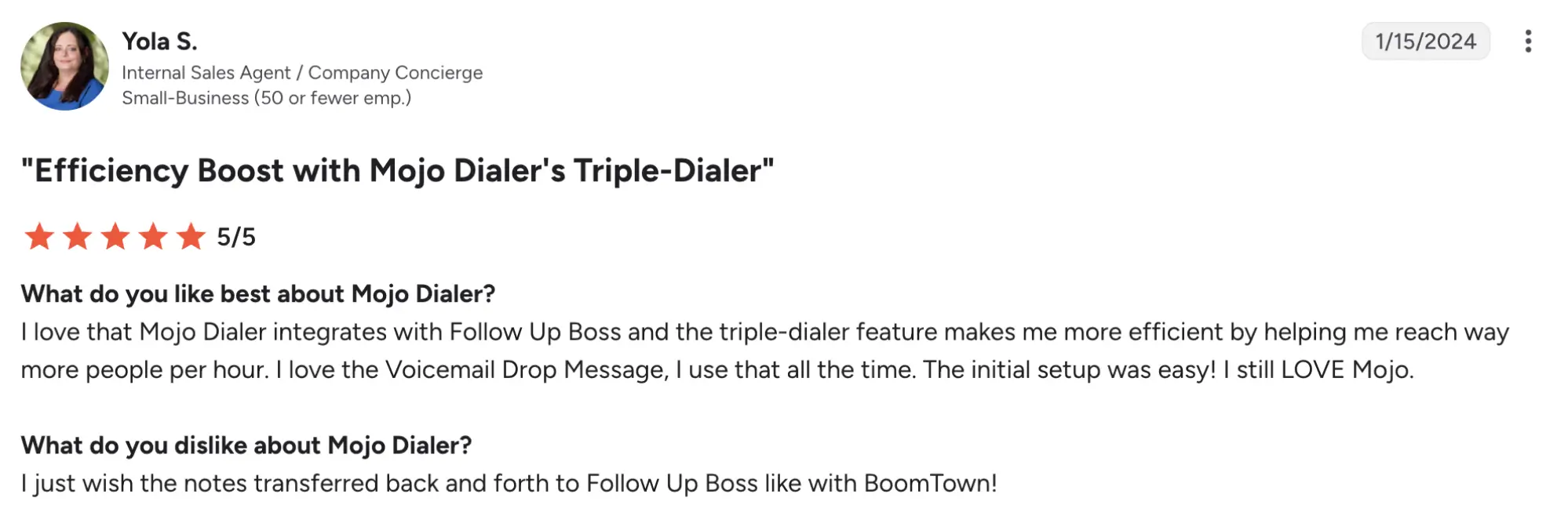
REDX — best for expired listings and FSBO specialists
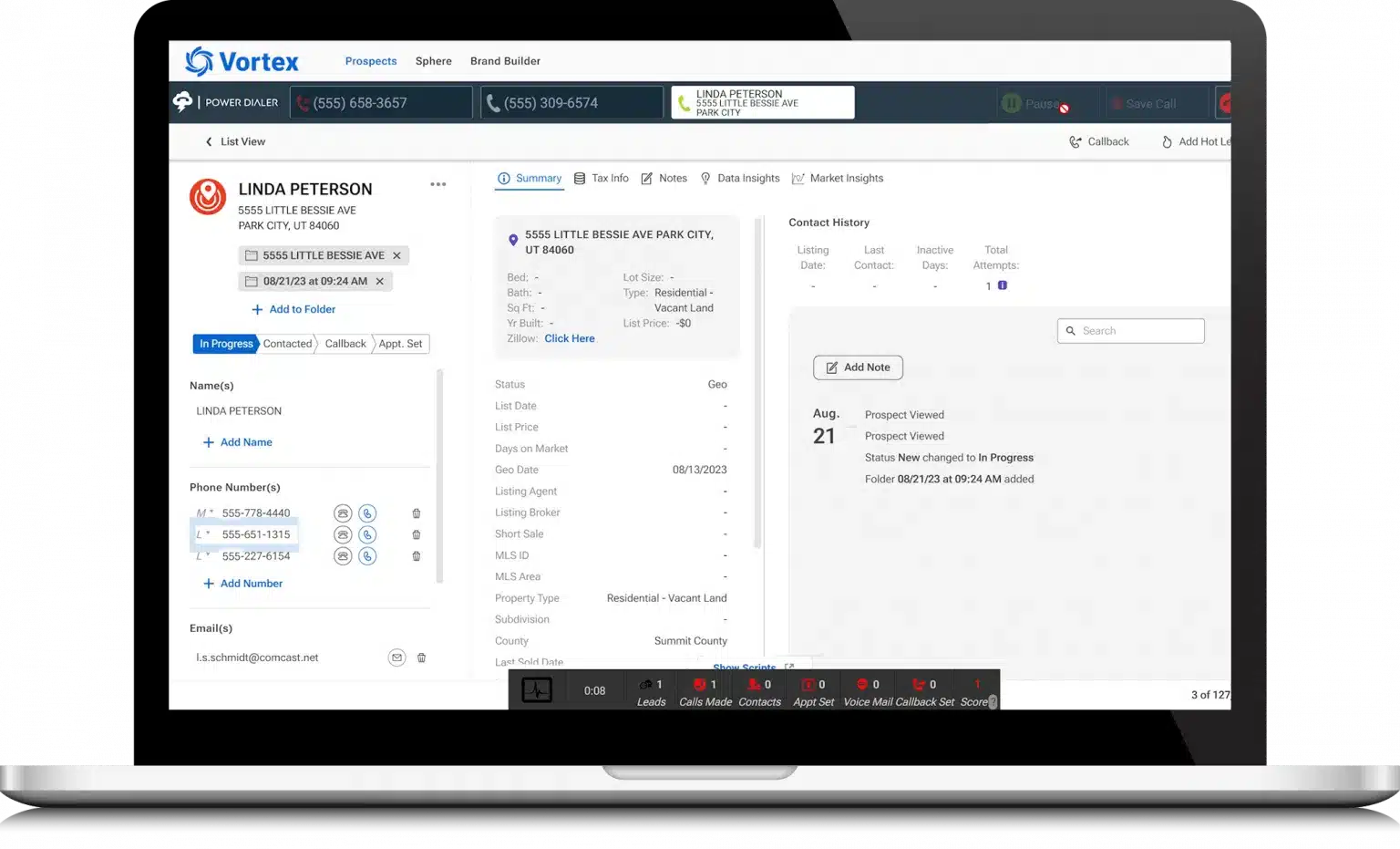
REDX combines prospecting data (expireds, FSBOs, GeoLeads, pre-foreclosures) with a dialer, built for agents who deal with expired and FSBO conversion.
- What it does well: The Vortex platform is integrated with a dialer that can dial up to about 130 clients per hour on a multi-line.
- Prospecting fit: Expired listings, FSBOs, circle prospecting, and motivated-seller outreach where data quality and speed matter.
- Key features for this segment: Spam monitoring, DNC filtering, call recording, and tight integration between leads and dialing inside Vortex.
- Pricing: The platform’s entry pricing for the Core plan is $199/month. However, for dialers, you can start with either the Connect plan at $299/month (single line) or the Pro plan at $349/month (triple line).
- Honest limitation: REDX is a lead data and dialing platform, not a full CRM; there is no native automated text messaging, email sequencing, or advanced workflow setup beyond calls, so agents must export to a separate CRM and often use Zapier.
- G2 rating: REDX holds a 4.2/5 score on G2.
Vulcan7 — best for geographic farming and higher-end markets
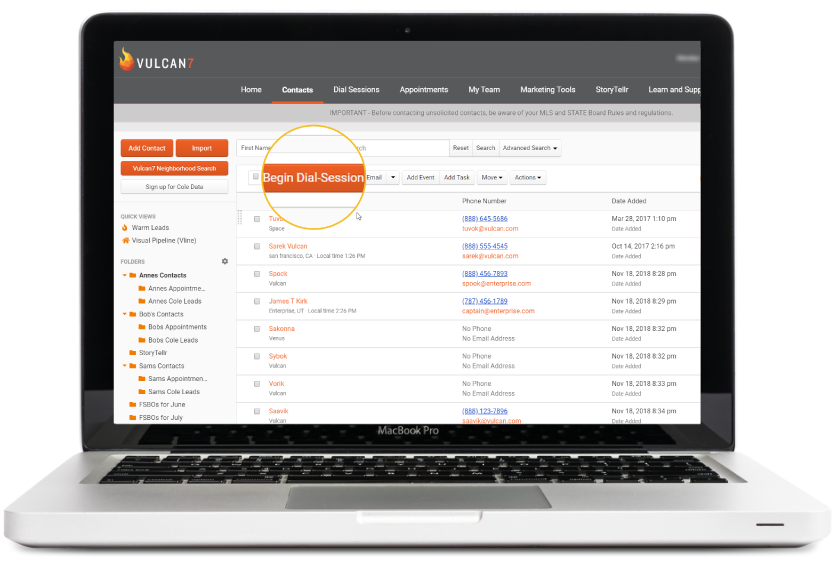
Vulcan7 is a premium dialing platform aimed at agents who prioritize highly accurate seller leads and geographic farming in competitive or higher-value markets.
- What it does well: High-accuracy skip tracing, up to around 80 dials per hour, map-based geo-farming and circle prospecting, and advanced filters such as absentee owners and high-equity homeowners.
- Prospecting fit: Geo-farming, circle prospecting, and targeted outreach in higher-end or niche neighborhoods where data quality is critical.
- Key features for this segment: Strong filtering for equity and ownership type, map-based tools, and a low-lag power mode for focused calling sessions.
- Pricing: Vulcan7 offers custom pricing only.
- Honest limitation: It is more expensive and less “full-stack”; SMS and email sequencing usually require external tools, and the platform is optimized for calling and data, not full marketing workflows.
- G2 rating: Unfortunately, Vulcan7 does not have any G2 reviews at the moment. Therefore, the current rating is 0/5.
Best power dialers for growing real estate teams
Moving from solo to team calling means prioritizing shared infrastructure and reporting over simple dialing speed. Let’s see which one is the best power dialer for realtors.
MightyCall — best for small-to-mid teams wanting simple team infrastructure
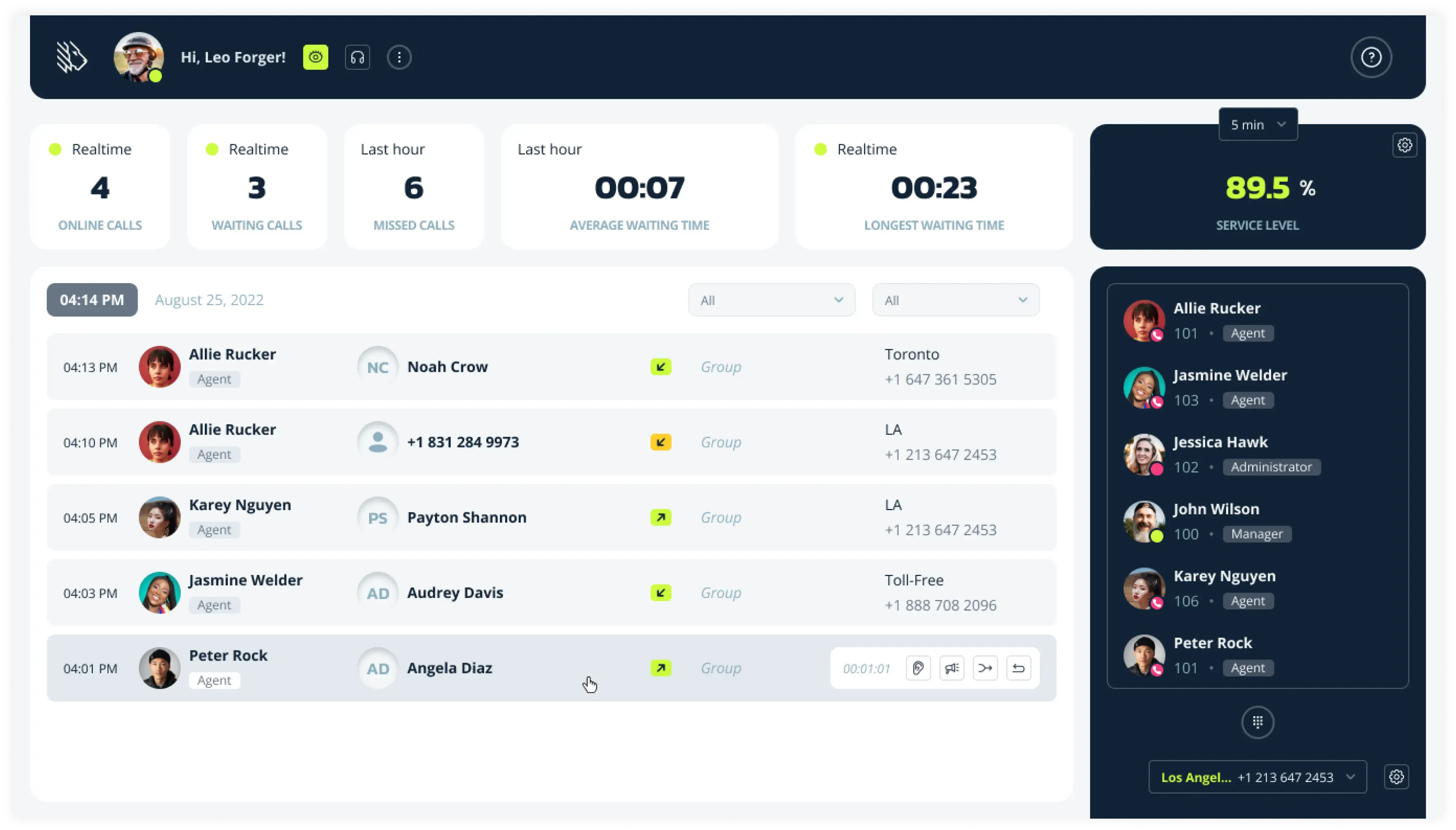
MightyCall is a cloud business phone system with auto-dialer capabilities, built for small and mid-sized teams that need reliable calling without heavy setup.
- What it does well: Straightforward call flow design, IVR menus, shared inbox, supervisor workspace, and live call monitoring for team oversight.
- Prospecting fit: Mixed inbound/outbound real estate teams that need structured call routing and basic outbound dialing alongside daily client calls.
- Key features for this segment: Auto dialers (predictive, power, and preview dialing mode), agent coaching tools, local presence, caller ID reputation, number autorotation, voicemail drop, and basic analytics.
- Pricing: Starts at $25/month for the Core plan, $45/month for Pro, $65/month for Power, and $75/month for Enterprise.
- Honest limitation: It is a general business phone system, not a real estate-specific dialer.
- G2 rating: MightyCall holds a 4.4/5 score on G2.


schedule your personalized demo with our amazing team

JustCall — best for teams running multi-channel outreach
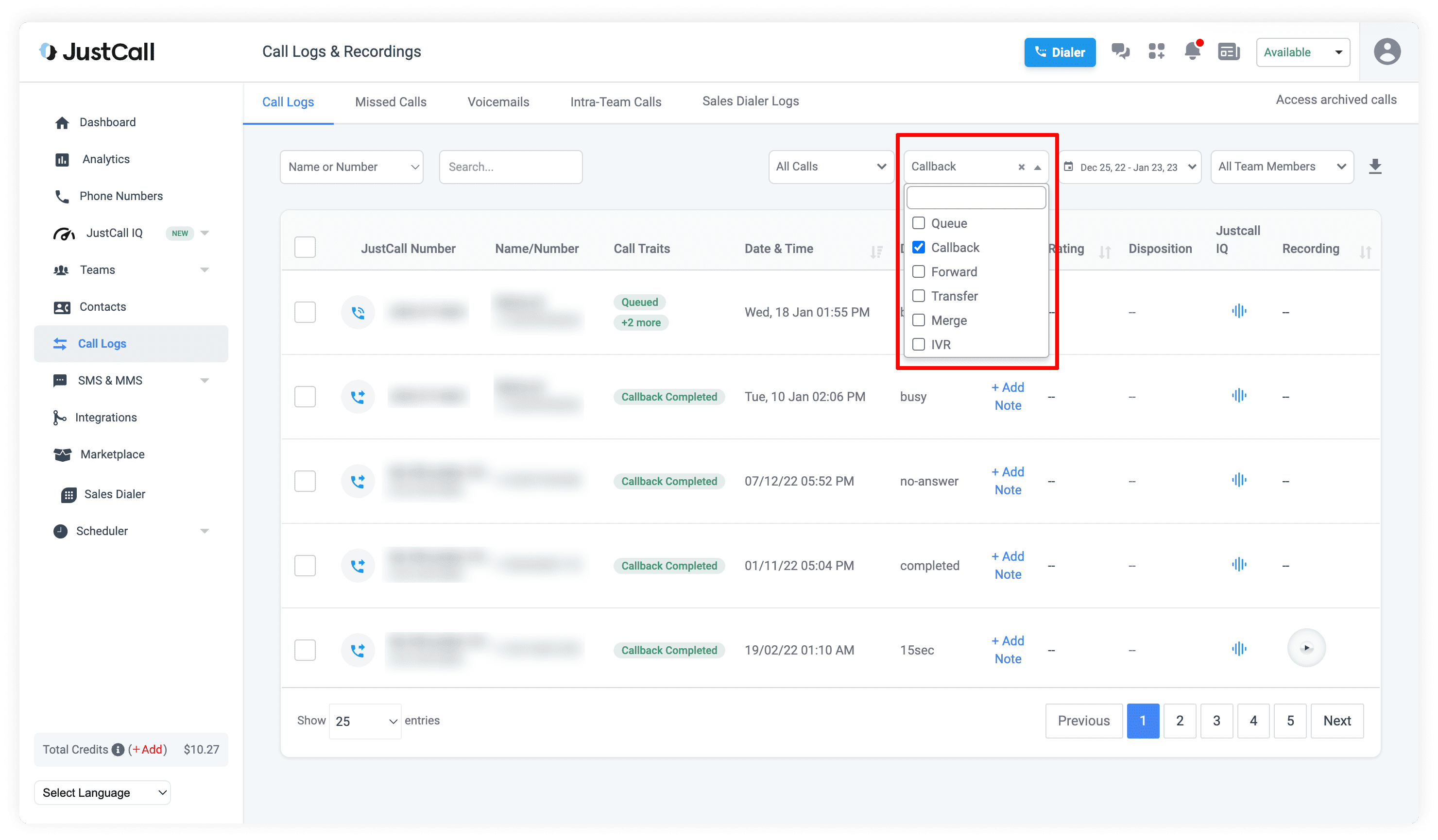
JustCall is a cloud phone system with power dialing built for sales teams that run call, SMS, and email sequences from one interface.
- What it does well: Bulk SMS, CRM integrations with Salesforce, HubSpot, Pipedrive, and AI transcription for call summaries.
- Prospecting fit: Real estate teams that combine calling with SMS-heavy follow-up.
- Key features for this segment: Power software on the Pro plan, WhatsApp support, shared inbox, team roles, and reporting.
- Pricing: JustCall offers four pricing plans: Team at $39/month; Pro at $69/month; Pro Plus at $109/month; and Business with custom pricing.
- Honest limitation: High-volume outbound setups may require additional tools or custom integrations beyond native features.
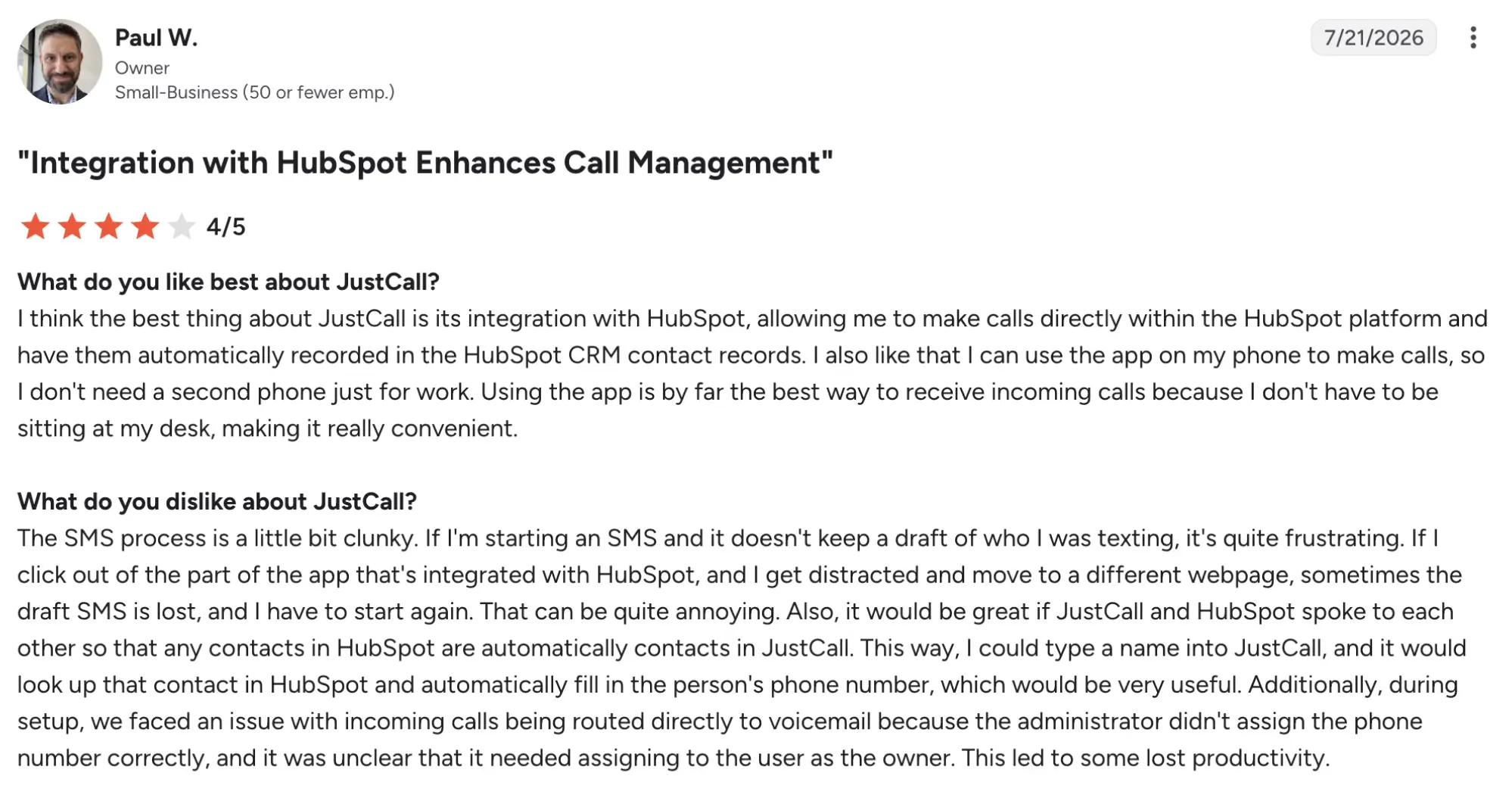
- G2 rating: JustCall has a 4.3/5 rating on G2.
Aircall — best for teams that need enterprise-grade reliability
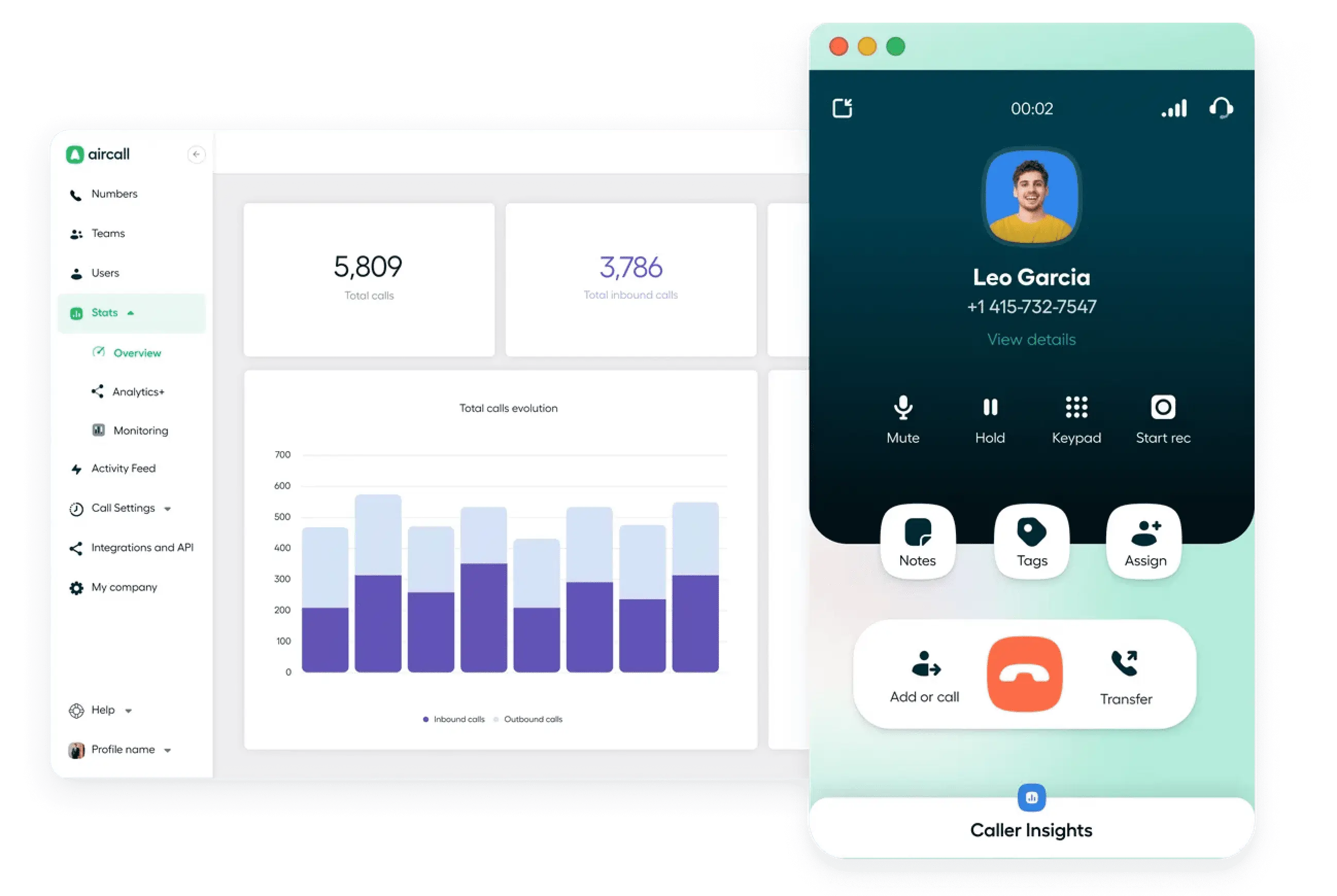
Aircall is a cloud phone system, built for teams that prioritize uptime, support, and strong integrations with major CRMs and helpdesk tools.
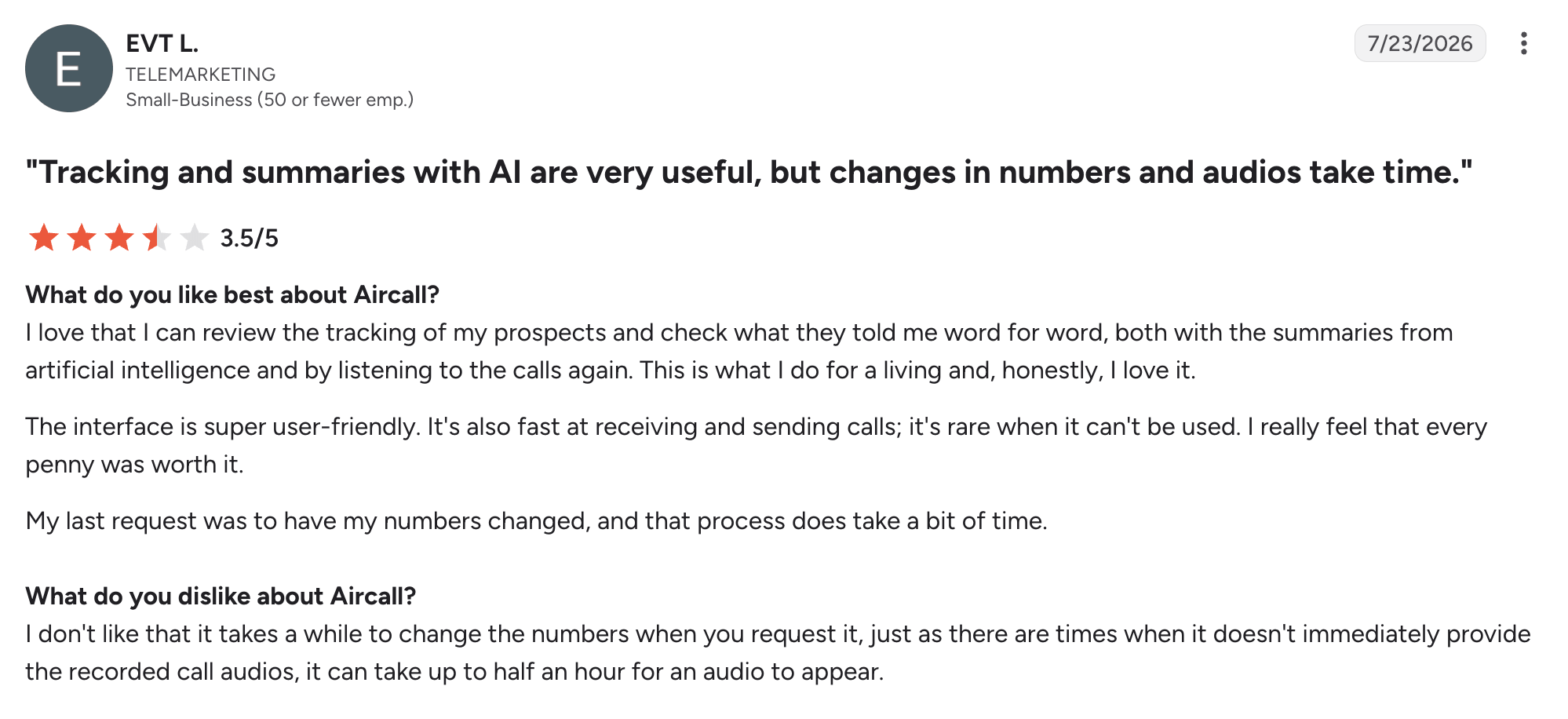
- What it does well: Stable call quality, call whispering for coaching, shared inbox, and advanced routing.
- Prospecting fit: Teams that treat calling as their core job, have a repeatable process, and want reliable infrastructure.
- Key features for this segment: Voicemail drop, advanced analytics, intelligent call routing, and queue callbacks.
- Pricing: Essentials starts at $40/month; Professional with power dialer is $70/month.
- Honest limitation: The sales dialer is only available on higher tiers, and real costs can climb with add-ons.
- G2 rating: Aircall has a 4.4/5 rating on G2.
Best power dialers for high-volume acquisition teams
The tools in this segment are for large-scale professional outbound operations.
Readymode — best for large ISA teams maximizing dial throughput
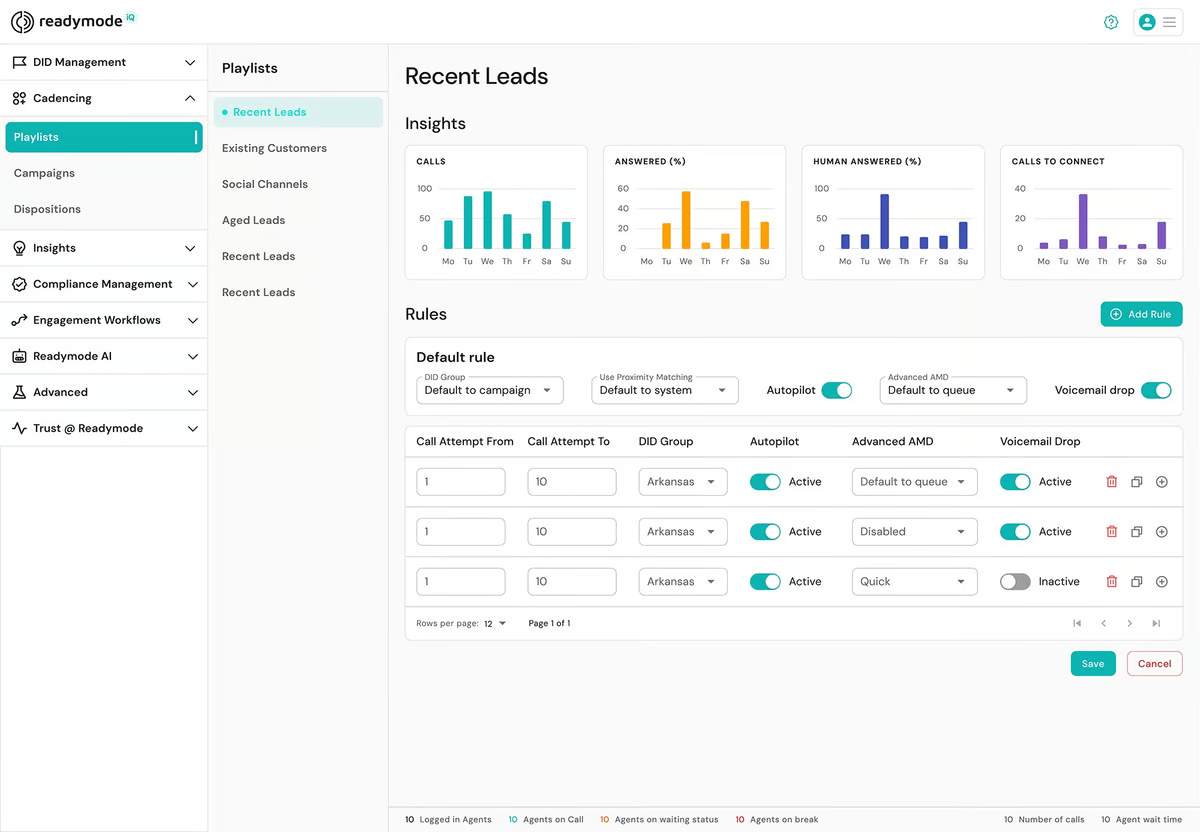
Readymode is a cloud-based platform for high-volume outbound teams, including real estate investors, wholesalers, and large ISA departments.
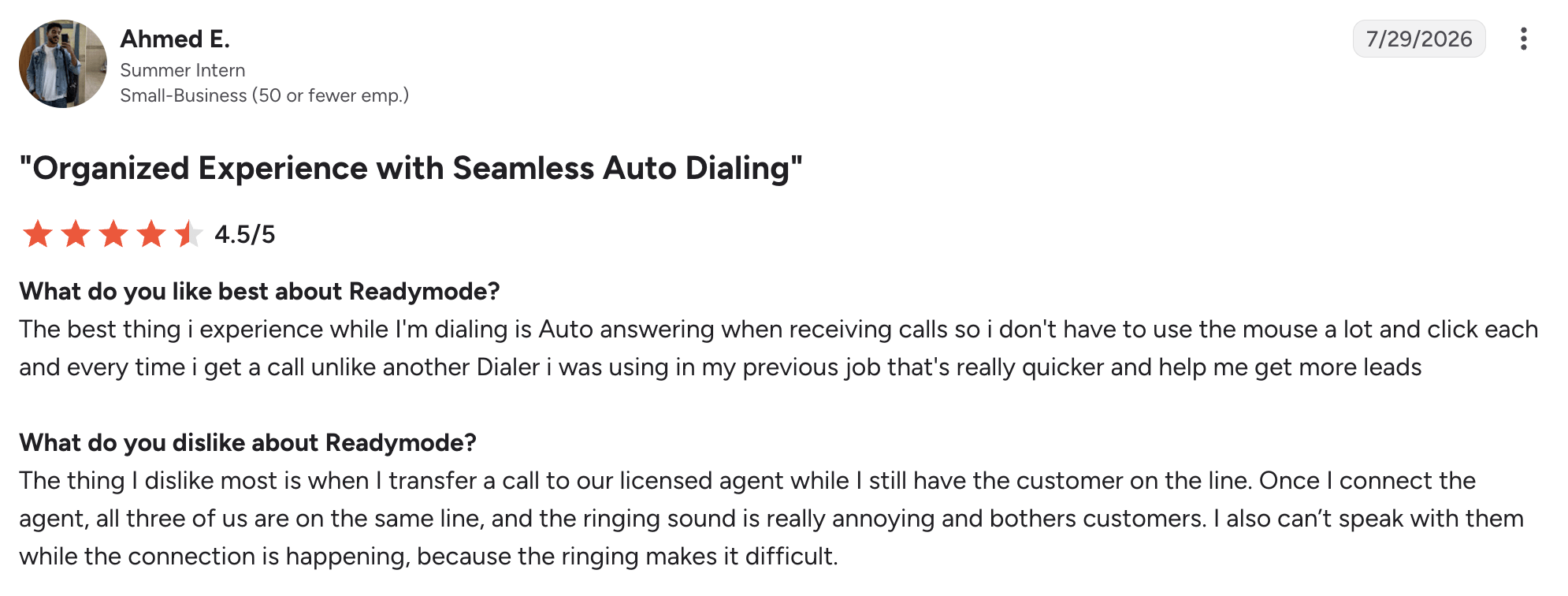
- What it does well: Predictive dialing mode and an integrated CRM for client handling and reporting.
- Prospecting fit: High-volume calling of distressed, absentee-owner, and motivated-seller lists where throughput and list management are the main constraints.
- Key features for this segment: List filtering, DNC scrubbing, call recording, scripting, and client distribution across multiple agents.
- Pricing: The platform offers two plans – Readymode Starter at $239/month and Readymode iQ at $299/month.
- Honest limitation: It is a general high-volume outbound platform, not a real estate–specific tool.
- G2 rating: Readymode has scored a 4.6/5 rating on G2.
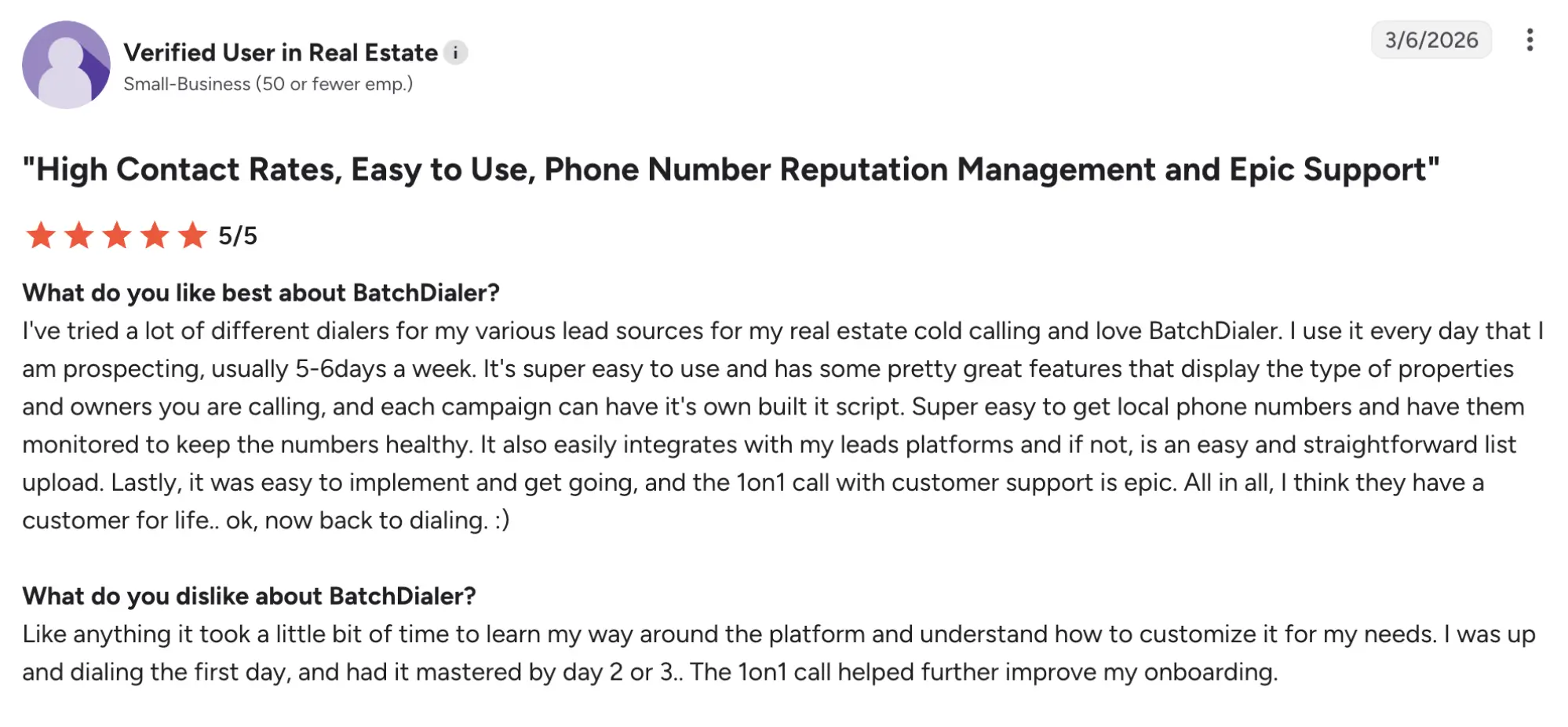
BatchDialer — best for real estate investors and acquisition-focused agents
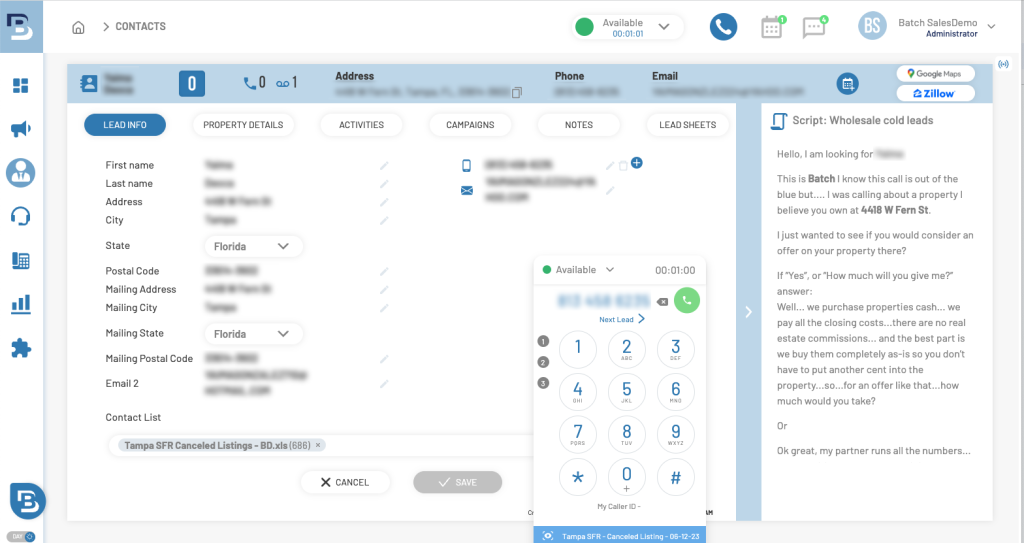
BatchDialer offers a multi-line dialer built specifically for real estate investors and acquisition teams that need to work large, frequently refreshed lists.
- What it does well: Built-in real estate potential client lists, AI-powered coaching, and call analysis.
- Prospecting fit: Investor outreach to absentee owners, distressed properties, pre-foreclosures, and other property-based audiences where list volume and number reputation matter.
- Key features for this segment: Real estate–specific filters, spam monitoring, and voicemail drop.
- Pricing: The entry pricing plan is the Starter at $119/month, Pro at $189/month, and Enterprise at $249/month.
- Honest limitation: Core features are often hidden behind higher tiers, and the platform is optimized for real estate investors rather than full-service brokerages.
- G2 rating: BatchDialer has a solid 4.3/5 rating on G2.
Best power dialers for CRM-heavy real estate teams and brokerages
In this segment, the primary evaluation criteria are integration depth and data integrity, not line count or base price.
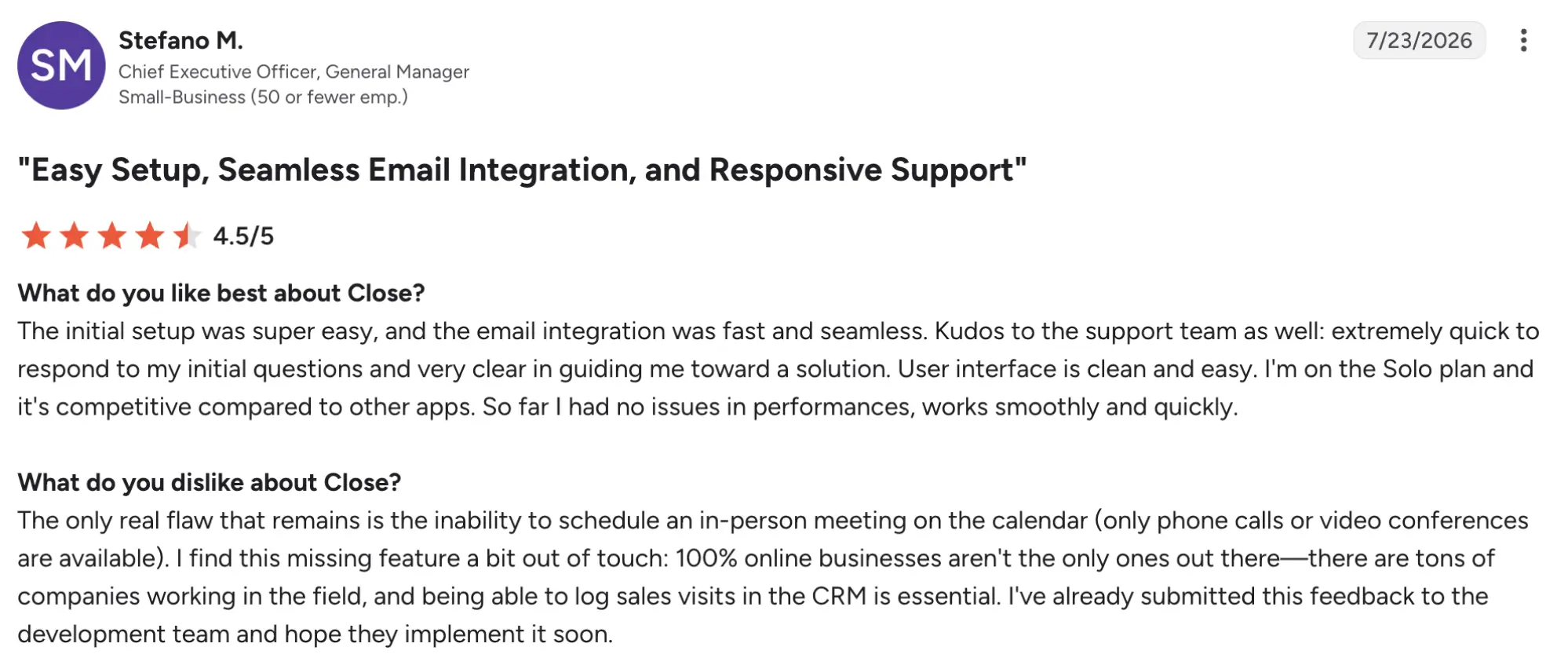
Close — best for teams already running their operation inside Close CRM
Close is an all-in-one sales CRM with built-in calling, including a native power dialer and predictive dialer.
- What it does well: Power dialing and predictive dialing directly inside the CRM, automatic call logging, and voicemail drop.
- Prospecting fit: Great for follow-ups and reporting.
- Key features for this segment: Call dispositions, call recording, and transcription.
- Pricing: Solo is $19/month, Essentials is $49/month, Growth is $109/month, and Scale is $149/month.
- Honest limitation: The dialer is designed to work within Close itself; if your brokerage relies on another system for recordkeeping, you will need API- or Zapier-based workarounds.
- G2 rating: Close CRM has a 4.7/5 rating on G2.
Kixie — best for CRM-heavy teams needing omnichannel automation across their existing stack
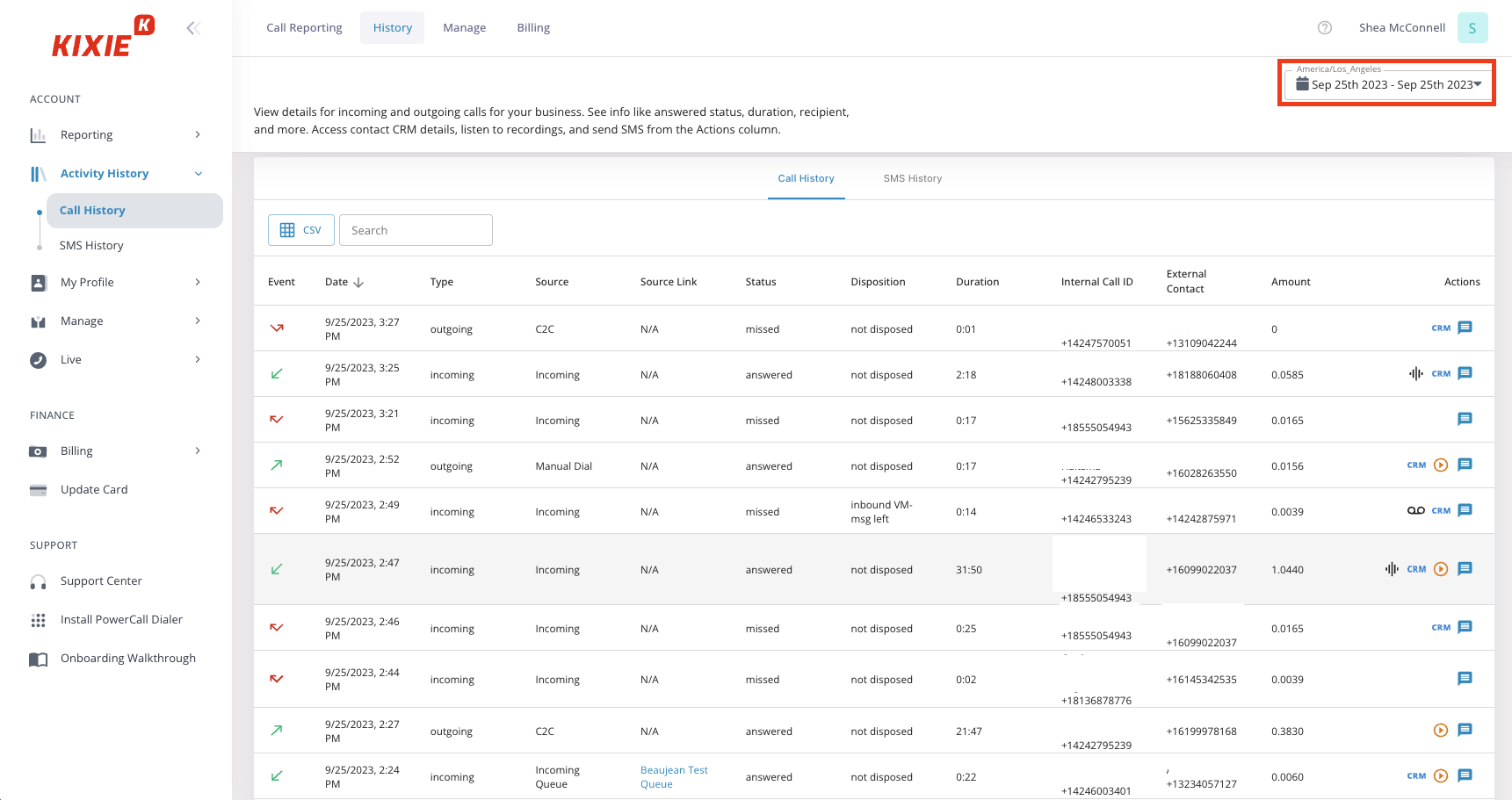
Kixie offers a dialer built for teams that need coordinated call, SMS, and email workflows across tools like HubSpot, Salesforce, and Pipedrive.
- What it does well: Spam protection and tight bi-directional CRM sync that logs calls, recordings, notes, and dispositions automatically.
- Prospecting fit: For teams that want to add high-volume outbound calling with automated follow-up sequences across multiple channels.
- Key features for this segment: Certified integrations with HubSpot, Salesforce, Pipedrive, and others.
- Pricing: Kixie has custom pricing. Please contact their sales team.
- Honest limitation: Kixie is only a dialing and engagement layer. Teams that need a defined workflow will need to invest in a more technical setup to realize full value.
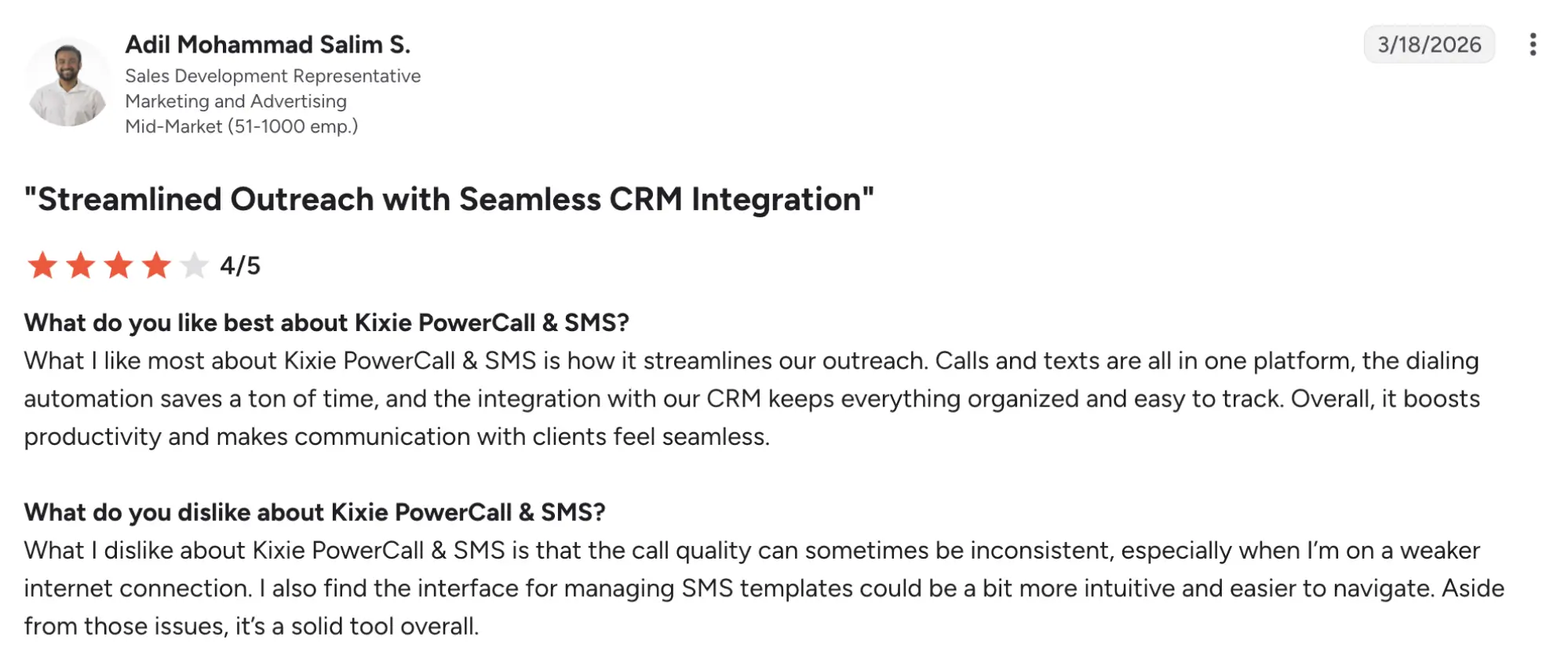
- G2 rating: Kixie is rated at 4.8/5 on G2.
Real estate use case for realtors
The following workflows show how power modes move from generic “more calls” to concrete, repeatable real estate processes that drive appointments and listings.
FSBO and expired listing sprint
In an FSBO and expired listing sprint, speed and volume are the dominant requirements, with same-day callback as the key competitive advantage. The agent pulls a fresh list of expireds and FSBOs each morning, starts a 90-minute power-dialing session, and runs a fixed cadence:
- Call.
- If no one picks up, leave a voicemail.
- Create a follow-up task for the next day.
With, let’s say, a target of 75–100 dials per 90-minute session, a typical outcome might be 15–25 connects, 5–8 qualified conversations, and 1–3 booked listing appointments from a single focused sprint.
Buyer inquiry nurturing sequence
A buyer inquiry nurturing sequence unfolds over 7–10 days and is led by SMS, with calls used as follow-up, not the other way around. The first touch goes out within 5 minutes of the inquiry (an instant SMS confirmation, then a same-day call), followed by a set cadence:
- An SMS nudge at 24–48 hours.
- A ringless voicemail on day 3–4.
- Another call on day 5–6, and a final “breakup” message around day 7–10.
Lead nurturing automation matters here because buyer timelines are longer and less predictable than seller timelines.
Coordinated ISA team acquisition campaign
A coordinated ISA team acquisition campaign is a multi-agent, concurrent dialing session run by an ISA team supporting multiple listing agents. The team manager starts a synchronized session, listens in with live whisper coaching on key calls, and uses hot-lead tagging to automatically push qualified appointments directly into listing agents’ calendars.
At scale, the metrics that matter are total dials per session, connection rate, and appointments per agent per hour. That way, the ьфтфпук can see whether the team needs more coaching, or if the cold calling script needs a bit of tweaking.
Features every real estate power dialer must have
In this section, we lay out the universal baseline: the minimum set of features every real estate dialer software should have, no matter your team size or segment. Segment-specific needs to build on top of this foundation, but skipping these structural basics is the most common buying mistake.
Judging tools only by surface features like line count or headline price, while overlooking these core capabilities, often leads to expensive mistakes.
Multi-line dialing and voicemail drop
Multi-line dialing covers a range of setups: single-line dialers call one number at a time, triple-line tools place up to three calls simultaneously, and advanced systems can handle 5–10+ concurrent lines for high-volume teams. More lines usually mean more conversations per hour, but they also bring greater TCPA compliance responsibility, especially around abandoned-call risk.
Voicemail drop becomes essential at scale: automatically leaving a pre-recorded message on no-answer calls saves precious seconds per attempt. According to SalesHive, it can save you from 30 to 60 seconds. The tradeoff is that higher line counts demand stricter list management and compliance controls to stay out of regulatory trouble.
Local presence dialing and spam flag defense
Local presence dialing means the caller ID matches the prospect’s area code, which typically boosts answer rates by making the call look more familiar and less “spammy.” The 2026 problem is that static local numbers pile up “Spam Likely” flags as carriers spot repetitive patterns, which slowly kills answer rates.
Dynamic number rotation (rotating through multiple local numbers per agent) is now the standard fix. To verify it actually works, ask vendors:
- Do you rotate numbers dynamically per agent or campaign?
- How do you monitor and fix spam flags on our caller IDs?
- Can you show real number-reputation dashboards or reports we can access?
Native CRM integration and automatic call logging
Integration depth breaks down into three tiers:
- Shallow integrations that only push call logs via Zapier or CSV.
- Native two-way sync that logs calls, outcomes, and notes directly into your CRM activity timeline.
- Deep workflow integration where dialing sessions, tasks, and follow-up sequences are triggered and managed inside the CRM itself.
Real estate teams commonly use software, such as Follow Up Boss, HubSpot, Salesforce, Pipedrive, and Close, so the dialer needs to fit your stack. Shallow integrations create data gaps and manual work; native or deep integrations keep your pipeline and reporting accurate.
Number reputation management
Number reputation management is the process of actively monitoring and maintaining number health scores across carriers, not just assigning a local number at the start of a campaign.
How does it work? Carrier algorithms start flagging your numbers based on repetitive patterns and complaints. A good dialer continuously monitors health scores, automatically swaps out flagged numbers, and clearly reports which numbers are degraded and why.
TCPA compliance, DNC scrubbing, and time-zone protection for realtors
Compliance is a business survival requirement, not a feature checkbox. TCPA and related rules can trigger penalties of up to $500 per violation, rising to $1,500 for willful or knowing violations, and DNC-related civil penalties can reach tens of thousands per violation in some enforcement tracks. A single bad-list call to a litigious client can cost more than a full year of dialer subscription fees.
What TCPA compliance actually requires from your dialer
TCPA compliance in practice means your dialer enforces specific protections before, during, and after every calling session, not just in a policy document.
- National DNC Registry scrubbing must happen automatically before every session, not just at list import, so recently added numbers are blocked in real time.
- State DNC lists exist separately from the federal registry and require separate scrubbing in many states, so your dialer must support state-level exclusions.
- Time-zone guardrails must prevent calls before 8 AM or after 9 PM in the client’s local time zone, using IP, area code, or verified location data.
- Abandoned call rule: if a dialer connects a call and no agent is available within 2 seconds, that is a violation under federal rules.
- Consent requirements for auto-dialed calls to cell phones are evolving. Verify current requirements before launching new campaigns, especially if using AI or predictive modes.
The questions to ask any dialer vendor about compliance before you sign
- Does your DNC scrub happen automatically before every session, or do I initiate it manually?
- Do you scrub state DNC lists as well as the federal registry?
- How do your time-zone guardrails work? Are they automatic or do I configure them?
- What is your abandoned-call threshold and how is it technically enforced?
- If I receive a complaint, what documentation can you provide showing my compliance at the time of the call?
A vendor who cannot answer these questions clearly and specifically is a vendor whose compliance features are not working as advertised. These are questions we can and should verify directly with any dialer before purchase.
Coaching tools and sales team performance analytics
For teams running multiple agents or ISAs, coaching tools and performance analytics turn the dialer from a simple calling utility into a management system.
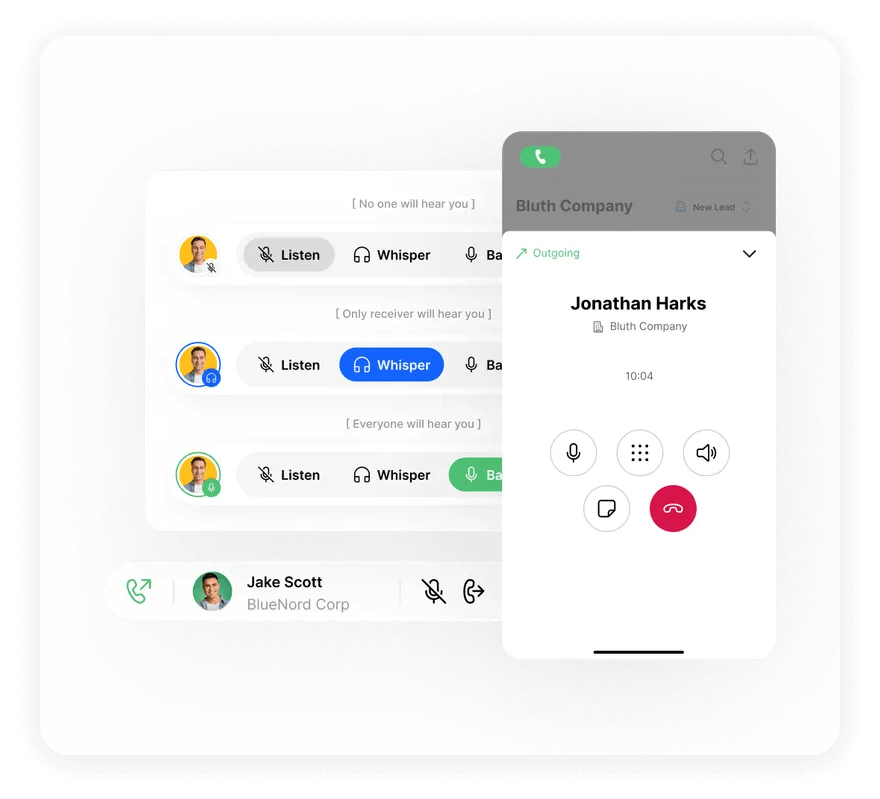
- Live whisper: The team manager speaks to the ISA during a live call without the client hearing. It’s critical for real-time coaching and script correction.
- Barge-in: Team lead joins the call directly when escalation is needed, such as a hot lead requiring senior-agent handling.
- Call recording: Essential for training new agents, quality review, and dispute resolution when clients challenge what was said.
- Real-time dashboards: Dials, connects, and appointments by agent, updated live during sessions, so managers can adjust scripts and lists on the go.
This category matters primarily to teams of four or more.
Power dialer ROI: An honest framework for real estate agents
This section is a calculation tool, not a sales projection: it shows how structured daily use of a dialer can shift your activity math, not what you’ll actually earn. The table below assumes consistent, routine use; your results depend directly on how consistently you adopt the system, which is why building a repeatable calling routine matters more than the specific brand you pick.
| Metric | Manual dialing | Solo agent with power dialer | ISA team with power dialer |
|---|---|---|---|
| Calls per hour | 20–30 | 60–100+ | 200–300+ (multi-line) |
| Live connects per day (4 calling hours) | 15–25 | 40–70 | 120–200+ |
| Listing appointments per week | 1–2 | 3–5 | 8–15+ |
| Admin time saved per week | — | 3–5 hours | 10–15+ hours |
| Estimated annual GCI uplift* | — | +$50k–$120k | +$150k–$400k+ |
Results will vary based on market conditions, list quality, script effectiveness, and how consistently you use the system. The math only works if you use the system consistently. A power dialer doesn’t create listings on its own; it amplifies whatever routine you run. If you don’t maintain a daily or near-daily calling cadence, the time savings and extra conversations never materialize, and the ROI collapses to “nice tool, wrong habits.”
From dialing speed to closed deals
Choosing the best power dialer for real estate means matching the tool to the scale of your operation. Solo agents, high-volume acquisition, and small or growing teams – each have different priorities. Across all segments, the pattern is the same: the dialer itself accounts for roughly 20% of the outcome; the routine built around it accounts for the other 80%.
The dialer is not a magic wand, and can’t do all the work. However, it’s a great tool that can make your agents’ lives easier. Identify your profile, shortlist the two top power dialers for real estate that match your needs, run both free trials simultaneously, and commit to a structured 30-day test before drawing any conclusions.