

Key takeaways
- MightyCall offers one of the best power dialer solutions for SMBs and small remote teams thanks to its super-easy setup, multiple dialing modes, and affordable pricing compared to enterprise contact center platforms.
- Five9 stands out for enterprise and large-scale outbound operations with advanced predictive dialing, workforce management, automation, and omnichannel capabilities.
- Teams that focus on CRM-driven outbound workflows should consider Aircall or Dialpad, both of which offer strong integrations and sales productivity features.
- Businesses running international outbound campaigns may benefit most from CloudTalk because of its global calling coverage and flexible dialing workflows.
When choosing a dialer, prioritize dialing modes, CRM integrations, analytics, AI features, compliance controls, and platform optimization for SMB sales teams or enterprise contact center operations.
Best power dialers for small businesses
| Software | Other dialer types that the provider offers | Starting price for dialers | Best for | G2 rating |
|---|---|---|---|---|
| MightyCall | Auto dialers: Progressive/power, preview, predictive, click-to-dial | From $65/user/month | SMB sales and support teams and small remote call centers | 4.4/5 |
| Aircall | Power, click-to-dial | From $70/user/month | CRM-driven SMB and mid-market sales/support teams | 4.4/5 |
| Dialpad | Salesforce-integrated power, click-to-dial | From $110/user/month | AI-assisted outbound sales teams | 4.4/5 |
| CloudTalk | Parallel dialing, preview, power, click-to-dial | From $69/user/month | Growing SMB and mid-market teams with international calling needs | 4.4/5 |
| PhoneBurner | Power dialer | From $165/user/month | High-volume outbound sales and inside-sales teams | 4.7/5 |
For SMBs, the best power dialer usually depends on outbound call volume, CRM requirements, and workflow complexity. MightyCall is a strong option for small remote teams that want lightweight outbound automation, while Aircall and CloudTalk are particularly useful for integration-heavy and international workflows. Teams focused primarily on high-volume outbound sales may prefer PhoneBurner because of its dedicated power-dialing workflow and automation tools.
Best power dialers for enterprises
| Software | Other dialer types that the provider offers | Starting price for dialers | Best for | G2 rating |
|---|---|---|---|---|
| RingCentral | Progressive/power, preview, predictive, click-to-dial | From $75/agent/month | Omnichannel enterprise and mid-market contact centers | 4.1/5 |
| Nextiva | Progressive/power, predictive, click-to-dial | Custom pricing | Blended inbound/outbound CX operations | 4.5/5 |
| Five9 | Progressive/power, preview, predictive, click-to-dial | Custom pricing | Large-scale outbound and blended campaigns | 4.1/5 |
| Talkdesk | Progressive/power, preview, predictive, click-to-dial, agentless | Custom pricing | AI-powered enterprise engagement | 4.4/5 |
| Freshcaller | Power, click-to-dial | From $39/user/month | Inbound support teams | 4.1/5 |
Enterprise teams typically need more advanced outbound functionality, including predictive dialing, workforce management, AI automation, analytics, and omnichannel routing. Five9 and Talkdesk are especially well-suited for large-scale contact center environments. At the same time, RingCentral and Nextiva are better fits for organizations looking to combine outbound calling with broader customer communication and collaboration workflows.
Our criteria for evaluating power dialer providers
We evaluated each power dialer based on pricing transparency, outbound dialing functionality, ease of use, scalability, integrations, and user feedback. We also considered how well each platform supports SMB and enterprise workflows.
- Price: We compared entry-level pricing and transparency, as well as whether power-dialing features require higher-tier plans or add-ons.
- Key dialer features: We evaluated support for power, predictive, and preview dialing, along with automation tools, analytics, voicemail drops, and CRM integrations.
- Compliance standards: We considered features related to outbound calling compliance, call recording controls, opt-out management, and enterprise security capabilities.
- User reviews: We analyzed G2 reviews to identify common strengths, limitations, and user feedback.
- Scalability: We assessed how well each platform supports SMB teams as they grow, as well as large enterprise contact center operations.
10 top power dialers: Detailed reviews
We have looked into the best options and reviewed every single power dialer solution in great detail.
1. MightyCall – best for SMB sales and support teams
MightyCall is a business phone system that offers outbound dialing tools for small sales and support teams. Its power dialer is designed for SMBs that want to automate outbound workflows without going for a full enterprise contact center platform.
The platform supports auto-dialing modes. That includes progressive, preview, and power dialers, as well as click-to-dial and predictive dialing. MightyCall is especially well-suited for remote teams that need simple campaign setup, shared call queues, and CRM-friendly outbound workflows without heavy onboarding requirements.
Pricing
These MightyCall plans include the following pricing per user/month:
- Core: $25
- Pro: $45
- Power: $65
- Enterprise: $75
Free trial
MightyCall offers a 7-day free trial.
Pros and cons
| Pros | Cons |
|---|---|
| Easy to set up for SMB teams | Advanced enterprise analytics are limited |
| Multiple dialing modes available, including one of the top power dialer options | Predictive dialing requires the Enterprise tier |
| Lightweight interface for remote teams | Smaller integration ecosystem compared to larger CCaaS vendors |
| Good balance between inbound and outbound calling |
User reviews
MightyCall has scored a 4.4/5 rating on G2. Users commonly praise the platform’s ease of setup, intuitive outbound workflows, and compatibility for small remote teams. Reviewers also note that the interface is less overwhelming than that of enterprise contact center software, though some users note limitations in advanced reporting and large-scale campaign automation.


schedule your personalized demo with our amazing team

2. Aircall – best for CRM-driven sales and support workflows
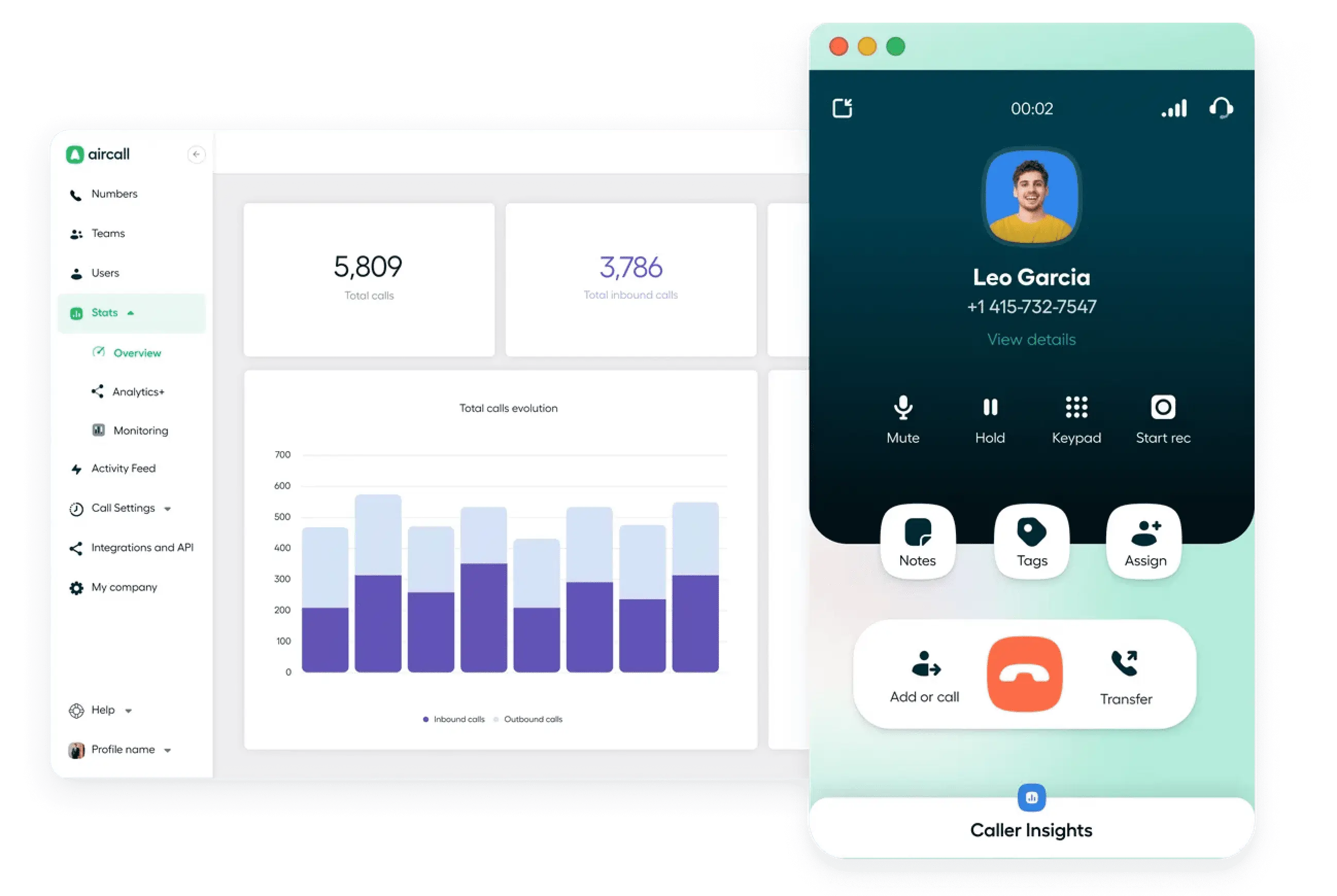
Aircall focuses heavily on integrations and collaborative calling workflows. Its power-dialing functionality is primarily designed for mid-sized sales or support teams that rely on CRMs and help desk platforms for day-to-day operations.
The platform includes power dialing and click-to-dial functionality, as well as integrations with Salesforce, HubSpot, Zendesk, and other customer engagement tools. Aircall is especially effective for teams that want outbound calling integrated directly into existing workflows rather than running standalone outbound campaigns.
Pricing
These Aircall plans include the following pricing per user/month:
- Essentials: $40
- Professional: $70
- Custom: You will need to contact their team for more details.
Power dialing is available starting at the $70 Professional plan.
Free trial
Aircall offers a 7-day free trial.
Pros and cons
| Pros | Cons |
|---|---|
| Strong CRM and help-desk integrations | Less focused on high-volume outbound campaigns |
| Easy workflow automation | Predictive dialing is not a major focus |
| User-friendly interface | Pricing increases quickly for larger teams |
| Good collaboration tools for support teams | Advanced outbound analytics are limited |
User reviews
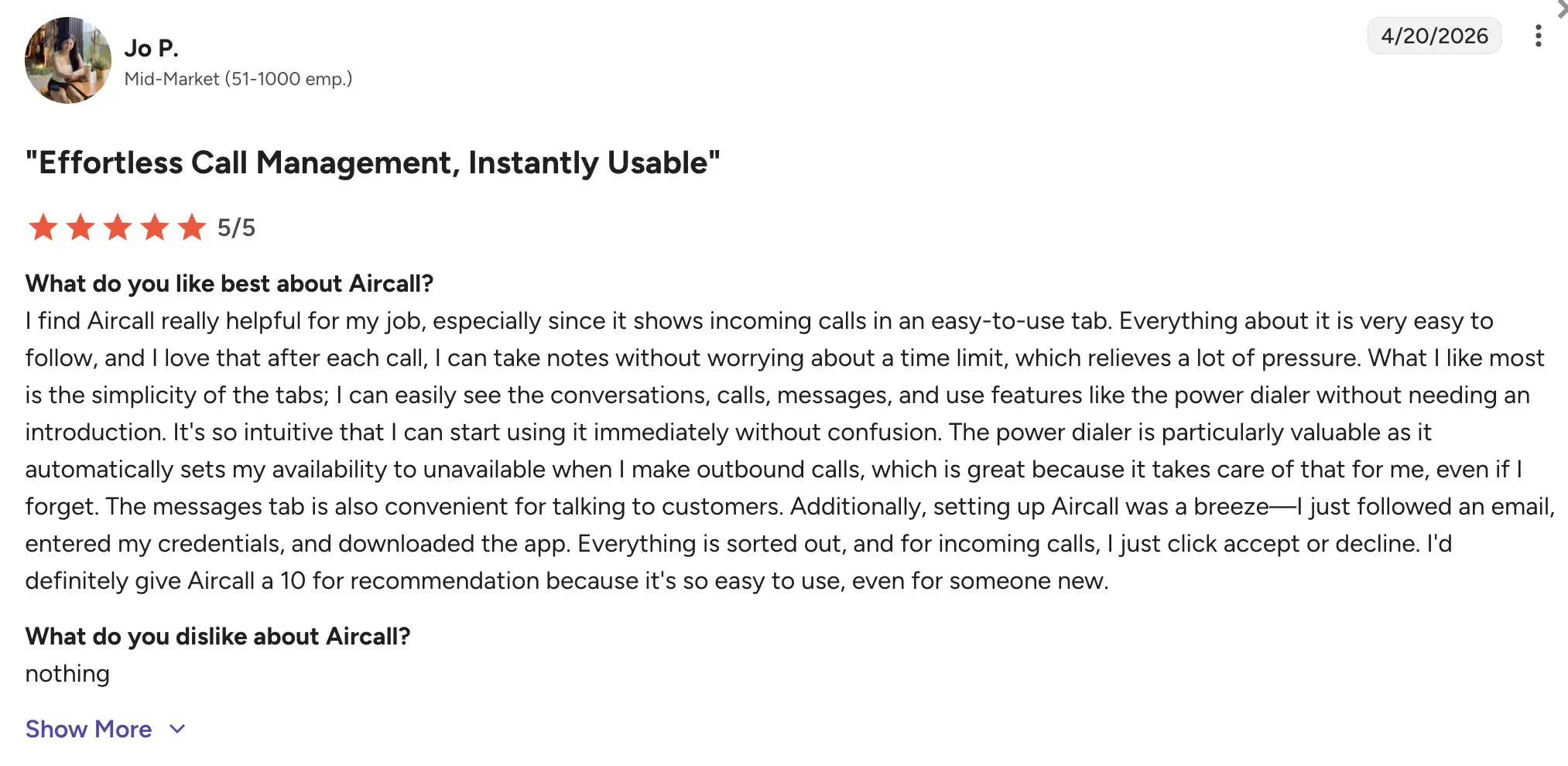
Aircall has a 4.4/5 rating on G2. Reviewers frequently highlight Aircall’s integrations and ease of use, especially for support and SDR workflows. Users often note that the platform integrates well with existing CRM processes, though some reviews highlight occasional call-quality issues and higher costs as teams scale.
3. Dialpad – best for AI-assisted outbound sales teams
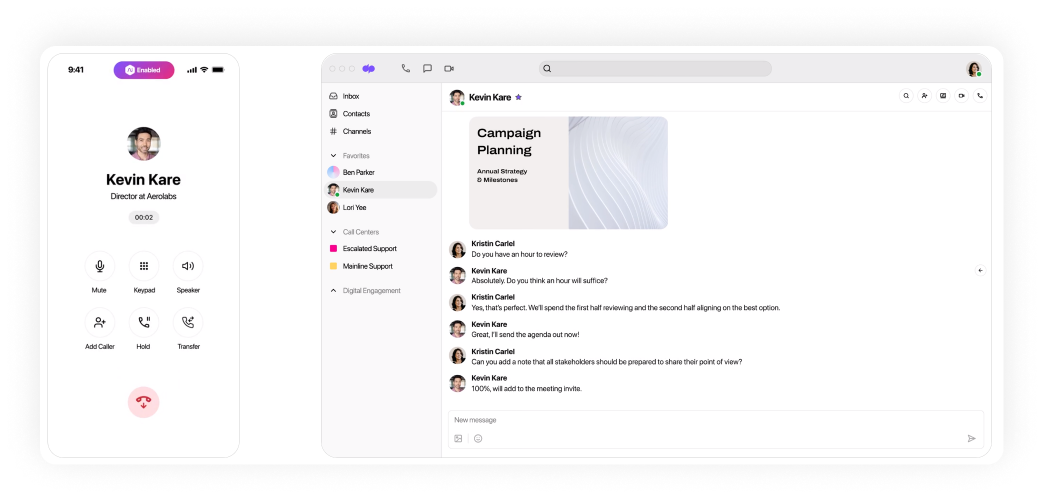
Dialpad combines outbound dialing with AI-powered coaching, transcription, and real-time conversation intelligence. Its power-dialing functionality is particularly geared toward sales organizations that use Salesforce and AI-driven sales workflows.
Dialpad includes a Salesforce-integrated power dialer alongside live coaching prompts, AI summaries, and call analytics. The platform works best for teams that want sales functionality integrated directly into outbound dialing rather than just basic call automation.
Pricing
These Dialpad Sell plans include the following pricing per user/month:
- Essentials: $49
- Advanced: $110
- Premium: $170
Dialer options are available at the $110 Advanced plan.
Free trial
Dialpad offers a 14-day free trial.
Pros and cons
| Pros | Cons |
|---|---|
| Strong AI and coaching features | More expensive than many SMB-focused dialers |
| Useful call transcription and summaries | Advanced features tied to higher tiers |
| Good sales productivity tools | Less focused on large-scale predictive campaigns |
| Requires adoption of the Dialpad ecosystem for full value |
User reviews
Dialpad has a 4.4/5 rating on G2. Users frequently praise Dialpad’s AI summaries, transcription accuracy, and Salesforce integration. Many reviewers say the platform improves coaching and follow-up workflows, though some users mention a learning curve around advanced configuration and reporting.
4. CloudTalk – best for international outbound calling
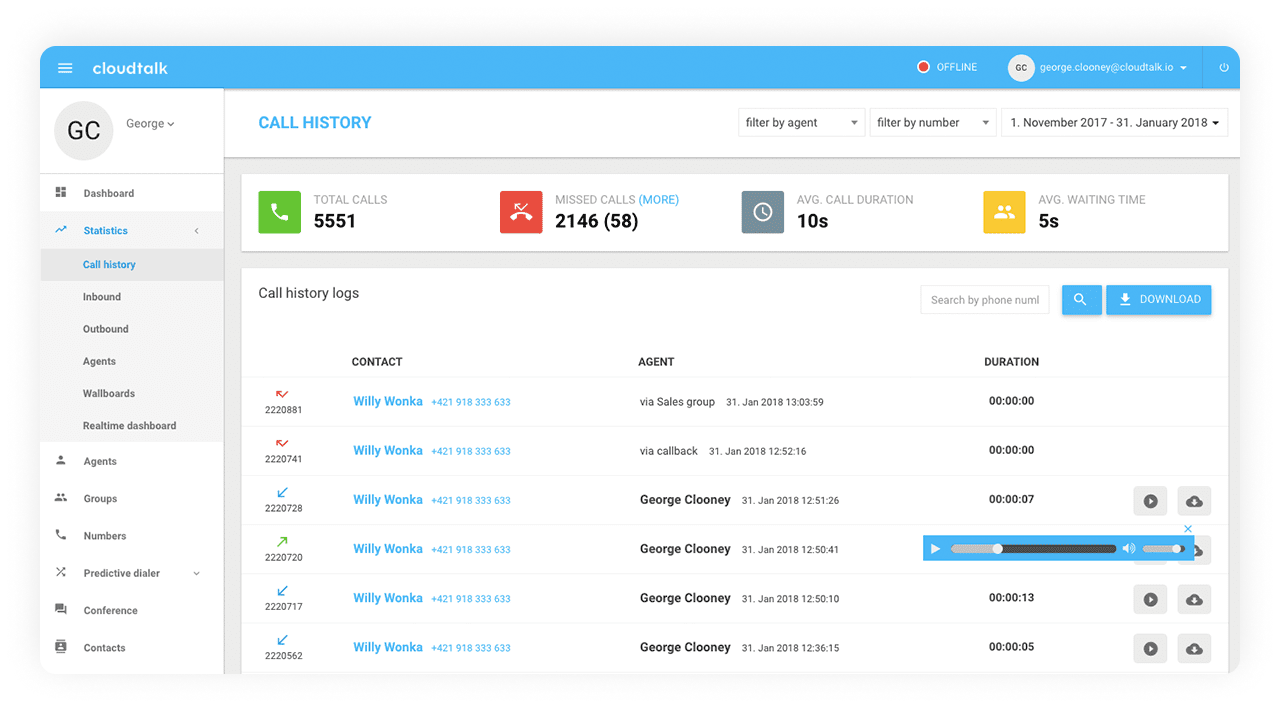
CloudTalk is designed for growing SMB and mid-market teams that handle both inbound and outbound international calling. Their dialing tools focus on helping distributed teams run efficient outbound campaigns across multiple countries and regions.
The platform includes a parallel dialer, preview dialing, multi-line power dialer, and click-to-dial functionality, along with international numbers, analytics, and CRM integrations. CloudTalk is particularly useful for recruiting, customer outreach, and support teams that need flexible international calling coverage.
Pricing
These CloudTalk plans include the following pricing per user/month:
- Lite: $27
- Essential: $39
- Expert: $69
Power dialing is available on the Expert plan starting at $69.
Free trial
CloudTalk offers a 14-day free trial.
Pros and cons
| Pros | Cons |
|---|---|
| Strong international calling support | Predictive dialing capabilities are limited |
| Multiple dialing modes | Reporting can feel basic for larger operations |
| Good CRM integrations | Some features require higher-tier plans |
| Suitable for recruiting and outreach teams |
User reviews
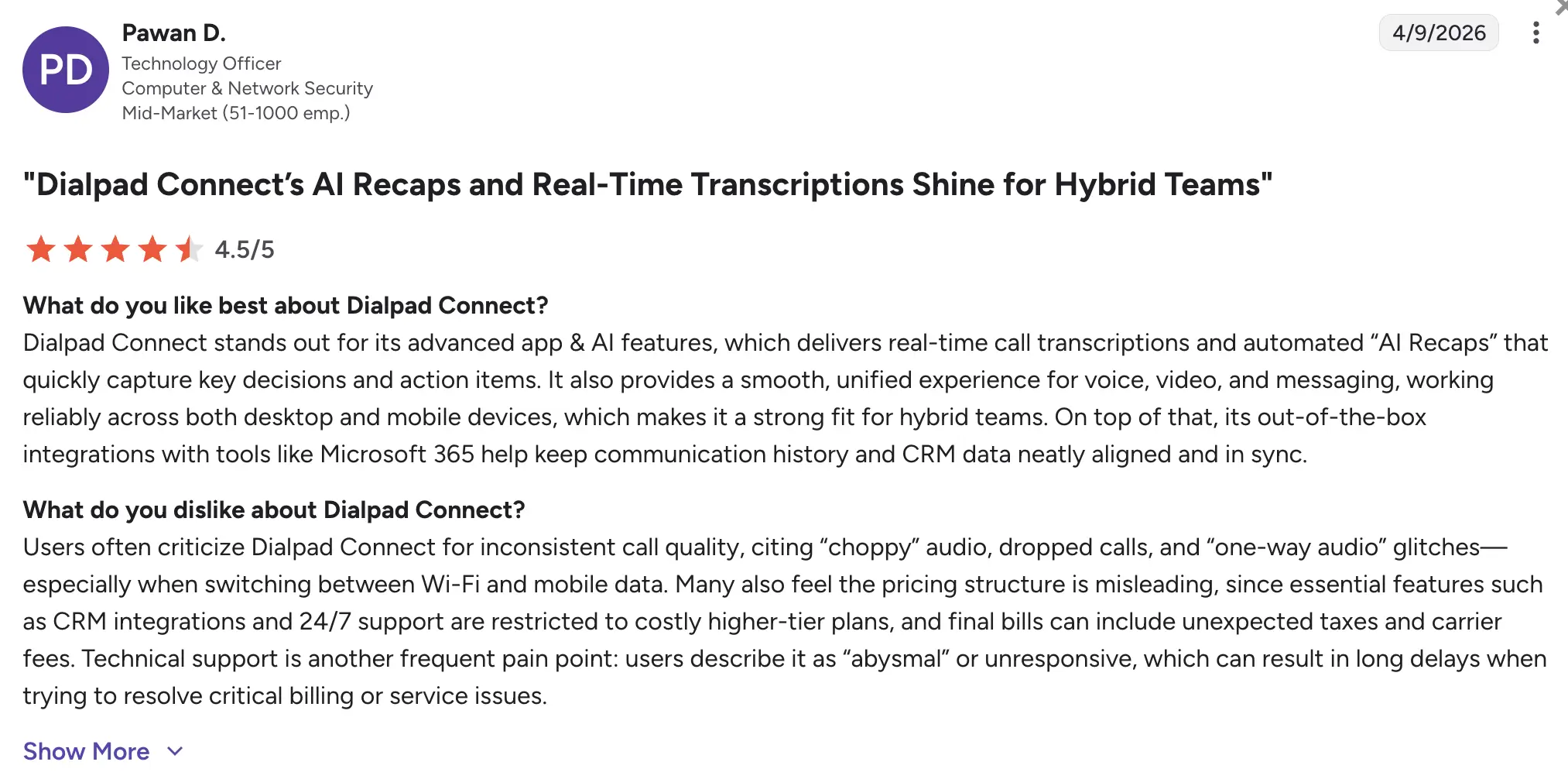
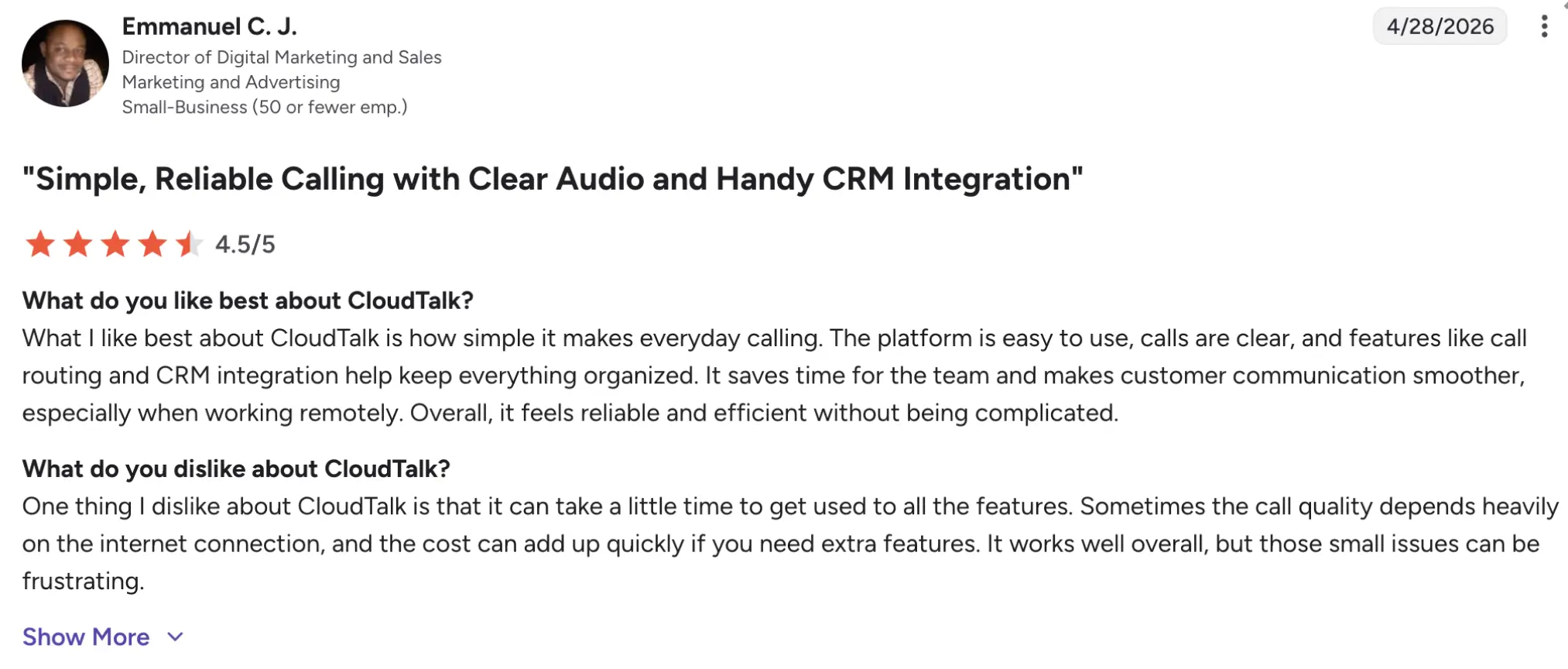
CloudTalk has a 4.4/5 rating on G2. Reviewers commonly praise CloudTalk’s international calling capabilities and ease of onboarding. Users also mention helpful integrations and straightforward outbound workflows, though some reviews reference occasional call-quality inconsistencies and limited advanced reporting.
5. PhoneBurner – best for high-volume outbound sales dialing
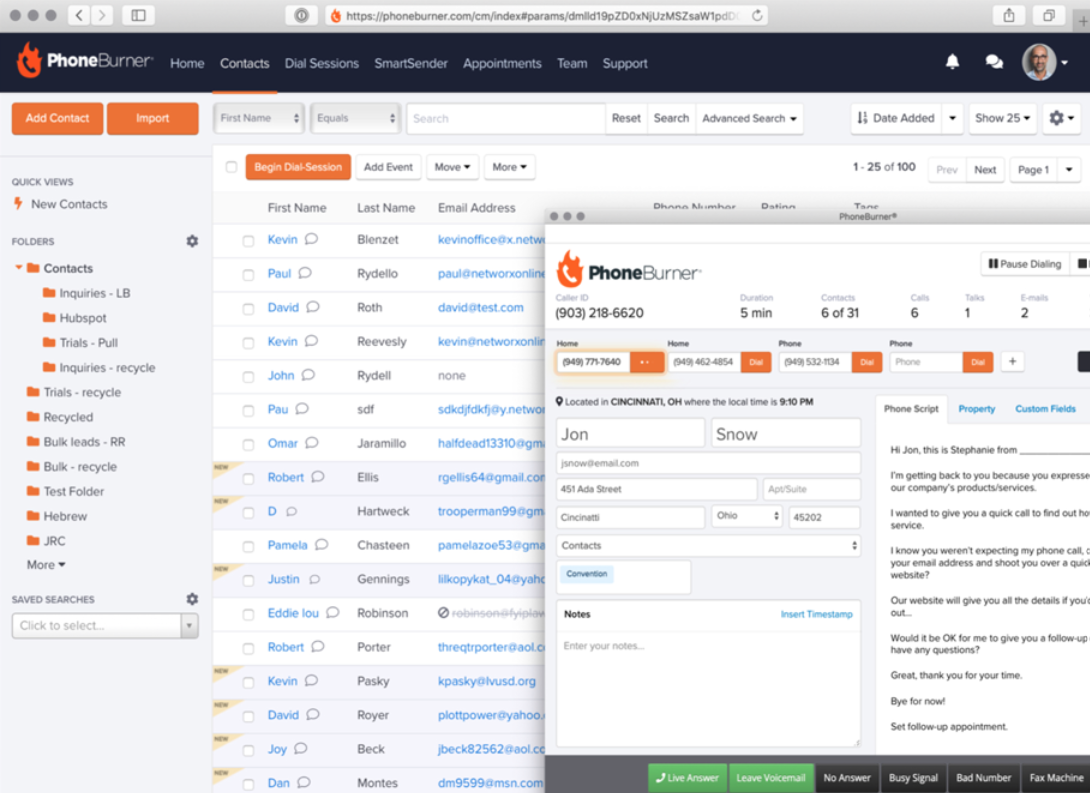
PhoneBurner is a sales-focused outbound dialing platform built specifically for high-volume calling workflows. Unlike broader CCaaS platforms that balance inbound and outbound operations, PhoneBurner centers almost entirely around power dialing and sales acceleration.
The platform allows agents to navigate call lists quickly while automating repetitive tasks such as voicemail drops, email follow-ups, and CRM updates. PhoneBurner does not heavily promote predictive or preview dialing, but its dialer workflow makes it popular among sales organizations and insurance agencies.
Pricing
These PhoneBurner plans include the following pricing per user/month:
- Standard: $165
- Professional: $195
- Premium: $215
Softphone dialing is available starting at the $165 plan.
Free trial
The free trial is available; however, the number of days is not specified.
Pros and cons
| Pros | Cons |
|---|---|
| Designed specifically for outbound sales workflows | More expensive than many SMB dialers |
| Strong voicemail automation and follow-ups | Limited focus on inbound support operations |
| Helps agents move through call lists quickly | Predictive dialing is not a major offering |
| Smaller omnichannel feature set than enterprise CCaaS platforms |
User reviews
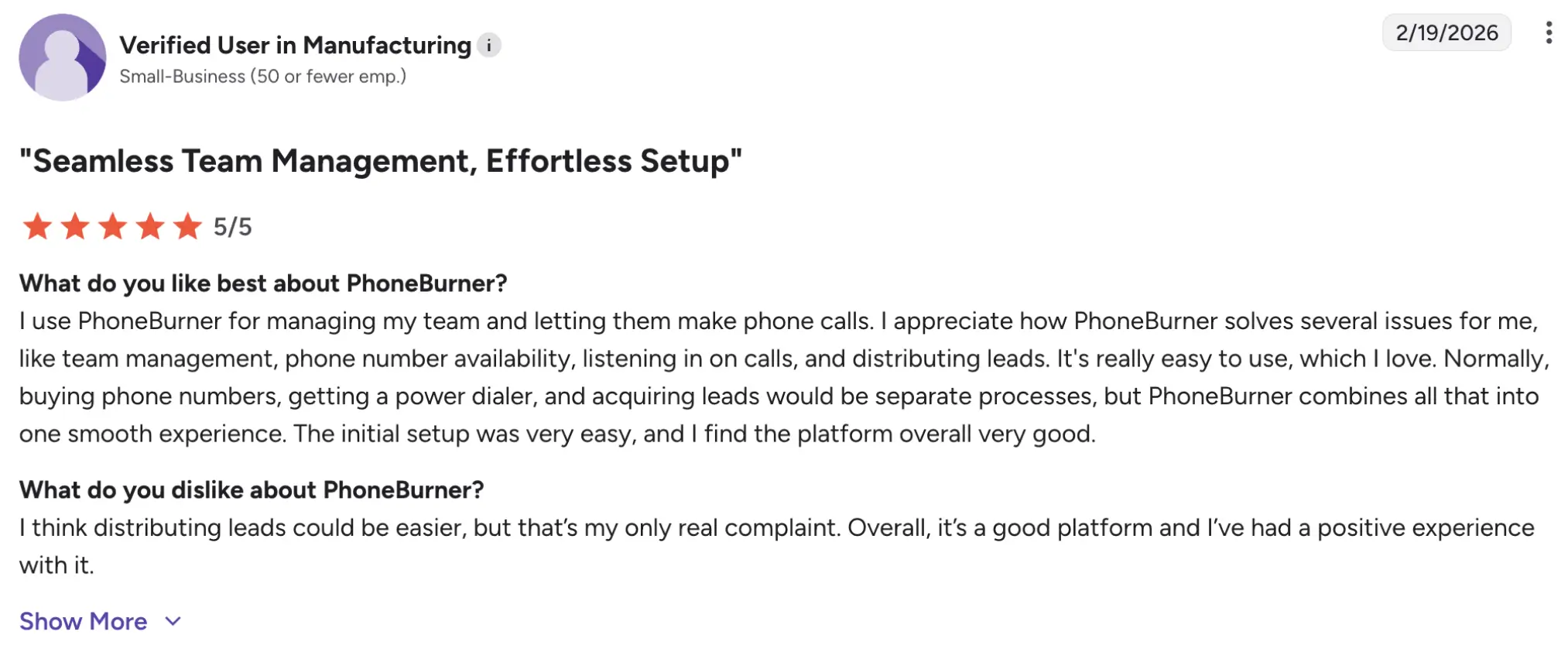
PhoneBurner has a 4.7/5 rating on G2. Users frequently praise PhoneBurner’s fast dialing workflow, voicemail automation, and ease of use for outbound sales teams. Many reviewers mention that the platform significantly reduces idle time between calls and improves agent productivity. Some users, however, note that pricing can become expensive for growing teams and that the platform is less suitable for complex inbound/outbound contact center environments.
6. RingCentral – best for omnichannel enterprise contact centers
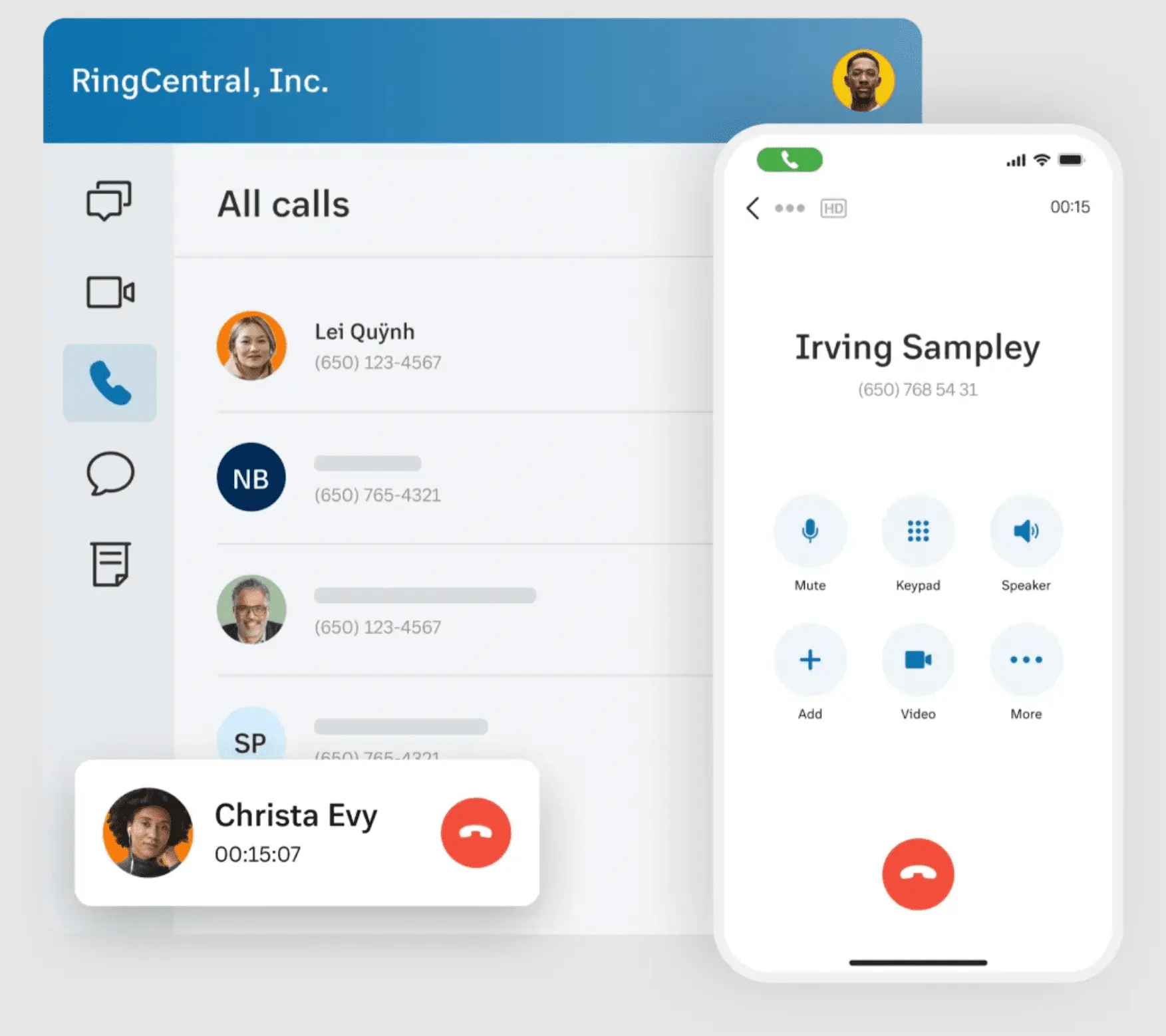
RingCentral offers outbound dialing through its RingCX contact center platform, combining inbound and outbound workflows. The platform supports progressive, power, predictive, and click-to-dial dialing for enterprise and mid-market operations.
RingCentral is particularly well-suited for organizations that want outbound calling integrated with voice, SMS, digital channels, workforce management, and analytics in a unified environment. Its dialer functionality is stronger for blended contact center operations than for standalone outbound sales teams.
Pricing
These RingCX plans include the following pricing per user/month:
- Standard: $75
- Professional: $110
- Elite: $165
- Enterprise Contact Center: Contact them for pricing
Preview, progressive, and predictive dialer modes are available at the $75 Standard plan.
Free trial
RingCentral offers a free trial; however, the number of days is not specified.
Pros and cons
| Pros | Cons |
|---|---|
| Multiple dialing modes available | Advanced outbound tools may require higher tiers |
| Suitable for blended inbound/outbound operations | Can feel overly complex |
| Good analytics and workforce management features | Pricing may increase significantly with add-ons |
User reviews
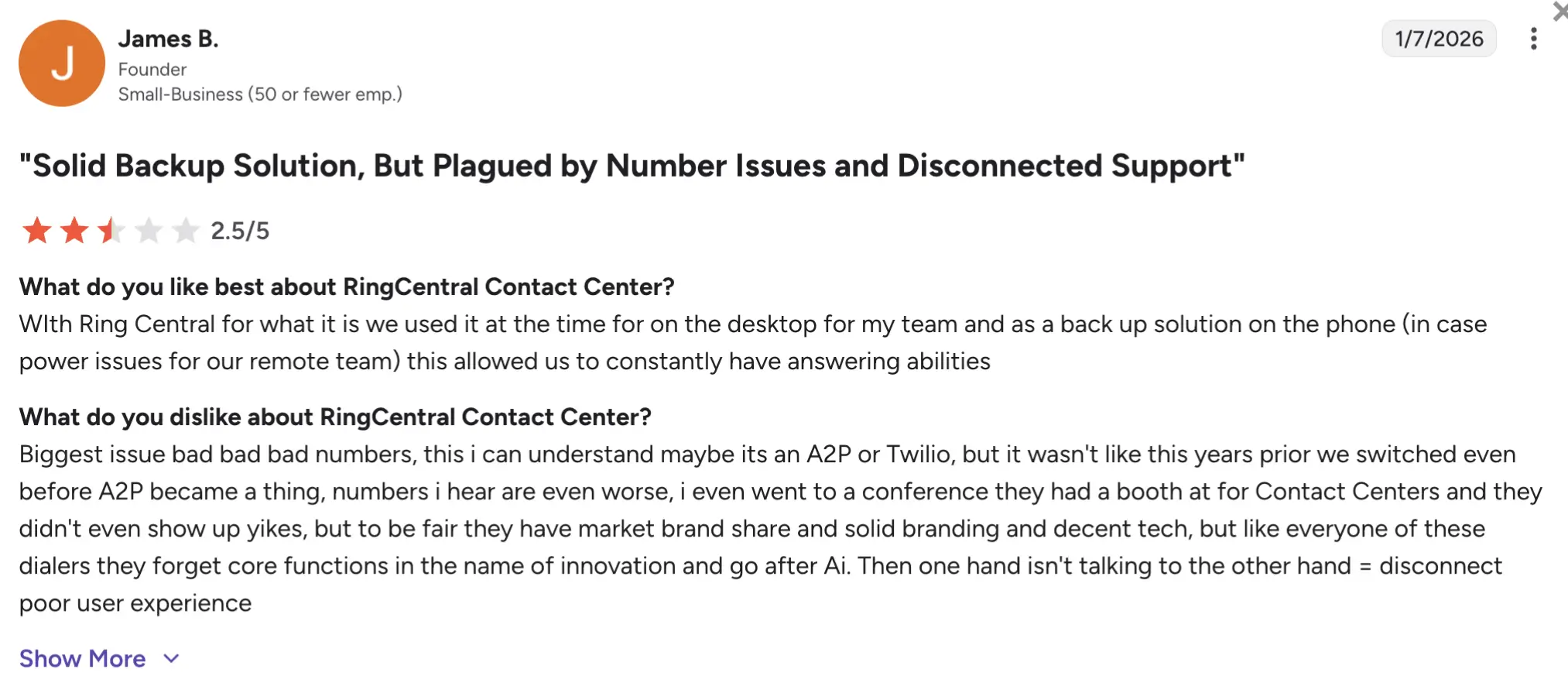
RingCentral has scored a 4.1/5 rating on G2. Reviewers often highlight RingCentral’s scalability, omnichannel capabilities, and broad feature set for enterprise contact centers. Users often praise integration capabilities and reliability for large teams, though some reviews note that onboarding and advanced configuration can require additional time and training.
7. Nextiva – best for blended inbound and outbound operations
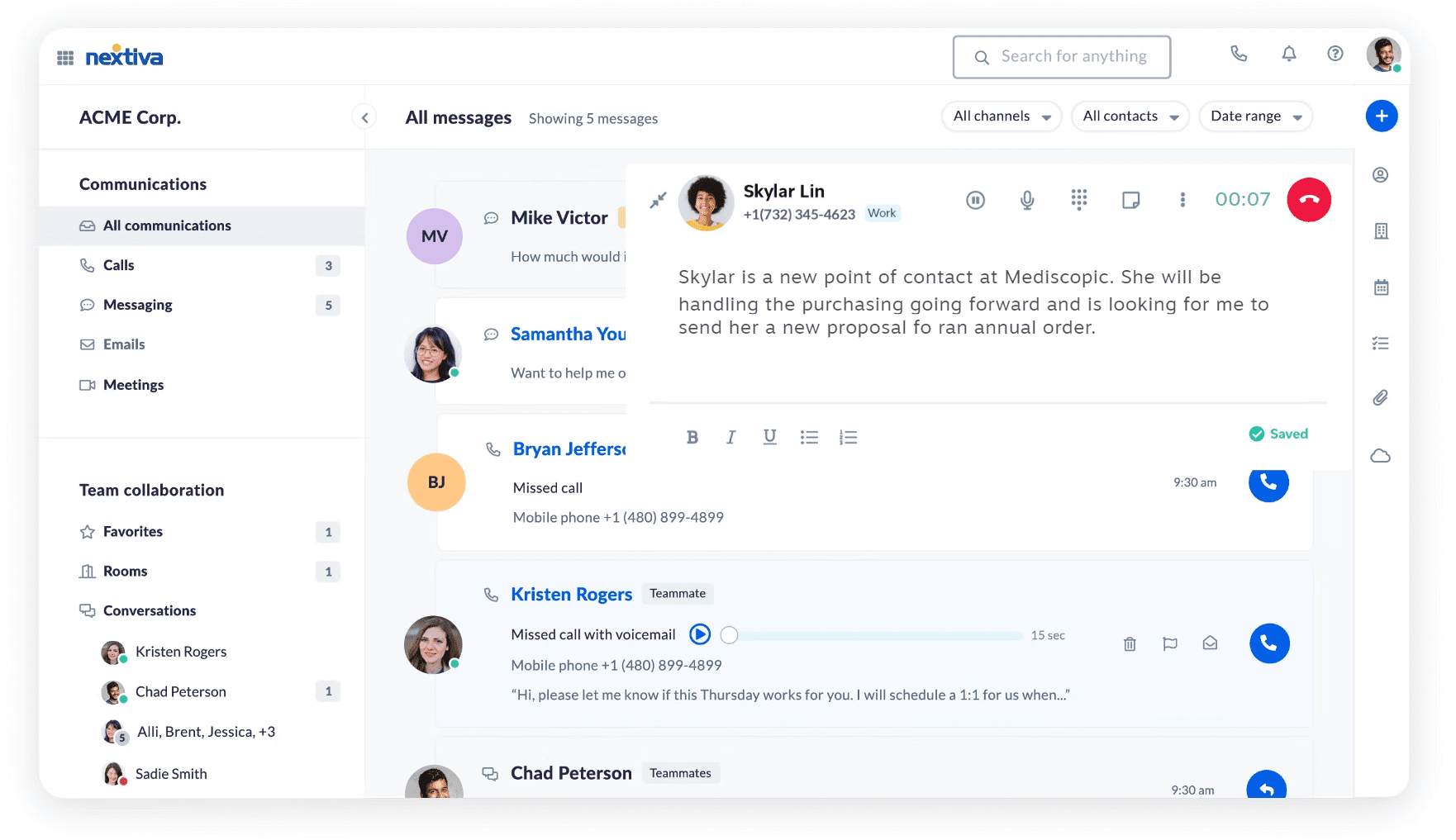
Nextiva combines business communications and contact center functionality into a platform designed to grow and enhance the enterprise teams’ customer experience. Their outbound dialing capabilities focus on supporting blended inbound and outbound operations rather than standalone outbound sales.
The platform supports progressive and power dialing, predictive dialing, and click-to-dial functionality within its contact center offering. Nextiva is often a good fit for organizations that want unified communications, customer engagement, and outbound workflows managed within a single ecosystem.
Pricing
Nextiva includes plans for small businesses and enterprise teams. The following are the pricing per user/month.
Small business:
- Core: $23
- Engage: $50
- Scale: $75
Enterprise:
- Essential: $75
- Professional: Contact sales
- Premium: Contact sales
Progressive and predictive dialing appear to be available in the Professional plan. However, pricing for that plan is not specified; you will have to contact their sales team.
Free trial
Nextiva offers a demo; free trial information is not specified.
Pros and cons
| Pros | Cons |
|---|---|
| Unified communications and contact center platform | Pricing for advanced outbound features is less transparent |
| Good fit for blended inbound/outbound teams | Less specialized for high-volume outbound sales |
| Strong business phone functionality | Some advanced tools require enterprise plans |
| Scales well for growing operations | Enterprise setup can require onboarding support |
User reviews
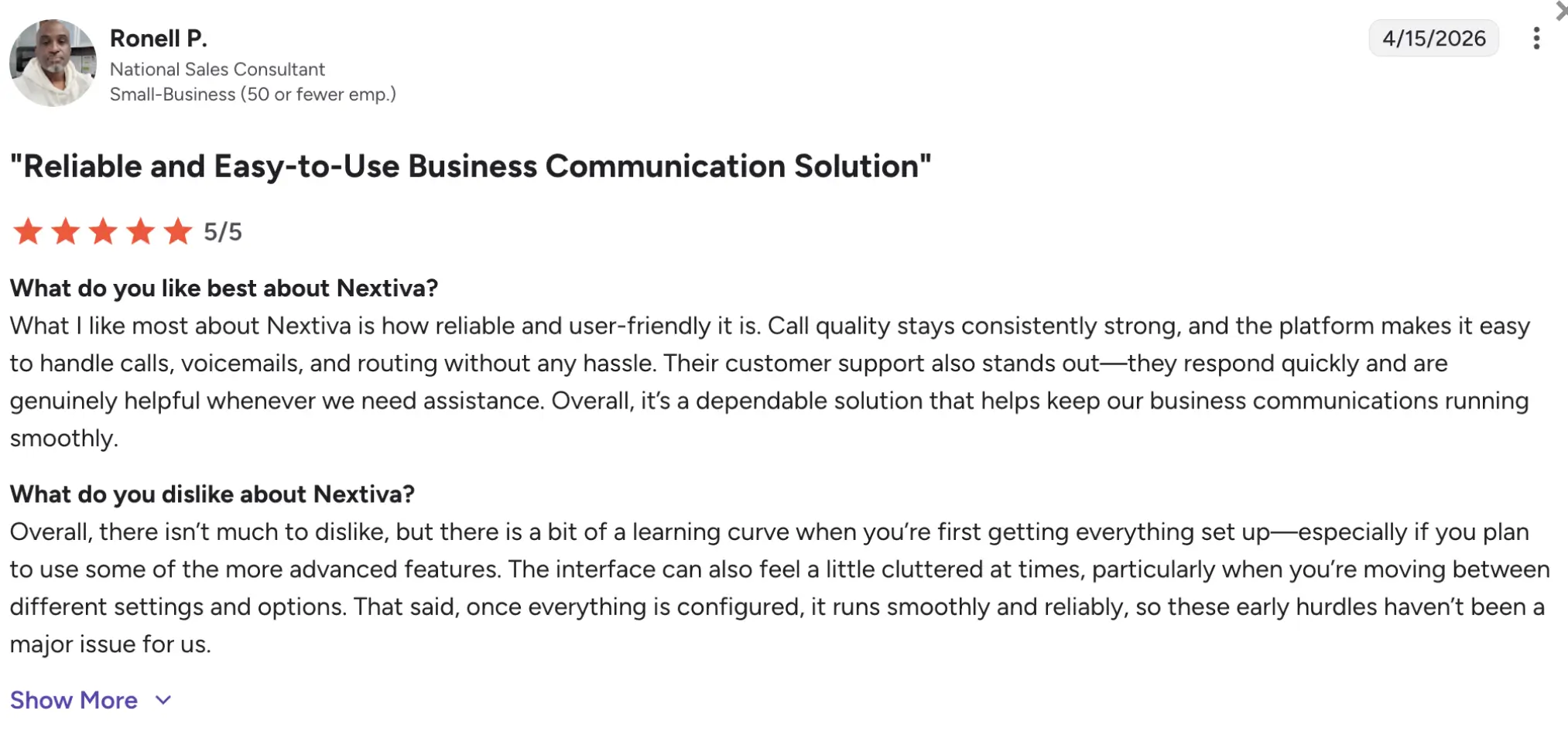
Nextiva has a 4.5/5 rating on G2. Users often praise Nextiva’s reliability, unified communications features, and ease of managing inbound and outbound workflows together. Reviewers also mention solid customer support and call quality, while some users note that advanced reporting and configuration can be less intuitive than expected.
8. Five9 – best for large-scale outbound campaigns
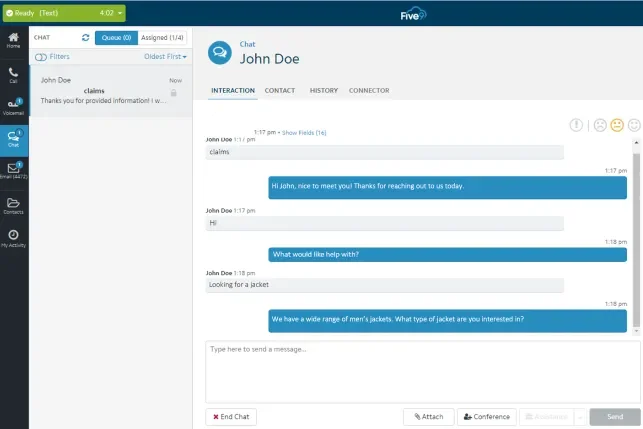
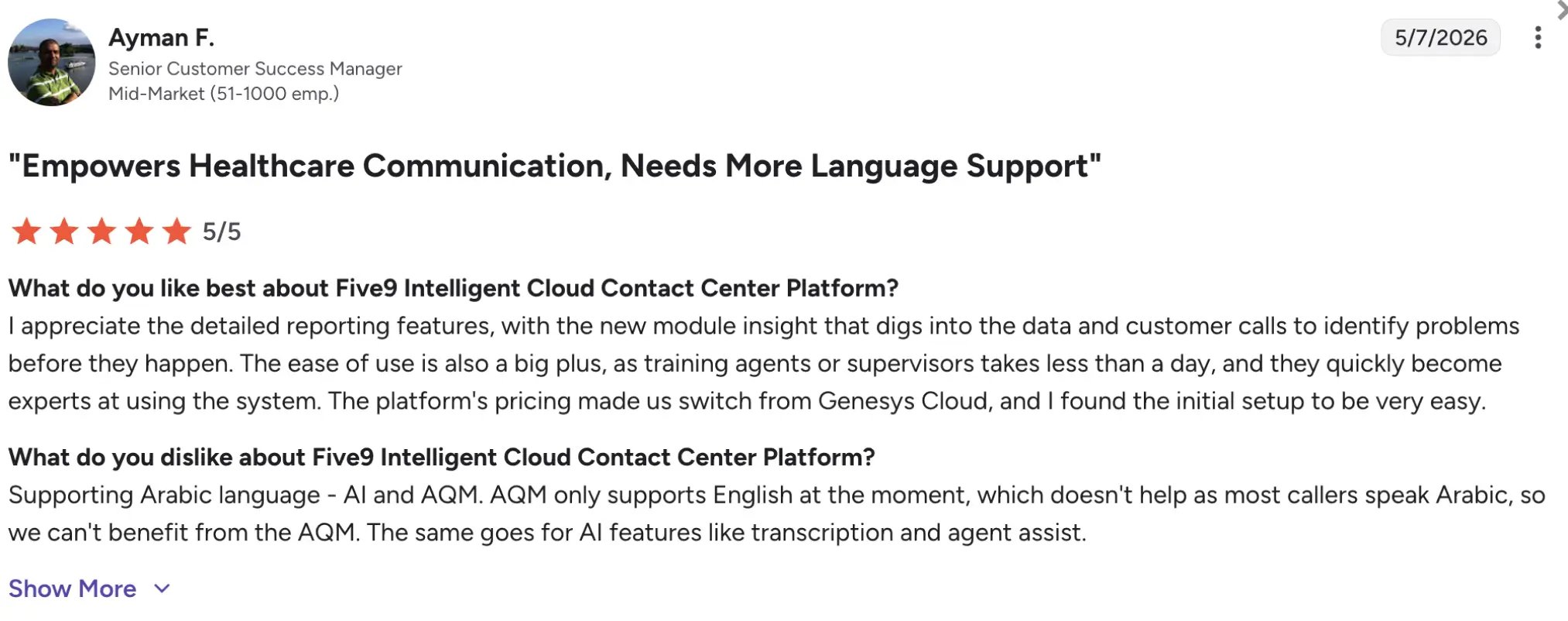
Five9 is an enterprise-grade platform built for large inbound, outbound, and blended contact center operations. Their dialer tool capabilities include progressive, power, predictive, and click-to-dial workflows designed for high-volume campaigns.
Five9 is particularly strong for organizations running complex outbound operations that require advanced routing, pacing controls, workforce management, analytics, compliance tools, and AI-driven automation.
Pricing
These Five9 plans include the following pricing per seat/month:
- Digital: $119
- Core: $159
- Plus: Contact sales
- Pro: Contact sales
- Enterprise: Contact sales
Dialing modes are available at custom pricing.
Free trial
It seems that Five9 doesn’t offer a free trial.
Pros and cons
| Pros | Cons |
|---|---|
| Advanced outbound dialing capabilities | Likely overkill for SMB teams |
| Strong scalability for enterprise operations | Implementation can be resource-intensive |
| Analytics and workforce management | Requires training for advanced configuration |
| Supports complex blended contact center workflows |
User reviews
Five9 has a 4.1/5 rating on G2. Reviewers frequently highlight Five9’s scalability, outbound dialing controls, and enterprise-grade analytics. Users also mention strong reliability for large contact center operations and blended campaigns. Common criticisms include implementation complexity, pricing transparency, and the learning curve associated with advanced features.
9. Talkdesk – best for enterprise AI-powered engagement
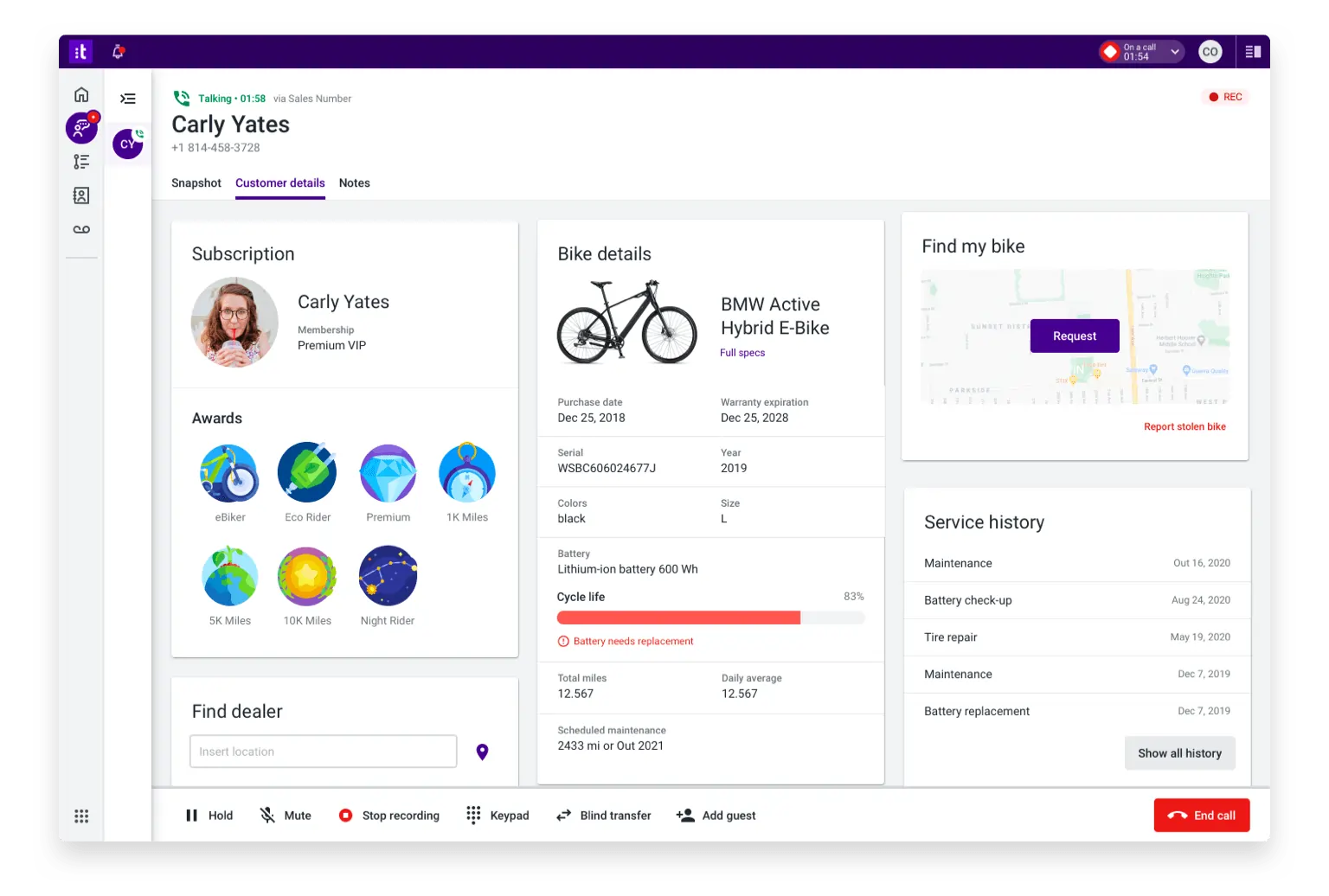
Talkdesk is an enterprise platform that combines outbound dialing and AI-powered customer experience tools. Their tools for cold calling include progressive, power dialing, preview dialing, predictive dialing, and click-to-dial.
The platform fits particularly well with enterprises that want outbound processes integrated with AI routing, automation, analytics, CRM data, and digital channels such as SMS and chat. Talkdesk focuses more heavily on enterprise workflow orchestration, scalability, and customer experience.
Pricing
These Talkdesk CX Cloud plans include the following pricing per user/month:
- Digital Essentials: $85
- Voice Essentials: $105
- Elite: $165
- Industry Experience Clouds: $225
Advanced outbound and AI capabilities typically require higher-tier plans or custom pricing.
Free trial
Talkdesk Express offers a 15-day free trial.
Pros and cons
| Pros | Cons |
|---|---|
| Strong AI capabilities | Advanced configuration can require training |
| Multiple dialing modes | Some reporting workflows feel less flexible |
| Great CRM integrations | Smaller teams may find the platform overly complex |
| Scales well for enterprise contact centers |
User reviews
Talkdesk currently holds a 4.4/5 rating on G2. Reviewers frequently praise its ease of use, centralized call management, and AI-driven workflows. Users also highlight productivity improvements from automation and routing tools. However, some reviewers mention occasional connectivity issues, a learning curve for advanced reporting and routing customization, and concerns around pricing for premium AI features.
10. Freshcaller – best for inbound-focused support teams
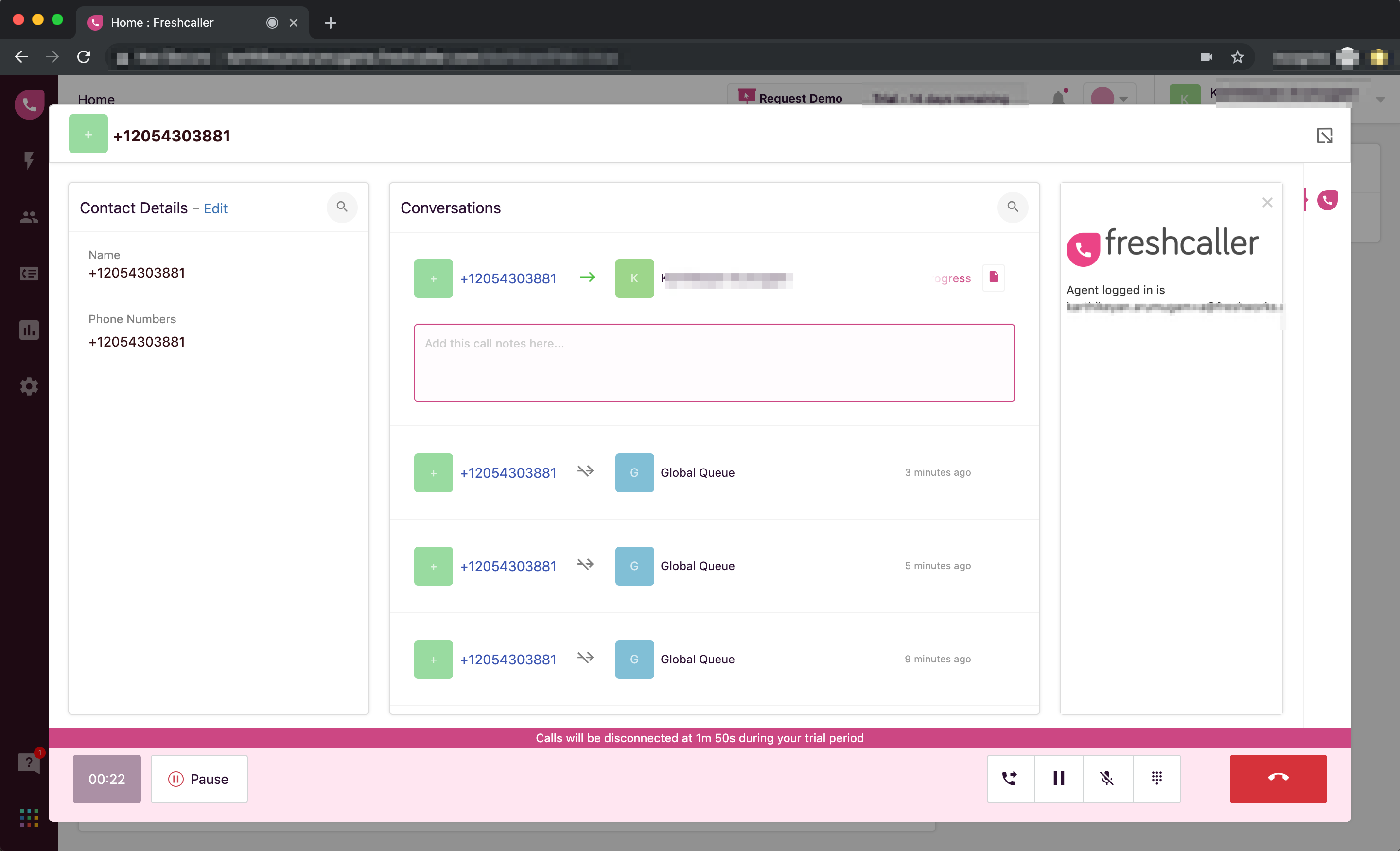
Freshcaller is a cloud-based business phone and contact center solution that primarily targets customer support teams already using the Freshworks ecosystem. While the platform is more inbound-focused than many dedicated outbound dialers, it includes power-dialing capabilities for teams that need simple workflows alongside voice simplicity.
Freshcaller is typically best suited for SMB support operations and smaller outbound campaigns rather than high-volume sales environments. The platform’s strongest advantage is its integration with other Freshworks tools, including Freshdesk and Freshsales.
Pricing
These Freshcaller Customer service plans include the following pricing per user/month:
- Free: $0
- Starter: $18
- Growth: $47
- Pro: $83
- Enterprise: Custom pricing
Freshcaller’s dialer pricing plan is not specified.
Free trial
Freshcaller offers a 14-day free trial.
Pros and cons
| Pros | Cons |
|---|---|
| Affordable entry pricing for SMB teams | Less advanced outbound automation than enterprise dialers |
| Good integration with the Freshworks ecosystem | Better suited for support than aggressive outbound sales |
| Simple setup and user-friendly interface | Predictive dialing is not a core feature |
| Some advanced features require higher-tier plans |
User reviews
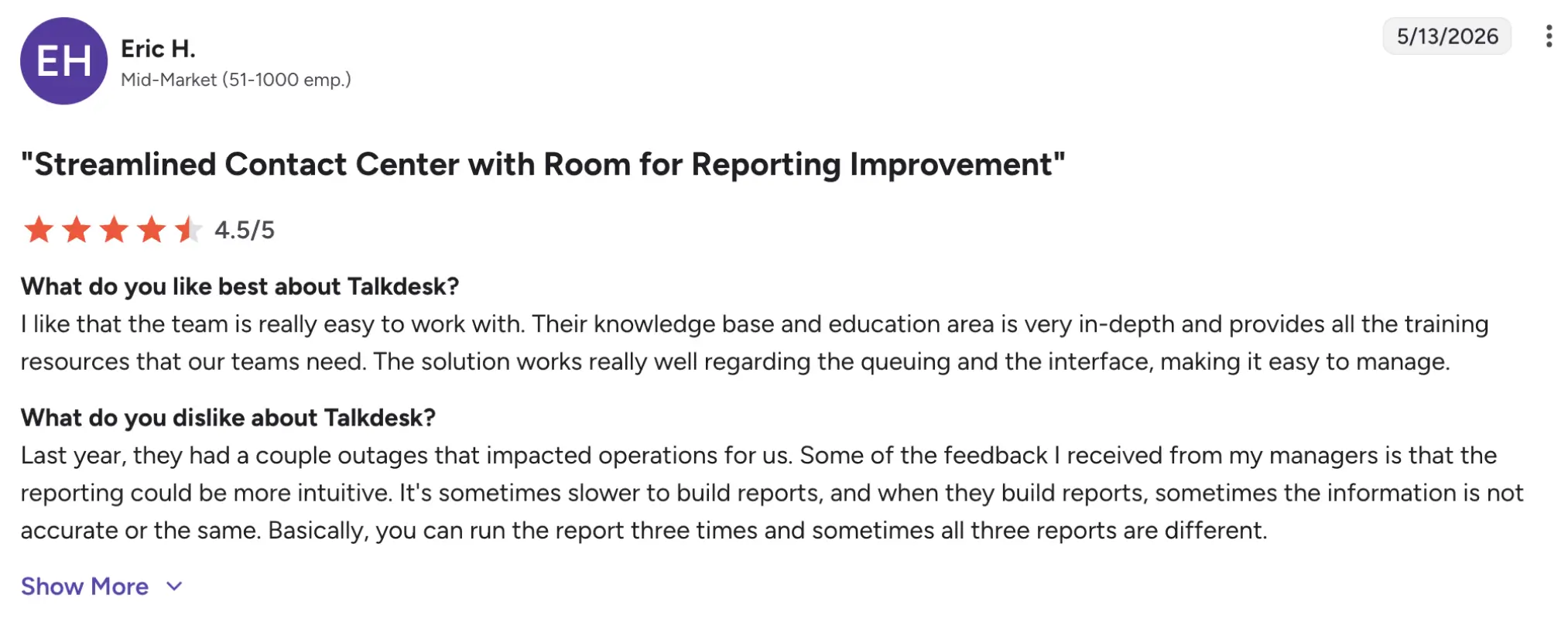
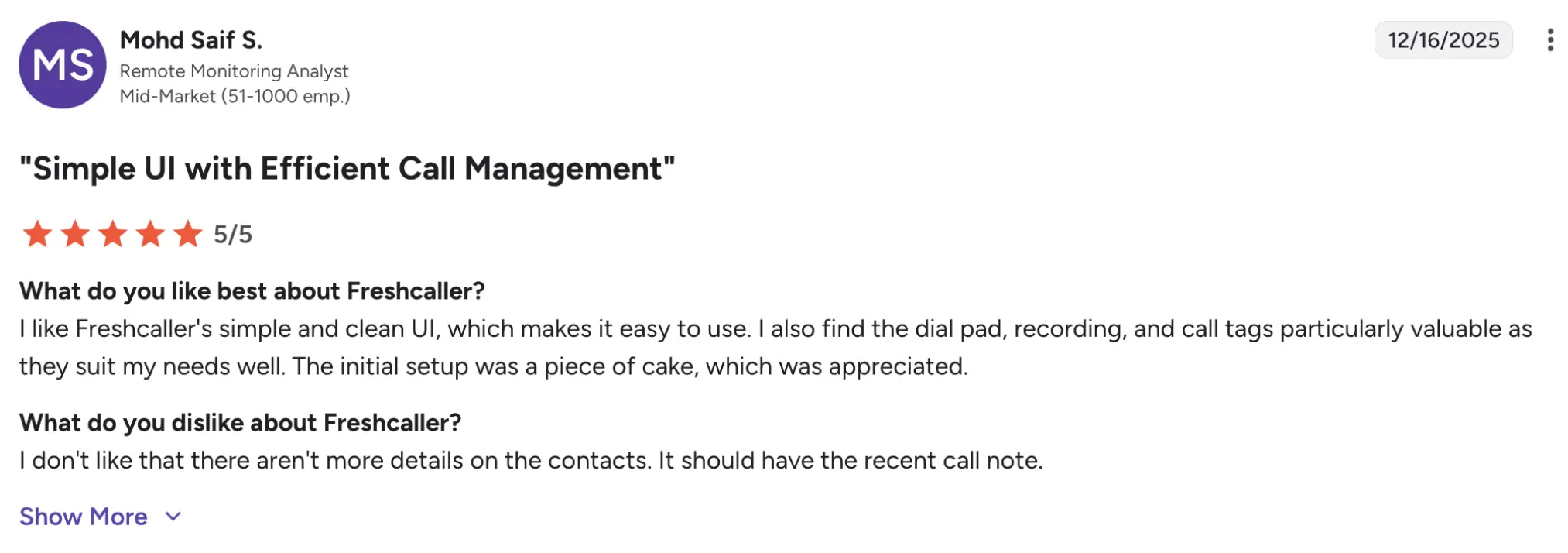
Freshcaller currently holds a 4.1/5 rating on G2. Users commonly praise the platform’s ease of use, simple onboarding, and seamless integration with other Freshworks products. Many reviewers say it works well for support teams managing inbound and moderate outbound call volumes. However, some users note that advanced features may feel limited for outbound-heavy sales teams, and that costs may increase with additional numbers, minutes, and add-ons.
Benefits of using power dialer software
This software helps outbound teams reduce repetitive manual work and manage calling workflows more efficiently. Instead of manually dialing numbers, call center agents can move through lead lists faster, maintain more consistent activity, and spend more time speaking with prospects or customers.
Increase outbound call productivity
Power dialers automatically place the next call once an agent becomes available, reducing time spent manually dialing numbers. This helps sales reps and support teams handle higher call volumes during the day while keeping workflows more consistent.
Reduce idle time between calls
By minimizing delays between conversations, power dialers help agents spend more time actively speaking with leads. Usually, companies that respond to leads within five minutes are significantly more likely to qualify prospects than teams that wait longer.
Improve lead follow-up consistency
This type of dialer helps teams work through call queues in a structured order while automatically logging outcomes, notes, and dispositions. This reduces missed follow-ups and improves visibility into pipeline activity.
Make campaign performance easier to track
Most dialers include analytics, reporting, and call monitoring tools that help managers track connection rates, agent productivity, and campaign outcomes more effectively.
Support better outbound team coordination
Shared call queues, CRM integrations, and automated workflows make it easier for distributed sales and support teams to coordinate outbound campaigns and maintain consistent customer communication across the organization.
How to choose the right power dialer solution for your needs?
The best power dialer depends on how your team handles outbound processes, manages leads, and tracks campaign performance. SMB sales teams often prioritize affordability and ease of use, while larger contact centers may need advanced analytics, compliance controls, and omnichannel functionality.
1. Evaluate your dialing workflow and call volume
Teams making a few dozen calls daily may only need basic power dialing and CRM syncing, while high-volume outbound operations often require predictive dialing, pacing controls, automation, and queue management features.
2. Consider where your prospects or customers are located
Businesses handling international outbound campaigns should look for providers with international numbers, local-presence dialing, and reliable global call quality to improve connection rates and the customer experience.
3. Check CRM and workflow integrations
Power dialers work best when integrated with CRMs, help-desk platforms, and sales tools. Native integrations help agents automatically log calls, update lead records, and manage follow-ups more efficiently.
4. Prioritize ease of use for agents and managers
A complicated interface can slow down onboarding and reduce productivity. Teams should look for platforms with intuitive workflows, simple campaign setup, and accessible reporting tools.
5. Review compliance and consent management features
Outbound calling teams may need features such as call recording controls, opt-out management, TCPA compliance tools, and permission-based dialing workflows to reduce compliance risks.
6. Compare reporting, analytics, and scalability
SMBs may need only basic call tracking, while enterprise teams often require advanced reporting, workforce management, and real-time campaign analytics that scale with growing outbound operations.
Choosing the best power dialer software for outbound calling success
The best power dialer software depends on how your team manages outbound workflows, handles lead volume, and tracks customer interactions. SMB teams often prioritize affordability, ease of use, and simple CRM integrations, while enterprise contact centers typically require advanced analytics, predictive dialing, and compliance controls.
Some platforms are better suited for specific outbound calling scenarios:
- MightyCall works well for SMB sales and support teams that want an easier outbound process.
- CloudTalk is a strong option for international outbound campaigns and distributed teams.
- PhoneBurner is particularly useful for high-volume outbound sales workflows.
- Five9 and Talkdesk are better suited for enterprise organizations that need advanced campaign management, AI tools, and omnichannel capabilities.
Before choosing a provider, businesses should compare dialing modes, integrations, reporting tools, compliance features, and long-term scalability to ensure the platform matches their outbound calling strategy.