

TL;DR
The best auto dialer for insurance agents is the one that matches your team size, compliance needs, and outbound volume. For most smaller teams, MightyCall or Kixie is the safest pick. Auto dialers remove the manual-dialing bottleneck, but the wrong platform can create compliance risks or waste budget on features you do not need.
- Small agency, 1–10 seats – MightyCall, Kixie, or PhoneBurner.
- Midsize agency, 10–30 seats – JustCall, CloudTalk, or Readymode.
- Enterprise (30+ seats) – Five9 or RingCentral.
- Non-compliant free tools can create TCPA trouble, so do not treat “free” as low-risk.
- Parallel dialing is becoming the compliant high-volume mode to watch in 2026, while predictive dialing is losing ground.
10 Best auto dialer software for insurance agents at a glance
| Software Provider | Dialer Modes Available | Price / Month / User | Answering machine detection | Number reputation management |
|---|---|---|---|---|
| MightyCall | Preview, Progressive, Predictive | $65-$75 | Yes | Yes |
| PhoneBurner | Power | $140–$183 | No | Yes |
| Dialpad | SF dialer | $25–$110 | Partial | No |
| ReadyMode (formerly Xencall) | Predictive, Progressive, Power, Preview | $150–$200 | Yes | Yes |
| Five9 | Predictive, Power, Progressive, Preview | $175–$325 | Yes | Yes |
| Convoso | Predictive, Power | $100–$200 | Yes | Yes |
| JustCall | Power, Predictive, Parallel | $29–$109 | Yes | Yes |
| Aircall | Power | $50 | No | No |
| Kixie | Multi-line Power | $95–$135 | Yes | Yes |
| RingCentral | Power, Predictive, Progressive, Preview | $65–$145 | Partial | No |
Prices are current at the time of publication and are subject to change.
How we evaluated and ranked these tools
We evaluated 10 auto dialers for insurance agents using six criteria targeted toward insurance-specific compliance, workflow fit, and pricing transparency.
- Available dialing modes: We checked whether each platform supports the full range from preview to parallel, since agencies of different sizes require different calling styles.
- CRM and policy-system integrations: We prioritized tools that automatically capture call data, as manual logging slows reps down and can have errors.
- Built-in compliance controls: We gave more weight to native DNC scrubbing, consent logging, and call recording, since insurance teams cannot treat compliance as an add-on.
- Pricing transparency and scalability: We favored platforms with clear pricing and predictable costs as headcount grows.
- Customer support quality and availability: We looked for help that is available during live campaigns, not just standard business hours.
- Real-user reviews and ratings: We considered verified feedback from insurance agency dialer users to gauge day-to-day reliability and ease of use.
What is an auto dialer for insurance agents?
An auto dialer for insurance agents is software that automatically calls leads, so agents spend less time dialing and more time talking to prospects. It works by pulling contacts from a CRM or spreadsheet, matching each call to the right dialing mode, and showing the lead’s details when someone answers. Agents benefit by making more calls, logging less manually, and following up faster.
- Load a lead list or CRM segment for a campaign.
- Choose the dialing mode based on the outreach type.
- The dialer places calls automatically and skips voicemails and busy tones.
- A live answer connects the lead to the agent with policy data on screen.
- The agent records the outcome, and the dialer schedules follow-up and writes it back to the CRM.
Where insurance dialers are heading in 2026
The dialer market looks very different in 2026 than it did even a year ago. AI capabilities are expanding quickly, while FCC and TCPA enforcement continues to tighten its grip; these two forces now shape which tools agencies should trust.
AI voice agents are handling first-contact outreach
AI voice agents now qualify leads before a human agent joins the conversation. In this guide, Dialpad and CloudTalk reflect that shift, but agencies still need to treat AI-placed calls as subject to the same TCPA rules as any other outbound call.
Real-time objection coaching is replacing post-call review
AI now helps agents during the call, not just after it ends. Dialpad is the clearest example here, since it can surface guidance in the moment rather than forcing reps to rely only on scripts or later coaching.
Parallel dialing is replacing predictive as the compliant high-volume mode
Parallel dialing is becoming the safer choice for high-volume insurance outreach. It does not remove compliance obligations, but it reduces the risk that has led many agencies to move away from predictive dialing.
Caller ID reputation is now a primary campaign metric
Caller ID reputation can make or break a campaign because numbers marked as spam can quickly suppress answer rates. That means agencies need to evaluate reputation monitoring and remediation before they buy, not after performance drops.
Why insurance agents need a specialist dialer
Insurance agents need a specific dialer because generic sales tools ignore renewal windows, product-specific compliance rules, and CRM records that hold policy data, not just phone numbers. In the insurance industry, timing and context matter as much as call volume, and a general-purpose dialer rarely handles both well.
- Speed-to-lead decay: Delays after a quote request can crush contact rates, which means hot inbound leads go cold before anyone speaks to them.
- Renewal deadline pressure: Renewal outreach operates in real time, so missed calls can lead to lost retention and avoidable churn.
- Quote follow-up timing: Follow-up has to match where the lead is in the buying cycle, or agents end up sounding pushy.
- TCPA and state compliance exposure: Generic tools often lack insurance-specific safeguards, creating easily avoidable legal and reputational risks.
- Fragmented policyholder data: When policy details live outside the dialer, agents waste time switching systems and miss important context on the call.
The right dialing mode for each of these pain points is different; we’ll talk about it in more detail later.
Types of auto dialers for insurance agents
Not all dialers work the same way, and choosing the wrong mode for a campaign type is one of the most common and costly mistakes agencies make.
Preview dialer
A preview dialer shows the agent the prospect’s full record before the call connects, then lets the agent start the call manually. It is best suited for Medicare supplement sales, complex life insurance quotes, and high-value renewals where prep time directly affects conversion. Its main limitation is a lower hourly call volume, so it is not a fit for high-volume prospecting.
Power dialer
A power dialer automatically dials the next number as soon as the agent finishes or disposes of the prior call. It is best suited for quote follow-ups and new lead outreach at small- to midsize agencies where one-to-one call quality still matters. The tradeoff with this one is no prep time between calls, so agents need to work quickly and stay organized.
Progressive dialer
A progressive dialer places the next call only after a brief pause, giving the agent a moment to review the next record. It is best suited for teams that prioritize quality conversations over raw call volume, especially in renewal campaigns where context matters. Its limitation is the slightly lower throughput compared to the power dialer mode.
Parallel dialer
A parallel dialer calls multiple numbers simultaneously, detects live answers, connects the agent to the first person who answers, and stops the remaining attempts. It is best suited for high-volume renewal blasts and large prospecting campaigns where speed-to-live conversation is the primary KPI.
It must still follow TCPA calling-hour and consent rules, but it has become the safer, high-volume alternative to predictive dialing following the 2023 FCC rulemaking.
10 top auto dialers for insurance agents in 2026
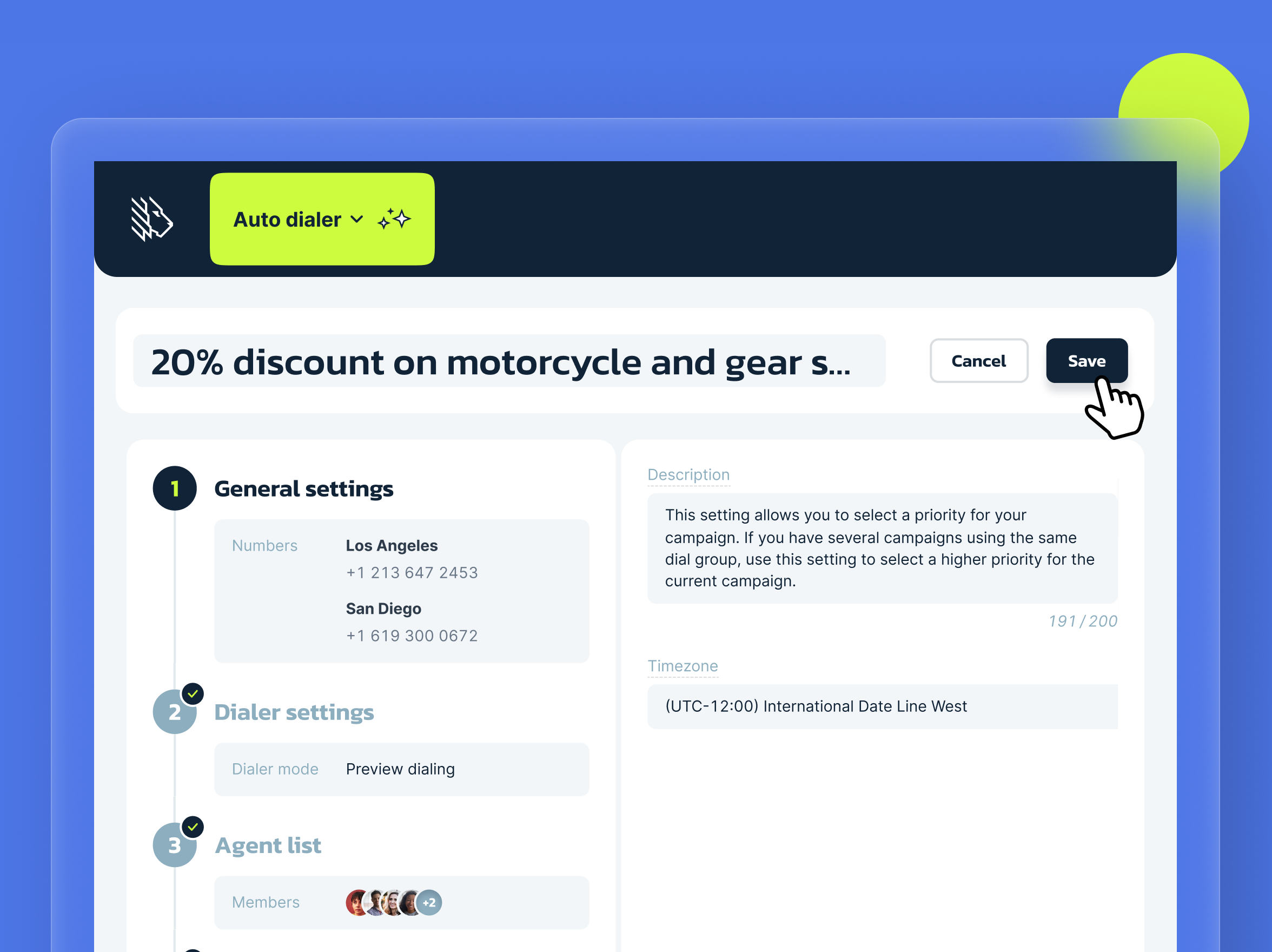
1. MightyCall – best for independent agents and small-to-mid-size teams
MightyCall is a cloud-based platform offering a multimode dialer best suited for agents who need compliance-friendly pacing and a simple setup for outbound calling campaigns. It stands out here because it gives smaller insurance teams a practical mix of preview, progressive, and predictive dialing without pushing them into a heavy enterprise stack.
Key features
- Preview, progressive, and predictive dialing.
- Call routing and call handling
- Numbers reputation monitoring with flagged number auto replacement
- Call screening bypass
- Local presence dialing
- Manual Control: up to 10 Lines for Predictive Dialer
- Live Call Monitoring (listen, barge, whisper, intercept)
- AI Answering Machine Detection (AMD)
- Voicemail drop
- AI call summaries
- Do Not Call (DNC) Compliance
- High-availability Seamless Redundancy Infrastructure
Compliance tools
- DNC scrubbing is not clearly spelled out on the main pricing page, so confirm it during evaluation.
- Predictive dialing is available only on Enterprise
- Call recording is included in paid plans and is useful for quality review and compliance audits
Pricing
MightyCall offers the following annual pricing plans:
- Core: $20
- Pro: $38
- Power: $54
- Enterprise: $65
User feedback
MightyCall has a 4.4/5 score on G2. Users appreciate the ease of use, quick setup, reliable call management, and helpful customer support. Reviewers also like the flexibility of handling calls from different devices and the strong value for money, especially for small teams. Users also mention occasional app bugs or minor glitches. Overall, G2 reviewers see it as a solid, user-friendly phone system that works especially well for small businesses.


schedule your personalized demo with our amazing team

2. PhoneBurner – best for solo agents and small teams
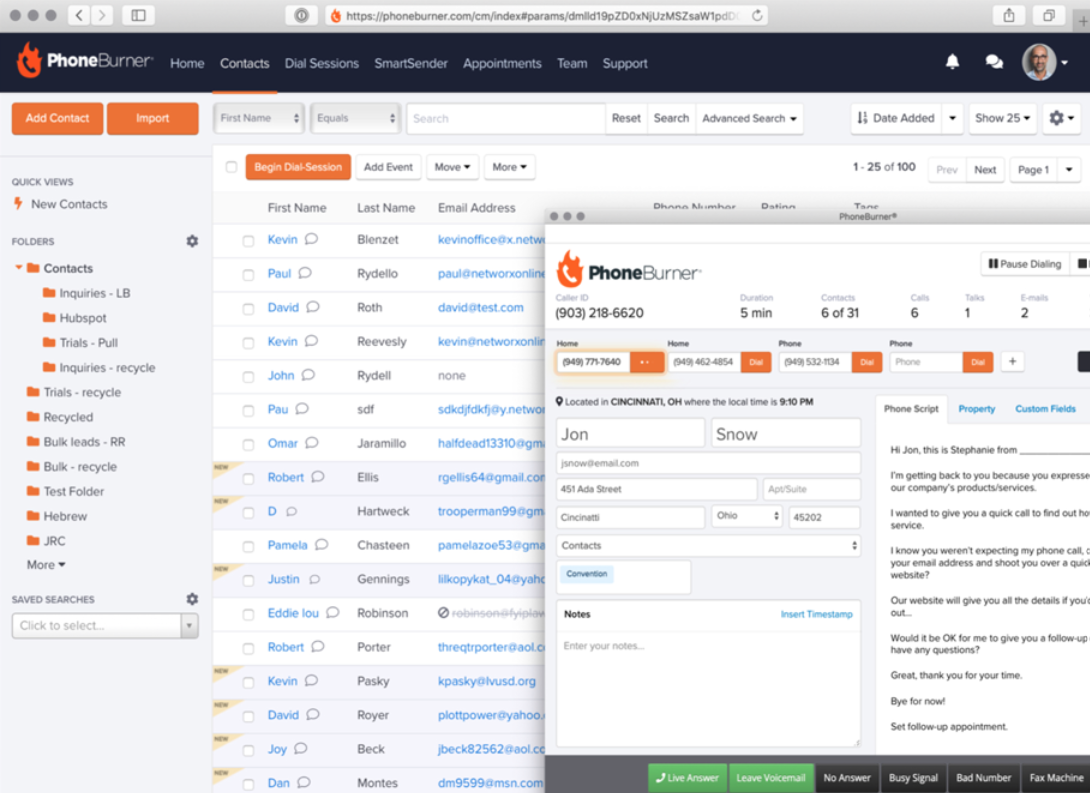
PhoneBurner’s power dialer is best suited for solo agents and small teams that want high-speed outbound calling without per-minute charges. It stands out for its calling workflow, which keeps insurance agents in a steady rhythm on quote follow-up and lead outreach.
Key features
- Power dialing
- Unlimited minutes without per-minute charges
- One-click voicemail drop
- Call logging and outcome tracking
- Email and SMS blending
Compliance tools
- DNC scrubbing is not highlighted as a core public feature, so confirm it in demos.
- Consent logging is not clearly detailed.
- Call recording support is not emphasized in the public sales copy, so verify availability and scope.
- Time-zone controls are not prominently documented in the public materials.
Pricing
PhoneBurner offers three pricing plans, billed annually:
- Standard: $140
- Professional: $165
- Premium: $183
User feedback
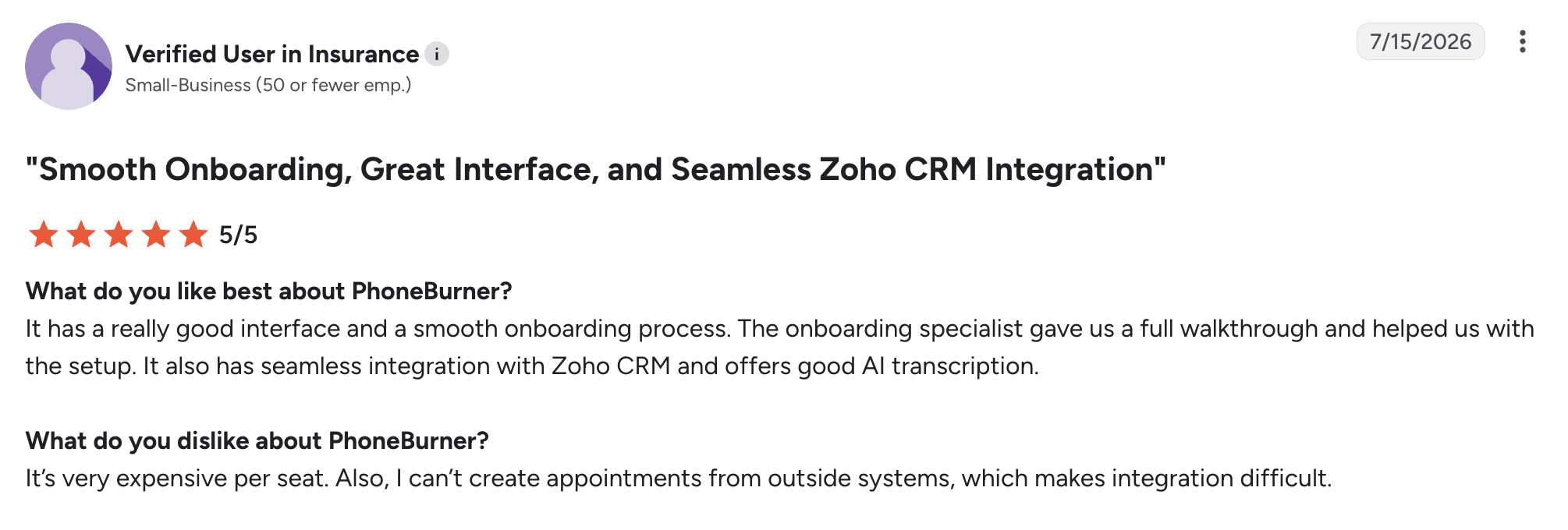
PhoneBurner has a 4.7/5 score on G2. Users appreciate the ease of use, speed, time-saving power-dialer workflow, and built-in CRM that helps streamline outreach. Reviewers also praise its scalability and responsive customer support when issues come up. The main cons are occasional call or audio issues, limits in calling flexibility, and some feature gaps for power users.
3. Dialpad – best for AI-powered insurance calling
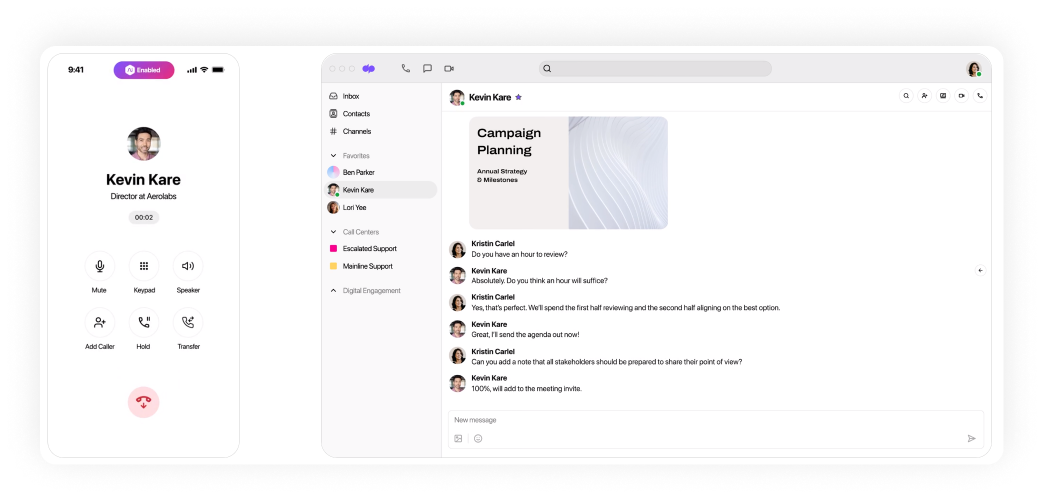
Dialpad is an AI-powered insurance contact center best suited for teams that want live transcription, call intelligence, and real-time coaching on a single platform. It stands out because it blends dialing with conversation intelligence, which makes it more of a smart calling system than a plain outbound tool.
Key features
- AI transcription in real time
- CRM-integrated CTI dialing
- Automated call logging
- Call analytics and dashboards
Compliance tools
- Automated call recording is available and useful for QA and compliance review.
- Sensitive-information pause behavior is documented for recordings, which can help teams handling regulated insurance calls.
- DNC scrubbing and consent logging are not clearly presented in the public pricing materials, so buyers should confirm them.
- Time-zone controls are not prominently mentioned.
Pricing
Dialpad Connect offers three pricing plans, billed annually:
- Standard: $15
- Pro: $25
- Enterprise: Custom pricing
User feedback
Dialpad Connect has a 4.4/5 rating on G2. Based on reviews, Dialpad’s main pros are the easy setup, clean interface, and standout AI transcription/call history features that make notes and follow-ups much easier. The main cons are occasional mobile app lag, imperfect transcription, and some reports of unreliable international call quality.
4. Readymode – best for mid-size agencies and high-volume outreach
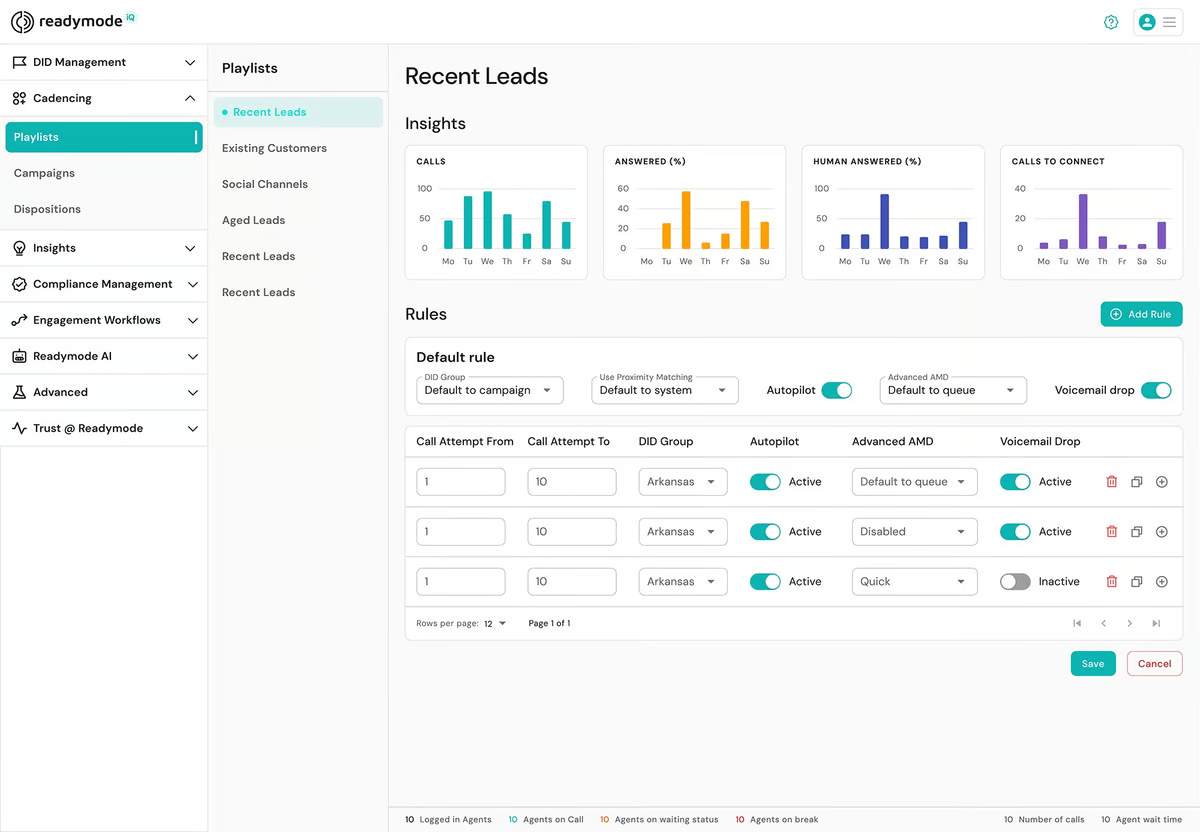
Readymode is an outbound insurance dialer best suited for mid-sized agencies that care about caller ID reputation. It stands out because it puts caller ID health and remediation at the center of the product, which is especially useful for teams that live or die by answer rates.
Key features
- Preview, power, progressive, and predictive dialing
- Caller ID reputation monitoring
- Assisted remediation for flagged numbers
- Built-in CRM and unlimited integrations
Compliance tools
- DNC scrubbing is not explicitly spelled out in the pricing material reviewed, so buyers should verify it during evaluation.
- Based on the public plan description, call recording is part of the platform’s core.
- Time-zone controls are not clearly documented in the public plan summary, so confirm before purchase.
Pricing
- Readymode starter: $199
- Readymode iQ: $249
User feedback
Readymode has a 4.6/5 rating on G2. Based on G2 reviews, the platform has an intuitive interface, strong predictive dialing, and the ability to help teams reach more contacts in less time. Reviewers also like the helpful support team and the way it keeps callbacks, dialing, and contact management organized in one place. The main disadvantages are a steep learning curve for some users, occasional lag or connection issues, and limited flexibility in reporting or customization.
5. Five9 – best for large agencies and call centers
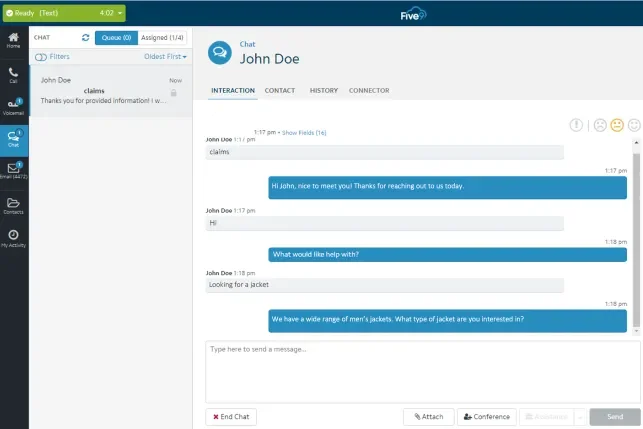
Five9 is an enterprise contact center platform best suited for large insurance companies and call centers that need AI, workforce tools, and blended dialing in one system. It stands out for combining broad channel support with enterprise-grade AI and workforce engagement features, making it heavier than most tools on this list.
Key features
- Predictive, power, progressive, and preview dialing
- AI summaries and live transcription
- Blended inbound/outbound routing
Compliance tools
- Call recording is included in the published pricing bundles.
- DNC scrubbing and consent logging are not clearly detailed on the pricing page.
- Time-zone controls are not explicitly listed in the pricing material.
Pricing
- Digital: $119
- Core: $159
- Plus: Contact sales
- Pro: Contact sales
- Enterprise: Contact sales
User feedback
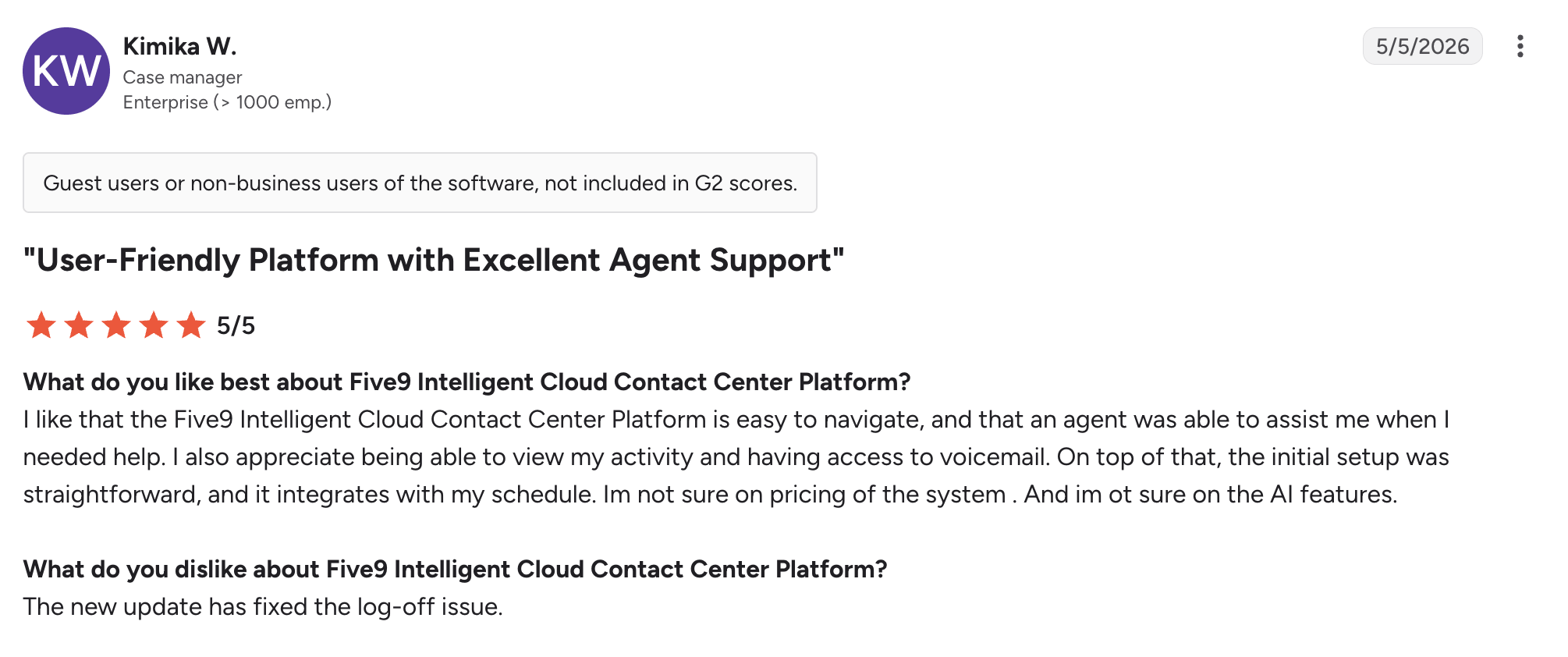
Five9 has a 4.1/5 rating on G2. Based on G2 reviews, Five9’s main pros are the intuitive web-based interface with strong call routing and support capabilities. The main cons are occasional dropped calls, login issues, and workflow glitches that can frustrate users.
6. Convoso – best for high-volume outbound teams
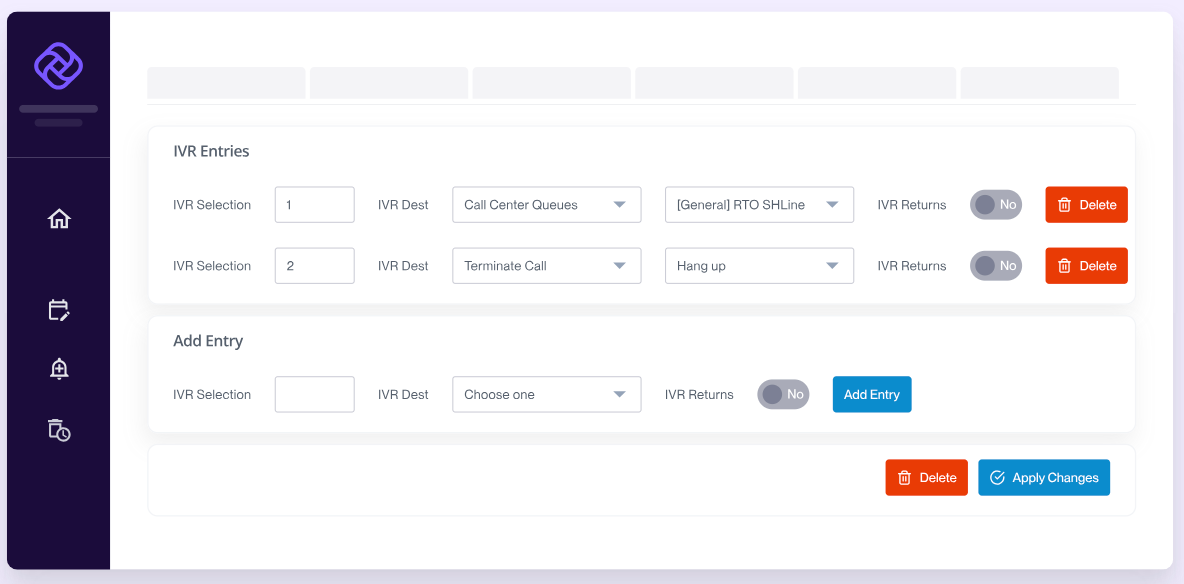
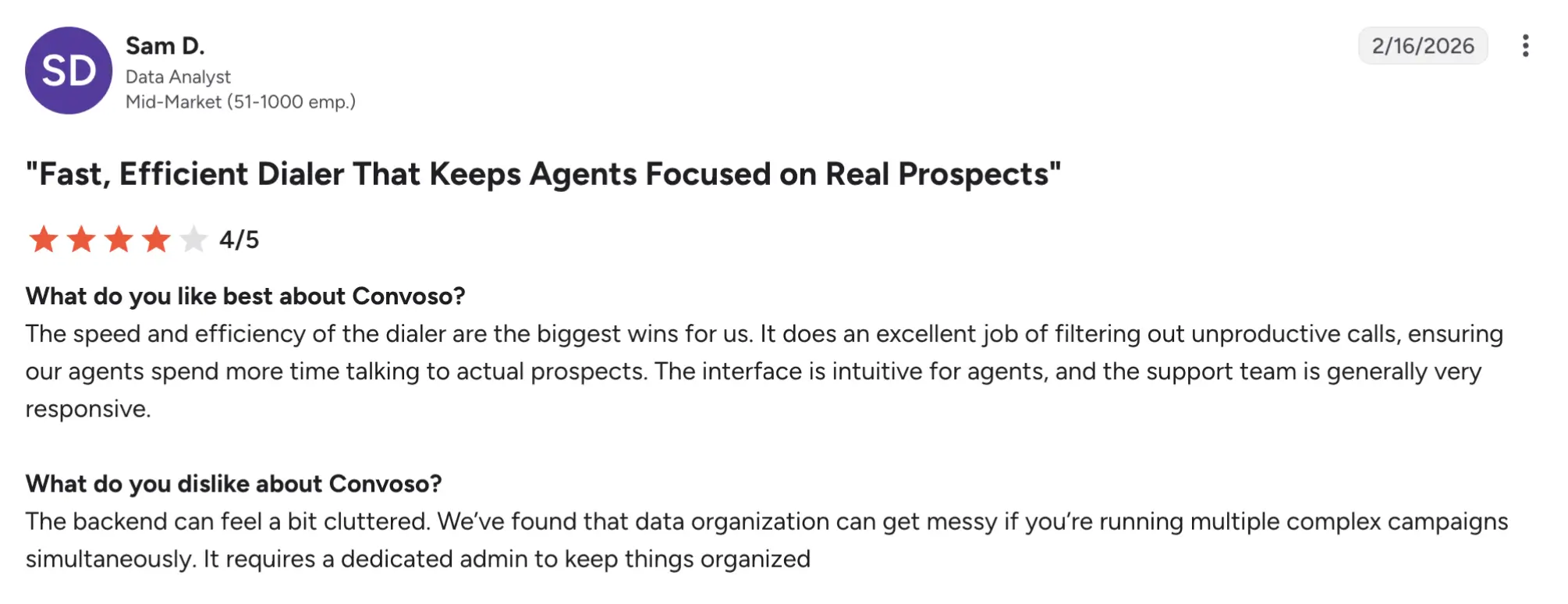
Convoso is a high-volume outbound dialer best suited for insurance and sales teams that need aggressive call throughput plus stronger control over campaign performance. It stands out because it is built around outbound velocity and reporting depth rather than being a general-purpose phone system.
Key features
- Predictive and power dialing
- User-friendly interface
- Lead and campaign management
- Real-time dashboards
Compliance tools
- DNC scrubbing is not clearly listed in the public materials.
- Consent logging is not clearly documented in the public pricing pages.
- Time-zone controls are not prominently spelled out.
Pricing
Convoso offers custom pricing; you will need to contact their team.
User feedback
Convoso has a 4.5/5 score on G2. The main advantages are the ease of use and powerful dialing tools. Reviewers also praise the intuitive interface, CRM integration, and helpful support. The main cons are occasional call-quality issues, random disconnects or logouts, and some complaints about pricing and setup complexity.
7. JustCall – best for calling and SMS follow-up
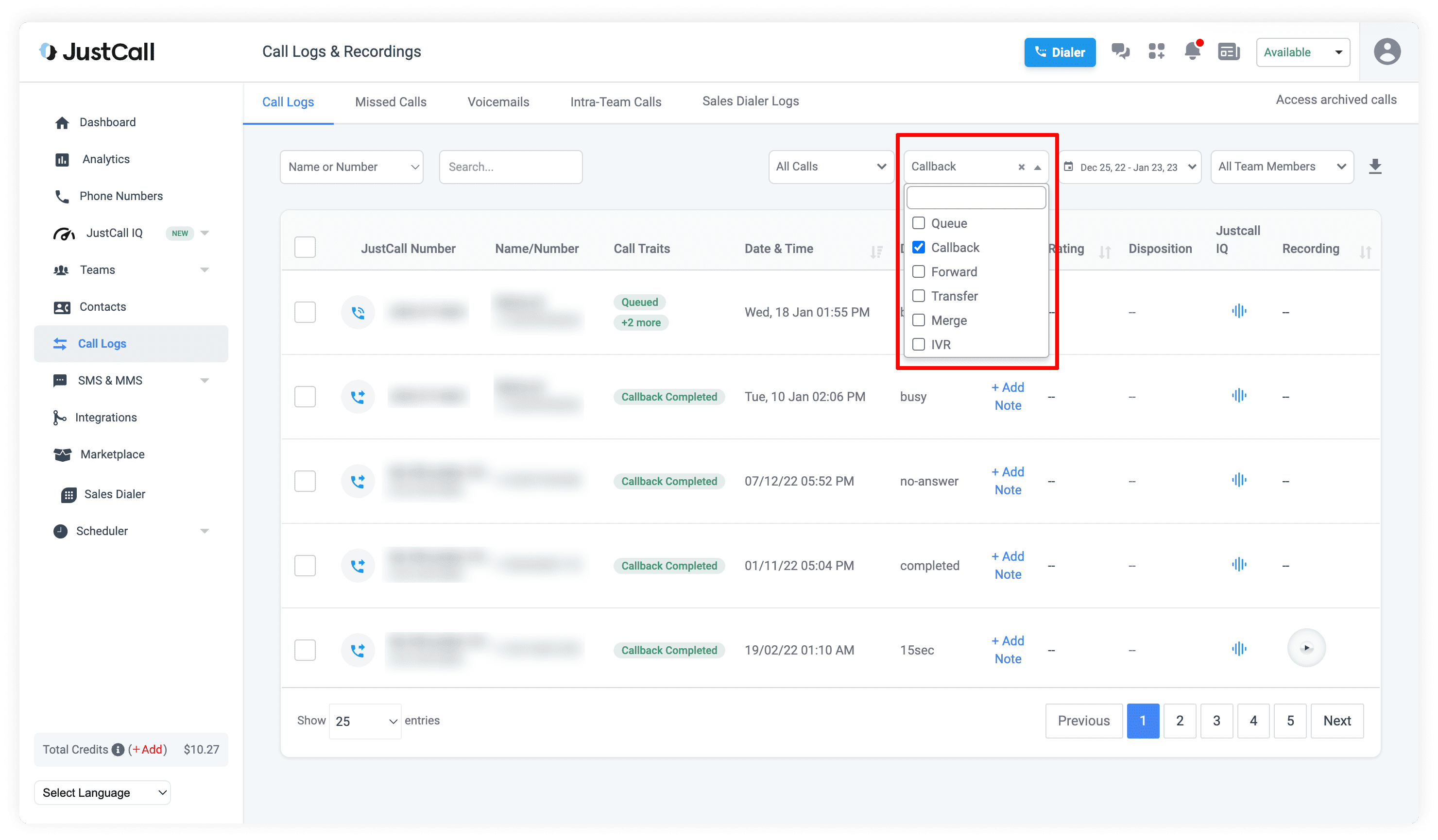
JustCall offers a sales dialer and a cloud-based phone platform best suited for insurance and sales teams that want outbound calling, SMS follow-up, and AI support in one place. It stands out because it combines dialing with messaging and workflow automation, which is useful for agencies that handle extensive post-call follow-up.
Key features
- Power, predictive, and parallel-style dialing options
- AI-powered calling and workflow automation
- Call routing, recording, and analytics
- CRM integrations
- SMS and email support
Compliance tools
- DNC scrubbing and consent logging are not clearly detailed on the pricing page.
- Time-zone controls are not prominently mentioned in the reviewed materials.
- SMS and calling compliance should be confirmed separately because outreach rules vary by campaign type.
Pricing
- Team: $29
- Pro: $49
- Pro Plus: $89
- Business: Request a quote
User feedback
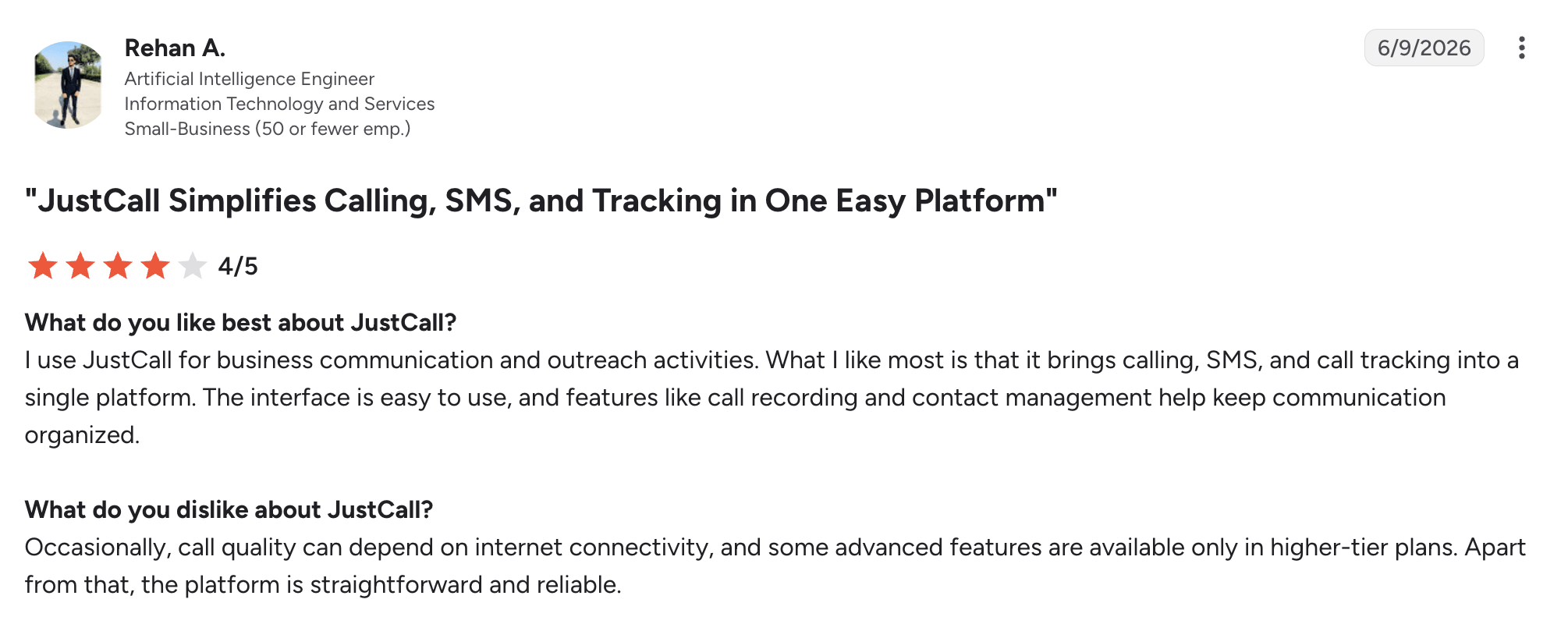
JustCall has a rating of 4.3/5 on G2. Users appreciate the platform’s wide range of integrations, an easy SMS/calling workflow, and helpful features that keep calls and tickets organized across tools. The main disadvantages are inconsistent customer support, billing complaints, and some reports that setup or certain integrations are not always as easy as they are made out to be.
8. Aircall – best for small-to-mid-size agencies
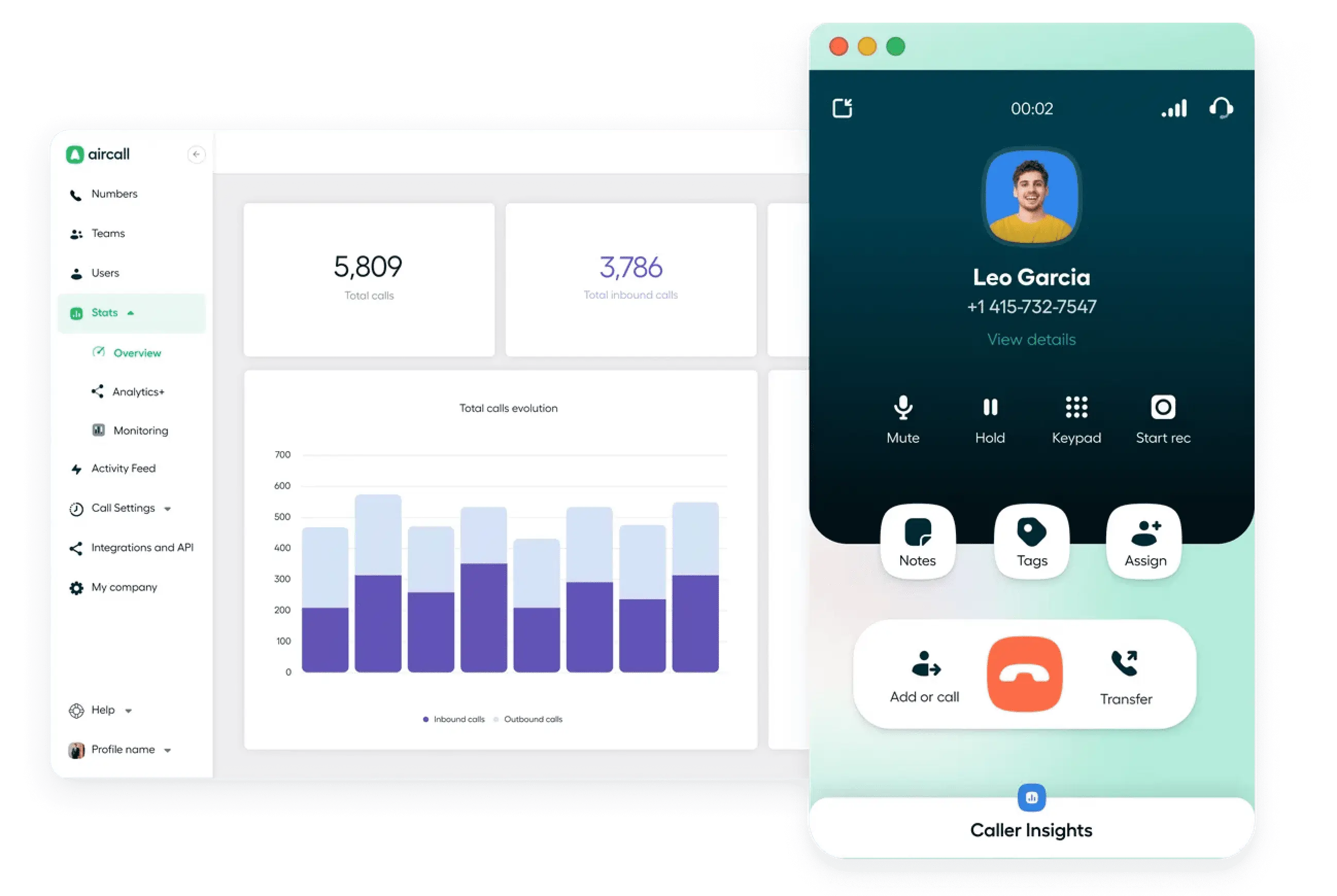
Aircall is a cloud phone system and power-dialing platform best suited to small- to mid-sized insurance teams that want quick setup and simple CRM integrations. It stands out because it prioritizes ease of use and a lightweight rollout more than deep outbound specialization.
Key features
- Power dialer
- CRM integrations
- AI Voice Agent options
- WhatsApp integration
- Simple setup and ease of use
Compliance tools
- DNC scrubbing is not clearly highlighted in the public pricing.
- Consent logging is not clearly indicated.
- Time-zone controls are not prominently mentioned.
Pricing
Aircall offers three pricing plans, billed annually:
- Essentials: $30
- Professional: $50
- Custom: Custom pricing
User feedback
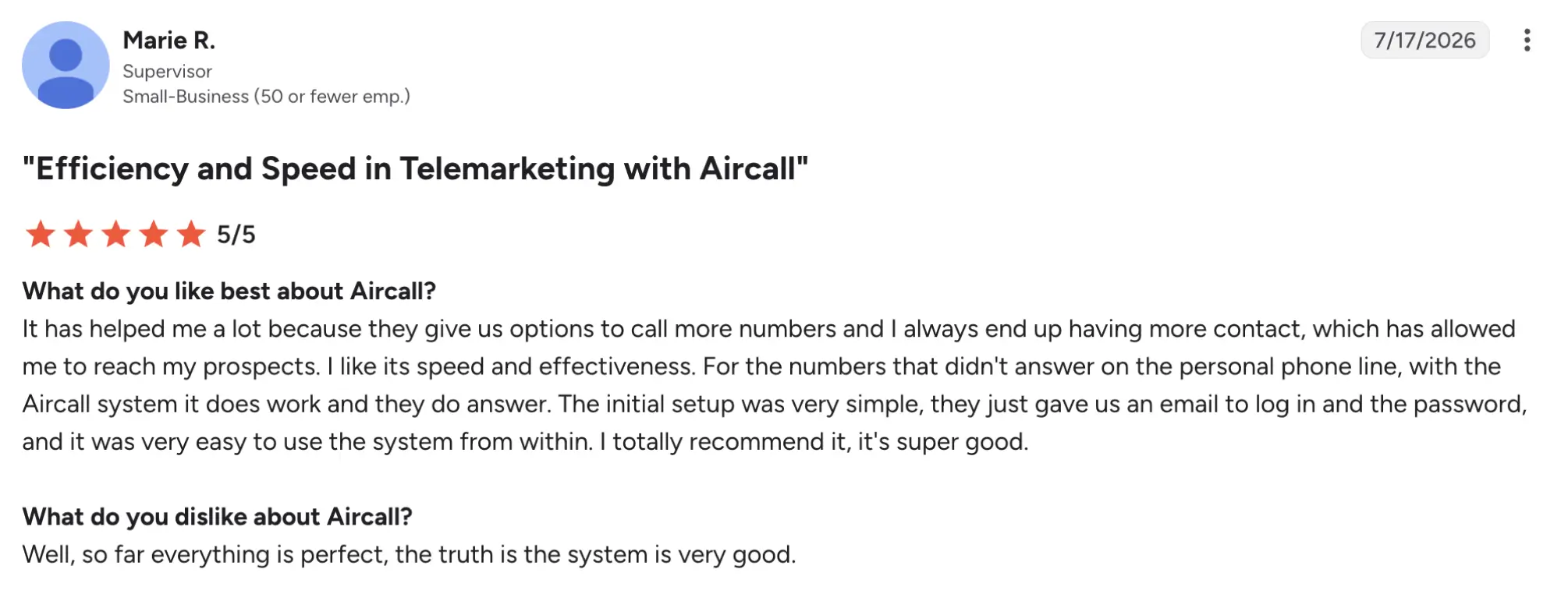
Aircall has a 4.4/5 rating on G2. Aircall’s main pros are the clear call quality, easy-to-use interface, and features such as call recording, transcripts, and SMS. The main cons are integration limitations with some tools, bugs, frequent updates, and reporting that can be hard to navigate.
9. Kixie – best for HubSpot and Pipedrive users
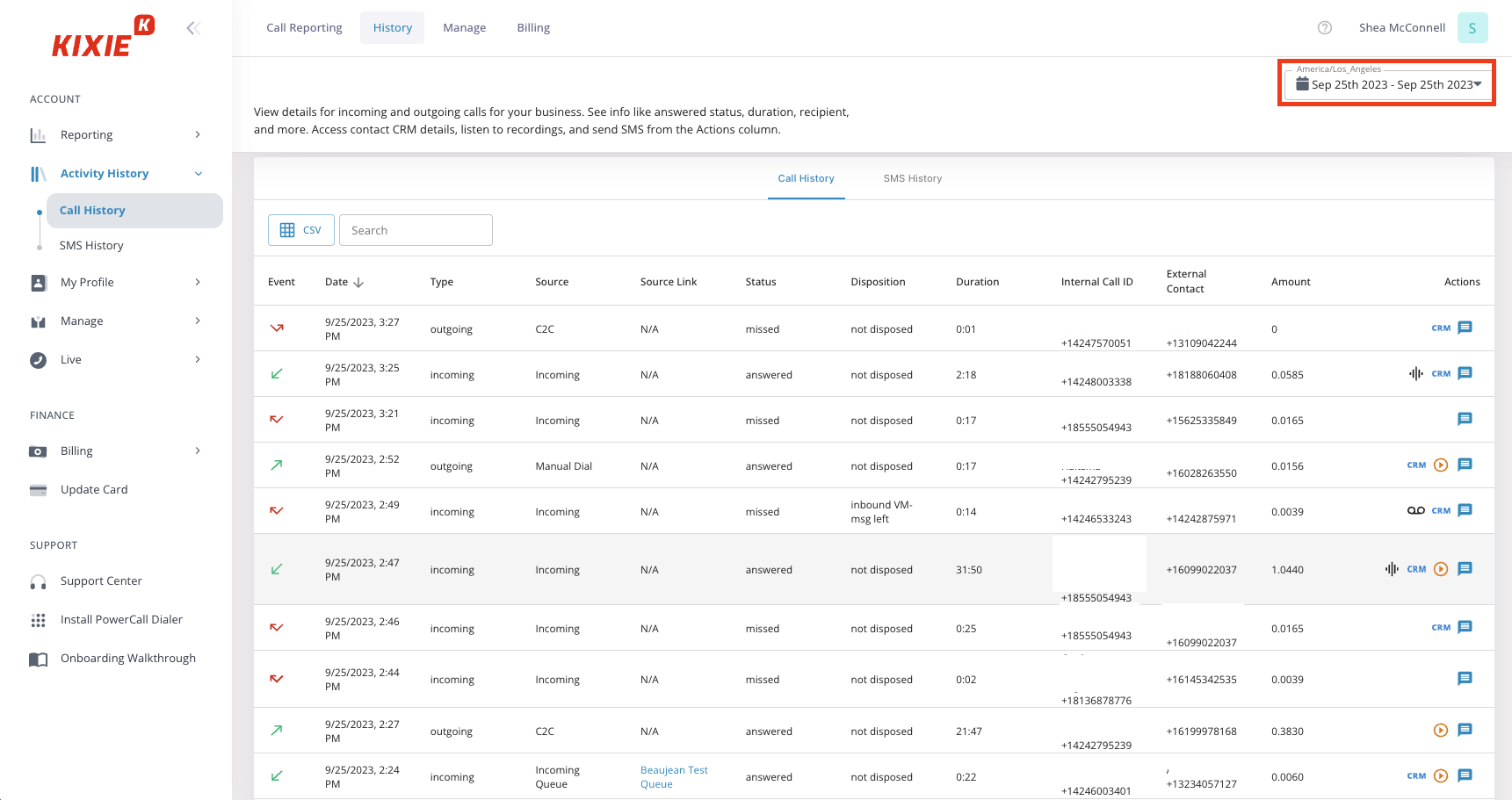
Kixie is a multi-line power dialer best suited for insurance agencies that already use HubSpot or Pipedrive and want even bigger CRM integration for outbound calling. It stands out for teams that want local presence dialing and fast outbound throughput.
Key features
- Multi-line power dialer
- Native CRM integration
- Voicemail drop and outbound sales workflow tools
- Lead management support
Compliance tools
- DNC scrubbing is not clearly spelled out in the public pricing materials.
- Time-zone controls are not clearly highlighted in the public materials.
- Native dialing controls are stronger than generic VoIP tools, but compliance still needs to be verified in implementation.
Pricing
Kixie offers custom pricing.
User feedback
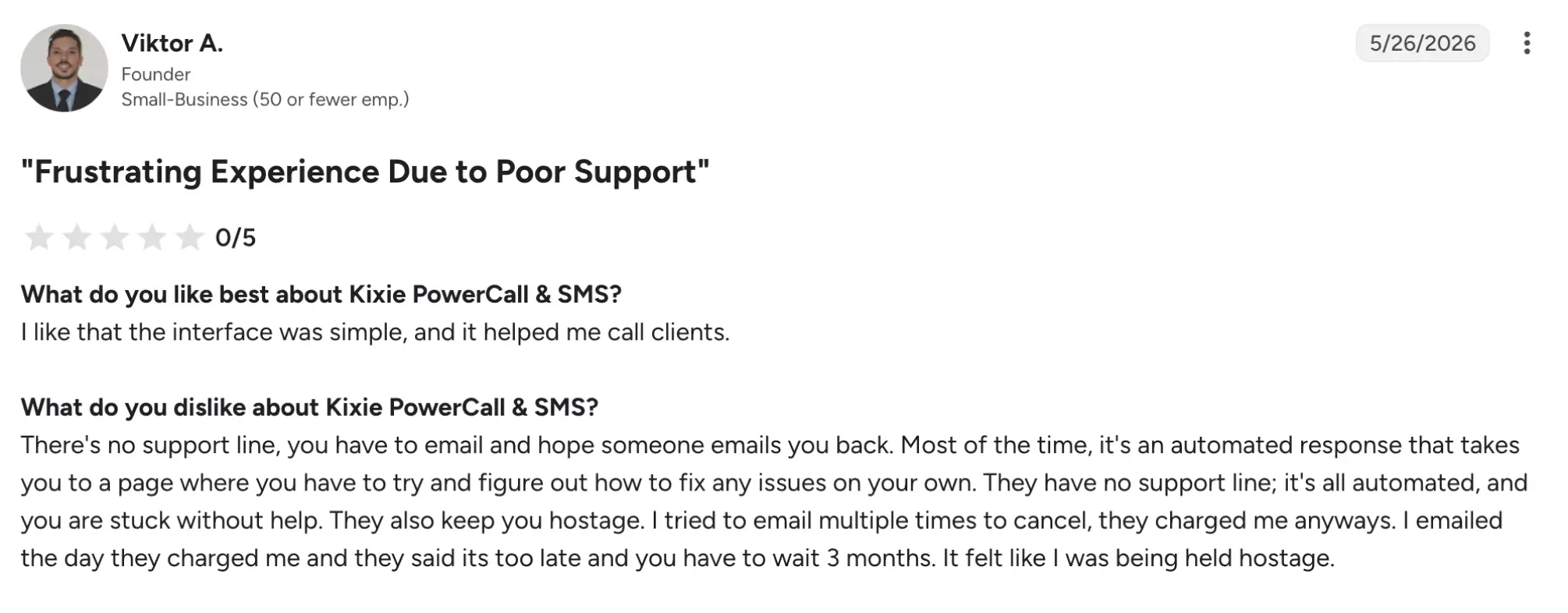
Kixie has a 4.8/5 rating on G2. Based on reviews, Kixie’s main pros are the seamless CRM integration, fast power dialing, and strong SMS/voicemail automation. The main downsides are occasional syncing glitches, bugs in SMS or CRM behavior, and some support complaints.
10. RingCentral – best for unified business communications
RingCentral is a unified communications platform best suited for insurance companies that want voice, SMS, and video in one system with built-in dialing capabilities. It stands out because it is more of an all-in-one communications layer than a pure insurance dialer.
Key features
- Power, predictive, progressive, and preview dialer modes
- Unified voice, SMS, and video tools
- CRM integrations
- Auto-attendant and IVR features
Compliance tools
- DNC scrubbing is not clearly detailed in the reviewed material, so confirm it before committing.
- Consent logging and time-zone controls are not prominently mentioned.
- Call recording may be available depending on the plan, but buyers should verify the scope and retention settings.
Pricing
- Standard: $75
- Professional: $110
- Elite: $165
- Enterprise Contact Center: Contact their support for more details
User feedback
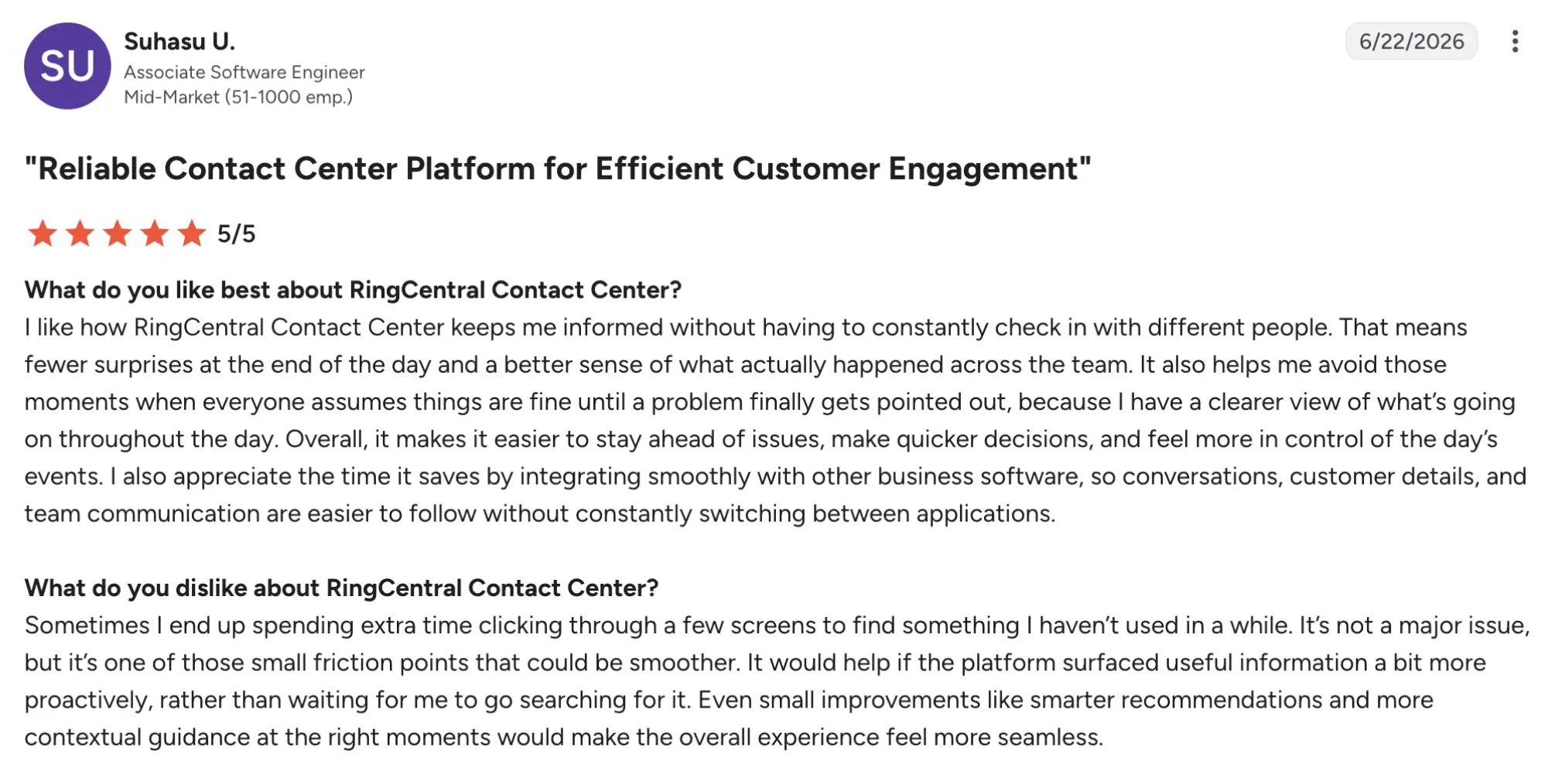
RingCentral has a score of 4.1/5 on G2. Users appreciate a broad feature set, reliable cloud calling, strong integrations, and useful admin controls for larger teams. The main cons are support delays, billing surprises, and an admin experience that can feel complex for new users.
Key features to look for in an insurance auto dialer software
Not every dialer is built with insurance workflows in mind. The following seven features separate tools that serve agencies from tools that merely tolerate them.
1. Multimode dialing options
Multimode dialing is the ability to switch between preview, power, progressive, and parallel modes on a single platform. Insurance agencies need that flexibility because prospecting, warm leads, renewals, and quote follow-ups all call for different pacing.
2. Local presence dialing
Local presence dialing displays a local area code that matches the lead’s region instead of a toll-free or out-of-state number. Insurance teams use it to improve answer rates in outbound campaigns because people are more likely to answer a familiar number.
3. CRM integration and auto-logging
CRM integration and auto-logging are the dialer’s “diary” of call outcomes, disposition codes, and notes, entered directly into the CRM record after every call. For insurance agencies, it keeps policy records up to date. The best setups sync in real time.
4. Built-in compliance controls
Built-in compliance controls include DNC scrubbing, time-zone calling restrictions, consent logging, and call recording. Insurance outbound carries real per-call risk, so agencies should not have to stitch compliance together from separate tools.
5. Caller ID reputation monitoring
Caller ID reputation monitoring tracks how outbound numbers appear to carriers and prospects, including whether they are marked “Spam Likely.” In 2026, a bad reputation can stall an entire insurance campaign before agents even get a live answer. Look for tools that both detect flagged numbers and help replace or clean them.
6. Voicemail drop
Voicemail drop is the ability to leave a pre-recorded message with one click when a call goes unanswered, without speaking to an agent. That matters in insurance because a rep making 80 calls a day can save a large amount of time when calls go to voicemail. The best systems let managers customize messages by campaign rather than forcing a single generic script.
7. AI-assisted call analytics and agent coaching
AI-assisted call analytics and agent coaching include real-time dashboards, AI-transcribed recordings, and mid-call objection coaching that suggests responses based on what the lead says. Managers use it to coach during live insurance campaigns instead of waiting until after the call.
TCPA and state-level compliance: what every insurance dialer must handle
TCPA violations carry fines of $500-$1,500 per call. Insurance outbound is one of the most frequently targeted categories. TCPA compliance is not optional for insurance outbound, and the real problem is that federal rules are only the tip of the iceberg; state rules can be stricter, and agencies doing multi-state outreach must follow the rules in every state they call.
Federal baseline rules
For insurance dialing, federal TCPA rules are the floor, not the ceiling.
- No auto-dialing cell phones without prior express written consent, with the 2025 one-to-one consent rule requiring consent that names your agency specifically.
- The National DNC Registry must be honored, and your own internal do-not-call list must also be maintained.
- Residential calls are restricted to 8 a.m.–9 p.m. in the called party’s local time.
- Opt-out requests must be honored immediately, including reasonable revocation methods.
Willful violations can land at the high end of the $500-$1,500 per-call range.
State-by-state compliance reference
Several states impose stricter rules than the TCPA, and insurance agencies operating in multiple states must comply with each state’s rules for calls made into that state.
| State | Key restriction | Dialer implication |
|---|---|---|
| California | CCPA + stricter consent rules | PWritten consent required before auto-dialing |
| Florida | Mini-TCPA with private right of action | Higher per-call fine risk than the federal baseline |
| Texas | State DNC list separate from national registry | Dual-scrubbing required |
| New York | Calling hour restrictions differ from federal | Time-zone rules must be state-aware |
| Washington | Robocall restrictions apply to insurance solicitation | Pre-recorded messages require separate consent |
This is a reference, not legal advice, and agencies should consult counsel regarding their specific calling model and state requirements.
Shared lead aggregator consent is no longer enough; each lead must specifically name your agency before you auto-dial them. Blanket consent from a vendor does not cover your calls, so verify source records before the campaign goes live.
Which auto dialer is wrong for your agency?
The wrong auto dialing mode for your agency depends on your team size, product line, and compliance exposure, and not just price.
| Agency profile | Dialer type to avoid | Why |
|---|---|---|
| Solo agent, under 50 dials/day | Predictive or parallel dialer | The automation overhead is hard to justify, and dropped-call risk is too much for one person to manage. |
| Agency selling Medicare or complex life products | Any predictive-paced tool | Fast call pacing runs counter to the slower, trust-building conversations these products require. |
| Sub-10-seat agency | Five9, RingCentral | Enterprise pricing and IT overhead usually do not make sense at this size. |
| Agency dialing cell phone lists on a free tier | Any free dialer | No DNC scrubbing means direct TCPA exposure, and the risk of fines can outweigh any monthly savings. |
| Single-CRM Salesforce shop | Multichannel tools like JustCall | You end up paying for SMS, and WhatsApp features your workflow may never use. |
| Single-region agency | Ringover | Multi-country routing and local presence tools add complexity without real value in a one-market operation. |
If your agency profile appears in the left column, skip that tool category entirely and return to the agency size selector at the top of the article.
How to choose the right insurance dialer for your agency
Choosing the right call center software comes down to five practical criteria, and knowing what a weak implementation looks like is just as important as knowing what good looks like.
- Check that pricing is fully transparent before you demo. Confirm that outbound minutes, seat costs, and core features are listed clearly on the pricing page; if they are not, budgeting usually gets messy fast.
- Verify that compliance controls are built in. Look for native DNC scrubbing, consent logging, and time-zone calling restrictions, because missing pieces often show up later as campaign risk.
- Confirm call quality and infrastructure reliability before signing. A strong dialer should sound clean and stay up consistently; weak audio or dropped calls can kill trust before the conversation starts.
- Test support availability before you need it during a live campaign. Ask when support is available, how fast they respond, and which channels they use, because a slow answer during renewals or open enrollment hurts revenue immediately.
- Require guided onboarding and agent training as part of the subscription. If setup depends on IT configuration, everything slows down, and ROI is delayed from day one.
Is an auto dialer worth the cost? A simple ROI calculation for insurance agencies
For most insurance agencies that run more than 50 dials per day, an auto dialer pays for itself within the first week. Manual dialing sets a hard ceiling on output, while a power dialer can more than double live conversations and reduce time lost to number entry, voicemail handling, and CRM logging. Let’s have a look at some hypothetical numbers and calculations.
Manual dialing baseline: What your team produces today
Let’s say a single rep doing manual dialing typically lands around 40–60 dials per day and 5–8 live conversations. For a 5-agent team, that works out to roughly 25–40 live conversations per day, which is the productivity ceiling without automation.
Power dialer output: What the same team produces with automation
With a power dialer, a rep can usually reach 80–150 dials per day and around 30–35 live connects, depending on list quality and conversation length. For five agents, that can mean roughly 150–175 live conversations per day, or about 100+ more than manual dialing.
Breaking even: How to calculate your payback period
Let’s assume five seats are at $54 per month, for a total monthly software cost of $270. If the campaign generates 2.5 additional policies per day, the agency should multiply those policies by its actual commission revenue per policy—not the full policy value—to estimate payback. For example, at $100 in agency revenue per additional policy, the dialer would need approximately three additional policies to recover its monthly cost.
Best workflows for insurance agents using auto dialers
The dialing mode matters less than matching it to the right campaign type. Here is how to configure each of the four core insurance outbound workflows.
New lead follow-up workflow
For fresh inbound leads, use the power dialer mode. Trigger the campaign automatically when a new lead hits the CRM, then keep the first call short and identity-based rather than sales-heavy. The goal is to qualify the potential client, book a follow-up, then disposition the call immediately and auto-schedule a callback if no one answers.
Quote follow-up workflow
For quote follow-up, use power or preview dialing. Pull a list of leads who have already received a quote, and switch to preview when the policy is complex, or the agent needs a quick refresher before connecting. Open by confirming interest and moving toward a closing appointment, then log the outcome to the CRM right away.
Renewal outreach workflow
For renewal outreach, use parallel dialing. Segment policyholders by 30-, 60-, and 90-day renewal windows, then run each window as its own campaign to maintain clarity of urgency. Set state-aware calling hours by contact time zone, not by a single company-wide schedule, and auto-log every attempt.
Re-engagement and lapsed policyholders
Lapsed policyholders are one of the most underworked segments in insurance outbound. They already know your agency, which makes re-engagement more efficient than cold prospecting when approached correctly. For this segment, use preview dialing.
Build the list from policyholders who lapsed or became inactive in the past 90 to 365 days, and reference the prior policy directly rather than opening as a cold call. If original consent is old, re-consent may be required before auto-dialing, especially in California, Florida, and Washington, so verify state-specific rules with counsel before launch. Tag outcomes in a separate win-back pipeline so conversion reporting stays clean and does not distort active lead performance.
How to set up an auto dialer for your insurance agency
Setting up an insurance auto dialer correctly requires completing compliance steps before the first call goes out.
- Import and clean your lead list. Remove known internal DNC contacts before upload, and do not assume the vendor already scrubbed the file against state registries.
- Run DNC scrubbing. Confirm the list is checked against the National DNC registry and any applicable state lists before dialing starts.
- Turn on compliance controls. Make sure consent logging, time zone enforcement, and call recording storage are enabled before the first campaign launches.
- Set time-zone calling windows. Enforce calling hours at the system level so each contact is dialed only within their local allowable window.
- Choose the dialing mode. Use preview for lapsed re-engagement, power for quote follow-ups and new leads, and parallel for high-volume renewal outreach.
- Integrate and test CRM write-back. Run a small test batch first so disposition codes, notes, and recordings land in the right CRM fields.
- Configure voicemail drop. Load campaign-specific voicemail messages before launch so agents do not waste time recording them mid-campaign.
- Brief agents and review the test batch. Train the team on scripts, dispositions, and opt-out handling, then confirm the first batch logged correctly before scaling.
Common setup mistakes that kill your first campaign
- Skipping the test batch: DNC suppression or CRM write-back can fail silently, and you may not notice until hundreds of calls are affected.
- Setting a single calling window for all contacts: Agents may end up calling across time zones outside legal hours.
- Importing unscrubbed vendor lists: Purchased leads often include federal or state DNC contacts, creating immediate compliance exposure.
- Using one caller ID at high volume: A single overused number can get flagged quickly and drag down answer rates.
- Delaying voicemail drop setup: Agents lose one of the main time-saving benefits and send inconsistent messages.
Which dialer to choose?
The best auto dialer for an insurance agency doesn’t really come down to price alone. Choosing a dialer depends more on agency size, campaign type, call volume, and compliance needs. Kixie and MightyCall are well-suited to smaller teams. JustCall and Aircall fit growing agencies. Readymode and Convoso work well for higher-volume outbound. Five9 or RingCentral makes more sense for enterprise operations with heavier workflow demands.
The main takeaway here is rather simple: choose the dialer that matches how your agency actually sells, renews, and follows up. If your team handles Medicare or complex life products, favor preview and careful pacing. If you run renewals or large outbound lists, look for parallel dialing, strong CRM sync, and built-in compliance controls.