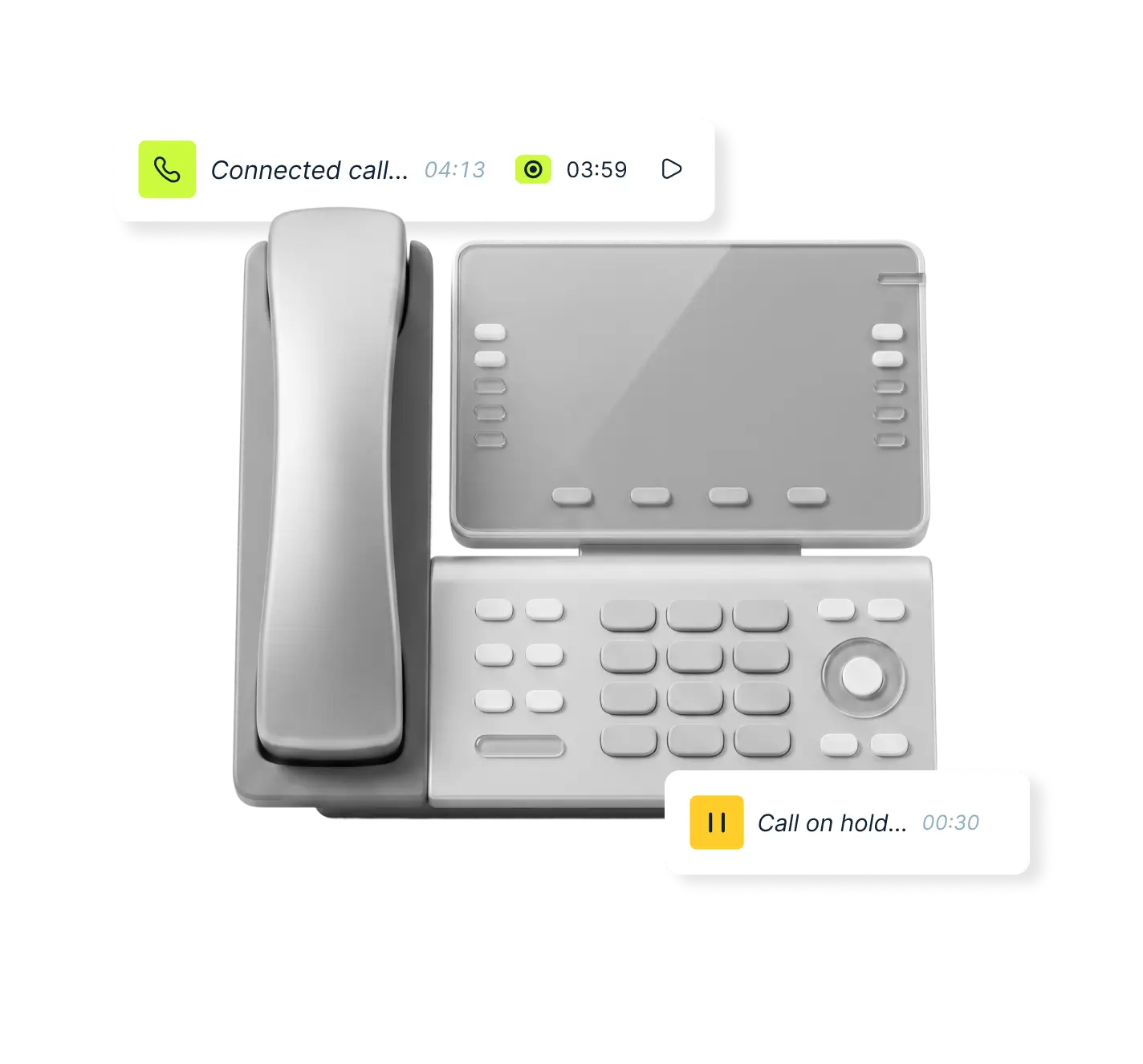

Does MightyCall support desk phones?
Yes — MightyCall supports compatible SIP desk phones.
This allows teams to make and receive calls through physical devices while still using MightyCall’s full feature set, including call routing, analytics, and call center tools.
Setup is straightforward, and once connected, desk phones work seamlessly alongside web and mobile apps.
Why use desk phones with MightyCall?
Familiar workflow for teams
Some teams prefer physical handsets for comfort and speed. Desk phones provide a familiar experience, especially in high-call environments.
Reliable call handling
Desk phones offer stable performance for teams that handle a large volume of calls throughout the day.
Hybrid flexibility
Use desk phones in the office while other team members work from desktop or mobile apps — all connected within the same system.
Perfect for structured environments
Great fit for front desks, support teams, and call centers where a dedicated calling device improves focus and efficiency.
How teams typically use desk phones
- Reception and front desk call handling
- Customer support teams with high call volume
- Sales teams that prefer physical dialing
- Offices with shared or fixed workstations
Setup and compatibility
MightyCall works with supported SIP desk phones.
Configuration requires basic network setup and device provisioning.
For step-by-step instructions and supported models, see our guide: https://support.mightycall.com/setting-up-deskphones