

Key takeaways
- What IVR software actually does: IVR (Interactive Voice Response) lets callers navigate a voice menu and route themselves to the right person or department, reducing wait times and missed calls.
- Why small and mid‑size businesses use IVR: A well‑designed IVR improves customer experience, cuts repetitive questions, and helps small teams handle more calls without adding headcount.
- Core features to look for: Expect multi‑level menus, drag‑and‑drop call flow builders, custom greetings, time‑based routing, call queues, voicemail, and integrations with CRM/helpdesk tools.
- How to choose and roll out IVR: Map your most common call paths first, pick a provider with an easy visual builder and solid support, then pilot the menu with a small group and improve everything based on real caller behavior.
In today’s fast-paced business environment, delays are not an option. With rapid communication methods and instant information access, customers expect immediate responses. Implementing IVR software ensures your customers aren’t left waiting.
If you use IVR software, your customers will not be the ones waiting. By using top IVR systems, you can improve customer satisfaction and free your agents to focus on more complex issues rather than hastily addressing routine questions.
What is IVR software?
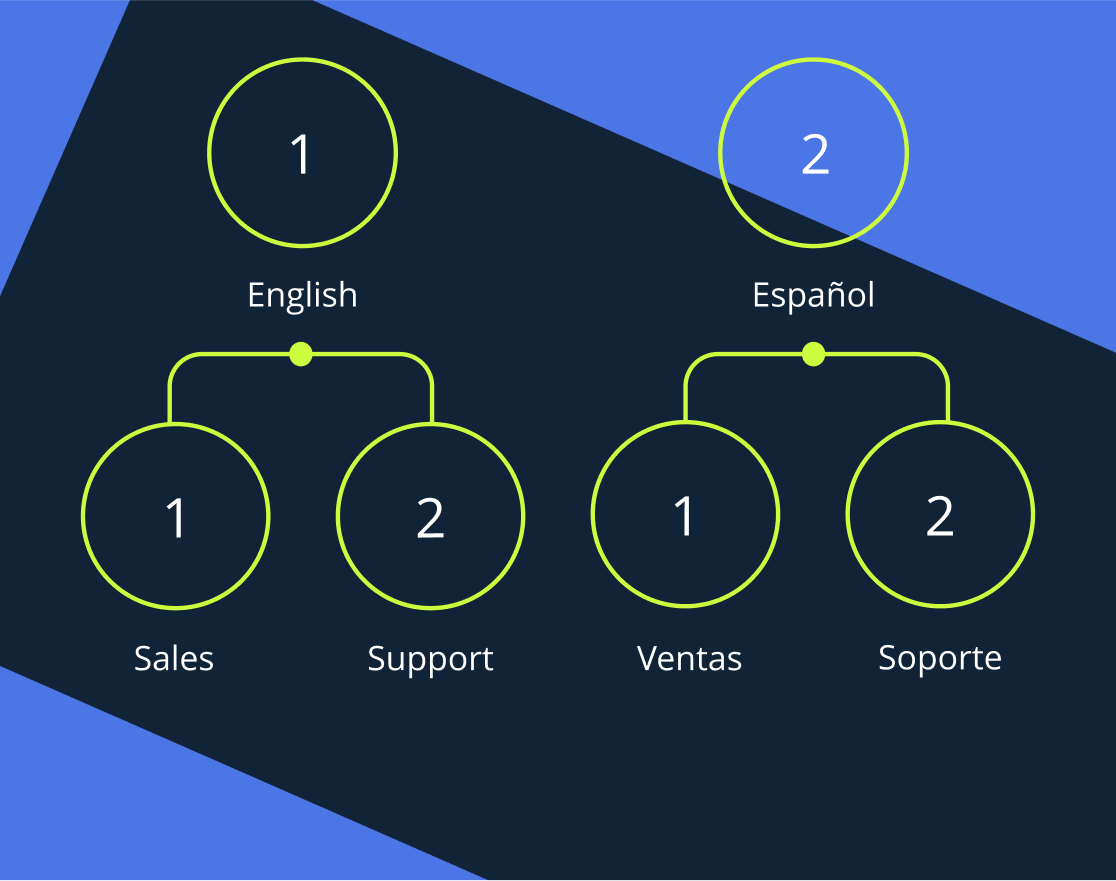
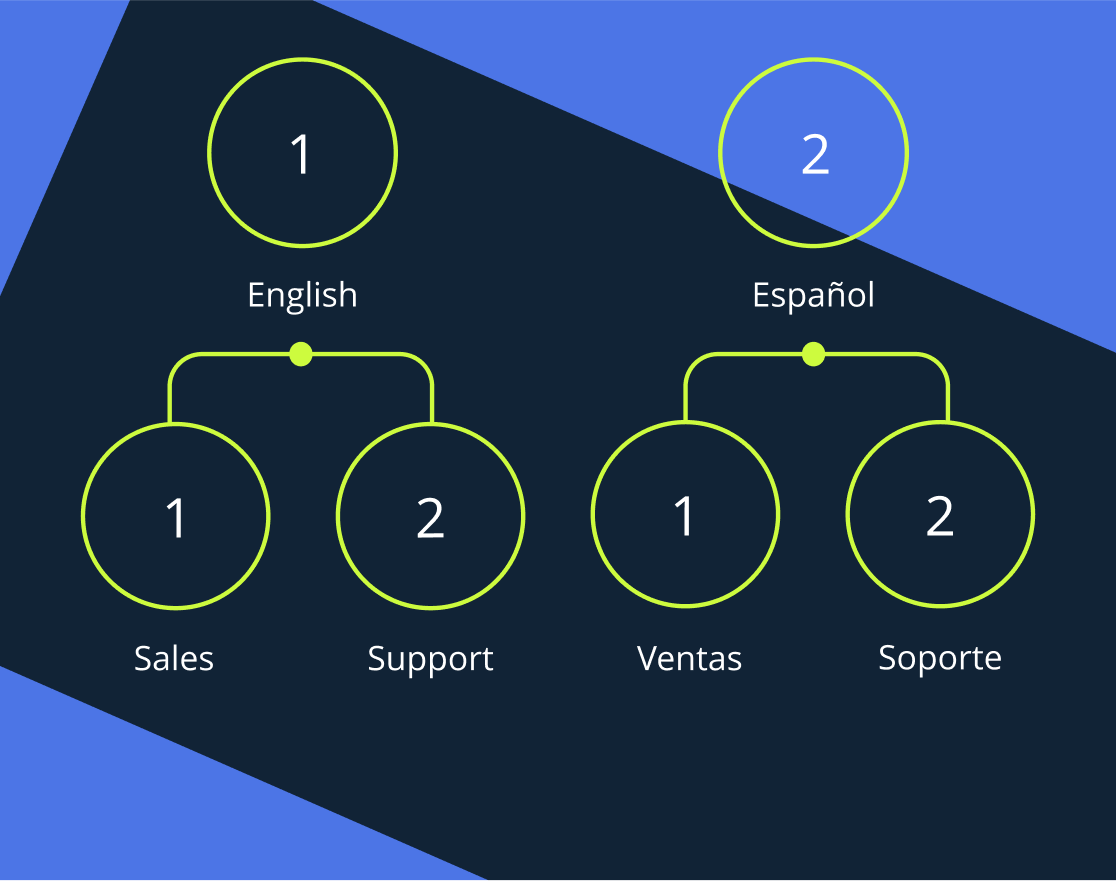
Interactive Voice Response (IVR) is a technology that provides callers with a menu of options. They can select by voice or by entering a number on the phone’s number pad. These systems can have one or more menu options.
How does IVR software work?
When used correctly, IVR software can be a real help to businesses facing surges in calls (or simply handling a high volume of calls daily). But how exactly can it be helpful?
- Save agent time: By potentially answering questions early, agents save time. Additionally, the system can help ensure that customers are routed to the right agents.
- Route calls correctly: As noted above, by asking clients what they need, you can be confident they will reach the human assistants. This is so much more efficient than playing a game of call transfer.
- Provide new information: Have you recently changed your hours or started a new sale? Perhaps you have opened a new location. Either way, you can use interactive voice response to ensure callers know that information.
- Receive payment for bills: If a customer is trying to pay their bill, they can use the IVR menu to enter payment information instead of speaking with a representative.
The list of the 12 best IVR systems
Based on our criteria, these are the best service providers we found for your perusal and consideration:
- MightyCall – best solution all around
- Twilio – best for price flexibility
- NICE – best for AI coaching
- CallHippo – best for powerful features
- Genesys – best for optional AI
- Talkdesk – best for sleek appearance
- CloudTalk – best for international companies
- Dialpad – best for AI integration
- GoTo Connect – best for experience in the business
- Aircall – best for feature flexibility
- Nextiva – best for AI automation
- JustCall -best for remote agent integration
Top IVR software: Comparison
| Name | Lowest Price | Is IVR available on the starting tier? | Key Features |
|---|---|---|---|
| MightyCall | $20 | Yes | Ring groups, call monitoring |
| Twilio | Pay for what you use | N/A | Cross-channel conversations |
| Nice | $110 | No | Robotic Process Automation |
| CallHippo | $35 | No | IVR routing |
| Genesys | $75 | Yes | Callback |
| TalkDesk | $85 | Yes | Virtual Agent |
| CloudTalk | $19 | No | Automated call distribution |
| Dialpad | $15 | Yes | Action item capture |
| GoTo Connect | Request a quote | Yes | Dial plan editor |
| Aircall | $30 | Yes | Simultaneous outbound calls |
| Nextiva | $15 | Yes | AI integration |
| JustCall | $29 | Yes | Call routing |
12 best IVR service providers: An Overview
MightyCall
MightyCall is a well-rounded, premium IVR service provider. It removes unnecessary complexity and provides users with cloud-based tools to efficiently reach customers and manage incoming calls.
Why we picked it
MightyCall recently expanded its operations to focus on call centers, and a strong IVR platform plays an important role in this. This, in turn, led to the introduction of some exciting new features and the reinforcement of older, trusted ones. This resulted in creating a valuable and trustworthy package for businesses of all sizes, making it one of the most popular IVR solutions on our list.
Best for
MightyCall is generally best for SMBs to call centers.
Pricing
All prices shown are per/user per month, paid yearly, unless otherwise stated:
- Core: $20
- Pro: $38
- Power: $54
- Enterprise: $65
Features
Pros & Cons
| Pros | Cons |
|---|---|
| Detailed call routing possibilities allow true flexibility | No video conferencing features |
| Allows for multi-lingual IVR support | No fax |
| Queue callback makes life easier for your agents |
User reviews
G2: 4.4/5
Commenters pointed to the easy-to-use multi-level IVR.
schedule your personalized demo with our amazing team

Twilio
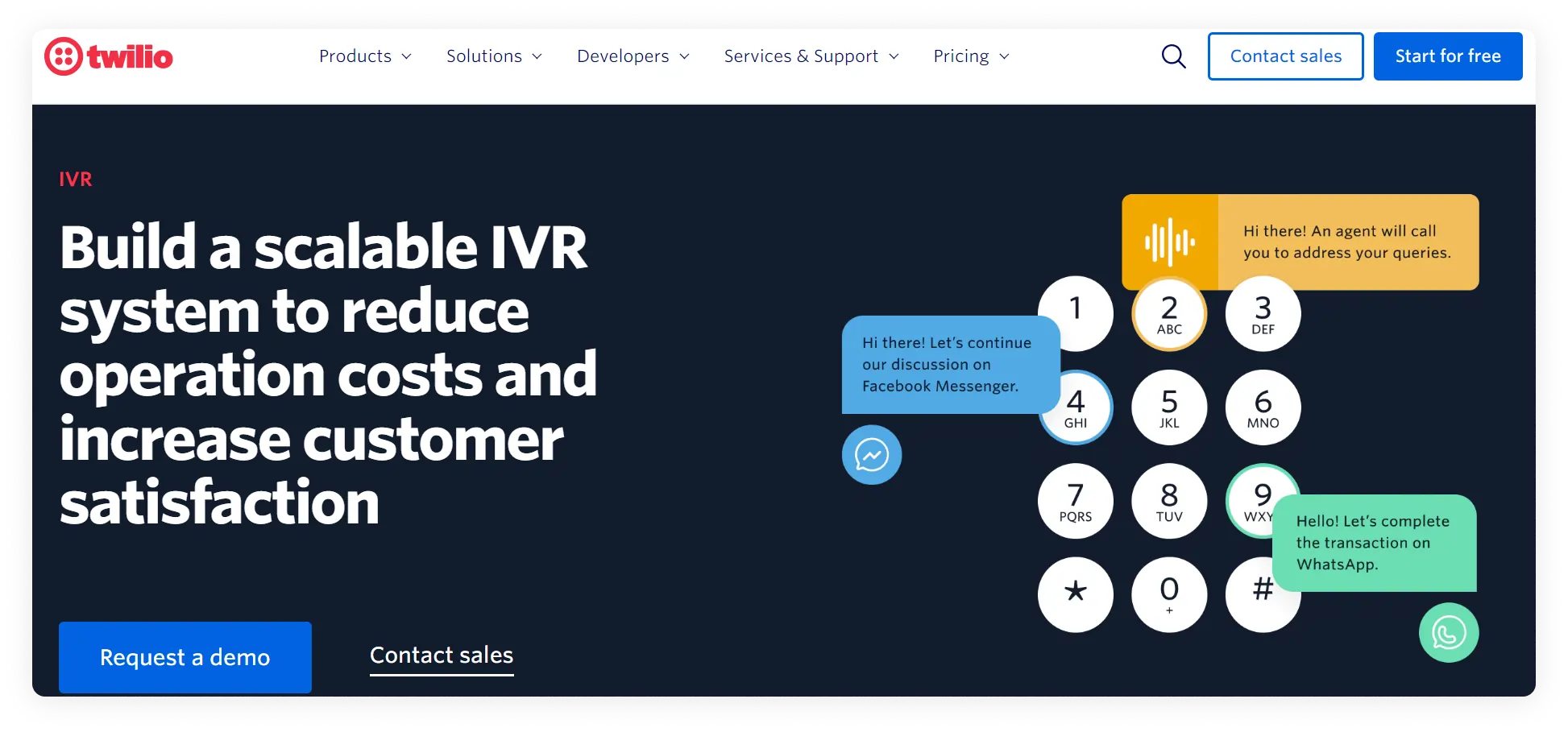
Second on our list is Twilio, which is unique for using a pay-for-what-you-use model. As a result, it is built around offering many separate pieces you assemble yourself.
Why we picked it
Twilio is unique and deserves consideration as one of the best IVR systems on this list because it approaches IVR in a different way. It may not be the best option for those who want a simple package, but it’s worth considering.
Best for
Twilio is generally best for solopreneurs and small businesses.
Pricing
Unless otherwise stated, all prices shown are per user per month, paid annually. Twilio’s pricing is usage-based, so all components are priced separately. For more information, visit their website or contact their sales department. However, they have put together some packages.
Features
- SMS texting
- Archive conversations
- Verification (anti-bot software)
- Automated software
Pros & Cons
| Pros | Cons |
|---|---|
| Maximum flexibility is offered by customization | The level of customization can be daunting for those who are less tech-friendly |
| Bot detection – a helpful tool in modern times | Putting separate pieces together means you may spend more than you realize |
| The level of customization – including code verification – is unique to Twilio |
User reviews
Commenters liked the customization but had concerns over customer support.
NICE
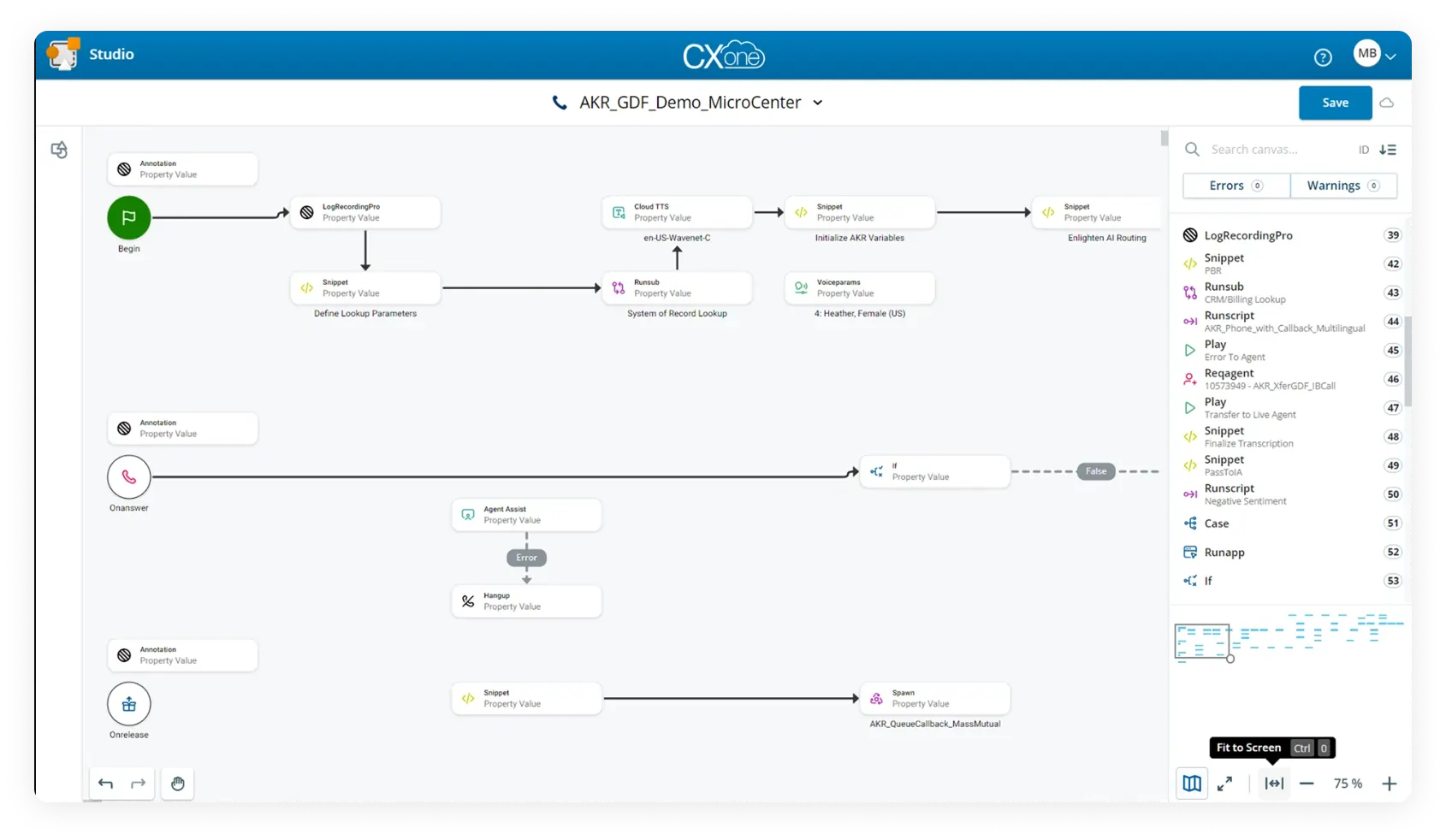
Nice is one of the few IVR vendors that has jumped aboard the AI train. So much so that their sales pitch is based on the fact that they offer it. With AI, agents can receive real-time coaching and help address customer complaints.
Why we picked it
Nice’s AI is something others do not offer. While it may be a bit too early to rely on AI completely, they offer an interesting proposition and one worth looking into. Especially if you have just hired many new hands who may need extra support.
Best for
Nice is best for burgeoning call centers.
Pricing
- CXone Mpower Omnichannel Suite: $110
- CXone Mpower Essential Suite: $135
- CXone Mpower Core Suite: $169
- CXone Mpower Complete Suite: $209
- CXone Mpower Ultimate Suite: $249
Features
- CX data
- AI help
- UCaaS integrations
Pros & Cons
| Pros | Cons |
|---|---|
| AI is helpful for new employees | Extremely complex service; they even offer a whitepaper to help you understand it |
| Clean-looking interface | Vague pricing may be off-putting to those who want a straight answer |
| Clearly, a lot of thought has been put into the product; nothing slapdash |
User reviews
Commenters liked the AI support.
CallHippo
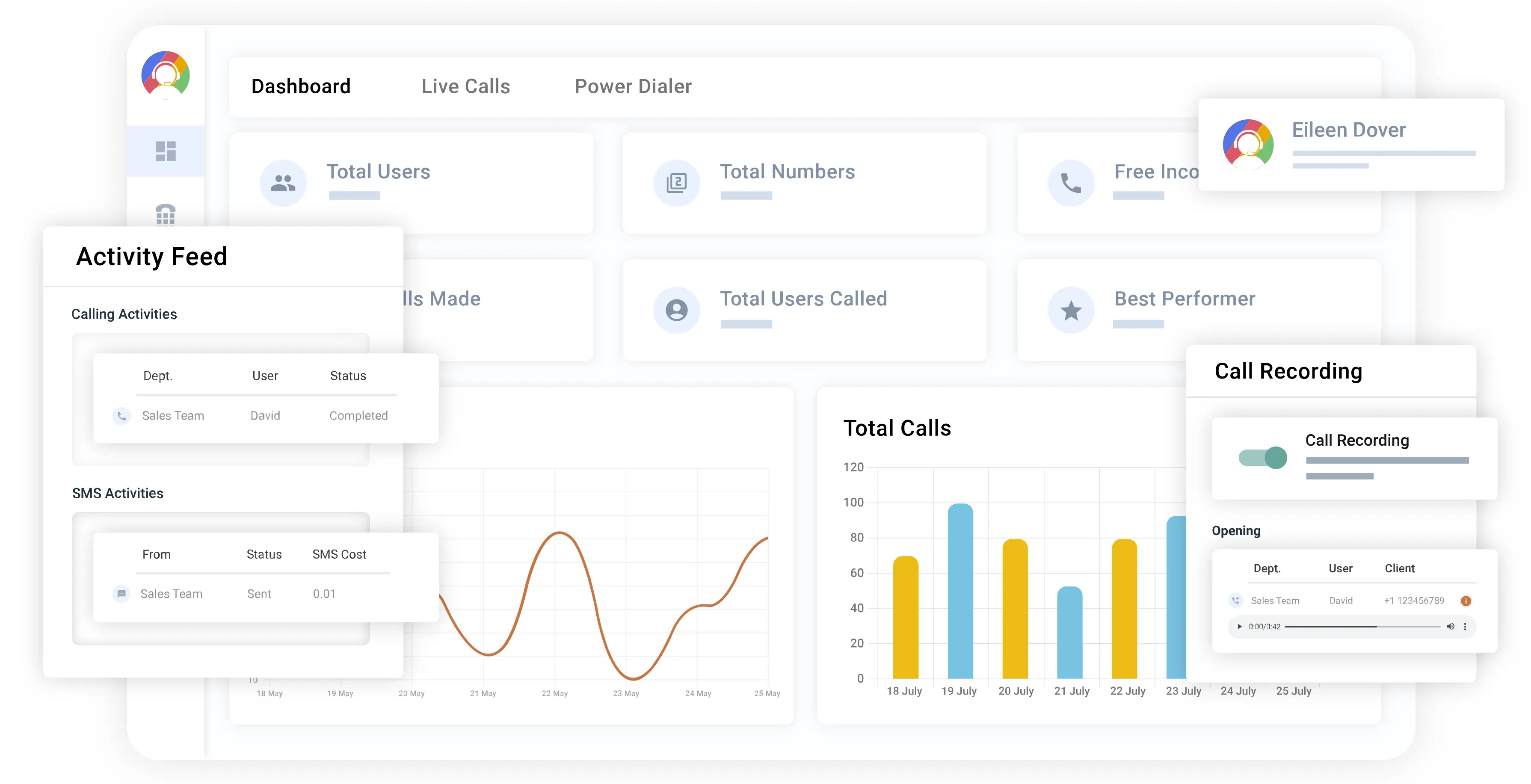
CallHippo has pricing plans for call centers and smaller offices (like MightyCall) and is a relatively solid, well-rounded company. Although some key features (as we will discuss) are only available on higher tiers, they are still worth considering, as they offer powerful capabilities.
Why we picked it
CallHippo has extensive experience in this sector and is, of course, an IVR system provider. Its dual offering of office-level technology and call center technology helps businesses deliver customer support tailored to customer needs.
Best for
It depends on what you are looking for, but CallHippo is generally better for larger offices or smaller call centers.
Pricing
All prices shown are per/user per month, paid yearly, unless otherwise stated, for their Call Center Solutions:
- Bronze: $35
- Silver: $39
- Platinum: $49
Features
- DID group
- Embedded Dialer integration
- Live Call
Pros & Cons
| Pros | Cons |
|---|---|
| Call forwarding is available on the free tier | IVR is not available on the lowest tiers |
| Call tagging helps organize old calls | A multi-level menu tree is only available on the absolute highest tier |
| Can forward calls to multiple devices in order not to miss key ones |
User reviews
Commenters approved of the audio quality.
Genesys
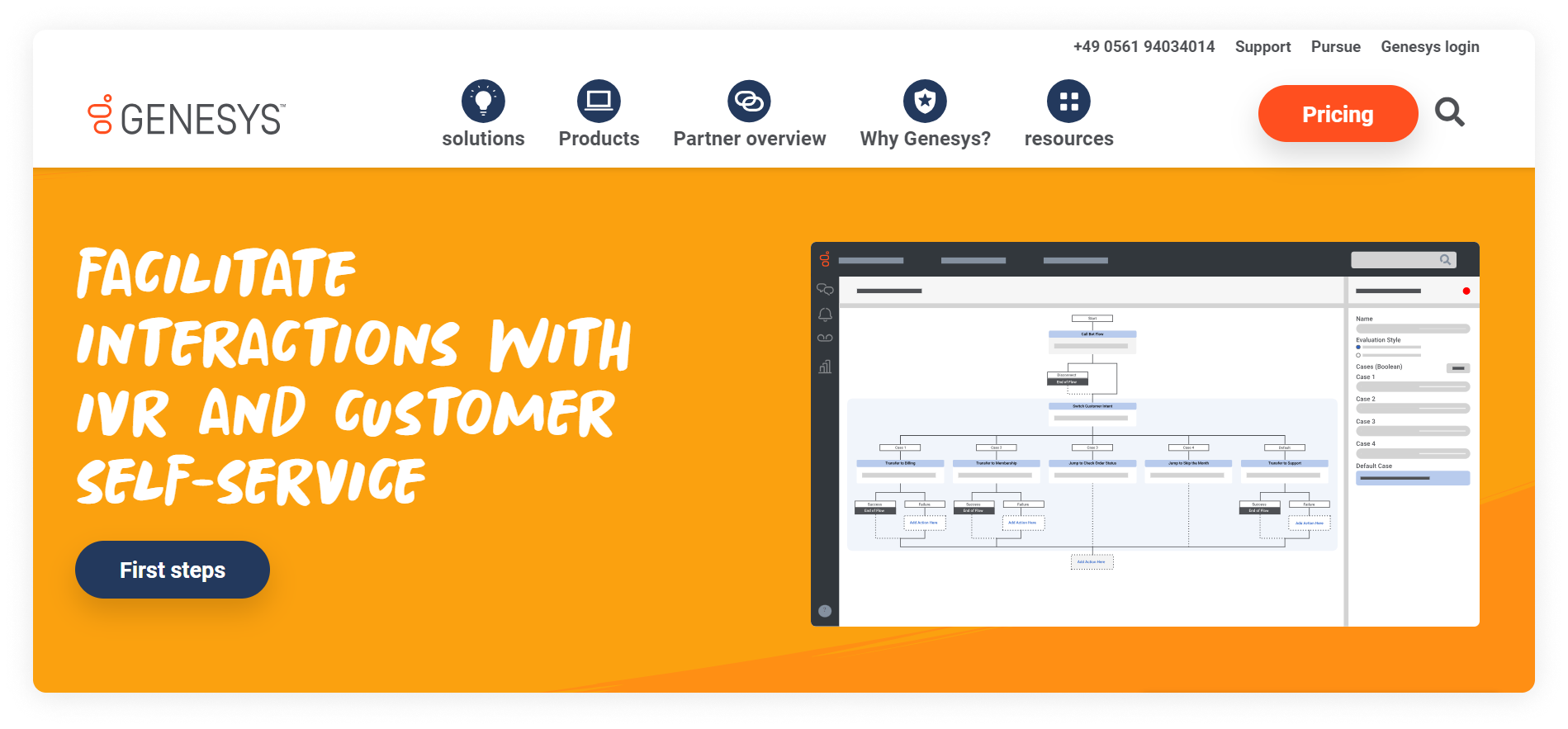
Genesys, like Nice, offers AI. However, while Nice effectively integrated it into all its plans, Genesys offers it as an add-on. While this makes it more expensive, it also makes it easier for folks who want a simpler plan.
Why we picked it
Genesys offers the best of both worlds: simple IVR solutions for those who want straightforward help and complex AI opportunities for those who want to be at the cutting edge. This makes them rather unique and worth a look.
Best for
Genesys is better for larger call centers.
Pricing
Unless otherwise stated, all prices shown are per user/month, paid annually.
- Cloud CX 1 (Voice): $75
- Cloud CX 2 (Digital + Voice): $115
- Cloud CX 3 (Digital + WEM): $155
- Cloud CX 3 (Digital + WEM + Voice+ AI): $240
Features
- Inbound Voice Routing
- Callback (Software and Web)
- Inbound/Outbound Blending
Pros & Cons
| Pros | Cons |
|---|---|
| Basic IVR system functionality is available on the lowest tier | Extremely complex plans and options |
| For those who know what they want, a plethora of options | All tiers are more expensive than most competitors |
| Speech-enabled IVR service available |
User reviews
Reviewers were very pleased with the quality of the software, though others complained about the higher costs.
TalkDesk
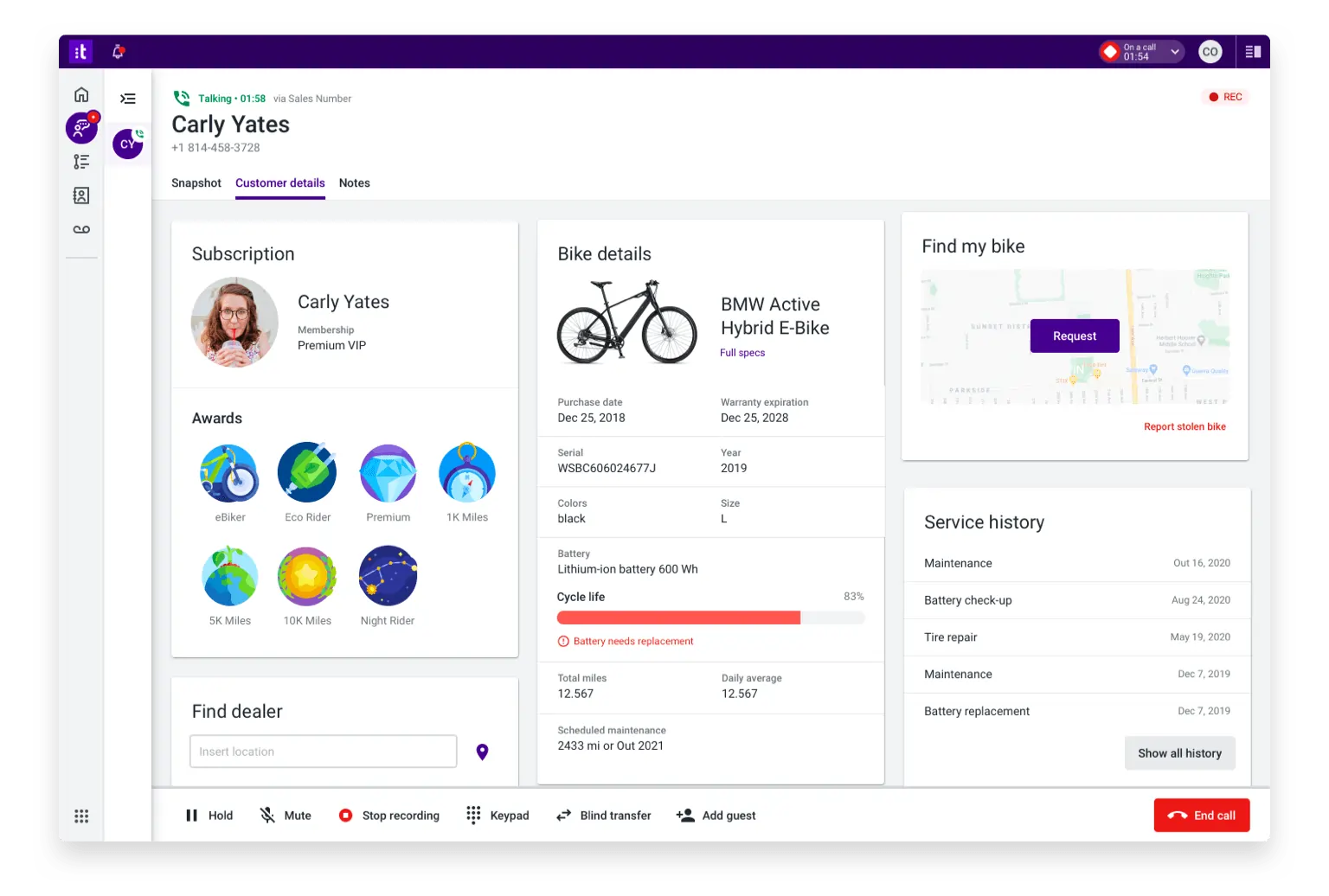
TalkDesk has also entered the AI space by offering an AI-powered cloud contact center platform. This platform has cutting-edge technology; however, the software is extremely expensive, like Genesys. Is it one of the best IVR solutions? Let’s see how it compares.
Why we picked it
TalkDesk offers modern technology in a sleek, well-organized package. There is no reason you should not consider it for your business, provided you have the funding for it.
Best for
Like Genesys, TalkDesk is better for larger call centers.
Pricing
All prices shown are per/user per month, paid yearly, unless otherwise stated:
- Digital Essentials: $85
- Voice Essentials: $105
- Elite: $165
- Industry Experience Clouds: $225
Features
- Voice Engagement
- Studio and Routing
- AI Trainer
Pros & Cons
| Pros | Cons |
|---|---|
| All major interactive voice response features are available in lower tiers | AI is integrated into software, whether you want it or not |
| The lowest tier is packed with features | Very expensive |
| AI is available on the lowest tier |
User reviews
Reviewers loved that it was simple to use once set up. However, it’s noted that the setup process was complicated.
CloudTalk
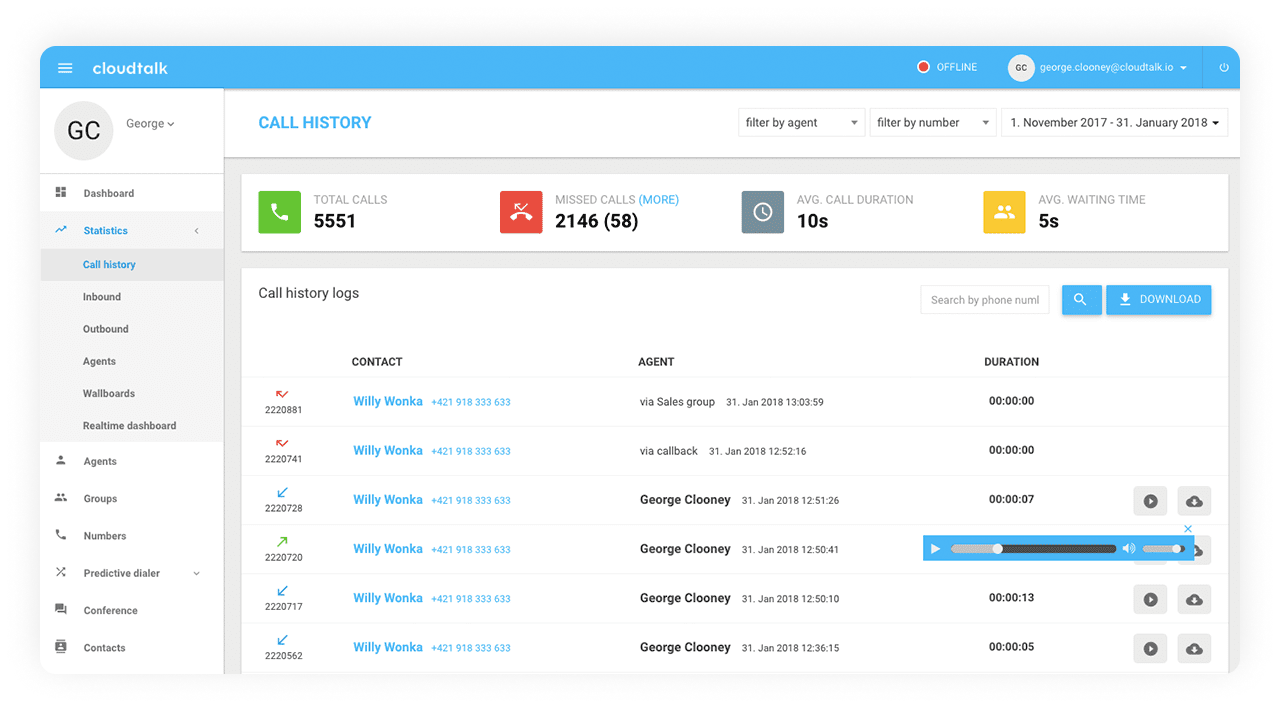
CloudTalk is another solution that offers AI-powered tools and a variety of classic and unique VoIP features.
Why we picked it
CloudTalk offers many features, but it is unique for its extensive international number availability. It’s great for companies that want to stretch overseas or across borders.
Best for
CloudTalk is best for large international call centers.
Pricing
All prices shown are per/user per month, paid yearly, unless otherwise stated:
- Lite: $19
- Essential: $29
- Expert: $49
Features
- Wallboards
- Smart queueing
- Skill-based routing
Pros & Cons
| Pros | Cons |
|---|---|
| Tools like skill-based routing help clear up clogs/reduce transfers | Unlimited concurrent calls only on the highest plan |
| Automated call distribution is available in the lowest tier | Some users indicate that setting up IVR is difficult |
| Mobile numbers are available for over 160 countries |
User reviews
Reviewers like the amount of features, but IVR reviews were so-so.
Dialpad
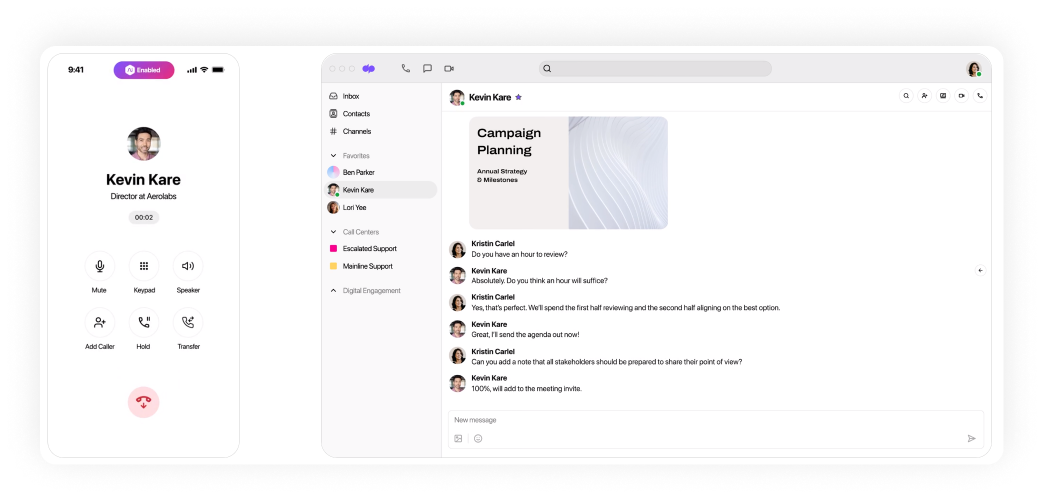
Dialpad is a VoIP company renowned for its ease of use and long experience connecting businesses with their customers.
Why we picked it
Like many others on our list, Dialpad has also adopted AI and has managed to integrate it well into their systems. Using their tools, you can have powerful options for reaching your clientele.
Best for
Dialpad is best for SMBs to call centers.
Pricing
All prices shown are per/user per month, paid yearly, unless otherwise stated:
- Standard: $15
- Pro: $25
- Enterprise: Contact them
Features
- AI Recap
- Action item capture
- Global SMS capabilities
Pros & Cons
| Pros | Cons |
|---|---|
| Live agent support is helpful in crunch situations | Perfect uptime is only guaranteed on the most expensive plan |
| AI is useful and not simply slapped on | Unlimited ring groups are only available on the highest custom plan |
| Support is available for up to 10 office locations |
User reviews
Commenters liked how smooth the service works (a few hangups), but some reported glitches, such as automatic switching to DND during a call.
GoTo Connect
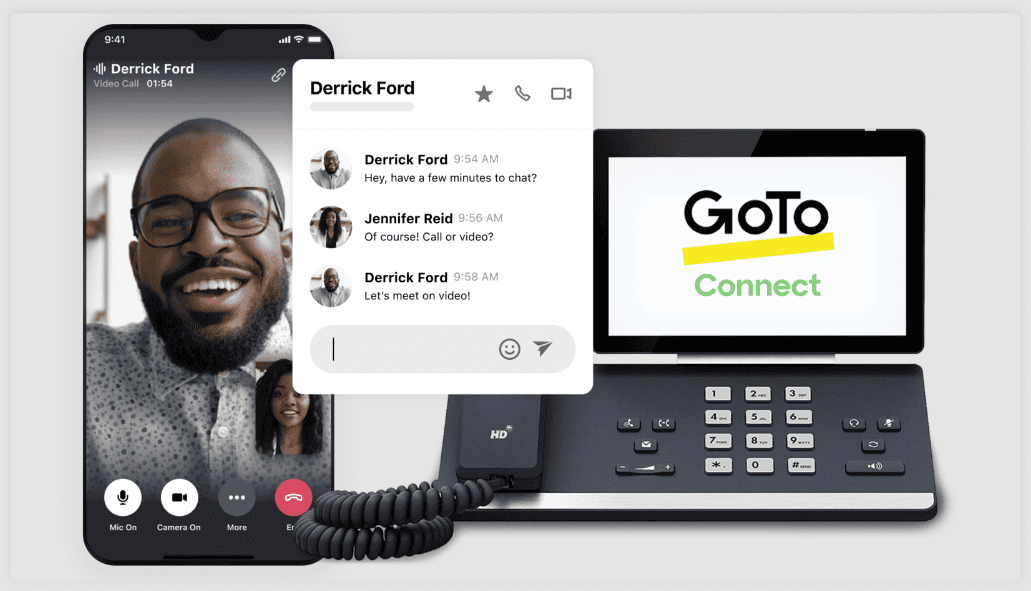
GoTo Connect has extensive experience with VoIP and meeting technology (you may recall their commercials from the 2000s). Since they were formerly known as GoToMeeting, you may have guessed they prioritize audio and video meetings.
Why we picked it
Their experience with meetings alone makes them a strong candidate for our list of best IVR providers. However, their age and successful modernization make them stand out.
Best for
GoTo Connect is best for smaller businesses.
Pricing
They offer custom pricing; you will need to contact their sales team.
Features
- Desk phone compatibility
- Dial Plan Editor
- Call-routing scheduling
Pros & Cons
| Pros | Cons |
|---|---|
| The ability to seamlessly switch from chat to call is unique | Connection issues are particularly problematic for a visually-based service |
| Focus on video calling is helpful for companies desiring a face-to-face touch | Support service has been noted as poor |
| Ease of use | |
| Great security features ensure safe and private conversations |
User reviews
Poor support confused some users, but the easy-to-use interface received strong commendations.
Aircall
We’re almost at the end of our list! Next is Aircall, as you continue your quest to find the best IVR software.
Why we picked it
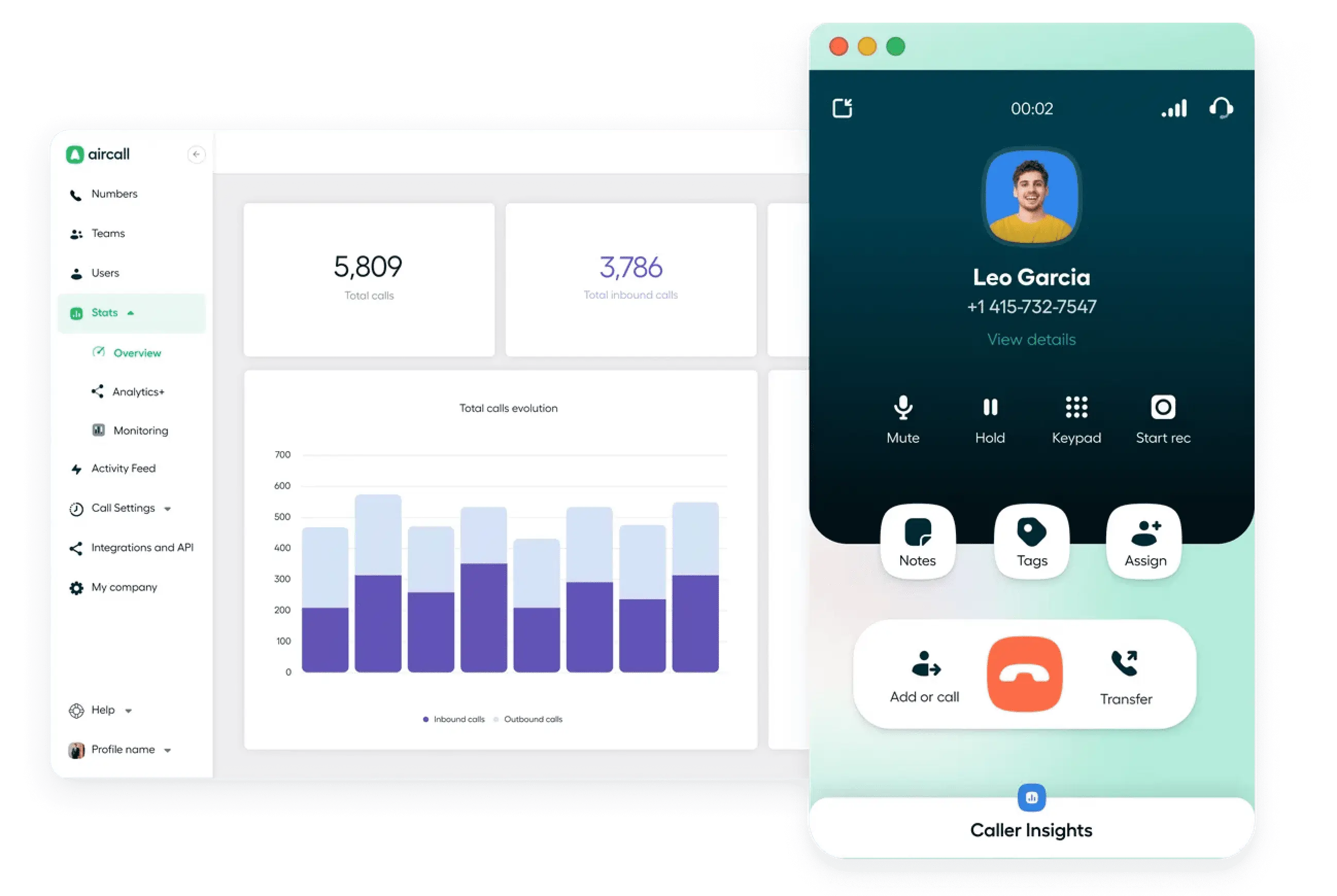
Among all the options on our list, Aircall stands out for its flexibility, which it leverages effectively for features such as simultaneous outbound calls.
Best for
Aircall is best for call centers.
Pricing
All prices shown are per/user per month, paid yearly, unless otherwise stated:
- Essentials: $30
- Professional: $50
- Custom: Call for details
Features
- Power dialer
- Mandatory call tagging
- Que callback
Pros & Cons
Pros & Cons
| Pros | Cons |
|---|---|
| High level of integrations | Call analytics mostly go back only six months |
| IVR is available on the lowest tier | |
| Unlimited simultaneous outbound calls are great for larger call centers | |
| User-friendly interface for easy navigation and quick setup |
User reviews
Customers loved the customer support but had occasional issues with bugs.
Nextiva
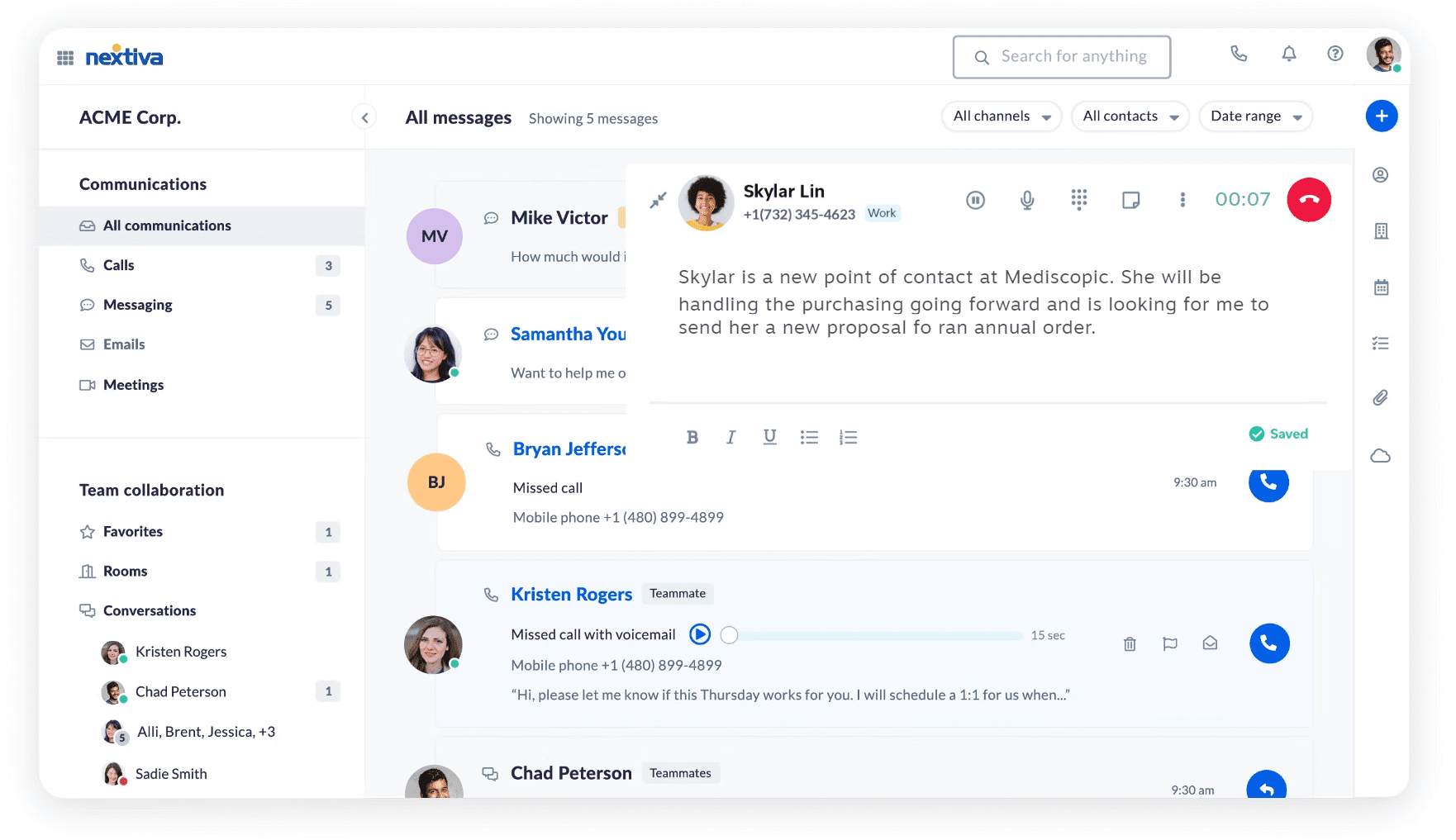
Nextiva is a cloud-based business communications provider offering VoIP services, unified communications, and customer experience management solutions.
Why we picked it
Nextiva stands out for its comprehensive communication solutions, integrating advanced IVR capabilities with AI-powered features to increase customer interactions.
Best for
Nextiva is ideal for small to medium-sized businesses.
Pricing
All prices shown are per user/month, paid annually, unless otherwise stated:
- Core: $15
- Engage: $25
- Power Suite: $75
Features
- Advanced IVR
- CRM Integration
- Analytics and reporting
Pros & Cons
| Pros | Cons |
|---|---|
| Comprehensive communication solutions | Slightly higher pricing compared to some competitors |
| Advanced IVR with AI capabilities | Some advanced features require higher-tier plans |
| Scalable pricing plans |
User reviews
Users appreciate Nextiva’s dependable performance and intuitive design. However, there are complaints about slow support response times.
JustCall
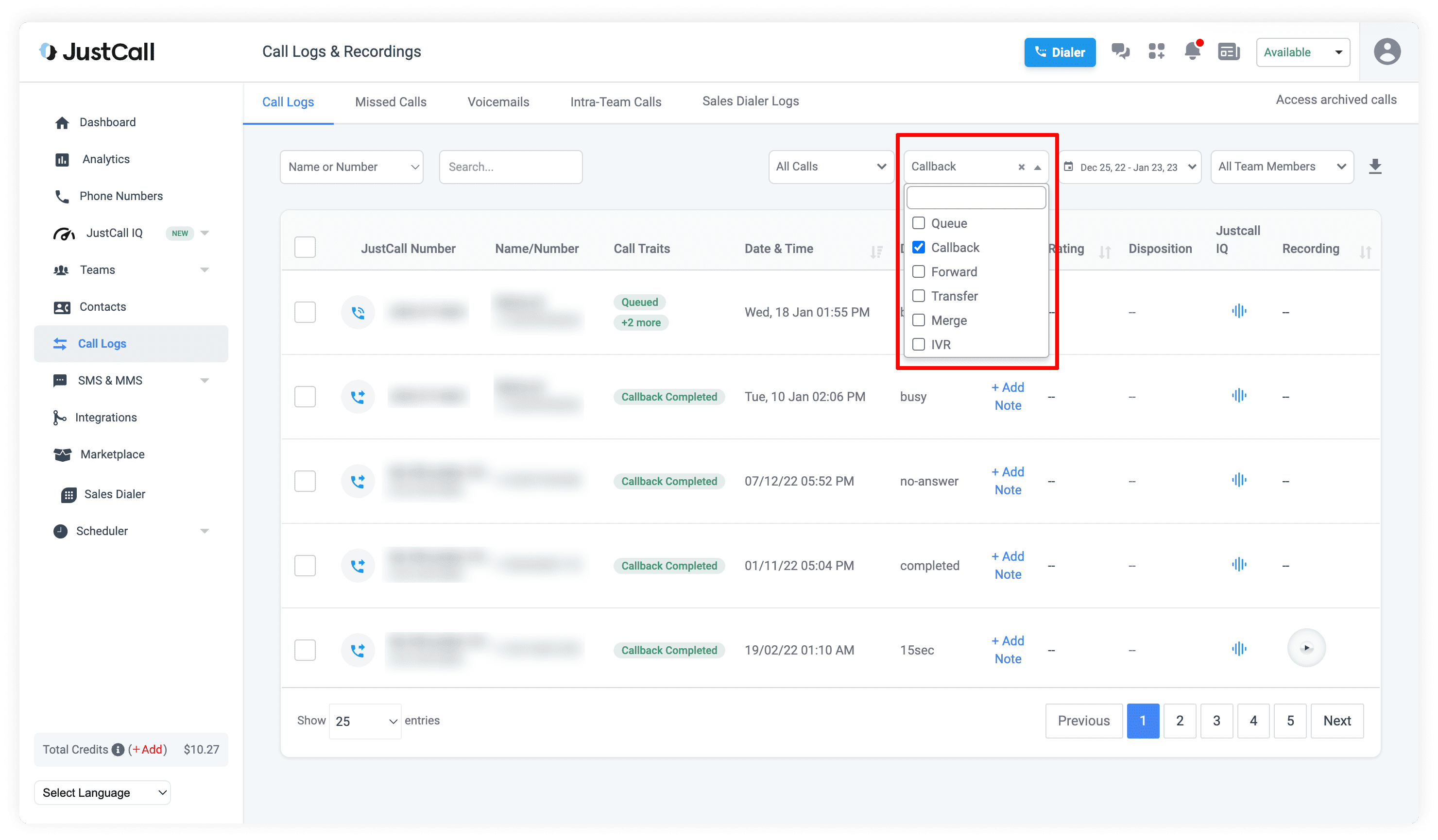
JustCall is a cloud-based VoIP phone system designed for sales and support teams. It offers advanced IVR, call routing, automation, and CRM integrations.
Why we picked it
JustCall is recognized for its user-friendly interface, rich IVR capabilities, and straightforward integration, making it a strong contender in the cloud-based communications space.
Best for
JustCall is best suited for small to mid-sized businesses.
Pricing
All prices shown are per/user per month, paid yearly, unless otherwise stated:
- Team: $29
- Pro: $49
- Pro Plus: $89
- Business: Custom pricing based on specific requirements
Features
- Smart, multi-level IVR system
- Queue callback
- Power dialer
Pros & Cons
| Pros | Cons |
|---|---|
| User-friendly IVR system | Some aspects need improvement |
| Affordable pricing plans | |
| Multi-location number availability |
User reviews
Features like call recording, transcription, and the ability to review sales team calls are frequently praised. However, some users have experienced call delays and connection issues.
How we ranked these 12 IVR solutions
We ranked the best IVR service providers using a range of metrics, including usability, pricing, and the number of features. Let’s check the entire list:
- Features: How many features do they offer? Are these features useful?
- Price: Is the service affordable or hilariously overpriced?
- Total cost (including add-ons): Some providers may charge hidden fees. But that didn’t escape our eyes!
- Quality of service: How does customer support help? If the software gets wonky, can you get the support you need to see it through? Or will you just keep sending emails with no response?
- Ease of use: Not everyone is tech-savvy, but all business owners need to use technology. Would someone without an IT degree be able to use the program?
- Reliability: Does the service deliver a high-quality product you can count on during periods of high call volume? Are calls dropped? Is the audio clear?
Benefits of interactive voice response software
Still not fully convinced that an IVR phone system is something you should have? Here are a few more reasons why it’s a good idea.
More skillful agents
When live agents have people who directly need their help, rather than those who have been misdirected to them, they will ultimately learn to do their jobs better. With IVR software, they will waste less time doing work they are not supposed to do.
Happier customers
If someone calls with a simple question, such as whether you have something in stock or if you are closing on Saturdays, they may be somewhat frustrated. This is especially true if they have to wait in line for ten minutes just to get an answer, which could take all of ten seconds.
Greater productivity
After weeding out customers who are misdirected and those with more manageable issues, agents will have more time to focus on those who need help.
More services rendered
With organization comes the ability to make more connections and sales. By switching to more convenient systems, you can save money and increase revenue.
Professionality
Nothing is less professional than having a long line of callers on hold, hearing only a beep or the same 30-second music repeatedly. With cloud-based IVR software, you can project a more professional image before the caller even speaks to a representative.
Improved customer self-service
Interactive Voice Response (IVR) software empowers customers to resolve simple queries themselves, improving their experience. This self-service option accelerates the process, enabling customers to find answers quickly without waiting for an agent, leading to higher satisfaction and loyalty.
How does IVR software improve customer experience?
A study by Velaro revealed that about 2/3 of people will either wait on hold for a minute or not at all. If you make people wait without giving them a chance to address their questions, you could be missing out on over half of the people who call you on a given day! You might as well be burning money.
At the same time, when you get them to hold on, they still might not be all that happy. Only 50% of callers in the survey found their menu trees to be “somewhat intelligent.” When you have a system that allows true flexibility, it will seem smarter for customers – thereby improving their experience.
With interactive voice response software, you offer people the chance to feel heard and get their questions answered immediately (and have shorter hold times).
How to choose the best IVR service provider
Choosing the right IVR service provider can be challenging. Doing so can help you develop a plan for key considerations. Here are a few:
- Figure out what you need to accomplish: Why are you even considering IVR software? Is it something you just heard about, or have you been thinking about it for a while?
- Determine whether you will experience higher call volume. Will you need it in the future? Are you planning to keep your business and income at their current levels, or do you hope to expand them in the coming years?
- Examine where your team works: Will you stay in the office? With so many teams shifting to work-from-home arrangements, will you also adopt that approach?
- Determine what kind of software is best for you: Do you want software that can only work over traditional landlines, or do you want something more modern, like VoIP software?
- Request more information: Once you have selected your top IVR phone system, ask them for details. Find out every piece of info you could need to make an educated decision.
Key features to look for in an IVR solution
Call flow customization
Being able to mix and match your call flow is critical to making your business as flexible as you need. Here, you can direct callers to the appropriate destination based on factors such as time of day.
Callback
Can’t get to every caller? Don’t worry. With this feature, your callers can simply ask for you to call them back, and agents can either automatically be directed to them when they have time, or they can call back at their leisure.
Call queue
Do you have lots of people calling you? With a call queue, callers can “line up” and receive their calls in the order they are received, ensuring everyone is heard.
CRM integration
Integrating with key apps, such as Zendesk or Zapier, can help your business thrive through greater productivity and professionalism. If your chosen IVR service provider does not offer key integrations, you might want to look elsewhere.
Call forwarding
Keeping personal and business separate is important for work-life balance. By forwarding one number to another, you can maintain a wider presence while keeping your personal life private.
VIP and Block Lists
The best IVR can still be fooled. Without the ability to permanently block certain numbers, you’ll simply waste your agents’ time.
Ring groups
Sometimes, when there are tons of calls, ringing groups can help your team most efficiently handle the incoming volume.
Automatic call distribution
To make sure things don’t get too hectic, the ACD feature lets you set things up and then watch as the calls roll in without having to make constant changes.
Best practices for IVR software setup
Once you have completed your IVR vendor comparison and selected a multi-level option, you will need to set up the system. Fortunately, this is not too hard; we, however, have picked a few things to keep in mind:
- Keep it simple: People will be annoyed if they have to listen to a lot of complicated stuff
- Be easy to understand: When recording, speak clearly into the phone or microphone. Do not record when there is loud music around or other distracting noises.
- Make the options sensical: You should order it for something like “Press 1 for X, Press 2 for Y.” Don’t place things out of order, “Press 2 for X, Press 6 for Y,” unless you always have one option for the same number (Like “Press 9 for Agent”).
- Give callers the chance to talk to real people: The point of setting up voice response software is to provide answers before they speak with a person or to direct them correctly. However, some people really want to speak with a person, and they should have that option.
- Consider routing: Sometimes, an agent may be temporarily away from their phone. Are there other channels you can set up to provide your callers with the answers they need? Sometimes an agent may be temporarily away from their phone. Are there other channels you can set up to provide your callers with the answers they need?
- Provide agents the ability to easily make themselves unavailable: If someone is directed to an agent but they aren’t there, and as a result, the caller has to wait longer, or worse, the call is dropped, then that just will not end well. Instead, take advantage of the options to provide alternatives for callers.
- Allow for callbacks: Some folks really, really do not want to wait. So let them request a callback, reducing pressure on your agents and allowing callers to avoid long waits.
- Take note of how the system is working: After a few months, ask your agents how they like the current settings. Would they prefer it another way? Is there a way to improve it? Many IVR solutions offer serious flexibility – you should use them!
The right IVR provider will improve customer experience
Going with the right IVR provider can be one of the most important decisions you make as a businessperson. With the right technology, you can save time for your agents, for your callers, and for yourself – all while providing the best possible service for callers. There’s no shame in realizing it’s time for a change.
And when you’re changing, why not change to MightyCall? With a wide range of key features, high uptime, and a commitment to IVR solutions, it could be the change you need.