


Softphone apps are used on all devices to make and receive phone calls without a physical SIM card. As a loyal Macintosh user, you’ve got to be wondering: What is the best softphone app for Mac?
In this article, you will learn what a softphone is and what to look for when choosing one. You will know the pros and cons of this technology, which features to look for, how it can help your business, and the options available.
What is a softphone for Mac?
A softphone is software that enables phone calls on a device via the internet. Unlike traditional phones, softphones often offer a wider range of useful VoIP features and are more versatile.
A VoIP softphone for Mac can give you access to a range of features, including setting business hours, enabling IVR, sending text messages, and providing audio transcription. Not all softphones work on Macs, so you will want to find an app that will work on your operating system.
How does a softphone for Mac work?
It takes just three essential “ingredients” to make softphone apps work on Macs, and one optional choice.
- Internet-powered device: Obviously, you and your team will need a Mac or a MacBook equipped with a microphone and speakers.
- Internet/Wi-Fi connection: The app won’t work without a stable internet connection. Whether it is cable internet, mobile, or Wi-Fi is up to you, but the connection at your primary work location must be fast and reliable.
- VoIP/PBX subscription: You must always pair the app with a Voice over IP subscription. Many of these providers have native softphone software, so you can just get one for the price of two. However, if you don’t like your phone system’s native dialer, there are many apps you can use. In this case, always double-check compatibility with your VoIP or PBX provider before buying.
- Optional: headset: If you have many incoming calls or want to improve audio and speaking quality, we recommend using an external professional headset. However, this is optional, as all apps will work with your default Mac speakers and microphone.
The list of best softphones for Mac
Here are a few of our favorites:
Softphone apps for Mac comparison
| Name | Price | Top features | Needs additional programs? | Best for |
|---|---|---|---|---|
| MightyCall | From $25 | Business numbers, 30+ calling features, calling from web and mobile, integrations | No | Small, mid-sized, growing businesses |
| Bria | From $2.95 | Standard calling features, calls from desktop, and mobile | Yes | Solopreneurs, small teams |
| Zoiper | $59.95 flat fee | Multi-platform VoIP softphone dialer that allows voice and video calls as well as instant messaging | Yes | Small business |
| Line2 | $9.99 | Business number, basic telephony features, calling from desktop and mobile | No | Solopreneurs |
| Mizu Tech | $49 | Advanced calling features, calls from desktop, and mobile | Yes | Small-mid-sized business |
| CloudTalk | From $27 | Business numbers, advanced telephony features, calling from web, desktop, and mobile | No | Call centers |
| Telephone | From $1.99 | Basic calling features from the desktop | Yes | Solopreneurs with a large volume of calls |
| Phone.com | From $18 | Business numbers, telephony features, calling from web and mobile | No | Small business, solopreneurs |
| 8×8 | Request a quote | Business numbers, unlimited international calling, calling from web, desktop, and mobile | No | International business |
| Linphone | Free only | Standard calling features, calls from desktop, and mobile | Yes | Small businesses, as a free white-label solution |
Top 10 softphones for Mac: overview
1. MightyCall
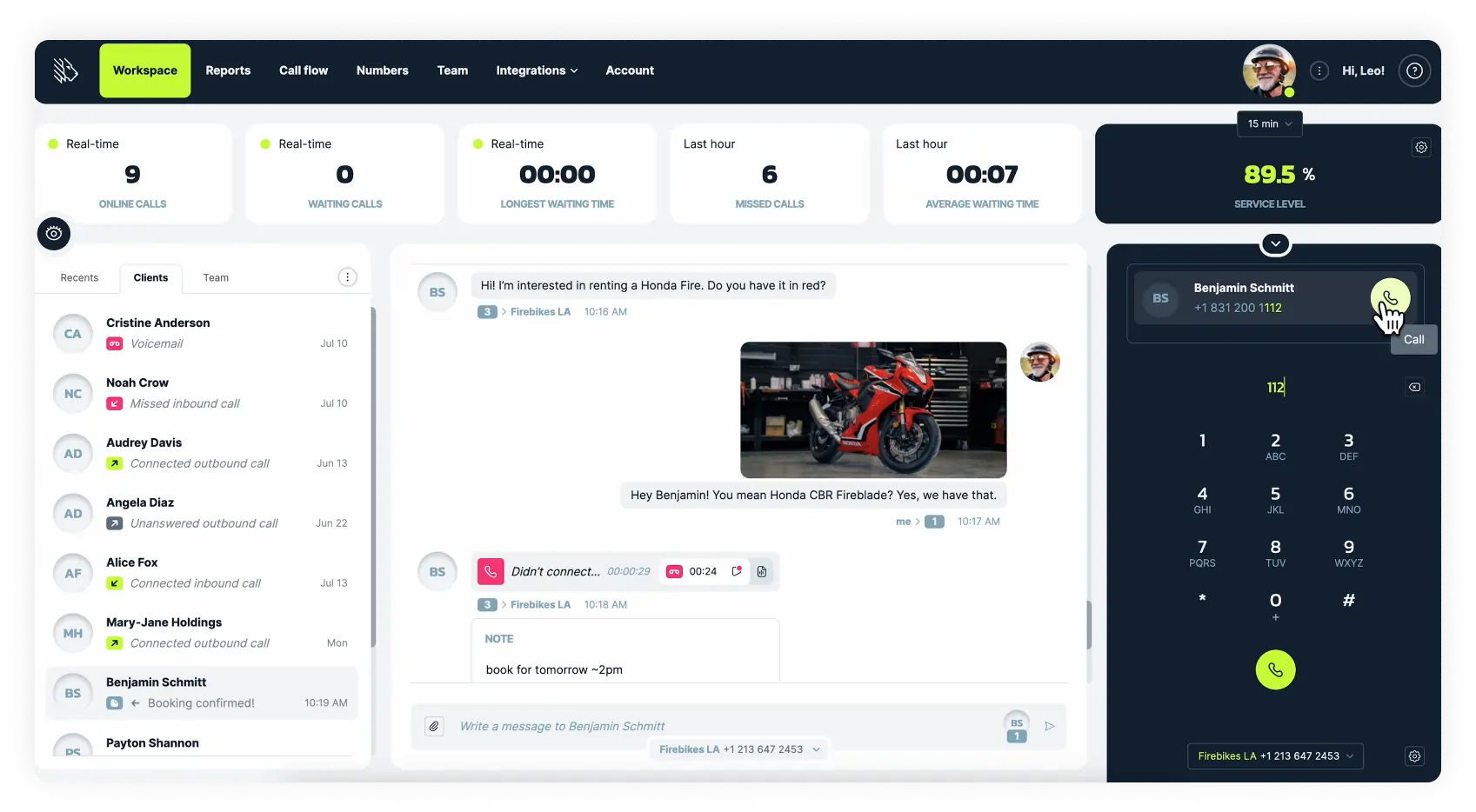
MightyCall is a one-stop shop for businesses of all sizes, offering local, toll-free, and vanity numbers, along with over 30 calling options and integrations. It also has one of the greatest business softphones for Mac. This eliminates the need for office deskphones. Remote teams can make and receive calls on their Mac without additional equipment.
First impressions
MightyCall combines a robust business communications solution with a beautiful, user-friendly SIP client for Mac. The system is compatible with most common softphones for Mac and Windows. In both instances, the setup is really simple.
If you don’t want to pay for a dialer softphone for Mac, MightyCall comes with its own webphone that works in all browsers and on mobile apps. Any team member with access to your account can make and receive business calls directly on their Mac without needing to download any third-party service.
Pricing (all per user/per month):
- Core: from $25
- Pro: from $45
- Power: from $65
- Enterprise: Get a quote
OS
- Web: all
- Mobile: Android/iOS
Features
Including, but not limited to:
- Business numbers
- Audio calls
- SMS/MMS
- Conference calls
- Standard and Multi-Level IVR
- Business hours call routing
- Call recording
- Auto attendant
- Call forwarding
- Caller ID and CNAM
- Voicemail-to-text
- Call analytics
- Auto dialer
- Live call monitoring
- Call coaching
Integrations
MightyCall integrates natively with HubSpot, Salesforce, and other CRM platforms. MightyCall can also be linked to over 1,500 business applications via Zapier.
Pros & Cons
| Pros | Cons |
|---|---|
| Convenient plans that allow you to choose based on your team size without losing any important features | No fax option |
| Pricing transparency and the absence of hidden costs | |
| A multitude of features and integrations are included with the plans, and MightyCall is consistently adding more |
Best for
SMBs: Medium-sized and small businesses.
Customer service
MightyCall is well-known for its user-friendly interface, with plenty of demos and a helpful customer care team, accessible via live chat, phone, and email. Furthermore, all clients receive free assistance with phone system setup, integrations, and other issues they may have.
User reviews
G2 rating: 4.4/5


2. Bria
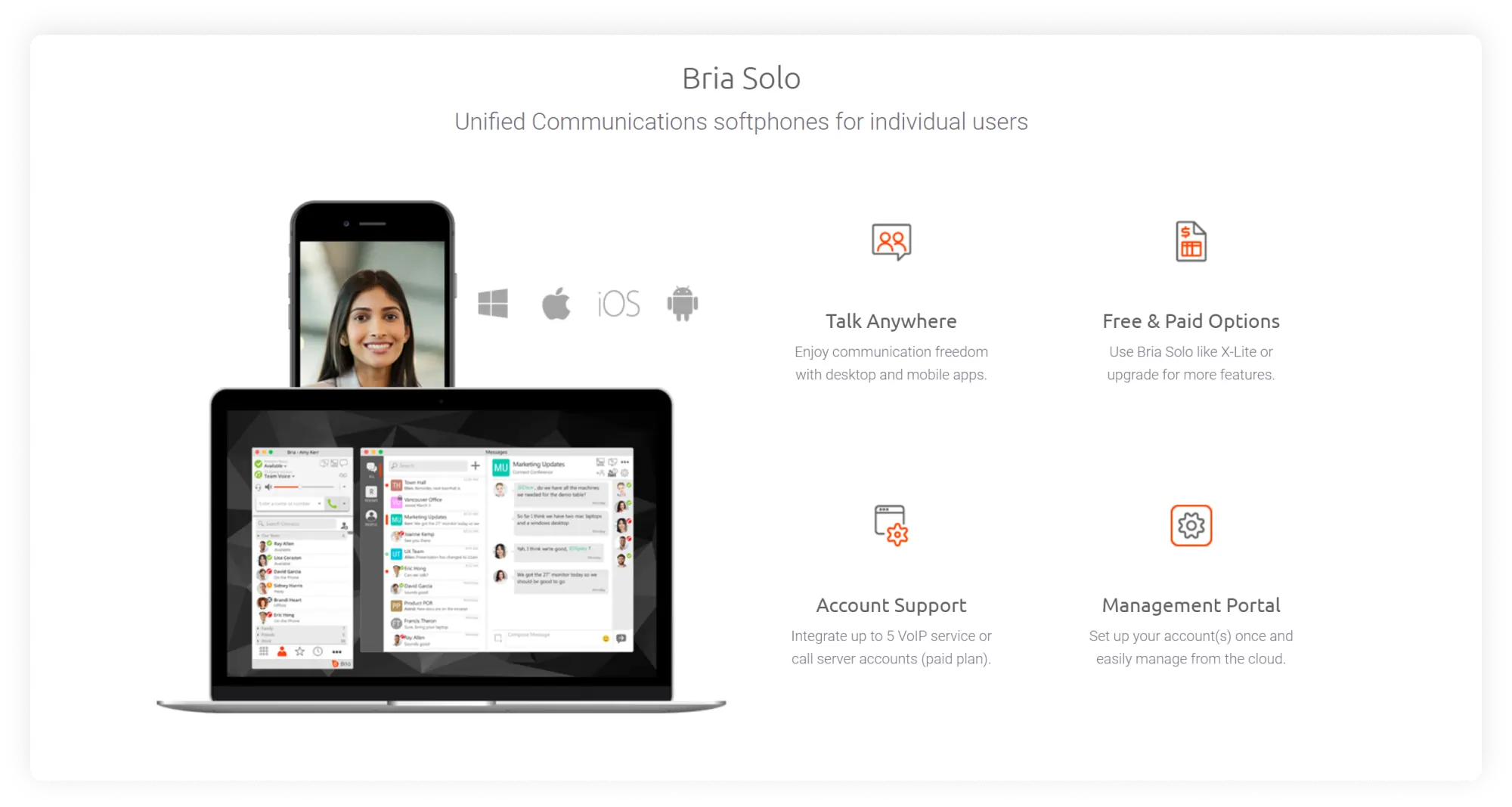
Bria, also known as X-Lite, is another excellent softphone for Mac that works with most virtual phone systems, including MightyCall. It offers several versions for different teams: Bria Solo Free and Bria Solo are designed for freelancers and solopreneurs, respectively, and Bria Teams is designed for groups of users.
First impressions
Bria makes up for its limited functionality with the low prices. Bria Solo Free, for example, has severely limited capabilities compared to its competitors. However, it gets better with Bria’s paid plans, which are very affordable and include all the basic capabilities, such as making and receiving calls from computers and mobile phones, as well as multi-device and multi-platform compatibility.
Pricing
- Bria Solo: $2.95
- Bria Teams: $4.95
Bria Enterprise: Contact sales
OS
- Desktop: Windows, MacOS
- Mobile: Android, iOS
Features
- Audio calls
- Screen sharing
- File sharing
- Call recording
- Video calls
- Call transfer
- Call waiting
- Messaging
Integrations
Bria Solo plans and higher can be integrated with:
- Microsoft Office & Outlook
- OS X (iOS) address book
- Google Workplace
- LDAP Active Directory
Pros & Cons
| Pros | Cons |
|---|---|
| Has the basic calling function | On the free plan, the most restricted functionality among rivals. |
| Ease of use | Was not built for expanding businesses that will soon outgrow the constraints of this softphone for Mac |
| Contains a free plan |
Best for
Individual use, solopreneurs, and small teams.
Customer service
Customer service may be difficult to reach, according to some reviews.
User reviews
I like that it is VOIP and our sales people can download the app to their cellphones so work lines can still be answered when away from the office.
Read the full review
3. ZoiPer
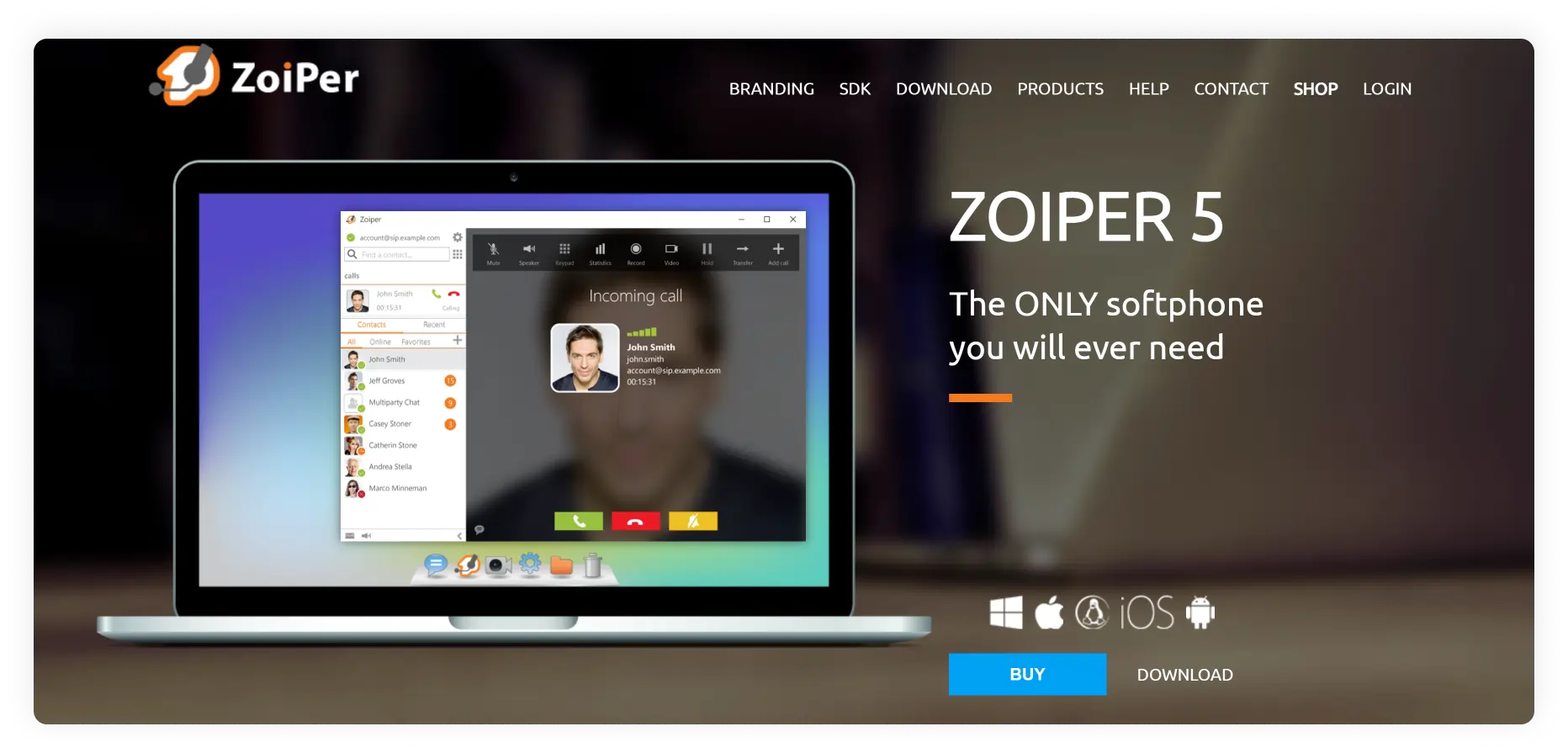
Zoiper is a popular cross-platform VoIP softphone for Mac dialers that enables voice and video calling as well as instant messaging. You will get high audio and video quality, fast technology, and powerful functionality on the pro plan.
First impressions
The design is not very intuitive, but once you figure it out and check their product comparison chart, you will see that there is a free non-commercial option that allows secure audio calls. One great thing about Zoiper, aside from its security and high-quality service, is its flat fee. Lifelong support for an excellent product is uncommon among Mac softphones, making it a very sweet deal.
Pricing
$59.95 flat fee
OS
- Desktop: Windows, Mac, Linux
- Web: All browsers
- Mobile: Android, iOS, HarmonyOS
Features
- With Pro license, included, but not limited to:
- Audio/Video
- Auto-answer
- Event rule handling
- Call recording
- Instant Messaging
- Call forwarding
Integrations
Premium: Microsoft Outlook.
Pros & Cons
| Pros | Cons |
|---|---|
| Life-long license for a good price | Will take some time and practice to start using and loving it, as it is a very specific type of product |
| Works with almost any VoIP | The free version is not very functional |
| High audio and video calling quality, impressive call security | Does not fully support VPN connectivity |
Best for
Small businesses looking to expand their experience using softphones on Mac OS
Customer service
Contact form and tickets on the product website. The response time is claimed to be one business day.
User reviews
G2 rating 4.4/5
Ease to setup and the features, easy to integrate
Read the full review
4. Line2
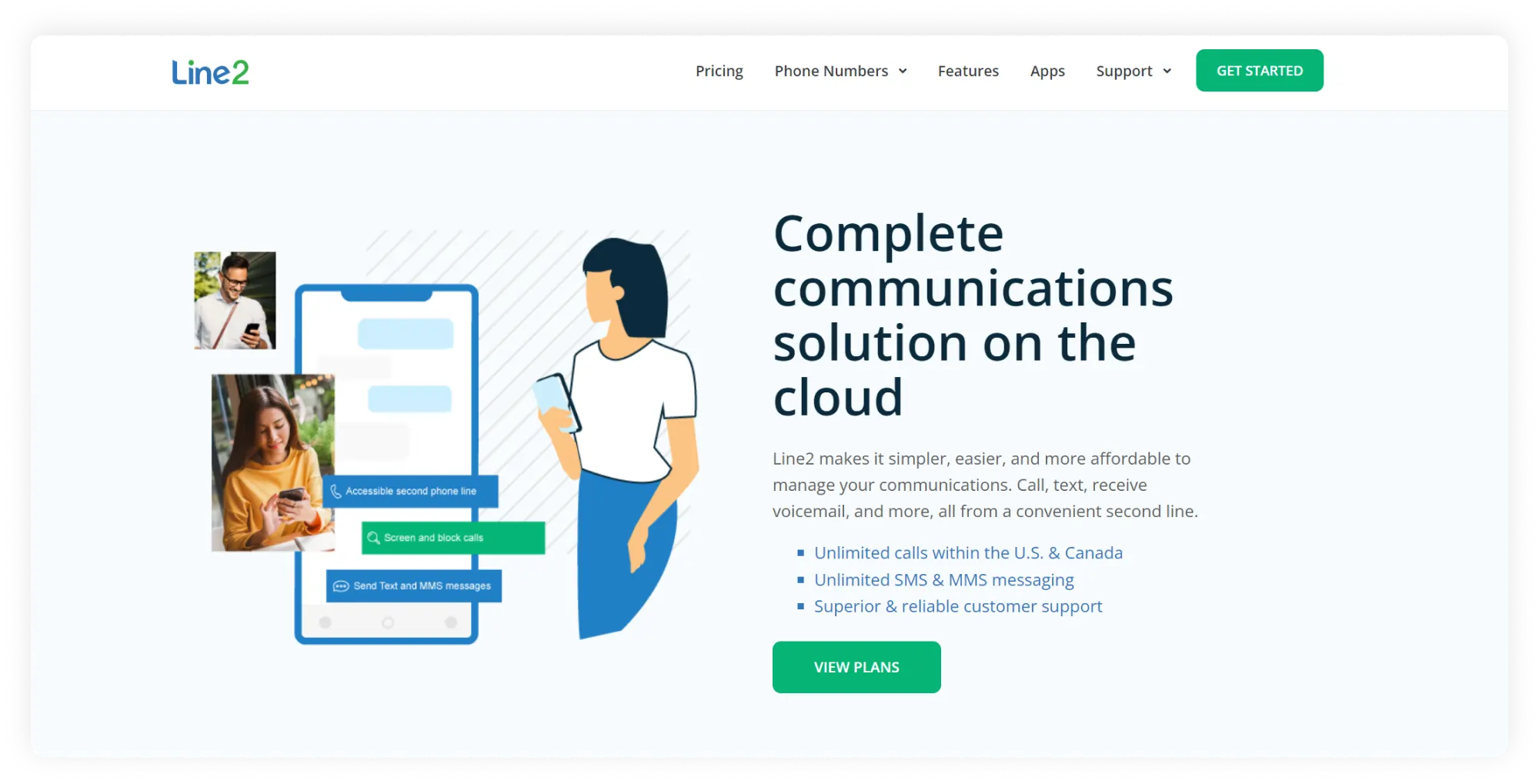
A very straightforward service that can give you a second phone line, but will not replace a full-on softphone service for Mac, lacking the choice of additional features. It will cover the role of an office hard phone and will let you make calls from your Mac or iPhone. A great minimalist service that is a good option for solopreneurs at a reasonable price.
First impressions
Line 2 is basic, clean, and minimalistic. There is just one plan, with monthly or annual payments. For a rather small price, you will get unlimited calling in the USA/Canada, unlimited SMS/MMS, and basic PBX features. Good for solopreneurs and limiting for growing companies.
Pricing per month
$9.99 or $7.99/month annually
OS
- Desktop: Windows, Mac OS
- Mobile: Android, iOS
Features
- Included, but not limited to:
- Business phone numbers
- Call screening
- Voicemail transcriptions
- Audio calls
- Messaging
- Call forwarding
Integrations
Not available
Pros & Cons
| Pros | Cons |
|---|---|
| Affordable pricing | Limiting, once you find yourself in need of extra features or a bigger plan, you will have to find a different provider |
| Clear purpose, which it fulfills | Poor quality reported in user reviews, especially on Wi-fi connection |
Best for
Individual use, solopreneurs, small teams
Customer service
Customer support can be reached via phone and email during work hours.
User reviews
G2 rating: 2.7/5
The service is VERY sporadic. We have quite a bit of downtime and it seems to be more frequent.
Read the full review
5. MizuTech
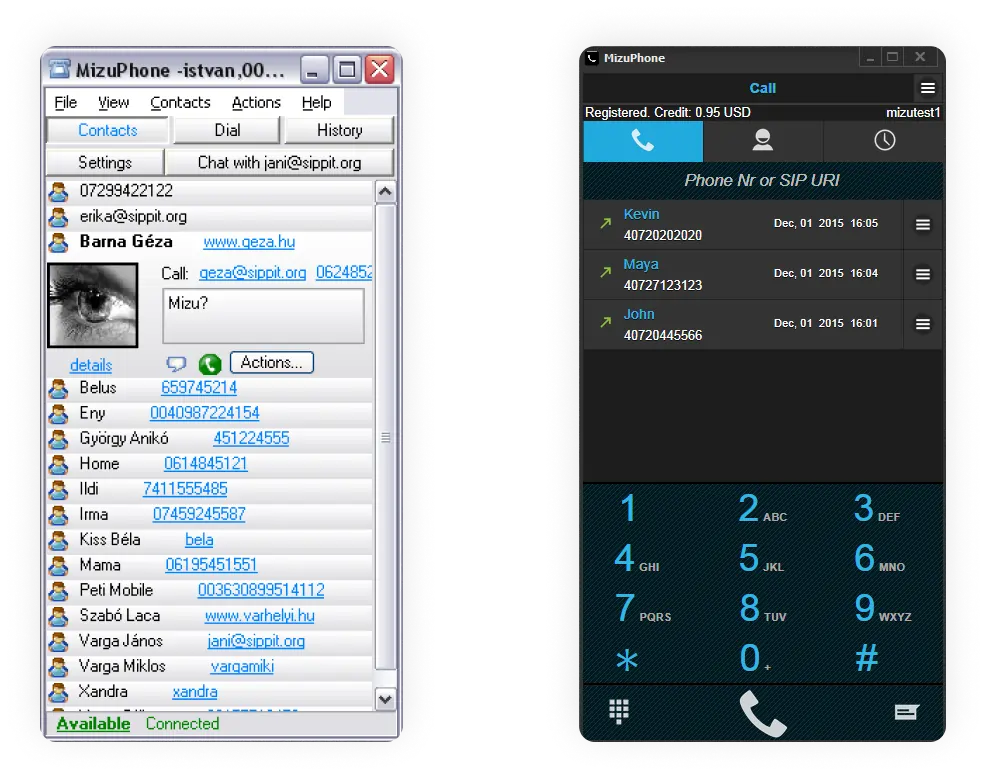
Mizutech is softphone software for Mac that can be used in a web browser on a MacBook and connected to any SIP client. MizuTech is an umbrella offering a multitude of products: MizuPhone Full (full-featured version), MizuPhone Basic (a free version), and customizable, branded products.
First impressions
Loads of hidden costs: even though the free version is marketed as multi-feature, almost all of them are only available in the paid version. The service provides users with a generous set of features of acceptable quality, making it easy to customize your plan and pay only for the features you want.
Pricing per month
- The cost of the softphone: $49
- Custom solutions for a separate price
OS
- Desktop: Windows
- Web: Windows, Linux, MAC, iOS, and Android
- Mobile: iOS and Android
Features
Basic version:
- Audio calls only
Full version (pro). Included, but not limited to:
- Audio/Video calls (wide range of codecs)
- Messaging
- Fax (beta)
- Address book
- File transfer and sharing
- Noise suppression features: audio tuning wizard, echo cancellation, noise suppression, voice activity detection
- Conference calls (audio/video)
- Auto Answer
- Call and chat history
Integrations
- Contact list import, including Microsoft Outlook sync
- When a scripting module is installed as an add-on, the program can integrate with CRM applications
Pros & Cons
| Pros | Cons |
|---|---|
| Offers the most complete feature set among competitors | Not intuitive, the design is not as clean and modern in comparison to its competitors |
| Free trial and a flat fee | Hidden costs for the extra features |
Best for
Inquiring souls who want to test and see all the features out there. Will be good for teams that prefer features over aesthetics.
Customer service
Customers on paid plans can contact support via email.
User reviews
6. CloudTalk
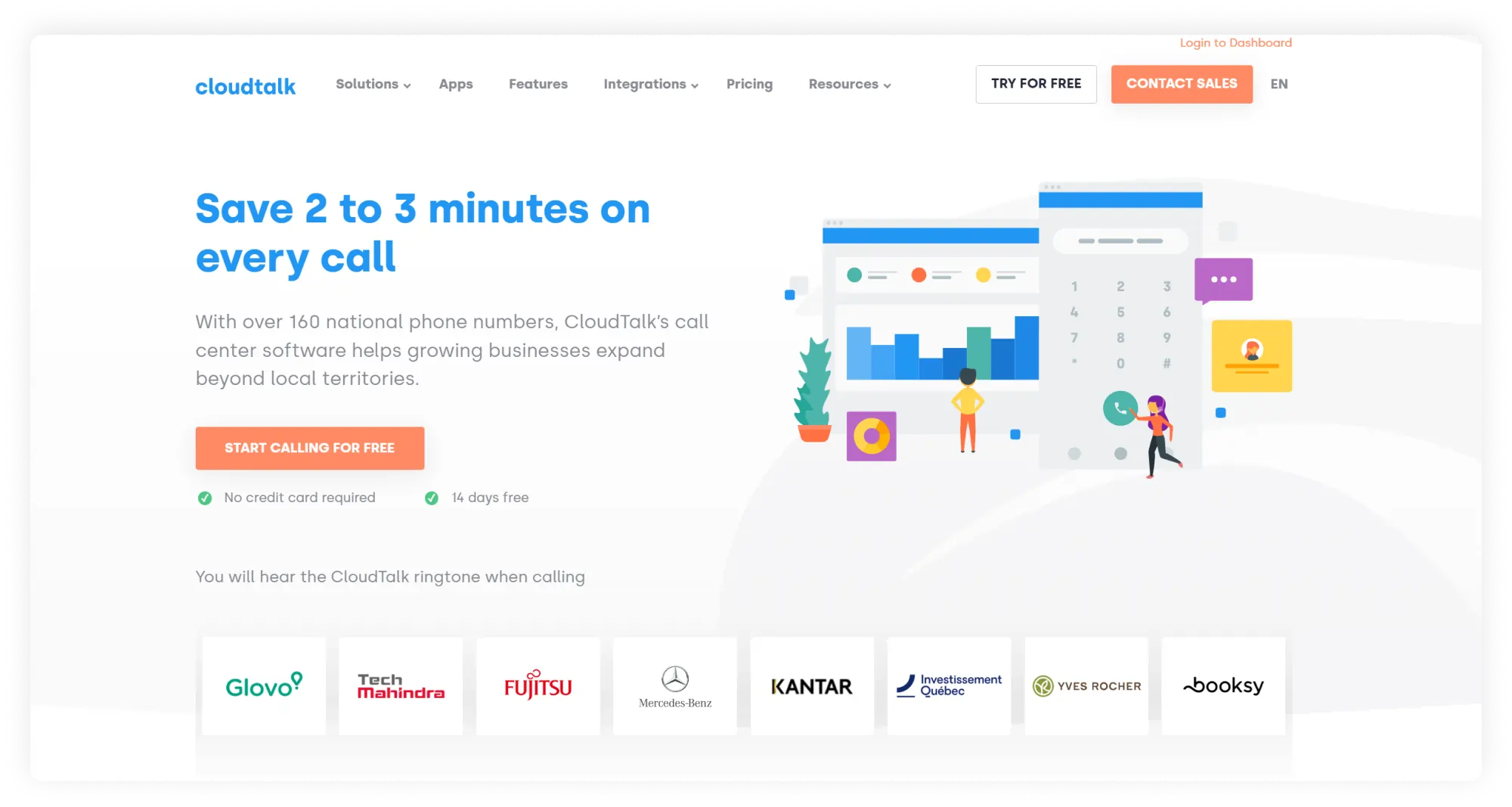
Cloudphone is a well-known VoIP softphone for Mac, designed for enterprises handling large call volumes. It offers call-center-inspired communication features and advanced integrations.
First impressions
Consider this option if you have high call volume, are already experienced with virtual phone systems, and want extensive capabilities from your softphone program for Mac. However, this softphone for MacBook is not for those searching for basic minimalism and simplicity.
Pricing per month
- Starter: $27
- Essential: $39
- Expert: $69
OS
- Desktop: Windows, MacOS, Linux
- Web: all
- Mobile: Android, iOS
Features
- Features include, but are not limited to:
- Business hours (only on Essential plan and above)
- Personalized greetings and music (only on Essential plan and above)
- Unlimited inbound and intracompany calls
- Call statistics
- IVR (only on Essential plan and above)
Integrations
CRM integrations with:
- Salesforce
- HubSpot
- Pipedrive
Integrations via Zapier: connectivity with Slack, Zendesk, Shopify, and lots more.
Pros & Cons
| Pros | Cons |
|---|---|
| A very impressive set of integrations | The cost is too high for most small businesses, as basic features such as business hours, business SMS, greetings, and more are only available on $ 30-per-user monthly plans and higher. |
| Great for teams with massive call loads | Customer service may be difficult to reach, according to user reviews. |
Best for
Large enterprises with expanding sales and support departments
Customer service
Via documentation, email, and phone internationally
User reviews
CloudTalk lacks a competitive price, where every feature comes with an additional price.
Read the full review
7. Telephone
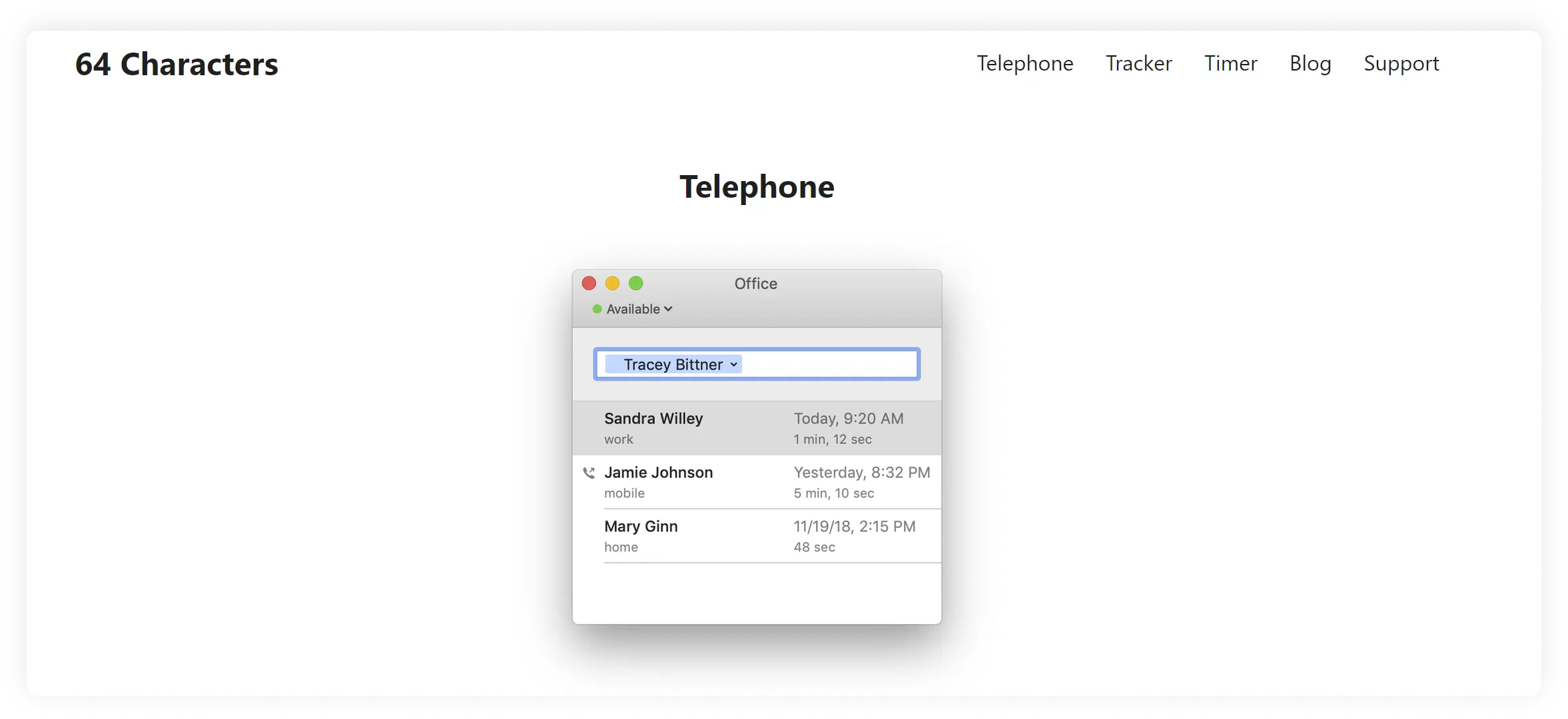
Developed specifically for MacBooks by 64 characters. It has a fully integrated, clean design, has call history, and allows 30 simultaneous calls. You will need a SIP client for Mac OS X and up in your location.
First impressions
Clean design, but requires a good understanding of what the service does and how a SIP phone for Mac works to use it. It only does one thing: it allows calls with other phone providers.
Pricing
- $1.99 per month per person
- $19.99 yearly
OS
- Desktop App: MacOS
Features
- 30 simultaneous audio calls
- Call history
- Supports app development
Integrations
Can get added to most SIP phones for Mac
Pros & Cons
| Pros | Cons |
|---|---|
| Works with most VoIP software for Mac | Cannot be used on your iPhone |
| A rather low price, clean design | Very limited functionality |
Best for
Solopreneurs, small teams who have a SIP phone on Mac OS and up
Customer service
Via email
User reviews
3.3 on App Store
8. Phone.com
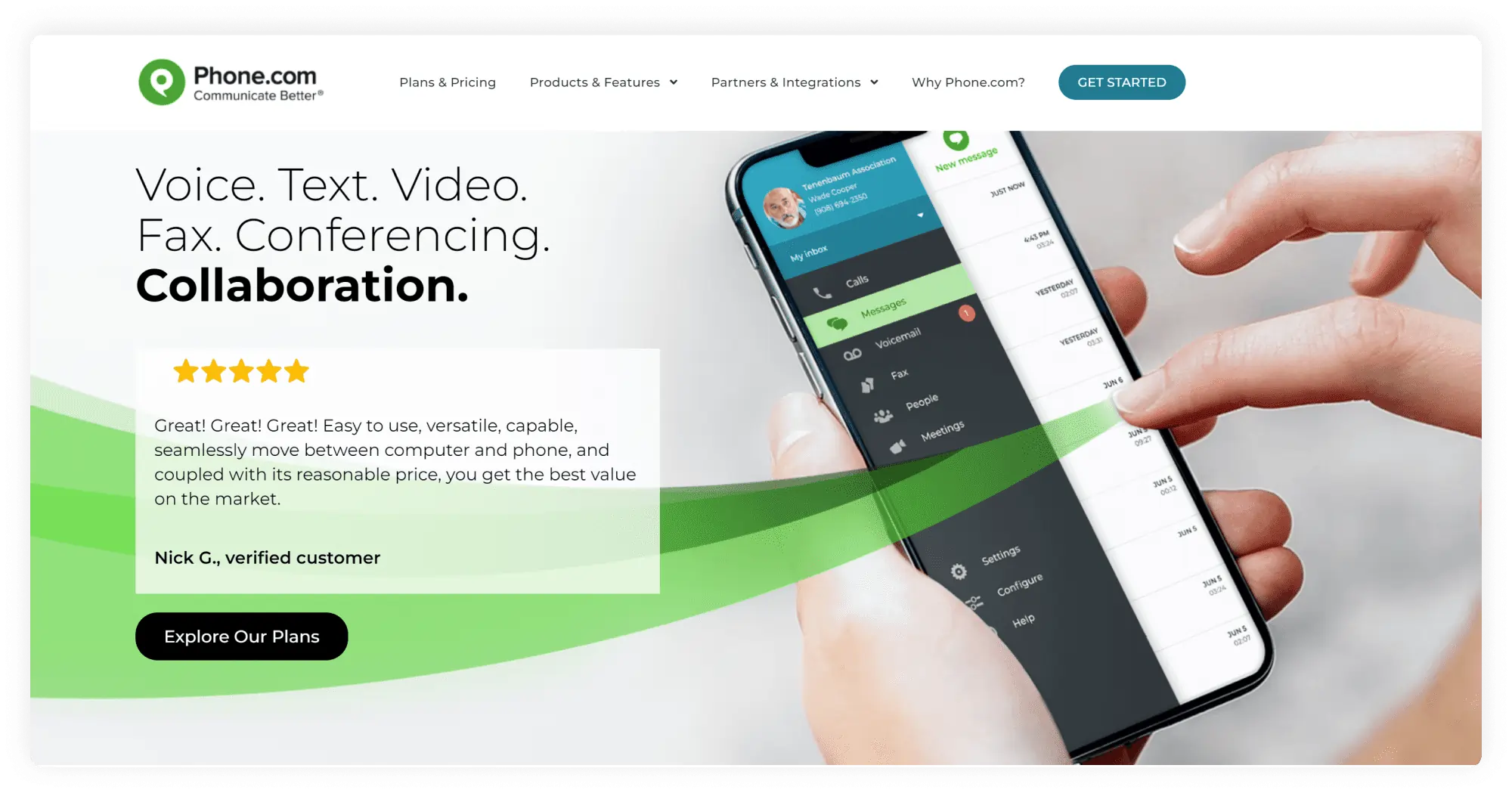
Phone.com is a VoIP phone for Mac that provides phone numbers, call routing, and the ability to make calls from internet-connected devices. Their softphone solution for Mac is based on cloud software and mobile experiences, but it lacks a desktop calling client.
First impressions
All subscriptions, including Pro, allow only one business phone number per user, even though the company claims the product was created for small enterprises with a focus on cost-effectiveness. The service includes a solid UI web panel and a mobile app that serves as a dialer.
Pricing per month
- Basic: $18
- Plus: $27
- Pro: $40
OS
- Web: all
- Mobile: Android, iOS/li>
Features
- Including, but not limited to:
- Business phone numbers
- Auto attendant
- Voicemail and transcription (the latter on Pro plan only)
- Call routing
- Audio calls
Integrations
Only available with the Pro Plan. Integrations with Zapier, Zoho, the office suite, AllProWebTools CRM, and Chrometa time tracking. Native integrations with prominent CRMs, such as HubSpot, Salesforce, and PipeDrive, are missing.
Pros & Cons
| Pros | Cons |
|---|---|
| An impressive amount and variety of features | The additional business numbers come at an extra cost |
| Large team benefits: video conferencing with up to 100 participants on the Pro plan | The basic plan has limited features and only 500 pooled minutes |
Best for
Growing teams, small businesses, and solopreneurs
Customer service
24/7 service via live chat, email, and phone.
User reviews
Rating on G2: 3.5/5
I don’t have any complaints. There’s a slight delay in implementation as they retrieve the number from a third-party vendor, but this is unavoidable.
Read the full review
9. 8×8
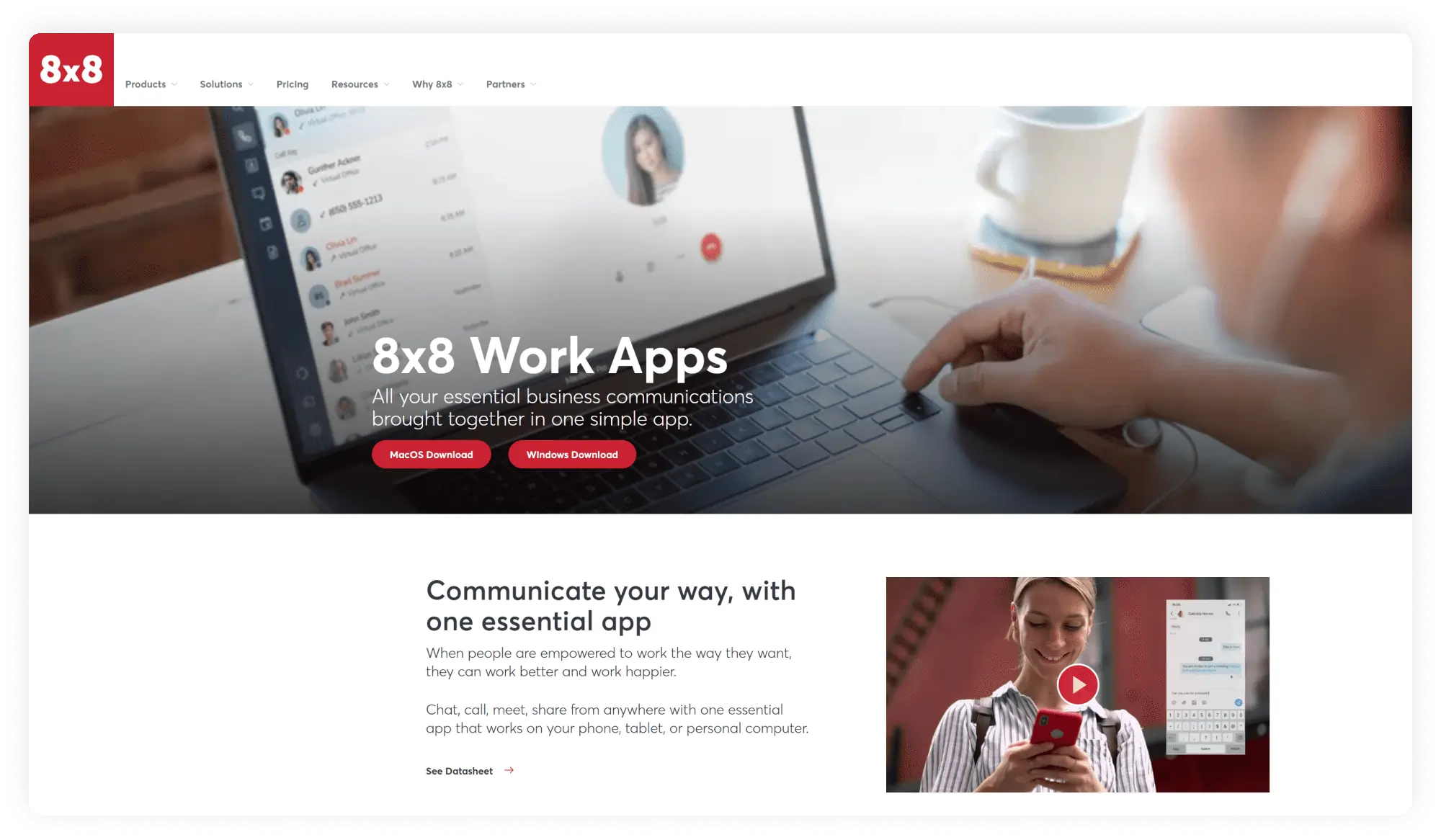
Experience, limitless international calling to up to 48 countries, and desktop and mobile apps. 8×8 is a contact center platform with several notable telecom patents and is definitely one of the market’s giants. As great as it is, it surely knows how to market itself without highlighting some hidden costs.
First impressions
Most of the product’s business-focused capabilities are included in the $28/month per-user subscription. There are several hidden costs behind asterisks, so the price may be slightly different once you have selected all the desired features.
Pricing per month
Their website doesn’t indicate prices; you will need to request a quote.
OS
- Desktop: Windows, MacOs
- Mobile: Android, iOS
Features
Including, but not limited to:
- Business phone numbers
- Audio calls
- Document sharing (on X plan and above)
- Streaming of meetings on YT(on X plan and above)
- Analytics(on X plan and above)
- Messaging
Integrations
Microsoft Teams, CRM, productivity, and service apps on X2 plans and up.
Pros & Cons
| Pros | Cons |
|---|---|
| Unlimited international calling | Vanity numbers unavailable |
| Solid integrations | A multitude of fees: activation, deactivation, and other subscription fees |
| Long-term contract with a penalty for premature termination |
Best for
Businesses with a high volume of international calls that are seeking a long-term contract.
Customer service
Manuals, FAQ, and live chat.
User reviews
Calling Quality and uptime is good and we can customize the seetings as per our requirements.
Read the full review
10. Linphone
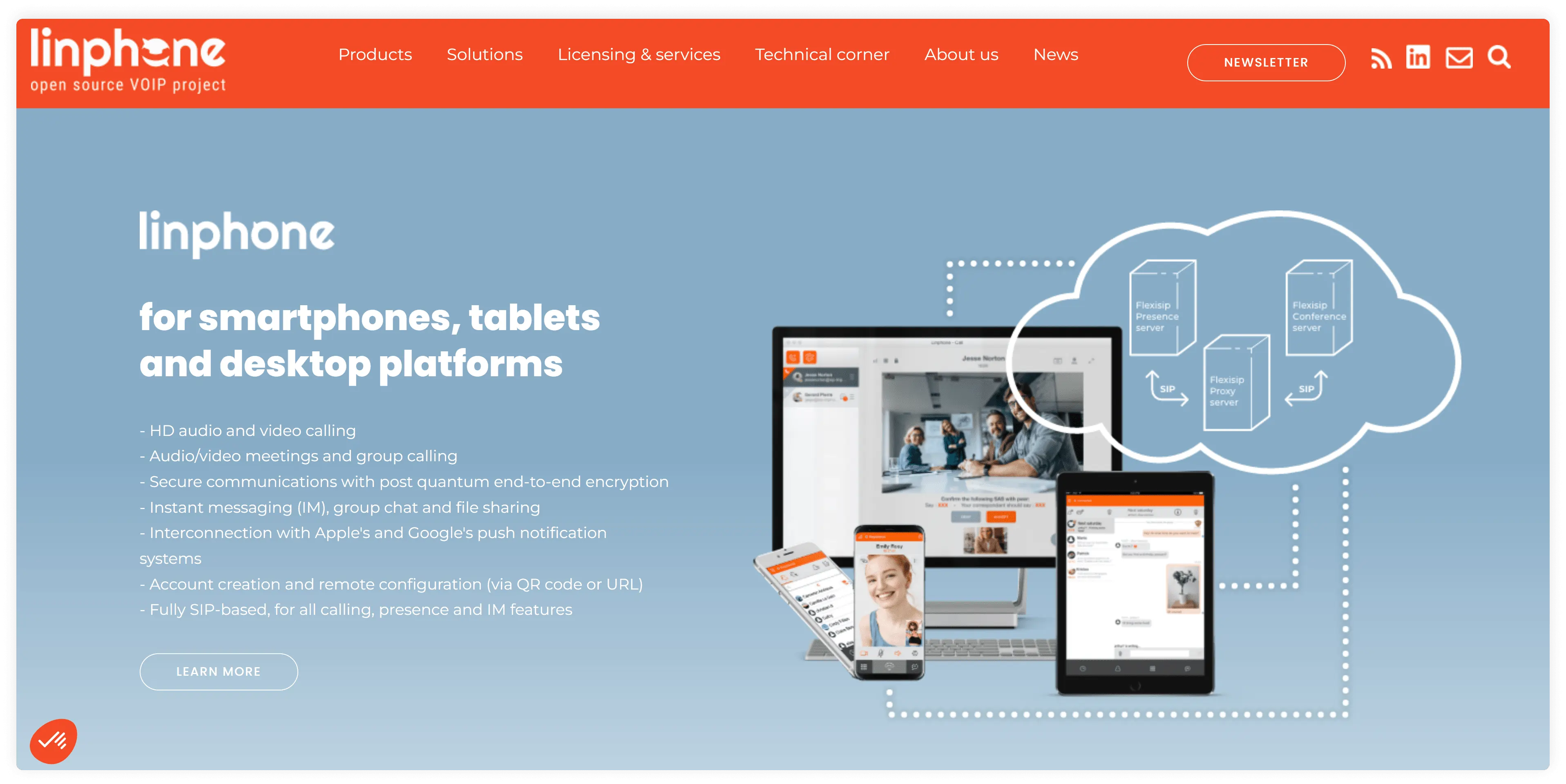
A free softphone app for users who do not have the budget to get a paid VoIP app for Mac. Linphone is open-source and allows you to make voice and video calls and send text messages over the internet. Linphone may be modified and even rebranded by developers or reserved by the product development team. As a result, it is a versatile solution for business clients.
First impressions
It’s one of the finest applications for small businesses. It is free and has all of the basic call management capabilities. Linphone for business will be a good fit for anyone looking for an out-of-the-box calling solution. However, because it is free, you cannot expect much from customer service.
Pricing
Free
OS
- Desktop: Windows/Mac
- Mobile: Android/iOS
Features
- Audio/video calling
- Call and chat history
- Call recording
- Chat/messaging
- File sharing
- Contacts
- Call forwarding
Integrations
Integrates with web browsers
Pros & Cons
| Pros | Cons |
|---|---|
| Free and available for anyone | Limited set of features |
| Works with most cloud service providers | Not as reliable as paid services, since it is free, the user interface is not frequently updated |
| Allows for multiple accounts for SIP softphones for Mac | Features/user experience do not often get leveled up |
Best for
Individuals and businesses looking for a free platform for making calls
Customer service
User reviews recommend using chat for customer service.
User reviews
Pretty flexible as we can do a lot with it. I like the ability to transfer calls and divert them from different departments.
Read the full review
Top 10 softphones for Mac: review criteria
We used the following criteria to evaluate the top softphones for Mac:
- The package. How many features are you getting for your money? We looked into the application’s main function and the additional features it offers. That will help you determine whether the service will meet your needs.
- Affordability. Can an average American afford this softphone? We checked the different plans and their monthly costs. Some providers are free; others are expensive. Will it hurt your budget? Some products are designed for large enterprises with large budgets, while others are suitable for individual use.
- Integrations. Will you be able to use this VoIP client for Mac with your other apps? We wanted to see if you could integrate your VoIP into your existing ecosystem. That will give you a clue about how easily you can integrate the product into your team’s daily work.
- Hidden costs. Should you be expecting any unpleasant surprises? Extra add-ons are upsetting, especially if you find out about them after you have already committed to a service.
- Support. Will you struggle alone, or is there a helpful team on standby? Customer support is essential, especially if you are looking for a long-term product. Having someone behind the scenes to answer your questions can make or break the entire experience.
- Reviews. What do the customers say? What was their experience like? We looked for any warnings or comments from users about the product and summarized them for you, along with G2 ratings.
- UI. Is it sleek and modern or slightly outdated? Will it be intuitive, or will you have to struggle, trying to figure out which button to press to answer a call and where to find your call history?
Best softphone apps for iPhone and Android
Here is a shorter list of the best softphones for Mac:
- MightyCall is an experienced VoIP for Mac that offers a generous set of features, is affordable, and has a great design.
- Bria has limited functionality but is inexpensive and easily integrates with most existing products.
- The Zoiper provider offers several really useful features and a solid design.
- Line 2 is a one-plan-fits-all plan, providing unlimited calling in the US and Canada, though call quality isn’t the best.
- MizuTech is a VoIP for Mac that offers a free plan and an expensive plan with many hidden feature costs. The design is not the most intuitive, but the complete list of features is impressive.
- CloudTalk — a large business-focused provider with a long-term presence on the market. Customer service is not always quick to respond.
- Telephone is a clean softphone developed for Mac that acts as an add-on to Mac VoIP clients, offering very limited features.
- Phone.com offers great team benefits, but the Basic Plan barely covers a business’s needs.
- 8×8 offers unlimited international calling, but it comes with a long-term contract and penalties and fees.
- LinPhone is a free softphone with all the cons of such services, including limited features and rare updates.
Key features of VoIP softphones for Mac
You will want to make the most out of your investment when it comes to finding the best VoIP softphone for Mac. Beyond transparent pricing, easy setup, and customer service, there are several features that enhance your experience when choosing among remote business phone systems.
- Making, receiving, and transferring calls. This is the very reason you are getting a softphone app for Mac: a high-quality connection is the key feature. Check how many minutes are included in the plans offered and read the reviews about call quality.
- Call recording. Whatever your business is, call recording will come in handy. Having the ability to assess your operators’ work and store the conversations to look back at and review the details in case anything goes missing.
- Integrations. This feature will help you integrate the softphone app for Mac into your existing ecosystem. This will shorten the time it usually takes to introduce your team to the new software and help facilitate the organization by keeping everything in one place.
- Voicemail transcriptions. Get your audio transcribed into text to make it accessible and easily searchable. That way, your messages will take less time to process and be easier to store and share.
- IVR, call waiting, and do not disturb. Inform your customers that you are unavailable during certain hours, direct them to the correct department or information via an auto-attendant, and keep your clients on the line while your operators handle other calls.
- Numbers. Having a toll-free or local number can be a game-changer for your company. Finding a softphone app for Mac that makes your business feel local to your customers can increase your trustworthiness, and having a toll-free or international number can help you grow and expand.
Pros and cons of softphones for Mac
Softphone apps for Mac pros
- Saves your money. A softphone app for Mac usually includes a set of features with the plan for free, providing more for less. Your employees can use their own devices, saving you on equipment and maintenance costs.
- Scales your business up. SIP software for Mac can be downloaded to any device with an internet connection, regardless of physical location. You can hire internationally, open local offices in different states, or get toll-free numbers to go nationwide within a few minutes.
- Increases flexibility. Remote work and sick days will become easier: with the SIP phone system, calling is accessible from anywhere, and call forwarding can transfer calls from a colleague on sick leave to another colleague within just a few minutes.
Softphone apps for Mac cons
- You must have a reliable internet connection. A softphone app for Mac runs over the internet to make and receive calls. If you want to use it, you will need a stable internet connection, ideally with a speed higher than 100 kilobits per second.
- Your devices must be up to date. Apps require specific system versions to run, so if you have an old Mac, you need to make sure its version and the latest system update are compatible with the app you plan to install.
- Your call quality may be inconsistent. A slow, old, or broken computer that is lagging will affect your call quality. If your Mac is running too many power-intensive apps at the same time, the Mac softphone application for Mac is likely to have issues.
How to choose a softphone service for Mac
- Know your budget. How much can you afford to spend on a softphone client for Mac? If you sign up for a monthly plan but suddenly run out of funds to renew it, it will hurt your small business.
- Have a list of features ready. What will you need? Toll-free numbers, international numbers, MMS, a complex IVR?
- Check for awards and reviews on professional platforms, such as G2. Take advantage of professional platforms, as they offer high-quality feedback on services.
- Identify your priorities. Do you want a large team with many numbers and extensions, or are you looking for a service with the best analytics to monitor your team?
- Take advantage of the available free trials. Most apps offer free trials that let you run a few tests and experience the product.
Verdict: What is the best softphone for business?
Each softphone app is unique and has its own fans, but for the final decision, we looked into which app offers the most for the lowest price, including the extra costs.
MightyCall is the winning softphone for business among rivals for remote teams. It easily integrates with most systems and can operate independently. It has a sleek, modern design and a compelling set of features, most of which are included in the plans. You can also transfer your existing business number from another VoIP service for free. On top of that, its plans are based on team sizes rather than on features, so each team will have all its needs met.