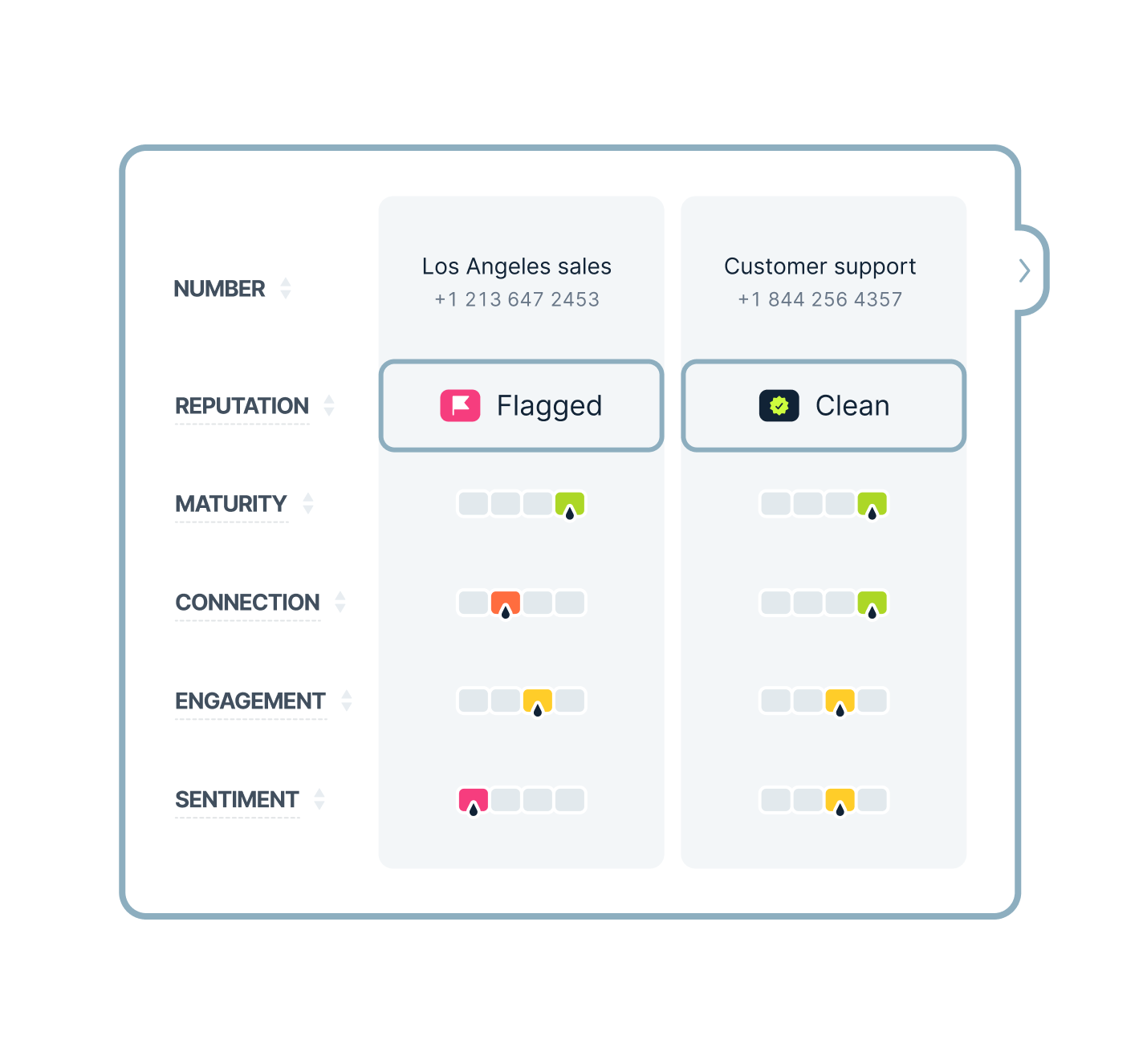

More often than not, outbound calls face a major challenge: the phone number’s reputation. Direct Inward Dialing (DID) numbers receive trust scores from carriers and devices. These scores determine whether your calls are delivered normally, labeled “Spam Likely,” or blocked.
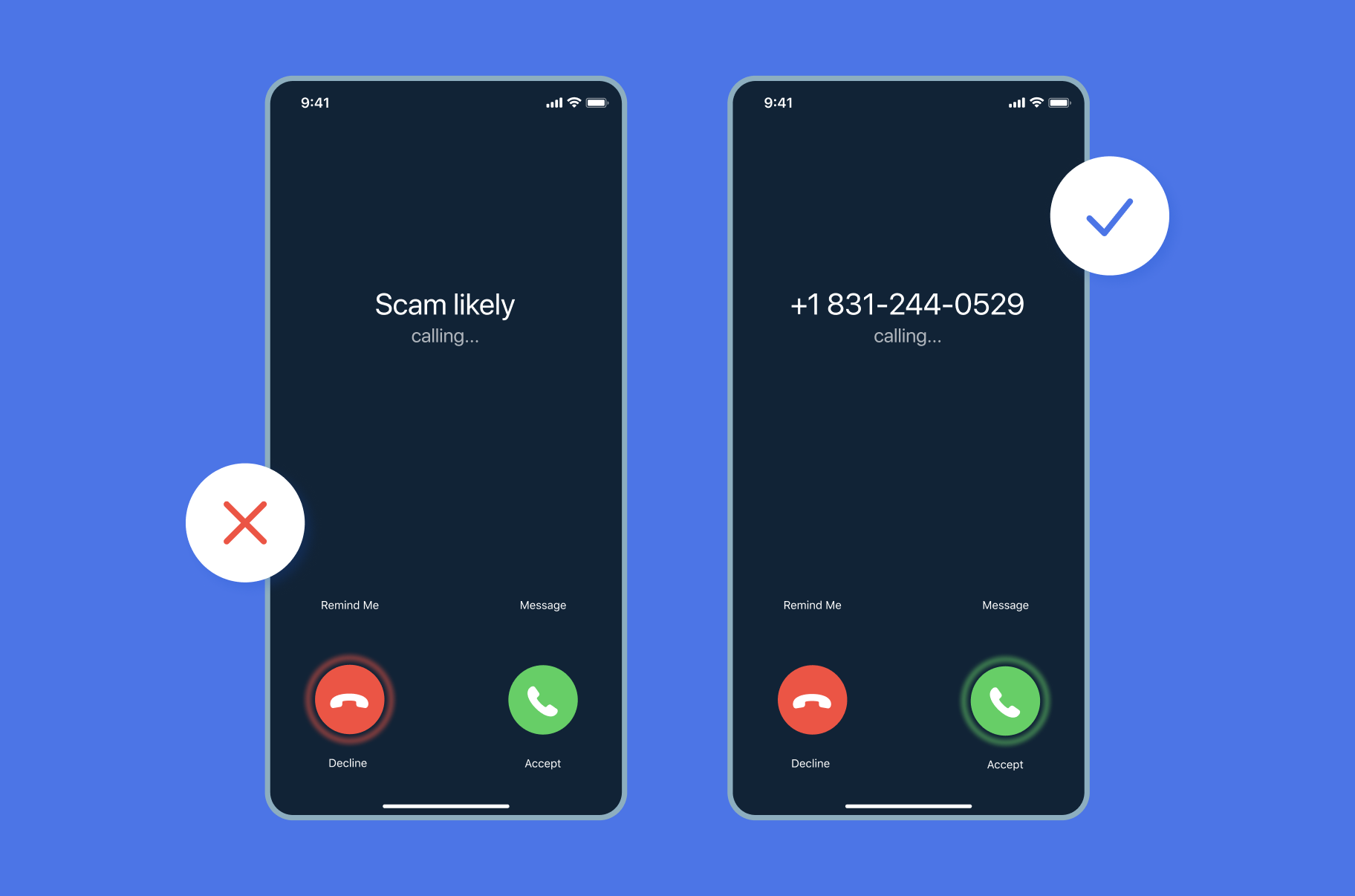
Poor scores often result from high call volumes, user complaints, or compliance issues. All of these factors can lead to blocked calls and lower answer rates. Without monitoring, businesses only discover reputation issues after answer rates drop. MightyCall’s number reputation management feature provides real-time visibility into a number’s trustworthiness.
The mechanics behind phone number scores
To put it into perspective, a phone number’s reputation can be like a personal credit score for calling. The DID reputation feature reflects a number’s perceived legitimacy, calculated by carriers such as AT&T, Verizon, T-Mobile, and Rogers. Algorithms analyze factors such as call patterns, spam reports, and adherence to standards like STIR/SHAKEN and Do Not Call (DNC) lists. Based on that, numbers receive labels.
Scores generally fall into four tiers, each with distinct implications:
| Score tier | Key indicators | Typical impact |
|---|---|---|
| Good | Steady volume, minimal complaints, strong compliance | High answer rates, normal call delivery |
| Normal | Moderate activity, occasional flags, stable patterns | Reliable connects with minor warnings possible |
| Poor | Rising spam reports, volume anomalies, and partial blocks | Frequent “spam” labels, reduced pickups |
| Very poor | High block rates, blocklists, repeated violations | Calls are routed to voicemail or outright rejected |
Inside MightyCall’s number reputation management feature
MightyCall turns this invisible fight into real results with smart monitoring. Here’s how the magic happens:
- Nonstop scanning: The work never stops. MightyCall continuously monitors numbers to check their reputation status.
- Smart data crunching: After monitoring numbers, you will see two possible values: flagged or clean.
- Act on it: if a number is flagged, you can replace it yourself in a click — or let Autorotation do it for you, automatically, the moment reputation drops.
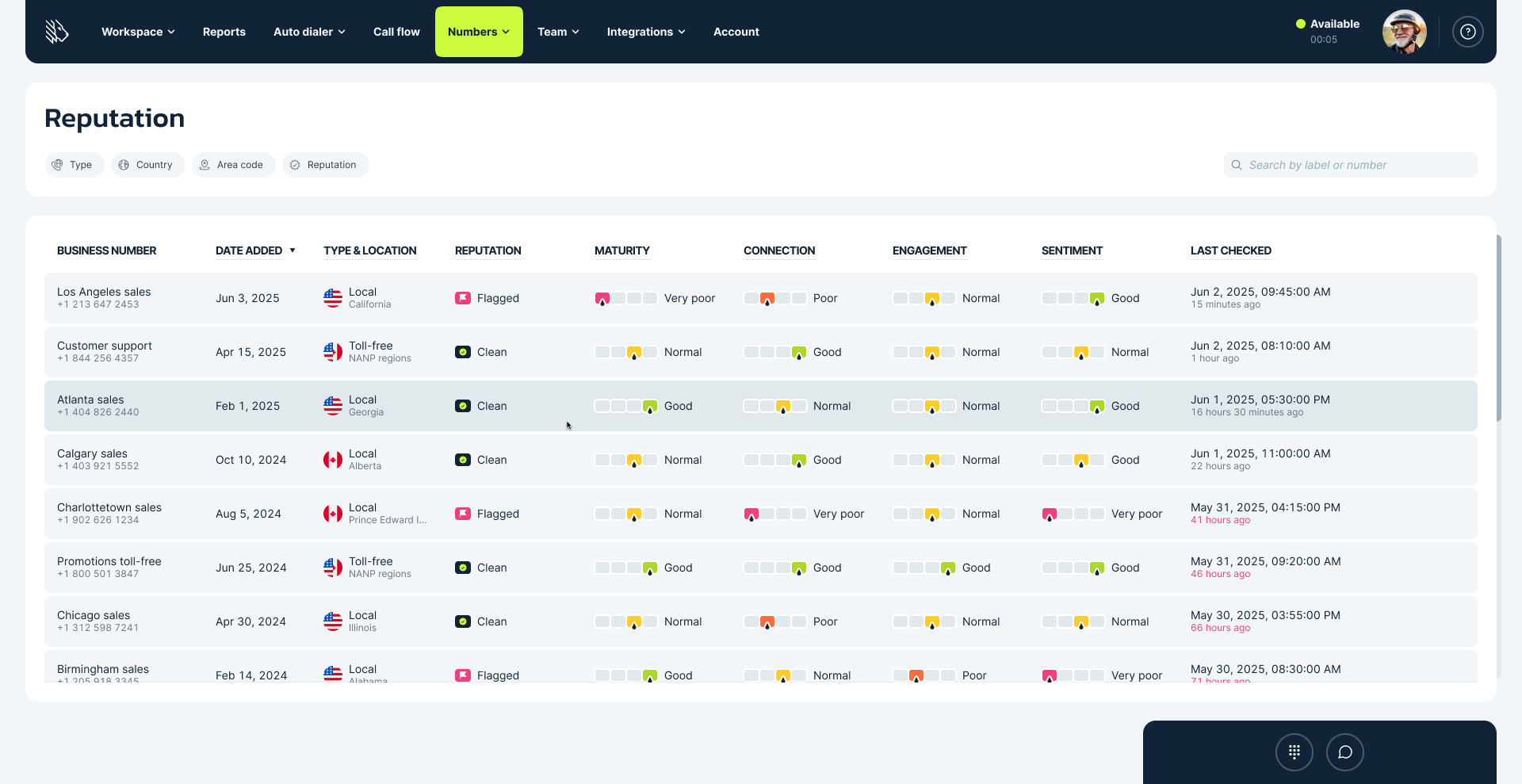
Autorotation: replace flagged numbers automatically
Monitoring tells you a number is flagged. Autorotation does something about it.
When a business number’s reputation turns Flagged, MightyCall provisions a clean replacement, moves every setting across, and retires the flagged number — with no manual work.
- You keep your area code. The replacement matches the flagged number’s area code. If that area code has no numbers available, MightyCall uses an overlay, so callers still see a local number.
- Nothing gets rebuilt. Campaign membership, call flows, call recording settings, max call duration, DNO status, user assignments, integrations, and mobile push scope all carry across.
- No campaign is interrupted. The new number joins your campaigns before the flagged one leaves, so nothing flips to Incomplete.
- Your old number stays reachable for 14 days. It’s pulled from outbound campaigns but still takes inbound and outbound calls, so nothing in progress is lost.
- Toll-free rotates too. A flagged 833 number is replaced with another 833 where inventory allows.
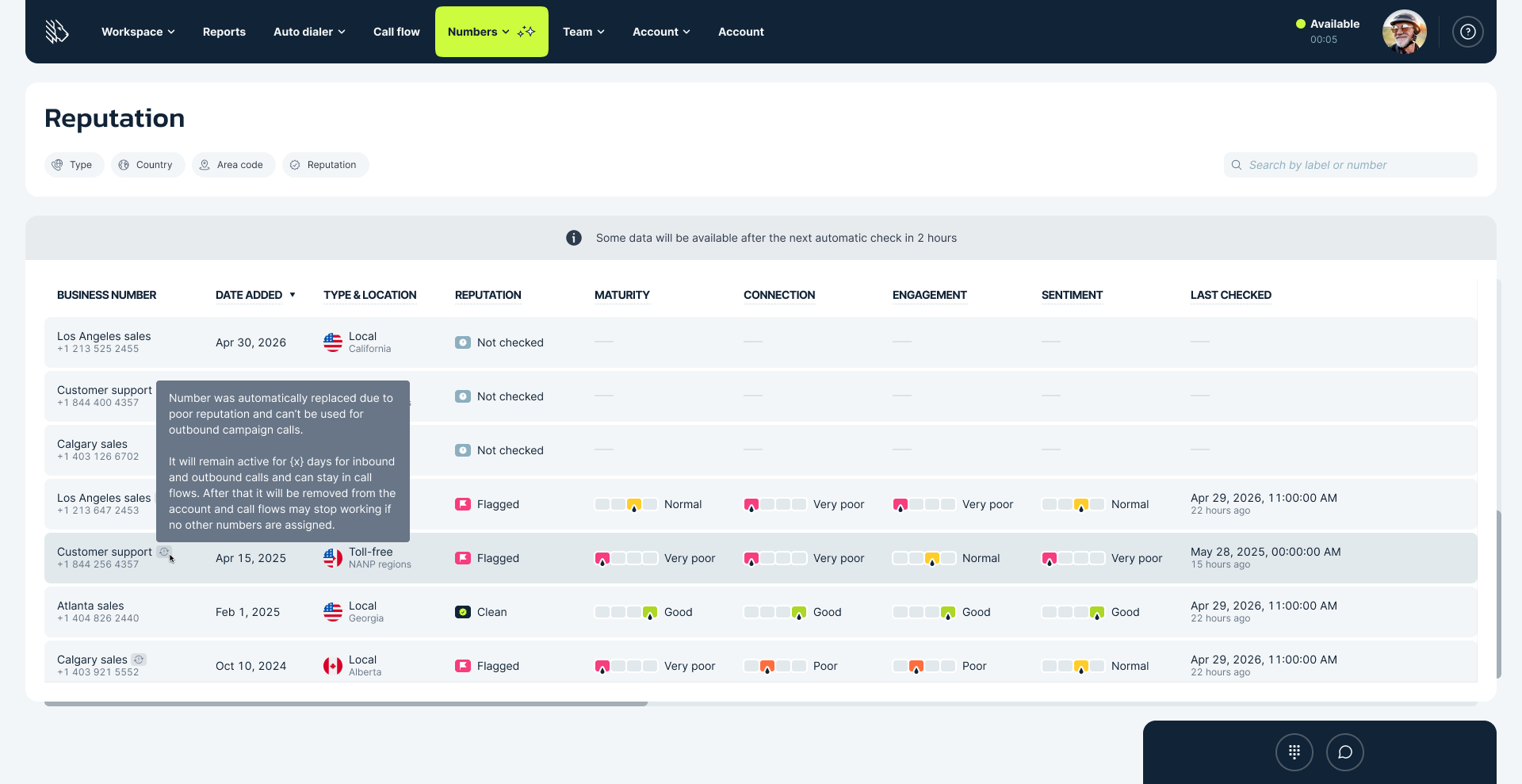
In a nutshell, this is how the feature works. In MightyCall, number reputation management is offered as an add-on to any existing pricing plan.
How this feature can help your workflow
Number reputation management supports key business components without disrupting operations. Before launching an outbound campaign, teams can review scores to select optimal numbers. Post-campaign analysis identifies performance drops related to reputation.
Sales operations benefit from data-driven number rotation, while support teams maintain inbound line integrity. In environments where teams use multiple numbers, businesses can benefit from centralized monitoring and bulk management tools.
Use cases
Let’s look at two use cases where the number reputation management feature can help improve the overall workflow. Please keep in mind that these are just hypothetical scenarios.
Solar panel provider
A mid-sized solar panel provider managed aggressive outbound campaigns across five regional phone numbers using a dialer. Their sales team hit a wall when answer rates dropped, with prospects reporting “Spam Likely” labels, forcing reps to dial twice as many leads for the same number of demos.
The number reputation management monitoring revealed two overused numbers had fallen to “Flagged” status due to volume spikes. The team rotated to healthier lines, set up real-time alerts for score drops, and gradually warmed new numbers.
With Autorotation enabled, that swap now happens automatically; the flagged number is replaced with a clean one in the same area code, with every campaign and call flow setting already in place.
Over time, connect rates climbed back up, saving 10+ agent hours weekly and increasing booked meetings.
Healthcare provider
A regional healthcare provider used multiple local numbers for patient appointment reminders and post-visit surveys. Their outbound team struggled with declining answer rates, as calls were increasingly left unanswered or went to voicemail because of undetected carrier flags.
The number reputation management feature pinpointed the issue: a few numbers had been flagged after complaint rates spiked during peak hours. The team paused those lines and rotated to clean numbers.
Is the number reputation management add-on worth it?
The short answer is yes, it’s absolutely worth it. Here’s why: in sales, appointment reminders, and follow-ups, getting your calls answered is everything. Poor number reputation can silently sabotage campaigns, leaving leads unheard and reminders unanswered.
MightyCall’s Number Reputation Management gives your team real-time insights and continuous monitoring, so you can proactively rotate or adjust numbers before issues arise. And with Autorotation enabled, you don’t have to act on it yourself: a flagged number is replaced with a clean one automatically, same area code, every campaign and call flow setting already in place. That means more calls reach actual prospects, follow-ups hit inboxes and voicemails as intended, and your campaigns run smoothly without guesswork.
In other words, this add-on isn’t just nice to have — it’s a must for any business that relies on outbound calling. Available as an add-on for all MightyCall plans.