

Key takeaways
- The predictive dialer market breaks into three practical groups: enterprise CCaaS platforms,outbound-first specialists, and SMB or sales-led options.
- Predictive dialers automatically place multiple calls, filter out unanswered numbers, and route live answers to available agents, thereby increasing agent talk time and campaign throughput.
- The shortlist of the best predictive dialer system gets smaller when you focus on platforms that publish clearer predictive-dialer economics, because many providers shift pricing into custom contact-center quotes.
- ReadyMode is one of the clearest high-intensity options for outbound teams that prioritize dialing speed, throughput, and packaged, dialer-first functionality.
- MightyCall and JustCall are generally more SMB-friendly, but their most advanced predictive capabilities sit in higher-tier or less clearly packaged plans.
- VICIdial has the lowest software licensing barrier, yet the real tradeoff is higher operational complexity in hosting, telephony, security, and support.
Best predictive dialer software: Comparison
| Program | Number of lines per agent | Other dialer types | Starting price (annual) | G2 rating |
|---|---|---|---|---|
| MightyCall | 10 lines/agent on predictive | Preview, progressive, predictive, click-to-dial |
$54/mo/agent | 4.4/5 |
| RingCentral | Multi-line, ratio-based | Preview, progressive, predictive, click-to-dial, voice broadcast |
$75/mo/agent | 4.1/4 |
| Nextiva | Multi-line gives a 5:1 pacing example, but it does not publish a product ceiling | Progressive/power, multi-line predictive, click-to-dial |
Dialer pricing plan is unspecified | 4.5/5 |
| Convoso | Multi-line; numeric cap unspecified | Preview, progressive, predictive |
Custom pricing | 4.5/5 |
| CallTools | Multi-line; official cap unspecified | Preview, progressive, predictive |
Custom pricing | 4.8/5 |
| 8×8 Contact Center | Multi-line, ratio-based, numeric cap unspecified | Preview, progressive, predictive |
Custom pricing. No free trial available | 4.1/5 |
| VICIdial | Unspecified / infrastructure-dependent | Agent-controlled, broadcast, predictive |
Open-source | 4.1/5 |
| Talkdesk | Multi-line / ratio-based predictive dialing; numeric cap not publicly specified | Preview, progressive, predictive, agentless |
It is unclear which pricing plan includes the dialer mode | 4.4/5 |
| Readymode | Up to 20+ concurrent calls/agent | Preview, progressive, predictive |
Starter: $199/license/month. iQ: $249/license/month | 4.6/5 |
| JustCall | 10-line predictive dialer | Preview, progressive, predictive |
Custom pricing for the Sales Dialer; the power dialer is available at $49 user/month | 4.3/5 |
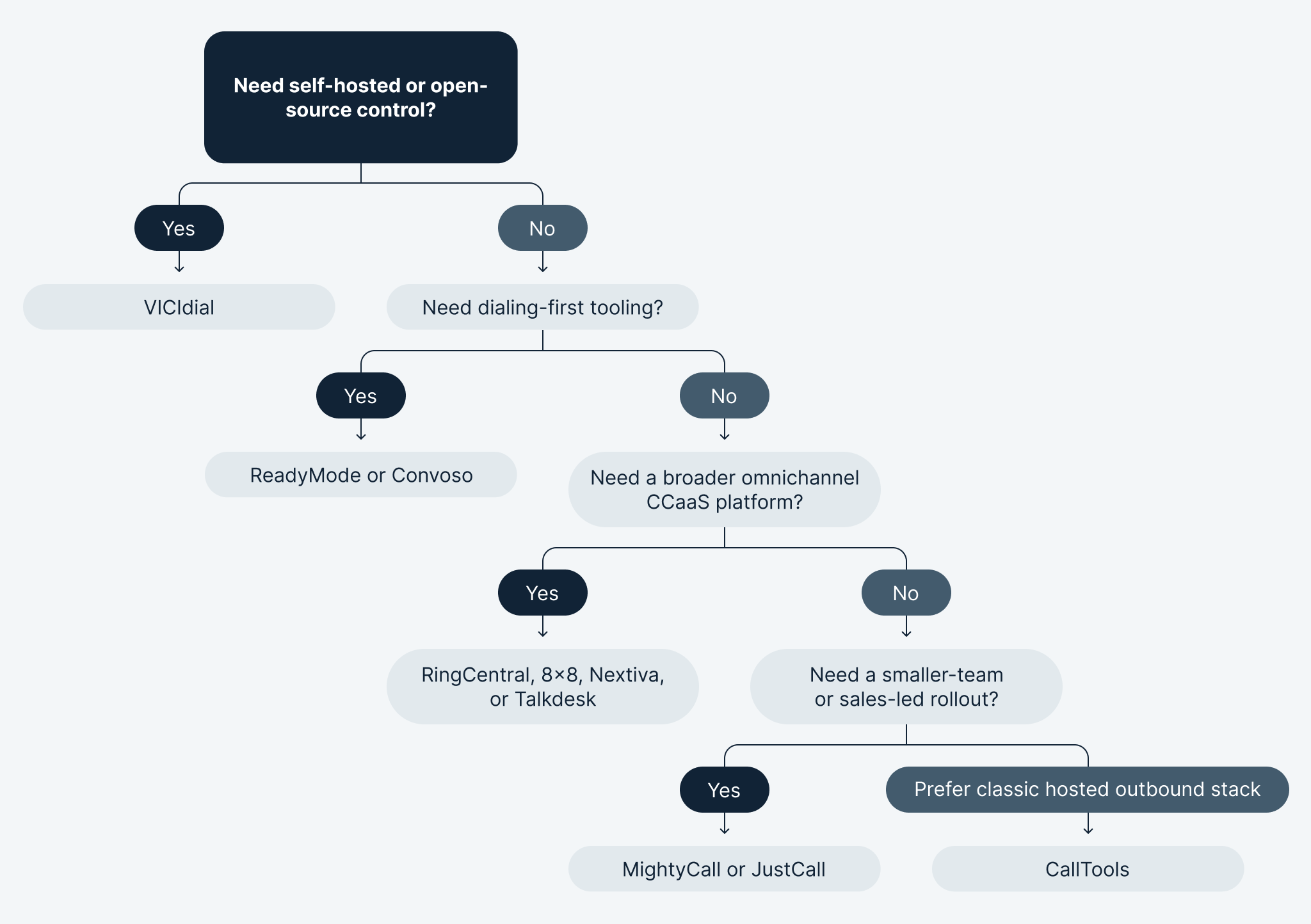
Across this category, MightyCall and JustCall are the most natural fits for smaller teams, while Convoso and ReadyMode are better suited to high-volume outbound operations where dialing efficiency is the main priority.
RingCentral, Nextiva, 8×8, and Talkdesk make the most sense for organizations rolling out predictive dialing as part of a broader contact-center platform. In contrast, VICIdial is best for teams willing to trade ease of use for greater control and lower software licensing costs.
Our criteria for evaluating predictive dialer providers
We compared predictive dialer providers using a mix of commercial, operational, and buyer-focused factors, so the list reflects both feature depth and real-world fit.
- Price: We looked at published starting prices, how clearly pricing is presented, and whether predictive dialing is included in standard plans or locked behind custom tiers.
- Key dialer features: We compared predictive capabilities alongside related modes such as preview, progressive, and power dialing, as well as tools that improve outbound efficiency.
- Number of lines available: We considered how many calls each agent can run at once, since line intensity directly affects the output.
- User reviews: We used customer feedback, including G2 ratings, to understand ease of use, reliability, and overall satisfaction.
10 top predictive dialers: Detailed reviews
1. MightyCall – best for SMB teams that want an easy outbound stack
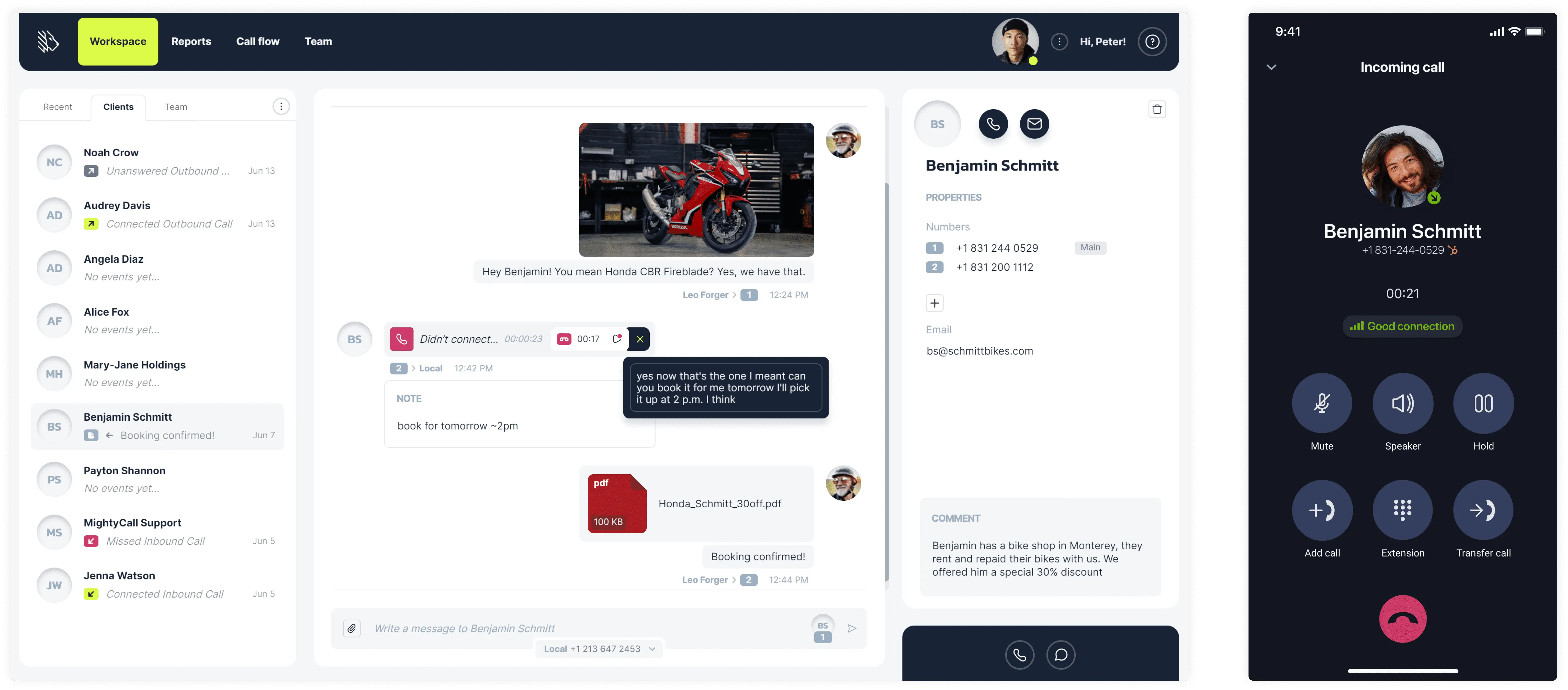
MightyCall works well for smaller teams that want a simple outbound stack today and a path to predictive dialing later. Predictive mode is available in the Enterprise tier, while lower-tier plans focus more on standard business calling and auto-dialer workflows. The practical advantage is ease of adoption: teams can start with lighter outbound motions before moving into more advanced predictive dialing capabilities.
Pricing
MightyCall offers the following pricing plans per month/agent:
- Core: $20
- Pro: $38
- Power: $54
- Enterprise: $65
Free trial
MightyCall offers a 7-day free trial.
Pros and cons
| Pros | Cons |
|---|---|
| Easier entry point for SMB teams than most enterprise CCaaS platforms. | It is better suited to smaller outbound teams than large-scale ones. |
| Supports a natural upgrade path from simpler outbound workflows to more advanced dialing. | Less ideal for highly technical or heavily customized call-center environments. |
| A 10-line predictive mode per agent, with manual pace control. | Companies with very aggressive outbound workflows may prefer a platform designed primarily around high-throughput dialing instead. |
| Good fit for businesses that want answering machine detection, call summaries, routing, and outbound tools in a single, simpler package. |
User reviews
MightyCall holds a 4.4/5 rating on G2. Users often praise ease of setup, usability, and the straightforward SMB experience. The most common complaints are less about basic usability and more about depth and polish. Some users report occasional mobile app lag or glitches after updates, CRM connectivity limitations, and occasional reporting issues.


schedule your personalized demo with our amazing team

2. RingCentral – best for enterprise contact-center rollouts
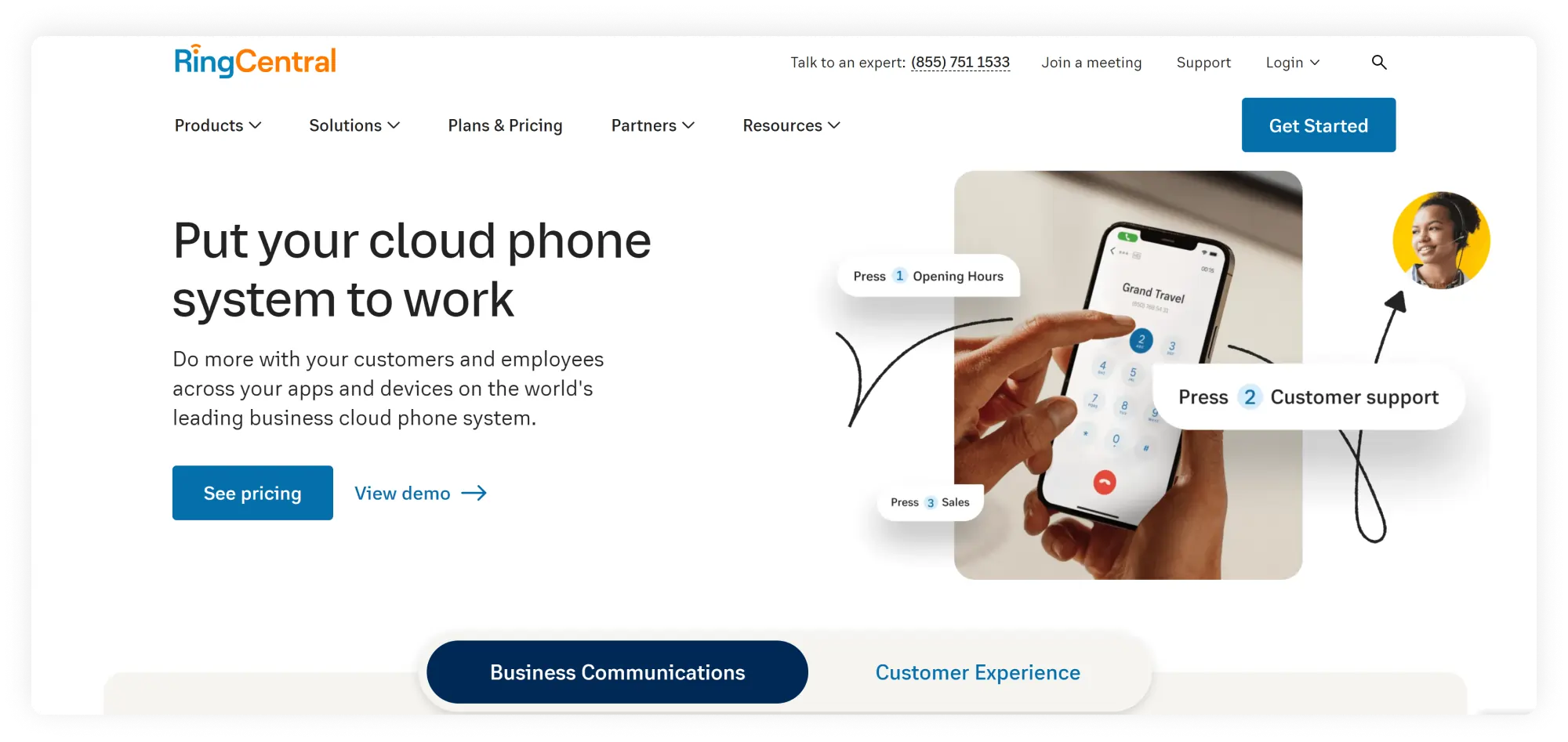
RingCentral is a stronger fit for teams that need predictive mode as part of a broader AI-powered contact center platform, rather than as a standalone outbound tool. RingCX is designed around omnichannel support, intelligent routing, automation, and agent management, so it delivers more value to larger CX operations than to teams simply looking for a lightweight sales dialer.
Pricing
- Standard: $75
- Professional: $110
- Elite: $165
- Enterprise Contact Center: Contact their support for more details
You can access dialer modes on their Standard plan.
Free trial
RingCentral generally offers a 14-day free trial. However, it’s unclear whether it’s offered with their RingCX plan.
Pros and cons
| Pros | Cons |
|---|---|
| Strong fit for companies that want predictive dialing inside a broader contact-center and communications platform. | It can feel too heavy and expensive for teams that only need a standalone outbound dialer. |
| Combines omnichannel support, routing, automation, and agent tools in one ecosystem. | The admin side can be more complex to learn and manage than the end-user experience. |
| Good option for larger CX teams that need more than just dialing functionality. | It is not the most natural fit for SMB teams that are primarily focused on dialing up speed and simplicity. |
User reviews
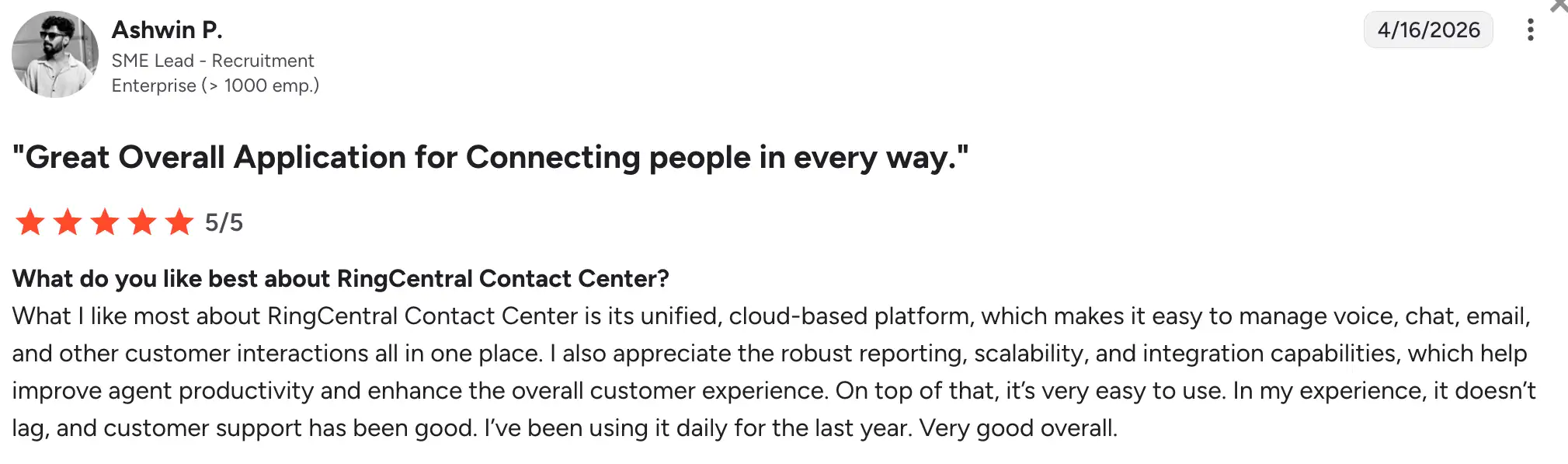
RingCentral has a score of 4.1/5 on G2. The platform generally earns positive feedback for its broad feature set and dependable performance, especially from teams that need more than a basic calling tool. At the same time, some enterprise users note that setup, administration, and plan structure can feel more complex than with simpler platforms.
3. Nextiva – best for teams managing sales and support in one platform
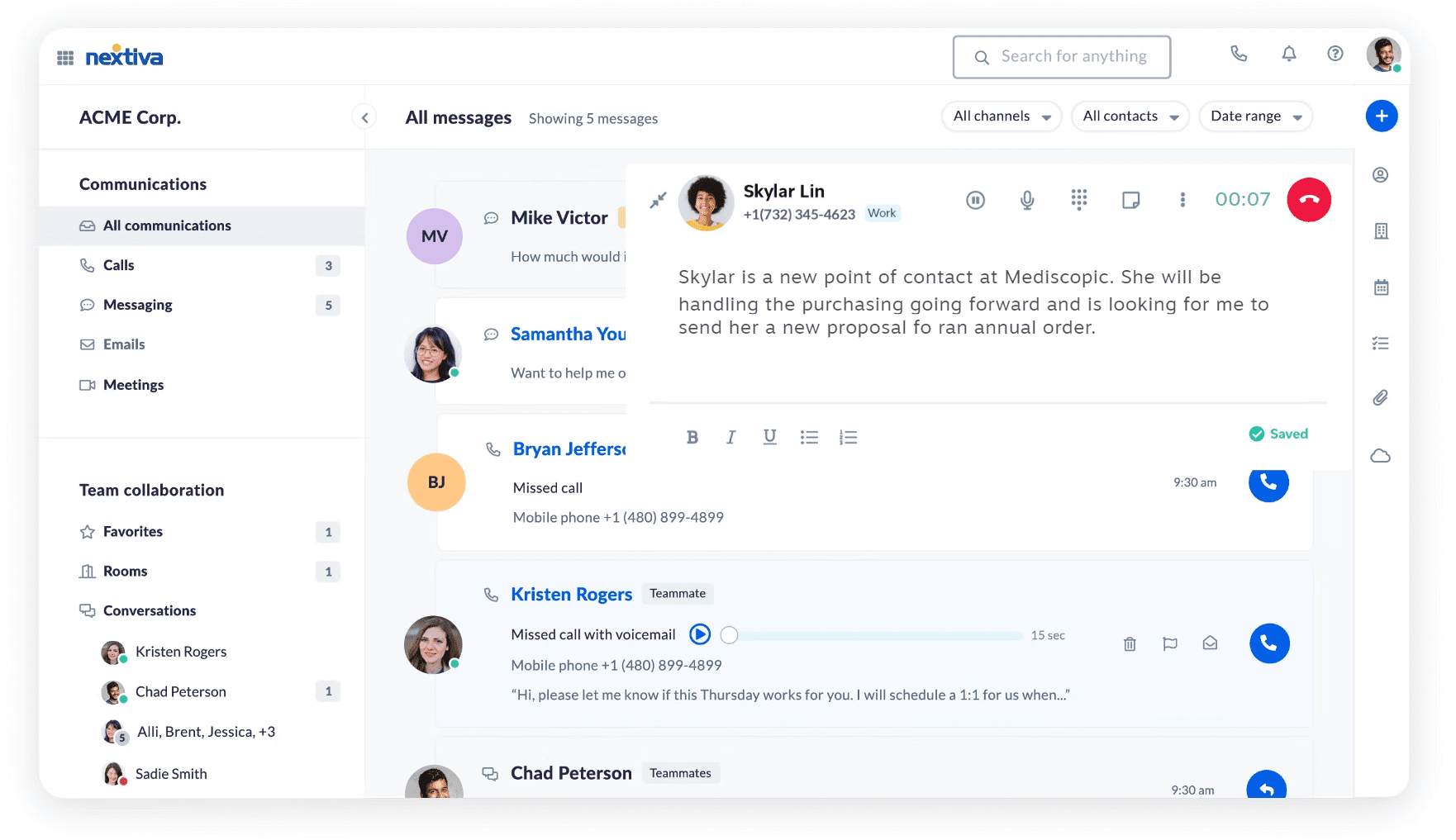
Nextiva is a strong choice for businesses that want predictive or high-efficiency outbound calling as part of a broader customer experience platform, rather than as a standalone dialer. The platform is built around service, routing, orchestration, and shared team workflows, making it especially appealing to companies that manage sales and support in the same environment. Compared with outbound-first platforms, Nextiva feels more focused on operational alignment across teams than on dialing alone.
Pricing
For small businesses:
- Core: $25
- Engage: $25
- Scale: $75
For enterprise:
- Essential: $75
- Professional: Contact their team
- Premium: Contact their team
It is unclear which pricing plan includes dialer modes, as it is not specifically mentioned on their website.
Free trial
It seems that Nextiva offers a free trial; however, the number of days is unclear.
Pros and cons
| Pros | Cons |
|---|---|
| Good fit for businesses that want outbound calling inside a broader customer communication platform. | Less dialer-focused than companies built specifically for high-volume outbound. |
| Strong choice for teams managing both sales and customer service workflows. | It may feel like more platform than necessary for teams that only need aggressive outbound calling. |
| Helpful for organizations that value routing, service tools, and operational consistency across teams. | Buyers focused on dialing speed and campaign intensity may prefer a more outbound-first product. |
User reviews
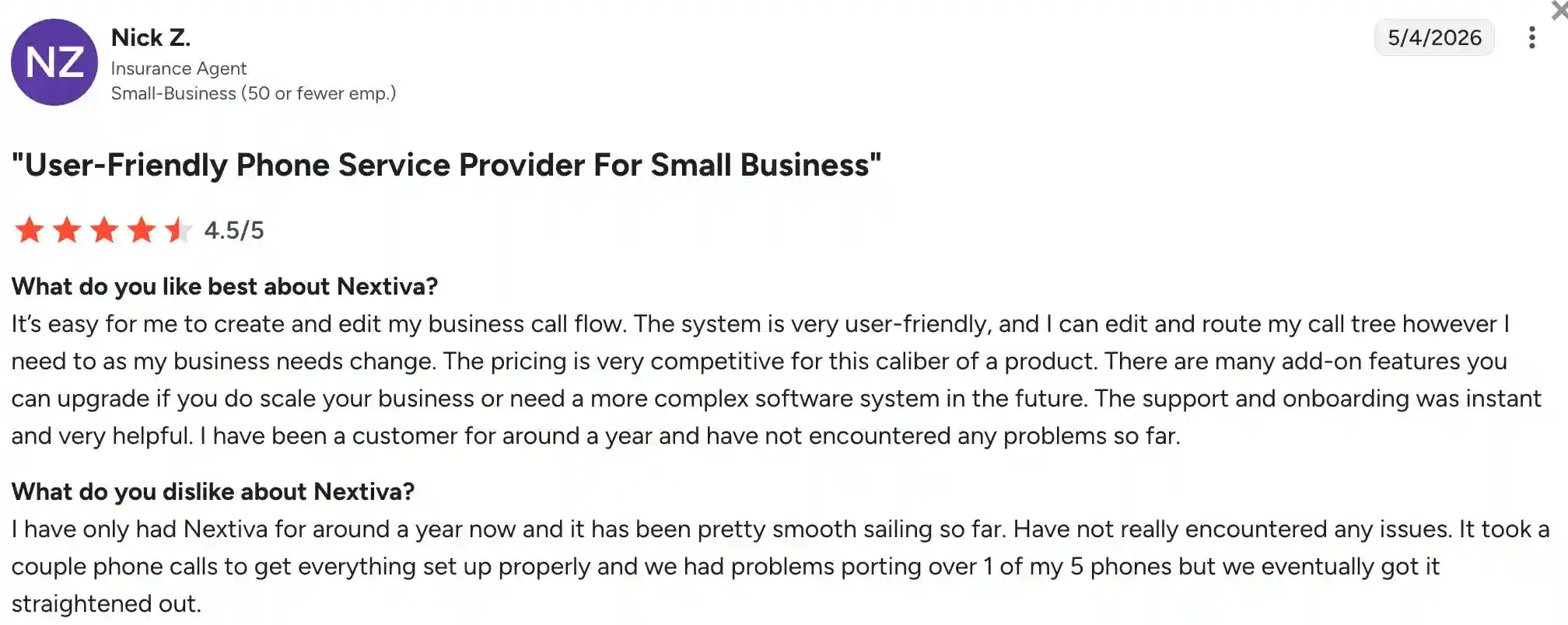
Nextiva has a 4.5/5 rating on G2, and the visible review feedback is fairly mixed but useful. Many users speak positively about the available support resources and chat access, while some also mention frustrations with response times and contract-related issues.
4. Convoso – best for high-volume outbound performance
Convoso is one of the clearest dialing-first platforms in this group. It puts predictive and power dialing, lead management, omnichannel outreach, workflow automation, and compliance tools at the center of the product. That, in return, makes it a strong fit for outbound teams focused on performance. This is the kind of platform you choose when contact rate and speed-to-lead matter more than having a broad all-in-one communications suite.
Pricing
Convoso offers custom pricing; you will need to contact their team.
Free trial
It seems like they’re not offering a free trial; however, they offer live demos.
Pros and cons
| Pros | Cons |
|---|---|
| Pros Cons Built specifically for high-volume outbound and dialing performance. |
Public pricing is not transparent. |
| Includes compliance, lead management, and automation around the dialer. | Likely overkill for smaller teams that only need simple dialing. |
| Better suited to serious outbound teams than general-purpose business phone buyers. |
User reviews
Convoso has a score of 4.5/5 on G2. Users tend to like its strong dialing performance, campaign efficiency, and overall fit for high-volume outbound work. At the same time, common complaints focus on setup complexity and pricing details that may take extra sales conversations to clarify.
5. CallTools – best for dedicated cloud outbound dialing
CallTools is a cloud dialer built specifically for outbound calling, not a full-blown contact-center suite. That focus gives it a clearer identity than the broader CCaaS platforms. The main selling points are cloud-based predictive dialing, fast setup, unlimited minutes, and a straightforward experience. These are the things that appeal to teams who want an outbound tool built just for calling. It sits somewhere between simple SMB tools and the heavy complexity of enterprise contact-center systems.
Pricing
CallTools offers custom pricing. You can get an estimate by providing preliminary information, such as the number of agents you have and the average calls per week.
Free trial
There seems to be no information about a free trial.
Pros and cons
| Pros | Cons |
|---|---|
| More focused on outbound dialing. | Public pricing is not transparent. |
| Simple, fast setup is part of the product’s value proposition. | There’s less evidence of deep CX features compared with vendors like RingCentral or Talkdesk. |
| A good middle-ground choice for teams that want predictive mode without a huge platform. | Plan details and trial terms can vary, so buyers need to verify current pricing and structure directly with their team. |
User reviews
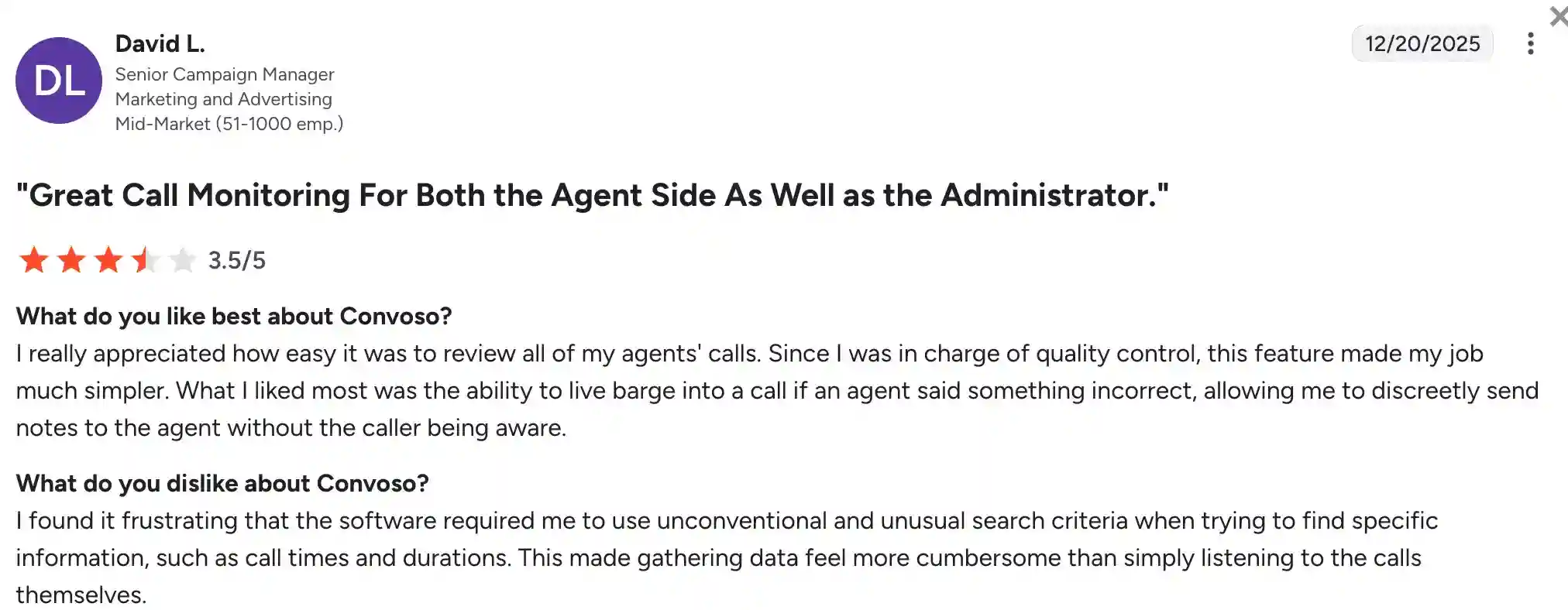
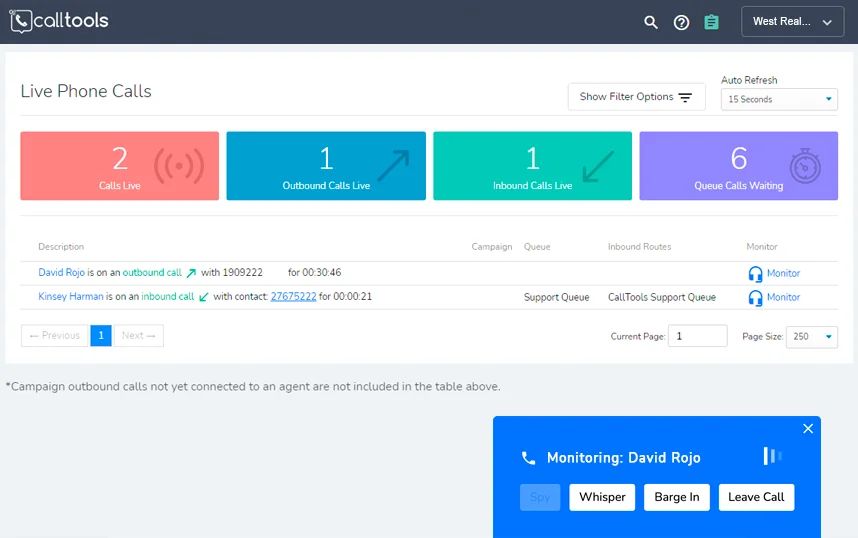
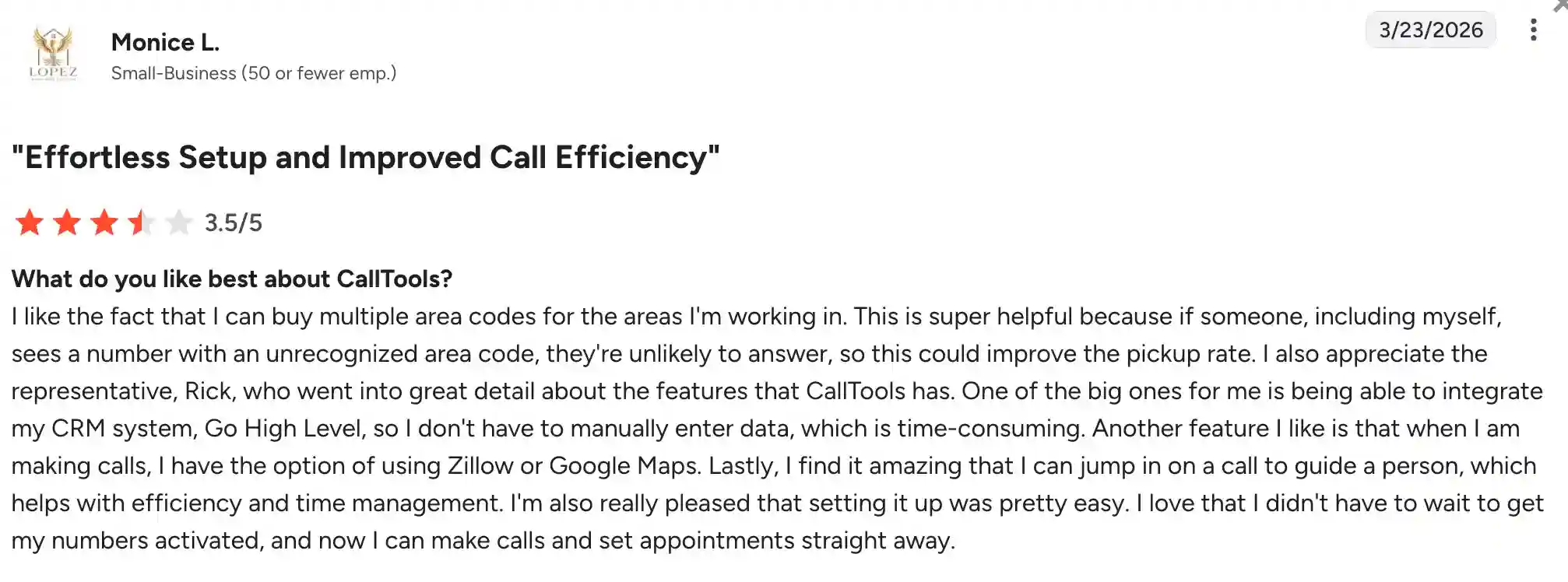
CallTools has a 4.8/5 score on G2. The platform is generally praised for its effective predictive dialer that helps teams maximize live connects per hour. Users also like the whisper coaching and live agent monitoring tools. Common complaints include server latency that sometimes causes phantom connections, opaque, quote-based pricing with hidden SMS and integration fees, and occasional system instability during periods of high inbound call volume.
6. 8×8 Contact Center – best for enterprise CX environments
8×8 Contact Center is strongest when predictive outbound is one component of a broader customer-experience stack. Like RingCentral, it is better suited to organizations that need routing, analytics, and contact-center infrastructure alongside outbound tools than to teams shopping for a lighter standalone sales dialer. That makes it more of a platform decision than a pure dialer decision.
Pricing
They offer four pricing plans. However, you need to request a quote for each plan.
Free trial
There’s a 30-day free trial.
Pros and cons
| Pros | Cons |
|---|---|
| Better fit for enterprise CX teams than for basic outbound-only use cases. | Public pricing transparency is limited. |
| Predictive mode is available within a larger, more capable contact-center environment. | It can feel too heavy for SMB sales teams. |
| Stronger choice when outbound needs to coexist with broader service operations. | Not the most natural pick if you only need a simple, lightweight dialer. |
User reviews
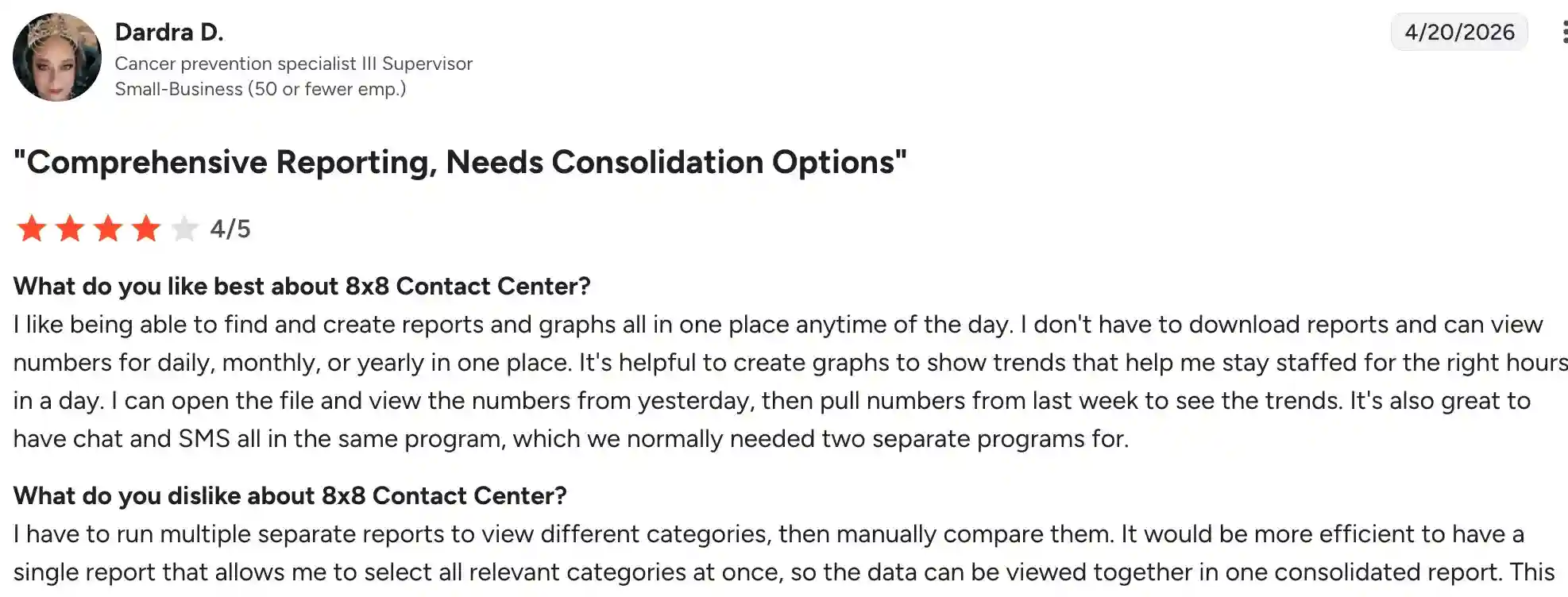
8×8 has a score of 4.1/5 on G2. 8×8 is generally praised for its intuitive interface, strong feature set, and reliable outbound and omnichannel capabilities. Users often highlight ease of use, flexible call-flow management, and the ability to blend outbound dialing with broader service tools. At the same time, some reviewers report inconsistent support experiences, including long wait times, difficulty reaching staff, and occasional stability issues or outages that can affect call operations.
7. VICIdial – best for technical teams with deeper customization needs
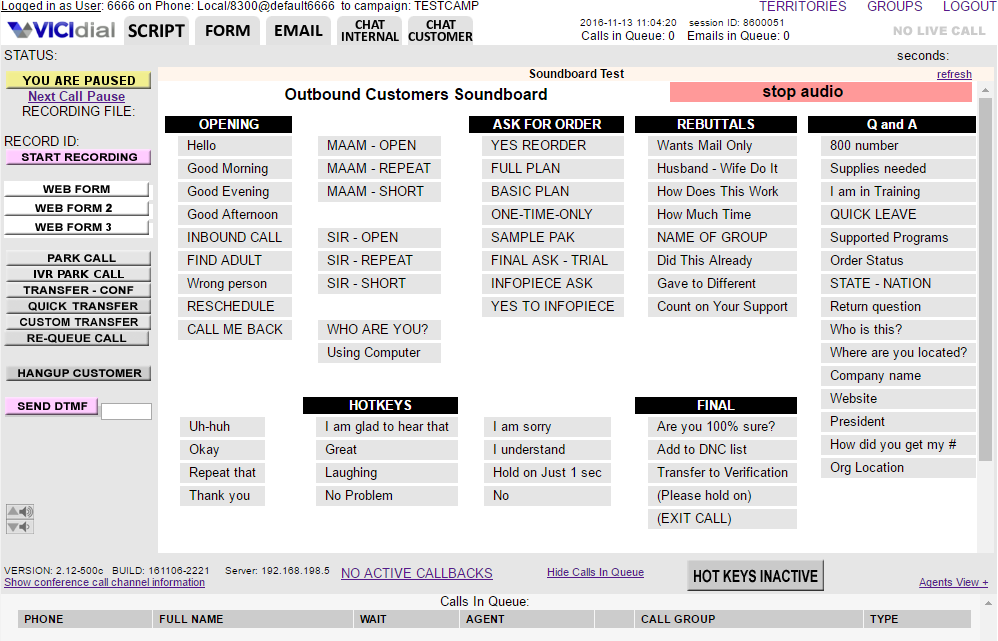
VICIdial remains attractive because the software license cost is effectively zero, and the platform gives teams deep control over how they run predictive, inbound, outbound, and blended dialing. The tradeoff is that it asks far more from the operator than SaaS dialers do: hosting, telephony, setup, security, and ongoing maintenance all become part of the real cost picture. It is powerful, but it is not the simplest route.
Pricing
As we mentioned in the comparison table, VICIdial is an open-source platform, meaning the software is free to download. However, maintenance costs may be high, reaching $400 per agent.
Free trial
VICIdial is an open-source platform, so a free trial is not available.
Pros and cons
| Pros | Cons |
|---|---|
| Free to download. | Operational complexity is much higher than with hosted SaaS dialers. |
| Flexible enough for predictive, inbound, outbound, and blended operations. | Real cost depends on hosting, SIP, support, and internal expertise. |
| Strong option for teams that want control over infrastructure and workflows. | Interface and usability may feel dated compared with newer cloud tools. |
User reviews
VICIDial has a score of 4.1/5 on G2. The platform receives praise on G2 for its powerful and flexible solution, with users particularly appreciating its open-source nature. Many users highlight the excellent reporting capabilities, scalability, and active support community that make it a strong choice for technically capable teams. At the same time, a common complaint is the dated interface that lacks modern design and customization. Users also point out that the system requires significant technical expertise to set up, maintain, and troubleshoot.

8. Talkdesk – best for AI-driven enterprise contact centers
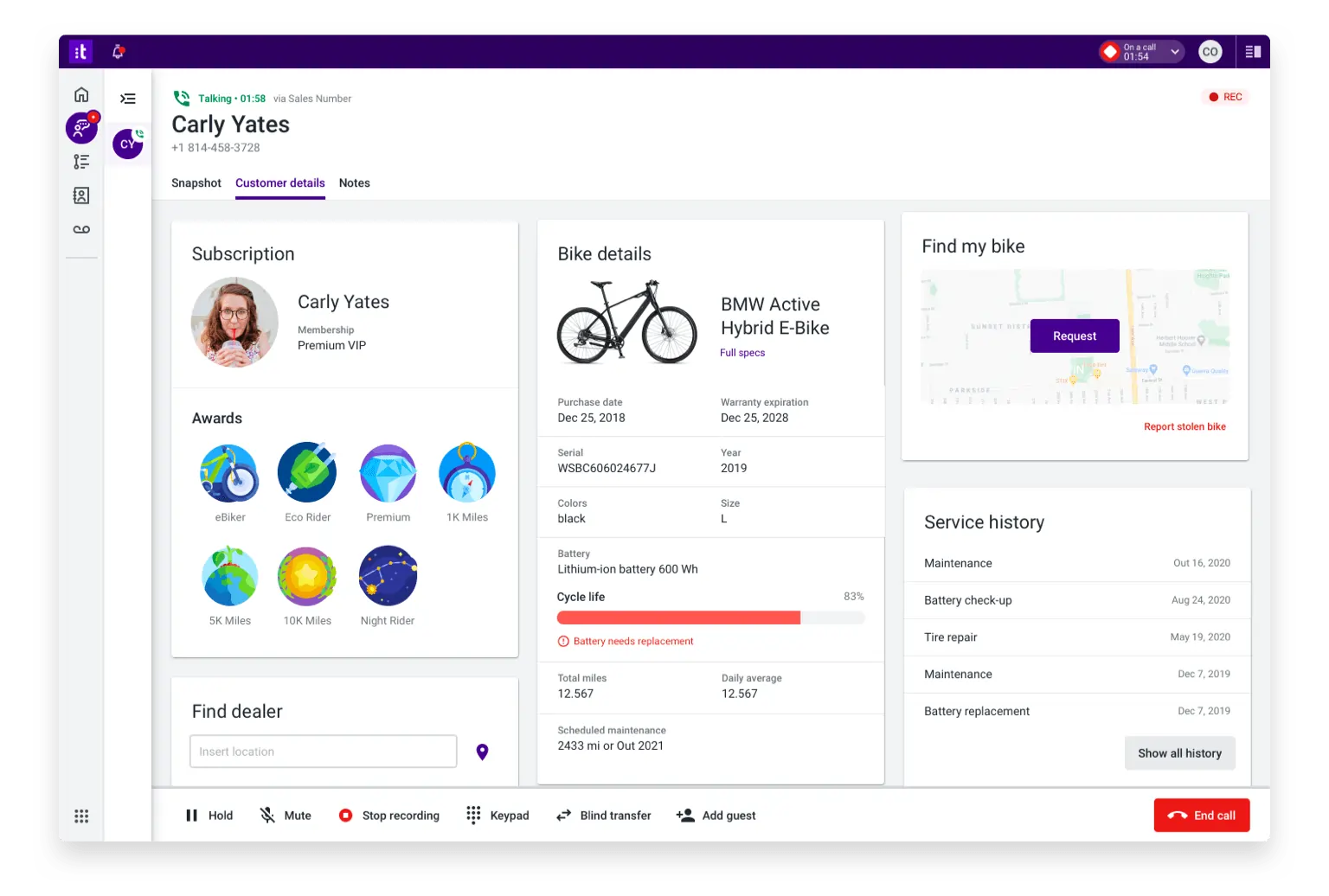
Talkdesk is an enterprise-first contact-center platform, so predictive outbound is part of a much broader AI and CX environment. It is a good fit for organizations that want workflow design, analytics, routing, digital engagement, and AI tooling around the dialer, rather than a standalone outbound engine. For many sales-oriented teams, that scope will be more than necessary.
Pricing
The following pricing plans are per user/month:
- Digital Essentials: $85
- Voice Essentials: $105
- Elite: $165
- Industry Experience Clouds: $225
Free trial
Talkdesk offers a 15-day free trial.
Pros and cons
| Pros | Cons |
|---|---|
| Strong enterprise platform with AI and broader CX depth. | Not designed as a lightweight outbound-only dialer. |
| Public pricing is more visible than with some CCaaS competitors. | Buyers need to verify exactly where predictive features are packaged. |
| Useful when dialing must sit inside a larger omnichannel operation. | It can be more expensive than SMB or dialer-first tools. |
User reviews
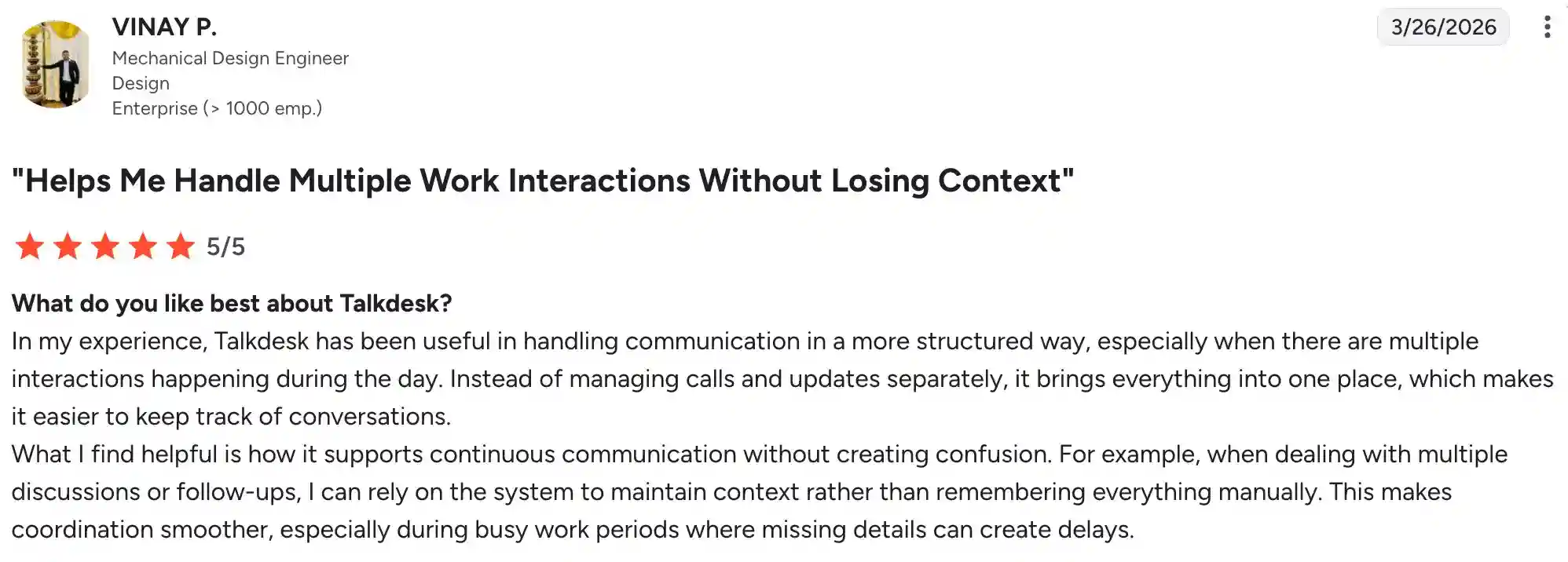
Talkdesk has a 4.4/5 score on G2. Talkdesk is widely praised for its intuitive interface, ease of use, and quick setup. Callers and agents appreciate reliable call quality, excellent call recording features, and strong Salesforce integration. At the same time, some users report recurring issues with call quality, including occasional dropped calls, unclear audio, and connectivity problems that can disrupt operations.
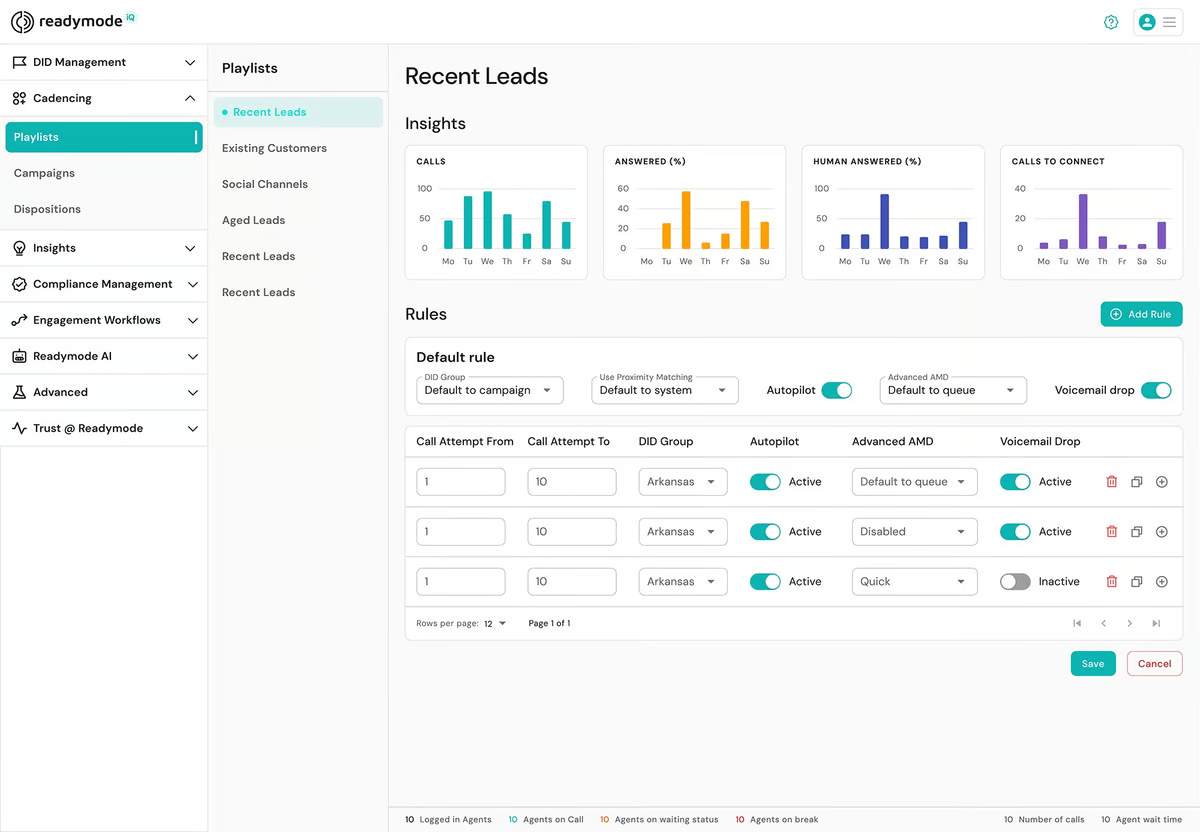
9. Readymode – best for high-intensity outbound campaigns
Readymode stands out among the top predictive dialer software because it combines dialer-first positioning with unusually clear public pricing for high-intensity outbound work. Its messaging focuses on speed, throughput, and packaging designed for dedicated outbound teams rather than broad CCaaS buyers. If your main priority is how aggressively and efficiently a team can dial, it’s one of the clearest predictive dialing software options in the market.
Pricing
- Readymode starter: $199
- Readymode iQ: $249
Free trial
There is no available information on the free trial.
Pros and cons
| Pros | Cons |
|---|---|
| Designed for high-volume calling where speed and throughput matter most. | More expensive than SMB-friendly tools that focus on lighter calling use cases. |
| Plans and bundles are easier to understand than most competitors’ custom quotes. | Not a good fit if you need a broad CCaaS platform for service and digital channels. |
| Strong choice when connect rate and dialing intensity are your main buying criteria. | Teams that want a standalone sales dialer plus extensive CX tools may need to look elsewhere. |
User reviews
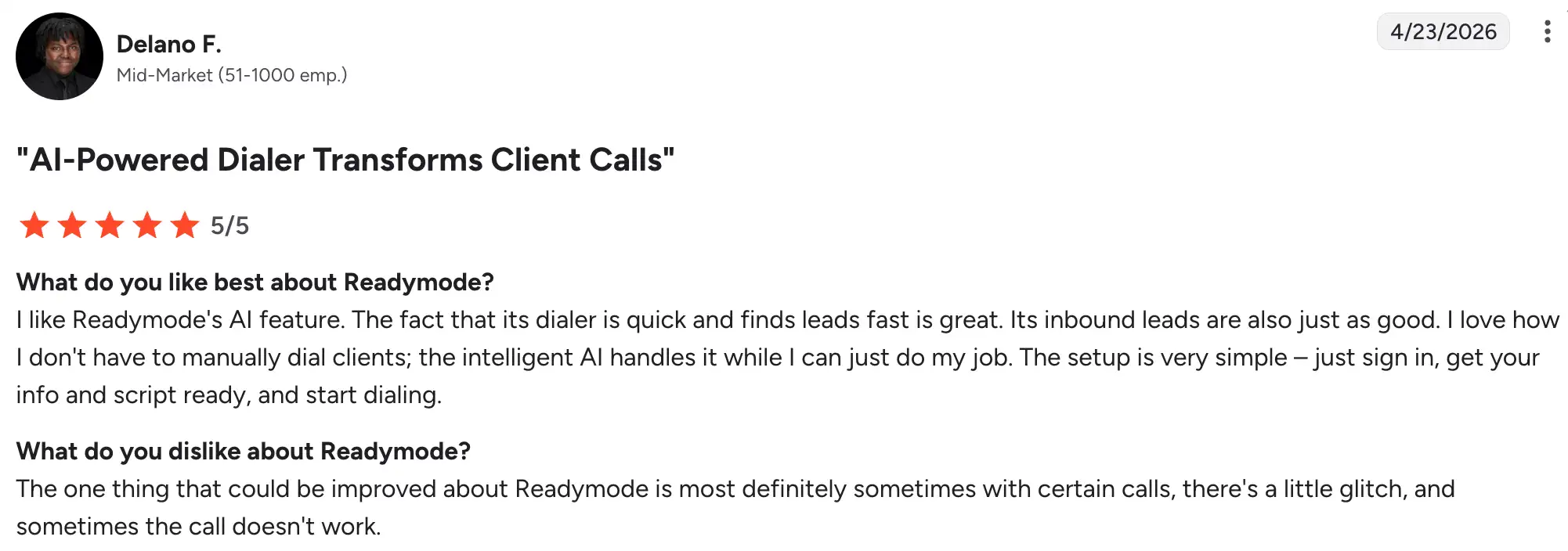
Readymode has a rating of 4.6/5 on G2. The call center platform is widely praised for its excellent call quality and fast connection speeds, which help teams reach more contacts in less time. They are also appreciated for being intuitive and user-friendly. A few users mention occasional minor technical glitches, such as not hearing the connect beep or voicemails not triggering the phone to ring.
10. JustCall – best for sales-led teams that want simpler outbound workflows
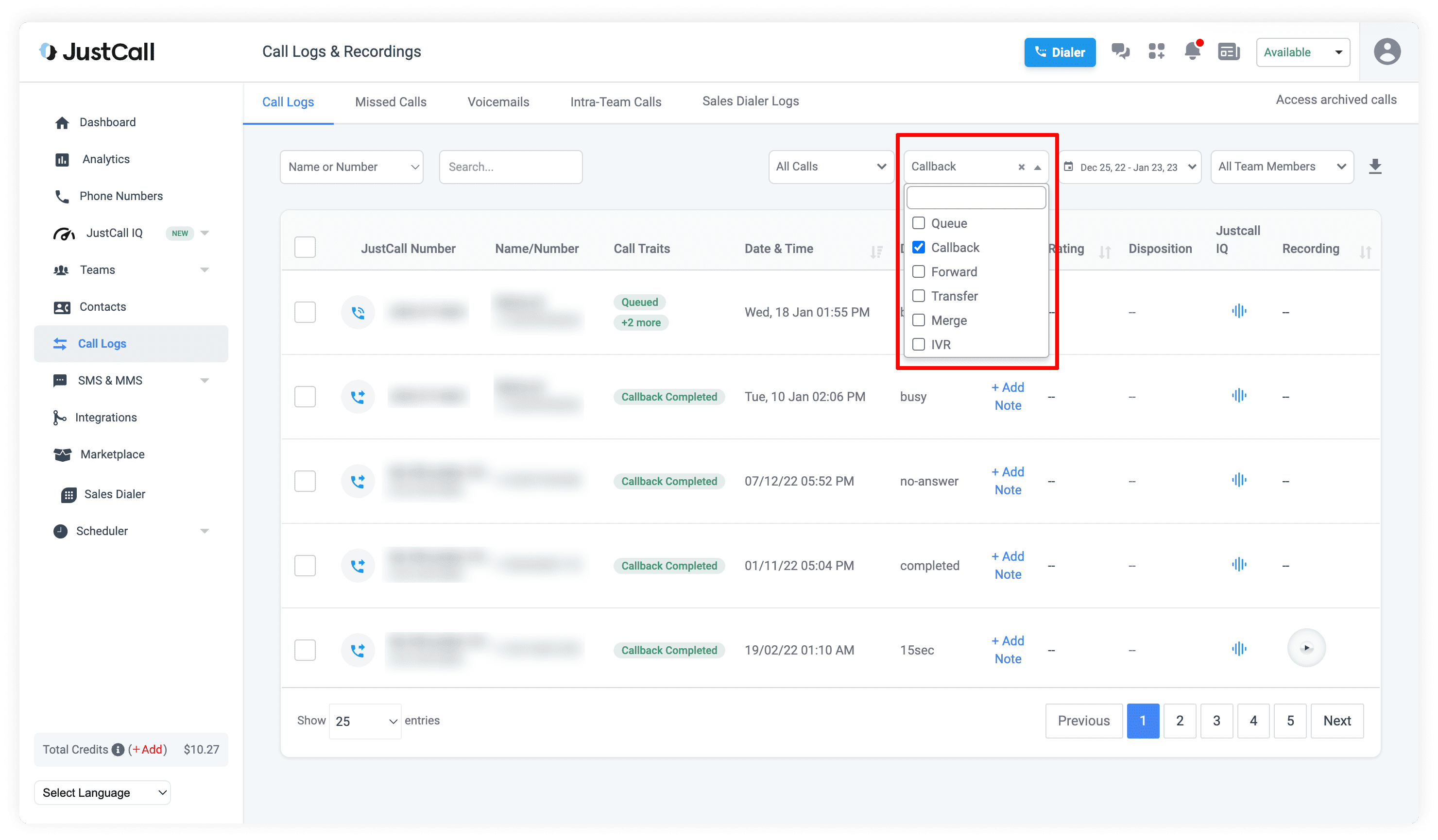
JustCall stands out as one of the more accessible options among the best predictive dialers because it makes outbound calling easier to understand than most enterprise contact center platforms do. They offer dialer modes, including power, parallel, and dynamic or predictive-style workflows, and third-party coverage suggests it can handle up to 10 lines in its sales dialer. It’s a practical choice for revenue teams that want something more capable than a basic power dialer without diving into the complexity and cost of enterprise CCaaS.
Pricing
- Team: $29
- Pro: $49
- Pro Plus: $89
- Business: Request a quote
It is unclear which pricing plan includes the predictive option, as it is not publicly indicated information.
Free trial
JustCall offers a 14-day free trial.
Pros and cons
| Pros | Cons |
|---|---|
| Easier for sales teams to adopt than enterprise CCaaS suites. | Predictive-specific pricing and packaging are less transparent than they could be. |
| Supports several dialer modes. | Less enterprise-grade as a full CX platform than RingCentral, 8×8, or Talkdesk. |
| This is a good middle ground between basic SMB tools and enterprise contact-center products. |
User reviews
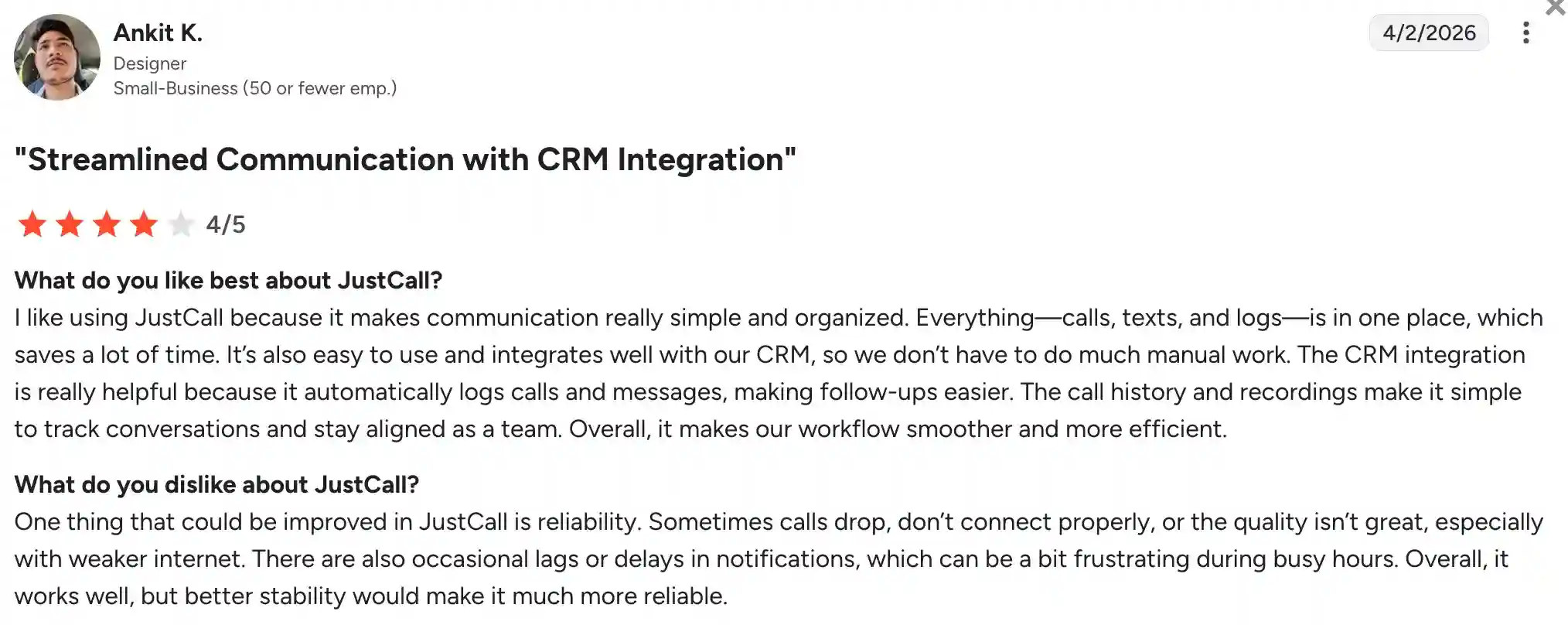
JustCall has a rating of 4.3/5 on G2. The platform is consistently praised for its ease of use, seamless CRM integration, and ability to handle calls and SMS from a single interface. Users appreciate the clean interface, quick setup, and practical features like AI call analysis and call recording. However, some users report issues with dropped calls and unpredictable invoicing, which can create frustration for teams that need consistent reliability for high-volume outbound work.
How predictive dialers work
A predictive dialer automates outbound calling by working through a contact list and placing calls before an agent is free, using pacing logic to predict when someone will be available to take the next live answer. It factors in agent availability, average talk time, answer rates, and recent call outcomes to determine how many numbers to dial simultaneously, so agents spend less time waiting between conversations.
Predictive dialers can place different types of outbound calls, including sales calls, lead follow-ups, collections, appointment reminders, and other campaign-based outreach.
In a typical workflow, the system works the following way:
- Pulls numbers from a call list or campaign queue.
- Dials multiple contacts based on pacing rules and expected answer rates.
- Filters out busy signals, voicemails, disconnected numbers, and no-answers.
- Connects live calls to available agents.
- Logs outcomes and uses that data to adjust pacing over time.
This model usually works best for teams with multiple available agents because predictive mode depends on sufficient capacity to handle live answers without creating long delays. For very small teams or solo users, preview or progressive dialing is often a better fit. The ideal team size varies by call volume, campaign goals, connection rates, and compliance requirements, so there is no single minimum that works for every operation.
Key benefits of predictive dialers
They turn outbound calling into a more structured, faster, and easier-to-manage process. Instead of agents manually dialing and waiting for answers, the system dials multiple numbers at once, filters out no-answer calls and voicemails, and connects agents only to live prospects. This directly affects daily operations: agents spend more time talking, campaigns move through lists faster, and managers gain clearer visibility into outcomes and performance.
Higher outbound call productivity
Predictive dialers dramatically reduce idle time by dialing the next number while an agent is finishing a call. This means agents spend more time talking and less time waiting. That can boost talk time to up to 40 minutes per hour and increase the number of calls handled per day.
Higher contact rate and better lead processing
By filtering out busy signals, voicemails, and disconnected numbers, predictive dialers significantly increase the number of real contacts reached. This helps teams process large lead lists faster and improves overall campaign effectiveness.
Better campaign control and call pacing
Predictive dialers use pacing algorithms to balance dialing speed with agent availability, preventing both agent overload and underutilization. This gives supervisors more control over how aggressively a team dials and how evenly calls are distributed.
Improved visibility into call outcomes and team performance
Modern predictive dialers integrate with CRMs and provide real-time tracking, disposition codes, and performance reports. This makes it easier to monitor metrics like call duration, calls per agent, connection rate, and conversion rate. By tracking all of that, the manager can adjust campaigns based on actual results.
Support for larger outbound campaigns
Predictive dialers are designed to handle high call volumes and large contact lists, making them essential for teams running serious outbound operations. They distribute calls evenly among agents and help maintain consistent follow-up workflows across big campaigns.
Core predictive dialer features to look for
When comparing dialer capabilities, focus on features that directly impact dialing efficiency, agent productivity, and campaign control. The right features help teams handle more calls, follow up on leads faster, stay compliant, and have better visibility into what’s working. Below are the most practical features to evaluate for outbound and call-center workflows.
- Smart call pacing and dialing ratio controls: These let supervisors adjust the dialing ratio relative to the number of available agents, reducing idle time and avoiding excessive abandoned calls.
- Automatic lead distribution and list management: Built-in list management and auto-distribution ensure leads are routed to the right agents and sorted by priority. This keeps teams working through the most important contacts first and avoids manual list handling.
- Call disposition and outcome tracking: Custom disposition codes let agents log results (e.g., interested, not interested, callback) in real time. This creates clear records and helps managers see which campaigns are performing and where leads are dropping off.
- CRM integrations and workflow automation: Integration with CRM tools allows calls, notes, and outcomes to sync automatically, reducing manual data entry and improving follow-up quality. This keeps teams focused on talking rather than updating records.
- Compliance tools for consent, call timing, and opt-out management: Features like DNC lists, call-time restrictions, and consent tracking help teams stay within legal boundaries and avoid penalties. This is especially important for high-volume outbound campaigns.
- Real-time analytics and campaign reporting: Live dashboards and reports on metrics such as calls per agent, connection rate, and conversion rate help managers spot issues quickly and adjust pacing or scripts mid-campaign.
- Call recording, monitoring, and coaching tools: Supervisors can listen to calls, record interactions for quality assurance, and use whisper coaching or barge-in to train agents. These features directly improve call quality and performance over time.
How to choose the best predictive dialer solution?
Choosing the right hosted predictive dialer depends on your team’s calling workflow, size, call volume, and compliance needs. The best option for an SMB team may differ significantly from what a high-volume outbound operation or an enterprise contact center requires. Focus on factors that directly affect how your team dials, manages leads, and tracks results.
1. Define team size and agent count
Predictive dialers work best with multiple agents, typically 20 or more, because the system needs enough capacity to absorb live answers without long delays. Smaller teams may be a better fit with progressive or preview dialers that reduce the risk of over-dialing and abandoned calls.
2. Consider call volume and set campaign goals
High-volume outbound campaigns benefit most from predictive mode, which can keep agents busy up to 80% of the time and boost productivity by more than 150%. If your main goal is volume and speed, prioritize platforms built for dialing intensity and throughput.
3. Take into account compliance requirements
If you operate in regulated industries or need strict control over call timing, consent, and do-not-call lists, choose a dialer with strong compliance tools. This is especially important for large-scale outbound operations where violations can lead to significant penalties.
4. Don’t forget to consider CRM integrations and workflow automation
For teams that rely on CRM data, look for dialers that integrate with your existing tools and automate lead distribution, call logging, and outcome tracking. This reduces manual work and helps keep sales and service workflows connected.
5. Look into detailed reporting and analytics
Larger teams need strong reporting capabilities to monitor performance, track campaign metrics, and adjust pacing in real time. SMB teams may prioritize simplicity and ease of use over advanced analytics.
The best choice depends on your specific use case: SMB teams may prioritize ease of use and pricing; larger teams may need stronger reporting and integrations; and high-volume outbound teams may need more advanced campaign controls and compliance-related features.
Future trends in outbound calling technology
It seems that AI is taking over every aspect of our lives. It’s practically everywhere. Call center software is no exception.
The overall dialing process is becoming smarter and more integrated as AI, cloud tech, and compliance requirements reshape outbound operations. The biggest shifts are focused on efficiency, personalization, and better control over campaigns and compliance risk.
- AI-based dialing optimization and smarter call pacing: AI algorithms analyze agent performance, connection rates, and historical data to adjust dialing speed, reducing idle time and improving connect rates. Some systems now personalize outreach by prioritizing high-value leads based on past interactions.
- Better compliance controls for consent, call timing, and regional regulations: As regulations tighten globally, dialers are adding stronger tools for call recording, time zone management, do-not-call list compliance, and consent tracking to help avoid penalties.
- Deeper CRM and workflow automation integrations: Predictive dialers are increasingly built to auto-populate screens, sync call outcomes, and route leads based on CRM data, making follow-up faster and more consistent.
- Improved call analytics, conversation intelligence, and campaign reporting: Modern systems provide real-time dashboards, sentiment analysis, and conversation insights that help managers optimize campaigns mid-flight and train agents more effectively.
- Greater focus on agent experience and reducing idle time: Dialers are prioritizing agent workflows with features like whisper coaching, barge-in, and click-to-call to reduce burnout and keep agents focused on high-value conversations.
Choose the right predictive dialer system for successful outbound calling campaigns
The best predictive dialer system for your team depends on your size, call volume, workflow, and the dialing features you need most. Predictive dialers excel at high-volume outbound operations, while power dialers and progressive dialers often work better for smaller teams that want more control and less complexity.
- For SMB teams: MightyCall and JustCall offer user-friendly, sales-oriented workflows without the complexity of enterprise systems.
- For high-volume outbound: Convoso and ReadyMode are purpose-built for dialing intensity, contact rates, and campaign performance.
- For enterprise contact centers: RingCentral, Nextiva, 8×8 Contact Center, and Talkdesk integrate predictive dialing into broader CX platforms.
- For low-license-cost control: VICIdial delivers flexibility and minimal software costs, but requires more technical expertise.
Find the best system that matches your outbound goals, compliance needs, and the level of aggressiveness your team needs to dial.