How MightyCall works with Zapier
MightyCall’s integration with Zapier allows call activity, contact information, and the agent responsible for each interaction to flow automatically into the apps teams use for sales, support, and reporting. These automated workflows help call center teams manage leads and existing customers more easily, maintain accurate records, and eliminate the need for manual updates in CRM systems, project management and sales platforms.
MightyCall can connect to Zapier in two ways:
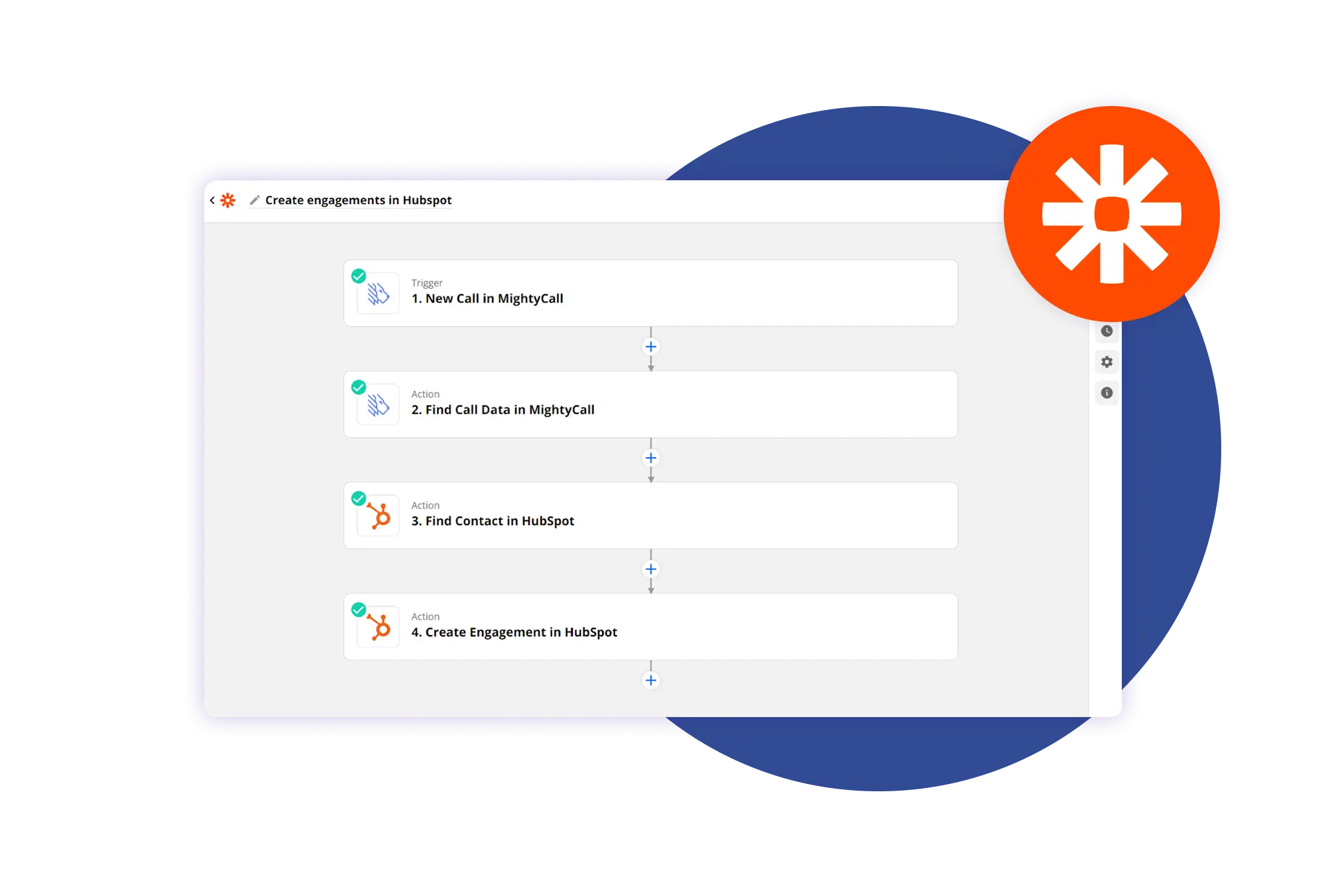
- The first uses the built-in MightyCall app inside Zapier, which offers a standard call trigger that can be set to fire at the beginning or end of a call and can be limited to incoming or outgoing calls. It also provides two essential actions: Find call data and Find or create contact. For example, a team can set up a workflow that checks whether the caller already exists in the MightyCall Contact Book before creating a new entry.
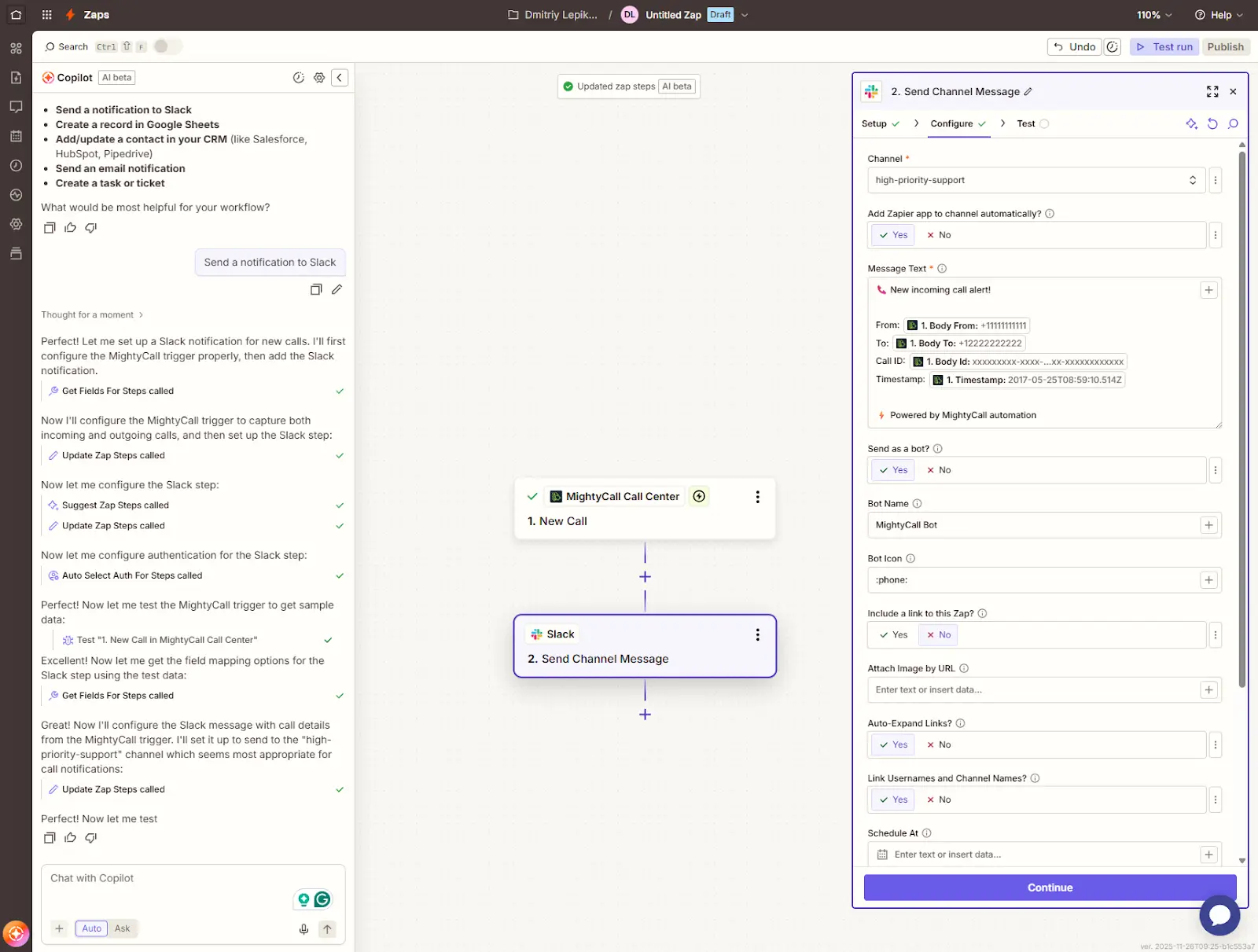
- The second option relies on custom setups created through Zapier webhooks. This approach gives access to more detailed call events and allows automations to run at very specific moments in the call lifecycle. For example, a workflow can launch the moment an incoming call begins ringing, when an outbound call is answered, or when a call is completed. This level of granularity makes it possible to build precise automations, such as sending a Slack notification the moment a high-priority call connects or creating a CRM task when a call ends.
Call details that can be passed
When a trigger activates, it can pass call details that help build more accurate automations. The built-in MightyCall Zapier app passes core information, such as including the caller’s number, the recipient’s number, and the time of the event. Custom webhook setups can provide a fuller set of details, including the employee extension involved in the call and a unique identifier that allows connected apps to reference the correct record.
For calls that are part of an outbound dialer campaign, you can also retrieve system disposition and agent disposition data. This gives your automations additional context about how each call was handled and lets connected apps react based on the final outcome of the call.