

Wouldn’t it be fantastic if we could just extend a hand and, voila, make and receive business calls from anywhere on earth, without cords, hassle, or hardware glitches? Now, what if you could give your entire team the same freedom to communicate remotely, no matter how big or small? If that sounds about right, a softphone is all you need to make it happen.
Softphones for Windows range from basic models that let you make audio and/or video calls and send texts to full-blown call center features and business tool integrations. Below, we’ll discuss the best softphone apps for business, including individual apps and softphone services bundled into Voice over IP (VoIP) phone systems. We’ll also deep-dive into features and pricing – all to nail that perfect solution for your team.
What is a softphone app?
“Softphone” is short for “software phone” – an application that runs on your phone, tablet, or computer (laptop or desktop) to place calls over the internet. The app itself looks like an on-screen virtual dial pad (think the dialer on your smartphone) and usually includes additional features for managing calls. Softphone applications aren’t standalone products – they need a VoIP or PBX phone system to function.
How does softphone software work?
It takes just three essential “ingredients” to make softphone software work on practically any device, and one optional choice.
- Internet-powered device: You and your team will need a computer, laptop, tablet, or mobile phone – practically any internet-powered device, as long as it’s equipped with a microphone and speakers. Softphone platforms don’t work with regular deskphones.
- Internet/Wi-Fi connection: The app won’t work without a stable internet connection. Whether this is cable internet, mobile, or Wi-Fi is up to you, but the connection at your primary work location must be fast and reliable.
- VoIP/PBX subscription: You must always pair the app with a Voice over IP subscription. Many of these providers have native softphone software, so you can just get one for the price of two. However, if you don’t like your phone’s native dialer, there are plenty of third-party dialer providers. In this case, always double-check compatibility with your VoIP or PBX provider before buying.
- Optional: headset: If you have many incoming calls or want to improve audio and speaking quality, we suggest using an external professional headset. However, this is optional, as all apps will work with your default device’s speakers and mic.
Why should your business switch to a VoIP softphone?
With a VoIP softphone, your team can make and receive business calls from anywhere, not just at the office deskphone. Access to your entire business communications is available in the cloud, on desktop, and on mobile apps. As a result, your business eliminates the need for call center hardware, saves thousands of dollars, and gains unprecedented mobility.
The list of best softphones
Now that you have an idea about the product you need, here’s the list of the best softphone apps for business that we’ll be exploring in detail in our review.
- MightyCall
- Linphone
- 3CX
- Grasshopper
- ZoiPer
- RingCentral
- Bria (CounterPath)
- MicroSIP
- Ooma Office
- Phone.com
- Sipnetic
- Line2
- MizuTech
- CloudTalk
- 8×8
Softphone apps comparison
| Name | Price | Top Features | Needs additional software? | Best for |
| MightyCall | From $25/mo/user | Business numbers, 30+ calling features, calling from web and mobile, integrations | No | Small, mid-sized, growing businesses |
| Linphone | Free only | Standard calling features, calls from desktop, and mobile | Yes | Small businesses, as a free white-label solution |
| 3CX | Pro from €380/annual | Standard calling features, calls from desktop, and mobile | Yes | Small and mid-sized business |
| Grasshopper | From $18/mo | Business numbers, telephony features, calling from web, desktop, and mobile | No | Mid-sized business |
| ZoiPer | $59.95/license | Standard calling features, calls from desktop, and mobile | Yes | Small business |
| RingCentral | From $29.99/mo/user | Business numbers, telephony features, calling from web, desktop, and mobile | No | Call centers and large teams |
| CounterPath (Formerly Bria) | From $4.95/mo | Standard calling features, calls from desktop, and mobile | Yes | Solopreneurs, small teams |
| MicroSIP | Free | Basic calling features, calls from desktop only | Yes | Remote workers, freelancers, solopreneurs |
| Ooma Office | From $19.95/mo/user | Business numbers, telephony features, calling from desktop, and mobile | No | Small business office |
| Phone.com | From $18/mo/user | Business numbers, telephony features, calling from web and mobile | No | Small business, solopreneurs |
| Sipnetic | Free | Basic calling features, calls from mobile only | Yes | Remote workers, freelancers, solopreneurs |
| Line2 | $9.99/mo | Business number, basic telephony features, calling from desktop and mobile | No | Soloprenuers |
| MizuTech | $49 | Advanced calling features, calls from desktop, and mobile | Yes | Small-mid-sized business |
| CloudTalk | From $27/mo/user | Business numbers, advanced telephony features, calling from web, desktop, and mobile | No | Call centers |
| 8×8 | Request a quote | Business numbers, unlimited international calling, calling from web, desktop, and mobile | No | International business |
Top 15 softphones for Windows: overview
1. MightyCall
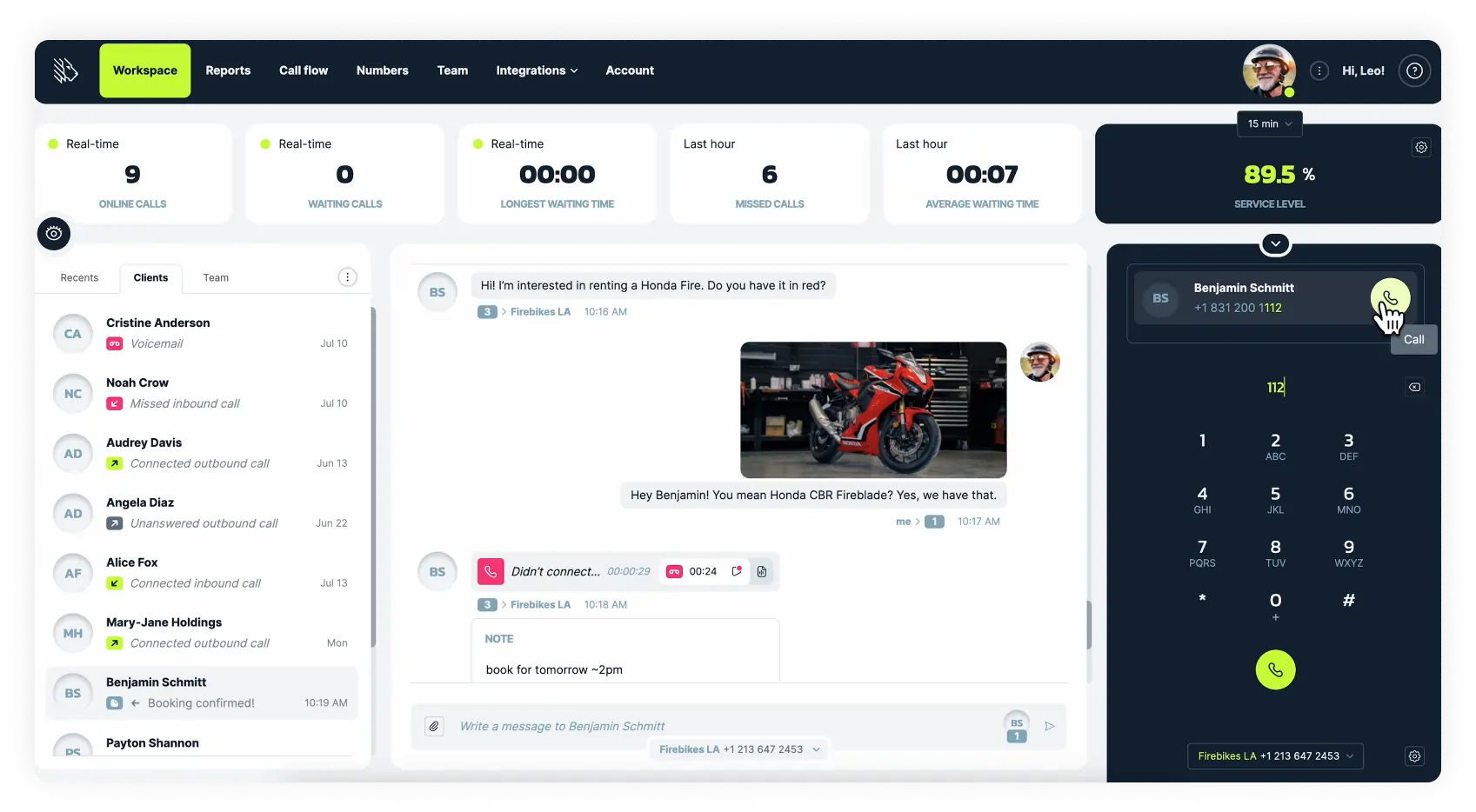
MightyCall is an all-inclusive, business phone system for businesses of all sizes that provides local, toll-free, and vanity numbers, along with over 30 calling features and integrations. It also comes with one of the best softphone apps for business already built in. This completely eliminates the need for office deskphones. Remote teams can make and receive calls without extra hardware, right from their laptops or mobile phones.
First impressions
MightyCall combines a feature-rich business communications system with a sleek, easy-to-use softphone client. The system is compatible with most standard softphones for Windows, as well as softphones for Mac. Setup is easy in both cases.
If you don’t want to pay extra for a softphone system, MightyCall includes its own webphone accessible in all browsers, a dedicated desktop app for Windows, and a mobile softphone app. Any team member connected to your account can make and receive business calls straight from their PC/laptop or mobile phone without downloading any third-party software.
Pricing (all per user/per month):
- Core: from $25
- Pro: from $45
- Power: from $65
- Enterprise: from $75
OS
- Web: all
- Mobile: Android/iOS
Features
- Business numbers
- Audio calls
- SMS/MMS
- Conference calls
- Standard and Multi-Level IVR
- Business hours call routing
- Call recording
- Auto attendant
- Call forwarding
- Caller ID and CNAM
- Voicemail-to-text
- Call analytics
- Auto dialer
- Live call monitoring
- Call coaching
And lots more.
Integrations
MightyCall offers native integrations with HubSpot, Salesforce, and other CRM platforms. You can also connect MightyCall with over 1500 business apps on Zapier.
Pros & Cons
| Pros | Cons |
|---|---|
| Softphone for business bundled into a reliable phone system | No fax option |
| Can use the phone system with both MightyCall’s native softphone app or many of the apps in our list | |
| New features and integrations are always being developed |
Best for:
Mid-sized and small businesses
Customer service
MightyCall is prized for its live customer service, available via live chat, phone, and email. Plus, free help is always available to all clients with phone system setup, integrations, and any questions they may have.
User reviews:


2. Linphone
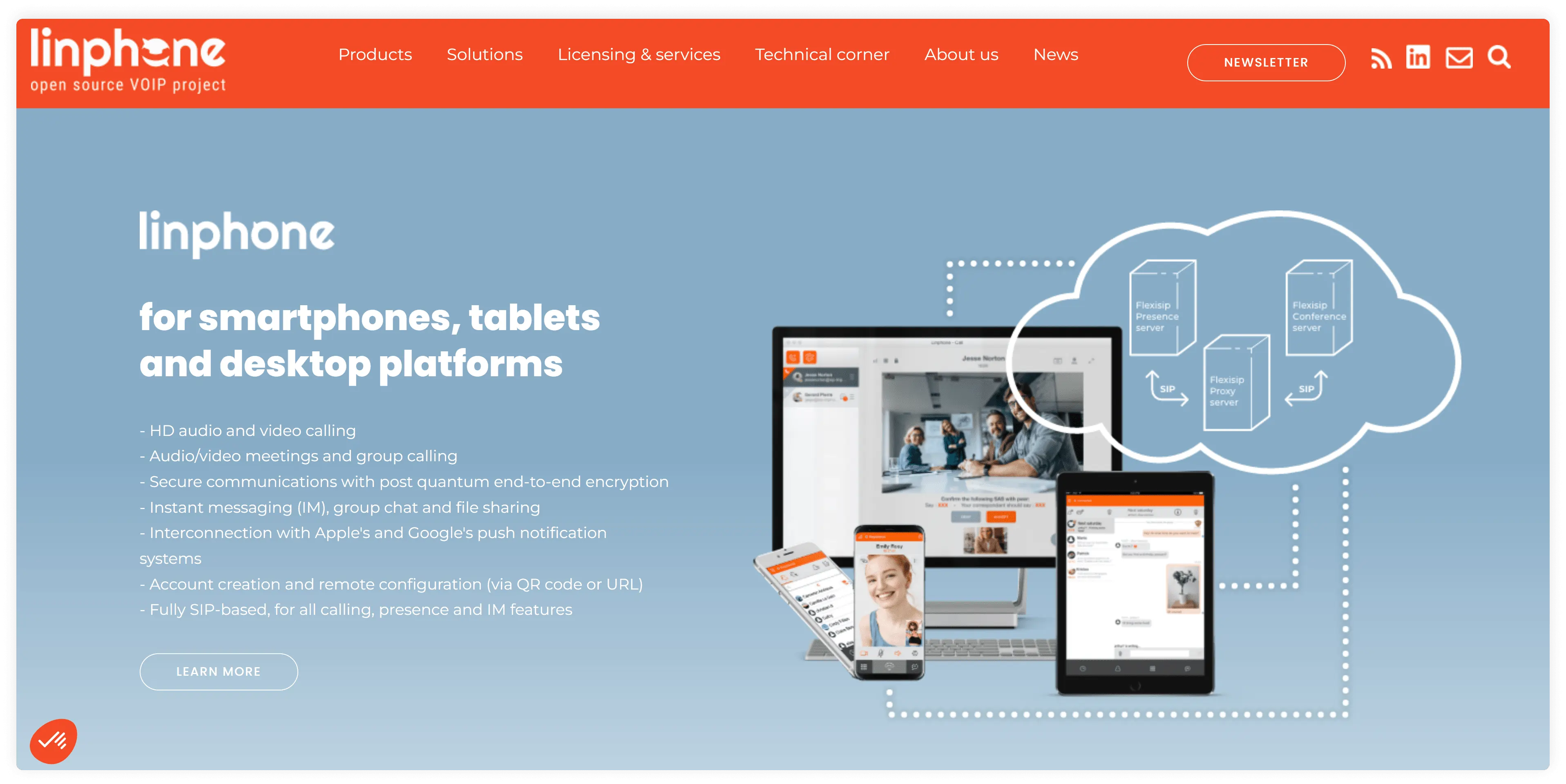
Linphone is a free, open-source softphone app for making voice and video calls over the internet and using texting. Developers can modify and even rebrand Linphone or book those services from the product development team. This makes it a flexible solution for enterprise clients.
First impressions
A free product with all the basic call management features, it’s definitely one of the best softphone apps for small businesses. Linphone’s softphone for business will be a nice fit for anyone who needs an out-of-the-box calling solution, especially for calling from laptops/PC.
Pricing
Free open source product
OS
- Desktop: Windows/Mac
- Mobile: Android/iOS
Features
- Audio/video calling
- Chat/messaging
- Call forwarding
- Call and chat history
- File sharing
- Contacts
- Call recording
Integrations
Linphone for desktop integrates with web browsers
Pros & Cons
| Pros | Cons |
|---|---|
| Compatible with most virtual telephony providers | The user interface is not frequently updated |
| Free product | Limited set of features |
| Supports multiple SIP accounts | Rare upgrades in features/user experience |
Best for:
Businesses in need of a free solution, clients looking for a modifiable open-source product
Customer service
According to users, after-sales issues may occur, and it’s recommended to use chat for customer service.
User reviews:
Nothing much to dislike but the rightones are annoying. Try to add better tones in the next updates.
Read the full review
3. 3CX Softphone
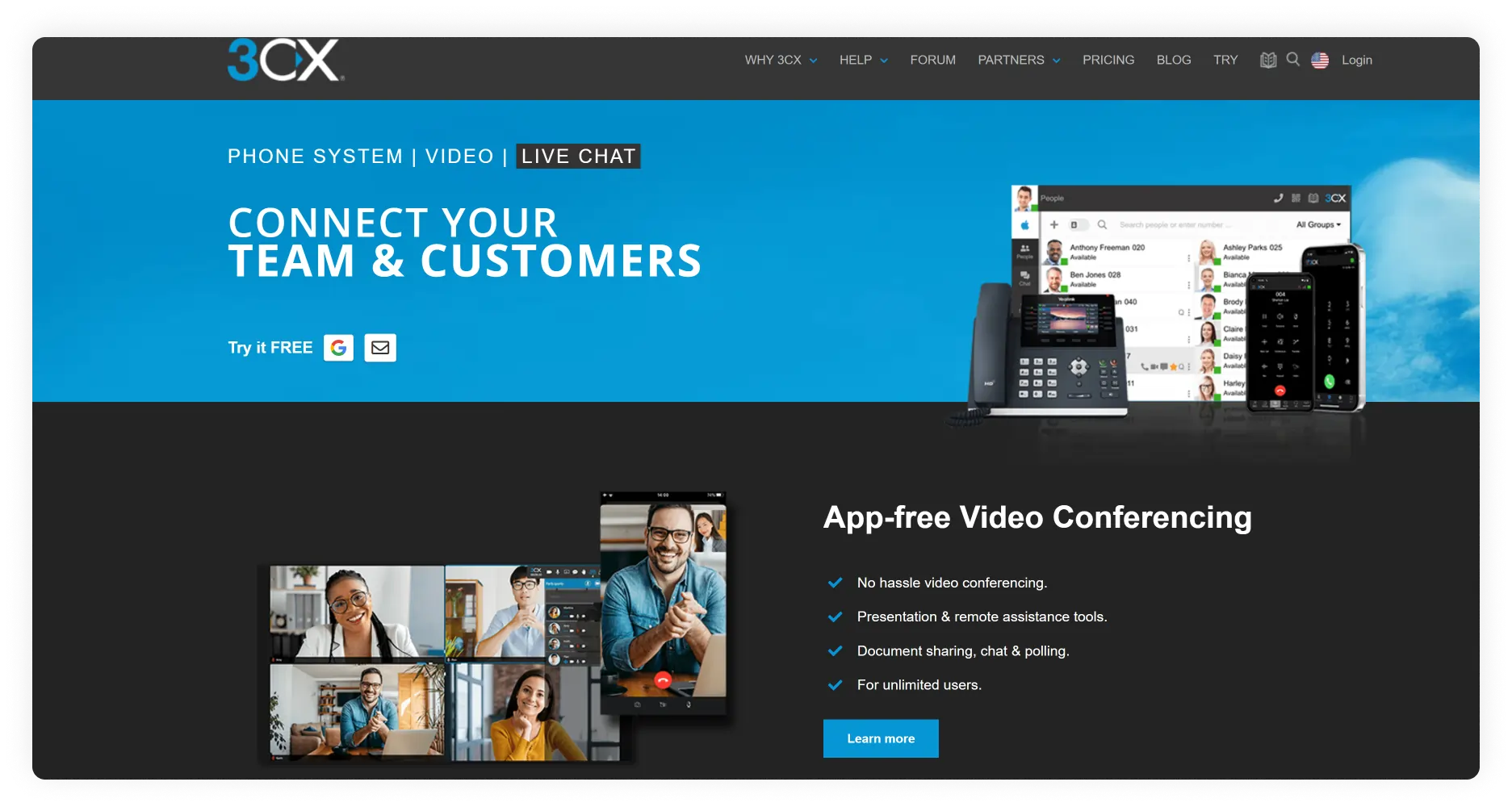
3CX softphone is a solution for knowledgeable businesses looking for an annual subscription plan. The service runs in the Cloud on all operating systems, but as a desktop softphone for Windows only. Compatibility includes Windows 10, 8.1, 8, or 7 SP1, with 10 preferred. 3CX offers a continually evolving web client and useful Chrome extensions.
First impressions
If you have experience with softphone applications and are looking for the best Windows softphone, 3CX is the hassle-free choice to get you through your business day. However, note that the product’s pricing model is unique among competitors: it’s based on the number of simultaneous calls a business handles.
Pricing
Pro version – from €380/year for 8 simultaneous calls and unlimited users
OS
- Desktop: Windows
- Web: all OS
- Mobile: Android/iOS
Features
- Audio/ Video calls
- Messaging
- Auto attendant (1 on the free plan)
- Ring group (1 on the free plan)
- Call history
- Call recording (only Pro plan)
- Call Queues (only Pro plan)
Integrations
Includes Microsoft 365 integration on the Dedicated Pro plan.
Pros & Cons
| Pros | Cons |
|---|---|
| Basic call management functionality on the free plan | Annual subscriptions only |
| Intuitive UI | Pricing based on the number of simultaneous calls |
Best for:
Small businesses that use a softphone for Windows
Customer service
Support with 3CX setup and troubleshooting is available through several channels: email, phone, and chat.
User reviews:
3CX is a solid phone system for organizations that want flexibility and control without the cost of traditional telecom solutions.
Read the full review
4. Grasshopper
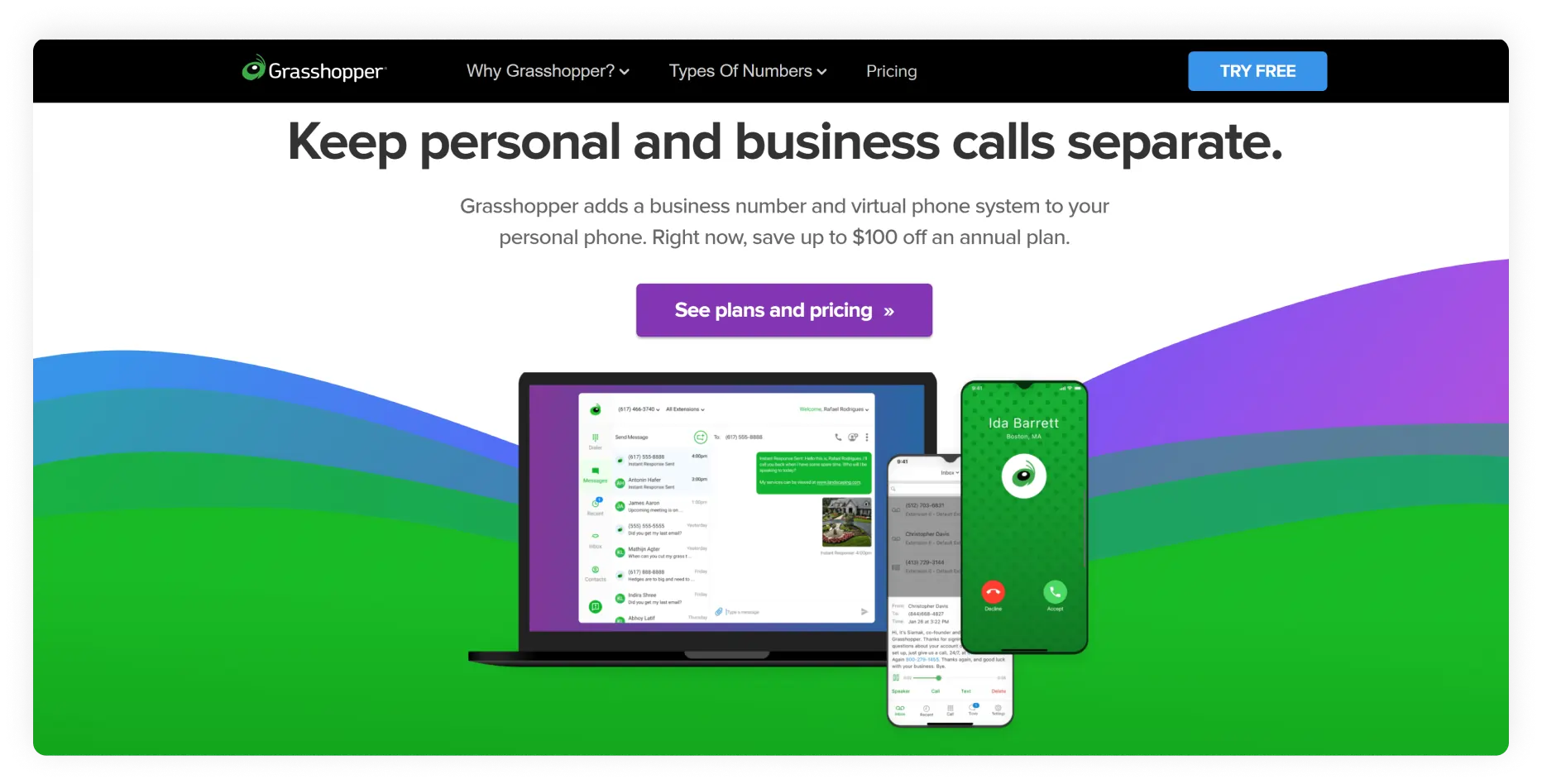
Grasshopper is a business phone system that includes desktop and mobile dialers for placing calls online. As a long-standing Voice over IP provider, Grasshopper offers standard virtual telephony features with its softphone apps.
First impressions
Pricing
- Solo: $18
- Solo Plus: $32
- Small business: $70
OS
- Desktop: Windows, MacOS
- Web: All browsers
- Mobile: Android, iOS
Features
- Business phone numbers
- Audio calls
- Messaging
- Conference calling
- Call forwarding
- Call handling
- Virtual Receptionist
- Virtual faxing
- Voicemail and voicemail transcription (add-on)
Integrations
Grasshopper has no native integrations with CRM systems. It can integrate with these programs only through Zapier or API.
Pros & Cons
| Pros | Cons |
|---|---|
| Comprehensive business phone | Not applicable for users just looking for a dialer |
| Desktop, web, mobile dialer | Lacks deep business integrations. Many business features, like voicemail transcription, come as add-ons at an extra price |
Best for:
Mid-size teams with a need for standard calling functionality
Customer service
Their website suggests using the FAQs and Documentation to solve problems. If this doesn’t fit your criteria, there’s an option to “Call Support” at the end of relevant FAQ articles.
User reviews:
It freezes a lot. It asks for multiple updates, and it does not update.
Read the full review
5. ZoiPer 5
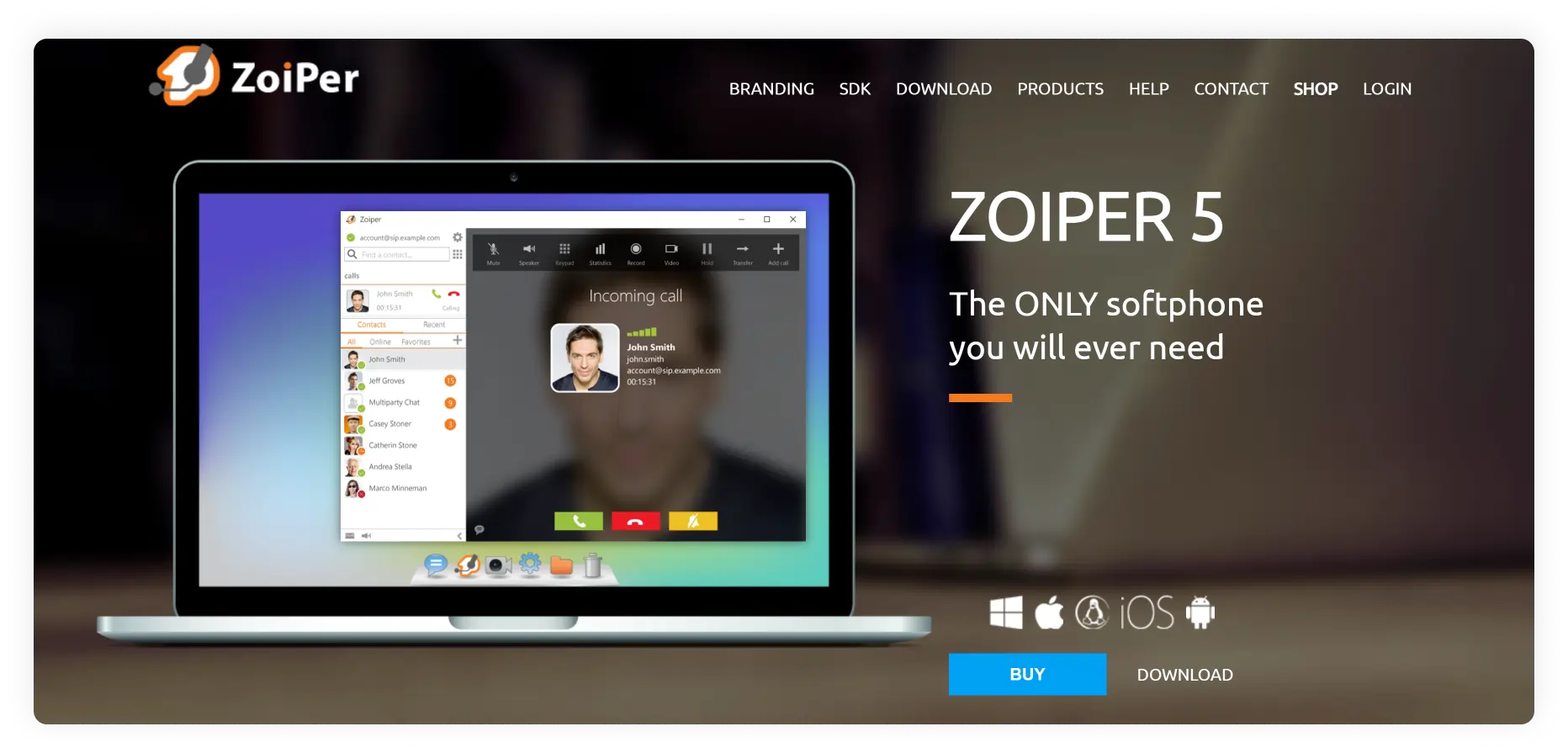
ZoiPer is a popular softphone for business. It’s available on all popular platforms and devices and is best known for high audio and video quality, fast technology, and powerful functionality on the pro plan.
First impressions
ZoiPer 5, the service’s latest product, offers a free plan. But as the company itself suggests, this product is for non-commercial use and offers no functionality beyond audio calls.
Companies should consider purchasing the ZoiPer 5 license, which, for a one-time fee, provides access to calling features. If you already have a business phone number, are familiar with softphone applications, and need a lifetime license without subscription fees, this is one of the best softphones for you.
Pricing
ZoiPer Pro: $59.95 per license
OS
- Desktop: Windows, Mac, Linux
- Web: All browsers
- Mobile: Android, iOS
Features
With Pro license:
- Audio/Video
- Instant Messaging
- Call history
- Call forwarding
- Voicemail
- Click-to-call
- Auto-answer
- Event rule handling
- Call recording
Integrations
Premium version: Microsoft Outlook
Pros & Cons
| Pros | Cons |
|---|---|
| One-time purchase with no monthly or annual subscription fees | Not for newbies – you definitely need to know what you want out of a softphone app. |
| A good set of features for the price | The on-hold function doesn’t work automatically when answering another call on your phone |
| Easy to set up with VoIP | Works poorly with VPN, which affects connectivity in public Wi-Fi spaces |
Best for:
Small businesses with previous experience of using softphone software
Customer service
Support for technical issues is available only through the contact form on the Zoiper website. When you fill out the form, it creates a ticket ,which is then attended to within one business day according to Zoiper.
User reviews:
You can use it with no much technical knowledge for configuration, all the functions work fine even for free users
Read the full review
6. RingCentral
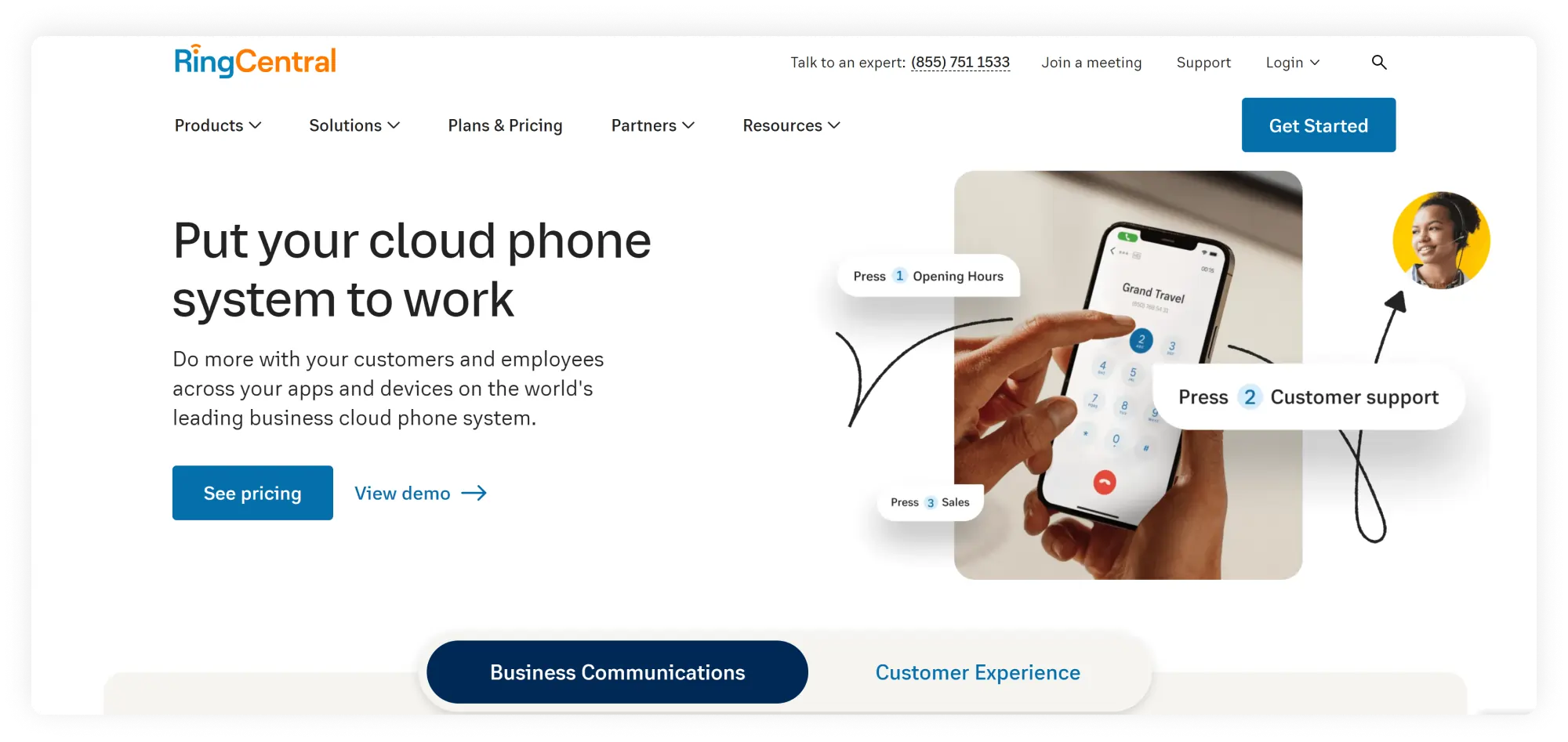
RingCentral is one of the veteran virtual phone number providers. Like most enterprise-level virtual telephony platforms, it comes with its own softphone system. However, the features of this phone system and its pricing model are designed for large businesses.
First impressions
While the platform offers some advanced functionality, its small business plan is among the priciest and most basic in the industry. A team of 3 would pay almost $90 per month for just…100 talk minutes included!
Pricing
- Core: $30
- Advanced: $35
- Ultra: 45
- Customer Engagement Bundle: Custom pricing
OS
- Desktop – Windows, MacOS
- Web – all
- Mobile – Android, iOS
Features
- Business phone numbers
- Voice calls
- Video calls (only on Standard plan and above)
- SMS
- Voicemail to text
- Internet fax (only on Standard plan and above)
- Conferencing (only on Standard plan and above)
- Video meetings with up to 200 people (only on Premium plan and above)
- Extensions up to 8-digit (only on Premium plan and above)
- Call recording (only on Premium plan and above)
- Real-time analytics (only on Premium plan and above)
- Hot desking (only on Premium plan and above)
- Advanced call handling (only on Premium plan and above)
Integrations
Integrations vary by plan: no integrations on basic plans; Microsoft 365, Google, and Slack integrations on Standard plans; CRM integrations (Salesforce, Zendesk, etc.) and industry-specific integrations (Canvas, Smarsh, etc.) on pricier pl
Pros & Cons
| Pros | Cons |
|---|---|
| Includes enterprise-level telephony features on high-tier plans | Costly with few features on small-medium sized business plans |
| Offers many integrations on upper-tier plans | Long-term contracts |
Best for:
Large teams/companies; enterprise clients
Customer service
The company offers 24/7 support on Standard plans and above
User reviews:
What I find challenging about RingCentral Contact Center is that the interface can be somewhat complex to navigate initially.
Read the full review
7. Bria (now CounterPath)
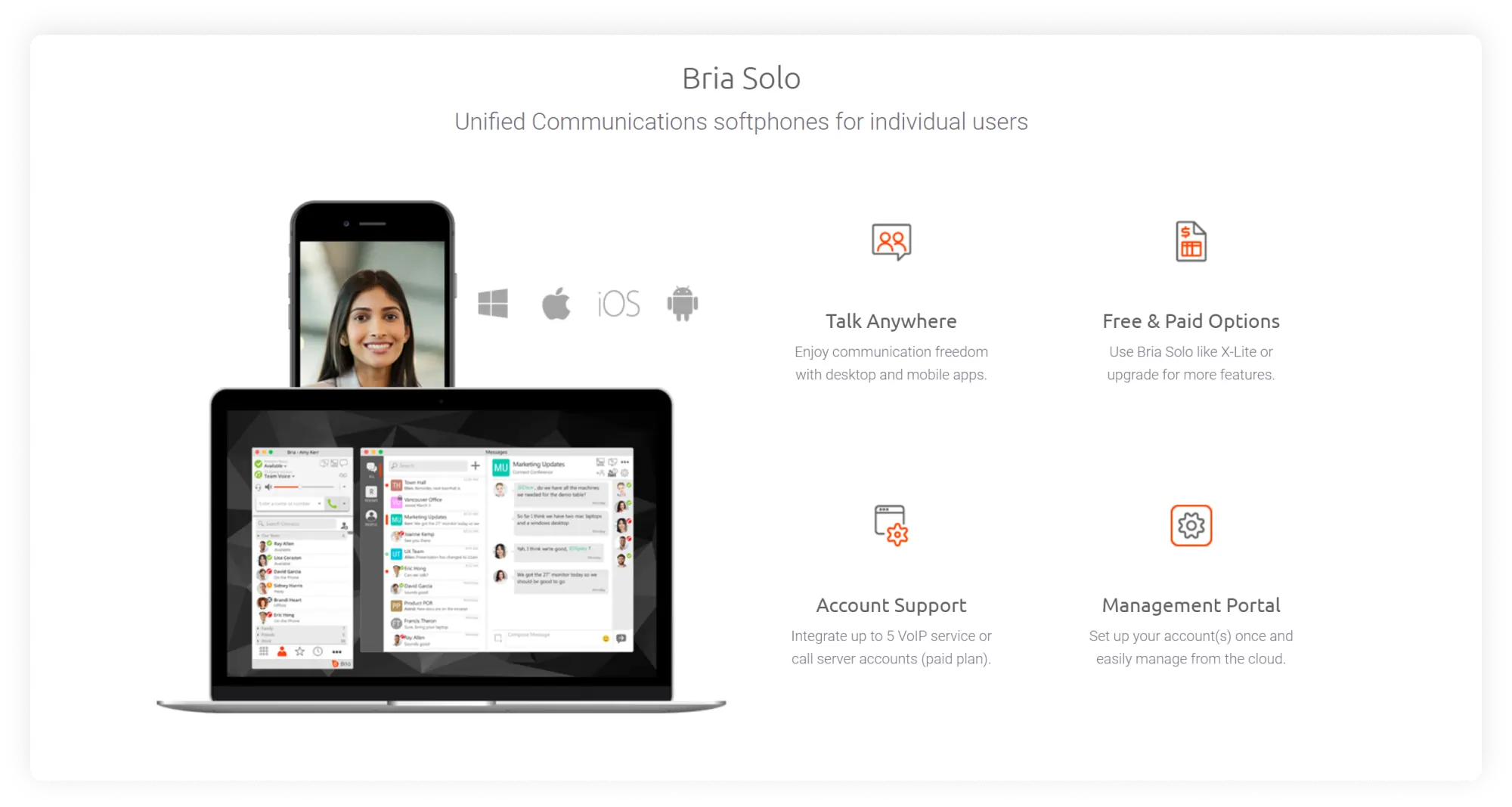
CounterPath (formerly Bria and X-Lite) is another top softphone that is compatible with most virtual telephony services, including MightyCall. CounterPath offers solutions for businesses or individuals. Bria Solo is designed for freelancers and solopreneurs, while Bria Teams is for multiple users.
First impressions
Compared to its competitors, Bria Solo has extremely limited functionality. Their paid plans, though, are on the lower end of the price range and are a good starter deal for making and receiving calls from laptops and mobile phones, with multi-device and multi-platform support, and the option to upgrade later.
Pricing
- Bria Solo: $2.95
- Bria Teams: $4.95
- Bria Enterprise: Custom pricing
OS
- Desktop: Windows, MacOS
- Mobile: Android, iOS
Features
- Audio calls
- Video calls (not available on Bria Solo Free plan)
- Call transfer (not available on Bria Solo Free plan)
- Call waiting (not available on Bria Solo Free plan)
- Call blocking (not available on Bria Solo Free plan)
- Messaging (only for Bria Teams)
- Screen sharing (only Bria Teams)
- File sharing (only Bria Teams)
- Call recording (only Bria Teams)
Integrations
Contact management is available on Bria Solo plans and higher. Available services:
- Microsoft Outlook
- Microsoft Office
- Apple Mac address book
- Google Workplace suite
- LDAP Active Directory
Pros & Cons
| Pros | Cons |
|---|---|
| Integrates with many devices | The most limited functionality among competitors on the free plan |
| Simple to use |
Best for:
Solopreneurs and small teams
Customer service
According to some reviewers, customer support may be difficult to reach.
User reviews:
There seems to be some reliability issues. We are an insurance brokerage so our folks need to be on the phone a lot. We have quite a few reports of sound issues and calls dropping. The app also just generally goes down a few times per month
Read the full review
8. MicroSIP softphone
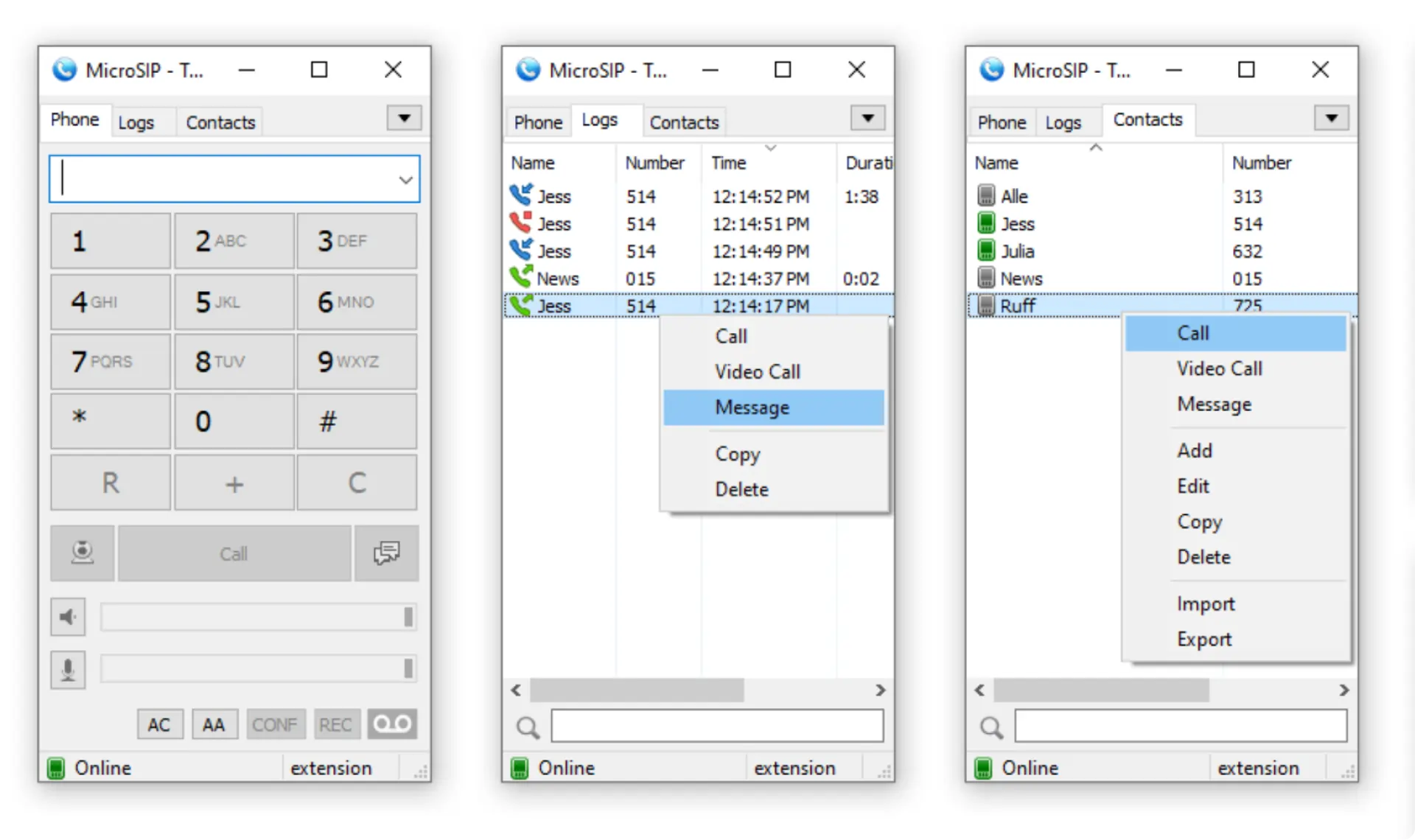
Another free, open-source softphone provider that is currently available for Windows users. Some of its most attractive characteristics are the features provided for free and its lightweight presence on your hard drive (>2.5MB) and RAM usage (>5MB).
First impressions
MicroSIP is a lightweight, simple softphone for Windows only (Windows XP/Vista/7/8/8.1/ Windows 10). It’s a great fit if you need a free dialer to go with your existing virtual phone system, and for remote workers and entrepreneurs who need a non-hardware tool for making and receiving business calls out of the office.
Pricing
Free
OS
- Desktop: Windows
- Mobile: No
Features
- Voice calling
- Video calling
- Voicemail
- Call forwarding
- Messaging
- Contact
- Presence indicators (if supported by SIP server)
- Call history
- Call recording
Integrations
Not available
Pros & Cons
| Pros | Cons |
|---|---|
| Set of features considering the free format | Some users report that microSIP doesn’t work when the VPN is off on company computers with firewall protection enabled. |
| Open source product | Dated interface/user experience |
| Infrequent upgrades |
Best for:
Remote workers and small teams
Customer service
The company doesn’t handle inquiries on setting up the account, SIP, or connection problems. These problems, according to their website, should be addressed to your service provider.
User review
There are complications when MicroSip is running in parallel for the same person.
Read the full review
9. Ooma Office
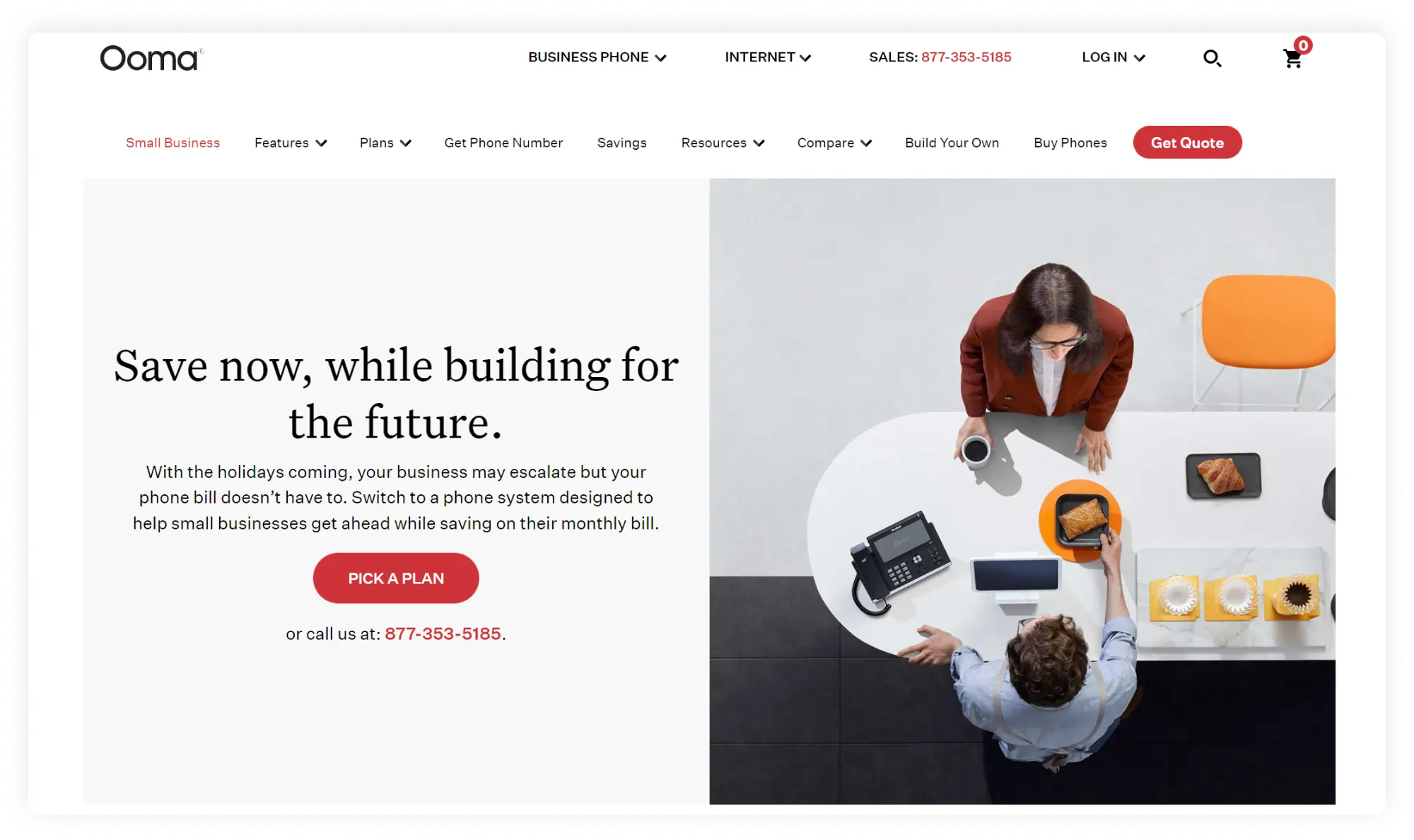
Ooma Office is a comprehensive, high-rated business telephony service for offices. Generally speaking, Ooma differs from other providers on this list: its product doesn’t require a computer to function. Ooma sells separate hardware – IP desk phones to go along with its service, though it also offers a softphone for PC.
First impressions
At first glance, it seems Ooma Office is built around desk phones and IP adaptors that connect a standard office to a virtual phone system, avoiding call forwarding to computers or mobile phones. However, on the Pro plan, Ooma does offer native softphone software.
Pricing
- Essentials: $19.95
- Pro: $24.95
- Pro Plus: $29.99
- Enterprise: Custom pricing
OS
- Desktop: Windows, MacOS (desktop app on Office Pro and above only)
- Mobile: Android/iOS
Features
- Business phone numbers
- Audio calls
- Virtual receptionist
- Virtual fax
- Call forwarding
- Call park
- Ring groups
- Extensions
- Multi ring
- Call recording (on Pro plans and above)
- Video conferencing (on Pro plans and above)
- Call queue (on Pro plans and above)
- Voicemail
- Voicemail transcription (on Pro plans and above)
Integrations
Salesforce integration is available only on the highest-tier plan, Ooma Office Pro Plus.
Pros & Cons
| Pros | Cons |
|---|---|
| Office-centric | Most business calling features are included in a Pro subscription |
| Works with both softphone systems and IP desk phones | Softphone app on Pro plan and above only |
| Limited integration, only on Pro Plus |
Best for:
Small business office use
Customer service
Support is available via documentation manuals and phone 24/7.
User reviews:
I love how intuitive and easy to use Ooma Office is. It provides a great user experience, especially when working remotely. The initial setup was very easy too.
Read the full review
10. Phone.com
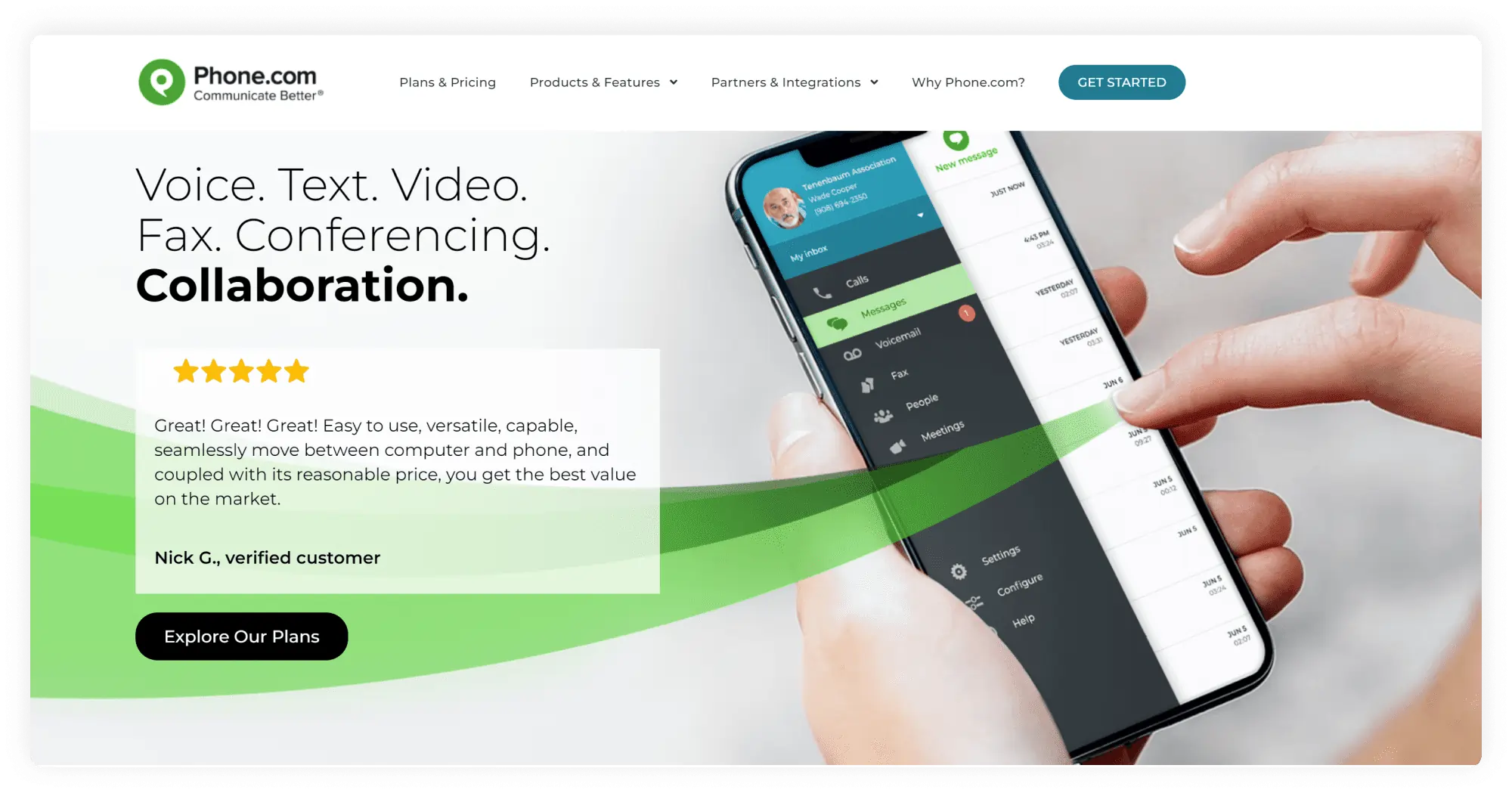
Phone.com is a virtual phone system that offers phone numbers, call routing features, and the ability to place calls via internet-powered devices. Their softphone application is built around the Cloud software and mobile experience and doesn’t include a desktop calling app.
First impressions
The company boasts that it designed the product for small businesses with an eye on cost-effective service. However, on all plans, including Pro, only 1 business phone number is included per user. The service has a web panel and a mobile app that function as a dialer. The mobile app has a user-friendly UI with a simple, easy-to-use menu of features.
Pricing
- Basic: $18
- Plus: $27
- Pro: $40
OS
- Web: all
- Mobile: Android, iOS
Features
- Business phone numbers
- Audio
- Video conferencing
- Messaging
- Business hours
- Auto attendant
- Voicemail and transcription (the latter on Pro plan only)
- Call routing
- Fax from phone
- Call recording (on Pro plan only)
- CRM integration (on Pro plan only)
- Call analytics (on Pro plan only)
Integrations
The Pro Plan includes integrations with AllProWebTools CRM, Chrometa time tracking, Zoho, the office suite, and Zapier. However, there are no native integrations with the most popular CRMs, such as HubSpot, Salesforce, or PipeDrive.
Pros & Cons
| Pros | Cons |
|---|---|
| 50 standard voice features on all plans | Additional business numbers at an extra cost |
| Video conferencing with up to 100 participants (on Pro plan) | The basic plan has only 500 pooled minutes |
| Some useful business features are only on the Pro plan |
Best for:
Small business, solopreneurs
Customer service
The website boasts 24/7 service via live chat, email, and phone.
User reviews:
Needed a dedicated business phone for my business. Phone.com allows me to have a business phone without having a separate physical phone.
Read the full review
11. Sipnetic
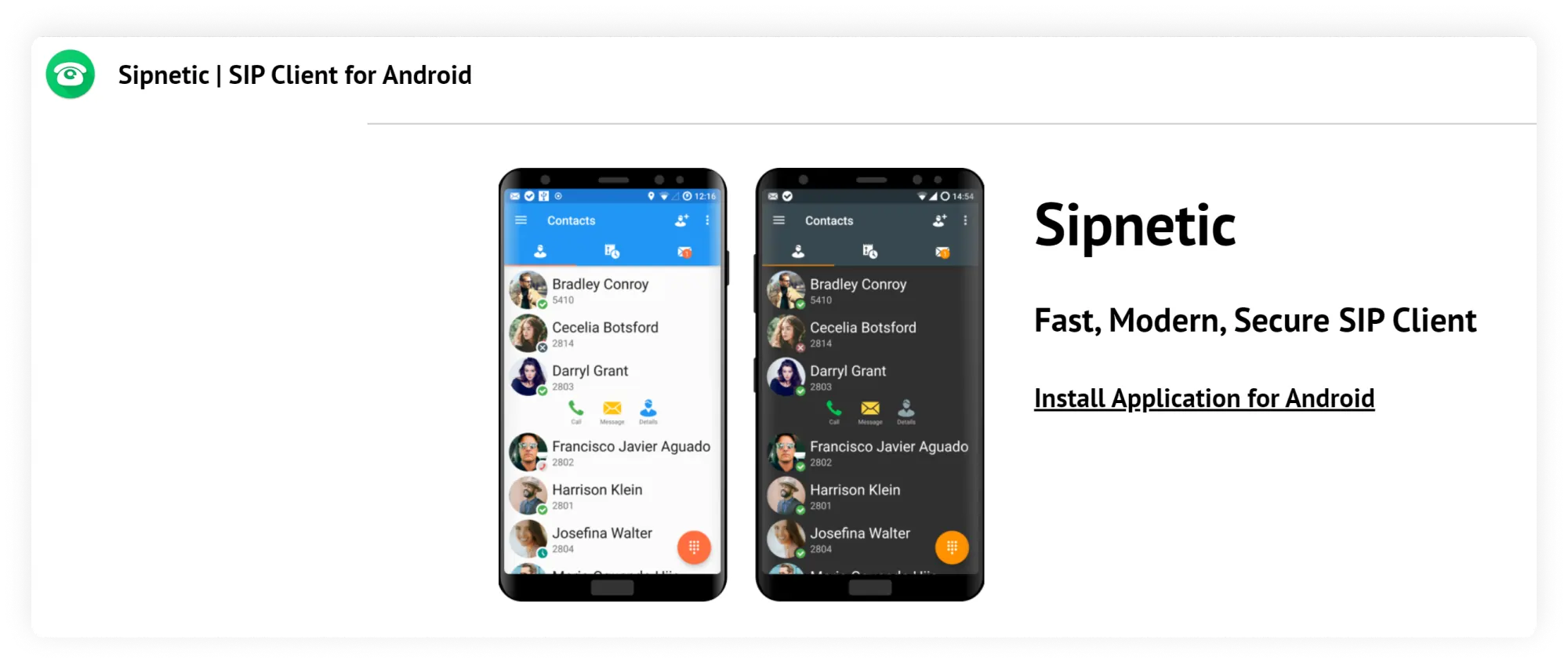
Sipnetic is a free and ad-free softphone application. It may be used with your VoIP, PBX, or enterprise telephony provider. Currently available only for Android, it offers a solid set of features for a freebie, making it a viable softphone for business.
First impressions
Sipnetic UI is slick and modern, and resembles apps like Skype. The contact list includes presence indicators, so you can see which contacts are online. The app supports calling in 3G/4G and WI-FI. It is available in several languages. It can also be easily configured via QR code.
Pricing
Free
OS
- Mobile: Android
- Desktop: no
- Web: no
Features
- Audio/video calls (audio in a variety of codecs)
- Instant messaging with voice chat
- Multiple SIP accounts
- Multiple calls
- On Hold
- Attended transfer
- Experiential walkie-talkie mode
- Echo cancellation
- Encryption
Integrations
Integrates with system contacts
Pros & Cons
| Pros | Cons |
|---|---|
| Free product | Available only on Android |
| Nice UI with 8 color themes available | Misses many business calling features |
| No ads, user tracking, or data collection | App drains battery when working in the background |
Best for:
Work from home, freelancers
Customer service
As with most free apps, customer support isn’t generally available. The only contact on their website is a general email address.
User reviews:
12. Line2
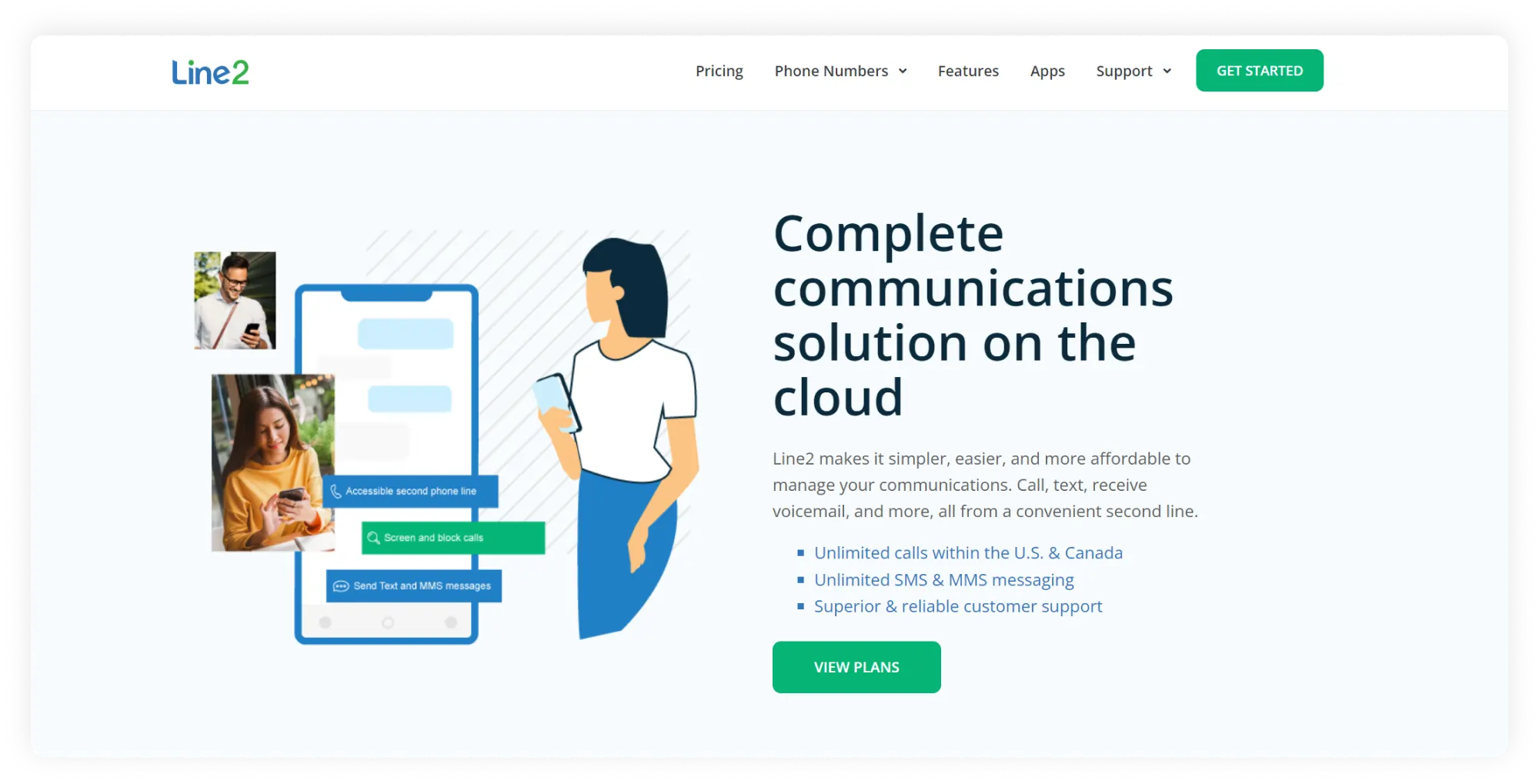
Line 2 does what it says: provides a second, separate phone line for business. As a basic business phone line, you can count on it to replace office hard phones and start making business calls from its mobile and desktop apps. It may not have one of the best VoIP softphones, but it’s a no-fuss starter option for solopreneurs and very small businesses.
First impressions
Unlike the above services, Line 2 is completely minimalist. It offers only a single plan, billed monthly or annually, at a more attractive price. The plan comes with unlimited calling in the USA/Canada, unlimited SMS/MMS, and basic PBX features.
Pricing
$9.99/mo when billed monthly or $7.99/mo when billed annually
OS
- Desktop: Windows, MacOS
- Mobile: Android, iOS
Features
- Business phone numbers
- Audio calls
- Messaging
- Call forwarding
- Call blocking
- Call screening
- Voicemail recordings
- Voicemail transcriptions
- Caller ID
Integrations
Not available
Pros & Cons
| Pros | Cons |
|---|---|
| Single-priced phone system | Not scalable |
| Cost-friendly starter option for a transition from office desk phones | Very limited features, not applicable for a growing business |
| Reviewers note call quality may be poor, especially on Wi-fi connections |
Best for:
Solopreneurs, small teams
Customer service
Support is available via phone and email.
User reviews:
There are some downsides. Texting is glitchy and it only allows one photo (attachment) per text, Not great if, like me, you need to send multiple photos, you end up needing to send multiple texts.
Read the full review
13. MizuTech
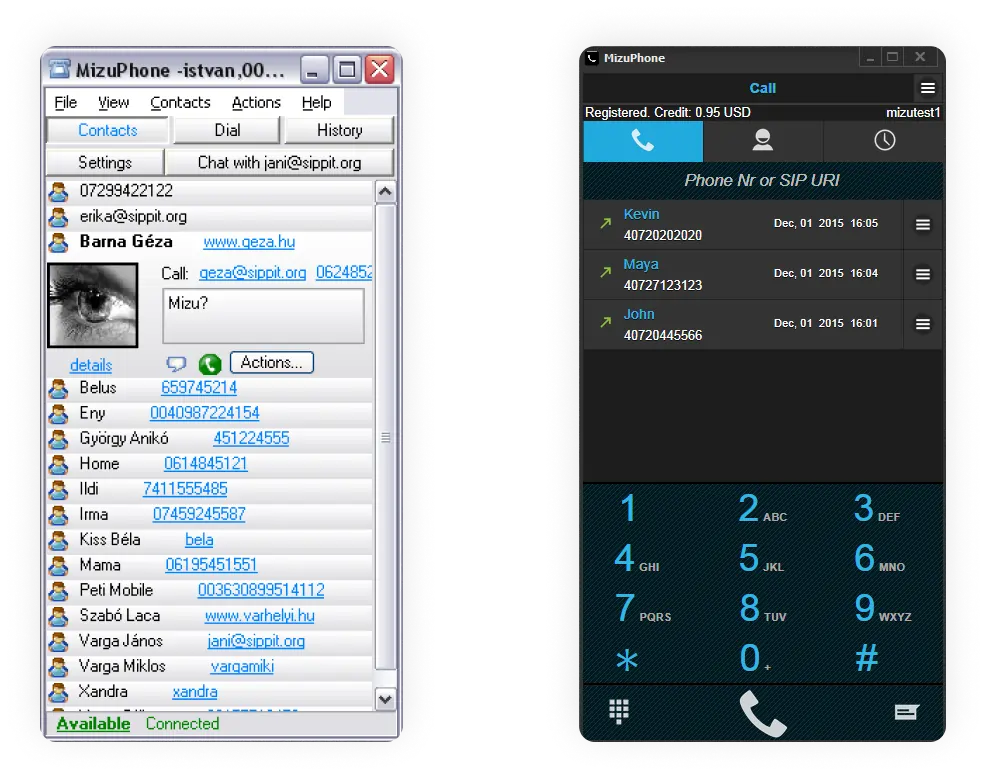
Mizutech is a softphone for Windows that can be connected to any SIP server. MizuTech offers several products: MizuPhone Basic (a free product), MizuPhone Full (a full-featured version), and customizable and branded products.
First impressions
The developers clearly focused on offering the most features compared to competitors, albeit at the expense of limited UI development. However, although MizuTech displays the most generous softphone for business feature list among competitors, only in the comparison section do we see that nearly all of these features are reserved for the paid version of the product.
Pricing
- The cost of the softphone: $49
- Custom solutions for a separate price
OS
- Desktop: Windows
- Web: no
- Mobile: Android (MizuDroid SIP)
Features
Basic version:
- Audio calls only
Full version (pro):
- Audio/Video calls (wide range of codecs)
- Messaging
- Multiple accounts
- Call hold and call transfer
- Call forwarding
- Conference calls (audio/video)
- Auto Answer
- Call and chat history
- Fax (beta)
- Address book
- File transfer and sharing
- Noise suppression features: audio tuning wizard, echo cancellation, noise suppression, voice activity detection.
- Encryption
Integrations
- Microsoft Outlook sync
- Contact list import
- The documentation states that when a scripting module is installed as an add-on, the program can integrate with CRM applications
Pros & Cons
| Pros | Cons |
|---|---|
| Boasts the most comprehensive feature set among competitors | All features are only in the full version |
| Flat fee with free trial | UI is dated compared to competitors. The visual experience is better on this softphone provider’s “Modern” version than the“Classic”, but it is clearly not frequently updated. |
Best for:
Businesses and teams with a focus on features over the visual experience.
Customer service
Support is carried out only via email and documentation. However, according to their contact page, support is only available for paid product versions.
User reviews:
14. CloudTalk
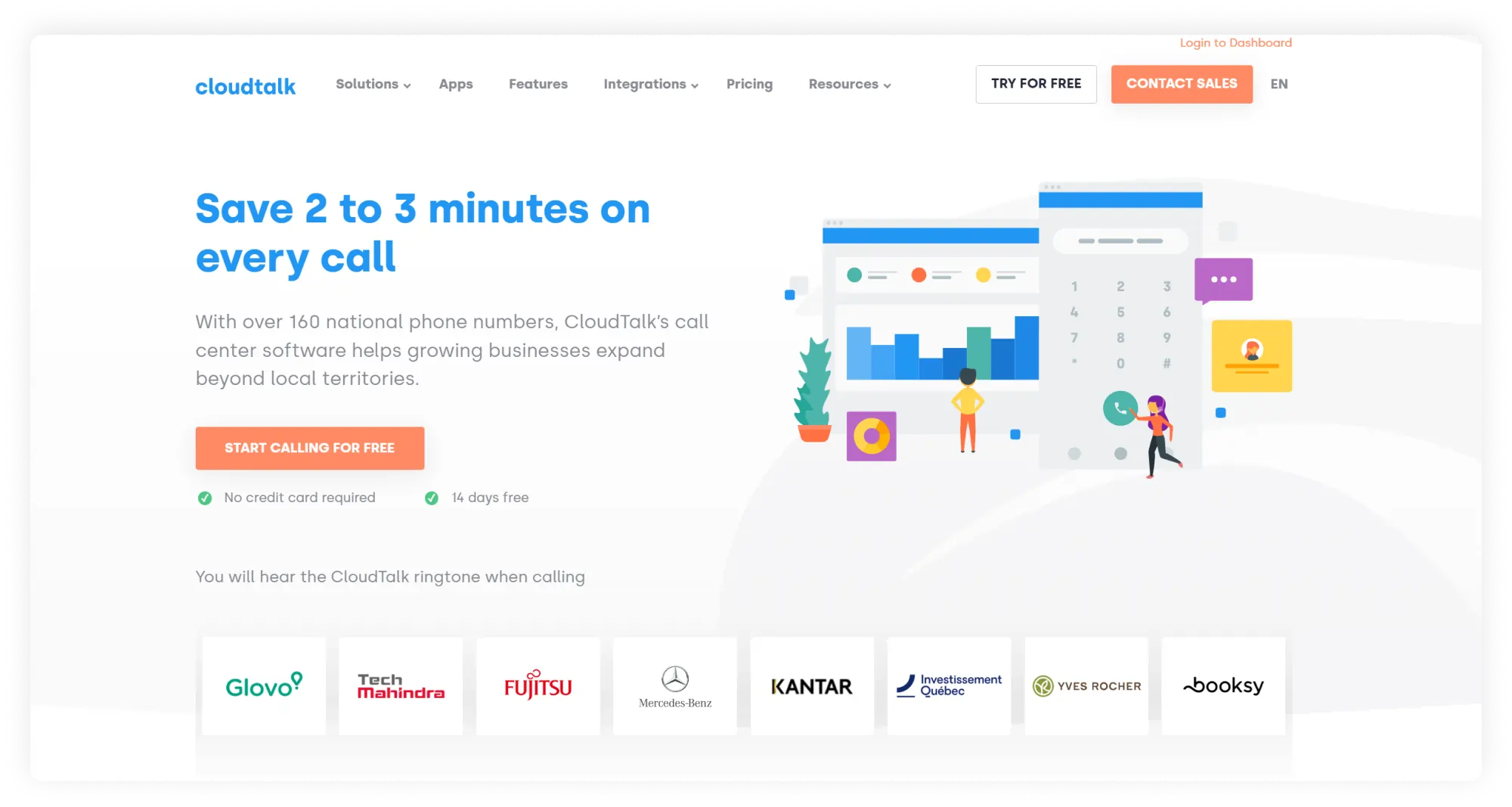
Cloudphone is a cloud phone system designed around sales and customer support teams in larger companies. It comes with advanced integrations and call-center-inspired communication features. The software is available on all platforms, including Linux.
First impressions
If you have large sales teams or a heavy call load, are already familiar with virtual phone solutions, and need advanced functionality from softphones for business, consider this option. However, the product is definitely not for folks looking for a simple softphone solution for out-of-office or remote work.
Pricing
- Starter: $27
- Essential: $39
- Expert: $69
OS
- Desktop: Windows, MacOS, Linux
- Web: all
- Mobile: Android, iOS
Features
Features include:
- Business phone numbers
- Unlimited inbound and intracompany calls
- Automated call distribution
- Messaging (only on Essential plan and above)
- Click to call
- Business hours (only on Essential plan and above)
- Personalized greetings and music (only on Essential plan and above)
- Conference calls (only on Essential plan and above)
- Unlimited call queueing
- Call recording
- Call statistics
- IVR (only on Essential plan and above)
Integrations
CloudTalk offers some of the widest integration capabilities for business phones. These include integrations with many CRMs, such as Salesforce, HubSpot, and Pipedrive; integrations via Zapier; and connectivity with Slack, Zendesk, Shopify, and more.
Pros & Cons
| Pros | Cons |
|---|---|
| Dozens of integrations with third-party business apps | Some basic calling features are only available on the higher plans |
| Call-center software is ideal for teams with heavy call loads | According to reviews, customer service may be difficult to reach |
| Not suitable for a small business |
Best for:
Sales and support teams in larger companies
Customer service
Support is available through documentation, email, and phone in different countries.
User reviews:
The ease of linking it with HubSpot. Data synchronization is instantaneous and workflows become much more agile. It is key to having all the information centralized effortlessly.
Read the full review
15. 8×8
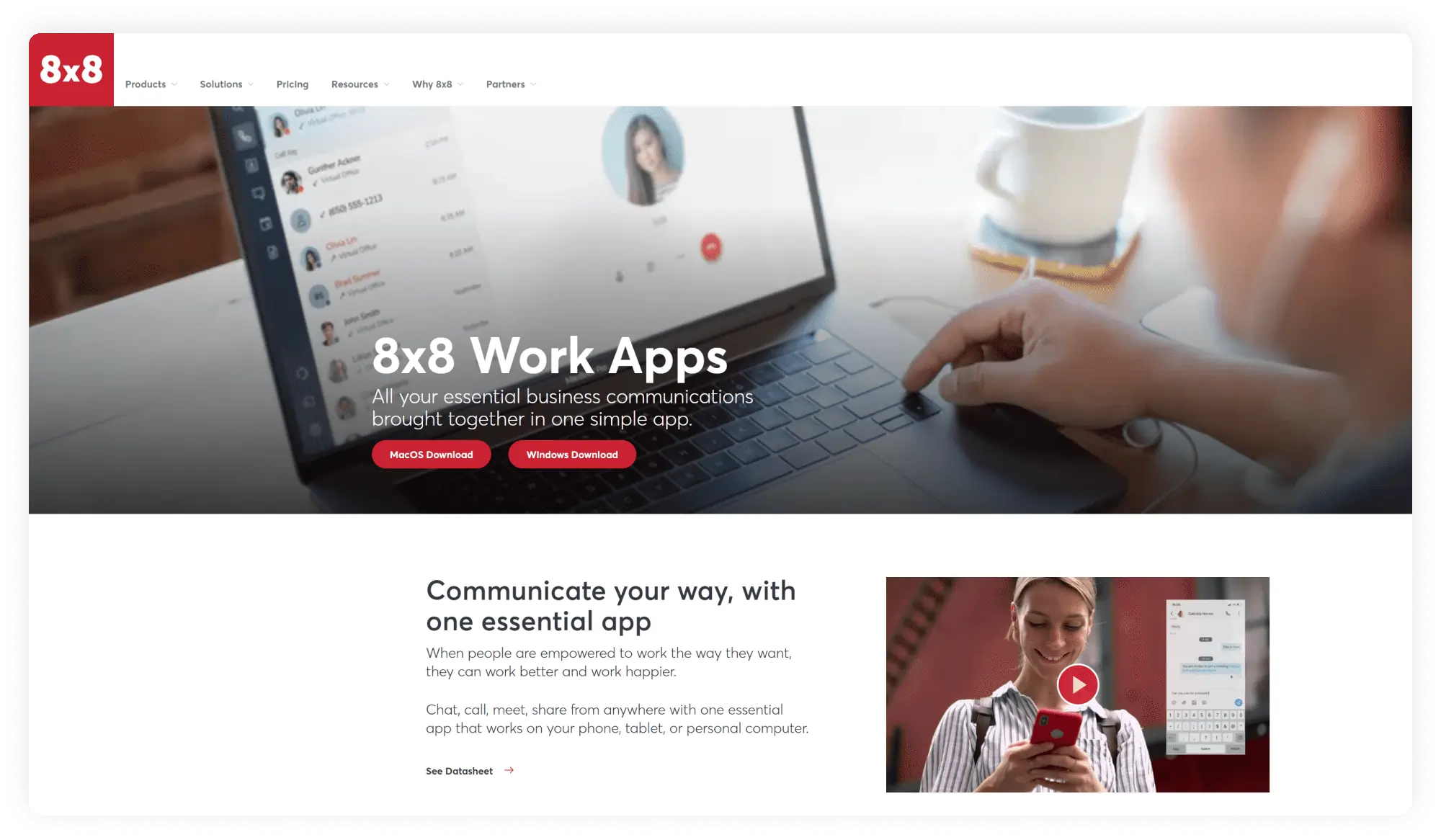
8×8 is a contact center platform that has been on the market for decades and holds several impressive telecom patents. The company prides itself on unlimited international calling for up to 48 countries. It also offers desktop and mobile apps that serve as VoIP softphones.
First impressions
Unlike many virtual telephony providers, 8×8 has quite a few hidden fees concealed under asterisks. For example, unlimited calling is only available for local numbers. Also, there are activation and deactivation fees, which are virtually unheard of for most providers.
Pricing
8×8 offers several plans; however, you need to request a quote.
OS
- Desktop: Windows, MacOs
- Mobile: Android, iOS
Features
- Business phone numbers
- Audio calls
- Messaging
- Basic auto attendant
- Conferencing
- Unlimited international voice calling (on X plan and above)
- Call queues (on X plan and above)
- Call handling (on X plan and above)
- Voicemail transcription (on X plan and above)
- Document sharing (on X plan and above)
- Streaming of meetings on YT (on X plan and above)
- Analytics (on X plan and above)
- Internet fax (on X plan and above)
Integrations
Integrations with Microsoft Teams, CRM, productivity, and service apps on X2 plans and higher.
Pros & Cons
| Pros | Cons |
|---|---|
| Unlimited international calling | Not all U.S. numbers are available (e.g., vanity numbers) |
| Useful integrations | Activation, deactivation, and other subscription fees |
| Long-term contract |
Best for:
Large businesses with international partners/clients
Customer service
Support is available via manuals, FAQ, and chat.
User reviews:
The most helpful aspect has been the ease of use across our small insurance team. Whether on PC or Mac, the platform works seamlessly.
Read the full review
How we ranked these 15 best sip softphones
Modern technology offers something for everyone. So to help you choose the best option for your team, we focused on the following criteria, and so should you:
- Features: When selecting the best softphones, the call management, team, and analytics features will differ. Our list encompasses the criteria of solopreneurs, freelancers, remote workers, small and mid-sized businesses, large call centers, and international companies.
- Price: From free to per-month to one-time flat fees, the list includes options for businesses with different budgets.
- Possibility of integration: Integration saves time, effort, and costs, so it’s always best to choose a product that integrates with other tools you’re already using.
- Total cost (including add-ons): Many services hide extra fees under asterisks. We took a close look to help you avoid extra payments.
- User support: Technology is technology – it requires support. When that happens, you need customer service that’s always there for you, so we found out the options each provider offers.
- Ease of use: None of the products listed is rocket science, but we highlighted UX/UI features where applicable to keep you in the loop.
Key Windows softphone features
- Make and receive calls on any device: With a softphone app for small business, any mobile device can turn into a business phone. This means remote teams can handle any number of business calls without being tied to an office.
- Conferencing: Whenever you need to hold a call with multiple clients or partners, conferencing is there to help. Some products also offer video conferencing, so you won’t have to switch back and forth between Zoom.
- Advanced call management: Set up business hours, auto-attendant, add custom greetings and on-hold music, VIP and block lists, and more.
- Automatic call recording: Legally record calls without third-party recording apps or remembering to press a button before each recorded call. Just tweak the settings once, and calls will be recorded automatically, with a special message played beforehand for legal purposes.
- Voicemail transcriptions: If you have a busy line, you can save hours of listening to voicemails with a transcription service that sends voicemails to your inbox in text form.
- Caller ID: You can get both inbound and outbound caller ID. This means your business name can shine on clients’ phones the next time they receive a call from you.
- Integrations: Softphone programs often integrate with business tools like email, contact management, sales, and productivity software. This varies by provider, so look for integrations that are optimal for you.
- Easy to use: The setup is usually fast and easy. After that, you get to make and receive business calls with the device you’re reading this post from right now, anywhere on earth.
Pros and cons of softphone apps
Like any mobile calling solution, SIP softphones aren’t perfect for every single business. Some teams may need time to figure out how things work and tweak their devices. This is perfectly fine as long as you know in advance what needs to be done!
Softphone pros
- Flexible solution: Softphones for Windows (or any other operating system) route business calls to an Internet-powered device such as a mobile phone, tablet, laptop, or PC.
- Useful communication features: This varies by product but often includes calls, messaging, call routing, auto-attendant, call recording, transcription, analytics, and more!
- Perfect for remote teams: Ensuring everyone has a desk phone that connects to your business phone is costly. Softphone services don’t need hardware, come at a fraction of the price of desk phones, and some great options are even free!
Softphone cons
- Needs VoIP or PBX to work: Online softphones place and receive calls through a Voice over IP network. That’s why they need to connect to a phone system (virtual or PBX).
- Must have a reliable internet connection: Since calls are placed over the internet, call quality will vary based on your connection. If you plan on making online calling your primary communication channel, ensure a fast internet connection in your office or remote workplace for all employees.
- Transition time for some teams: If your team is completely unfamiliar with how online calling works and has used only desk phones, transitioning to a softphone on Windows or another platform may take time. You can speed up the transition by informing employees in advance and providing instructions.
How to choose a softphone service
Before buying a product, make sure you don’t waste time or money on features you don’t need or miss important accessibility features. Here are a few things to keep in mind to get things right the first time.
- Decide what VoIP service you’ll be using: Softphone applications and online phone systems go together like turkey and gravy. Jokes apart, though, keep in mind that there’s no such thing as a standalone softphone. If you’re looking for a softphone app for a small business, you can bundle it with your current or new virtual phone system. Most virtual phone system providers offer these apps, but as we’ll see below, supported OS, general features, and pricing will vary.
- Compare and contrast features: Since you’ll need to connect it to a business phone anyway, see what features your provider and plan already offer. For example, if your phone system already has a dozen call management features, you can get a free, simple dialing app.
- Find out about integrations: Some products offer useful integrations with contact management, productivity, and sales tools. These are usually handy for sales teams and mid-sized to larger businesses.
- Check device compatibility: Do you need to make calls on PC/laptop and mobile phones? Do you need a native desktop app, or are you fine with using the functionality in your browser? What kind of operating system (OS) do you have? Answer all of these questions to easily compare products.
- Discuss needs and learning curve with your team: If you’re getting the product for a team, no matter how big or small, discuss necessary features and device compatibility. Since the apps are software-based, teams transitioning from regular office desk phones will need training and a transition period.
- Compare prices based on your needs: Each provider offers different functionality at different prices. Fees range from free to monthly to a one-time flat fee. The best softphone app is the one with the optimal features-to-pricing ratio for your team. Read on below to compare pricing, features, and best use!
Verdict: What is the best softphone for business?
Since all softphone apps require a business phone system to function, bundling your app with a comprehensive business communications platform is usually the best option. It helps avoid paying for two subscriptions, juggling apps, and adapting to two products.
Amidst competitors, MightyCall has the best softphone for business for remote teams looking to break away from the costs and limited mobility of desk phones. Plus, the transition is really smooth. If you already have a business number with another VoIP provider, you can port it for free. If you’re already using a softphone app on Windows or another platform and want to keep it, you can connect it to MightyCall in just a few steps.
All things considered, MightyCall is the most cost-effective and transparent provider of VoIP softphone for Windows, with no hidden fees or long-term contracts. So give MightyCall’s virtual phone system a test drive and experience the freedom to talk business from any place.