
Key takeaways
- Google Voice: Best for Google Workspace-first teams. This is a natural fit for businesses already working fully inside Gmail, Calendar, Meet, and the rest of Google Workspace.
- MightyCall: Best for SMBs and remote teams. A great option for companies that need stability, enterprise-grade call quality, and advanced outbound features like predictive, power, and preview dialers.
- GoTo Connect: Best for enterprise or larger multi-team setups. A strong choice for organizations that need a broader all-in-one system with voice, SMS, email, video, and web chat.
- LinkedPhone: Best cheap alternative for basic needs. One of the lowest-priced options, with simple call management and easy onboarding for freelancers and small businesses.
If you use Google Workspace, you’re likely familiar with Google Voice. It’s an easy way to get a business phone number that works with your Google tools. However, there might be a better service out there. With so many companies like Google Voice, it can be hard to choose the right one.
Here’s what you need to know about the best Google Voice alternatives for business.
Best Google Voice alternatives: A comparison
If you’re interested in Google Voice alternatives, here are some key details to help you compare:
| Provider | Starting price | Unlimited calls in the US and Canada | SMS/MMS | Business numbers included | Free trial | G2 rating |
|---|---|---|---|---|---|---|
| Google Voice for Business | $10/mo | Included | Included | 1 local | Yes | 4.1 |
| MightyCall | $20/mo | Included | Included | 3 – toll-free and local | Yes | 4.5 |
| Quo (OpenPhone) | $19/mo | Included | Included | 1 local or toll-free | Yes | 4.7 |
| Phone.com | $18/mo | Included | Included | 1 local or toll-free | No | 3.5 |
| LinkedPhone | $14.99/mo | Included | Included | 1 local | Yes | 3.5 |
| Grasshopper | $18/mo | Included | Included | 1 local or toll-free | Yes | 3.9 |
| GoTo Connect | Upon request | Included | Included | 1 local or toll-free | No (offers demo) | 4.4 |
| Dialpad Connect | $27/mo | Included | Included | 1 local | Yes | 4.4 |
| Vonage | $19.99/mo | Included | Included | 1 local | No | 4.3 |
| Zoom Phone | $10/mo | Pay-as-you | Included | 1 local | No | 4.5 |
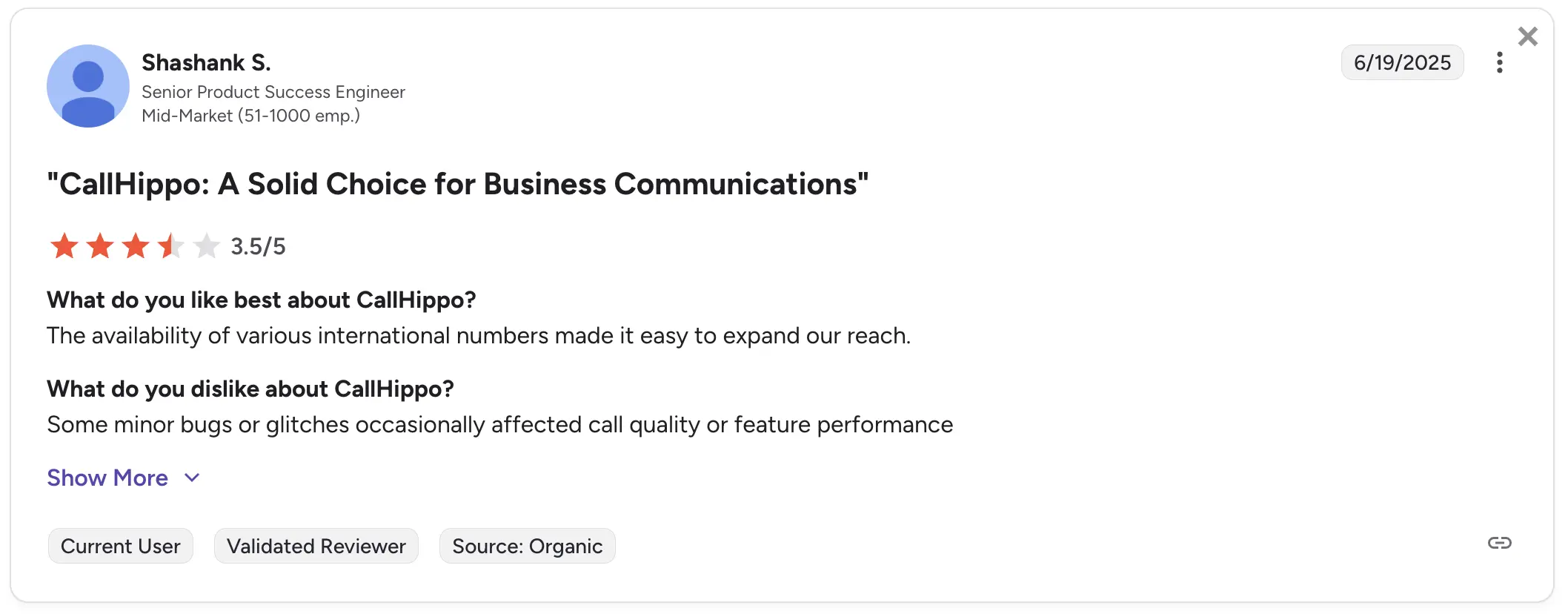
| CallHippo | $25/mo | Included | Included | 1 local | Yes | 4.4 |
How we evaluated these alternatives to Google Voice Business
There are certain factors that we consider when evaluating VoIP services. We assessed Google Voice alternatives based on the following criteria to determine if they meet high standards.
- Price: Available services based on different price plans
- Call quality: Clean quality without glitches and call drops
- Key features: All the important VoIP features – call recording, voicemail, call forwarding.
- User experience: G2 ratings and reviews
- Integration options: The Possibility of integrating with CRM platforms
- Support channels: Available contact methods to reach out to the support team
What is Google Voice for Business?
Google Voice for Business is a cloud-based VoIP phone system developed by Google and relaunched for business use in 2018. Based in the United States, it helps companies manage communication using a single business number across multiple users and devices. It is part of the Google Workspace ecosystem, which is especially popular among startups and small businesses.
Google Voice now supports thousands of organizations worldwide as part of the company’s broader suite of productivity tools.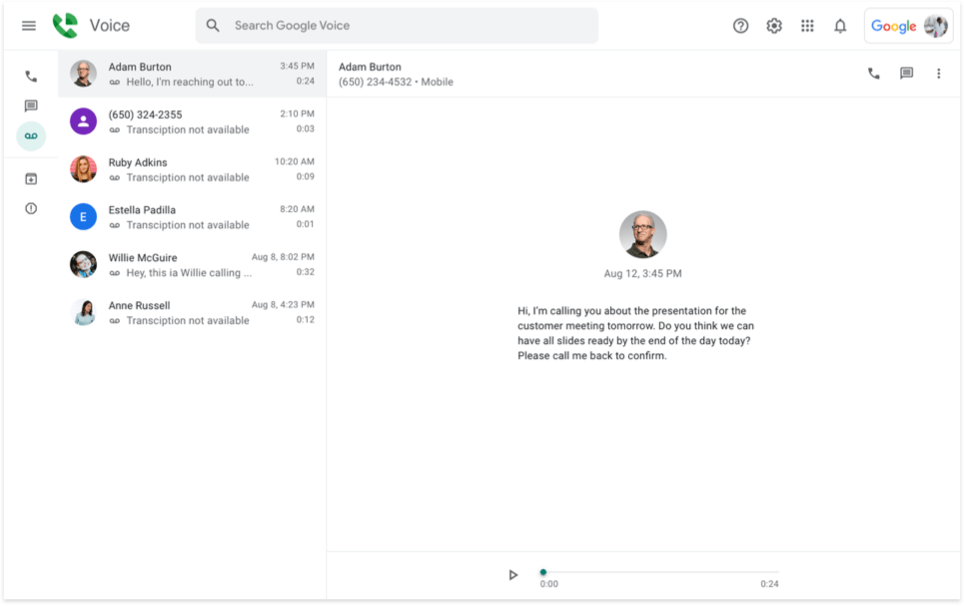
Key features
- Call forwarding
- Voicemail transcription
- Auto attendant
- Ring groups
- Spam filtering
- Call recording
- Multi-device support
- Number porting
Integrations
- Google Workspace (Gmail, Calendar, Meet)
- Google Contacts
- Google Drive
Pricing
- Starter: $10/user/month (up to 10 users and domestic locations)
- Standard: $20/user/month (unlimited users and domestic/regional locations)
- Premier: $30/user/month (adds international calling and locations)
Free trial
There is no free trial for Google Voice specifically.
Why does Google Voice appeal to businesses?
Many businesses choose Google Voice because it’s straightforward, dependable, and integrates well with the tools they already use.
- Integration with Google Workspace: Since it easily integrates with Gmail, Calendar, and Google Meet, teams can keep everything in one place without having to hop between different apps.
- Flexible device access and number porting: Businesses can bring their existing phone numbers over and use Google Voice on phones, computers, or tablets.
- Smart call handling and voicemail transcription: Google Voice turns voicemails into text and forwards calls to the right person or device, so important messages don’t slip through the cracks.
- Affordable for small and growing teams: With pricing that fits startups and growing businesses alike, Google Voice gives you the basics without breaking the bank.
Google Voice for Business is a natural choice for companies with Workspace accounts, as it’s already included in the package. However, even with all these benefits, there are some compromises to consider.
Why consider Google Voice alternatives?
Here are some of the key reasons users switch to the competitors of Google Voice:
Limited user management and oversight
Google Voice lacks key features for effective team management. There’s no live call monitoring, no call whispering, and no way for supervisors to step in during ongoing communications. Role-based access is also missing. Therefore, there’s no way to assign user permissions or responsibilities, which makes it difficult to manage larger teams or track performance effectively.
No auto-dialers for outbound calling
Google Voice does not offer any kind of auto dialer – there are no preview, power, or predictive options. For sales or support teams making a high volume of outbound calls, this leads to wasted time and lower efficiency compared to platforms with automated dialing tools.
No support for complex call handling
Advanced call handling tools, such as call queues, call routing, or multi-level IVR, are not supported. Without these, businesses can’t create structured workflows for high-volume or team-based call environments. That’s why Google Voice isn’t a good choice for growing teams, support centers, or sales teams that spend a lot of time on the phone.
Poor third-party integration
Outside of the Google ecosystem, integration options are fairly limited. Teams that rely on CRM and helpdesk tools find it difficult, or sometimes impossible, to connect their services.
Basic interface with limited flexibility
Google Voice keeps things simple, but sometimes overly so. The interface offers minimal room for personalization, and its reporting tools lack the depth many teams need to analyze performance or spot trends. Businesses that need more control over call settings, team roles, or call data find themselves limited by the platform’s one-size-fits-all approach.
It also doesn’t scale well for larger organizations. User limits and the lack of centralized admin tools make it more difficult to manage a growing team or multiple departments.
Inconsistent quality
Some users have reported experiencing dropped calls, sound issues, or delays, particularly when they have weaker internet connections.
Support is not very responsive
Although Google Voice is generally stable, users have noted that customer support can be slow to respond. For businesses that depend on consistent uptime or require real-time assistance during critical situations, it will become a significant bottleneck.
Top 10 alternatives to Google Voice for Business: An overview
Here are the best Google Voice alternatives if this service feels too limited for your business needs.
- MightyCall
- Quo (OpenPhone)
- Phone.com
- LinkedPhone
- Grasshopper
- GoTo Connect
- Dialpad Connect
- Vonage
- Zoom Phone
- CallHippo
1. MightyCall – best for SMB outbound teams
MightyCall is a powerful VoIP provider for small and medium-sized businesses that need a professional and flexible phone system. With unlimited calling and texting, voicemail with transcription, fully customizable call routing, and advanced tools like multi-level IVR, MightyCall helps build easier communication and ensure no customer call goes unanswered.
Built on enterprise-grade infrastructure, it offers crystal-clear call quality and outstanding service reliability. Additionally, with industry-leading support, SMBs can rely on MightyCall to provide the tools and assistance they need to grow and thrive.
Features
- Fully customizable call routing
- Multi-level IVR
- Call recording
- AI call summary and call notes
- Live call monitoring: call listening, barging, whisper, intercept
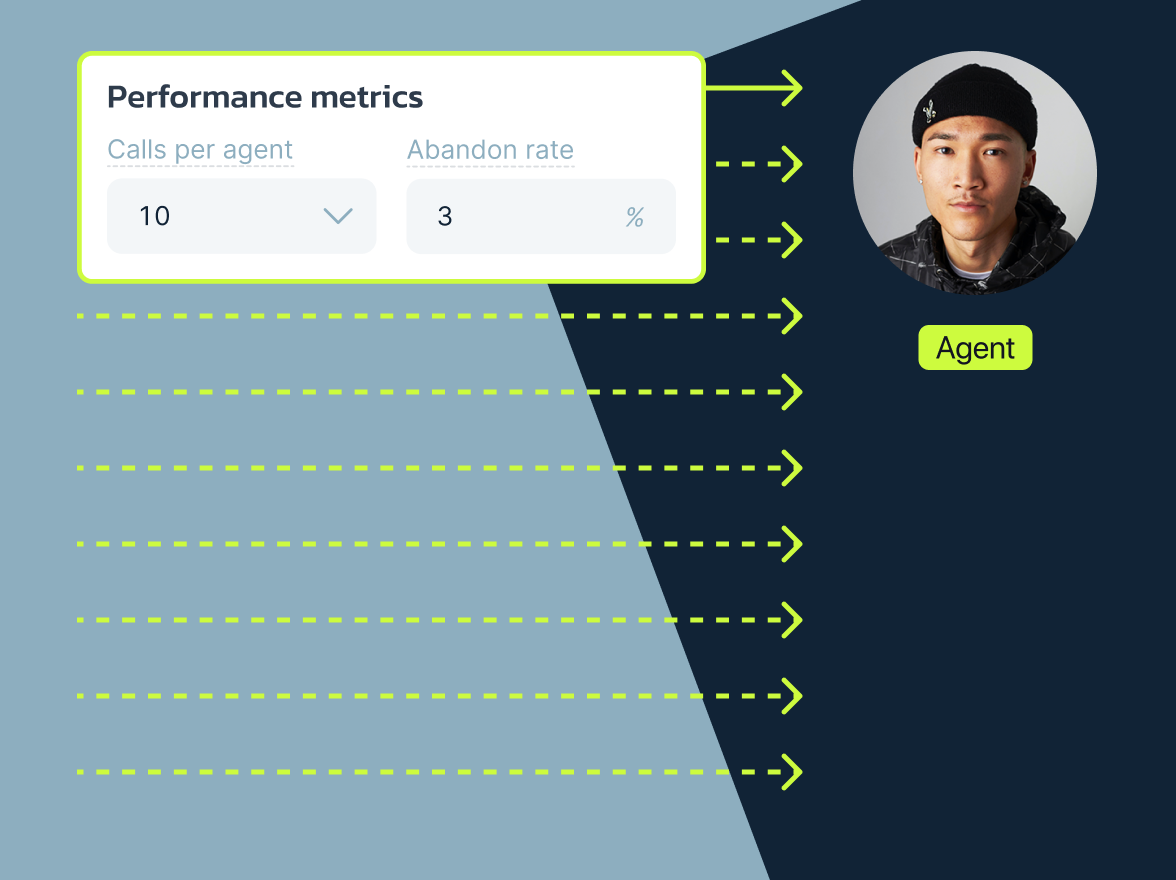
- Auto dialers: 10-line per agent predictive, power, and preview modes
- Caller ID whitelisting
Integrations
All major CRMs
Pricing
- Core: $20/mo/agent, billed annually
- Pro: $38/mo/agent, billed annually
- Power: $65/mo/agent
- Enterprise: Custom price
Free trial
MightyCall offers a 7-day trial.
Support channels
MightyCall has one of the best support teams in the industry, most importantly, it’s live human support. You can contact the team via different channels:
- Live chat: Contact support agents directly through the live chat on our website.
- Phone number: If you prefer not to text, feel free to contact the support team by phone at +1 (888) 256-8312, extension 2.
- Email: Contact MightyCall at support@mightycall.com.
- Help center: Browse through helpful articles or submit a ticket by filling out a form.
What makes it better than Google Voice for Business?
- Multi-level IVR support: MightyCall offers layered auto-attendants for more professional call handling.
- Business number extensions: Team members can use personalized extensions.
- Better support and onboarding: MightyCall offers responsive, human support via chat, phone, and email. Google Voice offers limited help options.
MightyCall limitations
- No video conferencing tools: MightyCall focuses strictly on voice and messaging; it doesn’t include built-in video meetings.
- No desktop softphone app: While fully accessible via browser and mobile apps, some users may miss having a standalone desktop app.
Customer feedback
Rating: 4.5/5.0 on G2
Users generally find MightyCall to be a strong VoIP solution for small and mid-sized businesses, praising its intuitive interface and ease of setup. The multi-level IVR and customizable routing are frequently highlighted as standout features. Users also appreciate the responsive and helpful support team, as well as the affordability of the service.
However, some users report drawbacks, particularly with the mobile app, which can be unstable at times.


schedule your personalized demo with our amazing team

2. Quo (OpenPhone) – best for startups and collaborative remote teams
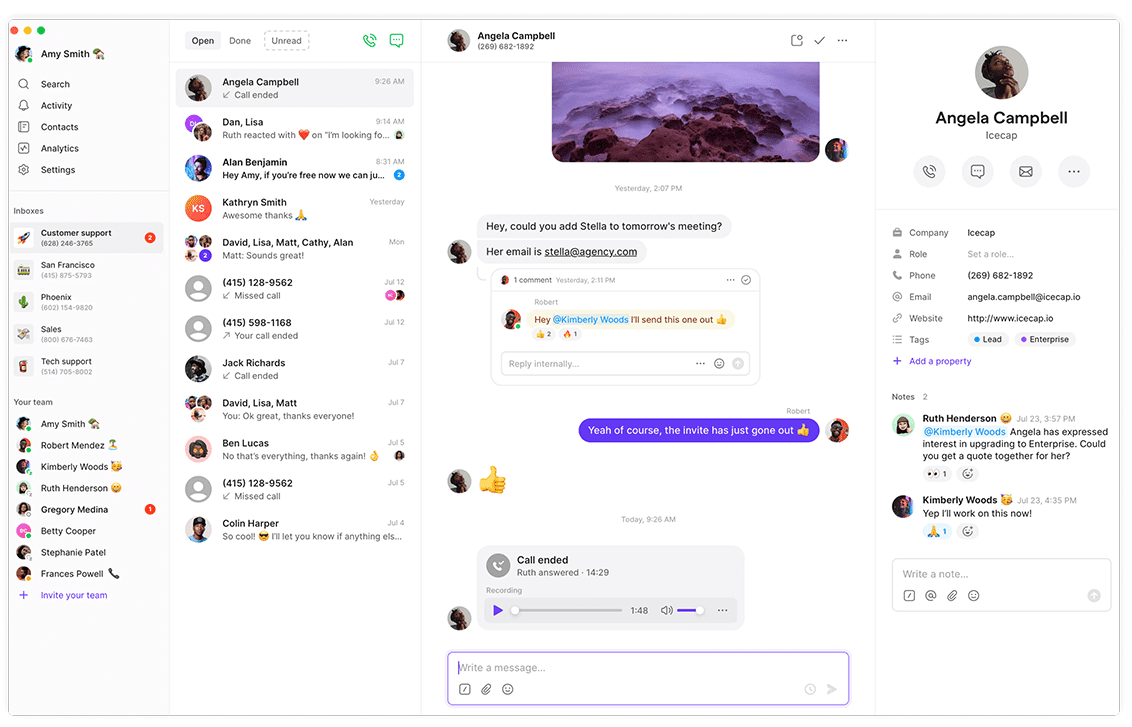
Quo (OpenPhone) is a modern business phone system launched in 2018 and based in San Francisco. Like most Google Voice alternatives, it was built with startups, small teams, and remote workers in mind. Quo offers a simple, mobile-friendly way to manage calls, texts, and team chats in one place.
What sets it apart is its focus on user feedback, fast product improvements, and clear pricing without hidden fees.
Features
- Auto attendant & call routing
- Call recording and logs
- Custom business hours
- Sona AI voice agent
- Team messaging & shared inbox
Integrations
CRM and helpdesk systems
Pricing
- Starter: $19/user/month
- Business: $33/user/month
- Scale: $47/user/month
Free trial
Yes — 7 days.
Support channels
- Email support
- Live chat during business hours
- Help center & FAQs
- Typical response time: ~24 hours on weekdays
What makes it better than Google Voice?
- Sona AI: An AI agent that picks up calls, responds with set answers, records details, and logs them for follow-up.
- Team collaboration tools: Built-in messaging and shared inboxes allow faster teamwork, unlike Google Voice, which lacks internal chat.
- Contact management with notes: This lets users organize and personalize interactions without needing a separate CRM.
Quo (OpenPhone) limitations
- Limited international calling: Global calling is available, but coverage and features are more limited than Google Voice.
- Basic analytics: Reporting features are minimal and may not meet the needs of data-driven teams.
- No 24/7 support: Support is limited to business hours, which may be a downside for teams that need round-the-clock assistance.
Customer feedback
Rating: 4.7/5.0 on G2
Users appreciate the intuitive design and mobile optimization. Team messaging and shared inbox features are frequently highlighted as strengths. Downsides include limited analytics and no real-time support, which can impact urgent issue resolution.
3. Phone.com – best for teams that want flexible plans
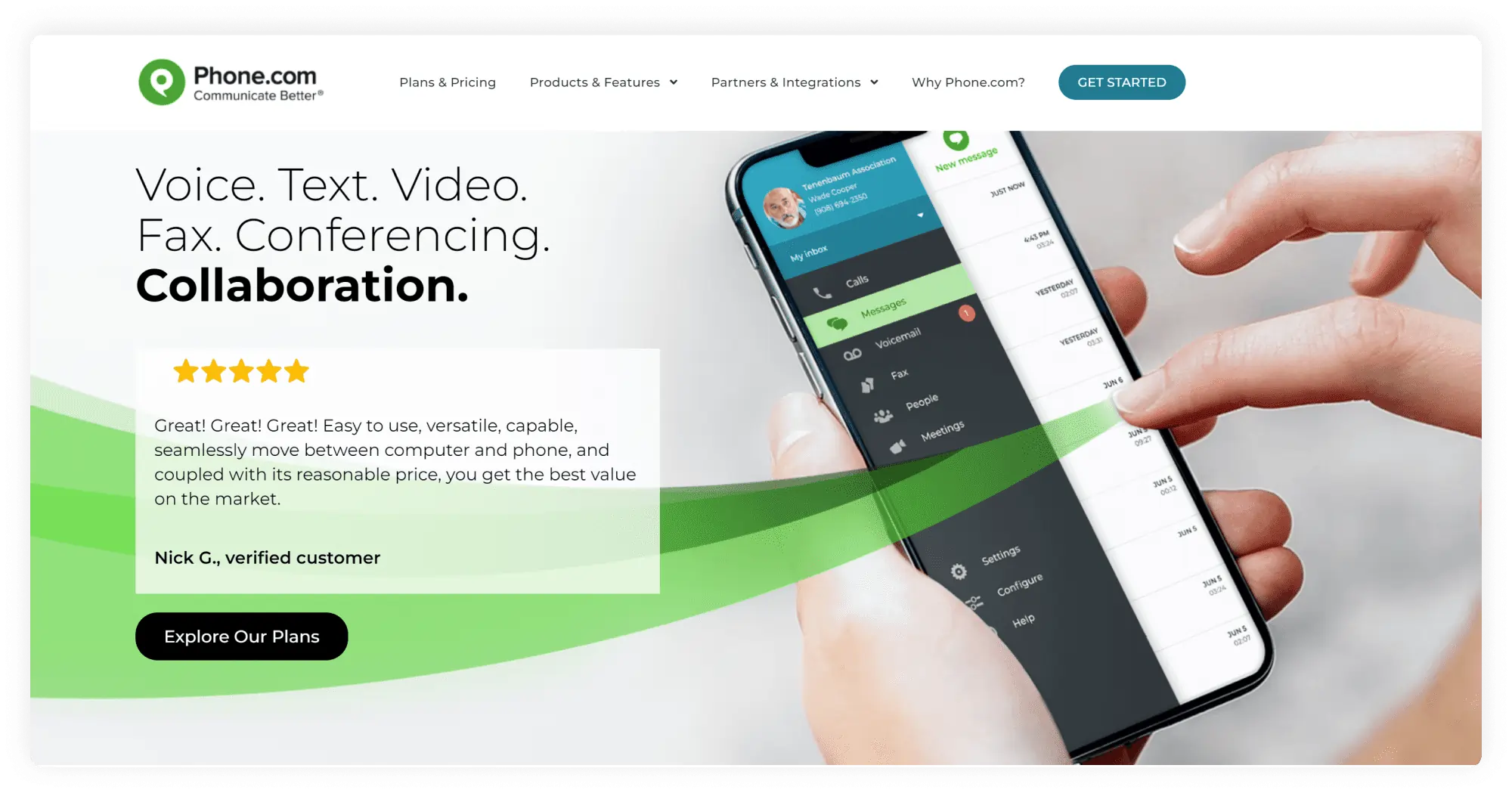
Phone.com offers a broad set of business communication tools accessible through web and mobile apps. They use flexible pricing based on features, which allows businesses to choose only what they need. With over 50,000 customers, this Google Voice competitor is known for its ease of use, 24/7 live customer support, and scalable features.
Features
- Call forwarding and management
- Call recording capabilities
- Video conferencing across all plans
- Contact directories and call logs
- Call reporting and analytics
Integrations
CRM and helpdesk systems
Pricing
- Basic: $18/month
- Plus: $27/month
- Pro: $40/month
Free trial
No standard free trial, but you get a 30-day money-back guarantee if you’re not happy.
Support channels
Available 24/7 via live chat, phone, and email
A help center full of guides and tutorials
What makes it better than Google Voice?
- HIPAA-compliant: It is included with every plan, whereas Voice requires a paid Google Workspace subscription with proper account configuration for HIPAA compliance.
- 24/7 live human support: This competitor employs real people ready to help anytime, while Google Voice mostly relies on self-service help.
Phone.com limitations
- Limited advanced features: Important tools (call analytics and call recording) only come with the highest-priced Pro plan.
- Single number restriction: The Basic plan allows only one phone number.
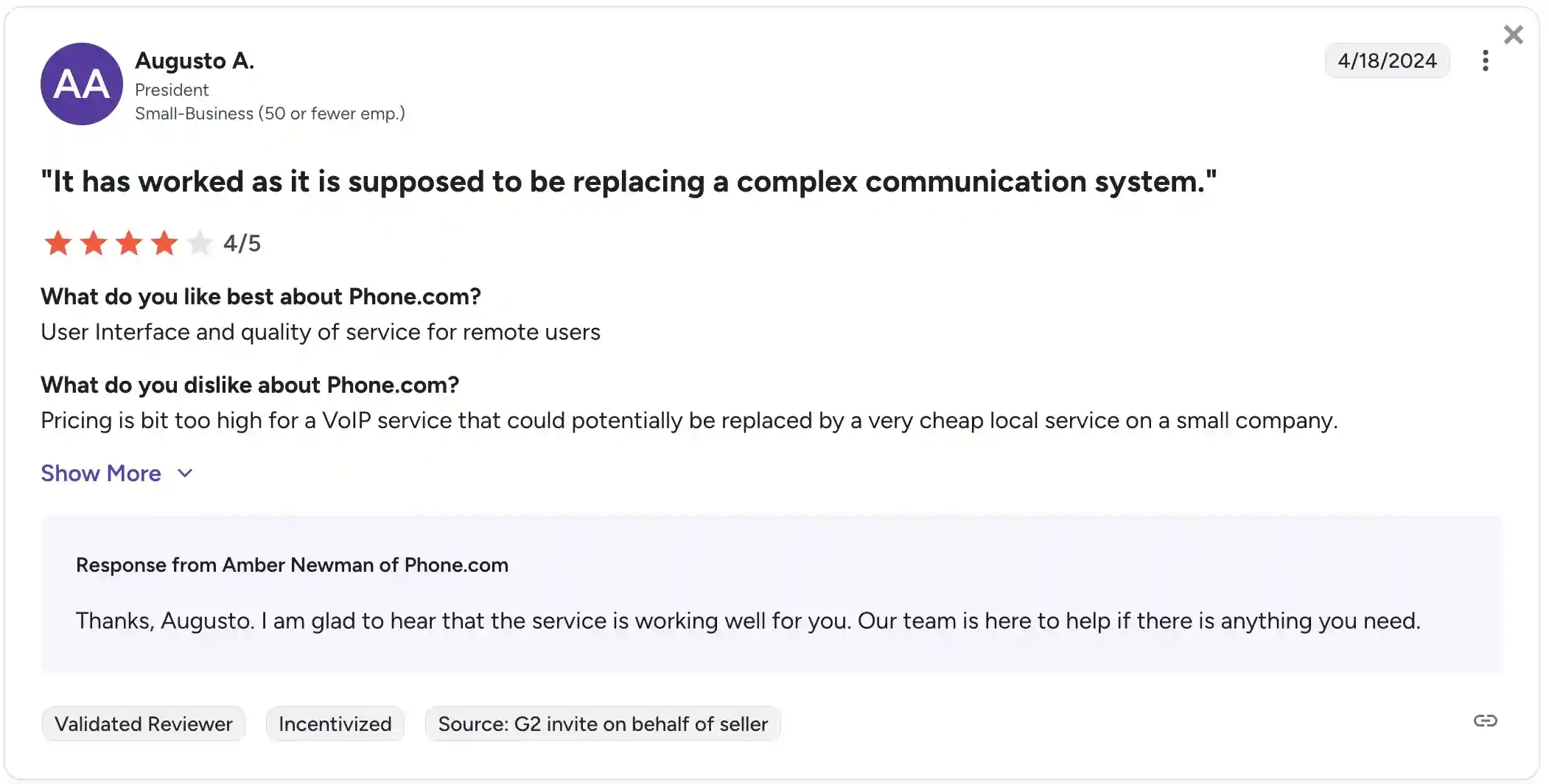
Customer feedback
Rating: 3.5/5.0 on G2
A key advantage noted by customers is video conferencing in all plans, along with reliable 24/7 customer support that assists with any issues promptly.
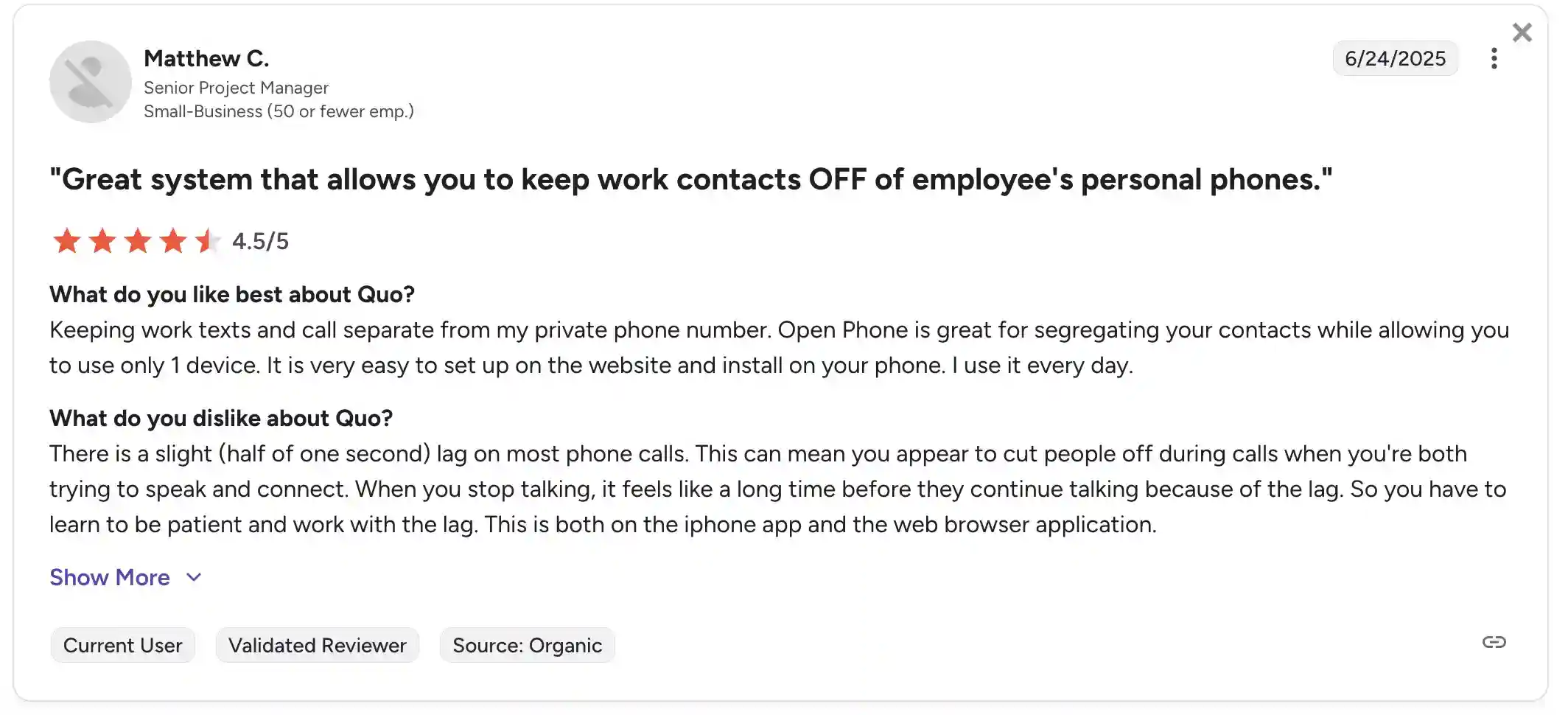
However, some users point out that important features like call recording and analytics are only available on higher-tier plans or as an add-on, which limits smaller or growing teams. Additionally, a few users have reported occasional issues with the mobile app and find the interface outdated.
4. LinkedPhone – best for budget-conscious small teams and solopreneurs
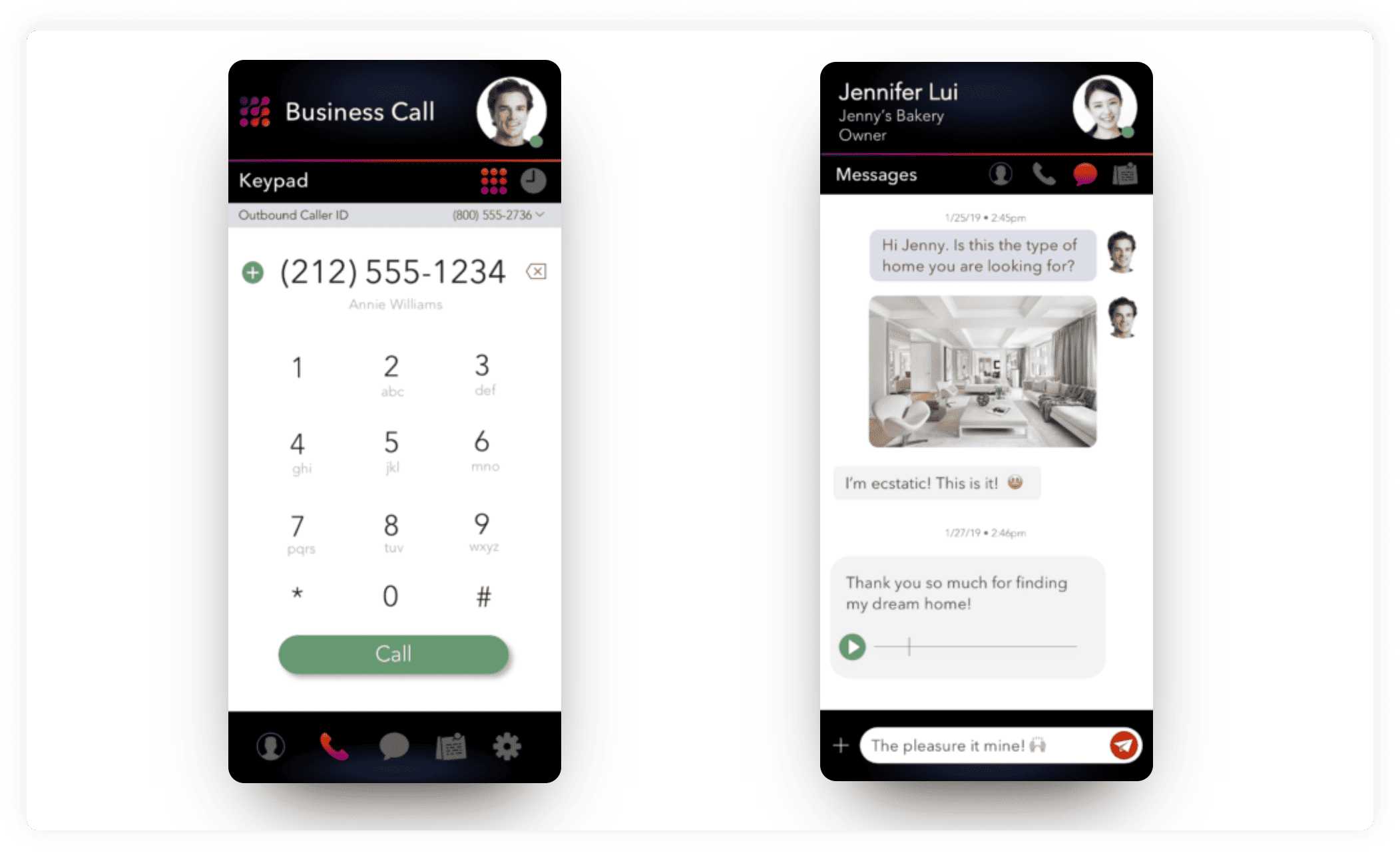
LinkedPhone is a cloud-based phone service made for small businesses and solopreneurs that want an easy way to manage calls without additional complexity. Established in 2016 and headquartered in New York City, the platform emphasizes simplicity, clear pricing, and straightforward communication tools that are accessible via mobile devices and web browsers. It avoids complicated setups and focuses on making business calls more efficient.
Features
- Caller identification and call transfer
- Call recording with detailed call logs
- Automated virtual receptionist and customizable menus
- Client notes with status updates
- Analytics dashboard with call activity and performance
Integrations
LinkedPhone does not support integrations with CRM or other third-party software.
Pricing
- Solopreneur: $14.99/month
- Entrepreneur: $19.99/month
- Enterprise Team: $29.99/month
Free trial
You can try LinkedPhone as a free alternative for 7 days.
Support channels
- Customer service is available by phone and email
- Online resource center with helpful guides and tutorials
What makes it better than Google Voice?
- Richer call management: LinkedPhone offers features like virtual reception, which makes it better than Google Voice in this aspect.
- Better suited for teams: Includes collaborative tools (client notes with status tracking) to keep everyone on the same page.
- Multiple devices supported: This alternative allows clients to use the same account on several devices without additional cost.
- More accessible customer support: Offers direct contact options in addition to online help forums.
LinkedPhone limitations
- No option for international calls: Limits the ability to connect with customers or partners abroad.
- Lacks a dedicated desktop app: Users must depend on mobile devices or browsers.
- No CRM or analytics integrations: This makes it harder to automate tasks and track customer data efficiently.
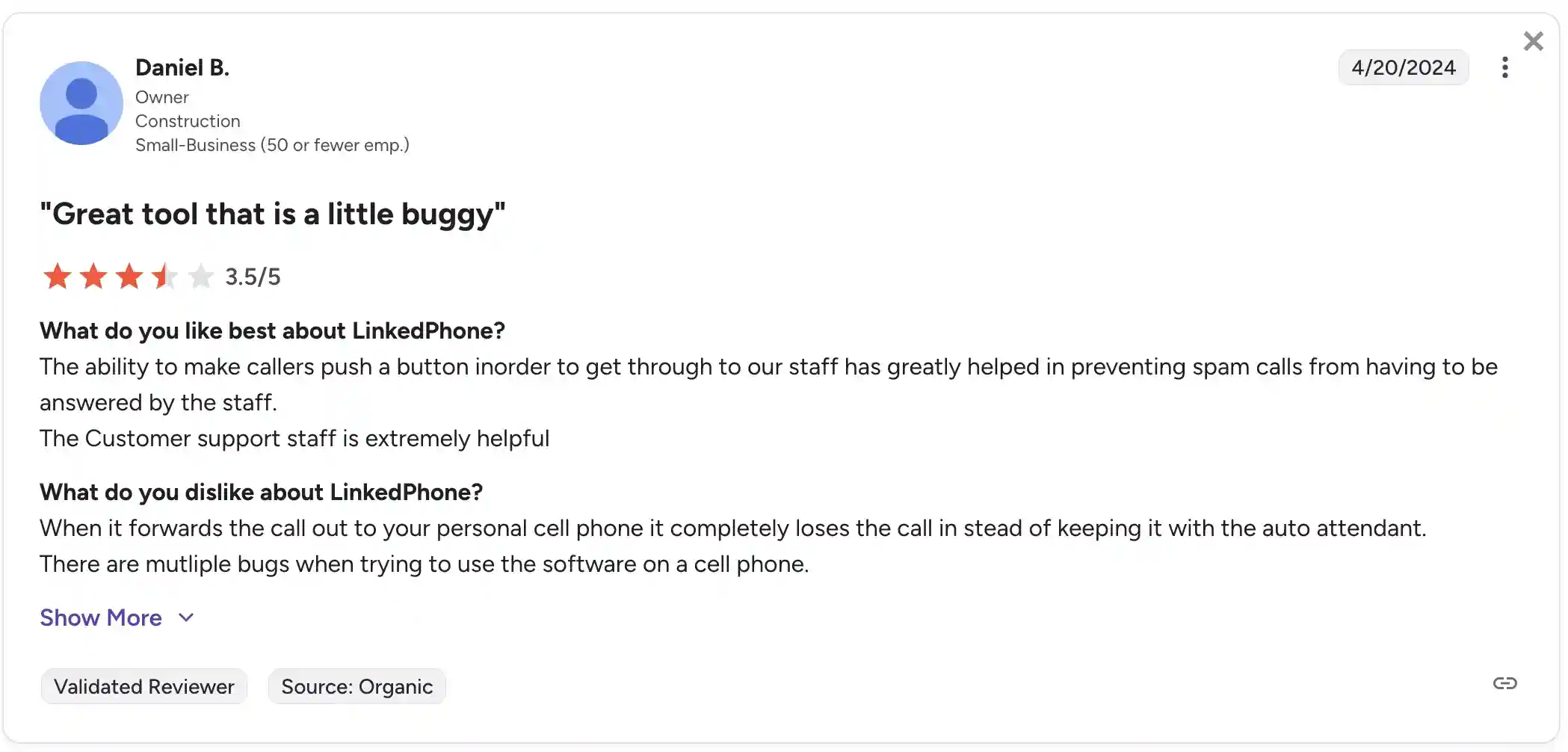
Customer feedback
Rating: 3.5/5.0 on G2
Users like LinkedPhone for its easy onboarding and responsive support team. They appreciate the practical call management and collaboration features, but wish there were more integration options and better support for international calling.
5. Grasshopper – best for solo businesses that want a simple virtual phone system
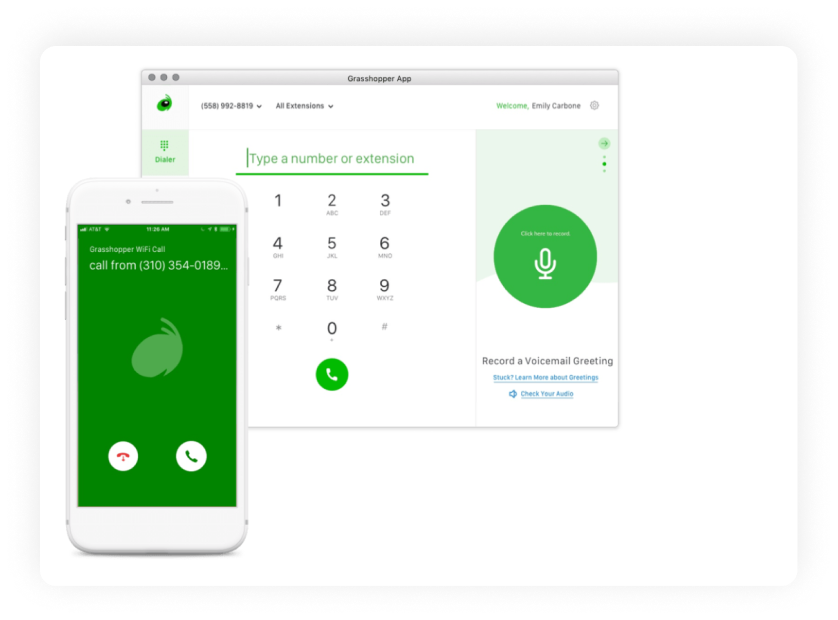
Grasshopper is a well-established alternative to Google Voice for Business. It’s a virtual phone system for small companies, freelancers, and solo entrepreneurs. It was founded in 2003 and is based in the USA.
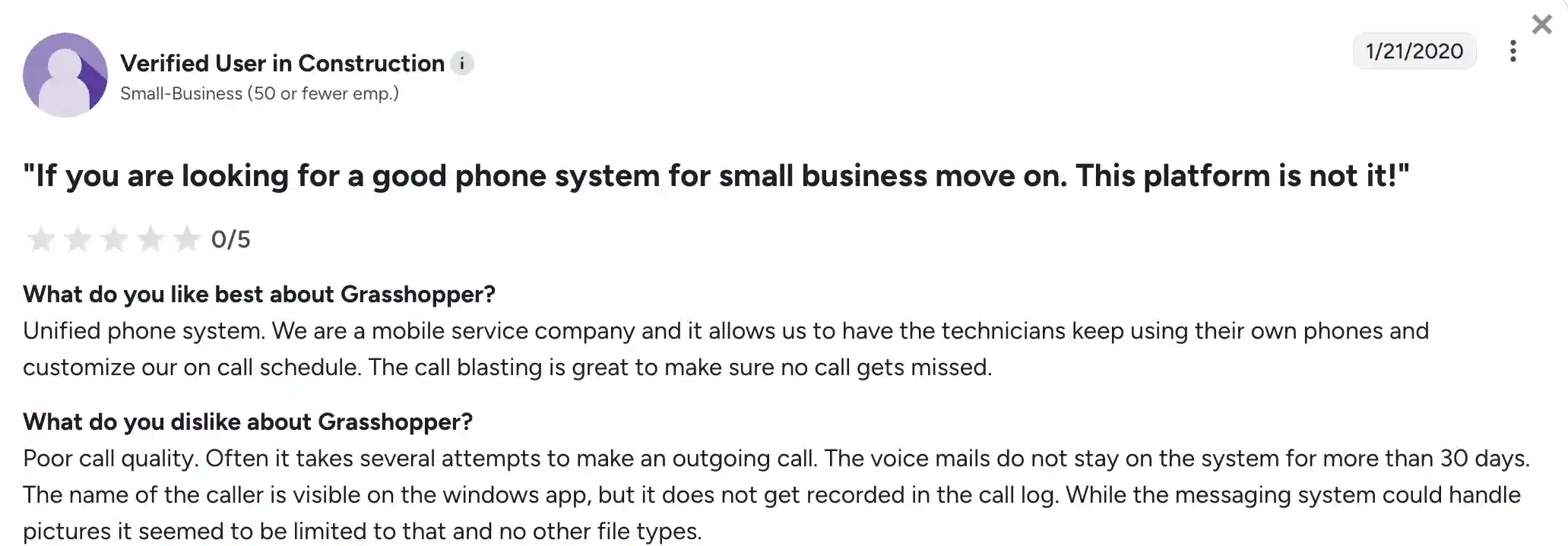
Like Google Voice, Grasshopper offers virtual phone numbers and call management features designed to help businesses maintain a professional image and manage their communications efficiently. They serve over 300,000 customers across North America.
Features
- Local, toll-free, and vanity numbers
- Handling multiple calls at the same time
- Call forwarding and transferring
- Voicemail transcription
- Customizable greetings and multiple extensions
Integrations
No integrations supported.
Pricing
- True Solo plan: $18/month/account
- Solo Plus plan: $32/month/account
- Small Business plan: $70/month/account
Free trial
7-day free trial offered.
Support channels
- Email support via a contact form
- Phone support is available during business hours
- Online help center
What makes it better than Google Voice?
- Option for live receptionist: Grasshopper offers a live receptionist service (through Ruby, at an additional cost), allowing calls to be answered live.
- Longer track record: Being in business for over 20 years, Grasshopper offers a more established and stable platform than Google Voice’s more recent business phone offering.
Grasshopper limitations
- The interface feels outdated: The user experience is less modern compared to some newer phone systems.
- No video or advanced collaboration features: Grasshopper doesn’t offer video calling or integrated team collaboration tools.
- Limited CRM connectivity: There are no options to integrate directly with popular CRM platforms.
Customer feedback
Rating: 3.9/5.0 on G2
Customers talk about how straightforward it is to set up and use, especially for solo users.
Downsides frequently mentioned include the older design and lack of integrations. Some users reported occasional technical issues and switched to other providers when their businesses grew.
6. GoTo Connect – best for enterprise and omnichannel communications
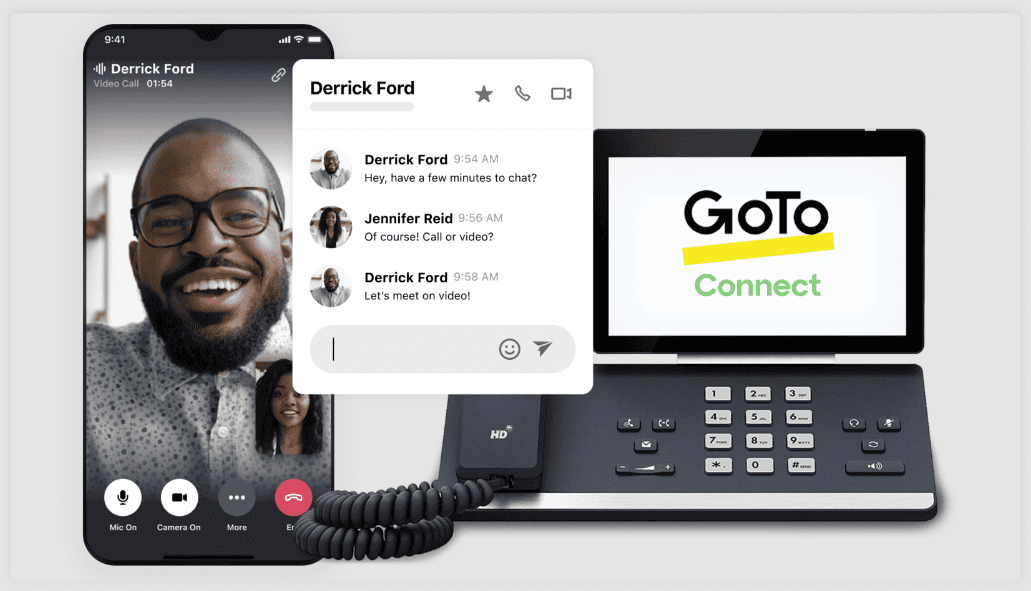
GoTo is a business communication platform developed by the company formerly known as LogMeIn, based in Boston, Massachusetts. It is a top Google Voice alternative with over two decades of experience in remote work and collaboration tools. The product merges VoIP telephony with call center features and multi-channel messaging.
GoTo currently serves thousands of organizations worldwide and continues to expand its offering with AI-driven tools and analytics.
Features
- 100+ built-in calling and call management features
- Voice, SMS, email, video, and web chat
- Visual dial plan editor
- AI-powered analytics and sentiment tracking
- Voicemail transcription and real-time call metrics
Integrations
CRM and helpdesk systems
Pricing
Price available upon request.
Free trial
Only a demo version.
Support channels
- 24/7 live chat and phone support
- Help center with articles and tutorials
- Email/ticket submission system
- Premium users receive priority support
What makes it better than Google Voice?
- More advanced call handling: GoTo provides tools such as a visual dial plan editor and contact center routing, not just basic forwarding.
- Omnichannel support: This competitor allows communication not just through voice but also through SMS, video, email, and web chat.
- Stronger business focus: Designed for multi-location or growing teams with contact center needs, whereas Google Voice is better suited for individuals or small teams.
- Deeper analytics: Built-in AI sentiment analysis and dashboards offer better performance tracking than Google Voice’s minimal reporting tools.
GoTo limitations
- Steeper onboarding: New users face a learning curve during setup and configuration.
- Less suited for solo professionals: The platform’s features are built with teams in mind, which may be excessive for freelancers or solopreneurs.
- Occasional interface complexity: The system’s wide feature set can initially feel overwhelming until users become familiar with it.
Customer feedback
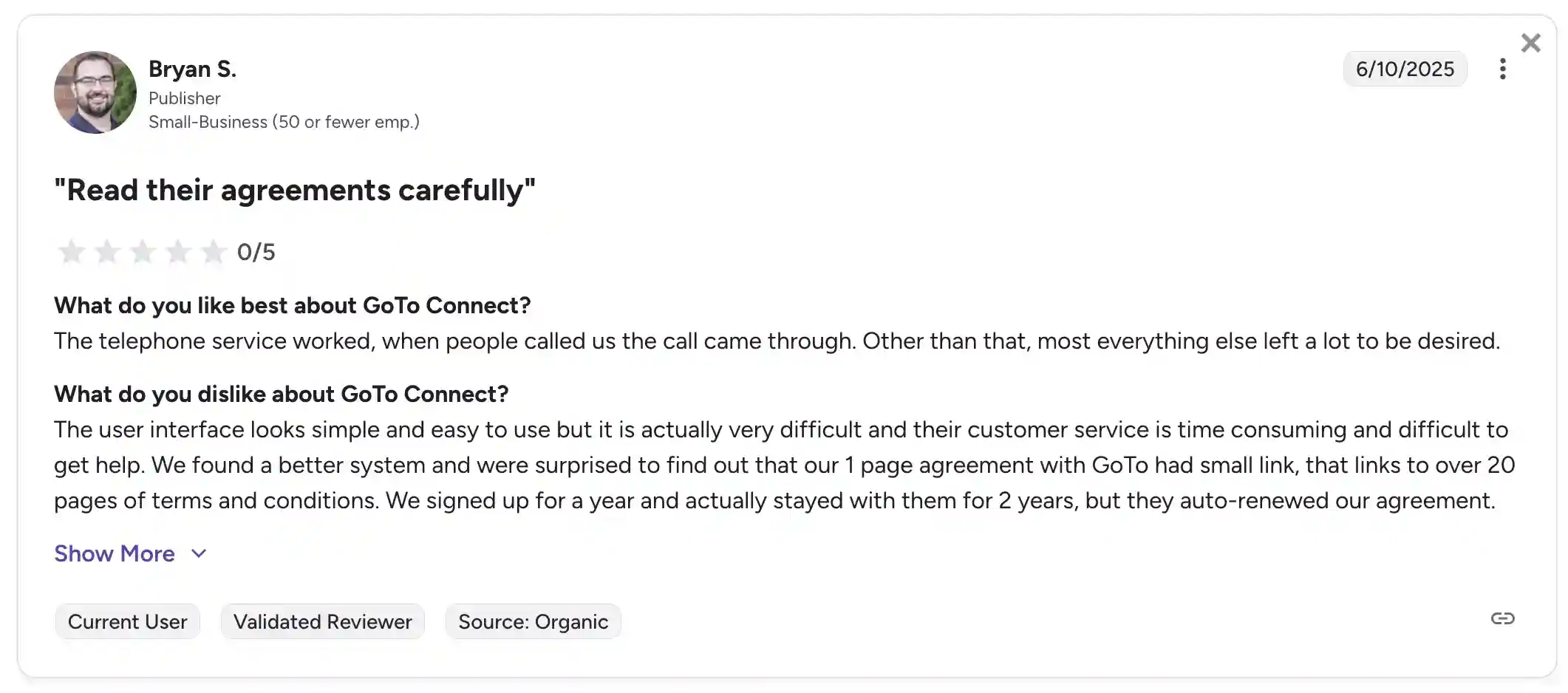
Rating: 4.5/5.0 on G2
Users praise GoTo for its rich feature set and the convenience of managing calls, messages, and contact center tasks in one place. The visual dial plan editor is a favorite for making call routing easier, and many appreciate the platform’s strong reliability and call quality.
On the downside, some users report that getting started can be time-consuming, especially for those new to advanced VoIP tools. A few also mention that, while the interface is powerful, it takes some time to learn.
7. Dialpad Connect – best for AI-powered business communications
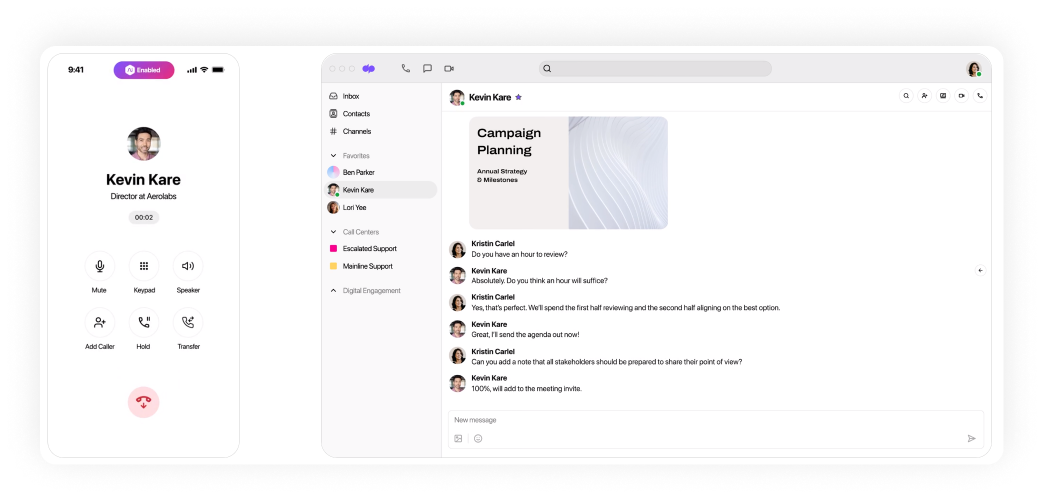
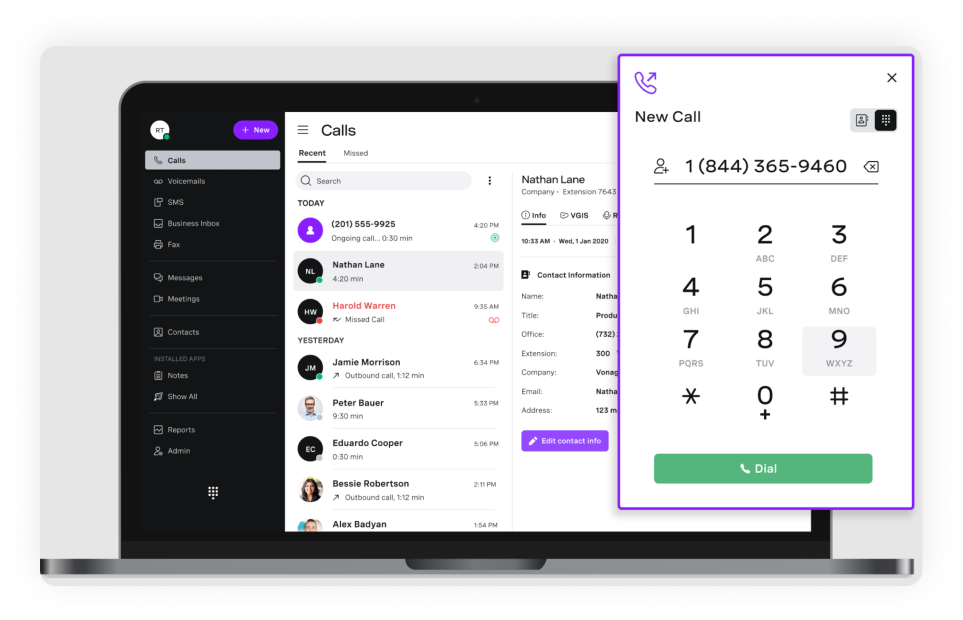
Dialpad Connect is a business phone service that combines calling, messaging, and video conferencing in a single platform. The company was launched in 2011 and is headquartered in San Francisco. It is used by tens of thousands of businesses globally. The platform is built with AI features at its core and is aimed at companies looking for a more connected, insight-driven communication setup across teams and departments.
Features
- Unified communication: voice calls, video meetings, and messaging
- AI features: live transcription, voicemail-to-text, and call summaries
- Call management tools: routing, forwarding, and auto attendant
- Analytics: Performance dashboards and reporting tools
Integrations
CRM and helpdesk systems
Pricing
- Standard: $27/user/month
- Pro: $35/user/month
- Enterprise: price not disclosed
Free trial
Yes, a 14-day free trial is available for new users.
Support channels
- Email support and online ticket submission
- On-site AI assistant and searchable knowledge base
- Live chat is available 24/7 with Pro and above
- Phone support with Pro and above
What makes it better than Google Voice?
- AI-driven features: This alternative provides live call transcripts and sentiment detection, which Google Voice doesn’t offer.
- Broader functionality: Includes video meetings alongside voice, but Google Voice focuses solely on calls.
- More business-ready integrations: Offers built-in connections to CRMs and work tools not supported by Google Voice.
Dialpad Connect limitations
- Relies on a stable internet connection: Audio quality may drop in unstable network conditions.
- Takes time to get used to: Some features require a learning curve, especially for new users.
- Transcription is not always precise: Voice-to-text may misinterpret fast or unclear speech.
Customer feedback
Rating: 4.4/5.0 on G2
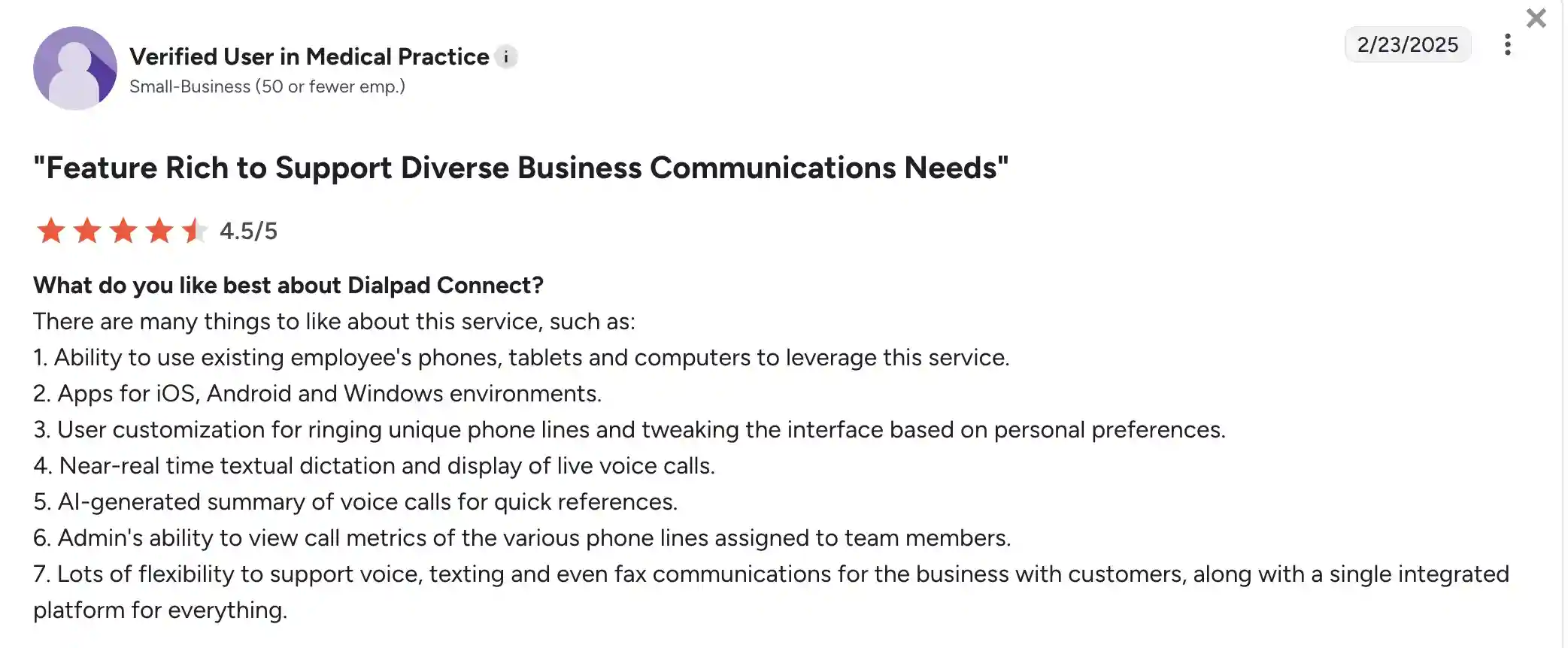
Reviewers appreciate Dialpad’s clean interface, fast deployment, and helpful AI tools like voicemail transcription. The ability to keep messaging, calling, and meetings in one app is a frequently mentioned plus.
Some users say the range of features can feel overwhelming at first, and a few note that transcription accuracy depends heavily on speaker clarity.
8. Vonage – best for scalable communications for growing teams
Vonage, one of the top alternatives to Google Voice, is a leading cloud communications provider headquartered in New Jersey that was founded in 2001.
It offers VoIP-based phone solutions, unified communications, and messaging tools for businesses of all sizes. Since its acquisition by Ericsson in 2022, Vonage has expanded its global footprint and product capabilities. The platform is used by over 100,000 businesses and more than 1.6 million developers.
Features
- Call routing & virtual receptionist
- On-demand or automatic call recording
- Team messaging
- Multi-level auto attendant
- Built-in HD video meetings with screen sharing
Integrations
CRM and helpdesk systems
Pricing
- Mobile: $19.99/extension/month
- Premium: $29.99/extension/month
- Advanced: $39.99/extension/month
Free trial
No free trial available.
Support channels
- Live phone support is offered every day, including on weekends
- Help center, community forum, and email/ticketing
What makes it better than Google Voice?
- Stronger integrations with business tools: Google Voice has limited integrations, but Vonage connects with CRM systems and collaboration platforms.
- More advanced call handling features: Tools like multi-level auto attendants and call groups offer greater flexibility to meet business needs.
- Built-in video conferencing: Unlike Google Voice, Vonage includes HD video meetings across plans.
- Better scalability for larger teams: Vonage supports multiple devices per user and advanced call management.
Vonage limitations
- Complex setup for beginners – New users may find onboarding and configuration challenging without IT support.
- Higher cost for smaller teams – Solo entrepreneurs or very small businesses may find Vonage’s pricing less competitive.
- The interface may feel unintuitive – Some users report a learning curve with its dashboard and settings.
Customer feedback
Rating: 4.3/5.0 on G2
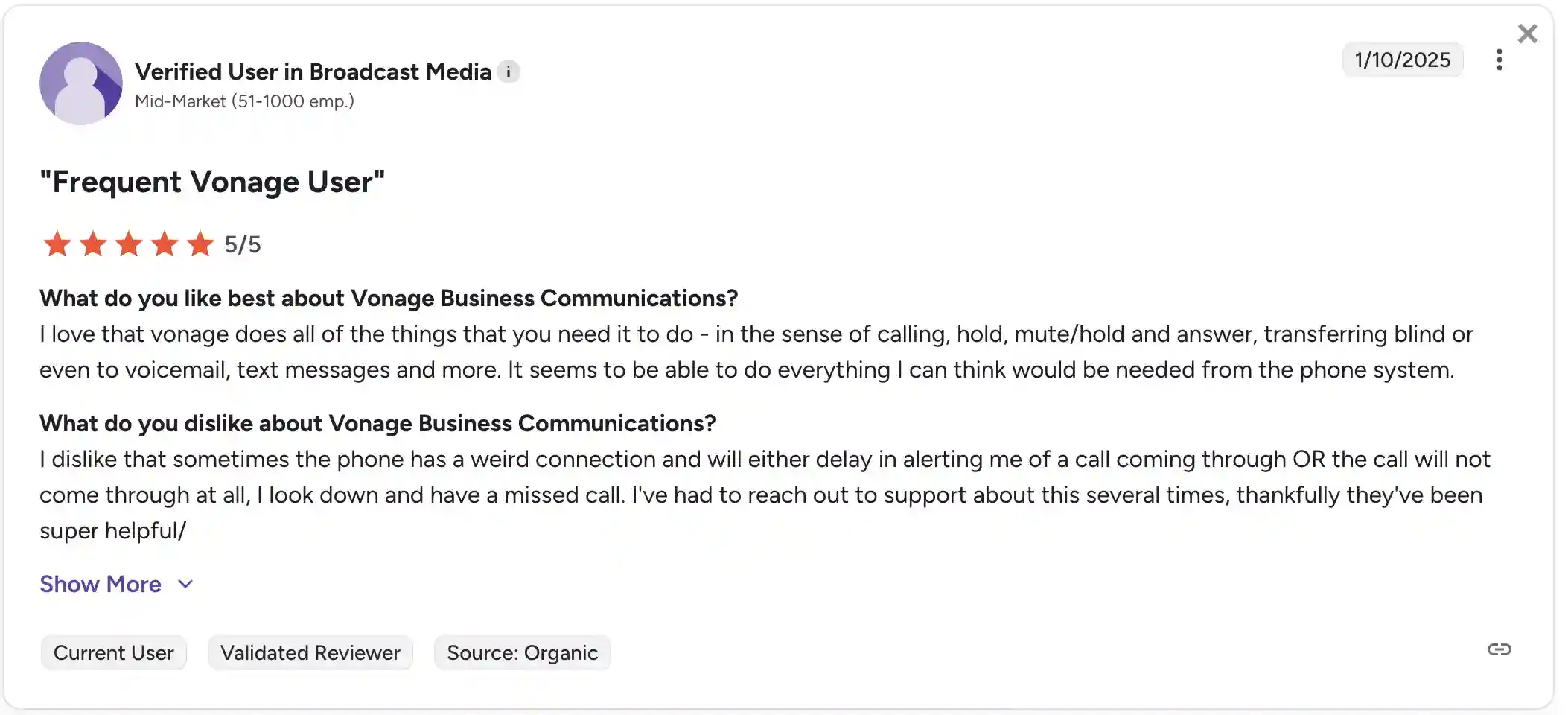
Customers appreciate Vonage’s reliable call quality, broad feature set, and integration with CRMs. Businesses also mention scalability and multi-device support as key advantages.
The most common complaints include a confusing user interface, occasional missed call alerts, and inconsistent support for lower-tier users.
9. Zoom Phone – best for teams already using Zoom
Zoom Phone is a cloud-based VoIP and unified communications service built by Zoom, the California-based video conferencing company. Launched in 2019, Zoom Phone has grown alongside Zoom’s broader enterprise services.
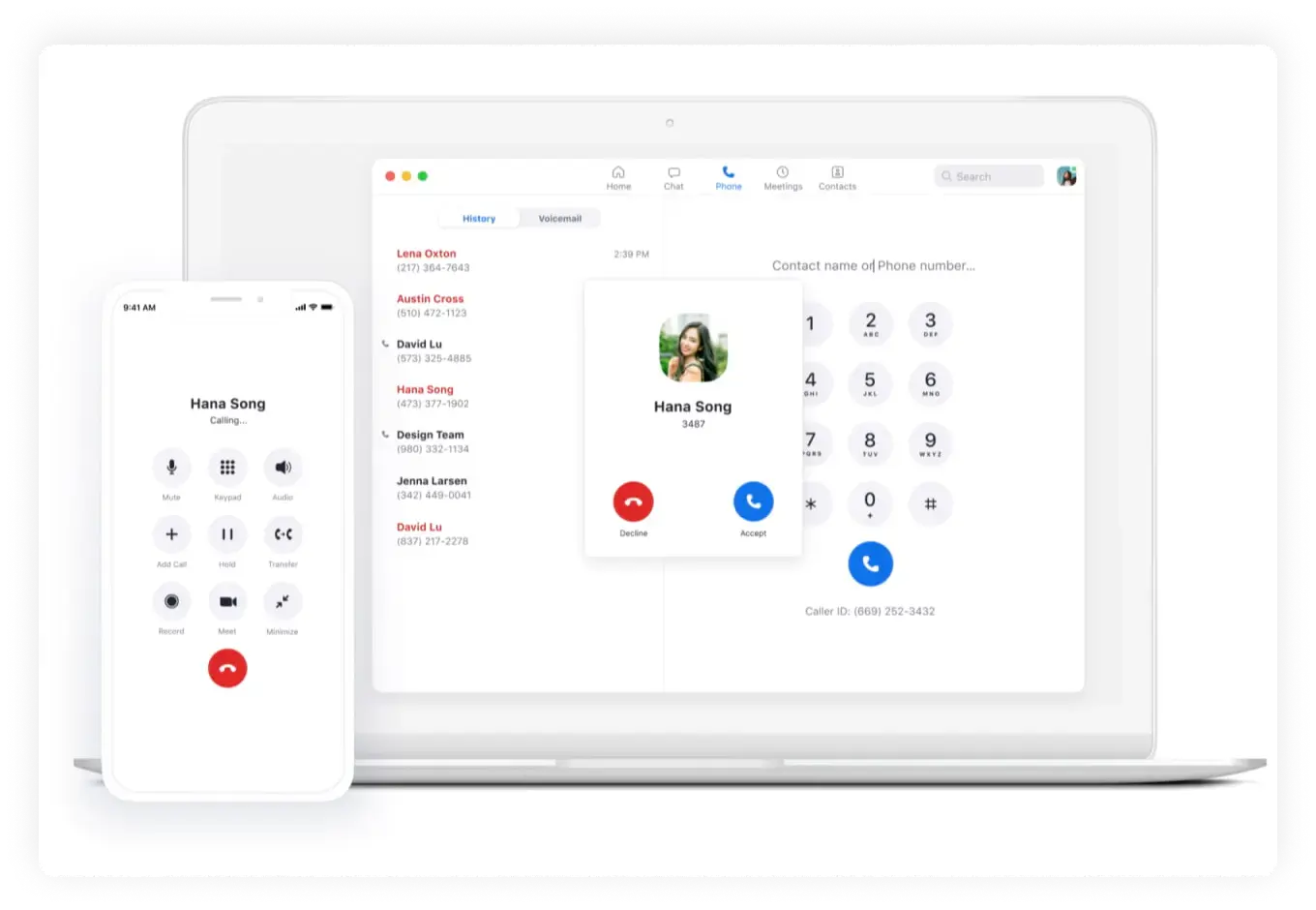
Zoom Phone extends Zoom’s communications platform by adding business-grade voice capabilities to its globally distributed infrastructure. It is designed for businesses that require a single app to manage voice calls, video meetings, and messaging.
Features
- Advanced call routing and queue management
- Real-time call monitoring tools with whisper, barge, and takeover options
- Shared line appearance
- Integration with Zoom Meetings for unified voice and video communication
- Compatible with SIP desk phones
Integrations
CRM and helpdesk systems
Pricing
- US & Canada Metered: $10/month/user
- US & Canada Unlimited: $15/month/user
- Global Select: $20/month/user
Free trial
No, Zoom Phone currently does not offer a free trial.
Support channels
- AI-powered chat available 24/7
- Online help center with user guides and documentation
- Community forums for user-to-user support
- Email and phone support included (response time varies by plan level and urgency)
What makes it better than Google Voice?
- Integrated with Zoom Meetings: This competitor allows instant transition from calls to video meetings for unified communication.
- More flexible pricing: Offers a pay-as-you-go model for teams that want to scale or limit telephony costs.
- Enterprise call management features: Tools like whisper and barge are not available in Google Voice but are crucial for sales and support teams.
- Hardware and provisioning support: Zoom offers hardware leasing and support, making it a more suitable alternative to Google Voice for traditional office environments.
Zoom Phone limitations
- Requires a Zoom account: Best suited for teams already using Zoom, but adds friction for others.
- No free trial: It’s a cheap alternative, but you can’t test the service before committing.
- Complex onboarding: Setup and configuration may be time-consuming without IT assistance.
- Basic reporting: Lacks in-depth analytics tools found in some other VoIP solutions.
Customer feedback
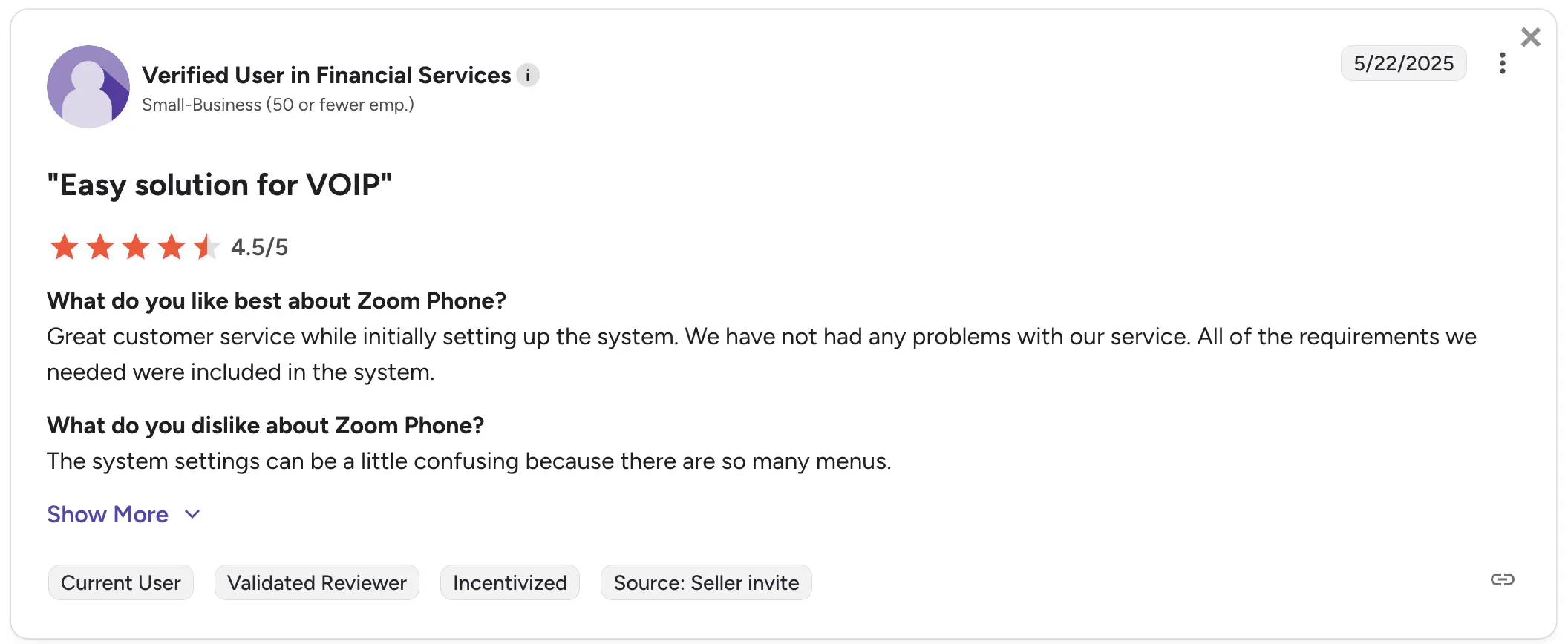
Rating: 4.5/5.0 on G2
Users consistently highlight call quality, Zoom integration, and ease of use as key strengths. Many appreciate the smooth communication experience across calls and meetings.
Still, there are some concerns: users report slow customer support response times, occasional billing issues, and setup complexity as sources of frustration.
10. CallHippo – best for growing sales and support teams who want global reach
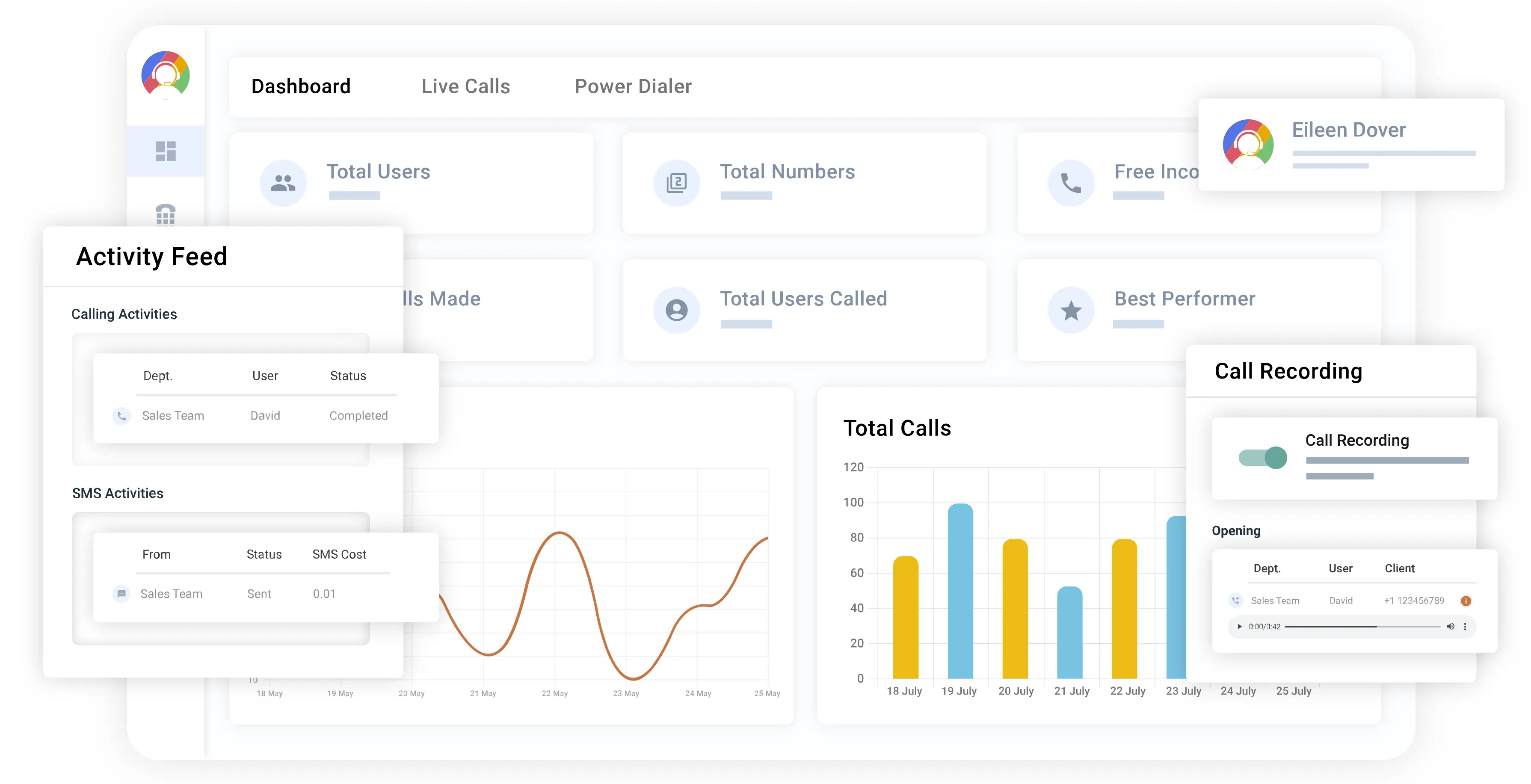
CallHippo is a cloud-based business phone solution that’s been around since 2016. The company maintains a representative office in the United States, with its development team based in India. It focuses primarily on sales and support teams that need reliable, scalable communication tools across multiple locations. CallHippo is used by businesses of all sizes for its intelligent features, such as AI-powered call routing. The platform works across mobile apps and web browsers and has a Chrome extension.
Features
- IVR system with smart call switching
- Power dialer
- Call analytics, reports, and dashboards
- Call monitoring with live coaching
- Pause and resume call recording
Integrations
CRM and helpdesk systems
Pricing
- Starter: $25/user/month
- Professional: $40/user/month
- Ultimate: $55/user/month
Free trial
Yes, CallHippo offers a 10-day free trial.
Support channels
- 24/7 live chat support
- Email support
- Online knowledge base and FAQ
What makes it better than Google Voice?
- More advanced call management: CallHippo offers features like call whisper, call barge, and detailed call analytics, which Google Voice lacks.
- Global phone number availability: This alternative provides local phone numbers in over 50 countries, whereas Google Voice mainly focuses on the US.
- Better integrations: CallHippo connects with many popular CRMs and business tools.
- AI-powered call routing: CallHippo intelligently directs calls based on caller history and agent availability, which improves customer experience beyond what Google Voice offers.
CallHippo limitations
- No desktop app: You can only use CallHippo through a web browser or mobile app.
- Key features cost more: Tools like the Power Dialer and advanced analytics are only included in higher-tier plans.
- Slow support at times: Users on lower plans may experience delays when reaching out to customer support or resolving issues.
Customer feedback
Rating: 4.4/5.0 on G2
Users mention how easy it is to set up and appreciate the feature-rich platform, especially the power dialer and call whisper, which help improve team collaboration.
That said, some users note that call quality can be inconsistent in certain areas and occasionally experience billing confusion. Many also mention that premium features require an upgrade to higher-priced plans, and the costs can add up.
How to choose the right Google Voice alternative?
Choosing the right Google Voice alternative for your business depends on several factors that will ensure the platform suits your business needs.
- Choose call quality and reliability: The quality of your telephone calls is important for smooth business operations. Look for a VoIP solution that guarantees high-definition audio and minimal downtime.
- Opt for scalability: As your business grows, your phone system should grow with it. Choose a service that can easily scale up or down based on your needs.
- Integration capabilities: A good alternative should easily integrate with the tools you already use.
- Go for pricing and flexibility: Consider your budget and the pricing structure. Look for options that offer flexible plans, so you can choose a package that fits your company’s size.
- Choose the best customer support: Quick, responsive customer support is essential, especially when dealing with technical issues. Check for multiple communication channels and user-friendly help resources.
Ready to upgrade from Google Voice?
Google Voice works well for businesses already fully invested in Google Workspace, especially those that rely on Google tools for day-to-day communication. Still, many teams eventually run into their limits as their needs grow, whether that means needing stronger integrations, more advanced calling features, or a system that can scale more comfortably with the business.
That is why it makes sense to consider the best alternatives to Google Voice for Business that cover a broader range of use cases.
MightyCall stands out as a strong choice for SMBs and remote teams thanks to its stability, enterprise-grade call quality, and advanced outbound capabilities. For larger organizations with more complex communication needs, GoTo Connect is a better fit because it integrates voice, SMS, email, video, and web chat into a single, unified system. For freelancers or small businesses that simply want a cheaper, more basic option, LinkedPhone remains an appealing low-cost platform.