
Key takeaways
A VoIP phone system uses an internet connection to make and manage business calls, giving growing companies an alternative to traditional on-premises phone systems.
- For companies with 50 to 200 employees, a basic small-business phone plan may no longer be enough.
- When choosing a VoIP system for a medium-sized business, look beyond calling features alone.
- RingCentral suits CRM-heavy operations, Nextiva appeals to businesses that want predictable bundled communications, and Zoom Phone makes sense for companies already using Zoom.
- Dialpad can be a strong choice for sales teams that want AI-powered features, while Microsoft Teams Phone is a natural fit for organizations built around Microsoft 365. Ooma Office is geared toward businesses at the smaller end of the
- mid-market.
- MightyCall is another great option for growing businesses.
For companies with 50–200 employees replacing an outdated phone service, the right choice depends on more than just how many calling features a plan includes. This guide compares seven VoIP phone systems for medium businesses across the capabilities that matter most to growing teams.
Best VoIP for medium businesses at a glance
In the table below, we compare the seven best VoIP phone systems for medium businesses by price, calling minutes, messaging, AI, and dialing features.
| VoIP System | Cheapest Price* | Unlimited Calls | Unlimited Texts | AI Call Summary | Auto Dialer |
|---|---|---|---|---|---|
| MightyCall | $20/user/mo | Yes (US/CA) | Yes (US/CA) | Yes | Yes |
| RingCentral | $20/user/mo | Yes (US/CA) | No (25 SMS/user/mo on Core) | Yes | Add-on (RingCX) |
| Nextiva | $15/user/mo | Yes (US/CA) | Yes (included) | Yes (higher tiers) | Add-on (contact center tiers) |
| Zoom Phone | $10.50/user/mo (metered); $16 unlimited | Yes ($16 annual plan) | No (metered SMS) | Post-call summaries | No |
| Dialpad | $15/user/mo | Yes (US/CA) | Yes (US/CA) | Yes | Add-on (Dialpad Sell power dialer) |
| Microsoft Teams Phone | $10/user/mo | No (3,000 domestic min/mo cap) | No (limited US SMS) | Add-on (Copilot) | No |
| Ooma Office | $19.95/user/mo | Yes (US/CA/MX) | Yes (Pro tiers) | No | No |
How we evaluated these service providers
We evaluated each service provider using seven criteria that matter most for companies with 50-200 employees. Instead of focusing on the sheer number of features, we looked at how well each system handles the day-to-day needs of a growing business.
- Reliability & call quality: How consistently the system supports clear, dependable business calls.
- Scalability: How easily the system can grow with your team, locations, and changing needs.
- CRM & integrations: How well the phone service works with the other tools your team relies on.
- Analytics & reporting: How easily managers can track calls and gain useful insights into team performance.
- Admin simplicity: How straightforward the system is to set up and manage.
- Remote-work support: How well employees can stay connected when working from different locations or on different devices.
- Pricing predictability: How easy it is to understand what you’ll pay as your team grows.
We’ll look into every platform in more detail a little later. It’s important to mention that the “Best for” labels in the vendors section highlight where each provider stands out. They’re meant to help you match a system to your priorities, not to suggest that one provider is the best fit for every business. Pricing and features can change, so check each provider’s current information before deciding.
What is a VoIP phone system?
A Voice over Internet Protocol (VoIP) phone system is a business phone system that routes calls over the internet instead of traditional phone lines. This lets a cloud phone system handle calls without the on-site hardware required by an on-premises PBX.
In practice, employees can make and receive business calls using internet-connected desk phones, computers, or mobile devices, while the phone system itself is managed through software rather than physical phone infrastructure.
7 top VoIP systems for medium businesses: Detailed overview
Below is a shortlist of seven VoIP phone systems evaluated for mid-sized teams (roughly 20-250 seats).
1. MightyCall — best VoIP system for mid-sized teams overall
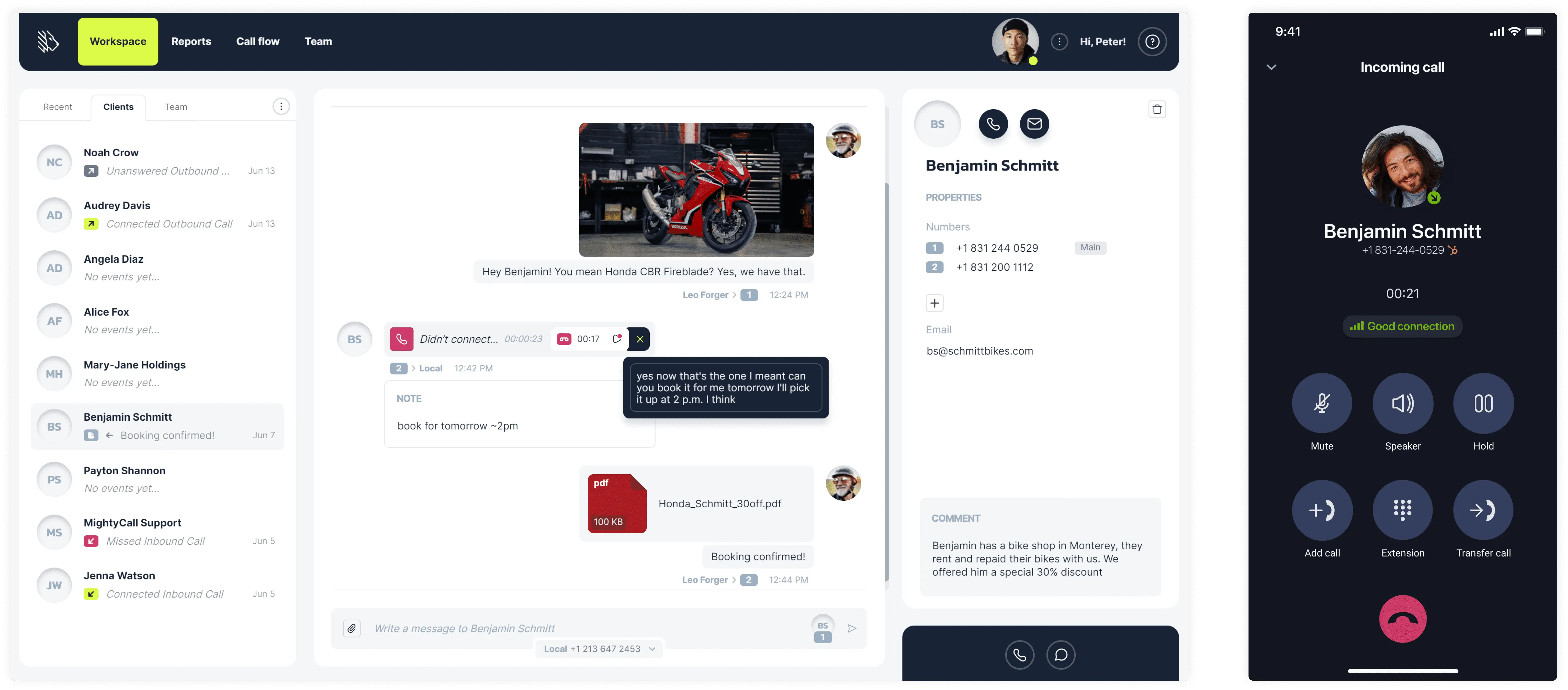
MightyCall is a cloud-based virtual phone and call-center platform for small and mid-sized teams that need multi-line calling, IVR, call queues, and outbound dialing without physical hardware.
Pricing (annual)
- Core: $20/user/month
- Pro: $38/user/month
- Power: $54/user/month
- Enterprise: $65/user/month
Top features & integrations
- Multi-level IVR
- Call queues
- Call recording, voicemail, voicemail-to-text
- Auto-dialer: preview, progressive, predictive
- All major CRM integrations
Pros and cons
| Pros | Cons |
|---|---|
| 3 phone numbers included per plan (local/toll-free mix) | Some users report occasional call and app reliability issues |
| All core call-center features are included in the entry plan | Limited CRM integrations and API available |
User feedback
MightyCall has a 4.4/5 score on G2. Users appreciate the platform’s ease of use, quick setup, reliable call management, and helpful customer support.


MightyCall solved the problem by enabling bulk calling and SMS, because we got to make a lot cold calls and SMS. Then, it also helps with auto recording call feature, that as a supervisor I can listen to, by just going in the report section. Also, there are unlimited minutes for USA and Canada, please addition of new phone numbers that help a lot.
Best for
Mid-sized sales or service teams (20-80 seats) that want a full call-center feature set (queues, recording, dialer) in a single system.
schedule your personalized demo with our amazing team

2. RingCentral (RingEX) — best for CRM-focused teams
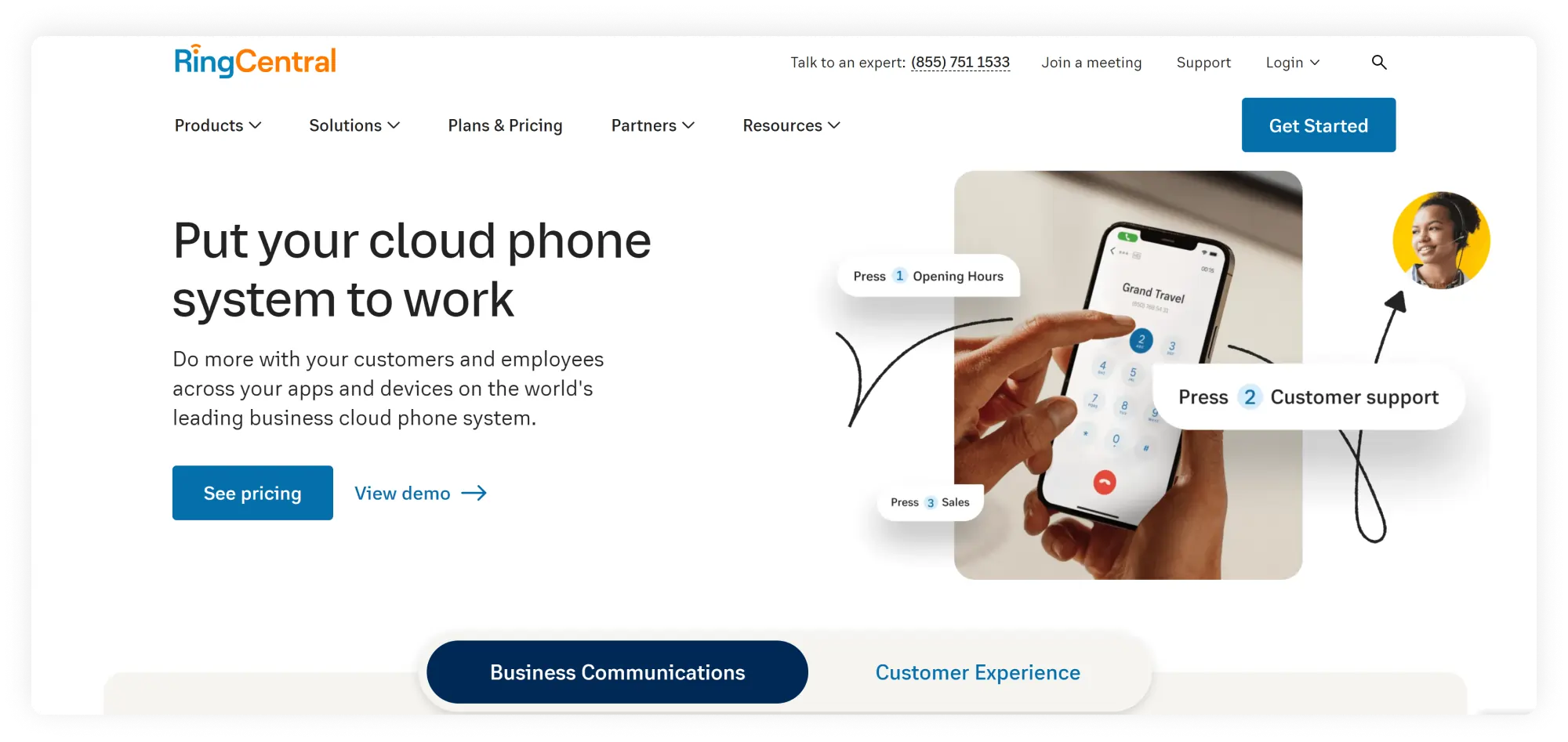
RingCentral RingEX is a unified communications platform with deep CRM integrations and a large app marketplace, suited to mid-market teams that run complex sales or support workflows in Salesforce, HubSpot, or similar.
Pricing (annual)
- Core: $20/user/month
- Advanced: $25/user/month
- Ultra: $35/user/month
- Customer Engagement Bundle: Custom pricing
Top features & integrations
- All major CRM integrations
- Auto call recording
- Call queues
- Team messaging
- Video meetings
- AI receptionist
- Call summaries
Pros and cons
| Pros | Cons |
|---|---|
| Deep, two-way CRM integrations (call logging, screen pops, SMS logging) | Real total cost rises with add-ons (contact center, advanced analytics, extra minutes) |
| Strong enterprise-grade admin, analytics, and compliance features | CRM integrations require Advanced plan |
User feedback
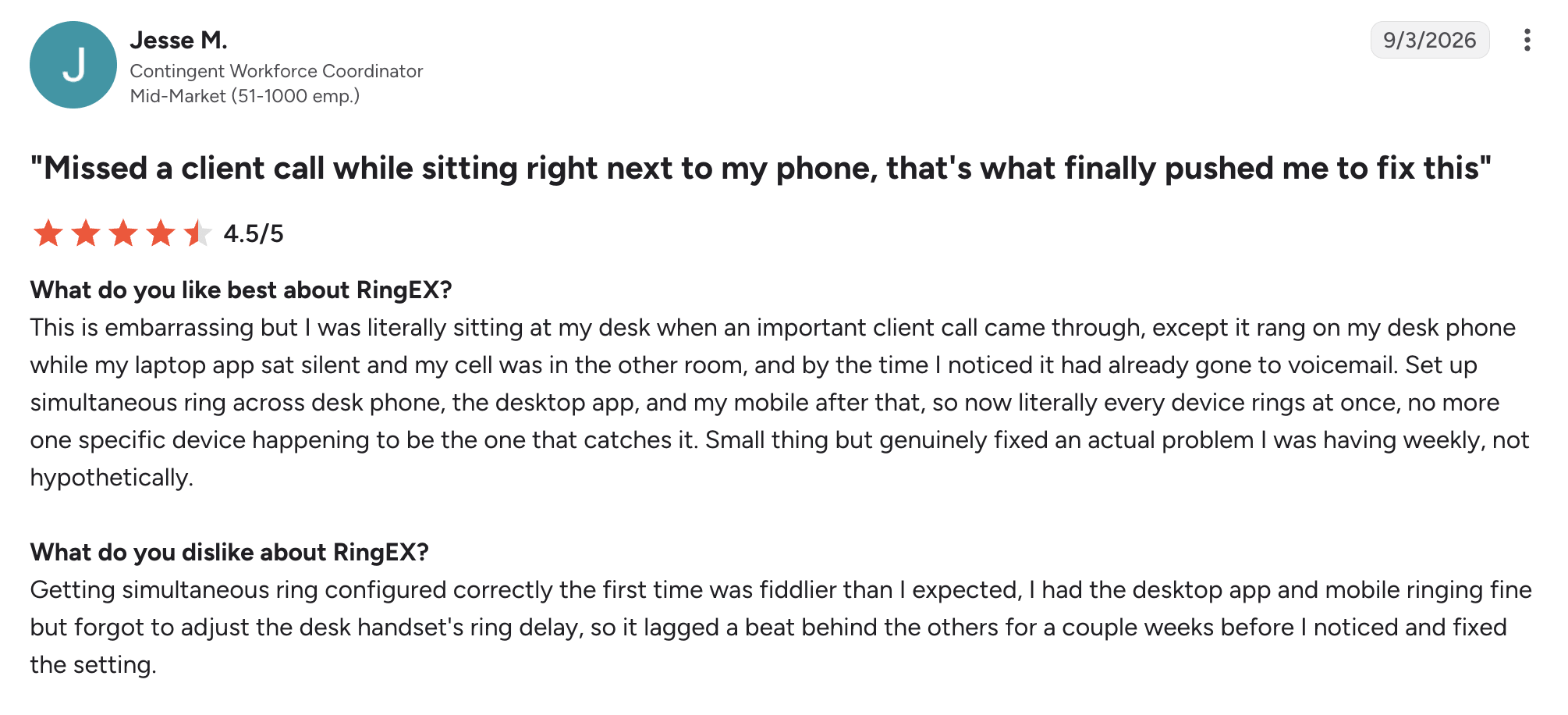
RingCentral holds a 4.2/5 score on G2. Reviewers highlight reliability and integration depth, though some note setup/UX complexity.
Best for
CRM-heavy sales or support teams (50-250 seats) that need deep Salesforce or HubSpot integration and a broad app ecosystem.
3. Nextiva — best for service-oriented businesses that want one predictable bill
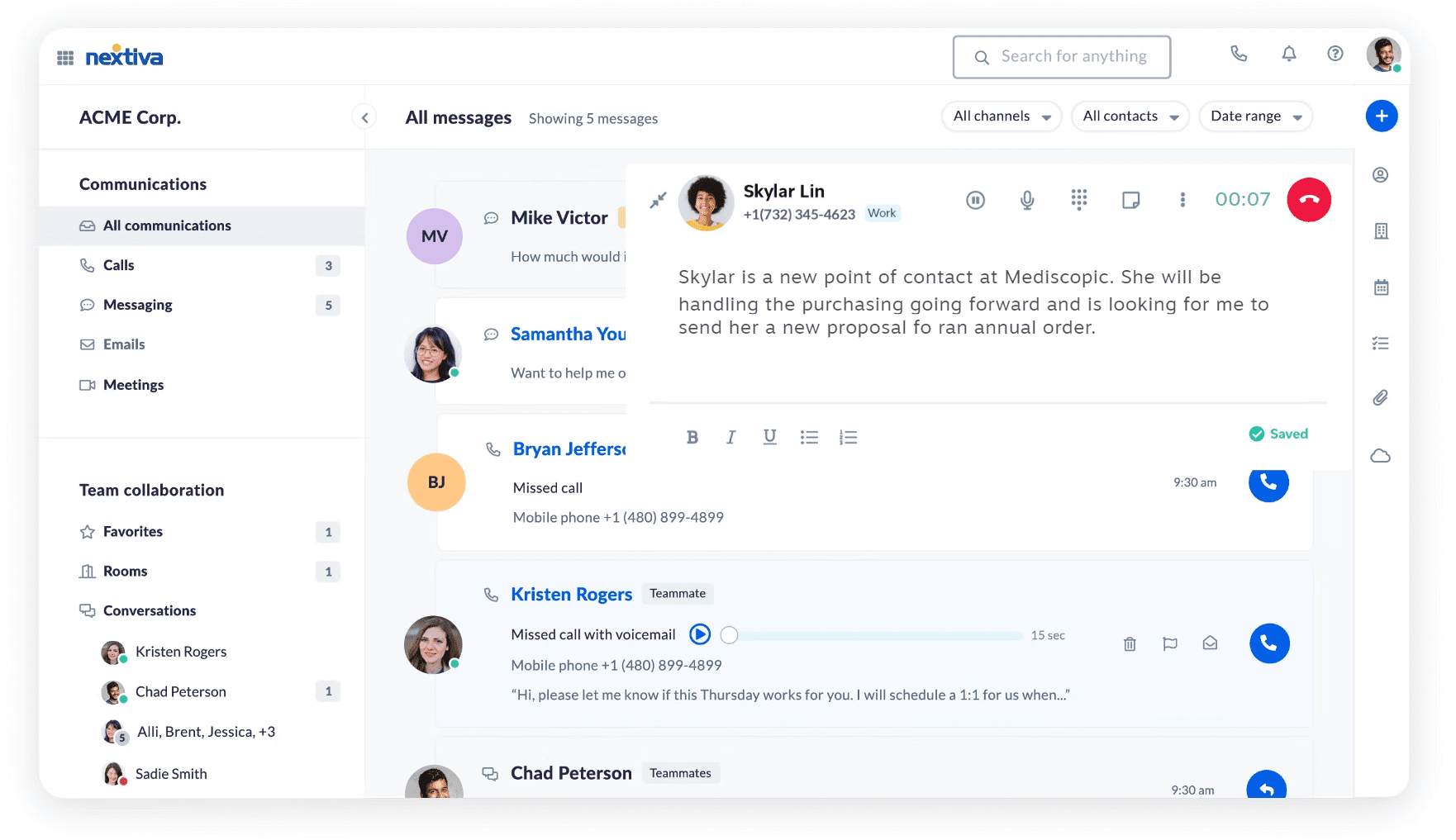
Nextiva is an all-in-one VoIP provider and customer-experience platform with bundled contact-center, AI, and CRM tools, aimed at service businesses that want voice, messaging, and support features under a single vendor and bill.
Pricing (annual)
- Core: $15/user/month
- Engage: $25/user/month
- Scale: $75/user/month
Top features & integrations
- Built-in inbound call center
- AI transcription
- Call summaries
- Skills-based routing
- All major CRM integrations
- Team messaging
- Video meetings
- Advanced reporting
Pros and cons
| Pros | Cons |
|---|---|
| Contact-center and AI features bundled rather than sold as separate add-ons | Some users note a setup and reporting learning curve and occasional app glitches |
| Predictable, tiered pricing with clear feature gates | Advanced AI features require a top-tier plan |
User feedback
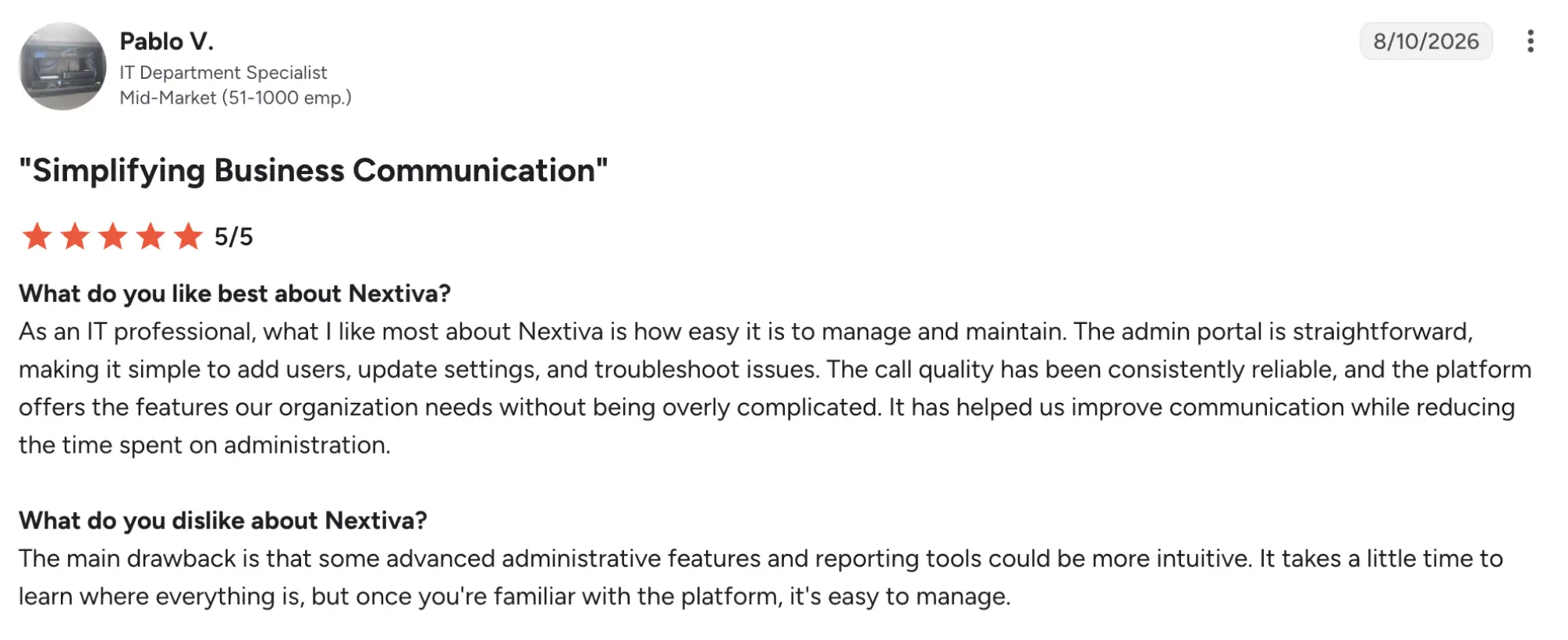
Nextiva has a 4.5/5 rating on G2. Users praise reliability, ease of use, and support.
Best for
Service-oriented mid-market teams (30-150 seats) that want voice, chat, and basic contact-center capabilities in one platform with predictable pricing.
4. Zoom Phone — best for mid-sized businesses already paying for Zoom Meetings
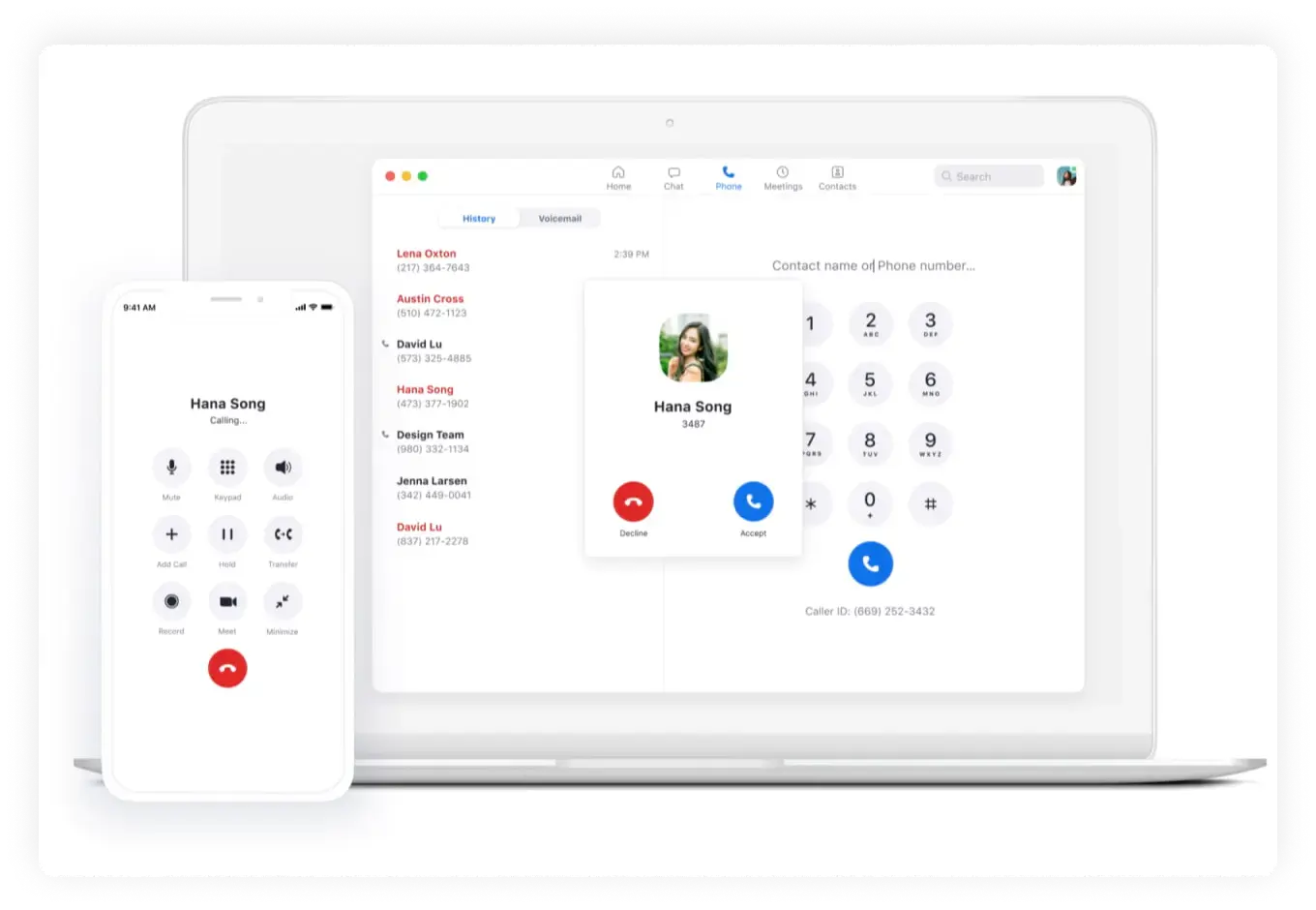
Zoom Phone is a cloud calling service built into the Zoom client, designed for organizations already using Zoom Meetings that want to add basic call management in the same app.
Pricing (annual)
- US & Canada unlimited: $16/user/month
- Pro Plus: $20.50/user/month
- Business Plus: $24.50/user/month
Top features & integrations
- Auto-attendants
- Call queues
- Call recording, voicemail transcription
- All major CRM integrations
- Mobile and desktop softphone in the same Zoom app
Pros and cons
| Pros | Cons |
|---|---|
| Lowest entry price among major UCaaS service providers for teams already on Zoom | Not a full contact-center; advanced routing/analytics require add-ons or third parties |
| Single app for meetings, chat, and calling reduces context switching | Analytics depth and call-center features are lighter than dedicated CCaaS platforms |
User feedback
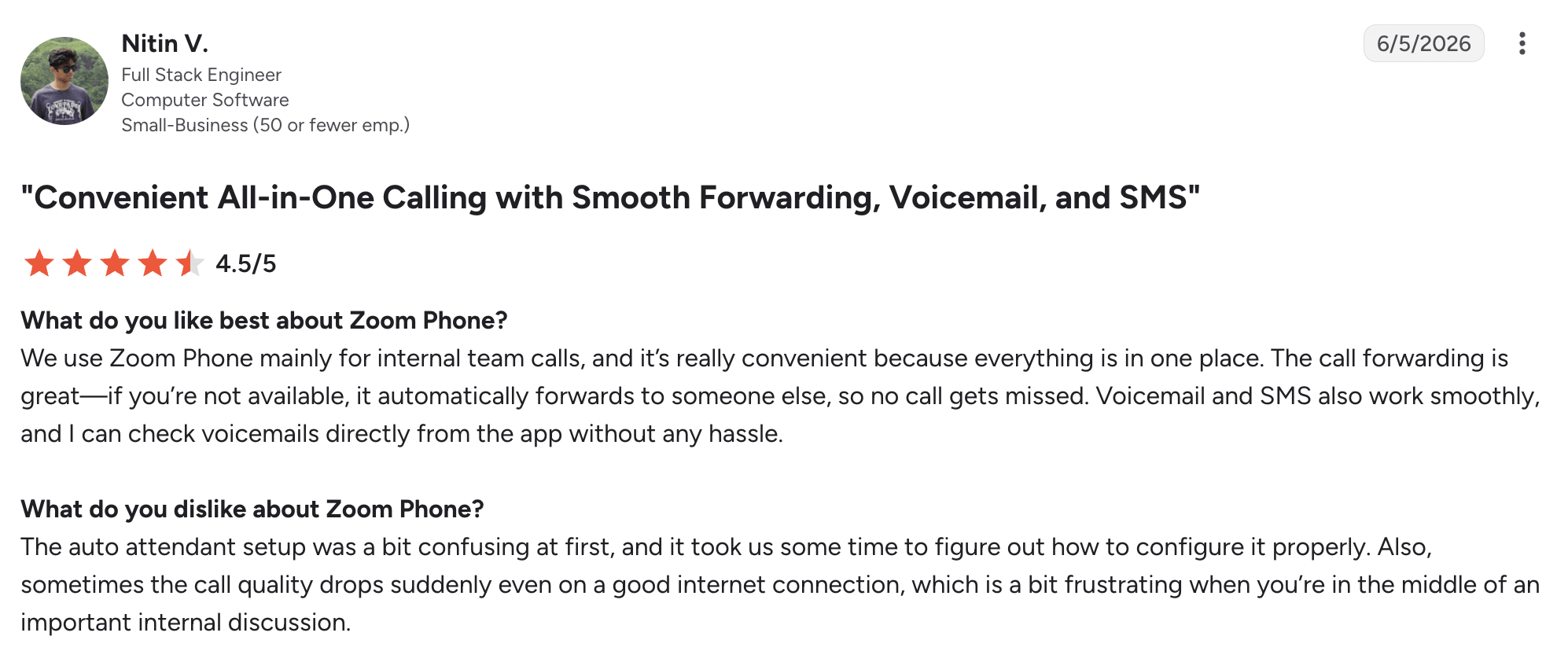
Zoom Phone holds a 4.6/5 rating on G2. Users appreciate the platform’s reliability and ease of use. Analytics depth, however, is the recurring gap for calling teams.
Best for
Mid-sized teams (40-200 seats) already using Zoom Meetings that want to add calling with minimal new tooling.
5. Dialpad — best for AI-first sales teams
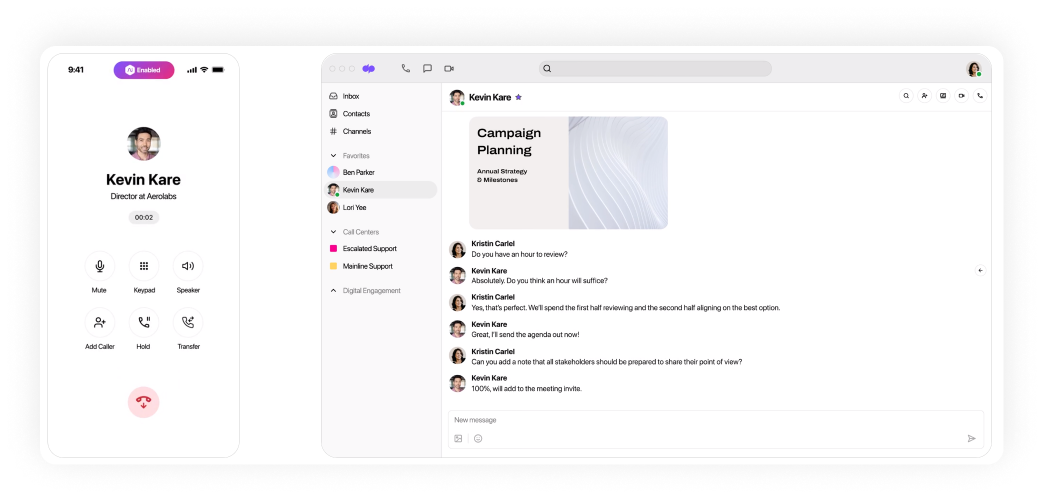
Dialpad is an AI-native UCaaS and contact-center platform with real-time transcription, call scoring, and coaching built into every plan, aimed at sales and support teams that want embedded voice intelligence.
Pricing (annual)
- Standard: $15/user/month
- Pro: $25/user/month
- Enterprise: Custom pricing
Top features & integrations
- Real-time AI transcription
- Call summaries
- Sentiment analysis
- AI coaching
- All major CRM integrations
Pros and cons
| Pros | Cons |
|---|---|
| Real-time transcriptions included at entry level | Seat minimums and add-ons can raise effective cost for small teams |
| Strong sales-focused features (talk-time, coaching, call scoring) | Some users report slower support and billing complexity |
User feedback
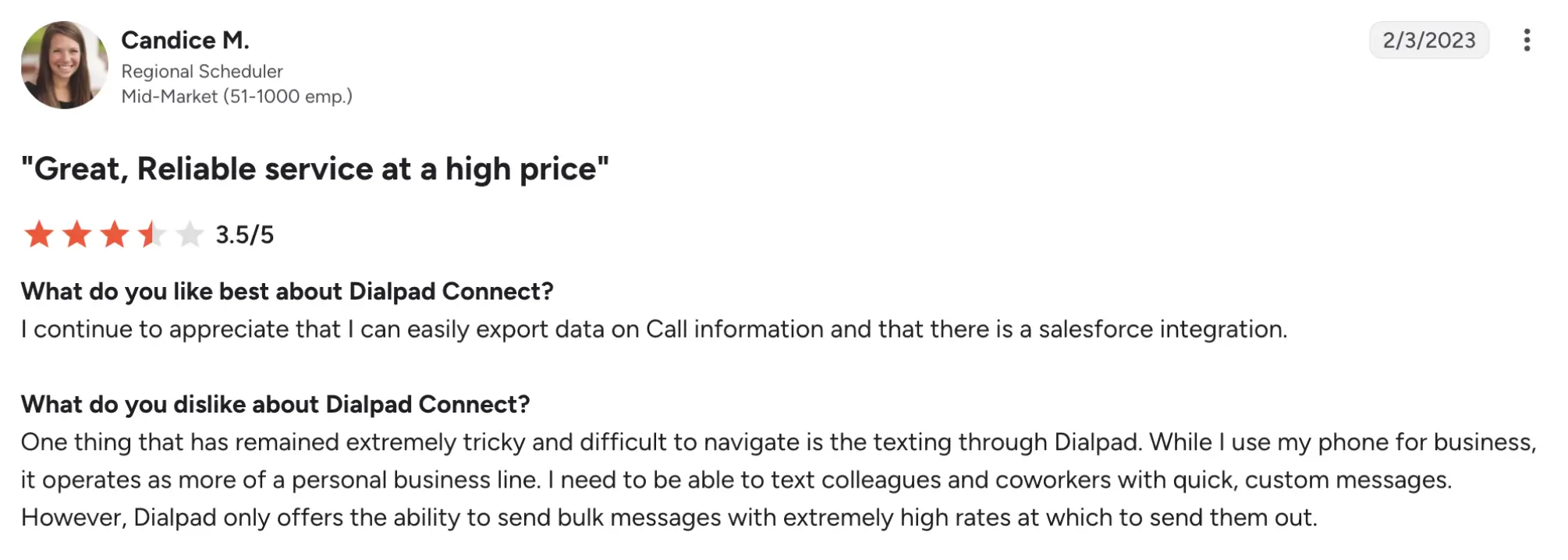
Dialpad holds a 4.4/5 rating on G2. Users praise transcription and AI features. However, some users complain about slow support and that texting might be tricky.
Best for
AI-first sales teams (25-120 seats) that want real-time transcription, coaching, and call analytics baked into their VoIP phone system.
6.Microsoft Teams Phone — best for Microsoft 365 shops
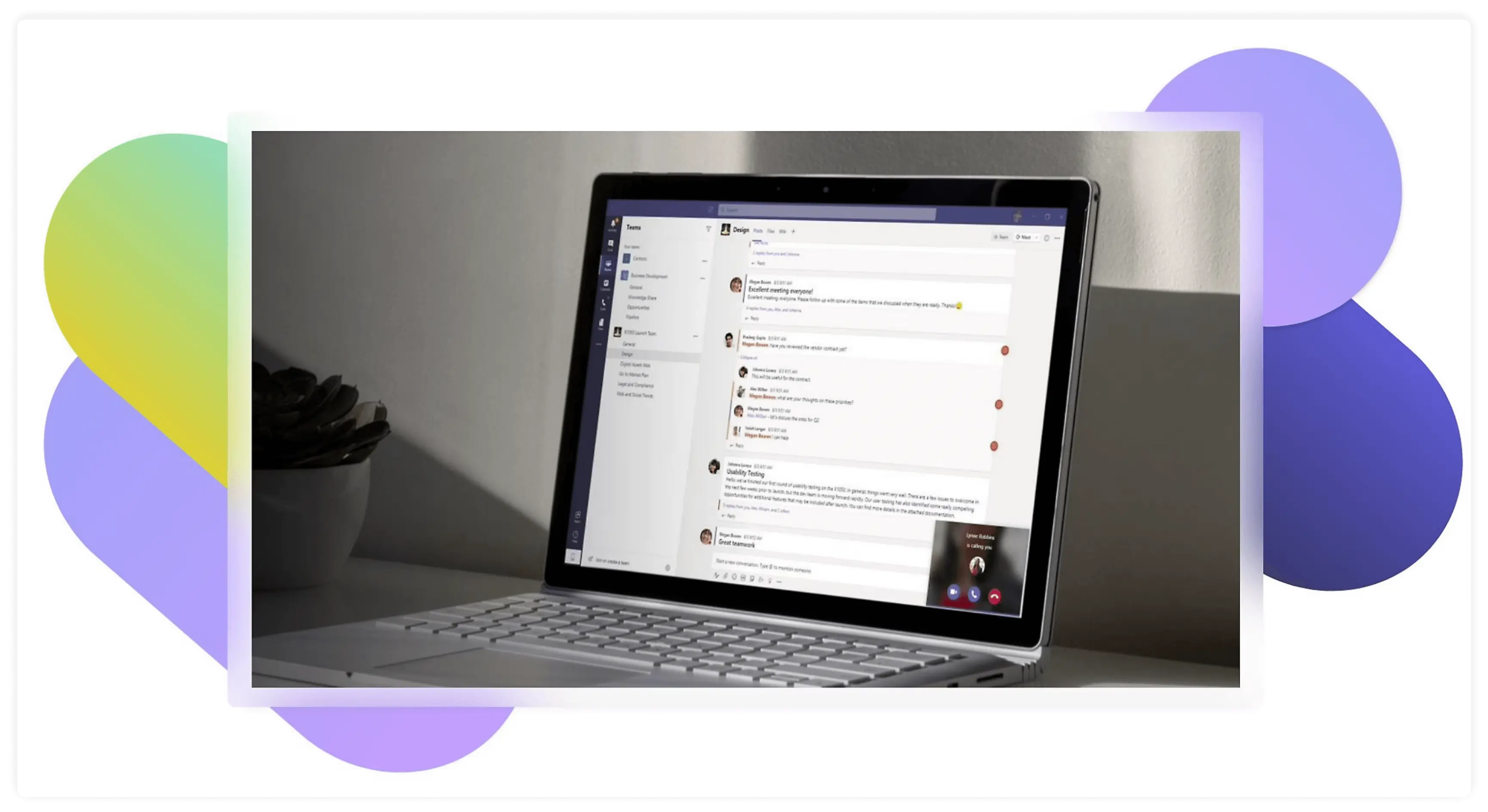
Microsoft Teams Phone is the calling layer for Microsoft Teams, turning an existing M365/Teams environment into a full business phone system with auto-attendants, call queues, and enterprise compliance.
Pricing (annual)
- Teams Phone Standard: $10/user/month
- Teams Phone with pay-as-you-go calling (country zone 1 – US): $13/user/month
- Teams Phone with Calling Plan (country zone 1 – US): $17/user/month
- Teams Phone with domestic and international calling: $34/user/month
Top features & integrations
- Auto-attendants
- Сall queues
- Voicemail transcription
- Emergency calling
- Deep integration with Outlook, Teams chat, SharePoint, M365 security/compliance
Pros and cons
| Pros | Cons |
|---|---|
| Lowest cost for organizations already using M365 | Requires separate M365 license |
| Unified admin, security, and compliance within M365 | PSTN options and emergency calling setup add complexity vs. all-in-one VoIP providers |
User feedback
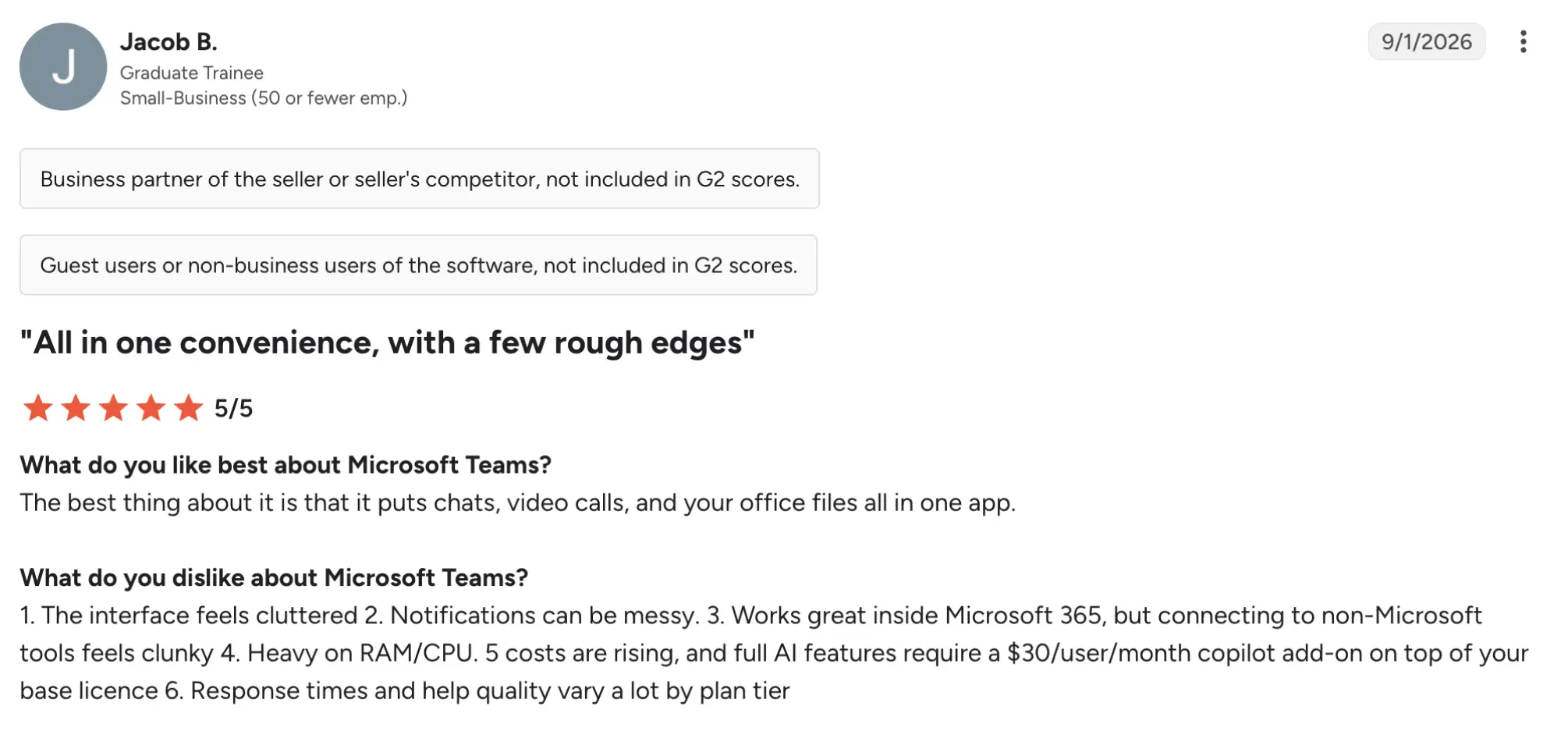
Microsoft Phone has a 4.4/5 rating on G2. Users praise the seamless integration with Microsoft 365. However, many users complain that the interface is cluttered.
Best for
Microsoft 365-centric organizations (50-250 seats) that want calling inside Teams and are comfortable managing PSTN options separately.
7. Ooma Office — best for small or medium-sized teams
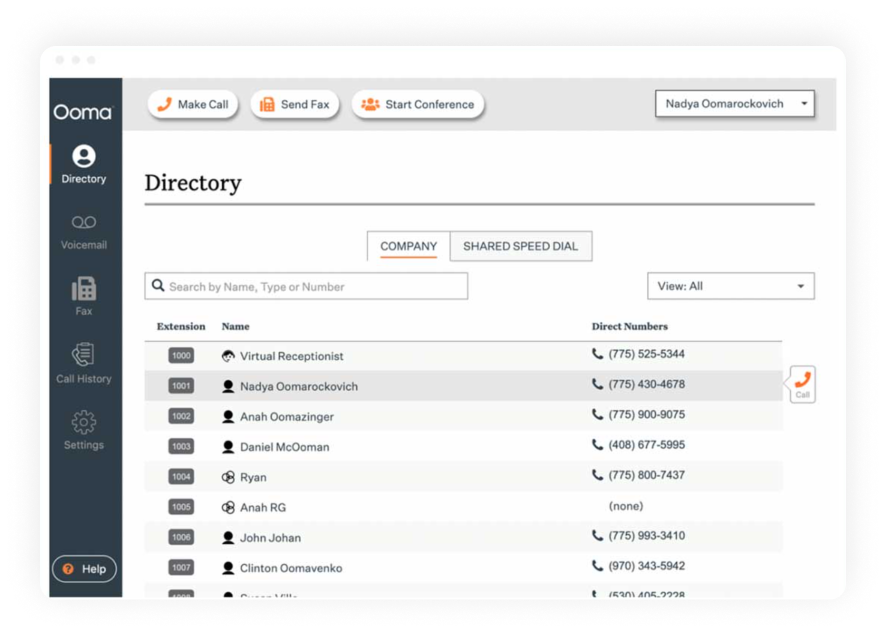
Ooma Office is a small-business VoIP system with CRM integration, AI transcription, and call queuing, aimed at teams under 50 seats that want a simple, low-cost phone service with a few mid-market features.
Pricing (annual)
- Ooma Office Essentials: $19.95/user/month
- Ooma Office Pro: $24.95/user/month
- Ooma Office Pro Plus: $29.95/user/month
Top features & integrations
- All major CRM integrations
- AI transcription and insights
- Team chat
- Call queuing
- Virtual receptionist
- Call recording
Pros and cons
| Pros | Cons |
|---|---|
| Low entry price | High hidden costs |
| CRM and AI features available at Pro Plus without moving to a full CCaaS platform | Advanced contact-center and analytics capabilities are limited compared to other vendors |
| Simple setup and administration for small IT teams |
User feedback
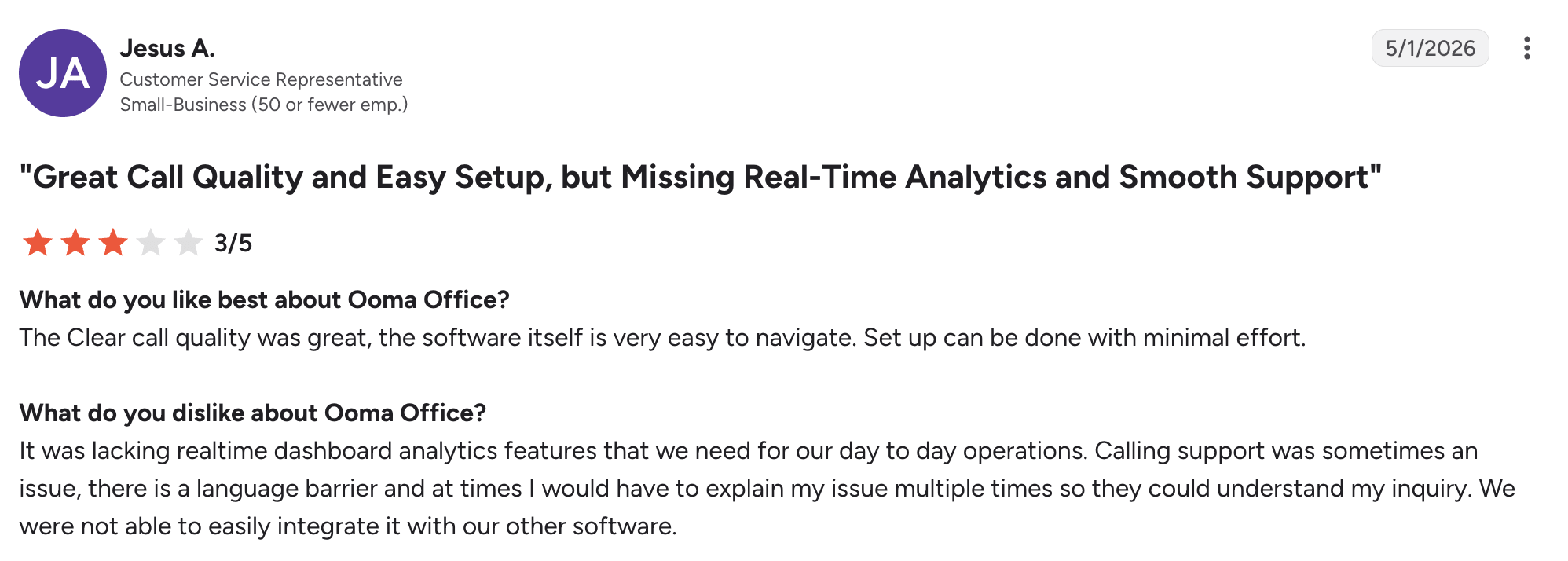
Ooma Office holds a 4.5/5 rating on G2. Ooma is generally rated well for ease of use and value in small-business contexts. However, people highlight the lack of advanced analytics.
Best for
Smaller mid-market teams (10-50 seats) that want a straightforward, low-cost system with basic CRM and AI features but no heavy contact-center needs.
Cloud VoIP vs. on-premises PBX: What’s actually different for a medium business
Cloud VoIP runs your phone system for medium businesses in the provider’s data centers online. Meanwhile, an on-premises PBX lives in your office as physical hardware you own and maintain. For a medium business, the practical differences show up in ownership, cost, and how easily the system scales as you grow.
A typical scenario: a 40-person company with a legacy PBX opens a second office and adds 15 remote staff; suddenly, adding lines, routing calls between sites, and supporting mobile workers requires new cards, licenses, and on-site IT time, whereas a cloud system would handle this through the admin portal and app logins.
Key differences
- Ownership/maintenance: PBX = on-site hardware, internal IT or vendor visits for updates and repairs; cloud VoIP = provider-managed platform, updates and uptime handled off-site.
- Cost structure: PBX = front-loaded capital expense (hardware, installation, licenses); cloud VoIP = subscription operating expense (per-user/month, predictable).
- Scalability: PBX = adding lines/sites often requires new hardware and configuration; cloud VoIP = add users, numbers, and sites via software, useful when crossing ~50 seats or opening new locations.
- Remote-work support: PBX = built for desk phones on one LAN; cloud VoIP = native softphone/mobile apps for distributed teams.
- Limitation: Cloud VoIP depends on internet quality and redundancy; poor or unstable connections directly affect call quality and uptime.
Key features to look for in a VoIP service for medium-sized businesses
At 50–200 employees, the right VoIP service reduces IT overhead, supports distributed teams, and gives leadership visibility into call operations; the checklist below translates those needs into concrete, checkable capabilities.
SLA-backed uptime with geo-redundant data centers
Look for a published SLA (e.g., 99.9%+), multiple geographically distributed data centers, and automatic failover or call rerouting during outages. At this size, a single office-wide outage affects dozens of staff and customers, so architectural redundancy matters more than for a tiny team.
Self-service scaling across users and sites
Prioritize systems with a single admin console that can add or remove users and extensions without vendor tickets, manage multiple sites, and handle number porting and E911 per location. When you’re regularly onboarding a bunch of hires or opening a second office, manual, line-by-line changes become a real time sink for IT.
Native CRM and helpdesk integrations
Check for native integrations (not just Zapier workarounds) with your CRM or helpdesk (e.g., Salesforce, HubSpot, Zendesk), browser-based click-to-dial, and automatic call logging back into those tools. For sales and support teams, this removes double-entry and ties every call to a contact or ticket.
Real-time dashboards and exportable call analytics
Look for live call dashboards plus historical reports on volume, wait times, and missed calls, with CSV export or an open API for custom reporting. An ops manager, for example, should be able to pull last quarter’s call-volume and wait-time data to justify staffing changes to leadership.
A web-based admin portal with visual IVR builder
Choose a system with a browser-based admin portal usable by non-telecom staff, a drag-and-drop IVR or auto-attendant builder, role-based permissions, and bulk user provisioning. This keeps routine changes (greeting updates, queue tweaks) in-house instead of requiring vendor support.
Desktop and mobile softphone apps with presence
Ensure there are dedicated desktop and mobile apps, a single business number that follows the user across devices, and presence or status indicators. For hybrid teams, this is what makes “office phone” behavior work reliably from home, co-working spaces, or the road.
Automated outbound dialing (preview/progressive/predictive)
For sales or collections teams, look for built-in auto-dialer modes (preview, progressive, or predictive) that work through call lists without manual dialing, plus options to skip unanswered calls and auto-log outcomes. This directly reduces rep time spent on dead ends and manual logging.
The productivity case is significant: Salesforce’s 2026 State of Sales report found that sales reps spend only 40% of their average workweek selling, with the remaining 60% going to prospecting, data entry, planning, training, and other non-selling work. Automating repetitive dialing and call-logging tasks can reduce that administrative burden and give reps more time for actual customer conversations.
What does VoIP cost for a medium-sized business?
Based on the pricing plans we reviewed, cloud VoIP service for a 50–200 employee company typically costs $15–$35 per user per month on standard mid-tier plans from major providers.
Where you land in that range depends on user count, locations, and feature depth. Entry tiers (e.g., basic calling, SMS, softphone) cluster around $15–$22/user/month, while plans with advanced analytics, CRM integrations, call recording, and contact-center capabilities push toward $25–$35/user/month.
Add-ons such as premium integrations, extra toll-free minutes, or higher support tiers can further increase the effective per-seat cost, so compare the total package when budgeting. For example, enabling advanced call analytics or a full auto-dialer often requires moving up a plan tier or purchasing an add-on, shifting a team from the low to the high end of the range.
How to implement a new phone system without disrupting your business
Switching phone systems is less risky when you treat migration as a structured project rather than a flip-of-a-switch change; the steps below outline a low-disruption path that most mid-sized teams can follow.
- Audit current call flows, extensions, and integrations. Map existing auto-attendants, ring groups, direct lines, and CRM or helpdesk integrations so you don’t miss anything critical during the move.
- Plan number porting and E911 addresses early. Initiate porting for your main and direct numbers well in advance, and define E911 (emergency calling with location data) for every site to avoid compliance and safety gaps.
- Pilot with one department or location first. Roll out the new system to a single team or office, validate call quality and workflows, then refine before company-wide cutover.
- Train staff on the admin console and softphone apps. Run short, role-based sessions so users know how to place/transfer calls, use voicemail, and access mobile/desktop apps correctly.
- Schedule cutover during low-volume windows and keep a fallback. Move lines after hours or on weekends, and maintain a temporary forwarding rule or backup line in case issues arise during the transition.
Our product manager, Nikolai Kalinin, recommends the following:

The safest way to implement a new phone system is to treat it as a migration, not a switch. Start with a small group of users, validate call flows and integrations in a real environment, and only then expand the rollout. A phased approach gives you time to identify issues without putting the entire business operation at risk.
Common mistakes to avoid when choosing a medium business phone system
Even well-researched VoIP decisions can create headaches later if a few common pitfalls aren’t caught early. The list below highlights mistakes that tend to surface only after a company has already committed.
- Choosing based on price alone without checking scalability. A medium business phone system that fits today’s budget may lack multi-site management, advanced call flows, or auto-dialer capacity, forcing a costly re-platform when headcount or locations grow.
- Underestimating internet and network readiness. VoIP call quality depends on sufficient bandwidth, low latency, and basic QoS settings; skipping a network check often leads to choppy audio and dropped calls after go-live.
- Skipping a pilot and rolling out company-wide immediately. Without testing with one team or office first, configuration errors and workflow gaps only become visible during a full cutover, increasing disruption.
- Assuming CRM integrations work as needed without testing. A feature list may promise “integration,” but click-to-dial, call logging, or screen pops might be limited or require higher tiers. Validate this before signing.
- Overlooking remote-worker E911 and address requirements. Distributed teams need accurate emergency location data per user; ignoring this can create compliance and safety risks for hybrid organizations.
Finding the right phone system for your mid-sized team
The best phone system for a mid-sized business isn’t a single “winner,” but the one that aligns with your mix of requirements. Consider your CRM dependencies, remote-work needs, and budget. Applying the seven criteria in this guide to your situation will probably narrow down your choices.
Next step: If your team needs a call center system with multi-level IVR, CRM integrations, and auto-dialer options, request a personalized demo or quote to see how MightyCall fits your mid-sized operation.