

Key takeaways
- Budget-friendly option of VoIP for freelancers: Google Voice – either free or personal tier, starting at $10/month. Especially useful for people who already work within the Google Workspace ecosystem.
- Best for small teams: MightyCall offers unlimited calling & texting, voicemail, call recording, and 3 numbers included, starting at $20/user/month.
- Best for Zoom users: Zoom Phone – the unlimited package starts at $16, and the metered plan at $10.50. Ideal for those who can’t imagine their lives without Zoom.
- Best for a physical desk phone: Ooma Office is for those who prefer to do their calling the old-school way.
Now, what freelancers, solopreneurs, or small teams need can be vastly different. First and foremost, a virtual phone system can help you separate business calls from personal numbers, which, in return, projects professionalism. Then features come into the picture. Based on that, let’s decide which platform will help you achieve your goals.
Best virtual phone systems for freelancers in 2026: Quick comparison
| Provider | Cheapest Price (annual)* | Unlimited Calls (USA/Canada) | Unlimited Texts (USA/Canada) | AI Call Summary | Caller ID | Call Recording |
|---|---|---|---|---|---|---|
| Google Voice | $0 (personal) / $10 (business + Workspace) | Yes (business tiers) | Yes (business tiers) | No | Yes | Limited free (incoming); auto on Premium tier |
| Quo (formerly OpenPhone) | $15 | Yes | Yes | Yes (Business tier) | Yes | Yes |
| MightyCall | $20/user | Yes | Yes | Yes | Yes | Yes |
| Zoom Phone | $10.50 (metered) /$16 (unlimited) | Yes (Unlimited tier) | No (metered) | AI Companion (higher tiers) | Yes | Yes (add-on) |
| Ooma Office | $19.95 (month-to-month) | Yes (US/CA/MX) | Yes (Pro tiers) | No | Yes | Pro / Pro Plus only |
| Grasshopper | $14 | Yes (US/CA) | Yes | No | Yes | No |
| iPlum | $8.99 | Yes | Yes (Standard/Professional) | No | Yes | Professional/ Enterprise only |
| Talkroute | $19 | Yes | Yes | No | Yes | Yes (Pro tier+) |
| Line2 | $7.99 | Advertised unlimited (Fair Use Policy; overages possible)** | Yes | No | Yes | Business tier only |
| eVoice | $14 | Yes | No (Limited) | No | Yes | Optional add-on |
**Line2 advertises unlimited, but its terms allow overage enforcement — read the fine print.
For most freelancers, Quo offers a good balance of price and features. However, if you plan to expand your team, a VoIP service like MightyCall can be a great option.
How we evaluated these virtual phone systems
We built our list by comparing current pricing, plan limits, and the features offered. We mostly looked for features that are useful to freelancers and solopreneurs. We focused on criteria that matter most to one-person operations: cost of ownership, calling and texting limits, availability of caller ID and call recording, along with useful AI features.
To determine the top virtual phone systems for freelancers, we looked at:
- Price: Entry-level monthly cost (annual vs. monthly billing noted), including any mandatory add-ons.
- Calling/texting limits: Whether US/CA calling and texting are unlimited or metered, and any fair-use caps.
- Core features: Caller ID, call recording, voicemail transcription, auto-attendant/IVR.
- AI and automation: AI call summaries, AI receptionist, CRM integrations.
- Freelancer fit: Ease of setup, professional appearance, compliance (HIPAA/BAA), and ability to scale beyond solo.
Do freelancers really need a separate business phone number?
Yes, for most freelancers, a dedicated business line solves boundary, privacy, and professionalism problems that a personal cell number can’t. Using your personal number for client work means clients can reach you anytime, which means that they will most definitely try to reach you anytime. You will lose control over your work and rest hours.
A virtual phone system adds a separate business number, business hours routing, dedicated voicemail and texting, and other useful features. Not every freelancer needs all these features, but even a basic second number often pays for itself in reduced stress and clear boundaries.
The 10 best virtual phone systems for freelancers: Detailed review
1. Google Voice: best for freelancers who want zero cost before validating their business
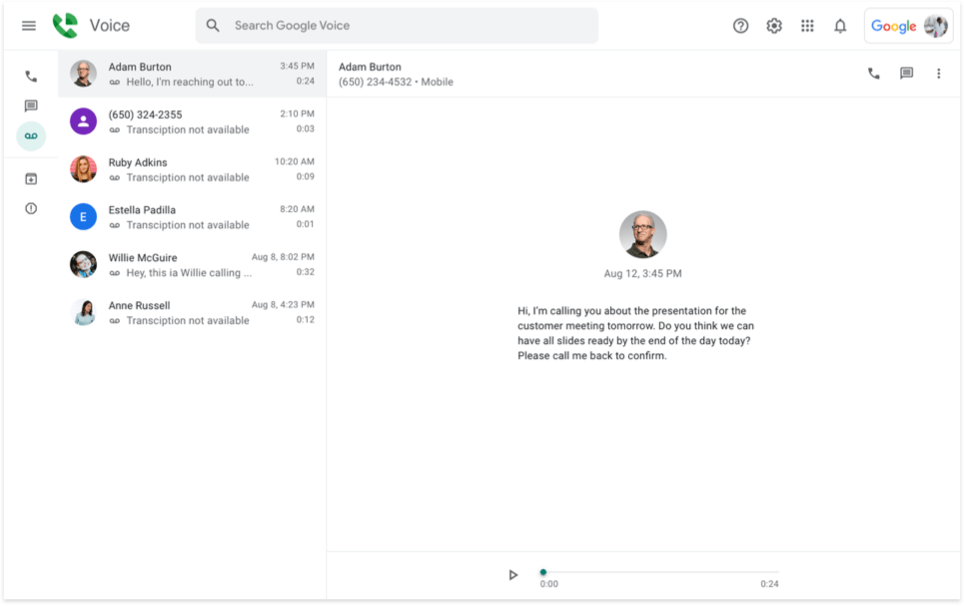
Google Voice for business is a Google Workspace add-on virtual phone system for freelancers and small teams already using Google tools, offering simple business numbers, voicemail transcription, and call forwarding. Its main advantage is tight integration with Gmail and Calendar at a low entry price, but it requires a paid Workspace subscription for business tiers.
Pricing (per month)
- Basic plan: $0
- Starter: $10/user/mo (voice only)
- Starter: $10/user/mo (up to 10 users)
- Standard: $20/user/mo
- Premier: $30/user/mo
Pros and cons
| Pros | Cons |
|---|---|
| Free personal tier provides a real second number with calls, texts, and voicemail transcription | No native call recording on business tiers; AI features are minimal compared to Quo or Zoom Phone |
| Business Starter at $10/user/mo adds admin controls and usage reports | |
| Multi-level auto-attendant and ring groups on Standard; advanced reporting on Premier |
Top features & integrations:
- Business number
- Voicemail transcription
- Call forwarding
- Auto-attendant
- Gmail/Calendar integration
User feedback
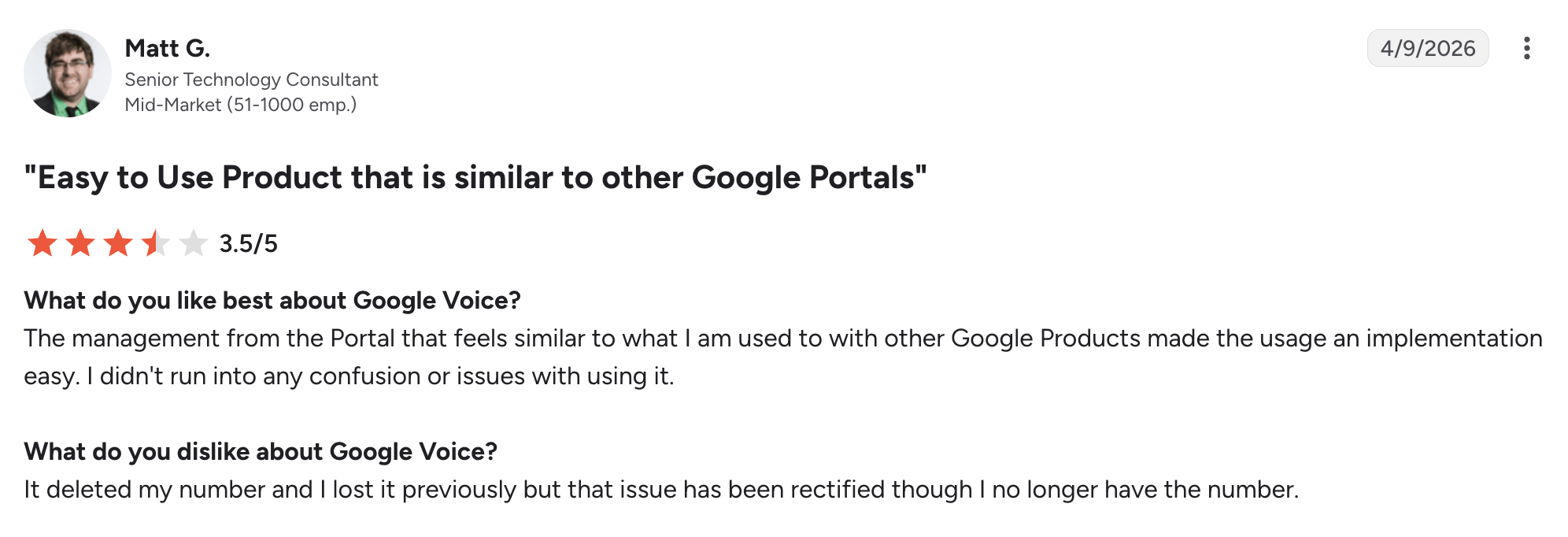
Google Voice has a 4.1/5 rating on G2. Reviewers split between happy solo users and teams wanting more advanced features; overall 4.1/5 reflects solid basics but limited depth.
Best fit
Google-centric freelancers who want a free or low-cost second number and work with Gmail/Calendar daily.
A freelancer who is just starting out can use the free personal tier then upgrade to the $10 business tier once they need admin controls and usage reports.
2. Quo (formerly OpenPhone): best for freelancers who treat the phone as a core work tool
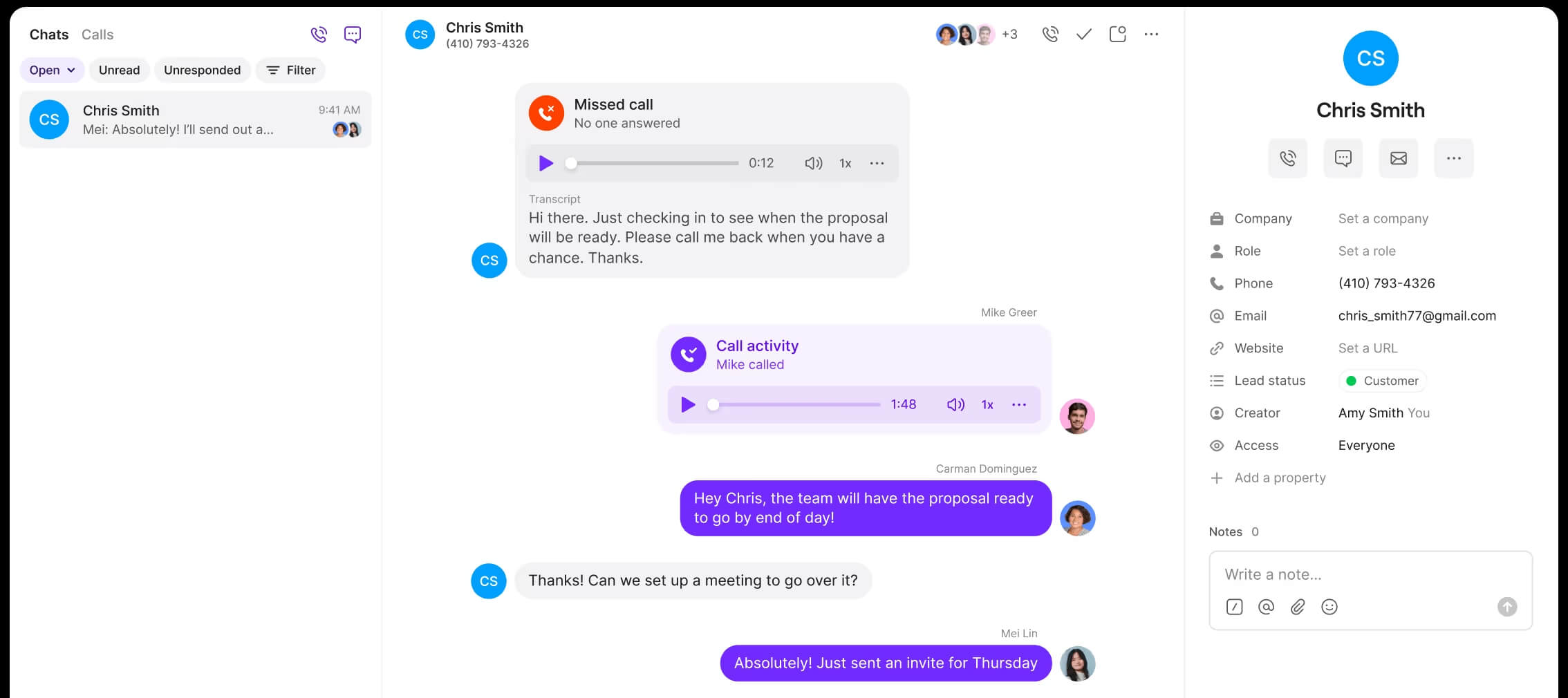
Quo (formerly OpenPhone) is a phone system with shared team inboxes and an AI call answerer, designed for solo operators and small teams who want a modern, mobile-first business line. One of its main highlights is AI call summaries and transcripts.
Pricing (annual)
- Starter at $15/user/mo
- Business at $23/user/mo
- Scale at $35/user/mo
- Sona: Free automation credits included on every Quo plan
Pros and cons
| Pros | Cons |
|---|---|
| Unlimited US/CA calling and texting (Fair Use Policy) on all plans | CRM integrations and AI call summaries require higher tiers |
| Call recording, voicemail transcription, and IVR on Business and above | Sona AI credits beyond the free monthly allotment incur per-call overage fees |
| Sona AI answering agent included; AI call summaries/transcripts on Business+ |
Top features & integrations
- Shared team inbox
- Sona AI
- AI call summaries
- Call recording
- IVR/phone menus
- CRM integrations
- Unlimited US/CA calling/texting
User feedback
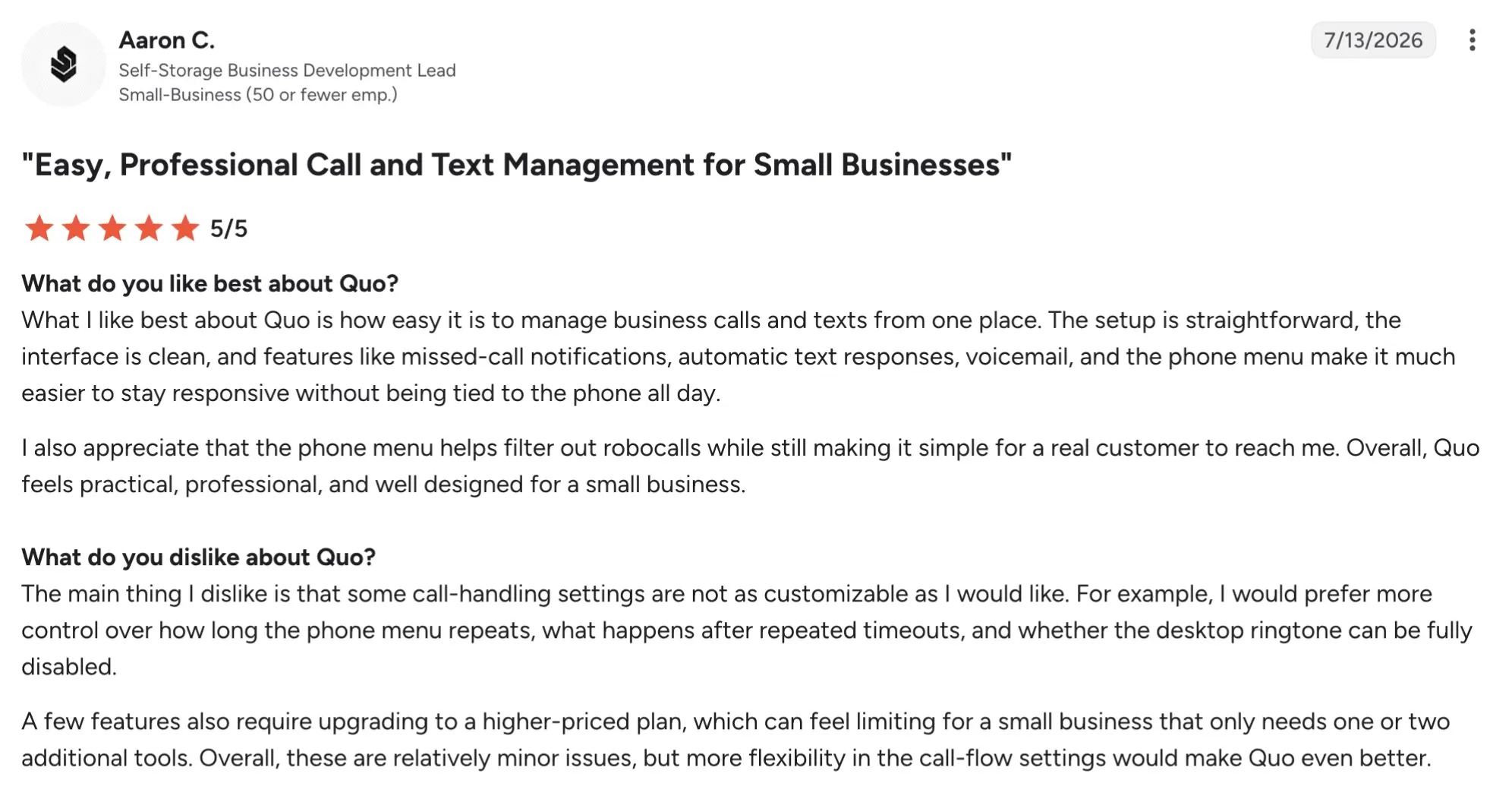
Quo has a 4.7/5 rating on G2. Reviewers praise the interface and texting workflows, with strong marks for ease of use; some recent reviews note support delays and surprise seat charges during the rebrand.
Best fit
Solo freelancers and small teams (1-10 users) who receive daily client calls/texts and want everything logged in one inbox with AI assistance.
A consultant fielding 10-20 client calls daily can route all calls to a shared inbox, record every conversation for later reference, and sync call notes to their CRM so no context is lost if a client calls while they’re in a meeting.
3. MightyCall: best VoIP for small teams on a budget
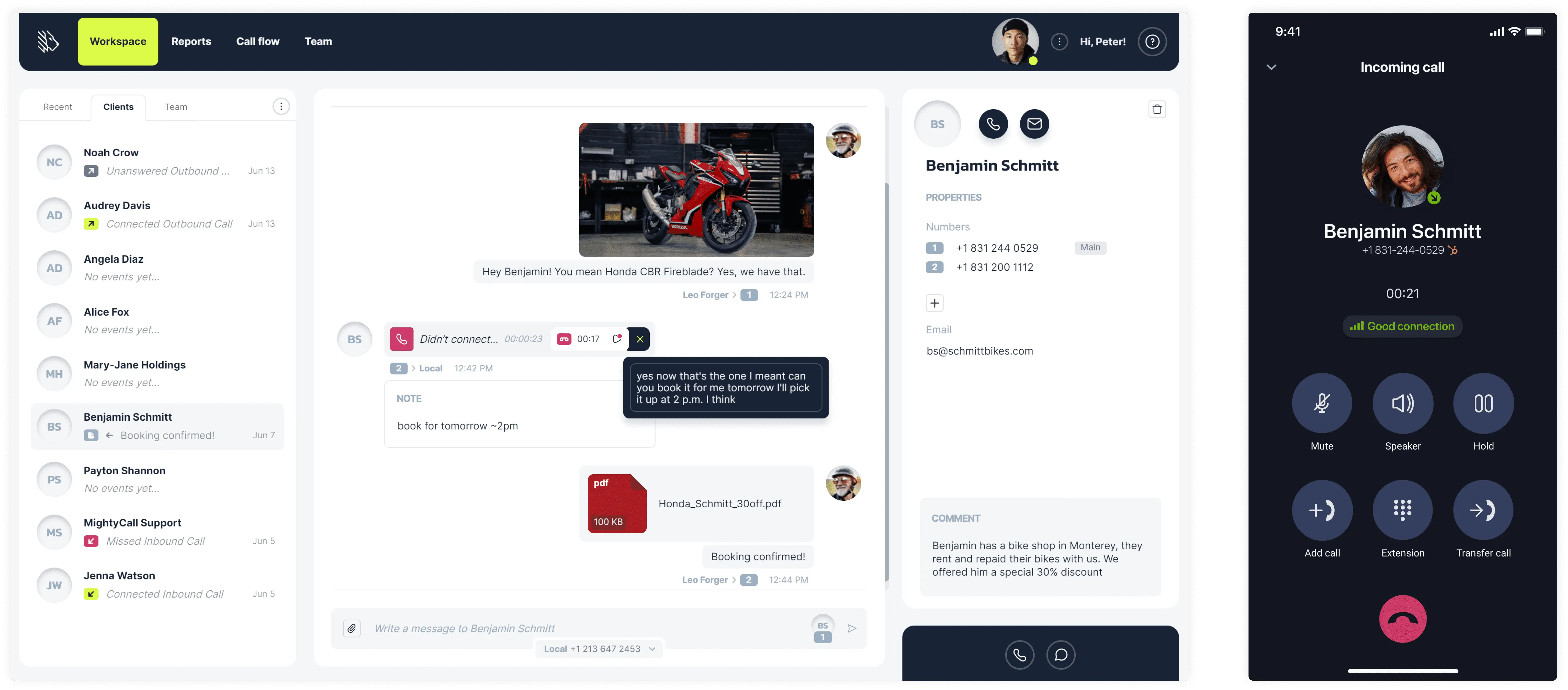
MightyCall is a cloud-based virtual phone system for small teams that want unlimited calling & texting, voicemail, call recording, and included phone numbers at a low per-user price. One of its main differentiators is that the starter plan includes all the advanced VoIP features a business owner needs.
Pricing (annual)
- Core at $20/user/mo
- Pro at $38/user/mo
- Power at $54/user/mo
- Enterprise at $75/user/mo
Pros and cons
| Pros | Cons |
|---|---|
| Three local/toll-free numbers included per plan | 3-user minimum makes it unsuitable for true solo freelancers |
| Multi-level IVR, call recording, and voicemail-to-text | Advanced features, for example, AI summary, require Pro or higher |
| STIR/SHAKEN certified; HIPAA compliance included |
Top features & integrations
- Unlimited calling & texting
- Caller ID
- Multi-level IVR
- Call recording
- Voicemail and voicemail-to-text
- CRM integrations
User feedback
MightyCall has a 4.4/5 score on G2. Reviewers highlight ease of setup and good value for small teams.


MightyCall solved the problem by enabling bulk calling and SMS, because we got to make a lot cold calls and SMS. Then, it also helps with auto recording call feature, that as a supervisor I can listen to, by just going in the report section. Also, there are unlimited minutes for USA and Canada, please addition of new phone numbers that help a lot.
Best fit
Small teams of 3-10 users that want included numbers and dialer features at a predictable per-user cost.
A freelance marketing team with five members could use MightyCall as a virtual phone system to manage client calls without setting up a traditional office phone system. Each team member could have a dedicated business number, while shared calling features would make it easy to route new inquiries, forward calls, and keep client communications organized.
schedule your personalized demo with our amazing team

4. Zoom Phone: best for freelancers who already live in Zoom for client meetings
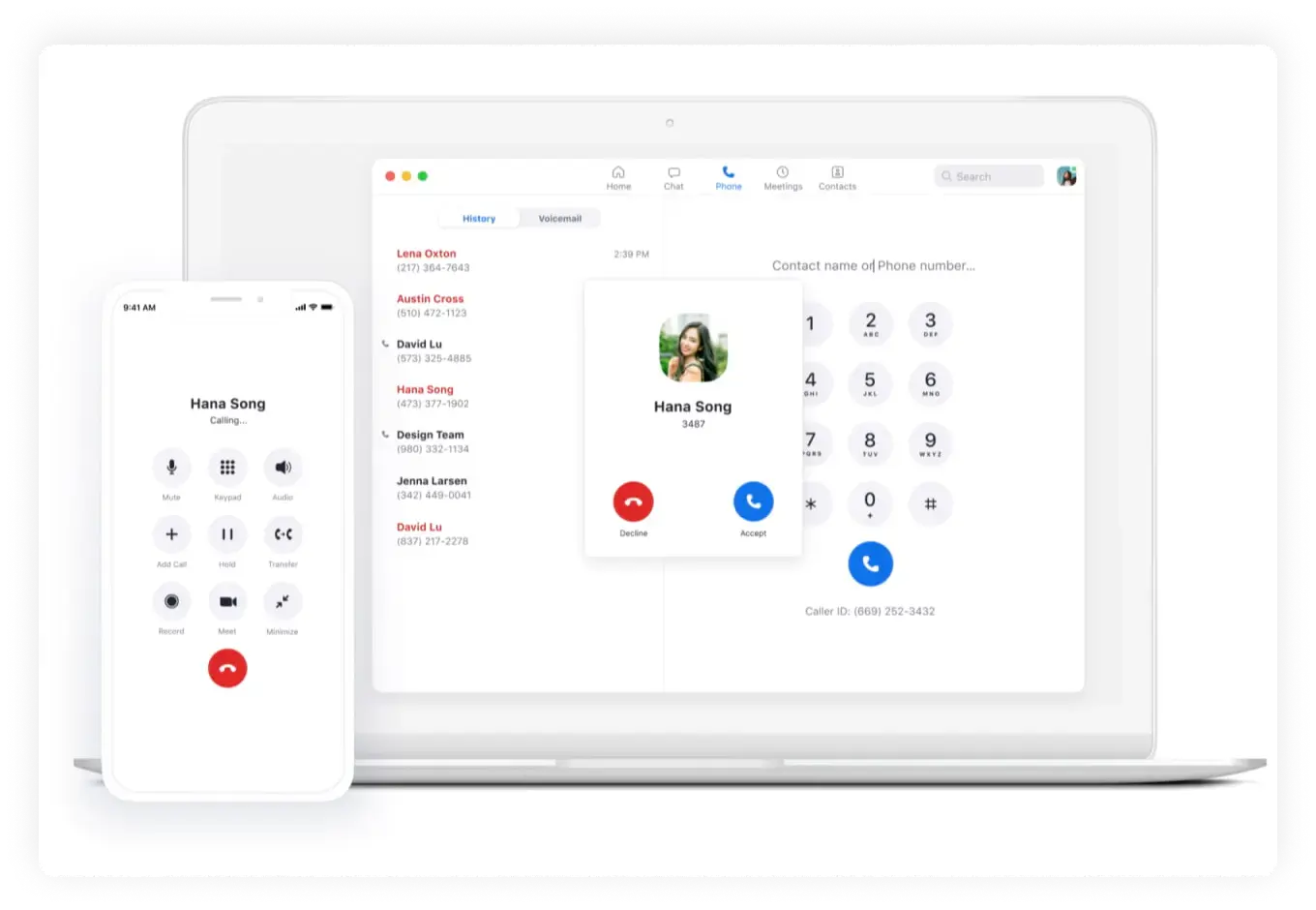
Zoom Phone is a cloud business phone system within the Zoom platform, designed for teams already using Zoom for meetings who want unified calling, SMS, and AI Companion features inside the same app. The main advantage is smooth integration with Zoom Meetings and a low entry price for unlimited US/CA calling.
Pricing
- US & CA Metered at $10.50/user/mo
- US & CA Unlimited at $16/user/mo
- Pro Plus: $20.50/user/mo
- Business Plus: $24.50/user/mo
Pros and cons
| Pros | Cons |
|---|---|
| Low entry price | Metered plan becomes expensive if you exceed 180 outbound minutes/month |
| Unlimited US/CA calling and texting on Unlimited tier | Video meetings on lower Phone tiers are limited to 40 minutes/100 participants unless upgraded |
| AI Companion call summaries and transcription on higher tiers |
Top features & integrations
- Unlimited US/CA calling (Unlimited tier)
- SMS/MMS
- Voicemail transcription
- Auto-attendant
- Call recording
- Zoom Meetings integration
User feedback
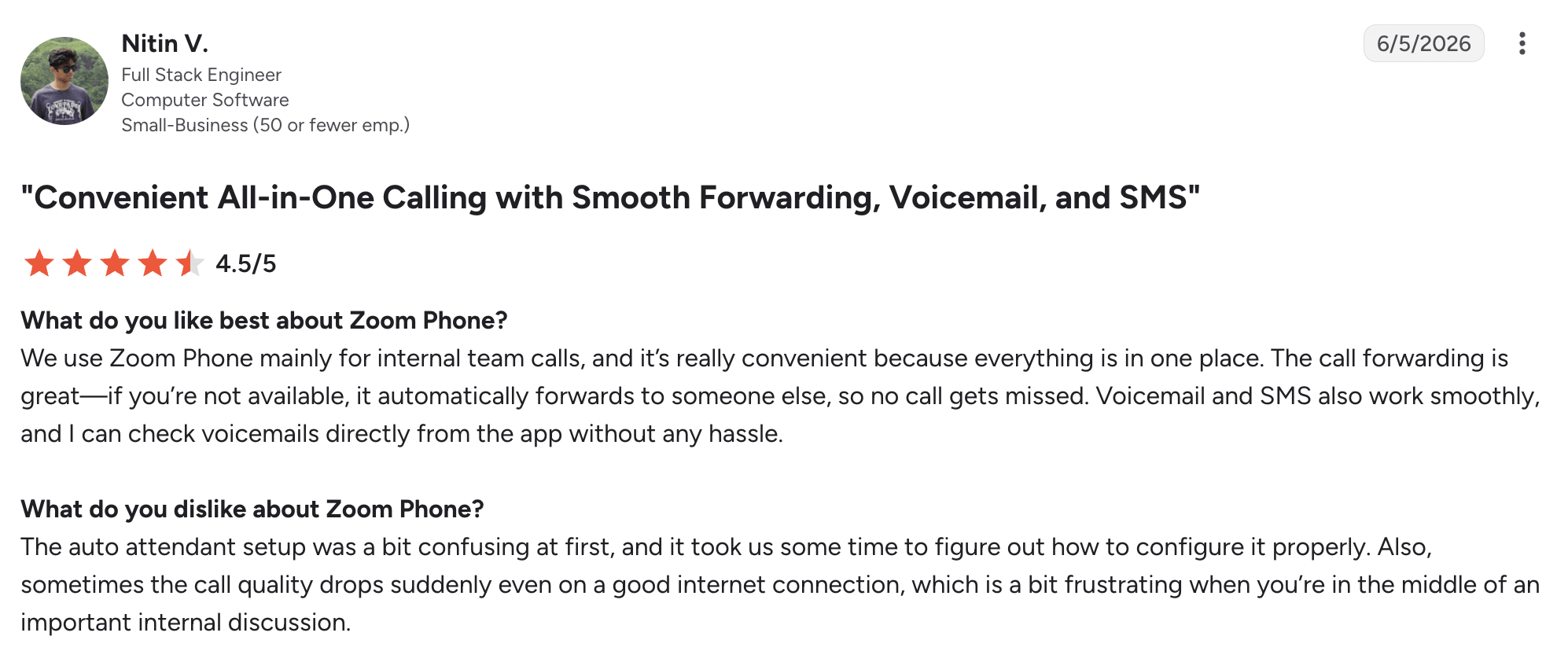
Zoom Phone has a 4.6/5 rating on G2. Users praise the smooth Zoom integration, audio quality, and ease of use; some note the metered plan can get costly for heavy outbound callers.
Best fit
Freelancers who already use Zoom daily for client meetings and want a business line inside the same app.
A freelancer whose client meetings already happen on Zoom can add Zoom Phone to get a real business line inside the same app.
5. Ooma Office: best for home offices that want a physical desk phone without a contract
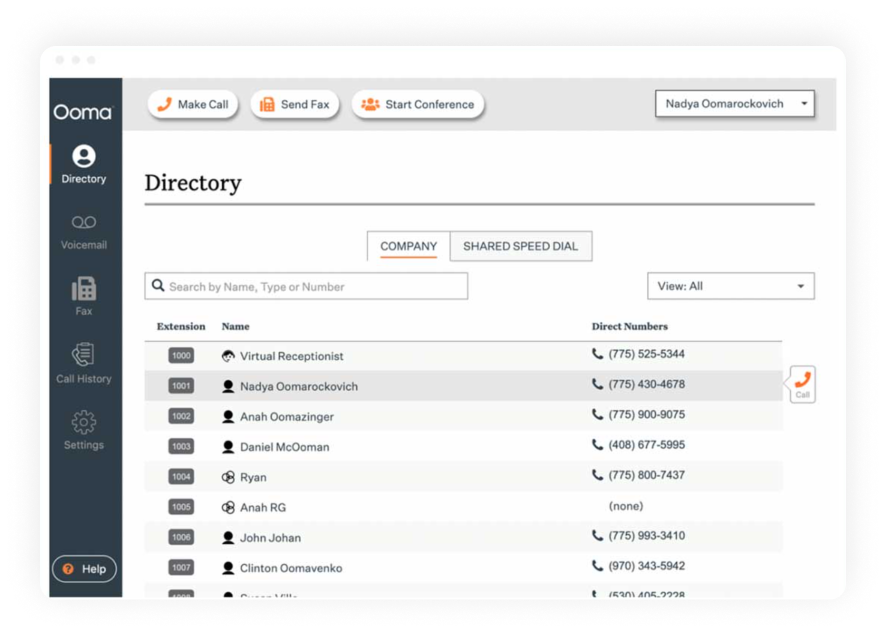
Ooma Office is a month-to-month virtual phone system for small offices that want desk-phone support and unlimited North American calling without a contract; its main differentiator is low, transparent pricing with no annual commitment and strong basic calling features.
Pricing
- Ooma Office Essentials: $19.95/user/mo
- Ooma Office Pro at $24.95/user/mo
- Ooma Office Pro Plus at $29.95/user/mo
Pros and cons
| Pros | Cons |
|---|---|
| Unlimited US/CA calling on all plans | Essentials lacks texting, call recording, and video; requires Pro or Pro Plus |
| Virtual receptionist included on Essentials | CRM integrations and AI features locked behind Pro Plus |
| Desktop app, call recording, SMS, and video on Pro/Pro Plus |
Top features & integrations
- Virtual receptionist
- Mobile app
- Desktop app
- Call recording
- Video meetings
User feedback
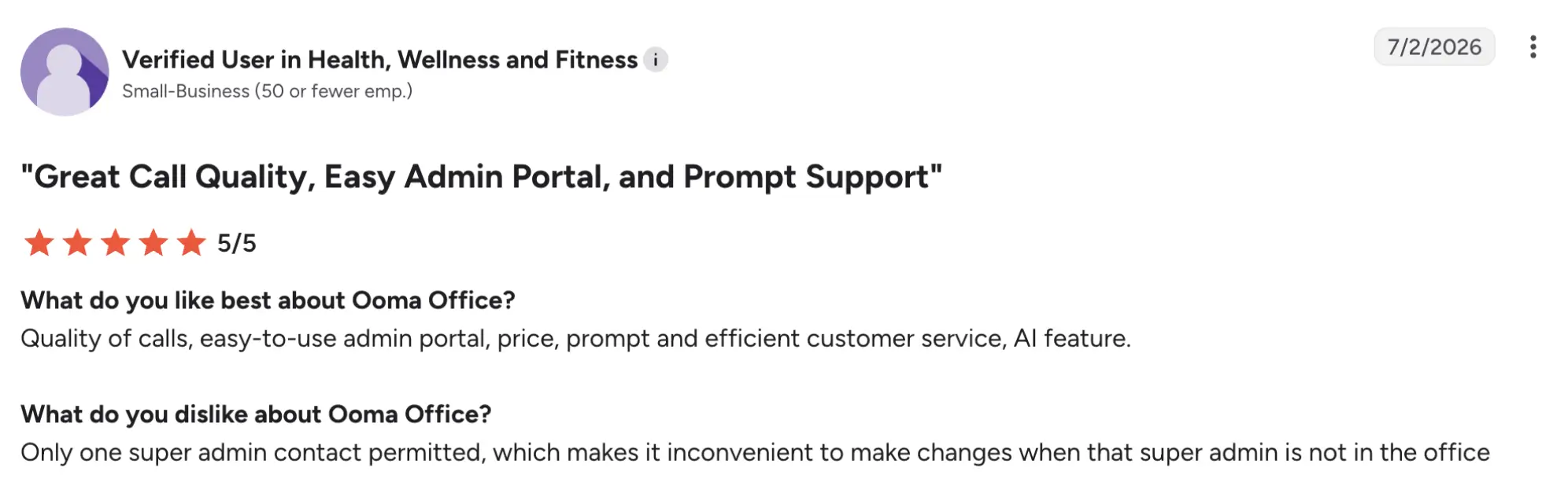
Ooma Office has a 4.5/5 rating on G2. Reviewers highlight the value and simplicity for small offices, with strong marks for unlimited calling and no contract; some note limited enterprise depth.
Best fit
Home offices and small teams that want a dedicated handset and unlimited North American calling without a contract.
A freelancer working from a dedicated home office can use Ooma Office to get a physical desk phone with unlimited US/CA calling and a virtual receptionist, without being locked into a long-term contract.
6. Grasshopper: best for solo freelancers who want to sound like an established company
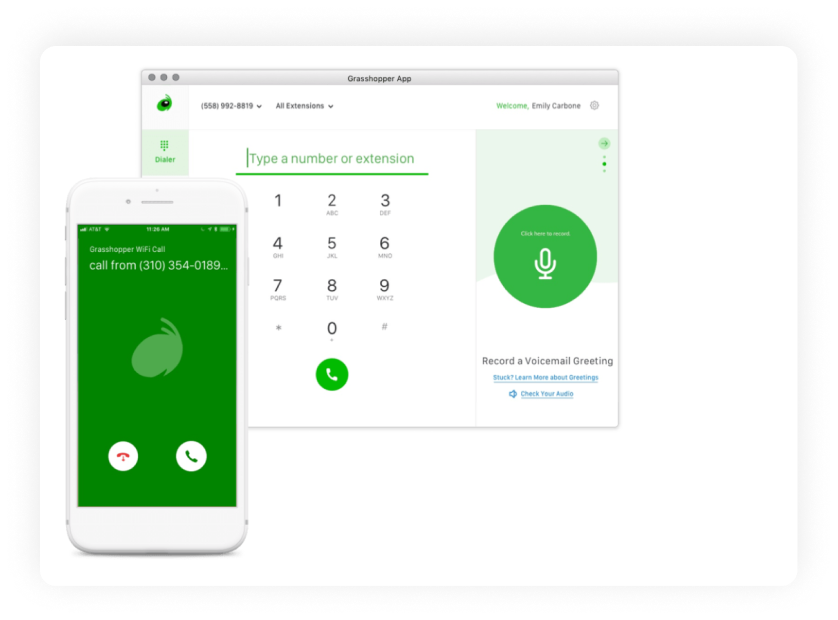
Grasshopper is a phone system for solopreneurs and very small teams who want a professional business number. Its main differentiator is unlimited users on flat plans, so you pay one price regardless of how many extensions or team members you add.
Pricing (annual)
- True Solo at $14/mo
- Solo Plus at $25/mo
- Small Business at $55/mo
Pros and cons
| Pros | Cons |
|---|---|
| Flat pricing for unlimited users; no per-seat fees | No call recording on True Solo; recording and AI sentiment require Solo Plus or higher |
| Unlimited US/CA calling and texting on all plans | Limited integrations and advanced features compared to full VoIP providers |
| Custom greetings, call forwarding, and voicemail-to-email included in all plans |
Top features & integrations
- Call summaries
- Call recording
- AI call sentiment
- Business texting
- Voicemail-to-email
- Call forwarding
User feedback
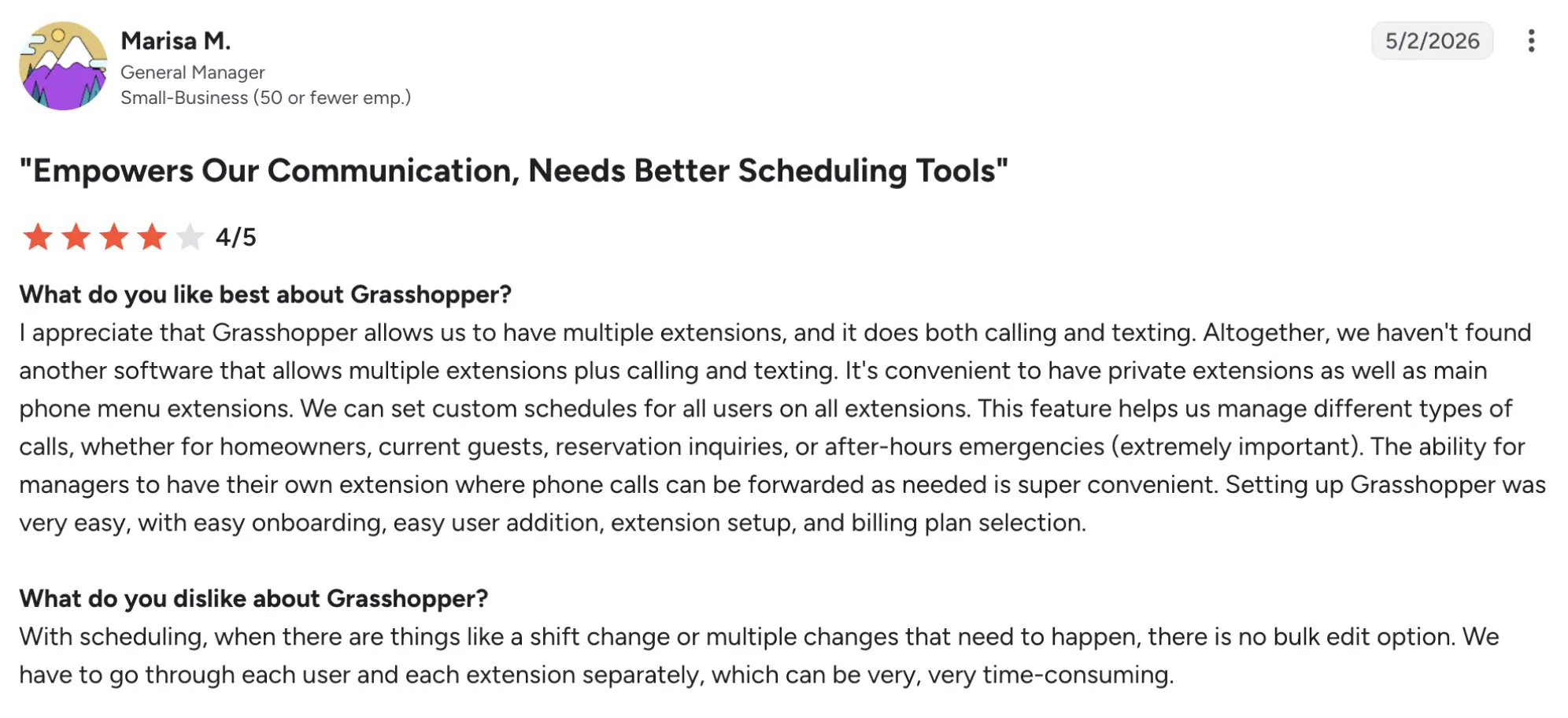
Grasshopper has a 3.9/5 rating on G2. Users appreciate the simplicity and low cost for solos, but some note the lack of advanced features and integrations.
Best fit
Solo founders and micro-teams who want a professional-sounding number and auto-attendant.
A solo consultant whose clients are enterprise buyers can set up an auto-attendant (“press 1 for sales, press 2 for support”) to sound like an established company, even though they’re working from a home office.
7. iPlum: best for regulated freelancers who need a signed HIPAA BAA
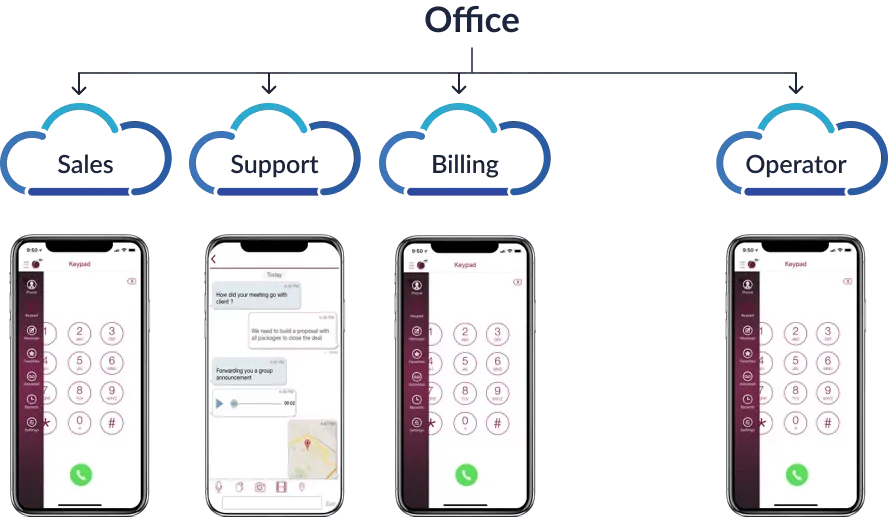
iPlum is a business phone system for freelancers who want to keep their existing mobile number while adding a secure, HIPAA-capable business line; its main differentiator is a low-cost Professional tier that includes a signed BAA and encrypted texting for healthcare use cases.
Pricing (annual)
- Standard at $8.99/user/mo
- Professional at $14.99/user/mo
- Enterprise at $25.99/user/mo
Pros and cons
| Pros | Cons |
|---|---|
| Cheapest full-featured second line at $8.99/mo annually | HIPAA compliance and BAA are not included on Standard; must select Professional or higher |
| The Professional tier includes a signed BAA and encrypted texting for HIPAA compliance | Call recording only on Enterprise tier |
| Unlimited US/CA calling and texting on all plans |
Top features & integrations
- Auto-replies
- Phone trees
- Spam blocking
- Voicemail
User feedback
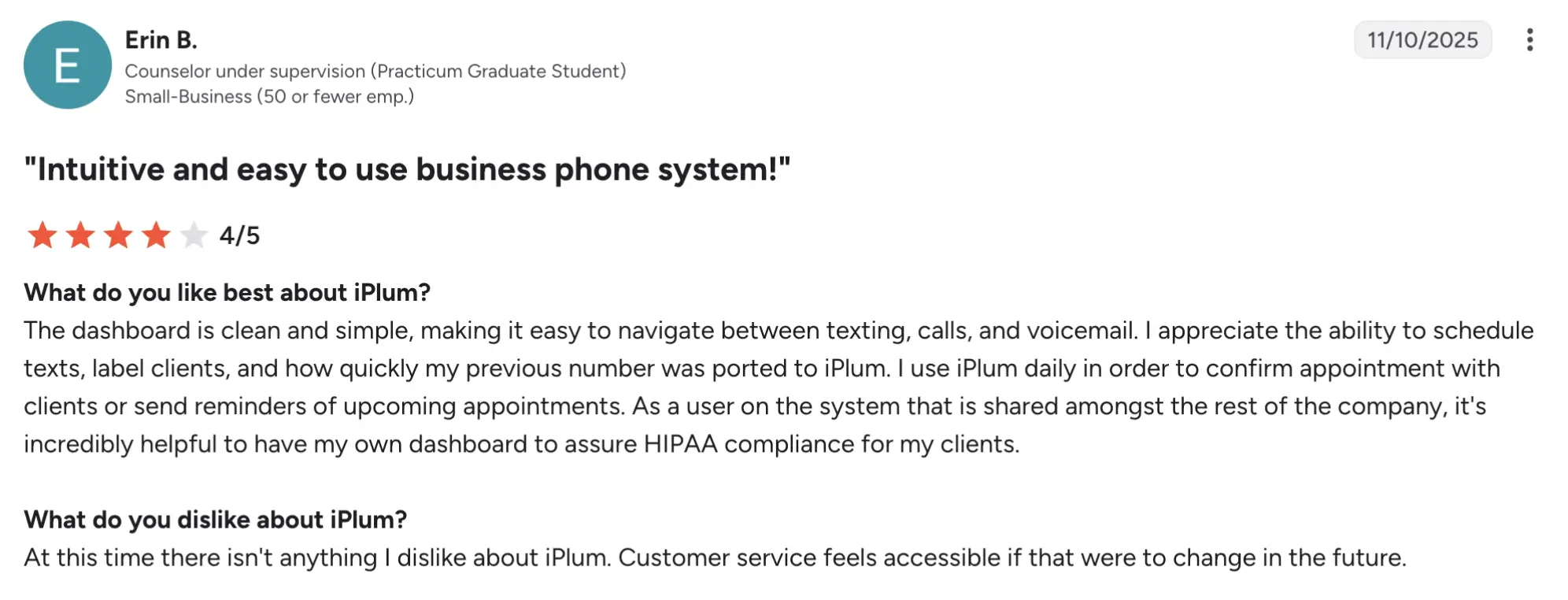
iPlum has a 4.3/5 rating on G2. Users highlight the value for solos and therapists, with HIPAA compliance at a relatively low price; some note limited advanced features compared to larger platforms.
Best fit
Therapists, health coaches, and legal/finance consultants who need a compliant second line at minimal cost.
A licensed therapist can use the Professional tier to text clients about appointments with a signed BAA in place, ensuring documented compliance without paying for a full-scale healthcare platform.
8. Talkroute: best for a freelancer growing beyond solo
Talkroute is a virtual phone service designed for small businesses and remote teams to manage calls, texts, and voicemails using existing mobile or desktop devices. Its main differentiator is a genuine phone system at $19/mo that scales from solo to a small team with menus and extensions.
Pricing (annual)
- Basic at $19/mo
- Plus at $39/mo
- Pro at $59/mo
- Enterprise: Contract-based
Pros and cons
| Pros | Cons |
|---|---|
| Unlimited US/CA calling and texting on paid plans | Advanced features (call recording, video) may require higher tiers; confirm exact tier inclusions |
| Auto-attendant, voicemail transcription, call recording, and video meetings (100 participants) | Integrations are more limited than those of enterprise VoIP platforms |
| Free trial available |
Top features & integrations
- Auto-attendant
- SMS/MMS
- Voicemail transcription
- Call recording
- Video meetings
User feedback
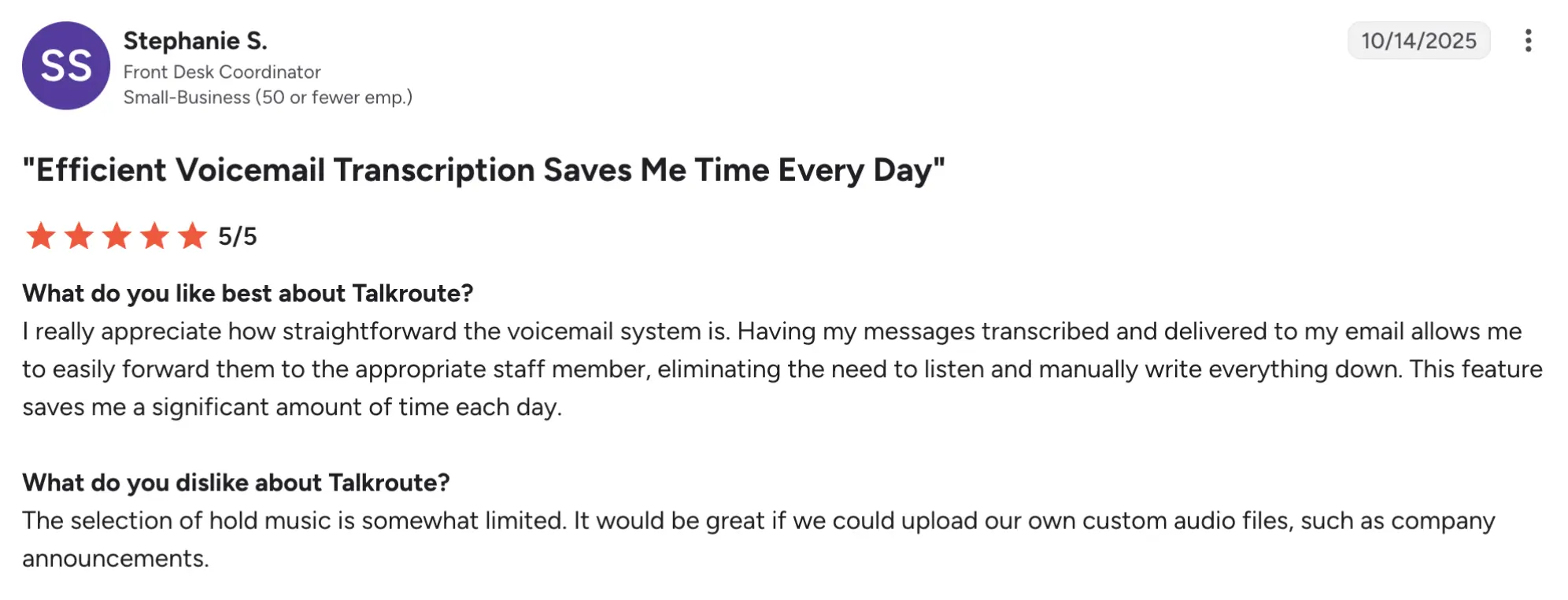
Talkroute has a 4.6/5 rating on G2. Reviewers praise the ease of setup and scalability for small teams, with strong marks for value and reliability.
Best fit
Freelancers today who plan to hire subcontractors or grow into a small team within 6-12 months.
A freelancer bringing on a part-time virtual assistant can give them their own extension under the same main number, so clients reach the right person without managing multiple phone service lines.
9. Line2: best for low-volume callers who want a basic and cheaper second number
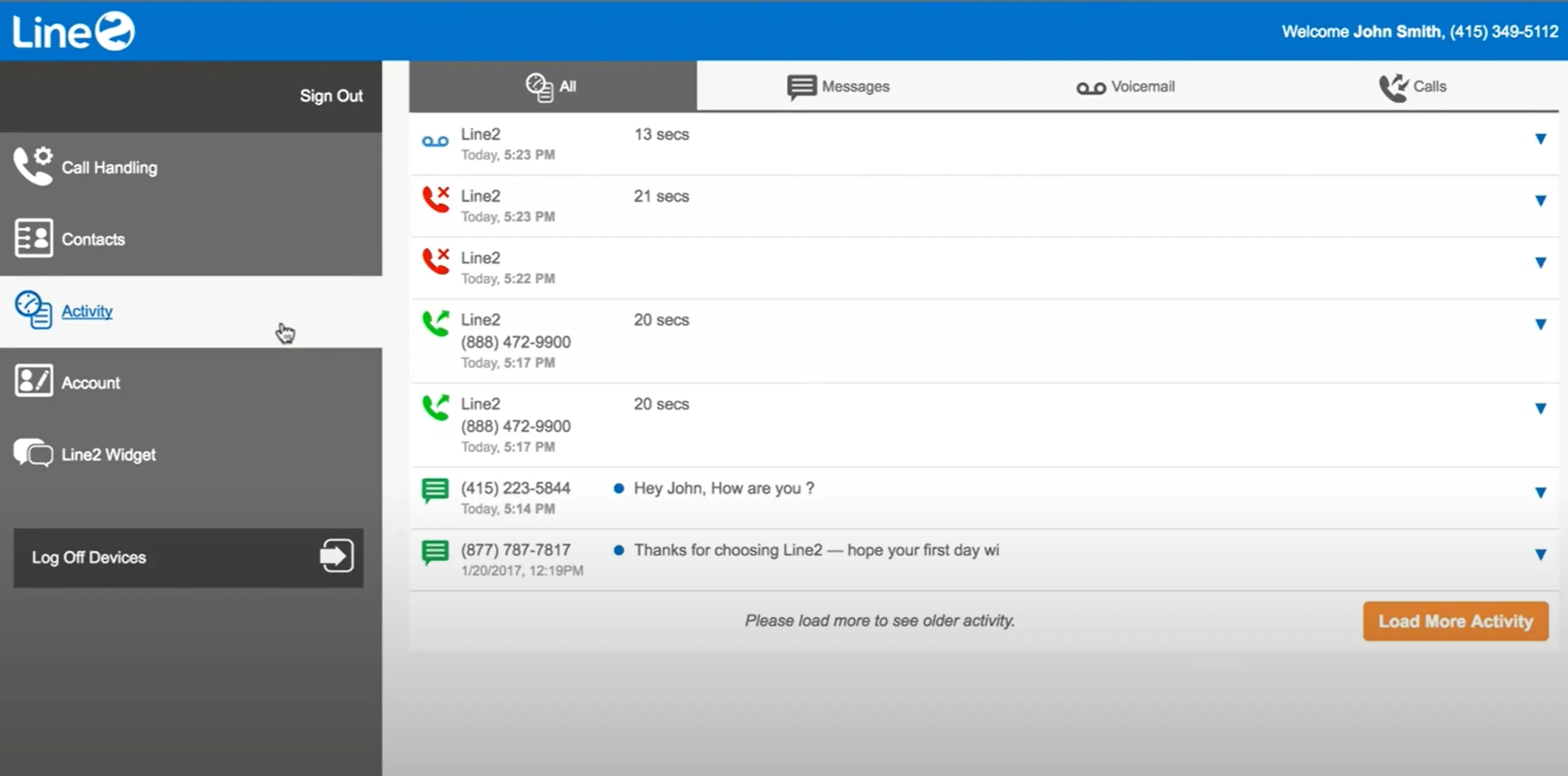
Line2 is a virtual phone service marketed to freelancers and small teams with “unlimited” calling plans, but it enforces fair-use caps and overage charges that can surprise high-volume users; its main differentiator is aggressive pricing, but buyers must scrutinize the fine print.
Pricing
- Monthly: $9.99/user/mo
- Annual: $7.99/user/mo
Pros and cons
| Pros | Cons |
|---|---|
| Unlimited US/CA calling and texting (subject to Fair Use Policy) | Advertises unlimited minutes but terms allow overage enforcement beyond fair-use caps (e.g., 6,000 outbound minutes/user/month) |
| Simple setup; basic call forwarding and voicemail transcription | Call recording requires the Business tier; reviews have trended poor lately, with limited integrations |
| Long-established brand for basic second numbers |
Top features & integrations
- Unlimited US/CA calling/texting
- Voicemail transcription
- Call forwarding
- Call blocking
- Basic call screening
User feedback
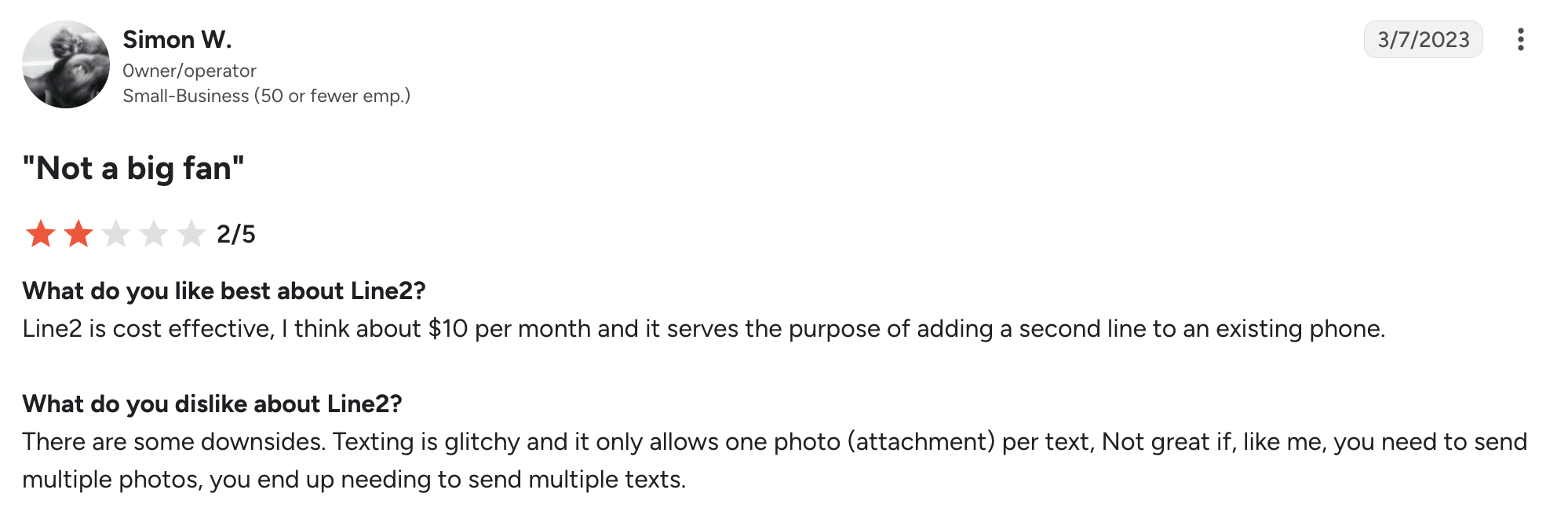
Line2 has a 2.7/5 rating on G2. The platform’s presence is minimal; independent reviews note basic functionality but mixed reliability and support; some users report unexpected overage charges.
Best fit
Low-volume callers who want a cheap, basic second number and are comfortable monitoring usage against fair-use caps.
A freelancer who makes fewer than 100 outbound minutes/month can use Line2 for a low-cost second number.
10. eVoice: best for freelancers who need a toll-free number more than texting
eVoice is an automated answering business phone service for small businesses that want a toll-free or local number with auto-attendant and call routing at a low monthly cost. Its main differentiator is a $14/mo entry price for a toll-free presence, though SMS support is weak.
Pricing (annual)
- Elite: $14/mo
- Elite Plus: $21/mo
Pros and cons
| Pros | Cons |
|---|---|
| Low entry price at $14/mo for toll-free or local number | SMS support is weak or limited compared to full VoIP systems |
| Auto-attendant and call routing included | Advanced features (call recording, integrations) may require add-ons or higher tiers |
| Simple setup for inbound-focused freelancers |
Top features & integrations
- Toll-free/local number
- Auto-attendant
- Call routing
- Voicemail
- Basic call forwarding
User feedback
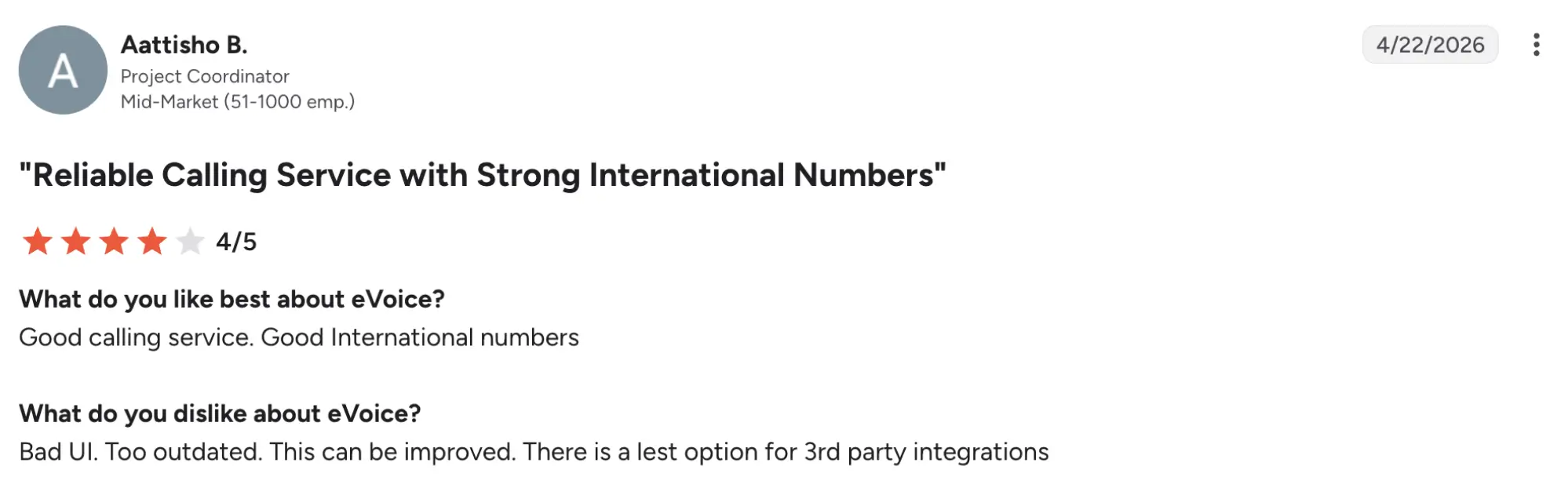
eVoice has a 2.6/5 rating on G2. The platform has a limited G2 presence; reviews highlight the low cost for toll-free presence but note limited texting and advanced features.
Best fit
Freelancers who prioritize inbound calls from anywhere in the country and need a toll-free number more than texting capabilities.
A freelancer serving a national client base can use eVoice to get a toll-free number with auto-attendant for inbound calls, accepting that texting will be limited compared to full VoIP phone systems.
How to choose the right phone system for your freelance business
Answering these five questions will narrow the field faster than re-reading every review, because each one eliminates entire categories of VoIP systems based on your actual needs.
1. How many people need access?
If you’re truly solo, single-user tools (Google Voice, Grasshopper, iPlum) keep costs low; if you plan to add a subcontractor or virtual assistant soon, look at multi-seat systems (Talkroute, MightyCall) that support extensions under one main number.
2. What’s your real call/text volume?
If you make fewer than 100 outbound minutes/month, a metered plan, such as Zoom Phone’s $10.5/month, can be cheaper than flat unlimited; if you’re on calls daily, prioritize true unlimited US/CA plans (Quo, Grasshopper, Ooma) to avoid surprise overages.
3. Do you need call recording or AI summaries, or just a professional-sounding line?
If you must record calls or want AI call summaries, choose a system that includes these on your target tier. Quo records on all plans (manual on Starter and automatic on other plans); AI is on Business and Scale. If you only need an auto-attendant and voicemail-to-email, lean tools like Grasshopper and eVoice may suffice.
4. Are you bound by a compliance requirement?
If you handle protected health or legal information, compliance overrides other criteria. Select a plan that explicitly includes a signed BAA (iPlum Professional, not Standard) and confirm texting/recording rules before sharing client data.
5. What’s your monthly ceiling, and annual vs. month-to-month?
If cash flow is tight, month-to-month options like Ooma and Talkroute can be good options. If you can lock in annual billing, most tools drop 15-25% versus monthly rates.
Cross-reference your answers against the comparison table we have above to see which service providers match your filters. Then, revisit the detailed profiles for any remaining contenders.
Choosing your next VoIP system as a freelancer
Picking the best option for a phone system can feel like choosing a favorite TV series. There’s no single “best,” only the one that fits your routine. The right virtual phone system for your freelance business hinges on your budget, call volume, how professional you need to sound, any compliance must-haves, and whether you’re planning to grow beyond solo.
Each of the 10 platforms we reviewed carves out its own niche: from Google Voice’s zero-cost setup for side-hustlers, to iPlum Professional’s HIPAA-ready line for therapists, to team-ready contenders like Talkroute and MightyCall.
Before you decide on the best virtual phone systems for freelancers, check each vendor’s pricing page and confirm what’s included in each plan. If you’re eyeing a small-team setup with included numbers, multi-level IVR, and call recording, MightyCall’s free trial deserves a spot on your shortlist.