
TL;DR
- Apple’s iOS 26 Call Screening adds a new layer between businesses and customers by prompting unknown callers to identify themselves and explain why they’re calling.
- This can lower answer rates for cold calls, follow-ups, and support outreach from unfamiliar numbers.
- Businesses now need stronger caller identification, cleaner contact data, and better timing.
- Clear branding and reputation management matter more because trust has to be earned before the call connects.
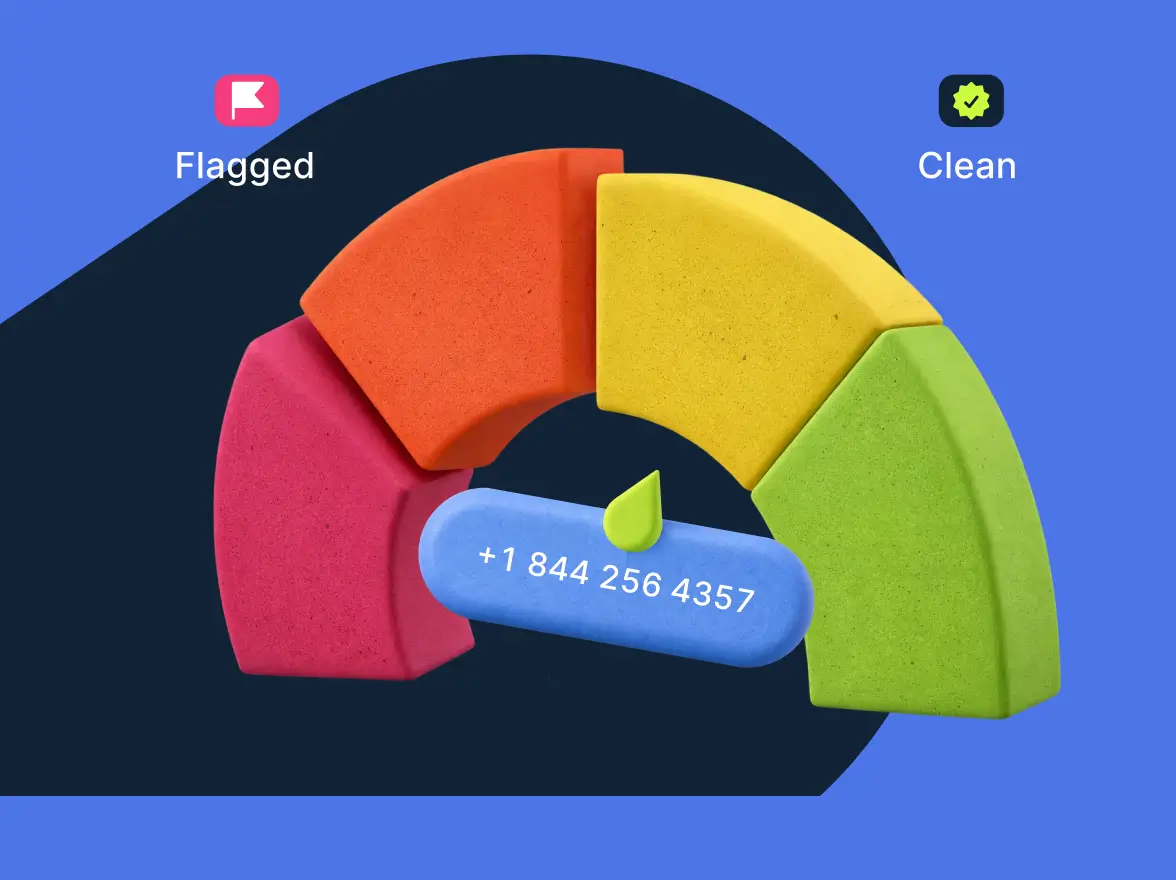
Apple has announced the Call Screening feature for iOS 26. The feature automatically answers unknown calls and asks callers to share their name and reason before the phone rings, giving users more control over which calls they take. Sounds like the worst nightmare for business owners, doesn’t it?
The core pain point is clear: legitimate outbound calls now face an extra trust barrier, making it harder for sales and support teams calling from unfamiliar numbers to get answered unless they quickly establish relevance and credibility.
But is the Lockness monster as scary as the media makes it out to be? Let’s find out together.
How the call screening on iOS 26 works
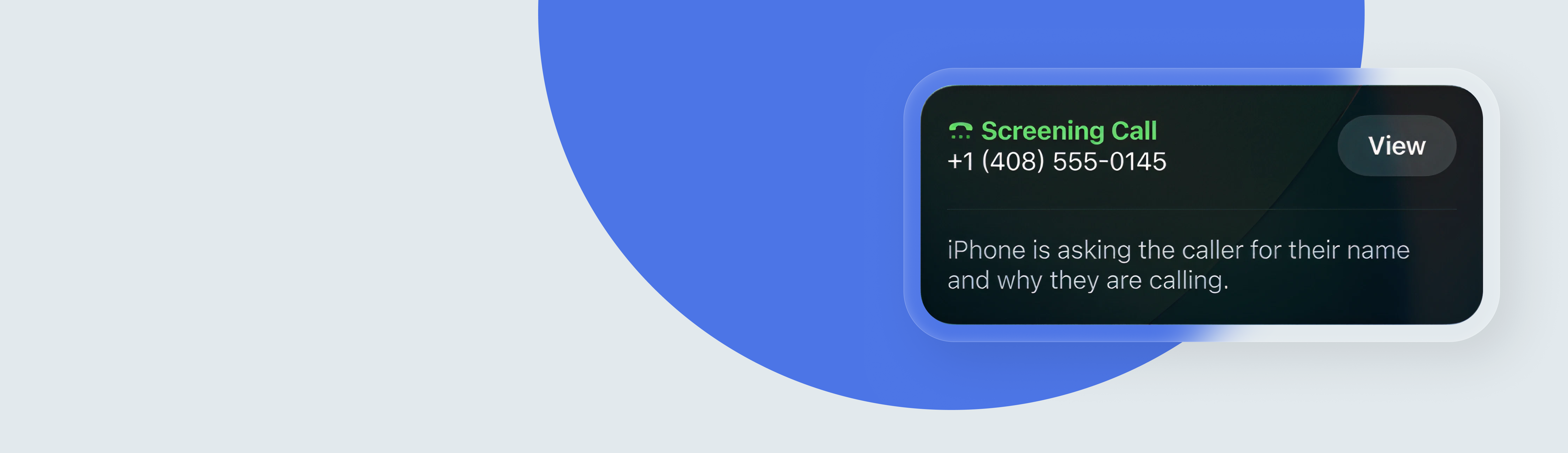
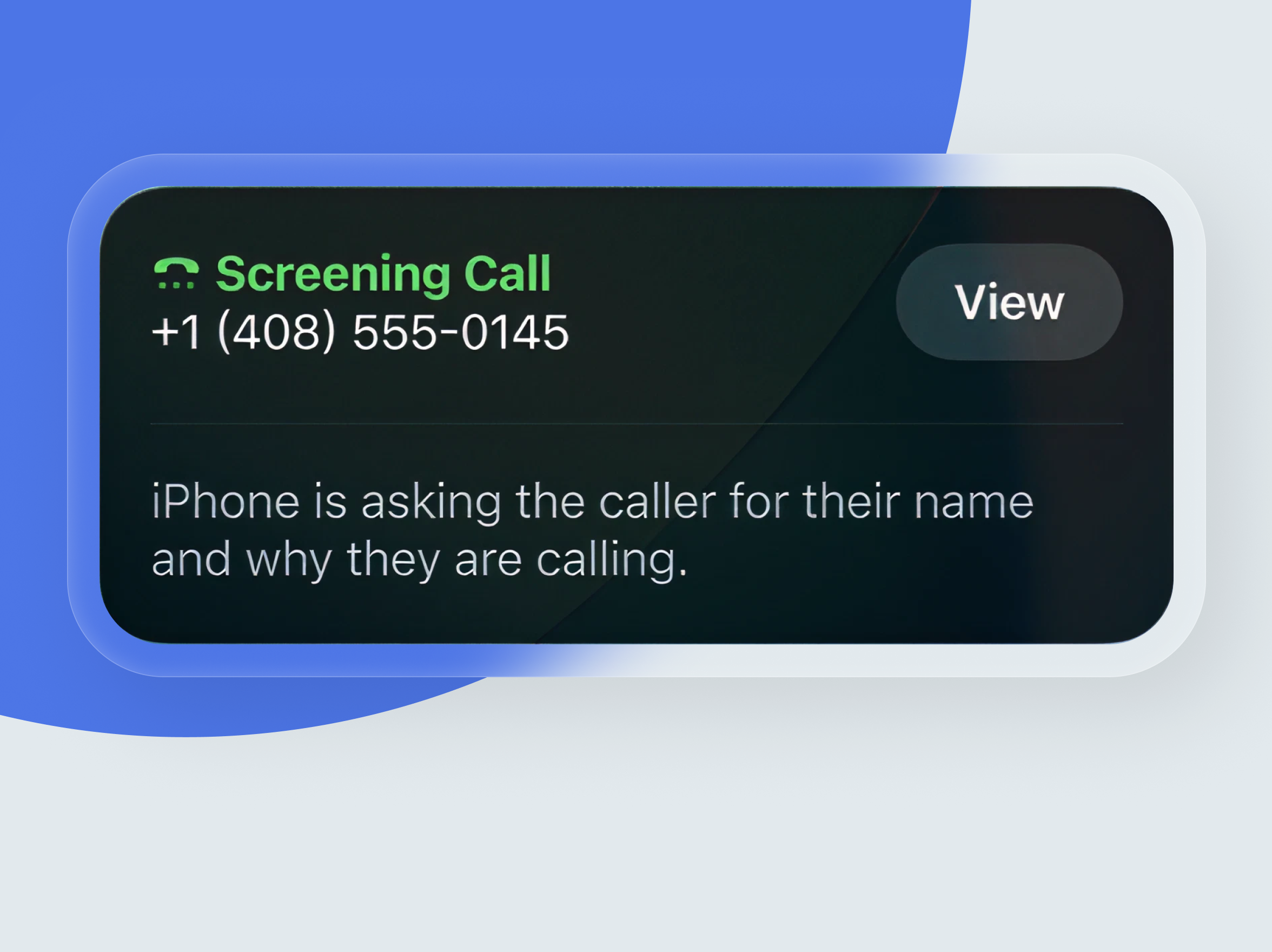
Apple Call Screening automatically handles calls from unknown numbers before they reach the iPhone user. How does it work in practice?
- A business or person calls an iPhone user from an unsaved number.
- The AI call screening feature is automatically triggered without interrupting the user right away.
- The caller is prompted to provide their name and the reason for their call.
- After the caller responds, the iPhone rings and displays the message, allowing the user to accept or ignore the call.
Apple lets users choose between turning the feature off, asking unknown callers for more information, or silencing those calls entirely and sending them to voicemail.
What the caller hears
When Call Screening is enabled, unknown callers are asked to share their name and reason for calling, and Siri uses the iPhone’s default language when answering calls.
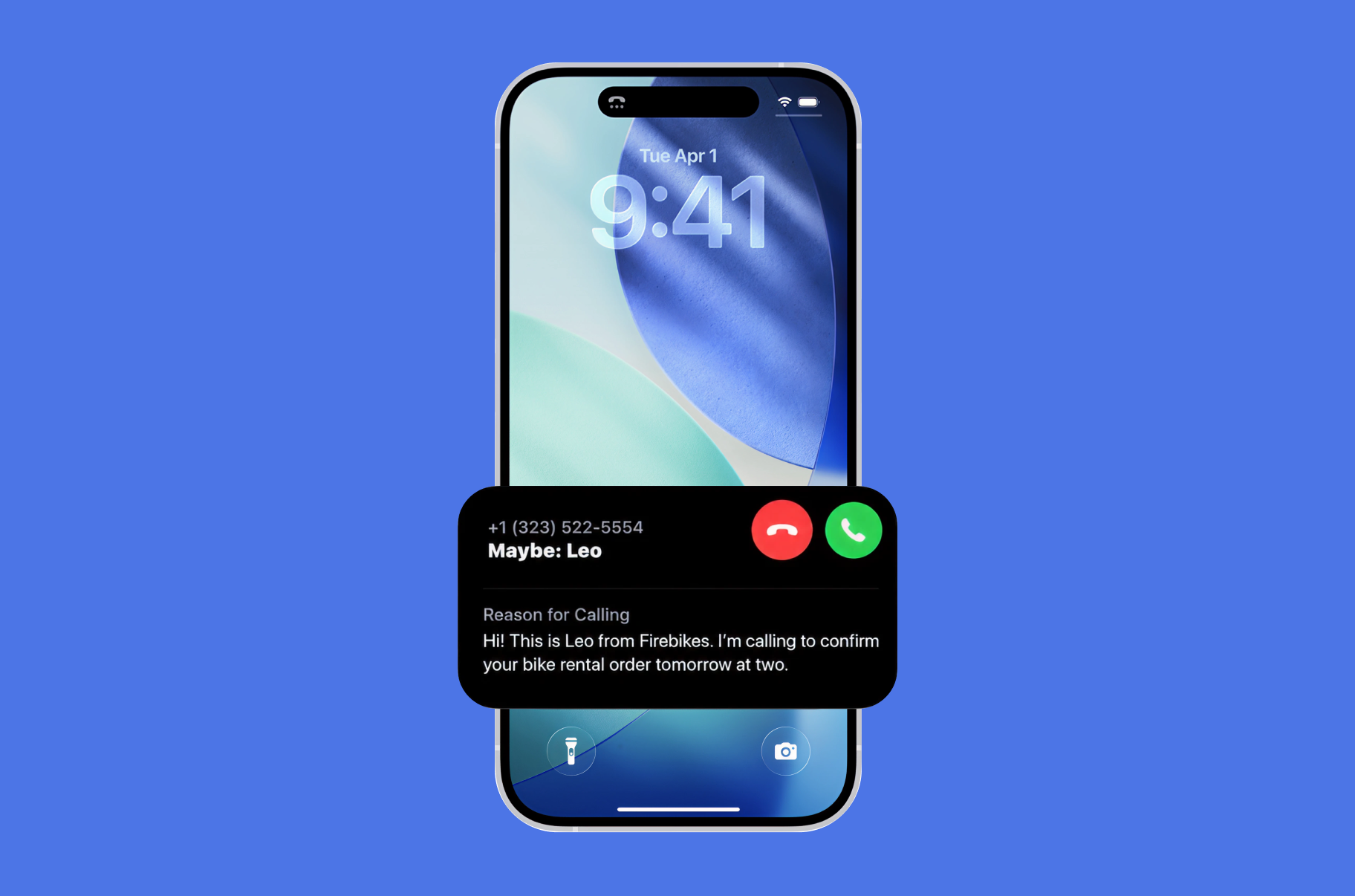
What the iPhone user sees
The iPhone user sees the caller’s response after it is collected, which gives them context before deciding whether to pick up. Apple also notes that the phone rings only after the caller shares this information, and the user can review the response while deciding whether the call seems legitimate.
Which iPhones support iOS 26 call screening?
Since the feature is available on Apple’s iOS 26, the model compatibility list includes iPhone 11 and newer models, from iPhone 12 through 17, iPhone Air, and iPhone SE (2nd generation and later), as long as they support iOS 26.4.
That matters for businesses because Apple’s reach is already massive. According to Investing, Apple reported 2.35 billion active devices worldwide in early 2025. That means screened calls can affect a very large share of mobile users.
Compliance, consent, and risk: Change is coming, but not everywhere
The unknown number screening feature changes how businesses reach consumers, but it does not, on its own, replace telecom law, consent rules, or outreach compliance requirements. The bigger shift is operational: more calls may be filtered before a person answers, so businesses must pair legal compliance with stronger caller trust, clearer identification, and better calling practices.
| What remains unchanged | What changes |
|---|---|
| Consent still matters; businesses still need the right permission for regulated outreach, especially for marketing and autodialed calls. | More unknown-number calls may face an extra screening step before reaching the recipient. |
| TCPA, Do Not Call, and internal suppression obligations still apply where relevant. | Answer rates may drop when callers cannot quickly explain who they are and why they’re calling. |
| Accurate recordkeeping, opt-out handling, and disclosure practices remain essential. | Branded calling, caller reputation, and recognizable context become more important. |
| Legitimate sales and support calls are still allowed when handled lawfully. | Teams may need new scripts, cleaner data, and better timing to get through screening. |
| Risk does not disappear for compliant businesses, but noncompliant outreach still carries the highest exposure. | The impact will vary by audience, device usage, and whether contacts use supported iPhones. |
How call screening affects legitimate businesses
The call screening feature can create friction for legitimate business calls, as even useful outreach may now be flagged as suspicious by the system. For teams in healthcare, customer service, and appointment-based businesses, the main challenge is proving trust fast enough to avoid being ignored.
| Business scenario | Likely impact |
|---|---|
| Healthcare outreach | Appointment confirmations, care follow-ups, billing calls, and refill reminders may be screened if they come from unfamiliar numbers, which can delay time-sensitive communication. |
| Appointment reminders | Salons, clinics, service providers, and consultants may see lower answer rates unless the caller’s identity is recognizable from the start. |
| Customer service calls | Return calls from support teams may be missed when customers do not immediately recognize the number, even if they recently asked for help. |
| Trusted identity | Businesses with branded caller ID, consistent outbound numbers, and a clear reason for calling are more likely to get answered. |
| Important calls | Urgent but legitimate outreach can lose effectiveness when the business cannot quickly establish relevance, trust, and context before the user decides to answer. |
What’s the early user reaction to call screening on iOS 26?
Early reaction looks mostly positive, especially from iPhone users who deal with frequent spam and robocalls. In Reddit discussions, users describe the feature as “excellent,” “phenomenal,” and even their favorite part of iOS 26 because it helps separate legitimate callers from nuisance calls before the phone rings.
That said, the response is not universally positive. Some users say spam still gets through, others report bugs or inconsistent behavior, and a few dislike the idea that important calls from unknown numbers can be delayed or missed if the screening flow feels confusing.
Why Apple’s call screening won’t kill cold calling
Apple’s call screening may make it harder for businesses to reach customers from unfamiliar numbers, but it is unlikely to kill cold calling altogether. The bigger shift is that outreach now has to be clearer, more trusted, and more relevant from the first second of contact, because screened calls still have a path through when the caller gives a credible reason to answer.
It isn’t automatically active for every user
A major reason Apple’s call screening will not eliminate cold calling is simple: not every iPhone user will enable it right away, or keep it on consistently. As with most new phone settings, user awareness, setup behavior, and personal preference will shape adoption more slowly than the headline suggests.
Feature adoption rarely happens overnight
Even when Apple rolls out a high-profile feature, real-world usage tends to build over time rather than all at once. That means businesses are more likely to face a gradual increase in friction rather than a sudden collapse in outbound answer rates.
The call can still reach the person
Screened calls are not blocked by default; they are filtered and qualified first. If the caller quickly explains who they are and why they are calling, the iPhone user can still see that context and choose to answer, which keeps a route open for legitimate sales, service, and follow-up calls.
Trust matters early on
The real pain point is not that outreach disappears, but that trust has to be earned before the conversation starts. Businesses using vague scripts, rotating numbers, or poor caller identity will struggle more, while teams with recognizable branding and a clear reason for calling should perform better.
Better targeting becomes more important
Apple’s call screening raises the cost of low-quality volume. Cold calling that depends on broad lists and generic pitches becomes less effective, while targeted outreach tied to timing, prior intent, or customer need becomes more resilient.
Screening creates a new conversion point
Instead of treating screening as a wall, businesses can treat it as another messaging surface. The short explanation a caller gives before the phone rings now works like a micro-introduction, and companies that refine that moment well may still win answers from prospects who would otherwise ignore an unknown number.
What sales teams should do right now to ensure call delivery
Apple’s call screening raises the bar for outbound teams, but it does not remove the path to a live conversation. The teams most likely to maintain healthy answer rates are those that improve identity, message clarity, list quality, and sales-dialer strategy before screening becomes a greater operational drag.
Prioritize number reputation and recognizable identity
Use stable outbound numbers, keep ownership records clean, and avoid cycling through low-trust numbers that look random to recipients. If a branded caller ID or verified identity is available in your market, move it higher on the roadmap because trust now has to be established before the rep even gets a chance to speak.
Lock in the first five seconds of the call
The old generic opener is becoming less effective. Sales teams should write concise, natural introductions that immediately answer three questions:
- Who is calling?
- Why now, and
- Why this matters to the prospect.
Cut list fatigue and low-intent dialing
This is a good time to reduce broad, outdated high-volume tactics built on weak data. Better segmentation, fresher contact records, and tighter trigger-based outreach will outperform brute-force dialing when more unknown calls are being evaluated before they connect.
Use a calling platform that can adapt fast
Sales teams need cold calling software that makes it easy to rotate strategy without destroying consistency, including local presence controls, number governance, analytics, CRM syncing, and fast script updates across teams. Operational flexibility truly matters.
Coordinate calls with other channels
A warm call performs better than a cold one. Sending a well-timed email, LinkedIn message, SMS, or meeting reminder before the call can create recognition, making the screened introduction more believable and increasing the odds that the recipient answers.
Measure screening-stage performance separately
Do not treat every missed call as a failure. Track answer rate by number, intro, list source, time of day, and prior touchpoint to isolate whether the issue is trust, targeting, timing, or data quality. Then fix the right part of the funnel.
How can MightyCall help with the iPhone call screening feature?
The iPhone call screening feature makes trust a bigger part of call delivery, so businesses need more than just dialing power. MightyCall helps by giving teams the tools to present a more consistent, professional calling identity and to manage outbound activity in ways that support higher answer rates.
- Use clean business numbers so customers are more likely to recognize repeat outreach.
- Keep caller identity organized across teams to reduce the “unknown caller” feeling.
- Route calls intelligently so follow-ups, support callbacks, and appointment-related outreach come from the right number or team.
- Adjust workflows quickly, including scripts, call handling, and outreach patterns, as screening behavior changes.
- Track performance to spot whether answer-rate issues come from timing, messaging, or number strategy.
In practice, this means businesses can make outbound calls feel more legitimate, timely, and relevant before the customer ever picks up. Trying a more structured calling setup is often the fastest way to reduce friction created by the iPhone call screening feature.
The future of cold calling
Cold calling is not disappearing, but it is definitely becoming more selective. In reality, it means that only lazy cold-calling tactics will become useless and highly disappointing for businesses. Like the series finale of Lost.
If human history is any indication, unknown novelties scare us, but eventually we adapt to new realities. What will be most likely favored is stronger data, caller identity, and better timing over force dialing.
What business teams and iPhone users should do next?
Apple’s call screening changes how unknown calls are evaluated, but it does not shut the door on legitimate outreach.
- For business teams, the priority is to audit outbound numbers, caller identity, scripts, and calling workflows so that important calls are easier to trust and answer.
- For iPhone users, the feature adds more control without fully blocking legitimate businesses when they clearly explain who they are and why they’re calling.
This is a good time to review your calling setup and identify weak points. For teams using MightyCall, that means creating a cleaner, more credible calling experience that can better adapt to iPhone call screening.
The future doesn’t look as glum as it seemed at the beginning of this article, does it?